Newly-leaked CAD files have corroborated earlier suspicion that the iPhone 15 Pros will retain mechanical buttons after all while gaining a multi-purpose Action button.
Newly leaked iPhone 15 Pro CADs show good ol’ mechanical buttons
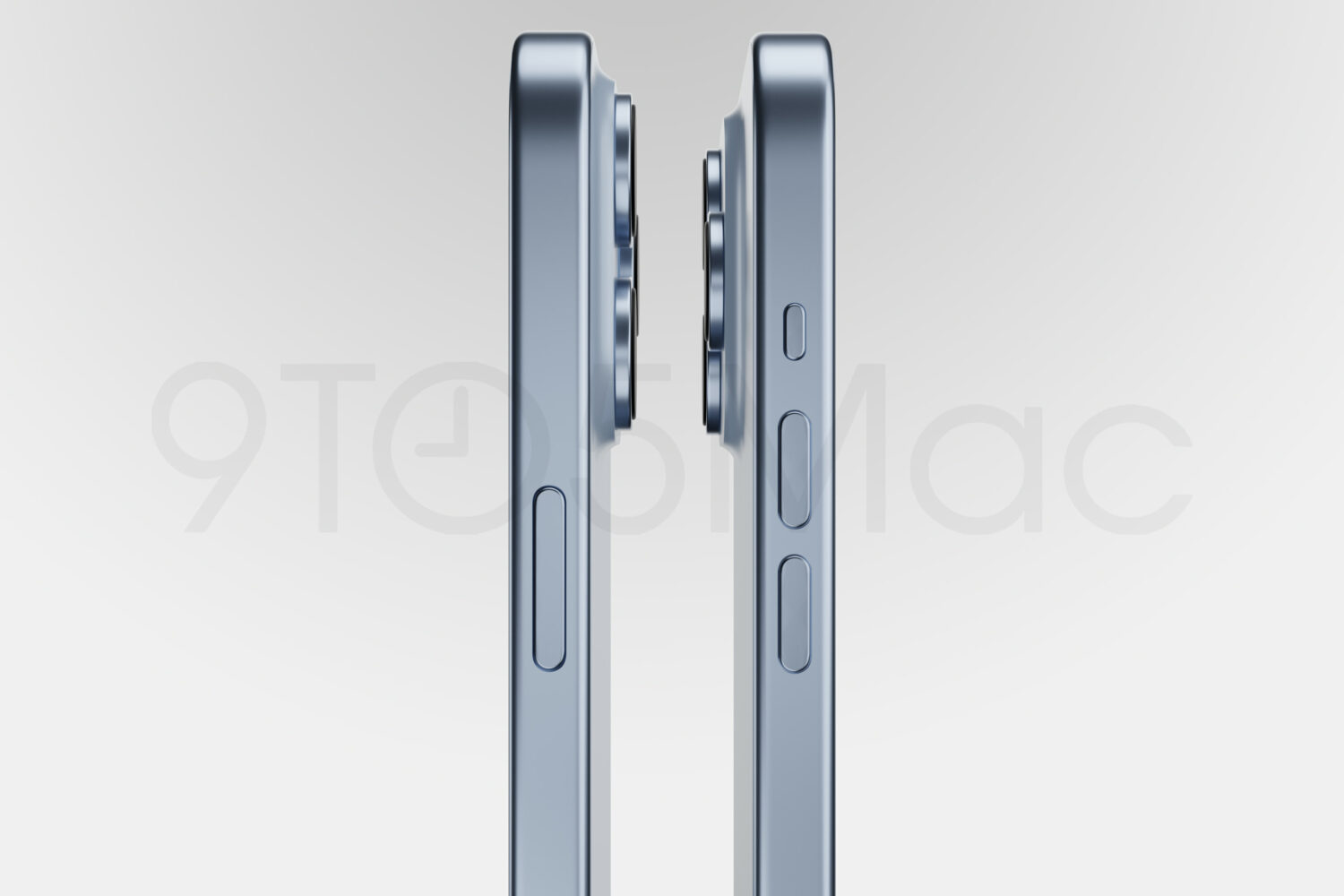
Newly-leaked CAD files have corroborated earlier suspicion that the iPhone 15 Pros will retain mechanical buttons after all while gaining a multi-purpose Action button.
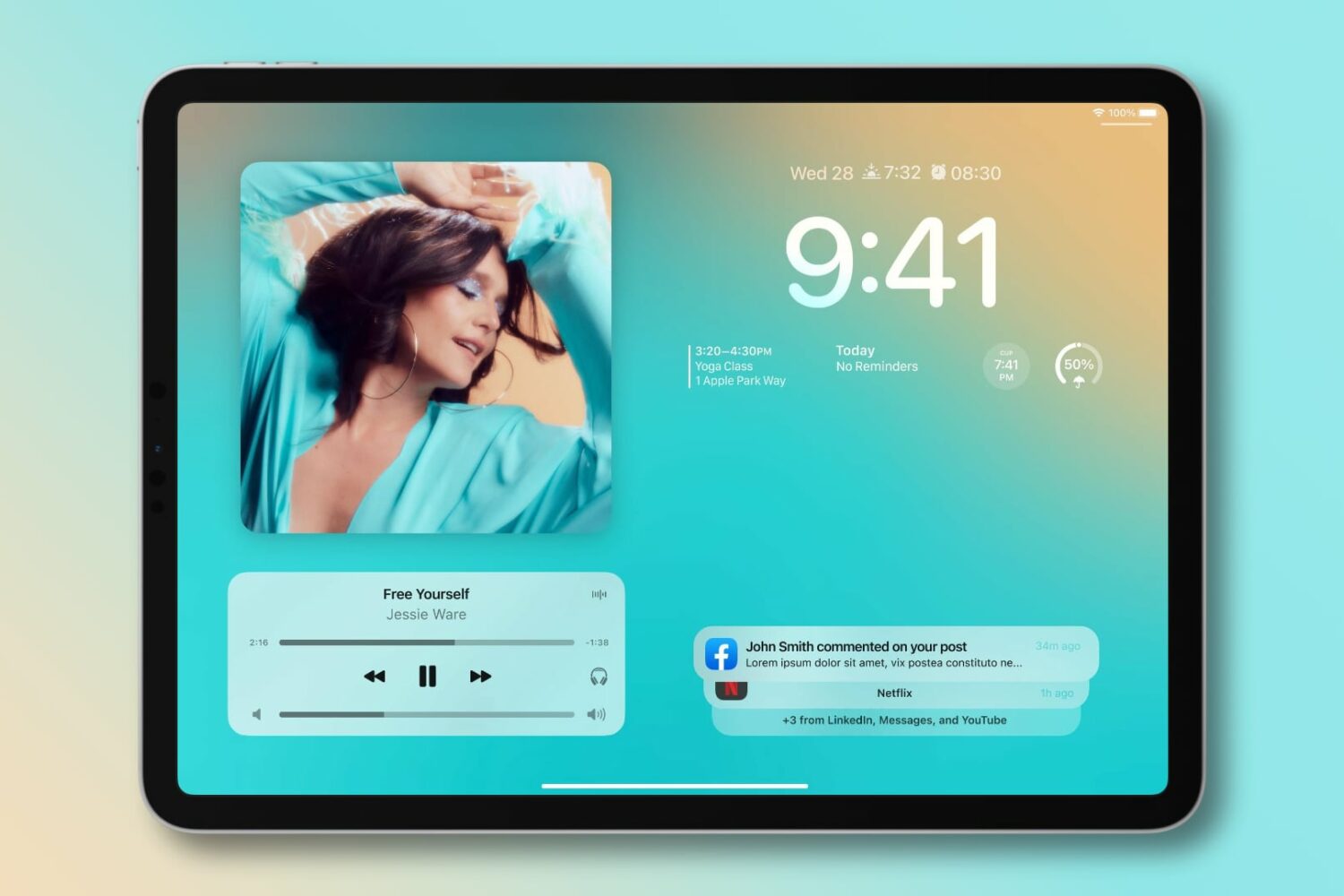
Having the same Lock Screen customization options on the iPhone and iPad will be especially important when sharing your Lock Screen design presets.
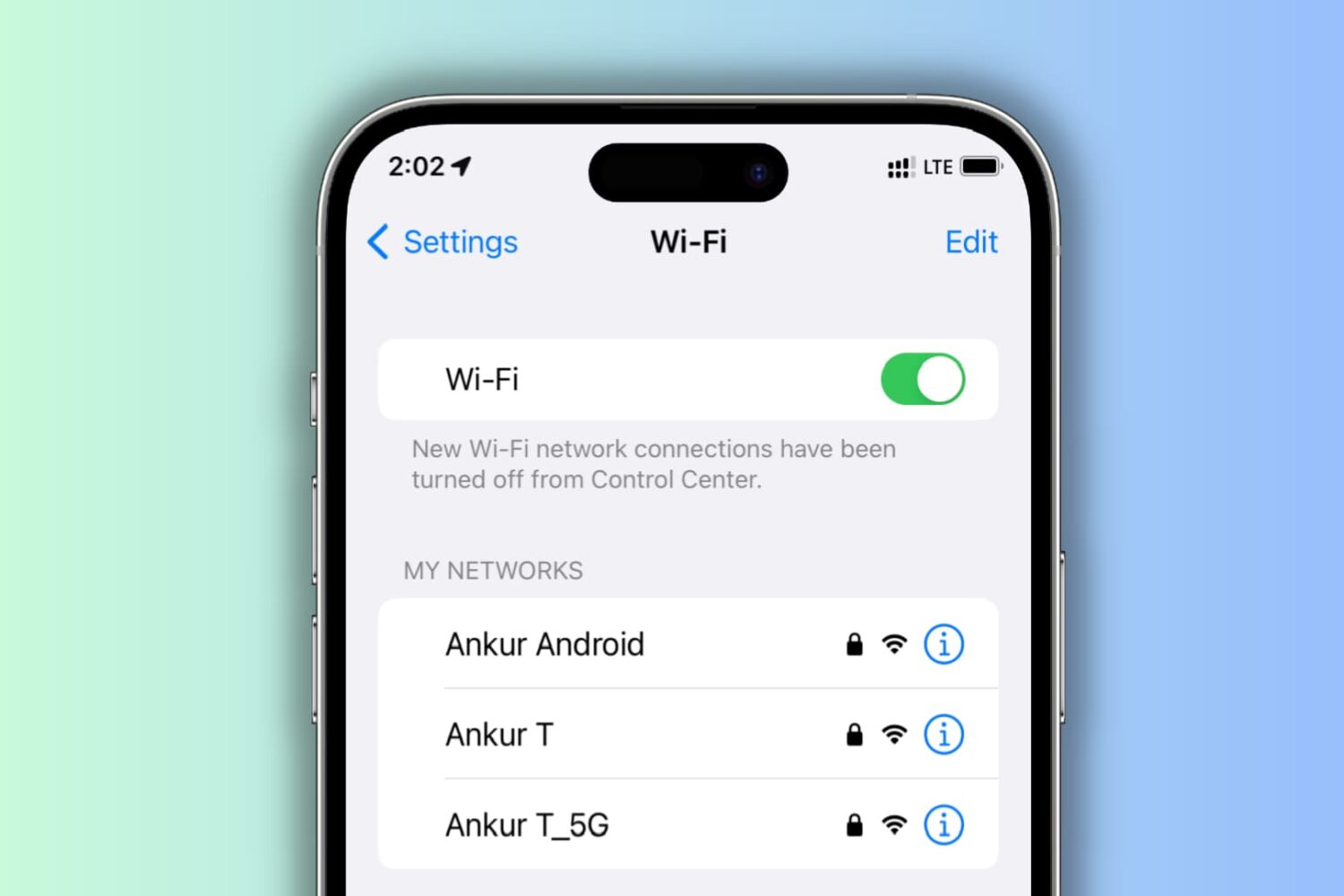
Learn what to do if your iPhone keeps disconnecting itself from a Wi-Fi network and starts using cellular data instead.

Apple's Health app should leap onto the iPad, plus gain eye and mood tracking. Apple is also rumored to launch a virtual health coaching service in the future.
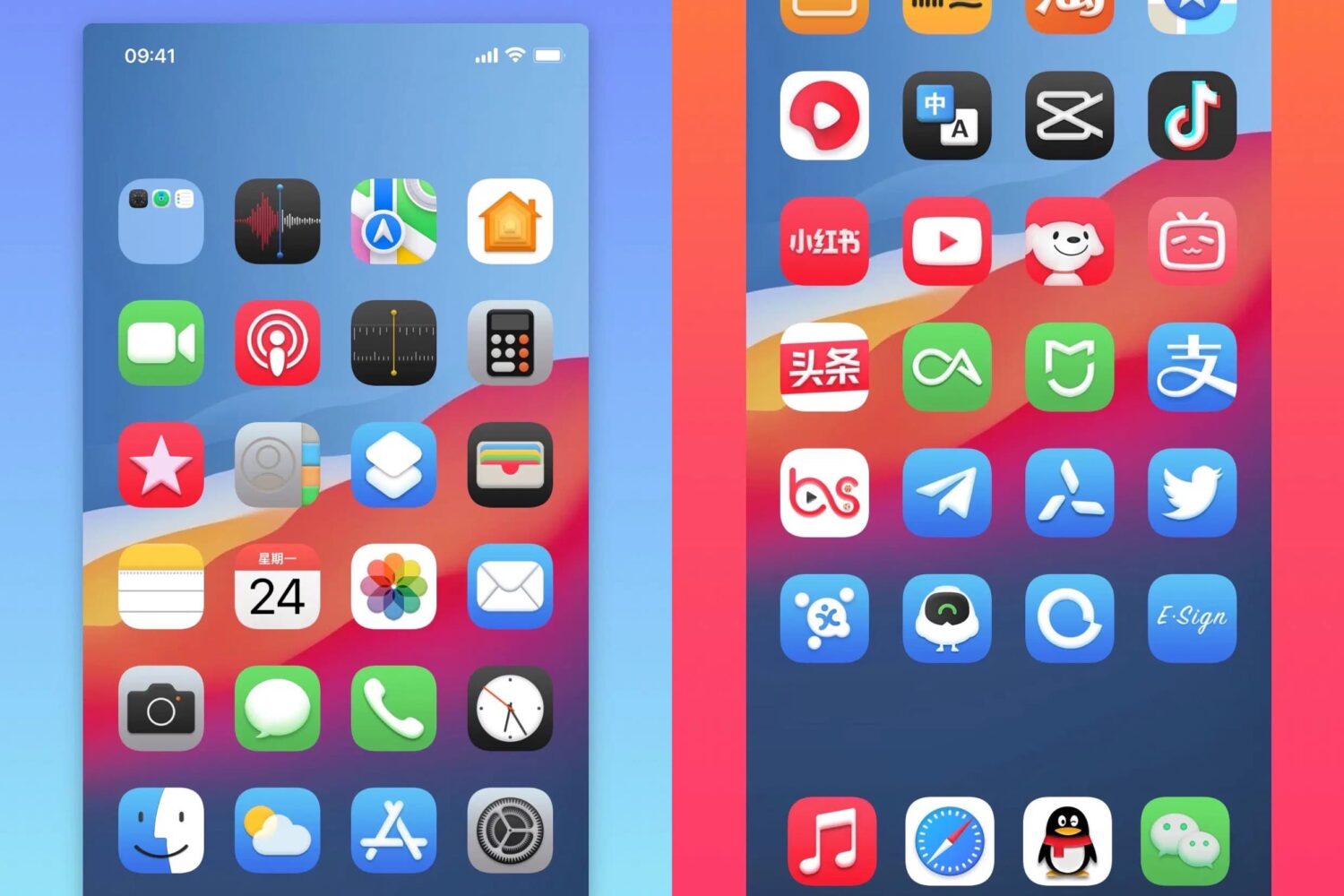
If you’re interested in a subtle, yet eye-catching theme for your iPhone’s Home Screen, then you might want to check out a new release called Relic by Shaun (zsy245).
The Lock Screen is a barrier between your smartphone’s contents and the outside world, but it’s also the very first thing you see every time you grab your device. That’s why Apple made Quick Actions to lend fast access to the Camera and Flashlight directly from the Lock Screen.
When you double-click an image or a PDF in a Finder folder on Mac, it should automatically open in the built-in Apple Preview app, as that’s the default macOS app to view photos and PDFs. However, if you can’t open these files on Mac, here are all the solutions to fix it.
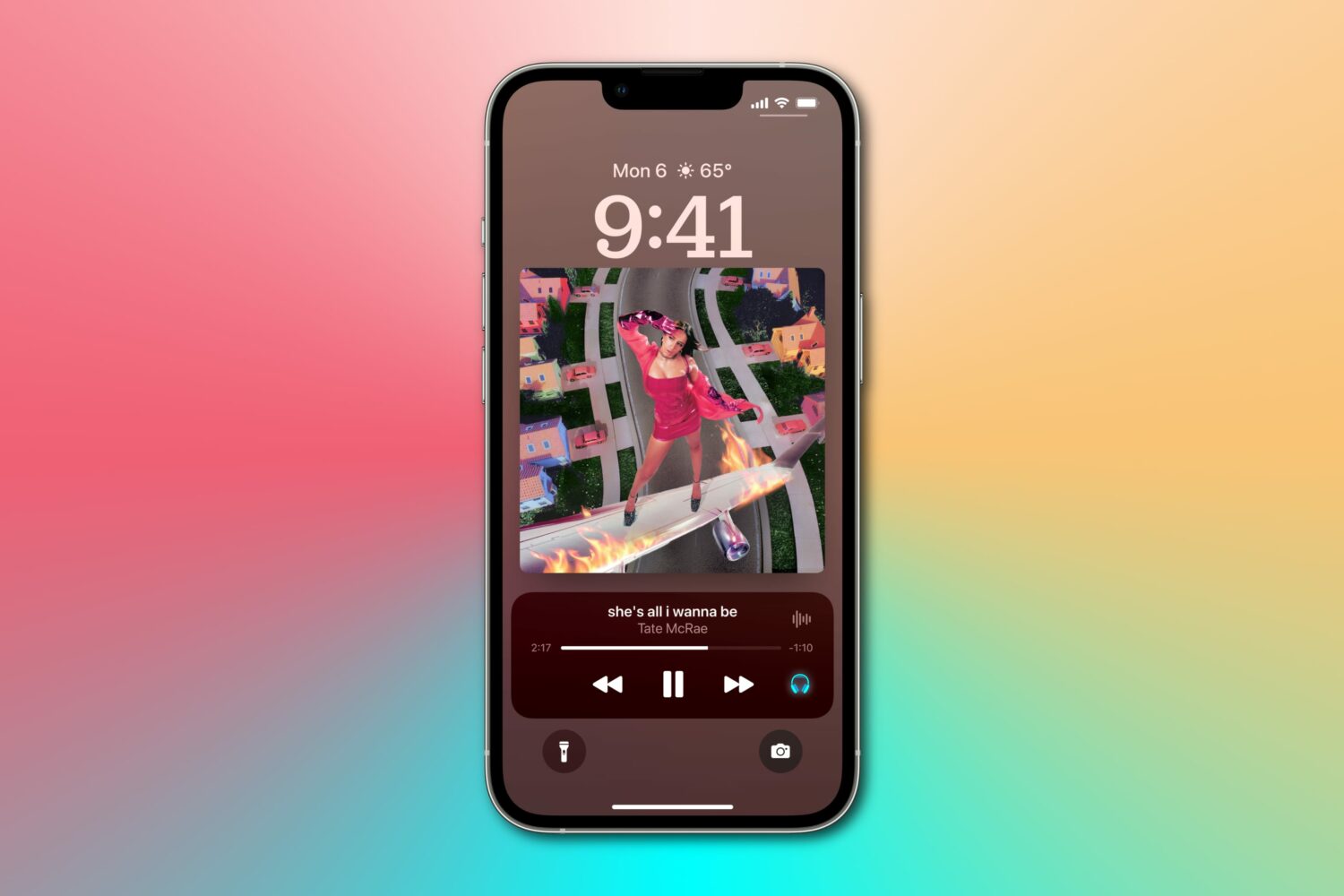
New features in Apple's iOS 17 update should let you adjust font size on the Lock Screen, share custom Lock Screens designs with other iPhone users and more.
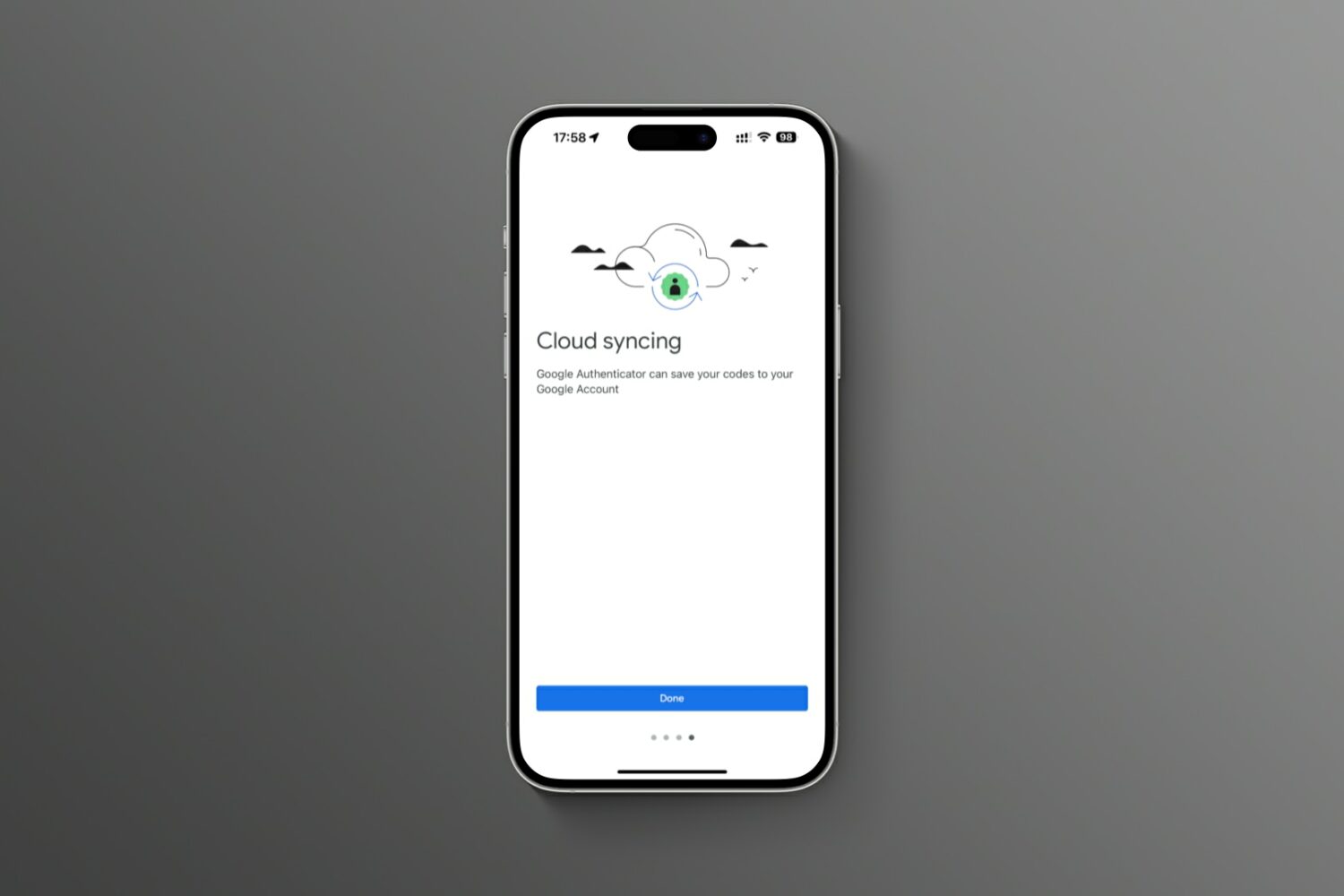
Turn on the sync feature in the updated Google Authenticator app for iOS and Android to avoid a lockout crisis if you lose the device or buy a new one.
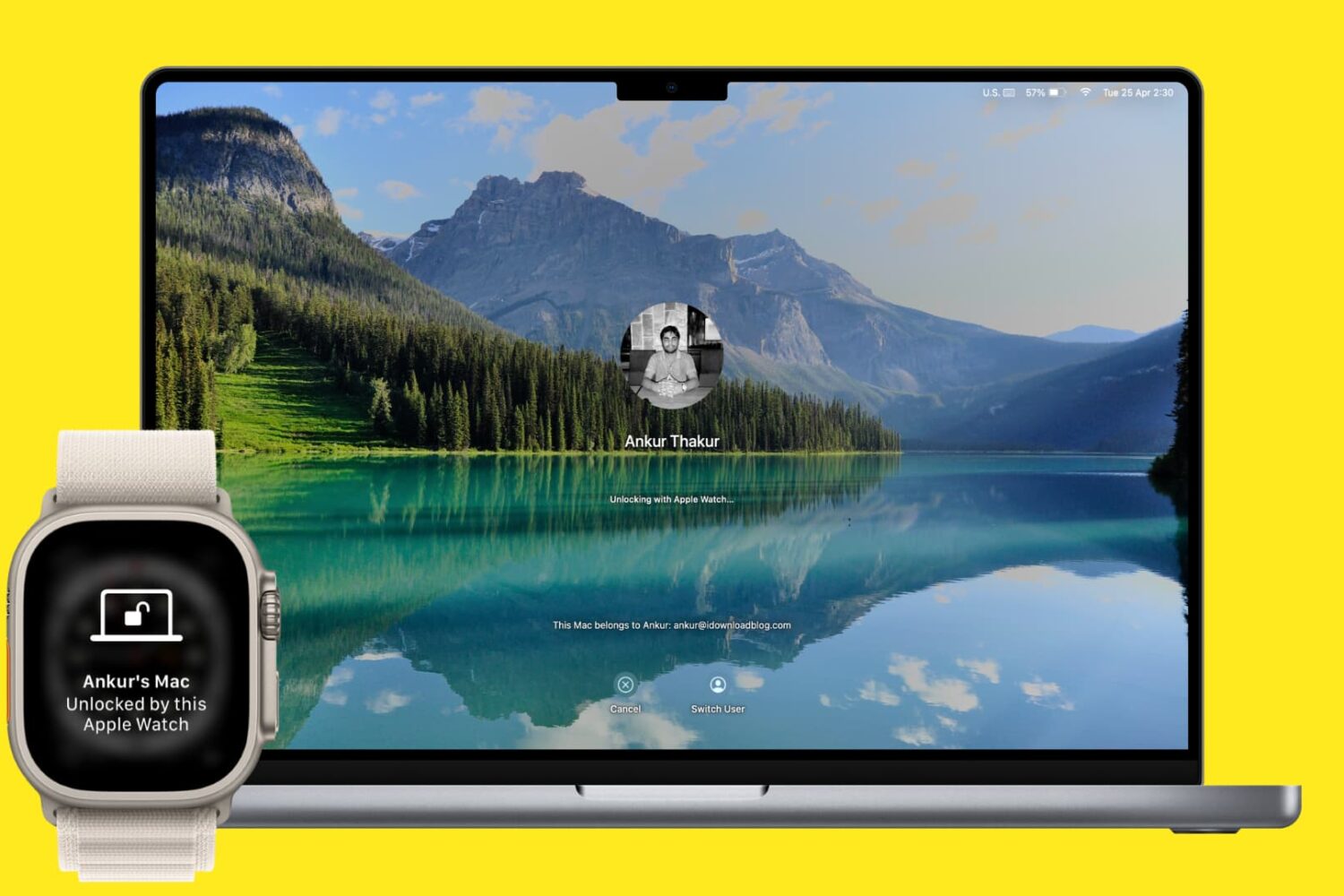
Learn how to unlock your Mac and approve password requests with your Apple Watch to log into macOS accounts without typing and change locked settings faster.
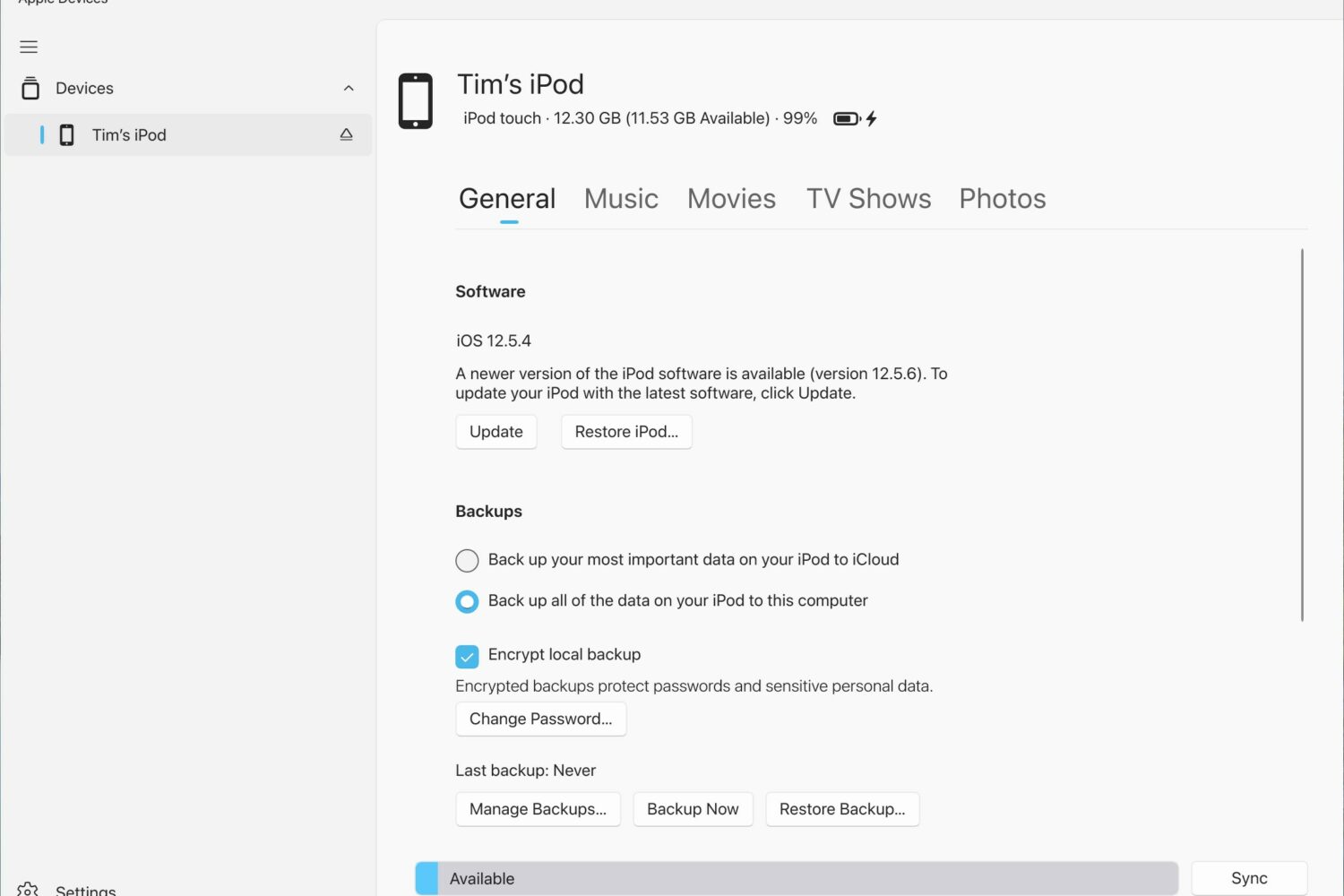
The “xrOS” and “RealityOS” Apple headset references recently found in the Apple Devices Windows app have been removed from the latest update.

We previously showed our readers how to install TrollStore on non-jailbroken iPhones and iPads running iOS & iPadOS 15.0-15.1.1 with Sideloadly and TrollInstaller, but project developer Lars Fröder (@opa334) has since recommended a different method for installing TrollStore that works on all arm64e (A12 and newer) devices running iOS & iPadOS 14.0-15.6.1, 15.5 betas 1-4, and 15.6 betas 1-5 and arm64 (A9-A11) devices running iOS & iPadOS 14.0-15.6.1.