In this brief tutorial, we show you why a new ‘Recently Viewed’ heading appears on your Safari Start Page and how to stop seeing a particular topic or the entire section.
How to hide Recently Viewed in Safari on iOS and macOS 27

In this brief tutorial, we show you why a new ‘Recently Viewed’ heading appears on your Safari Start Page and how to stop seeing a particular topic or the entire section.
Safari is a core system app on iPhone, iPad, and Mac, and Apple improves it with every major software update. Here’s a list of new features and improvements added to the Safari browser in iOS 27, iPadOS 27, and macOS 27 Golden Gate.
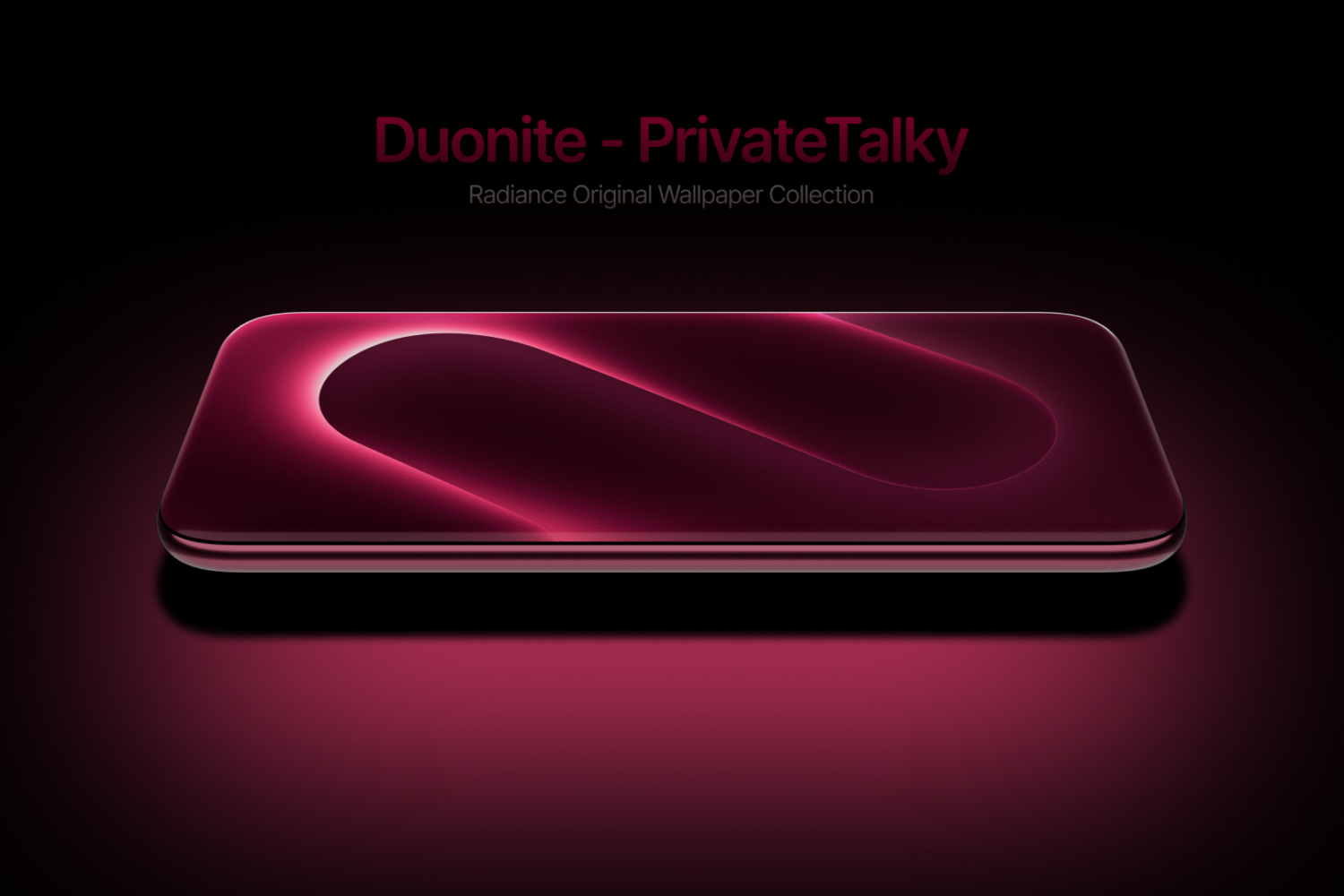
A simple gradient an incredible wallpaper makes. A dual gradient makes for an even more incredible visual experience. This neumorphic design showcases a dual band gradient passing through rich, dark hues, to a full white flair. Assumedly getting its name “Duonite,” from the dual style coloring, this collection gives a dynamic experience for your Home Screen.
In this opinion piece, I talk about things I don’t like about iCloud Photos and potential new features that would improve my experience many times over.

In this step-by-step tutorial, we show you how to create custom passes for gift cards, event tickets, membership cards, loyalty cards, and more, so you can keep them with you on your iPhone and Apple Watch.

Download OPPO Find X10 wallpapers in blue, gray, salmon, and olive shades, featuring a glass-arc slab for your iPhone or Android phone.

Learn about a quick, built-in way to see the month and year when your Mac was manufactured, as long as it’s running macOS 27 Golden Gate.

In this tutorial, we show you how to adjust the pace and expressiveness of the Siri voice on your iPhone, iPad, and Mac running iOS 27, iPadOS 27, and macOS Golden Gate.

In this quick tutorial, we show you how to completely sign out of FaceTime to stop using the service or troubleshoot issues.

As the new iPhone 18 Pro devices come to market, the newly minted colorways include Burgundy and Glacier. Both colors were rumored very early in the development cycle, but no early leaks showcased the richness of either hue. Blue, glacier iPhone 18 Pro wallpapers are offered as a way to double down on the colorful experience. Wrap the Glacier color throughout your device with a set of wallpapers tailored specifically for iPhone 18 Pro.

Learn how to create separate viewing profiles for your child and other family members in the Apple TV app on your iPhone and iPad.

Most of us have been there where we need to repeatedly type in specific information, like contact details, business information, and other canned responses via texts, emails, documents, and so forth.
After the first few times, typing the same thing over and over can get mentally exhausting.