WWDC 2017, iPhone 8, Apple’s TV shows, tons of tweaks… the top stories of the week

Like every Sunday, we get to take a look at some of the most popular posts that were published on iDB during the week that just ended. Whether it is a news item, a new jailbreak tweak, a tutorial, or an app review, we sum it all up in one convenient place for you.

As always, if you like what you're reading, please feel free to spread the love by sharing our posts on your favorite social network.

We're usually hanging out a lot on Twitter and Facebook, more rarely on Google+.

Don't forget to listen to the latest episode of our new podcast, Let's Talk iOS:

Subscribe on iTunes

Want to support iDB? Visit our Deals Store and buy something from us.

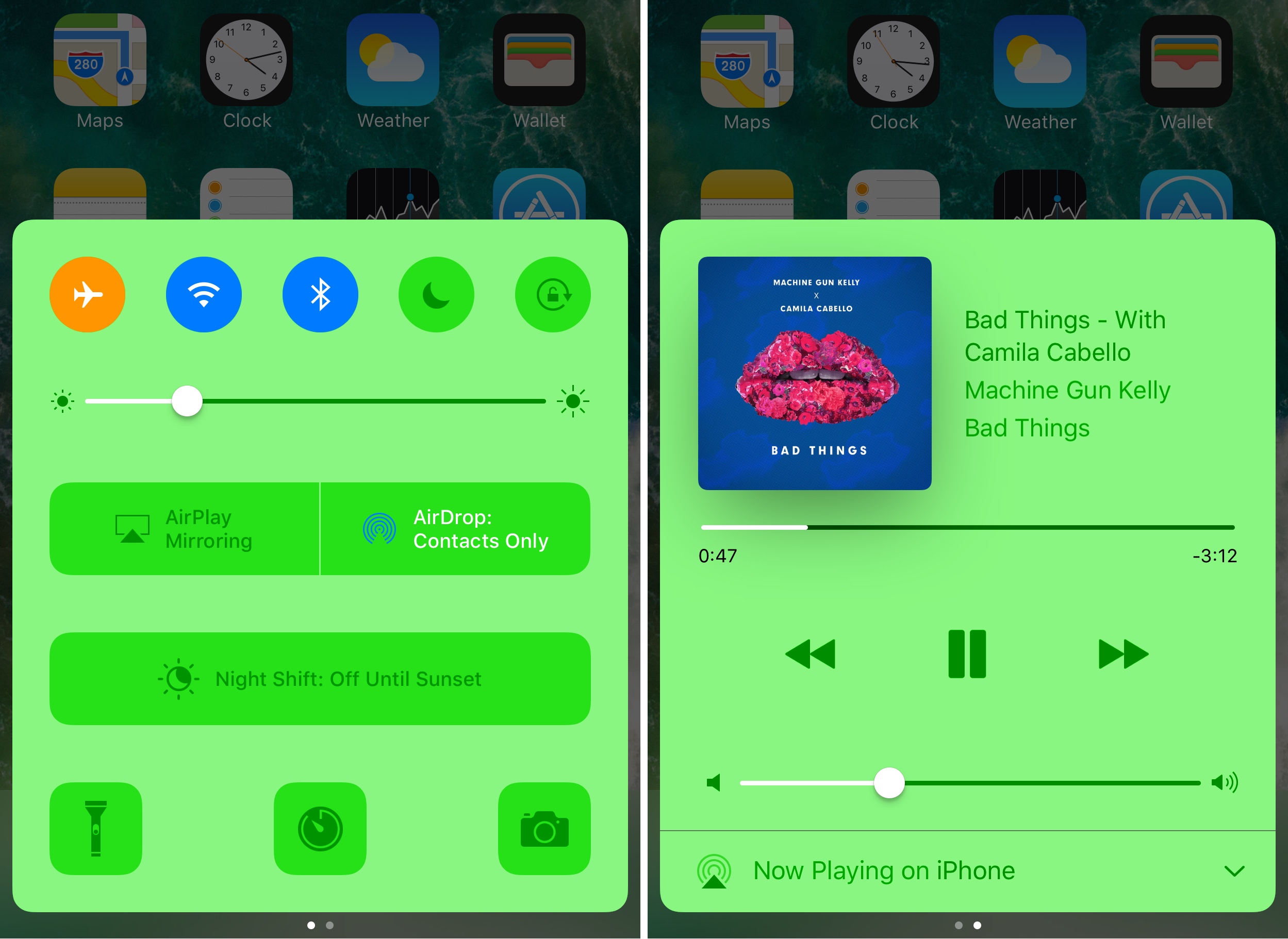
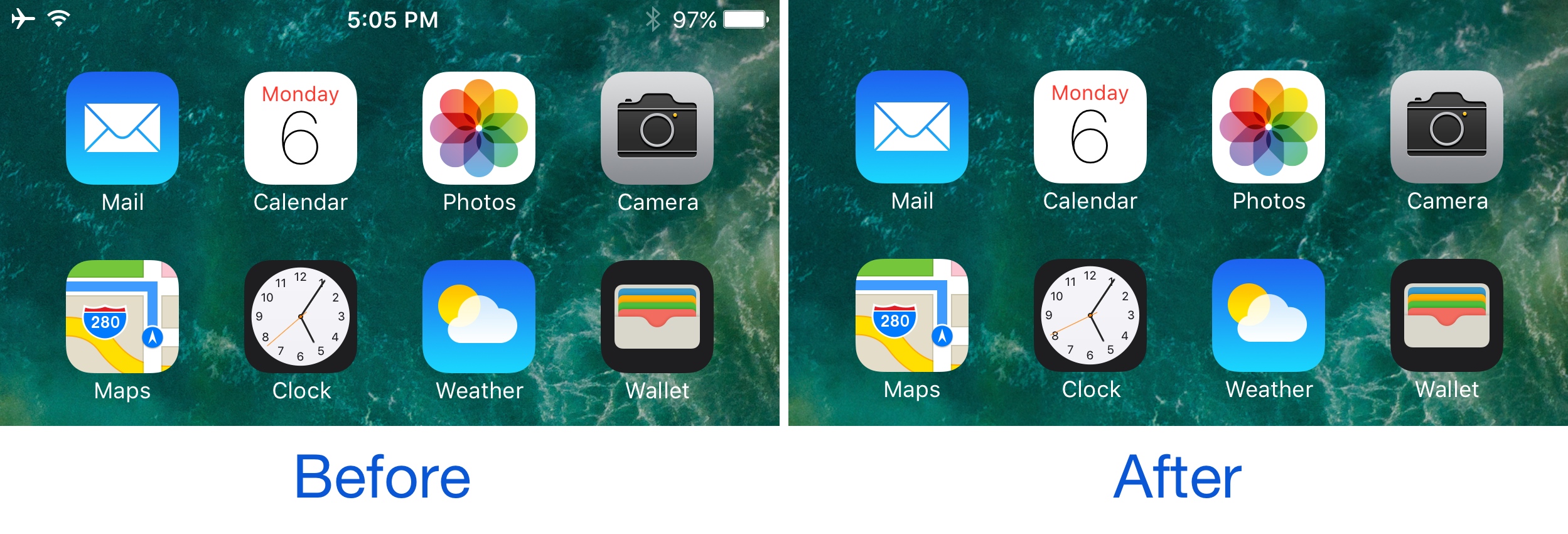
Sonus is a highly customizable volume HUD replacement for iPhone and iPad

The volume HUD in iOS has always left a lot to be desired; it pops up in the center of the screen and then seemingly lingers for an eternity, all while getting in the way of everything, whether you’re watching videos, looking at photos, browsing the web, or doing anything else while trying to change your device’s volume level.

A new jailbreak tweak called Sonus by ubik is just one of many attempts to make the volume HUD better in iOS, and unlike much of the competition out there, it has a lot of options that you can take advantage of to deck out the tweak and make it look and feel the way you want it to.

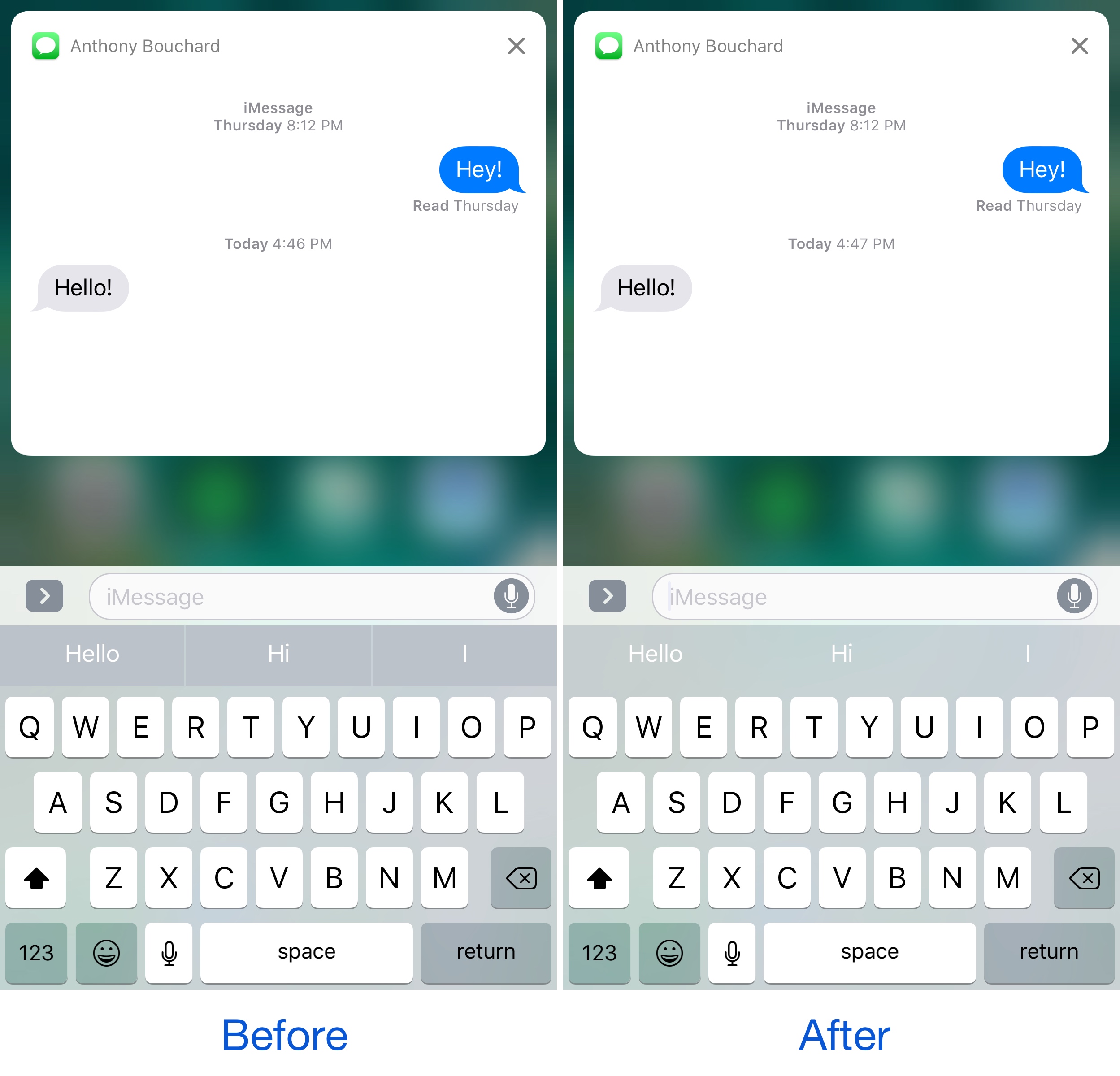
TranslucentMessages makes the iOS 10 Messages app translucent with stunning blur effects

Your iPhone is a tool of communication, so you might spend a lot of your time lurking in the Messages app. As you know, it's just as dull as almost every other stock app on your device; plain and white. Since you spend so much time in the app, why not give it a makeover that could make you enjoy using it even more?

That's where a new free jailbreak tweak called TranslucentMessages by Ayden Panhuyzen comes in handy, as it takes what is otherwise a boring UI and gives it some fancy translucent visuals.

This tweak will let you force cellular network connections when launching certain apps

When you’re constantly around Wi-Fi networks that block access to certain sites and apps, such as those in educational institutions, you might need to use cellular data to bypass these blocks. The only problem is, you typically have to go through the trouble of turning Wi-Fi off manually, which can be a pain.

That’s the idea behind a new free jailbreak tweak called NoWifiWhenRunThisPlz by HiDan, which lets you configure the apps you want to force cellular usage on, rather than Wi-Fi, when launched.

AccessWithinApps prevents launch of Control and Notification Centers in specific apps

Control Center and Notification Center each can be accessed from any mobile app by swiping up from the bottom of the screen or swiping down from the top of the screen. In some apps, this gesture conflicts with the those that already exist in the app.

While Apple helps to mitigate issues by providing users with the ‘second chance grabber’ in full-screen apps, some apps still don’t play nicely because the gesture is too close to other functions in the app. Giving you more control over this matter is a new free jailbreak tweak called AccessWithinApps by Cole Cabral.

NoClose prevents you from accidentally force-quitting apps that are currently playing media

Sometimes when force-quitting apps from your App Switcher, you end up closing an app that’s playing media in the background by accident. This forces you to re-open the app and re-play the song you were just listening to from the beginning... all over again.

If you do this quite often, then you probably have App Switcher OCD and are clearing your App Switcher more often than you need to, but that’s beside the point; a new free jailbreak tweak called NoClose by Skylerk99 can help prevent you from accidentally force-quitting apps that are playing media in the background by prompting you beforehand.

Check out stealth case for iPhone prototypes Apple uses to prevent leaks

More than six years ago, an Apple engineer mistakenly left an iPhone 4 prototype on a bar stool in a nice German beer garden in Redwood City, California. The rest, as they say, is history.

The random dude who originally found it didn't really have a clue he'd gotten hold of Apple's biggest secret at the time as the prototype device was cleverly disguised as an ordinary iPhone 3GS.

Australian leakster Sonny Dickson gave MacRumors a closer look at a special stealth case Apple uses to prevent leaks and conceal handset prototypes during transport between its Cupertino headquarters and manufacturing partners in China.

YouTube will stop showing 30-second unskippable preroll ads beginning in 2018

Google will stop showing users those annoyingly unskippable 30-second preroll ads on YouTube clips. According to an official statement from the search giant given to Campaign, the change is coming in 2018 to give advertisers and agencies time to adjust their plans.

In aiming to provide a better advertising experience for online users, Google has clearly come to the inevitable realization that consumers loathe unskippable ads on YouTube.

Google’s dedicated search app gains filters for local results, Gboard & enhanced AMP support

Google's dedicated search app was updated this morning on App Store with a trio of nice-to-haves. For starters, you can now easily filter your local search results for museums, coffee shops, restaurants and other places of interest. With an expanded support for Google's Accelerated Mobile Pages (AMP), more webpages will now load instantly within the app. AMP-optimized webpages are denoted on search results with a lightning bolt icon. Lastly, you can now use Google's gesture-driven Gboard keyboard in the mobile search app.

New Apple ads continue positioning iPad Pro as being better than a computer

Apple today published four new ads on its YouTube channel that continue to position its iPad Pro tablet as being better than a computer. The four new commercials, running sixteen seconds each, use the tagline “Real Problems... Answered” and appear to be based on typical PC user tweets.

The videos promote the tablet as a device that's free of wires, immune to viruses, faster than most laptops and able to run Microsoft Office apps and connect to fast LTE cellular networks.

Give the new ads a quick watch, then meet us in comments.

iPhone 8 concept imagines rumored “function area” replacing Touch ID and Home button

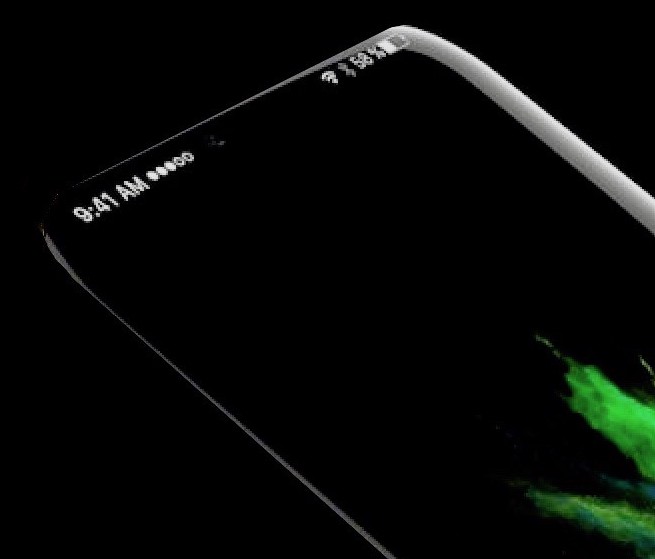
KGI Securities analyst Ming-Chi Kuo, along with other analysts, told clients that iPhone 8 would most likely feature a 5.8-inch OLED screen with an active display area of 5.1 inches.

It's now becoming clear that Apple's upcoming handset will probably adopt an almost bezel-less full-screen front face design by ditching the physical Home and Touch ID button.

Its function would be supplanted by a set of dynamic virtual controls sitting in a new “function area” at the bottom of the display. That, in turn, would allow for a range of time-saving shortcuts without degrading the experience, as evidenced in a batch of nicely done renderings created by a MacRumors Forum member “deuxani”.