In this tutorial, we will show you how to use the Segments feature of the Apple Watch Workout app to divide your active session into multiple splits.
How to segment your Apple Watch workout mid session
In this tutorial, we will show you how to use the Segments feature of the Apple Watch Workout app to divide your active session into multiple splits.
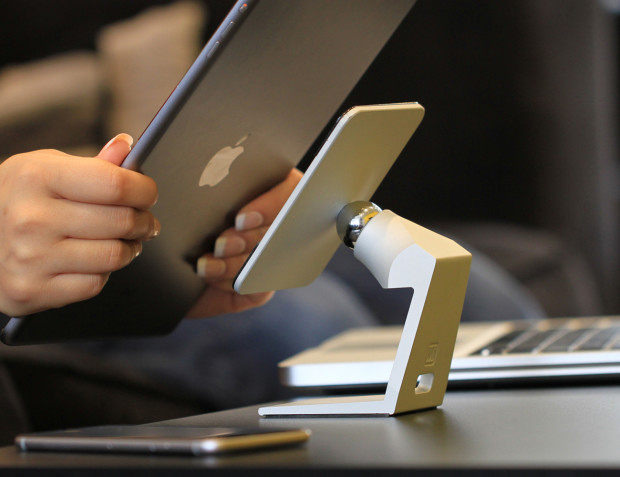
On November 27, 2013, I gave a gushing review of the MiStand, where I claimed the stand was "my new go-to dock, with a small simple and highly functional design." Today, I am still confident in that claim, as the MiStand has not left my kitchen counter since that initial review almost four full years ago. I use it regularly to hold my iPad, while working in the kitchen, watching videos or FaceTiming family. Consequently, I was very excited to learn about MiStand+, which is currently raising funds via Indiegogo for an upgraded version.
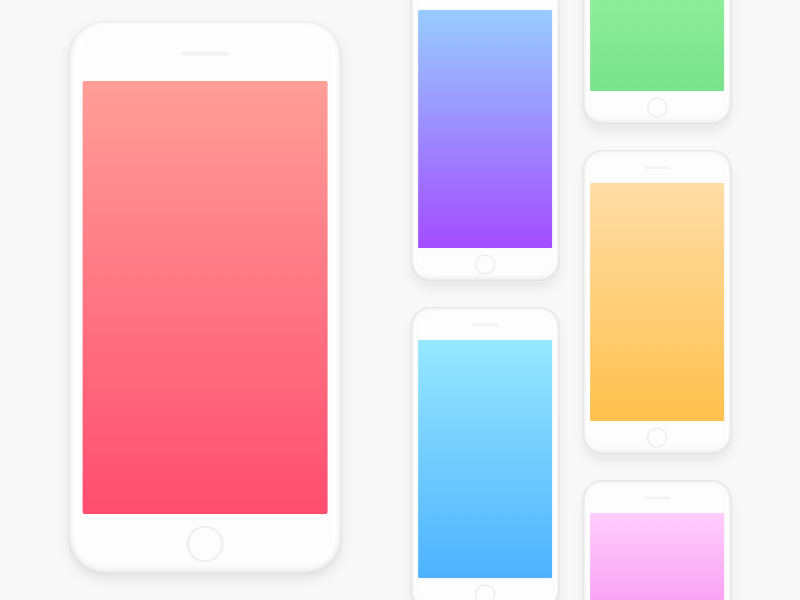
The summer heat is in full swing, at least in the United States, where almost the entire country is engulfed in 90+ degree temperatures. That is 32+ celsius for our international readers. Our friend @AlexMuench is offering to cool things down, at least on your Home screen, with these watermelon and ice cream flavored wallpapers.

The jailbreak community has been a bit slower than usual lately, but that's not to say things have gone stale. Great projects are under development that haven't been released just yet. Without spoiling those, however, we'll talk first about those that have been released already.
In this roundup, we'll discuss all of the jailbreak tweaks that were released throughout the past work week, starting with our favorites and finishing up with the rest afterward.

Last year, I shared a roundup of my favorite accessories for my 2015 15-inch MacBook Pro. Times have since changed, and I was recently convinced to pick up a new 2017 15-inch MacBook Pro.
In this piece, I’ll pick up where I left off in my previous post by going over additional accessories that I consider essentials for my 2017 MacBook Pro. Worthy of note, these should all work with the 2016 MacBook Pro too.

This week's edition of our Apps of the Week roundup features a sticker-maker, screenshot-stitcher, and an app for locating and reserving campsites. And as usual, we've selected two great new games for you to check out.
Sticky AISticky AI uses artificial intelligence to help you create your own selfie-stickers incredibly fast. Create still and animated stickers, save them to the sticker pack and share them easily across your favorite messaging apps. Features include awesome comic and cartoon-like sticker styles, bright and colorful backgrounds to choose from, and a simple and clean user interface. For me it's kind of like having Instagram or Snapchat stickers in all of your favorite social apps. Sticky AI is available for free.
PicsewIn the market for a screenshot-stitching app? Check out Picsew. It's not a new app, but it just received a big update. Picsew can automatically merge multiple screenshots into a single image. The developer says it has the leading auto-stitching success rate among similar products, and it also has a manual stitching option for more complex projects. Other features include support for both vertical and horizontal screenshots, high resolution output, watermarks and more. Picsew is available for $0.99.
RoverPassIt's that time of year again! Search, compare, and book with thousands of other travelers using RoverPass. With more than 20,000 campgrounds across the country, RoverPass is the only directory to offer nationwide booking through its online travel agency service. Other features include quick-loading search results, large photos, map exploration, online booking, and more. This isn't a new app, but if you like to camp and haven't checked it out, it may be worth doing so. It has one of the largest campground databases of any app I've seen. RoverPass is available for free.
Dice SmashIn the mood to try a new puzzler this weekend? Check out Dice Smash. This game is simple, with the goal of tapping empty spaces between pairs of dice in an effort to clear the board. Features include daily challenges, support for Apple Watch and iMessage, and a gorgeous interface. Think you have what it takes to smash the dice? Try it. Dice Smash is available for free.
Street Fighter IV Champion EditionA new warrior has entered the ring. Street Fighter 4: Champion Edition perfects the winning gameplay formula of its predecessor by offering higher resolution graphics, three new characters (Poison, Ibuki and Dudley), wide screen support for newer iOS devices and a host of updates and refinements. Long time Street Fighter fans can jump into the action and have an instant familiarity with the controls. For more casual players, Street Fighter 4 features numerous settings and tutorials that put you on the path to victory. Street Fighter IV Champion Edition is available for $5.
More apps to check out Pocketdex app by Majd Alfhaily and Surenix complements Pokémon GO Apple’s free app of the week: illi Fantastical for Mac gains attachment and travel time support, time to leave alerts & more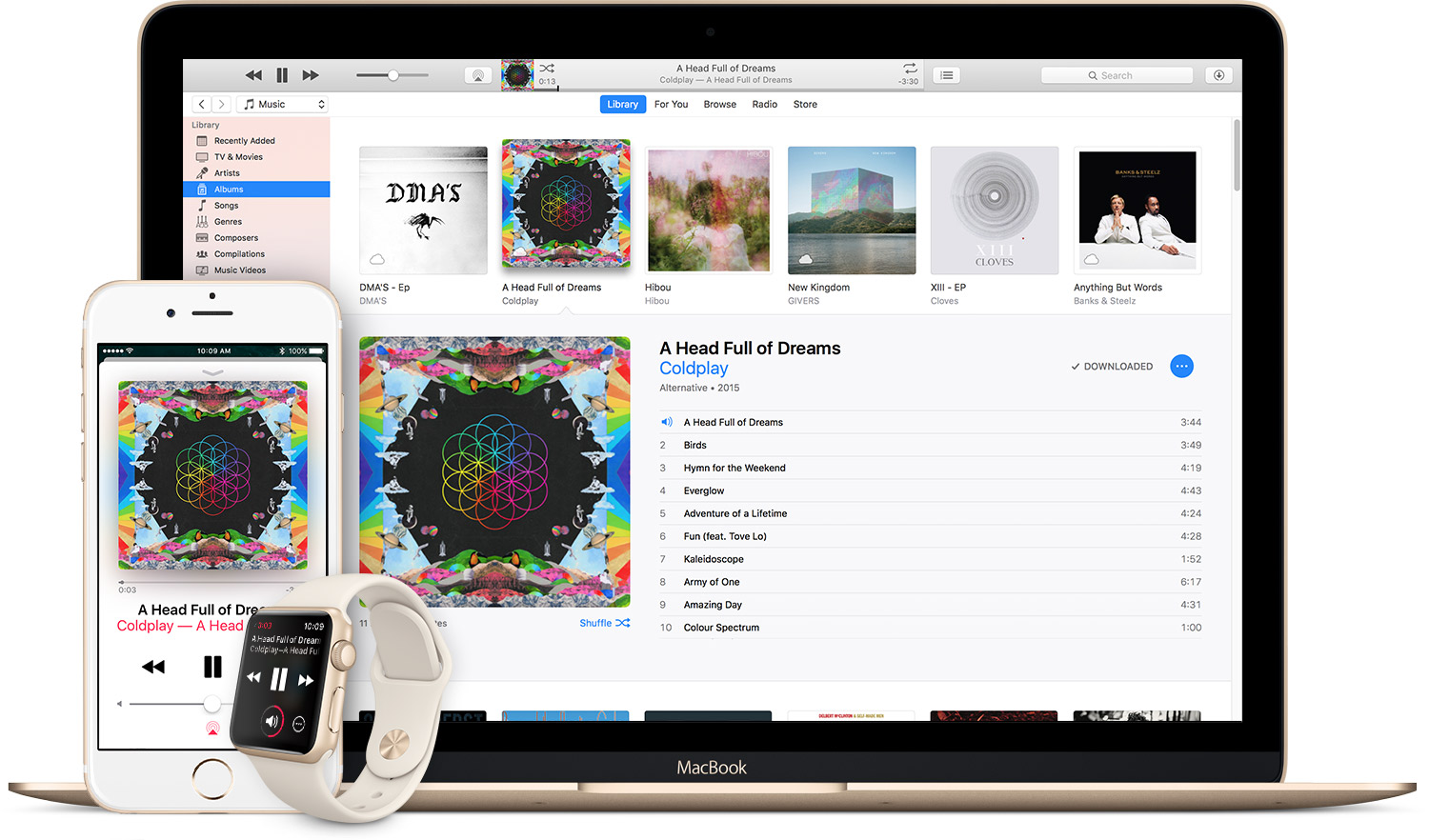
Do you use Apple Music on a regular basis and foresee continuing to do so? Are you paying your membership month-to-month? If so, how would you like to get full twelve months of uninterrupted Apple Music experience for the price of ten?
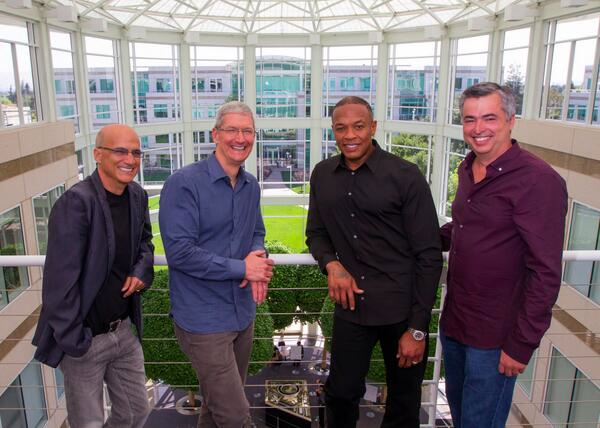
I just finished binge-watching “The Defiant Ones”, HBO's four-part docu-series that covers the stories of Beats co-founders and now Apple executives Dr. Dre and Jimmy Iovine.
It chronicles their rise through the music industry and into the tech world, exploring not only their personal lives but also the trials and tribulations of their career culminating with the sale of Beats Electronics LLC to Apple, Inc. for $3 billion, Apple's biggest acquisition to date.
Apple almost pulled out of the deal after Dre leaked the transaction before it was official.
On May 9, 2014, R&B singer and former Coca Cola pin-up Tyrese Gibson posted a video on Facebook, shot in a music studio, in which Dre seemingly confirms the transaction that was reported by the Financial Times the day before.
“The first billionaire in hip-hop, right here from the motherf***ing West Coast, believe it,” Dre exulted in the now deleted video, which you can watch embedded below (explicit language):
https://www.youtube.com/watch?v=NHXwlozd60s
Clearly, this is not the kind of thing Apple is used to.
The Apple family “nearly imploded with outrage” when that clip went up on Facebook, Billboard wrote. If you know anything about Apple, you would think Dre would be out of the multi-billion dollar deal between his Beats Electronics and Apple.
In “The Defiant Ones”, Dre and Iovine say they were afraid the controversial video, which was filmed after a night of drinking and partying, might cause Apple to pull out of the Beats deal.
Dre explained:
I was in the studio, excitement was in the room, you mix excitement with a f***ing fifth of alcohol, man, something terrible is bound to happen. That is in the top three most embarrassing moments in my life.
“I don't know what he was doing,” said Iovine in the documentary, adding:
We had gone for like six weeks without it leaking. This thing has leaked, this thing is loud. I had wanted to work with Apple, at that point, probably 10 years, maybe more than 10 years. I'm like, 'how could this be possibly happening?'
So sure I thought the deal could blow.
Thankfully, Apple kept its word and acquired Beats for $3 billion.
“So what happened was, Apple stays true to who I always knew who they were, ignored all the noise, and made the deal,” Iovine said in the documentary.
https://www.youtube.com/watch?v=qT5FeylUWO0
Dre’s controversial and storied past became an issue for Apple following the release of his biopic “Straight Outta Compton” which failed to mention old allegations of Dre abusing women, including hip-hop journalist Dee Barnes, R&B singer and his former girlfriend Michel’le and onetime labelmate Tairrie B.
Dre apologized for his actions 25 years ago, saying in a 2015 New York Times article:
25 years ago I was a young man drinking too much and in over my head with no real structure in my life. However, none of this is an excuse for what I did. I’ve been married for 19 years and every day I’m working to be a better man for my family, seeking guidance along the way. I’m doing everything I can so I never resemble that man again.
I apologize to the women I’ve hurt. I deeply regret what I did and know that it has forever impacted all of our lives.
Apple addressed the controversy with a statement of its own:
Dre has apologized for the mistakes he’s made in the past and he’s said that he’s not the same person that he was 25 years ago. We believe his sincerity and after working with him for a year and a half, we have every reason to believe that he has changed.
Dre is now fifty years old and works for Apple as a top consultant. “The Defiant Ones” is airing on HBO, with all four episodes available for streaming via HBO GO and HBO NOW.
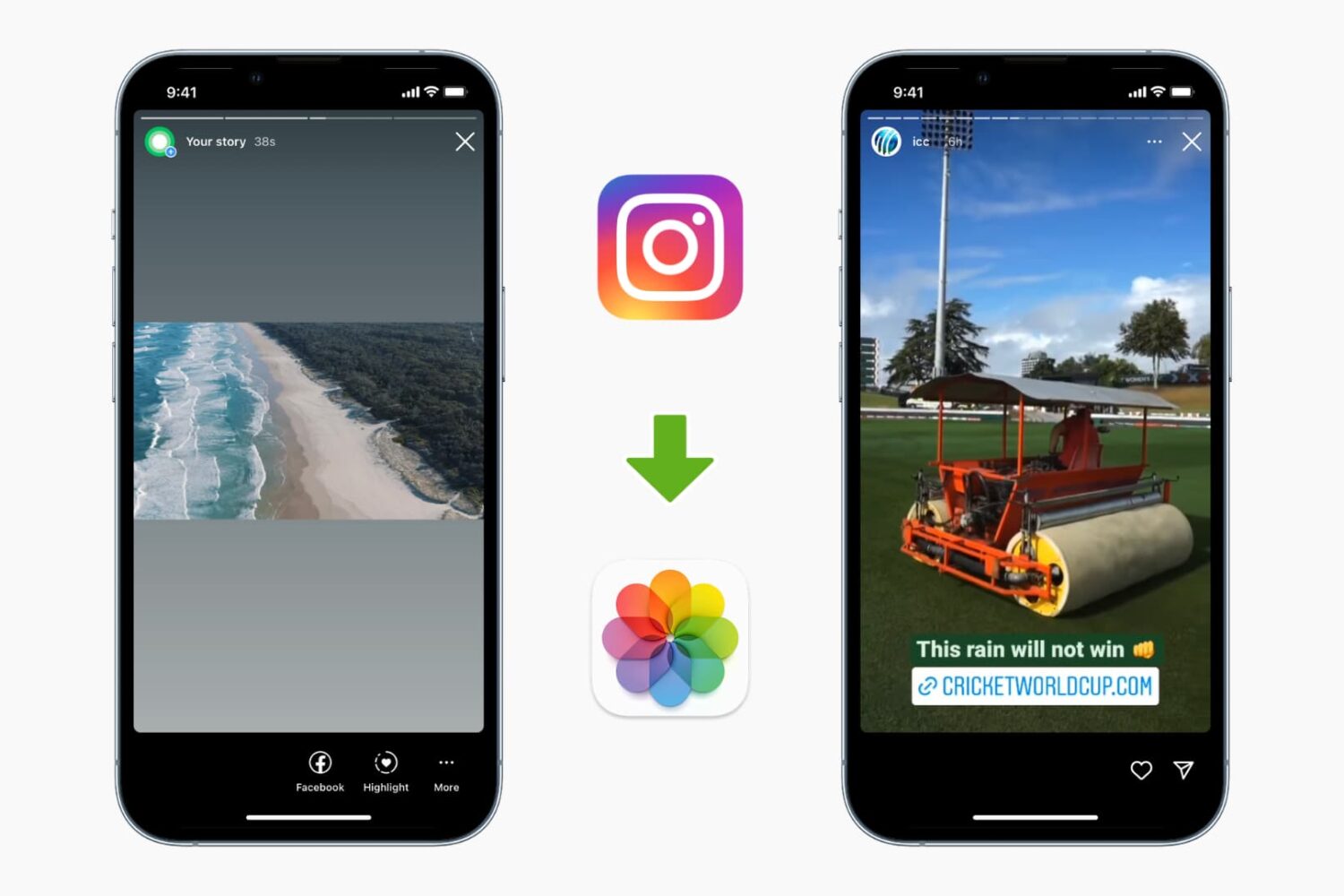
While the Instagram app allows downloading your stories, it doesn't let you download other people's stories. But there are ways to do it. This tutorial shows you how to download and save Instagram Stories to your iPhone's Photos app.
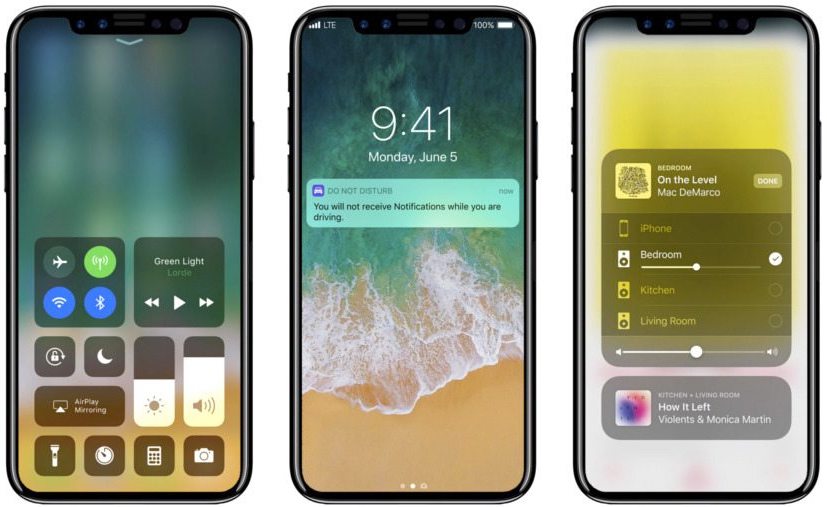
Apple has puzzled industry watchers by investing tens of millions of dollars in production equipment for iPhone 8's rigid flexible printed circuit board, which connects chips with parts such as the display, camera and so forth, ET News reported Friday.
The company will use this component for iPhone 8's touch screen panel.
The reason the move has raised questions is because Apple lacks its own production plant to install the equipment and the fact that it contracted three different suppliers to build this crucial iPhone 8 component, including Interflex and Youngpoong Electronics.
According to a source, one of the three suppliers recently decided to back out for reasons unknown, prompting Apple to take matters into its own hands. The Cupertino technology giant is now leasing the equipment it bought to suppliers to ensure it gets the parts it needs.
Additionally, the company is seeking to find a new supplier in Taiwan.
Sources speculate the supplier likely backed out due to low profitability and Apple's exacting standards when it comes to production quality. The iPhone maker is expected to order a hundred million units of the rigid flexible printed circuit board for iPhone 8.
“To fill the loss, Apple is supporting the other two suppliers to beef up production,” said the source. Rigid flexible printed circuit boards are much more difficult to build than the conventional ones.
iPhone 8 mockup via iDropNews

Unlike virtual reality which completely immerses you in computer-generated images, augmented reality superimposes virtual objects on top of your world rather than close it out.
Mixed reality, on the other hand, (sometimes called hybrid reality) merges the two worlds so that physical and digital objects co-exist and interact in real time.
A new recently published demo combines an ARKit-driven app running on the Unity 3D engine on an iPad Pro with real-time input from HTC's Vive virtual reality headset and controller. Created by NY-based virtual reality developer Normal VR, the app features a cute avatar drawing a virtual painting in the middle of the company's office.
What's really interesting about it is the fact that a person wearing a HTC Vive is revealed when the camera pans right, proving that the app captures the moves of the person in real-time and projects the resulting actions in their real world through augmented reality.
“This is going from East Coast to West Coast (server) and back. We definitely do some extrapolation to account for ping,” developers wrote. You could easily imagine the possibilities for remote interactions between people across the globe in mixed reality.
Blobbing in the studio today w/ the Vive + ARKit. Definitely some huge mixed reality potential here. #arkit #vr #indiedev #gamedev pic.twitter.com/C1zANBuSrx
— Normal (@normalvr) July 10, 2017
Not sure about you, but I'm really impressed by this demo.
There's a lot going on here as this app brings objects from the virtual world into the real one, in real-time—not only does the avatar realistically replicates the person's actions, it shows the digital painting on top of the real world as it's being created, updating it constantly.
Welcome to the future of mixed reality!
We showed you many demos powered by Apple's ARKit framework for building augmented reality apps on iPhone and iPad, ranging from a simple but awesome measuring tape to home decor shopping, accurate room measurement, Tic Tac Toe, food ordering and more.
Even Ikea has jumped on the AR bandwagon by partnering with Apple on an ARKit-powered app that will let you try out virtual furniture in your home, with support for in-app ordering.
The beauty of ARKit is that it does all the heavy lifting, allowing developers to focus on app design rather than deal with things like plane detection, lighting estimation, tracking, etc.
Using computer vision and other techniques, ARKit does all that by analyzing live camera feed and data from iPhone or iPad's built-in sensors. ARKit requires the A9 or A10 chip, meaning augmented reality apps will require an iPhone 6s or newer or one of the latest iPad models.
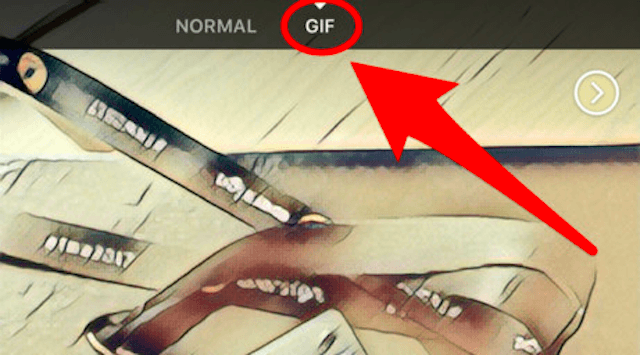
As first spotted by The Next Web, Facebook is testing an in-app GIF creator with a subset of users of its mainland mobile app for iOS. The feature is available through the app's built-in camera and allows users to quickly create animated GIFs for sharing with friends and family.
You can also post the GIF to a Story or save it to your device.
GIFs can be spiced up using Facebook's range of built-in camera effects. According to the publication, any GIFs created through this feature are short, lasting only a few seconds.
As I mentioned before, the feature is only available to certain users.
We'll let you know when the in-app GIF creator launches for everyone. Until then, let us know in the comments section if you're part of Facebook's limited test of this feature.
Just a month ago, the social network rolled out the ability for users to express themselves better by posting animated GIFs in comments.
Download Facebook at no charge from App Store.