Let’s Talk iOS 202: I want to give you more money

Things start pretty slow but heat up pretty quick as Cody and Sebastien talk about the latest iPhone 8 rumors, including the potentiality of an Apple event on September 12. The two co-hosts discuss what we could see and get carried away talking about the awfulness of US carriers (especially compared to French ones). Fun and entertaining, as always!

Apple releases beta 8 of iOS 11, watchOS 4, macOS 10.13, and tvOS 11

Apple on Monday released the eighth beta of iOS 11, watchOS 4, macOS 10.13, and tvOS 11 to registered developers. The new betas come just a week after beta 7 and two weeks ahead of the anticipated iPhone 8 event, so it's likely Apple is gearing up for a public release of the updates.

iOS 11 beta 8

If you're a registered developer with a device already running a previous iOS 11 beta, you can upgrade to the latest build (15A5368a) over the air using the Software Update mechanism in the Settings app.

We’re installing iOS 11 beta 8 on our devices to hunt for new features, but in the meantime check out our video regarding beta 7 changes:

https://www.youtube.com/watch?v=NXeaoEi5J3I

Subscribe to iDownloadBlog on YouTube

macOS 10.13 beta 8

Similarly, macOS High Sierra 10.13 beta 8 (build number 17A358a) can be downloaded over the air through the Mac App Store's Updates tab. If you aren't already running a previous beta, you can grab the full install from Apple's Dev Center. If you're curious about what's new in High Sierra, check out our 100+ new feature overview:

https://www.youtube.com/watch?v=QBna9ChoJd4

watchOS 4 beta 8

Registered developers with an Apple Watch already running a previous beta version can install beta 8 (build number 15R5371a) over the air using the Software Update option in Settings. Here's our video on what's new in watchOS 4:

https://www.youtube.com/watch?v=1kB5mSgdvk4

tvOS 11 beta 8

Developers with the appropriate configuration profile on their Apple TV (4th gen)  can install today's beta (build number 15J5374a) by visiting Settings > System > Software Update.

Otherwise, it requires you to hook up your Apple TV to your Mac via a USB-C cable and a quick trip to the Dev Center. tvOS 11 has shown to be a modest update, with just a handful of user-facing improvements.

We'll update this post (or create a new one, if warranted) with any major changes found in today's betas. If you see something notable you think we've missed, feel free to tell us about it in the comments below, or on Twitter @iDownloadBlog.

Video: possible app switcher changes coming to iPhone 8

You may have noticed a pair of curious videos, recently uncovered from the iOS 11 beta, that show off what looks like a possible new gesture on iPhone that could serve as a viable replacement for the now defunct 3D Touch-ing the left screen edge for app switching.

The feature shown on the videos hasn't yet been announced, meaning it could be exclusive to the upcoming iPhone 8. If not, Apple has probably decided to save it for its iPhone event.

The polished tutorial videos are from May.

In other words, it's entirely possible that Apple has since abandoned this app switcher. Watch Andrew's video in which he discusses UI navigation changes headed to iPhone 8.

https://www.youtube.com/watch?v=CjyL_UPqNqk

Subscribe to iDownloadBlog on YouTube

This is precisely how app switching in iOS 11 works on iPad—a quick upwards swipe brings up the Dock and if you continue swiping you get to a much improved app switcher containing Control Center along with the horizontally scrollable thumbnails of your recent apps.

From a user experience standpoint, any app switcher should be form factor-independent and behave the same on iPads and iPhones, so this could be the real deal.

https://twitter.com/stroughtonsmith/status/899793840495763456

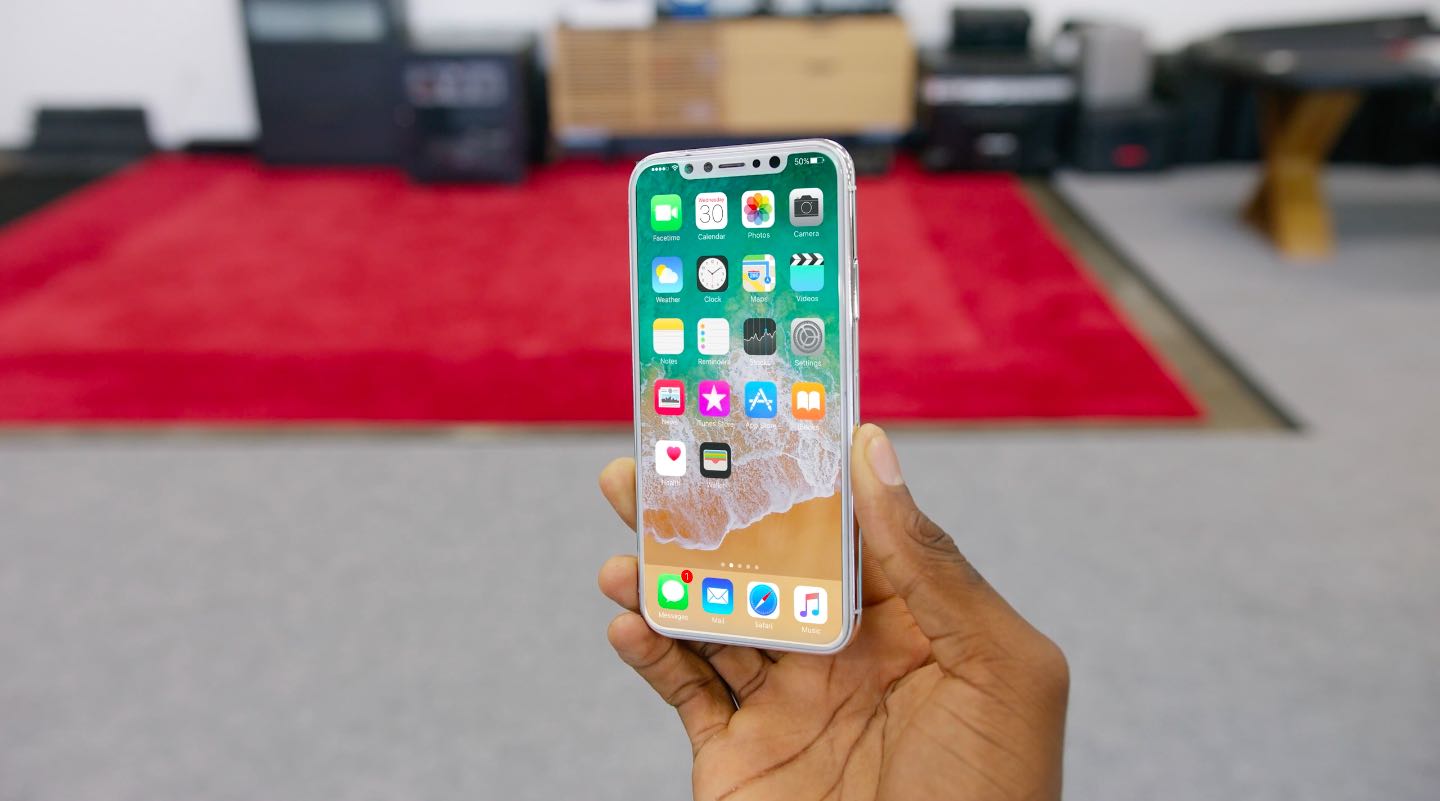
Although the device depicted in the hidden tutorial videos appears to resemble an iPhone 7 sans a Home button, it's almost certainly a placeholder for a real iPhone 8 chrome photo.

I think this is precisely what we're going to see on iPhone 8.

https://twitter.com/stroughtonsmith/status/899788217112825856

What I'd like to know is if this gesture will work on existing iPhones. If not, 3D Touch-ing the left edge for app switching could make a comeback in one of the subsequent iOS betas.

What do you think?

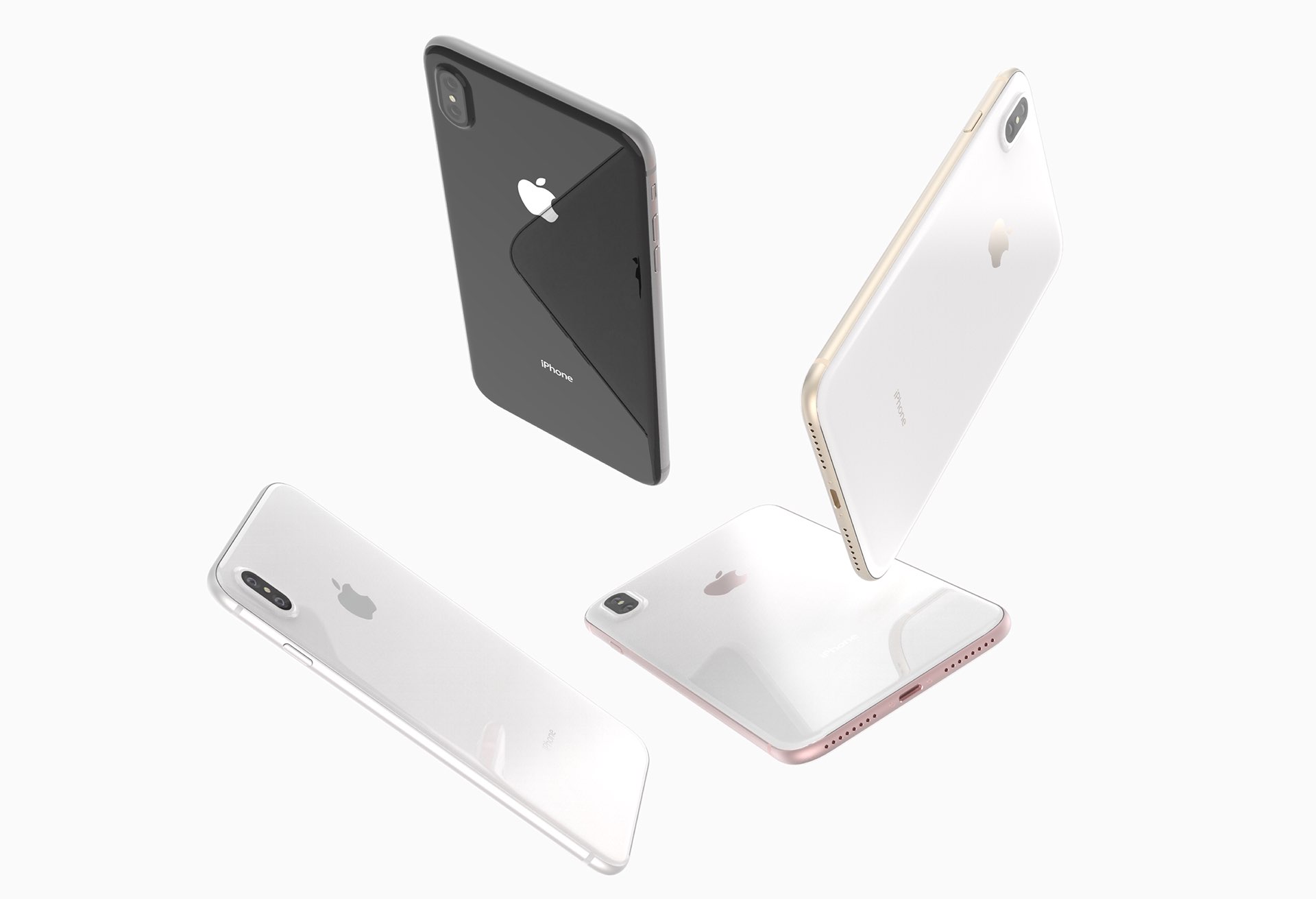
iPhone 8 mockup via industrial designer Quinton Theron