The new Apple Watch Series 3 will be available for preorder on September 15th, and released September 22.
Apple Watch Series 3 price and availability
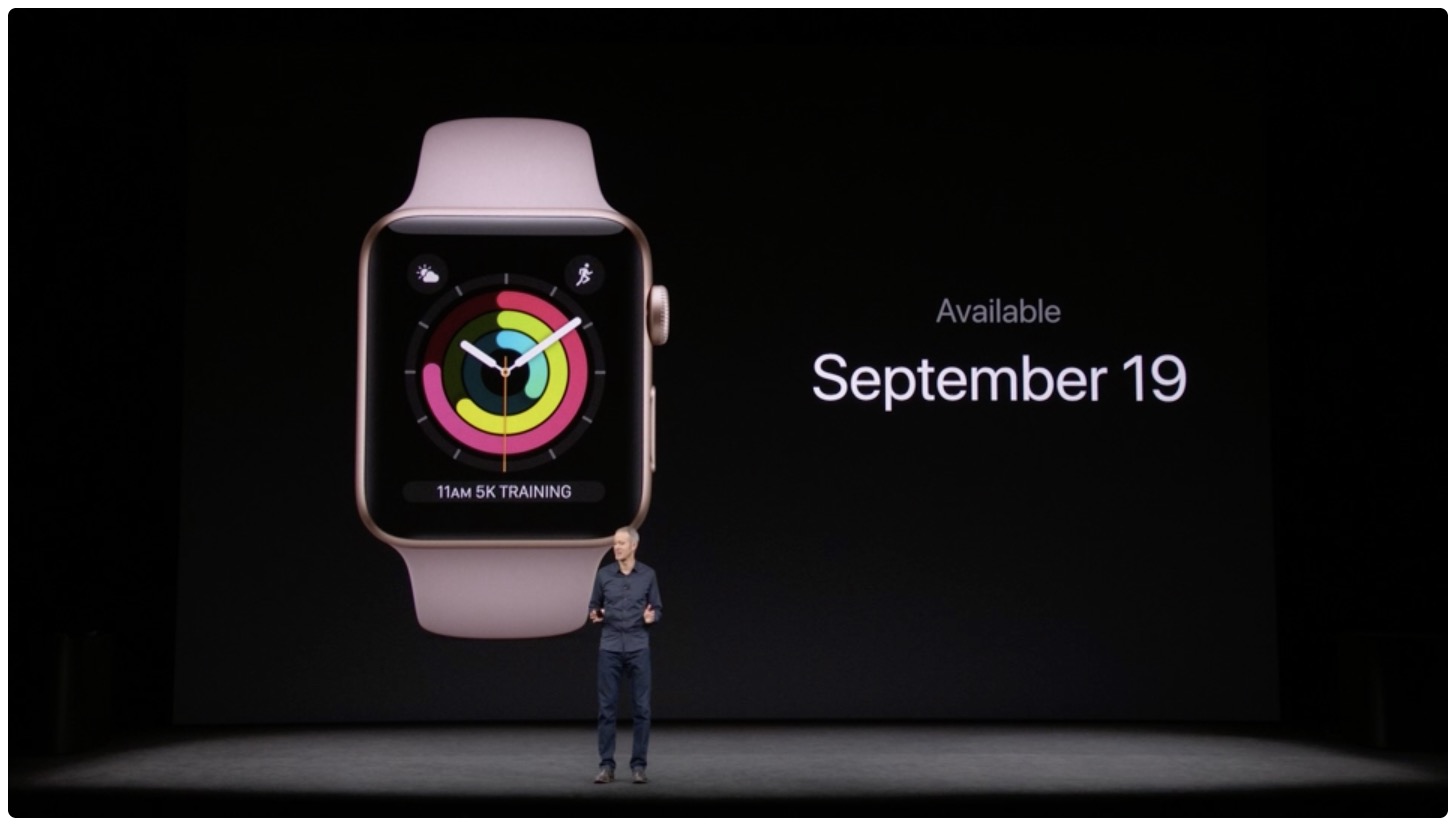
The new Apple Watch Series 3 will be available for preorder on September 15th, and released September 22.
Tim Cook at today's event at the Steve Jobs Center at the new Apple Park headquarters in Cupertino, California announced — yes, Apple TV 4K. It provides “one of the most stunning visuals ever” and “cinematic quality to virtually everything you watch”.
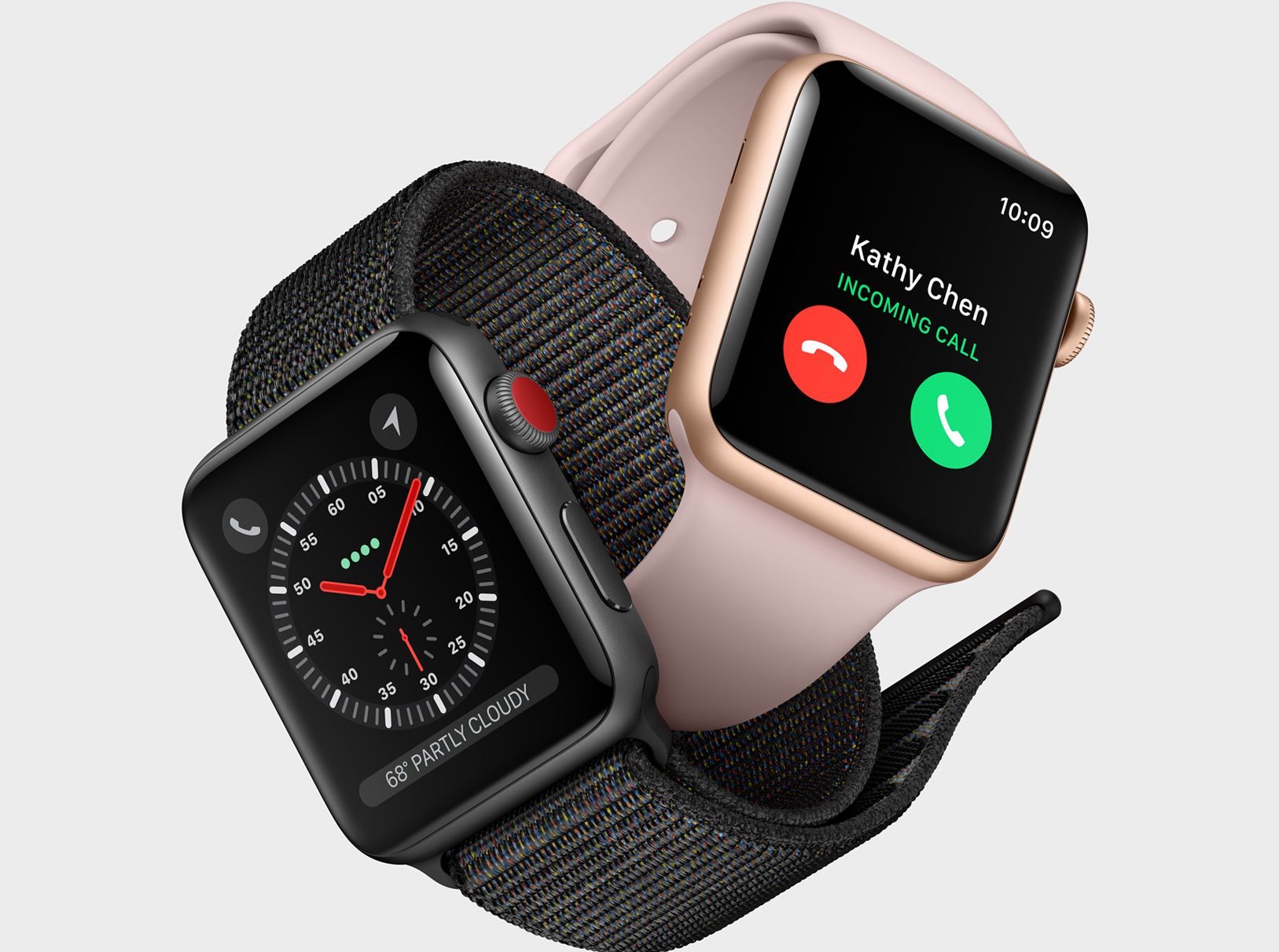
We're covering Apple's iPhone X event in Cupertino this morning, and the first major product announcement is the Apple Watch Series 3. Apple's COO Jeff Williams has taken the stage to announce the third generation of Apple's wearable. Its has built-in cellular support (well there is cellular and non-cellular models), a 70% faster dual core processor, and it's 50% more power efficient.
CellularWilliams demonstrated the Watch's cellular capabilities on-stage by calling Deirdre Caldbeck of the Apple Watch team from his Series 3 Watch (sans iPhone), using AT&T. Caldbeck was shown on video, paddle-surfing in the ocean, and it actually made for a really impressive live demo. The call connected quickly, and the audio quality was surprisingly clear given the conditions.
Here's more from Apple on cellular:
Apple Watch Series 3 (GPS + Cellular) features a full LTE and UMTS cellular radio that switches seamlessly to cellular when it is away from iPhone. The watch shares the same number as iPhone so there’s no need to provide an additional number to family, friends or colleagues; and to help get customers started, participating carriers are also offering special introductory cellular plans at launch. Customers have the ability to make cellular calls directly with Apple Watch Series 3 (GPS + Cellular) and, when paired with AirPods, enjoy a seamless and fully wireless experience. Apple also pioneered an industry-first antenna design that uses the display itself as both a transmitting and receiving element for LTE and UMTS, while introducing a built-in eSIM that is over one-hundredth the size of a traditional SIM card, making over-the-air activation possible without compromising space.
Apple says that the Watch will also be capable of streaming Apple Music without an iPhone, although it doesn't sound like this feature will be ready at launch time.
InternalsPowering the Apple Watch Series 3 is Apple's S3 chip. It features a faster dual-core processor, which allows for quicker app launch times and smoother graphics, and, for the first time, enables Siri to speak using the built-in speaker. It also features a new W2 wireless chip with 85% faster Wi-Fi and Bluetooth, and better power efficiency, and a barometric altimeter that assists with tracking activities, elevation gained, stairs climbed, and more.
Apple Watch Series 3 is the same size as its predecessor (Apple does say, however, that they extended the crystal that encases the heart rate monitor by two sheets of paper) and comes in a host of new case and band colors/designs. It will be available for pre-order on September 15, and start shipping on the 22nd, starting at $329. Apple also notes that carriers will be offering special introductory cellular plan pricing.
An anonymous source who reached out to AppleInsider on Tuesday says Apple is working on a multi-device wireless charging accessory for early 2018 launch.

Apple is expected to debut a fifth-generation Apple TV with support for the native 4K resolution and streaming, Dolby Vision, HDR10 and more. As you can imagine, the box will come preloaded with Apple's new default Aerial screensaver shot in the glorious 4K resolution.
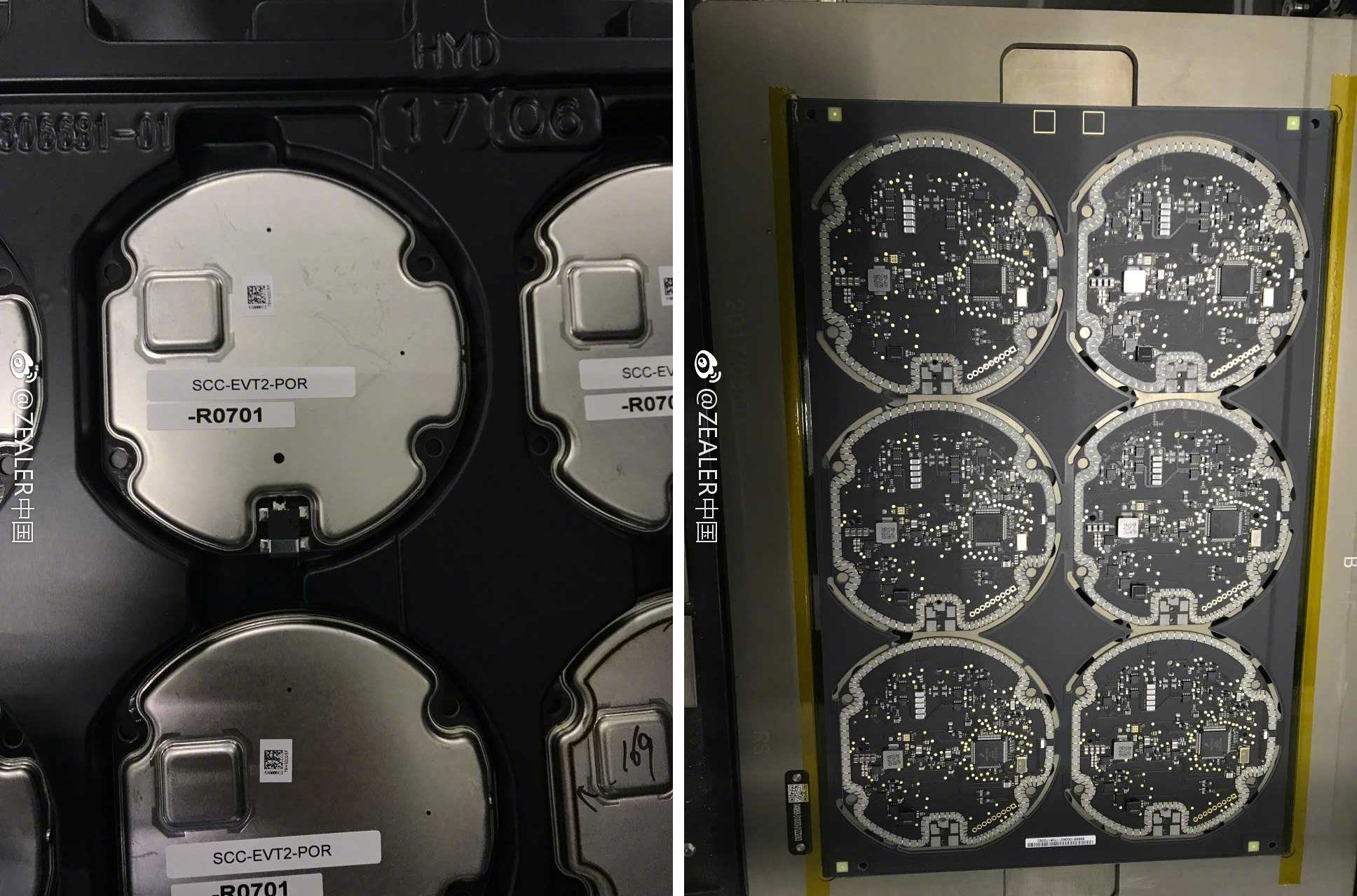
Apple analyst Ming-Chi Kuo of KGI Securities believes that Apple's own wireless charging accessory for the upcoming iPhones won't debut at today's event at the Steve Jobs Theater.
The Apple Online Store has gone offline ahead of today's iPhone X event, which is scheduled to kick off at 10:00 am PDT / 1:00 pm EST.
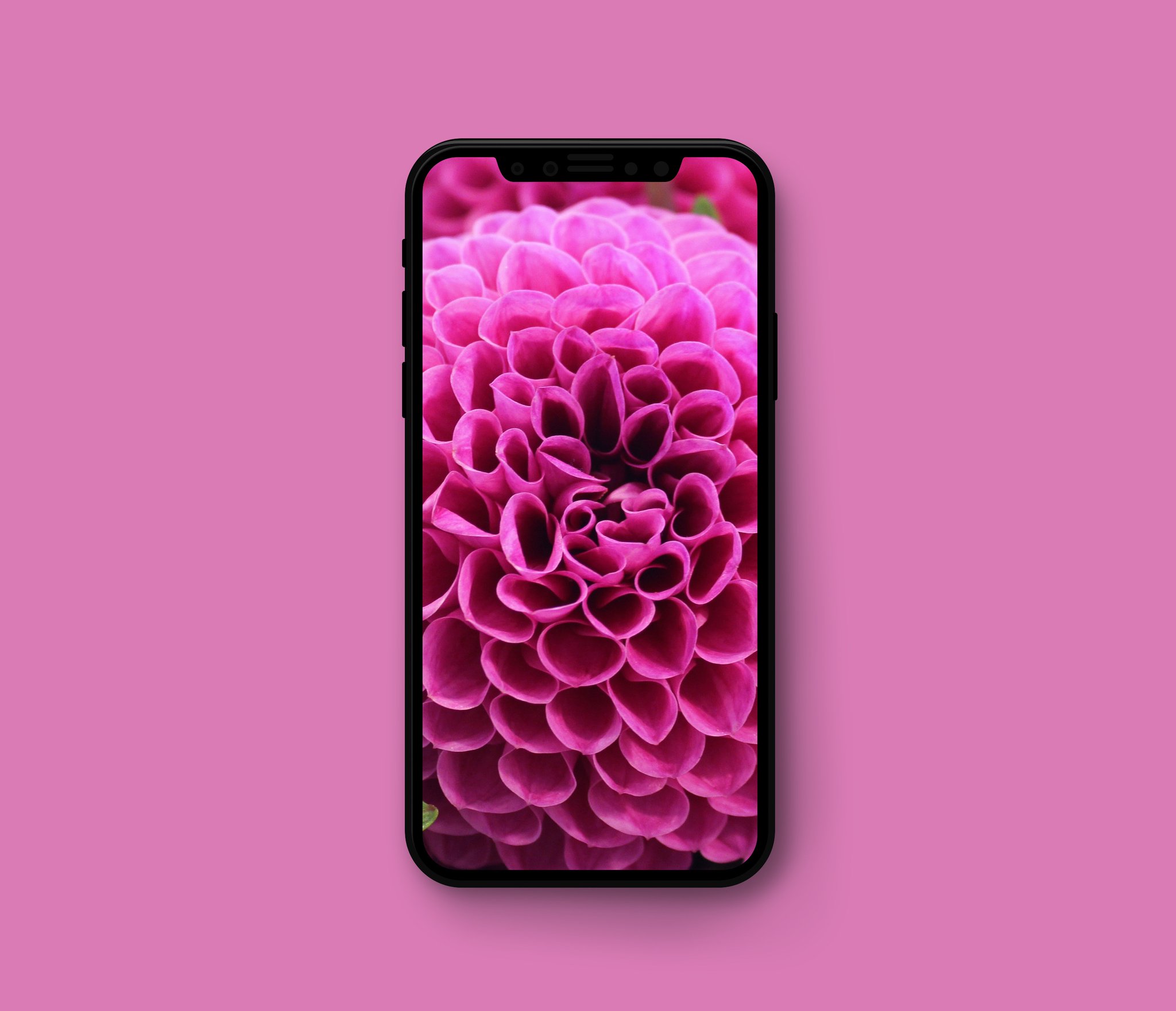
The next iPhone is going to pack in unprecedented compute power thanks to an Apple-designed A11 chip that has six independently addressable CPU cores that can all run at once, according to code strings in a leaked iOS 11 Gold Master build.
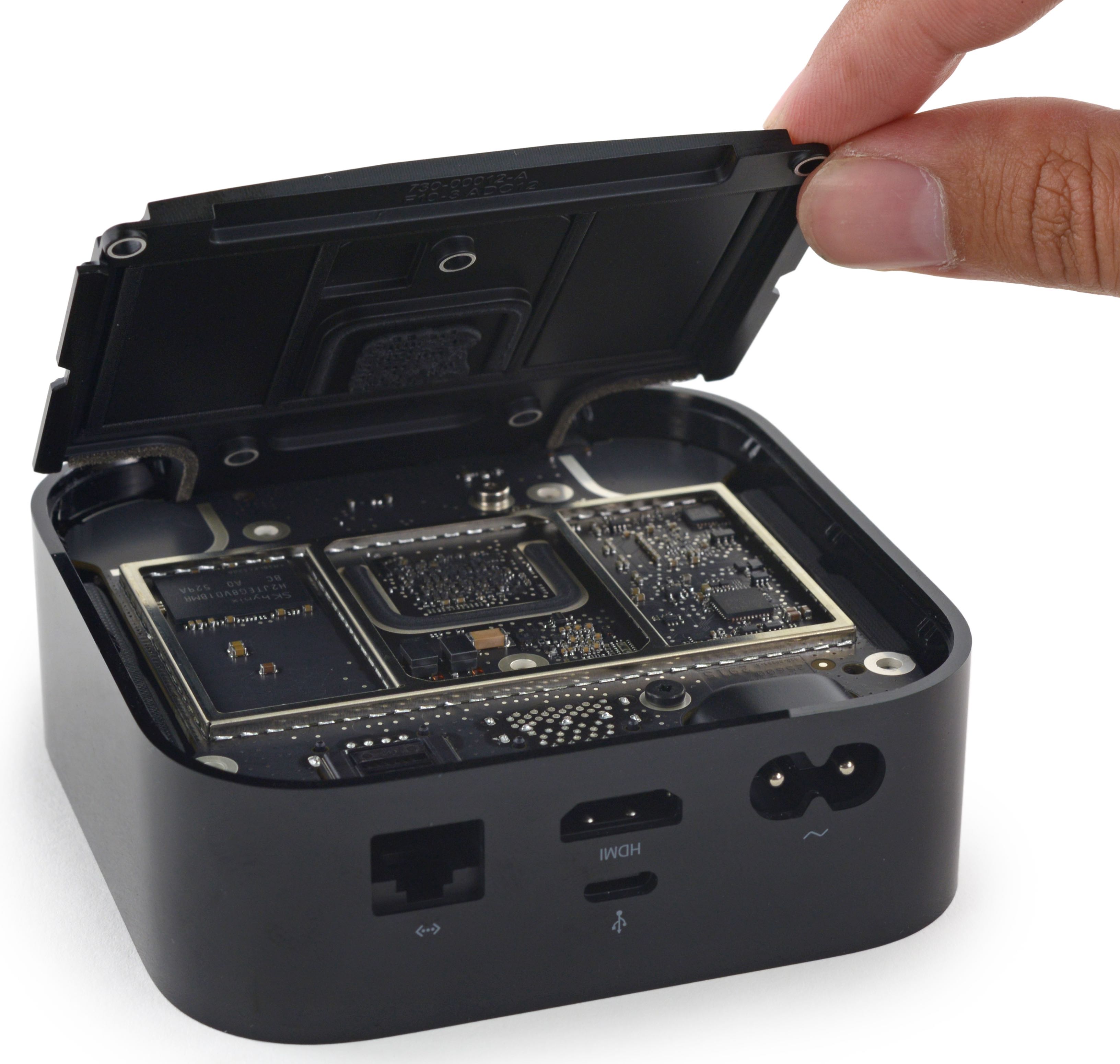
Some curious code strings discovered earlier today practically confirm that Apple's upcoming set-top box refresh, dubbed “Apple TV 4K”, could run the same chip as the latest iPad Pros and feature fifty percent more RAM, turning it into a powerful gaming console in its own right.
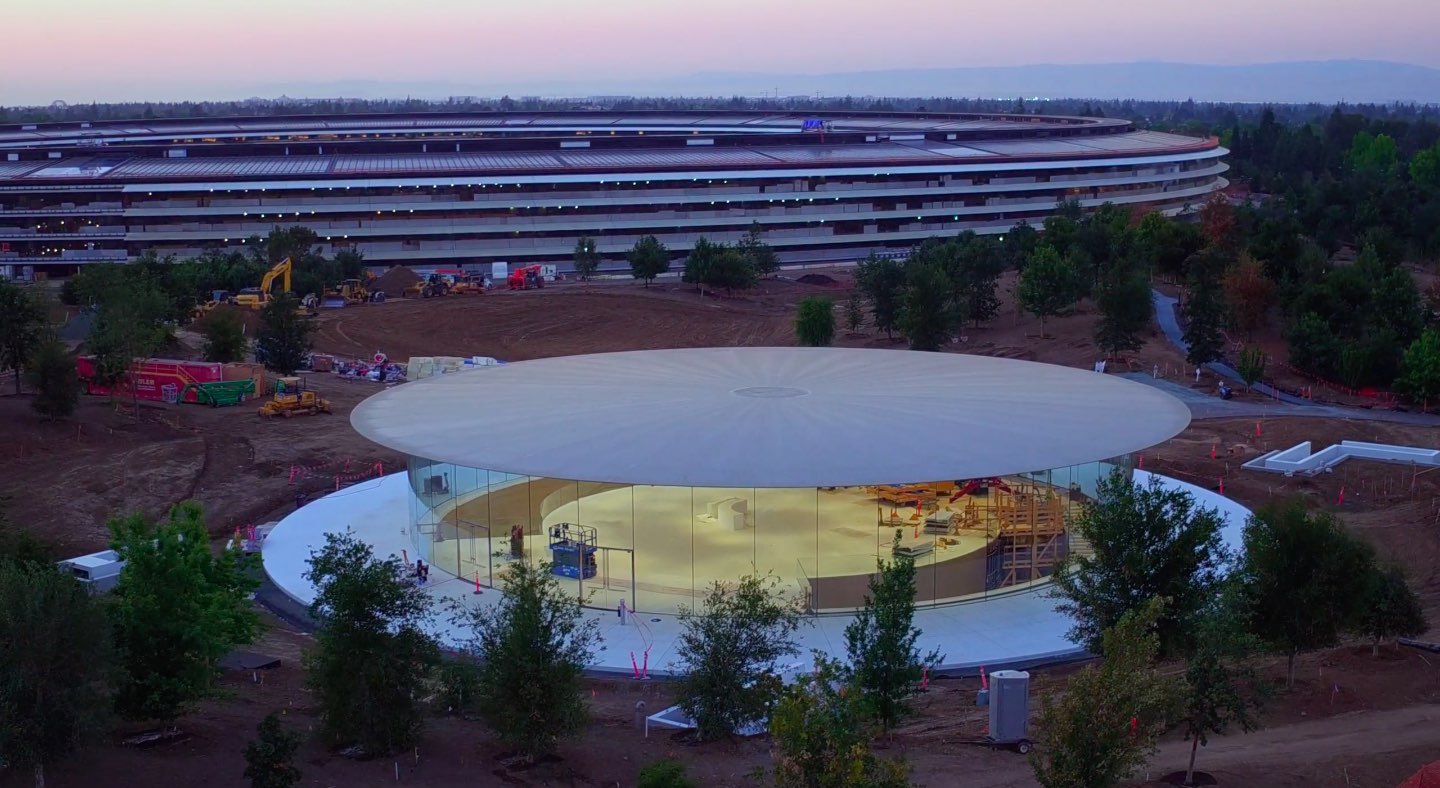
With less than 24 hours left until Apple's non-spoiler-free September 2017 keynote Tuesday, you may want to make necessary preparations ahead of it in order to ensure you'll be able to stream Apple's most important presentation in years uninterrupted.
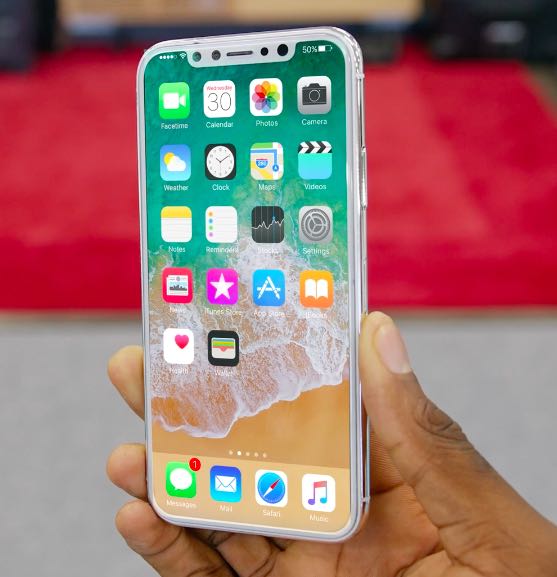
I've never liked iPhones with white bezels. If you're like me, you've probably stayed away from silver and gold casings—even if you really love them—due to their unappealing white front.

The irresponsibly leaked iOS 11 Gold Master build is a gift that keeps on giving, but tvOS 11 has its own secrets as well, with latest discoveries pointing to a refreshed Siri Remote in tow for a fifth-generation Apple TV model to be called “Apple TV 4K”.