Apple on Thursday seeded the sixth beta of iOS 11.4 to developers. Registered developers can download the new beta through Apple’s dev center, or it can be installed using the OTA update mechanism.
Apple seeds sixth beta of iOS 11.4 to developers
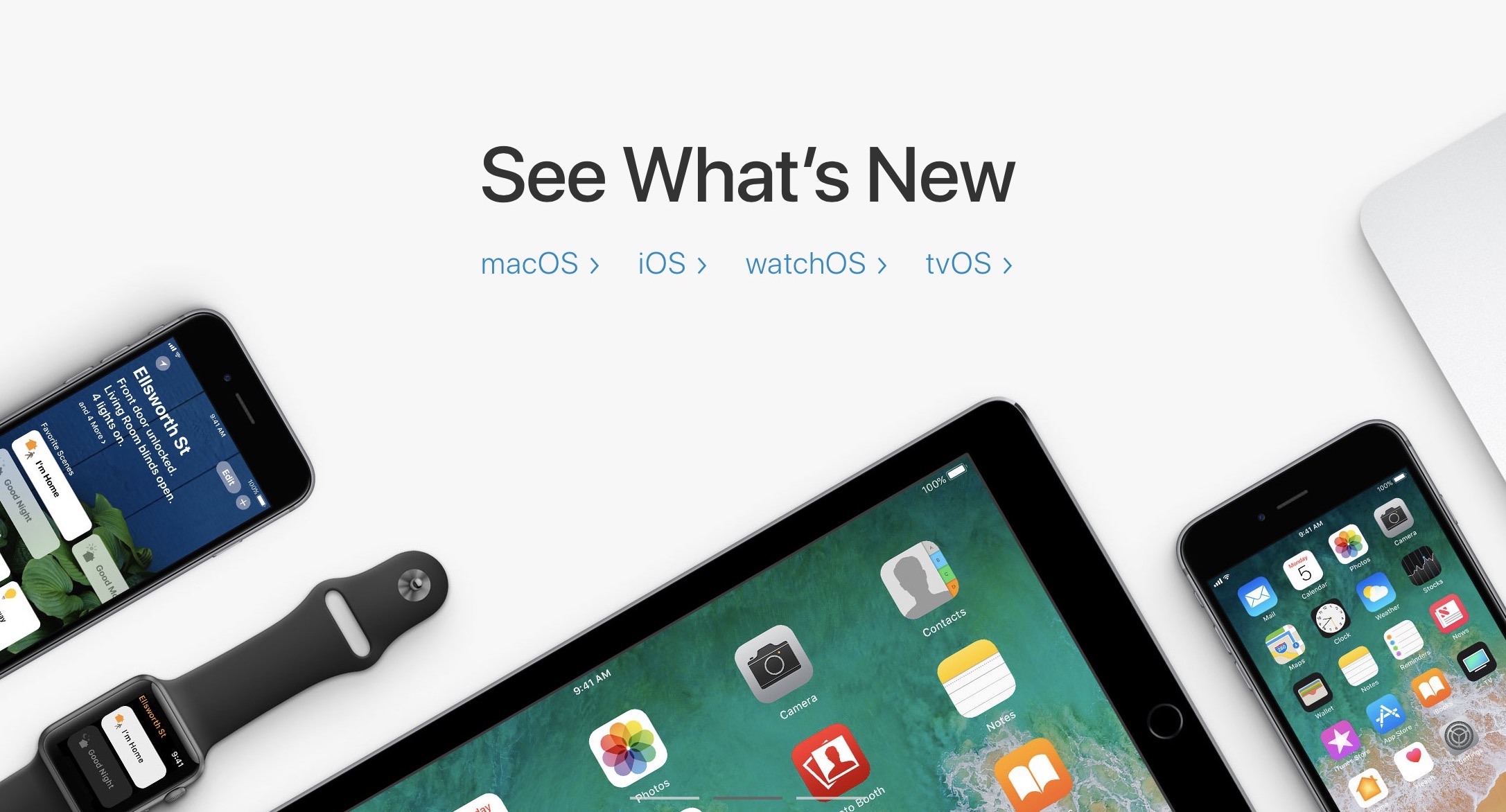
Apple on Thursday seeded the sixth beta of iOS 11.4 to developers. Registered developers can download the new beta through Apple’s dev center, or it can be installed using the OTA update mechanism.
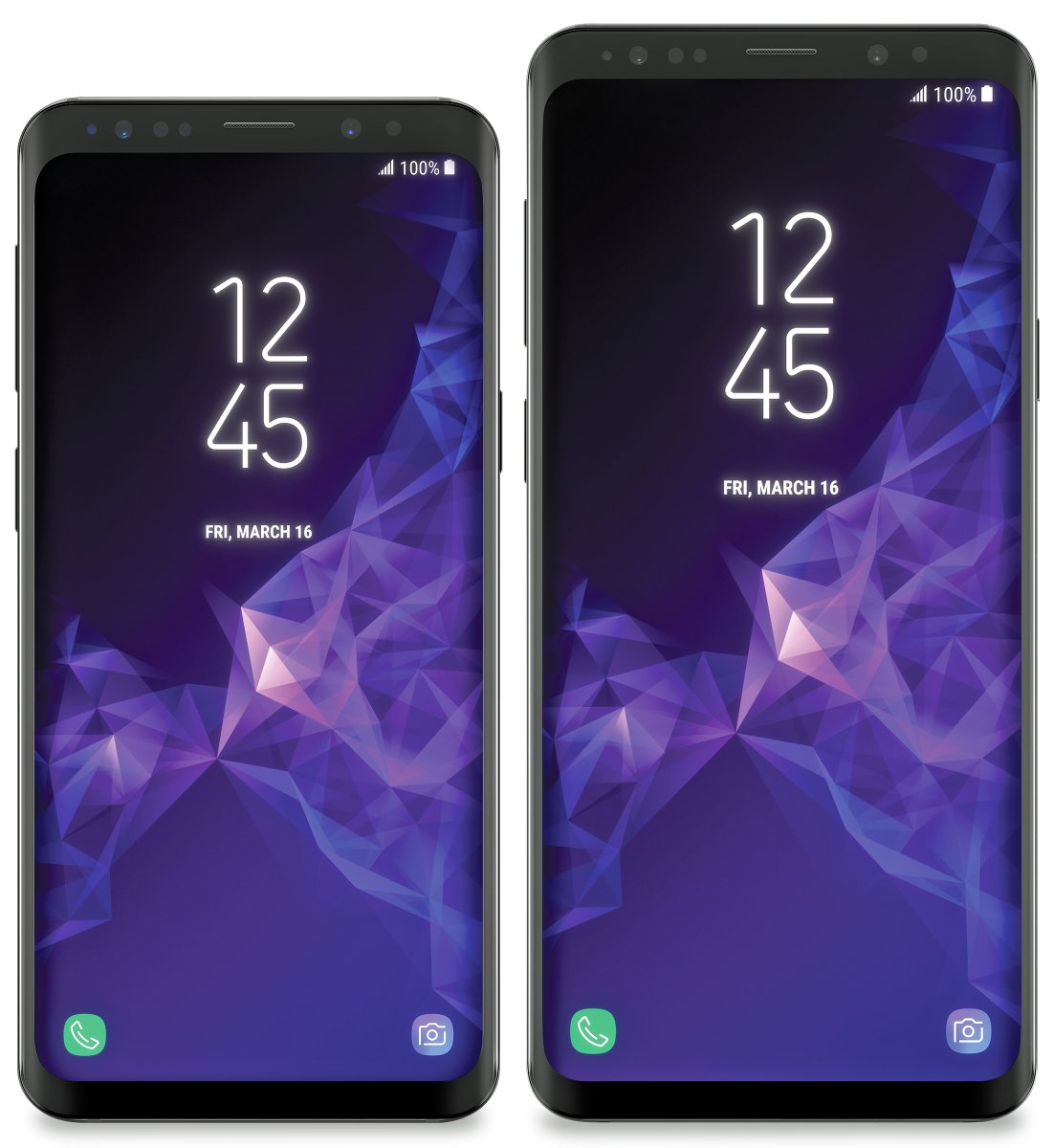
Samsung's next Note smartphone could be just two months away.
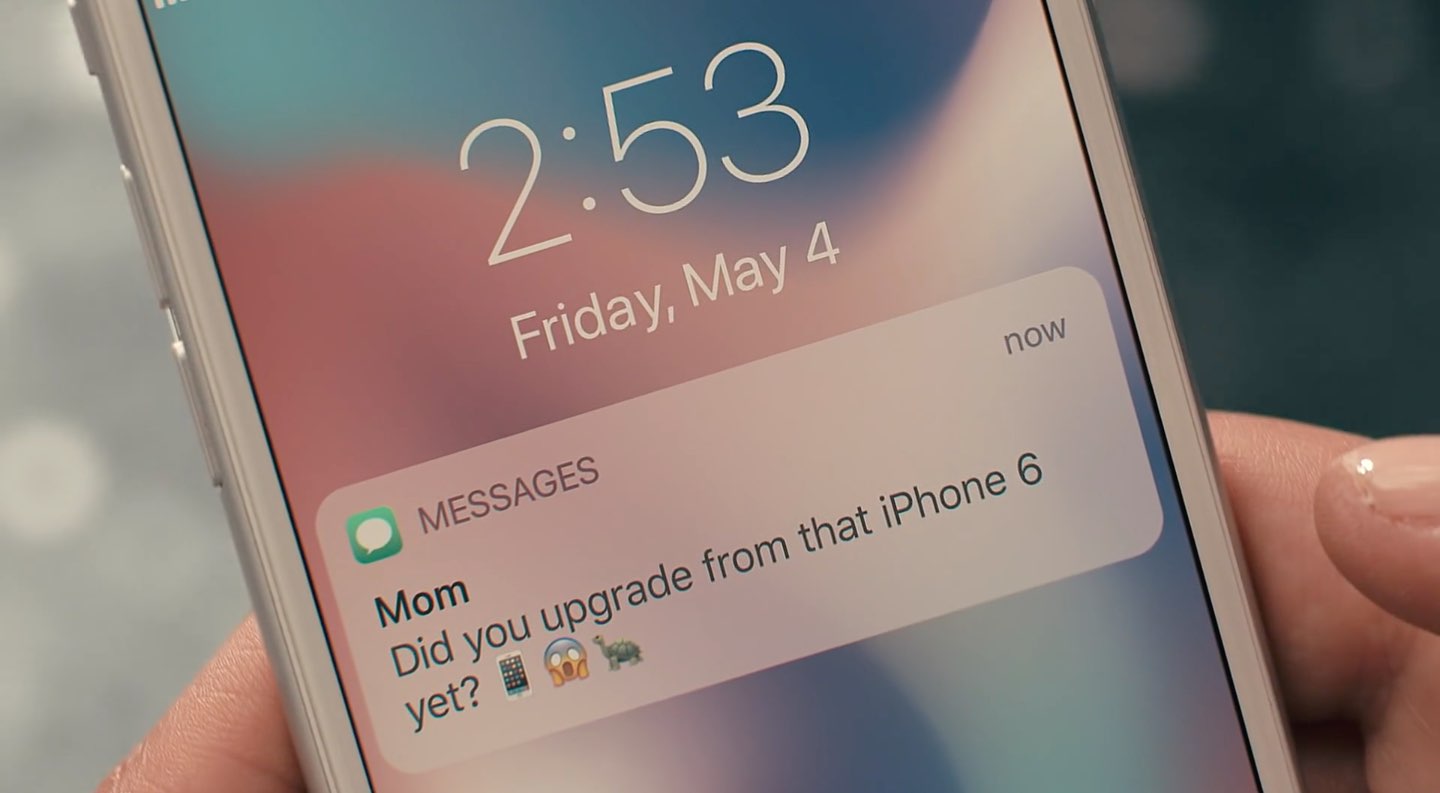
Relentlessly mocking Apple at every turn, Samsung's created a frivolous anti-iPhone ad.

Apple on Global Accessibility Awareness Day, which is today, announced its Everyone Can Code curriculum is expanding to 8 schools serving deaf, blind or visually impaired students.
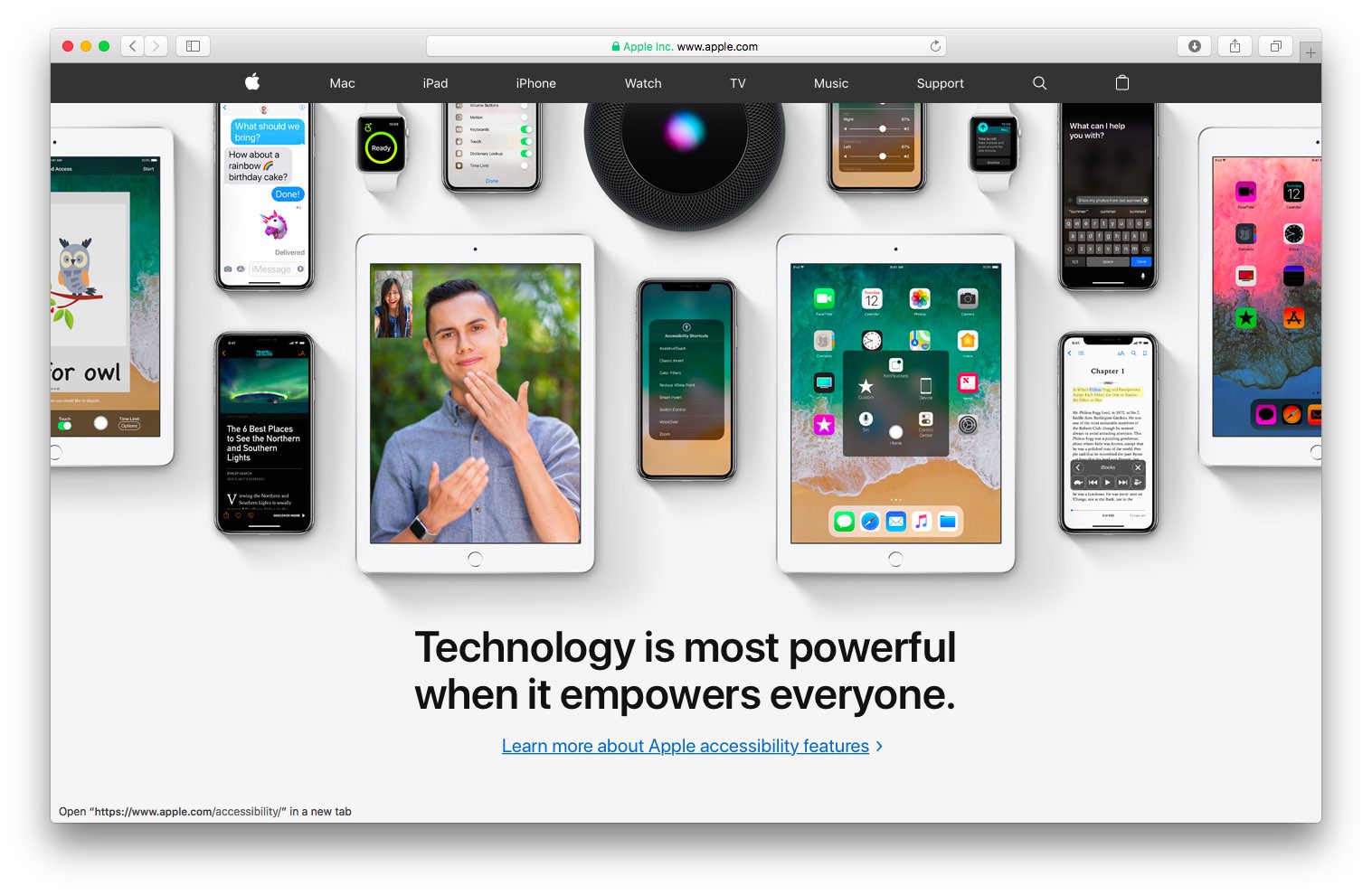
A new hero image has taken over Apple.com this morning, highlighting Apple's Accessibility features in iOS, watchOS, tvOS and macOS just in time for Global Accessibility Awareness Day.
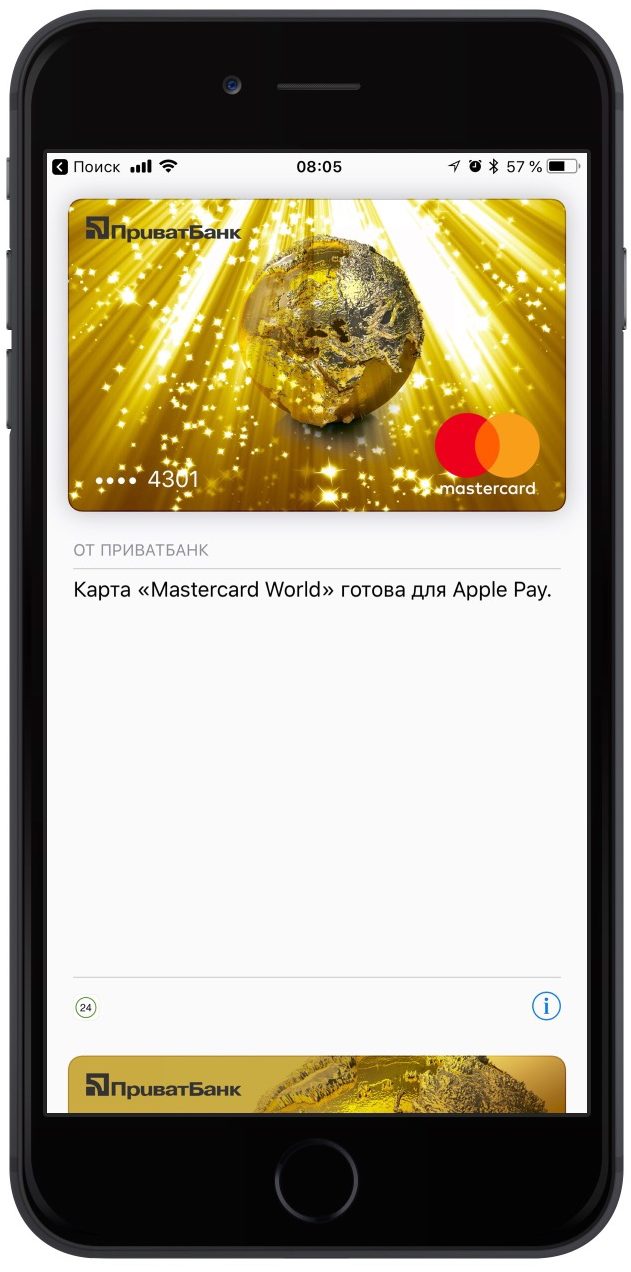
Apple's mobile payment service is now available in Ukraine.
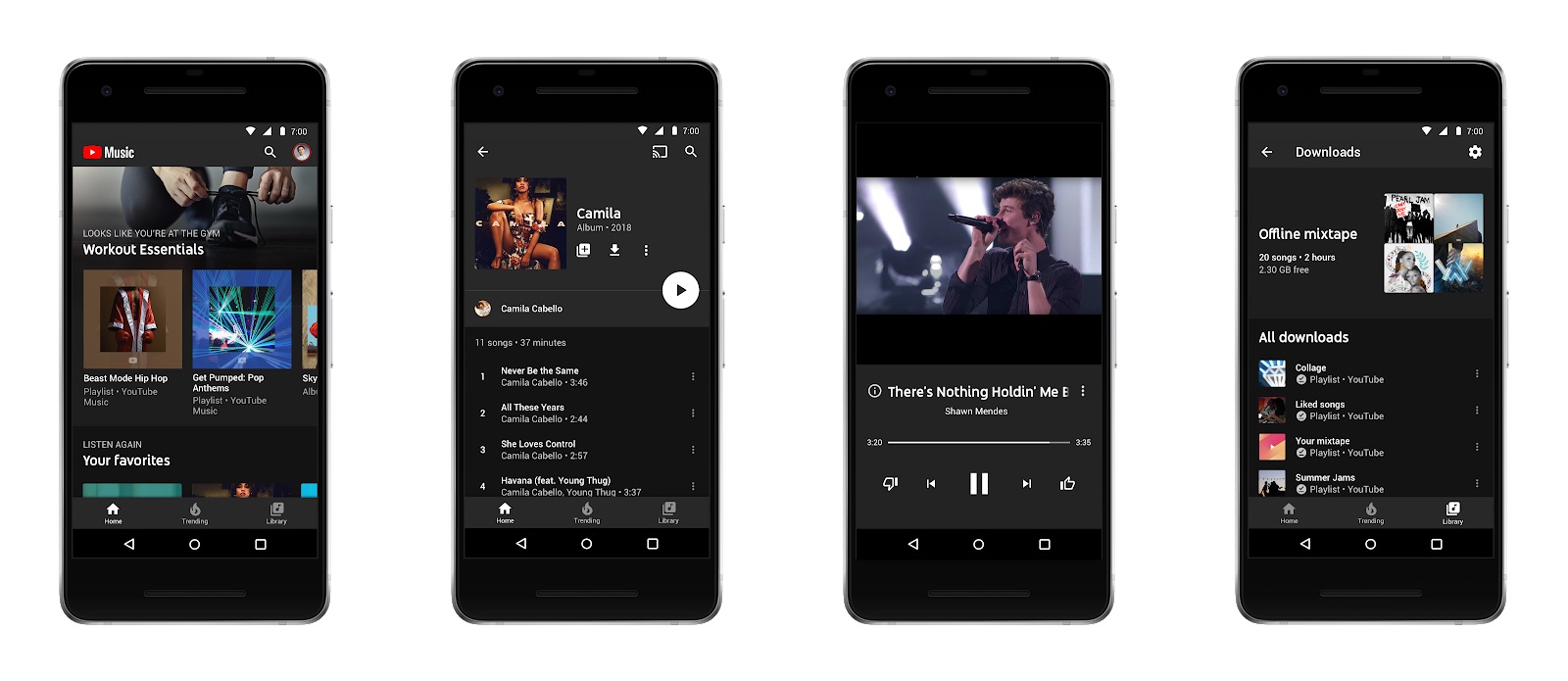
Google's is introducing two new services, YouTube Music and YouTube Premium, available in select locations starting Tuesday, May 22.
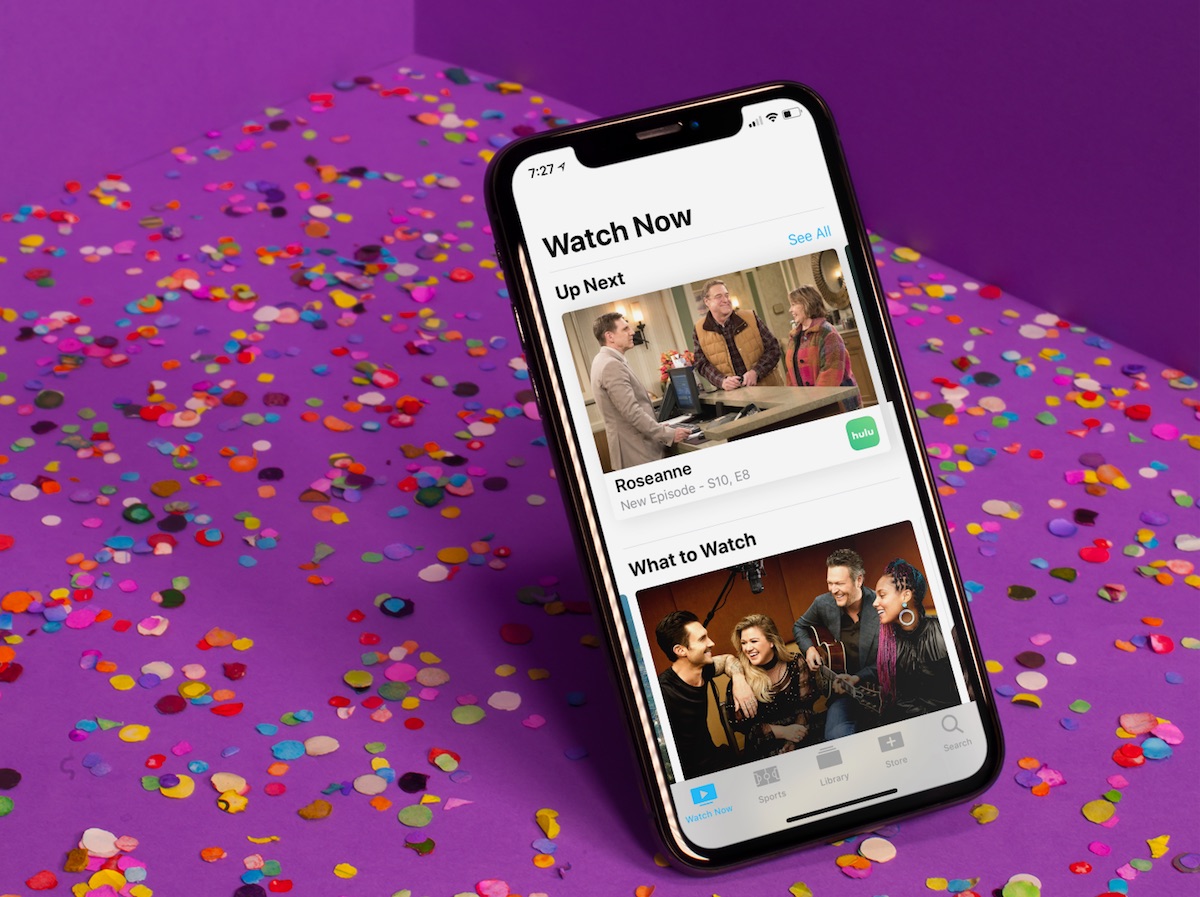
Since it first arrived, the TV app has slowly gained features, making it one of Apple’s most useful and under-appreciated native apps on the two platforms. In this article, you’ll learn how to use the TV app so it can benefit and enhance your television viewing experience.
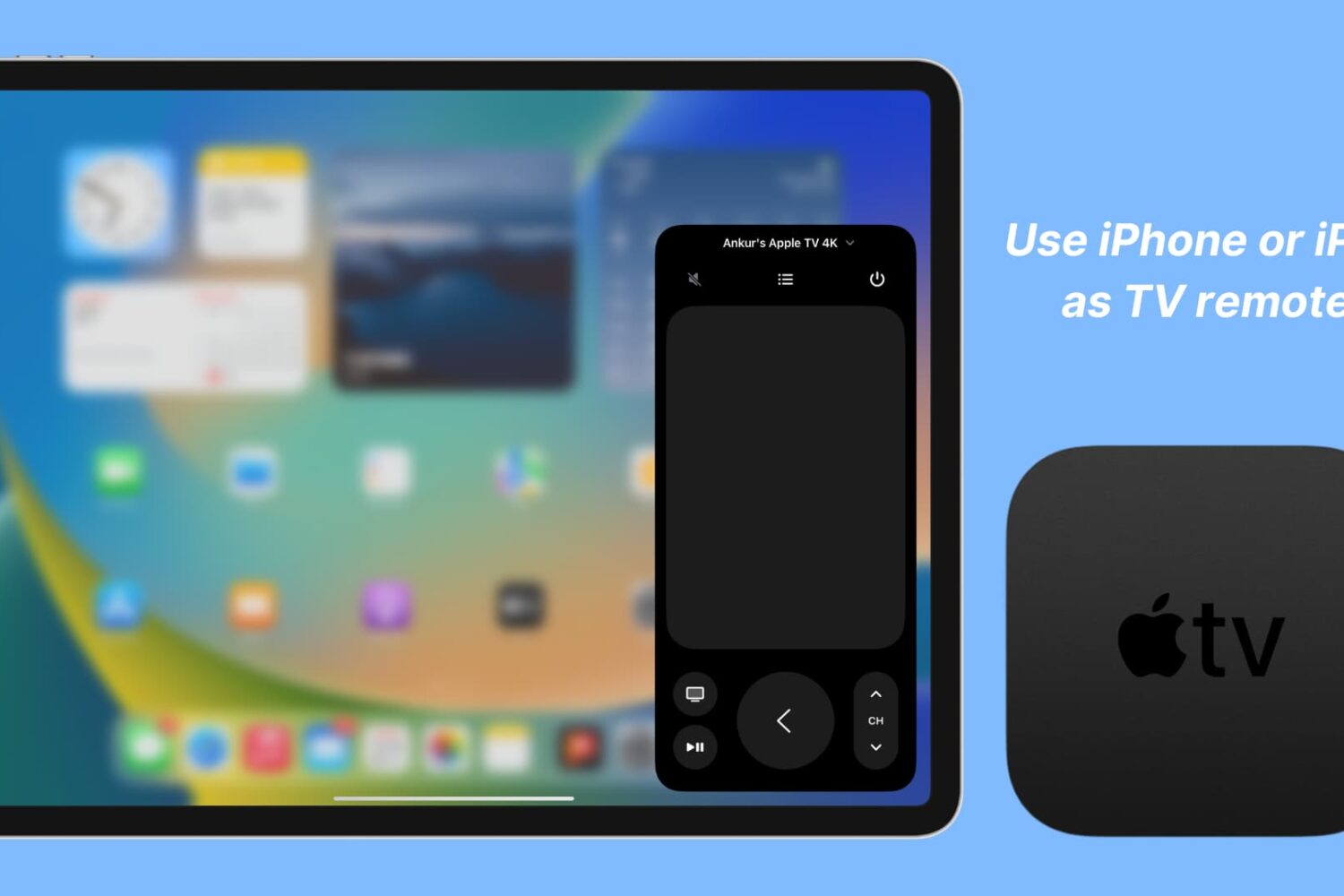
Learn how to set up and use your iPhone or iPad as your Apple TV remote, whether as a backup remote or simply for convenience.
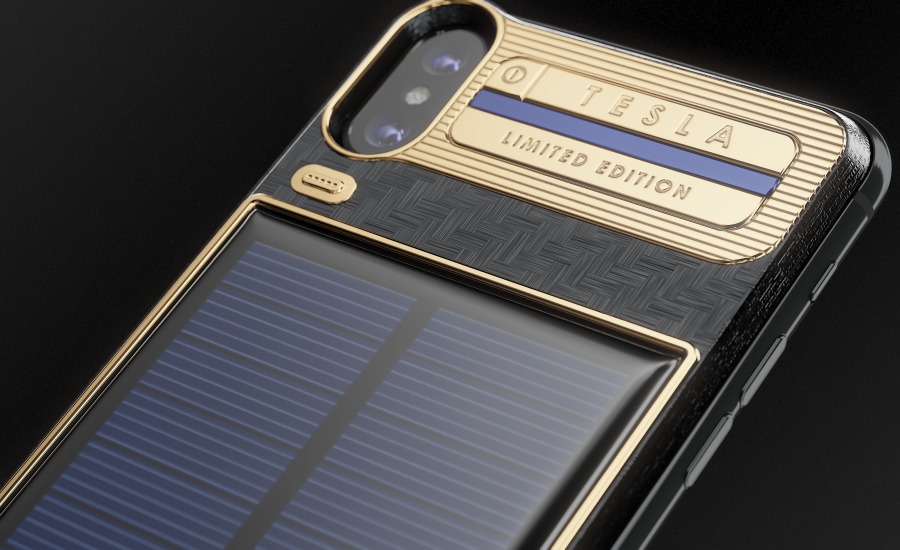
If you're looking for a solar-powered mobile phone and money isn't a concern, consider the iPhone X Tesla model from Russian accessory maker Caviar. The device, which pays homage to the carmaker, will set you back at least $4,500, depending on the exchange rate.

Windows and Office giant Microsoft is apparently planning to take on Apple's inexpensive iPad with a new low-cost Surface tablet line.
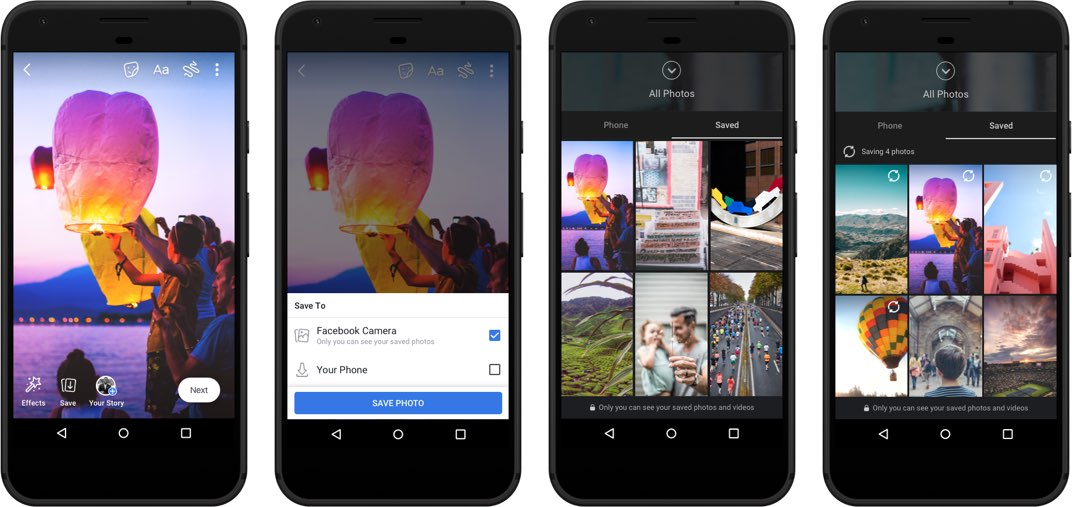
Facebook today kicked off a staggered roll-out of Voice Posts, Stories archive and cloud storage for users' photos and videos taken with the in-app camera.