In this MW07 review, we take a look at the newest audio product from New York-based Master & Dynamic (M&D). Are these true wireless headphones worth the premium price?
MW07 review: Master & Dynamic’s first true wireless earbuds are a good start
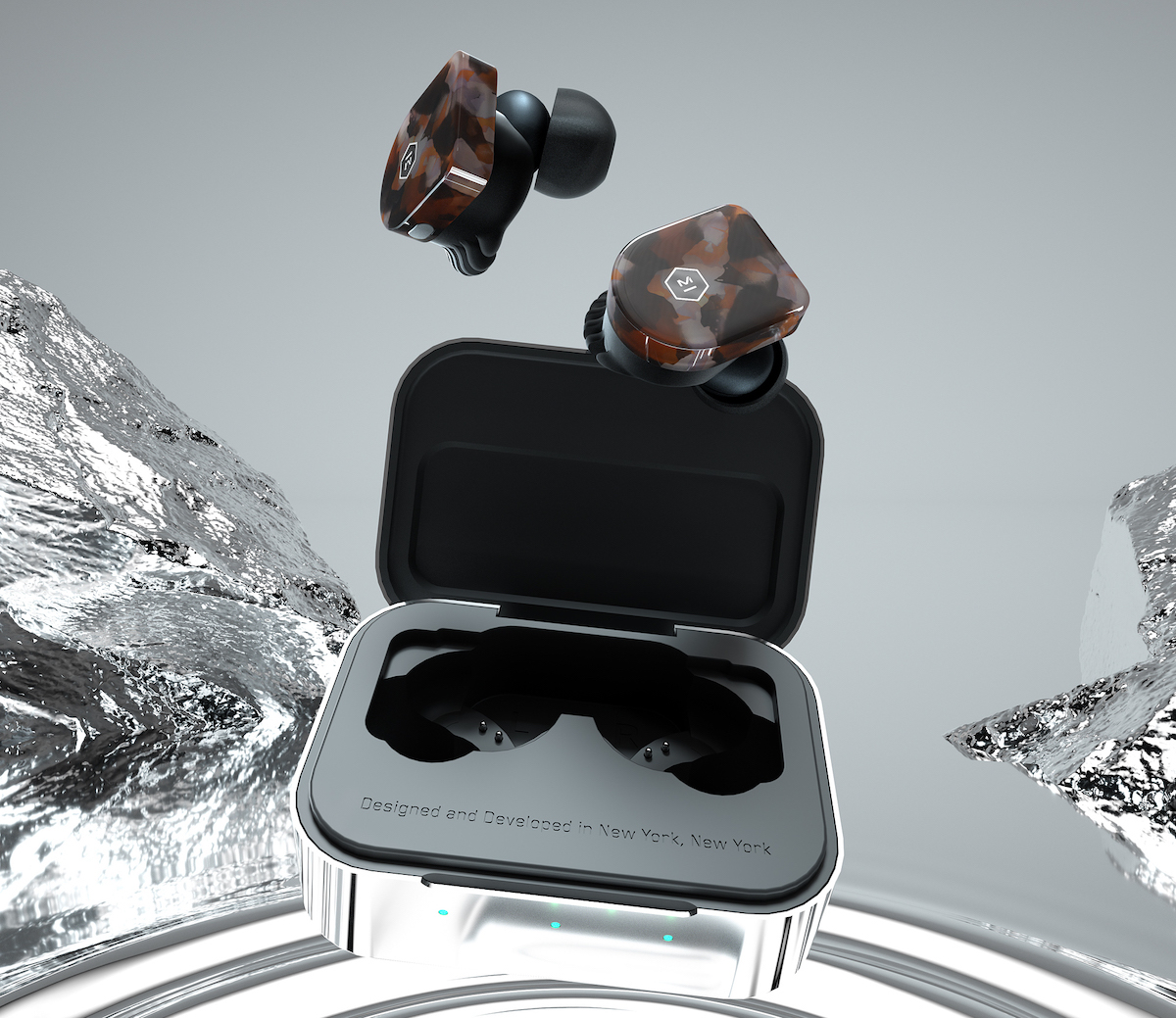
In this MW07 review, we take a look at the newest audio product from New York-based Master & Dynamic (M&D). Are these true wireless headphones worth the premium price?

Apple and British Telecom (BT) are in early discussions about working with one another on pay-TV initiatives. The move comes as Apple gets ready to begin releasing $1 billion worth of original video content sometime next year.
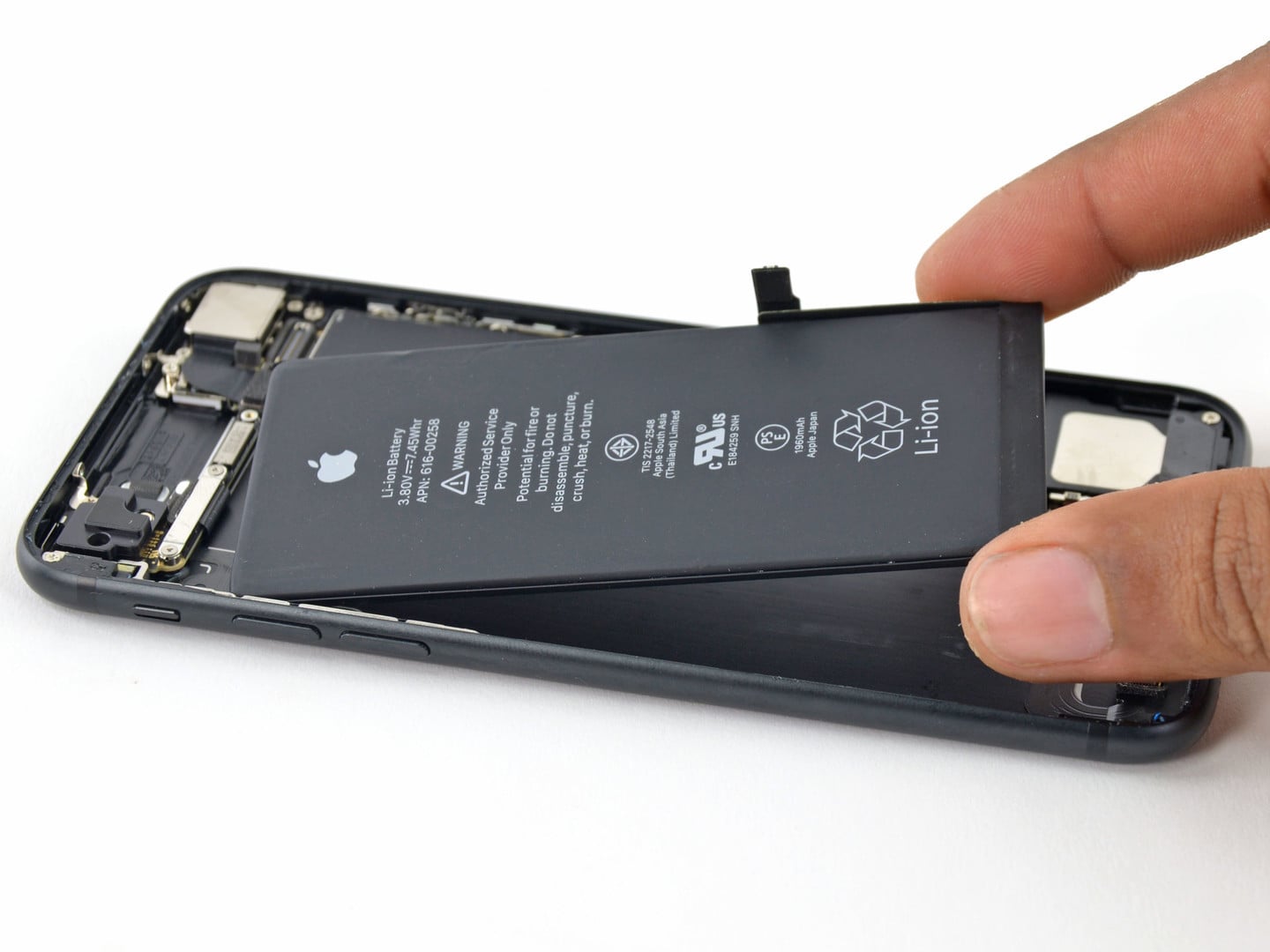
Are you seeing excessive or even extreme iPhone battery drain after updating to Apple's latest and greatest mobile operating system? If so, you're definitely not alone because many affected people have taken to Reddit, Twitter, MacRumors Forums and Apple Support Communities to describe the problem, with some reporting that the new iOS 12 Screen Time feature might be causing up to two times faster iPhone battery drain when enabled.

Facebook has introduced an all-new video-based smart display called Portal. Available in two sizes, the device's primary purpose is to connect family and friends. It also includes other goodies that could eventually make it a winner.
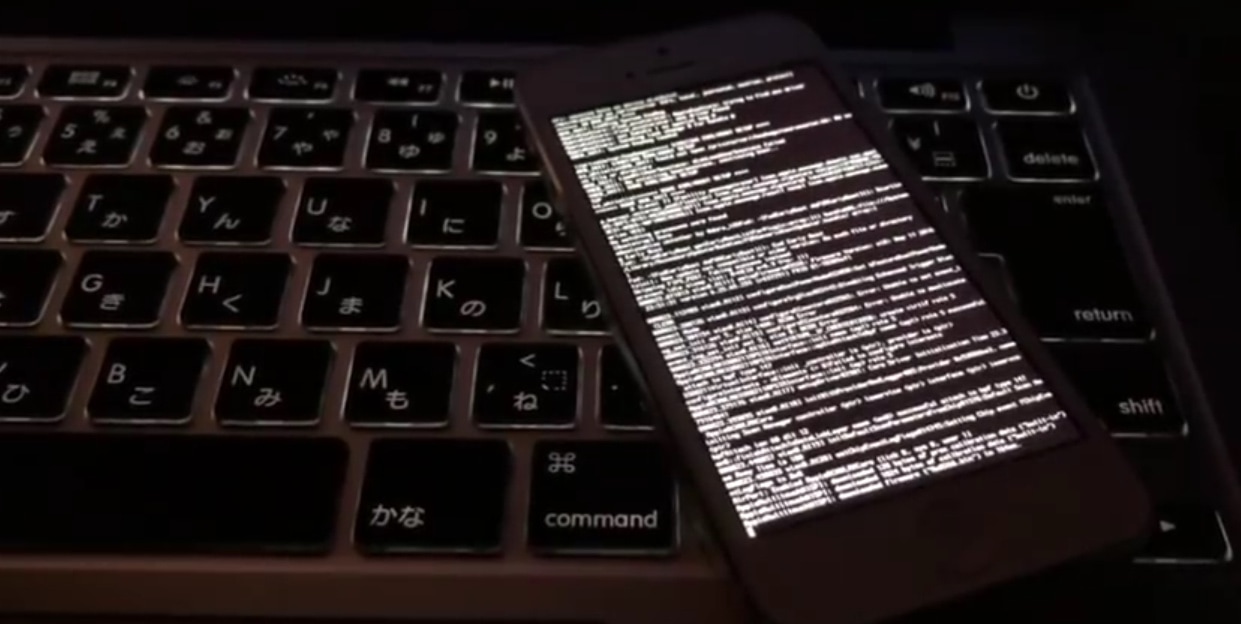
The jailbreak community has been anything but quiet lately. We’ve seen things ranging from jailbreaking the new flagship iPhone XS Max, to updating untethered bootrom exploits for the legacy iPhone 3GS, to releasing a new jailbreak tool for firmware 1.1 on the original iPod touch; and now, something else of interest has surfaced.
In a curious video shared by YouTube user doras2 over the weekend, we discern what appears to be a fully-untethered jailbreak running on a 32-bit iPhone 5 handset with iOS 10.2.1 installed on it:
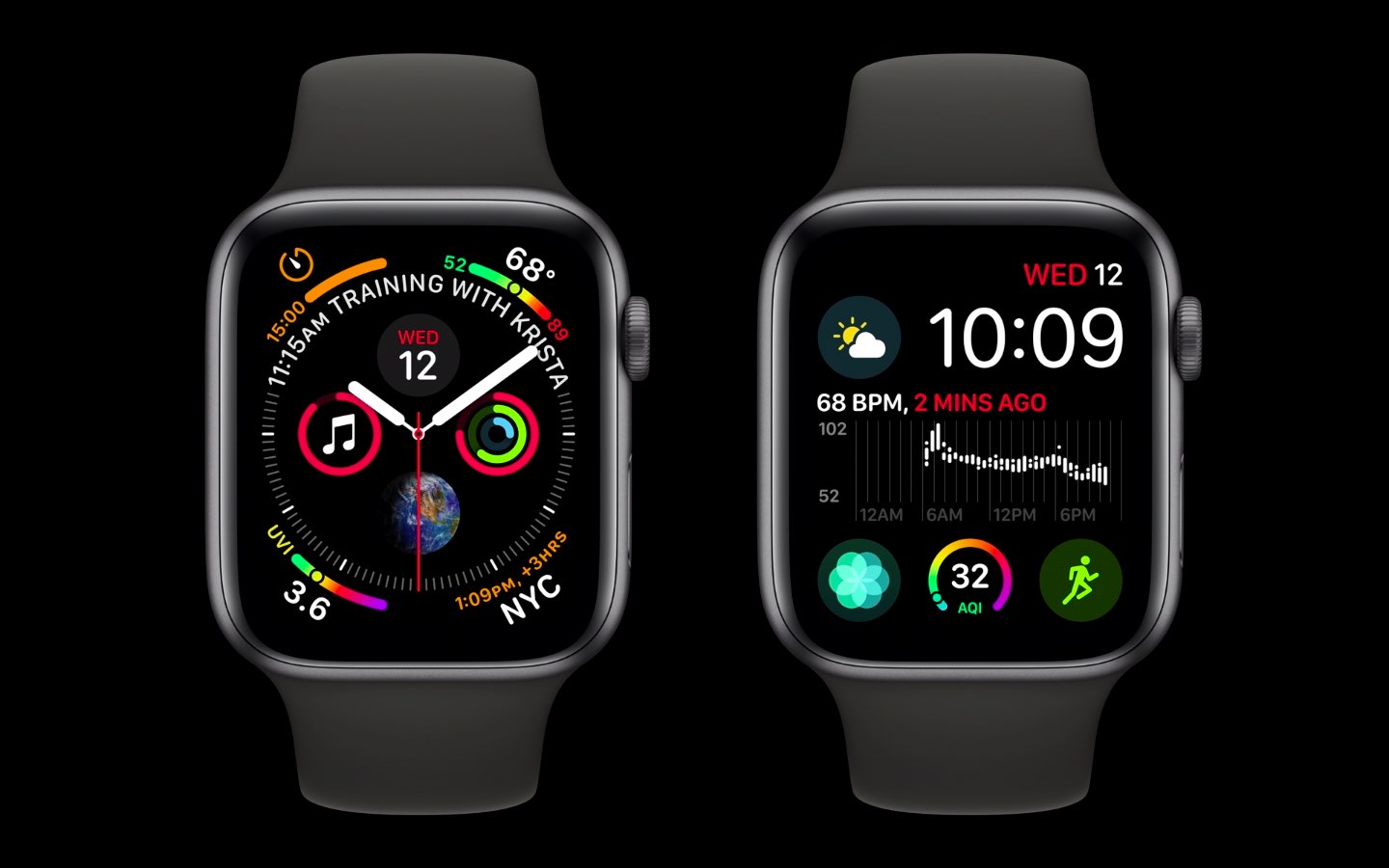
Some Apple Watch Series 4 owners have experienced an issue causing the watch to crash or reboot on its own, which can be chalked up to a daylight saving time bug.
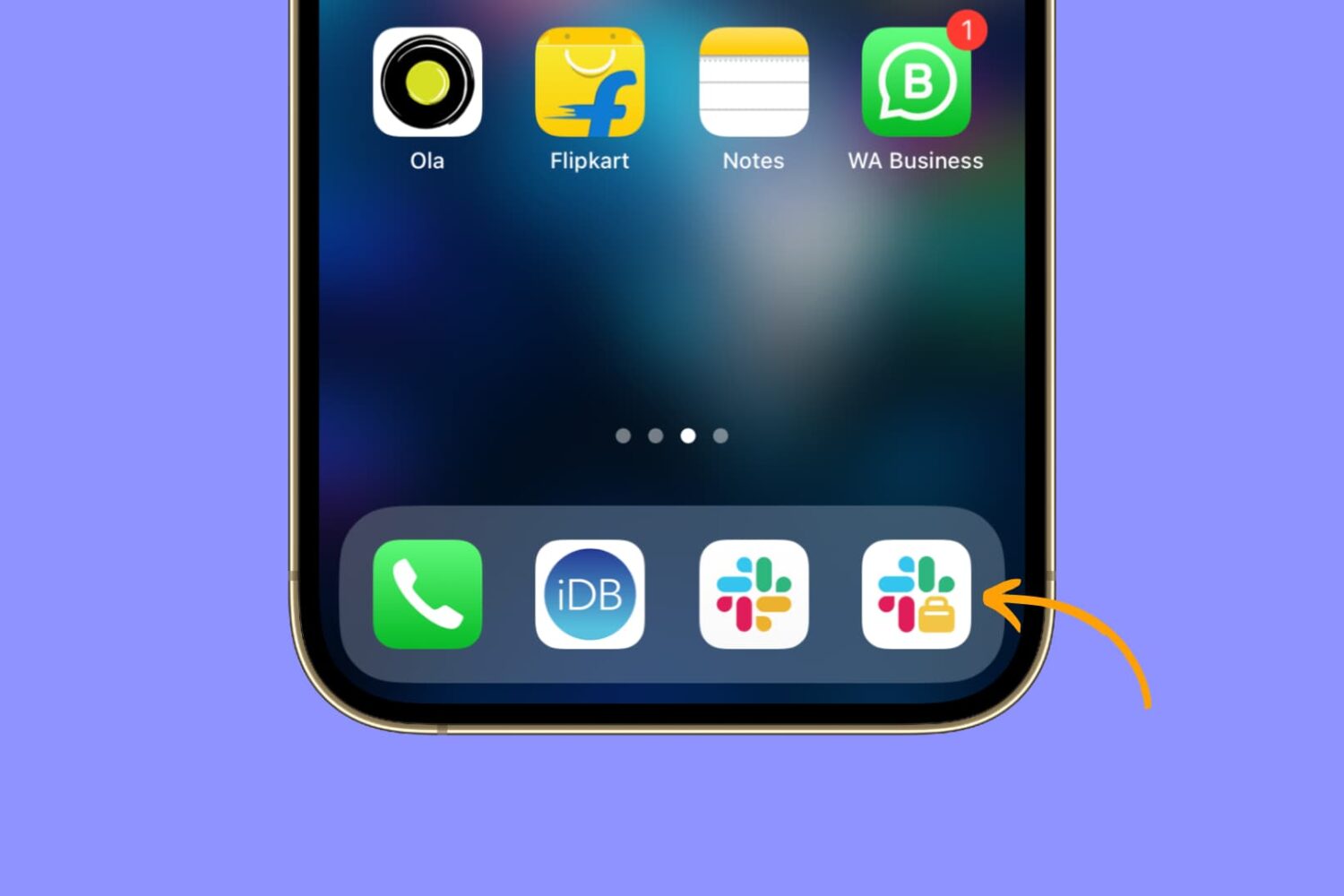
Learn how to easily install and use two separate Slack apps on your iPhone or iPad to streamline your communication and boost productivity.

Despite how Apple Maps has matured over the years, Google Maps continues to be one of the most popular navigation solutions on the iOS platform. Google Maps is reliable, easy to use, and encompasses a bevy of conveniences that Apple Maps doesn’t; but one thing it lacks customization.
Here to fix that dilemma is a new free jailbreak tweak called GMEnhancer by iOS developer b01s. This tweak provides users with several ways to modify the stock look and feel of the Google Maps app on pwned iOS handsets.
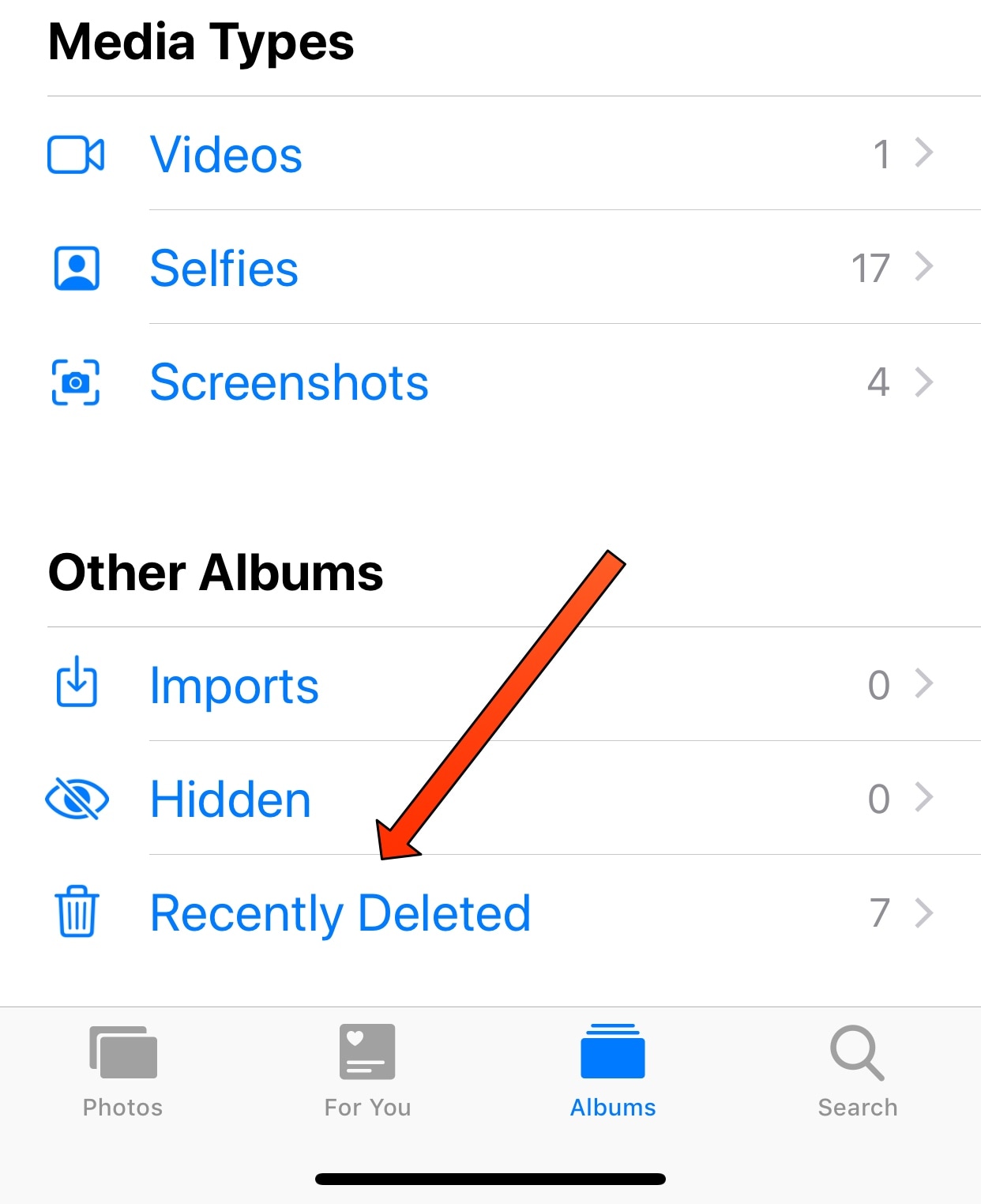
One of my pet peeves concerning photo deletion on iOS is that everything you delete gets sent to the “Recently Deleted” album in the Photos app rather than being permanently deleted. The result is that you end up deleting everything for a second time to remove it from your device.
Albeit a safety measure in case you change your mind or delete something by accident, this feature creates more work than some people want to deal with. Fortunately, a new free jailbreak tweak called FastDeleteX by iOS developer Mohammad Ghzayel solves this problem for anyone who feels the same way I do.

Good practice for any jailbreaker is to save your handset’s SHSH blobs regularly. Doing so opens you up to the possibility of firmware downgrades and other fruitful benefits concerning jailbreaking.
A whole host of SHSH blob-saving tools exist today, including blobsaver. The latter is a cross-platform GUI app that promises ease of use across common operating systems like macOS, Windows, and even Linux.
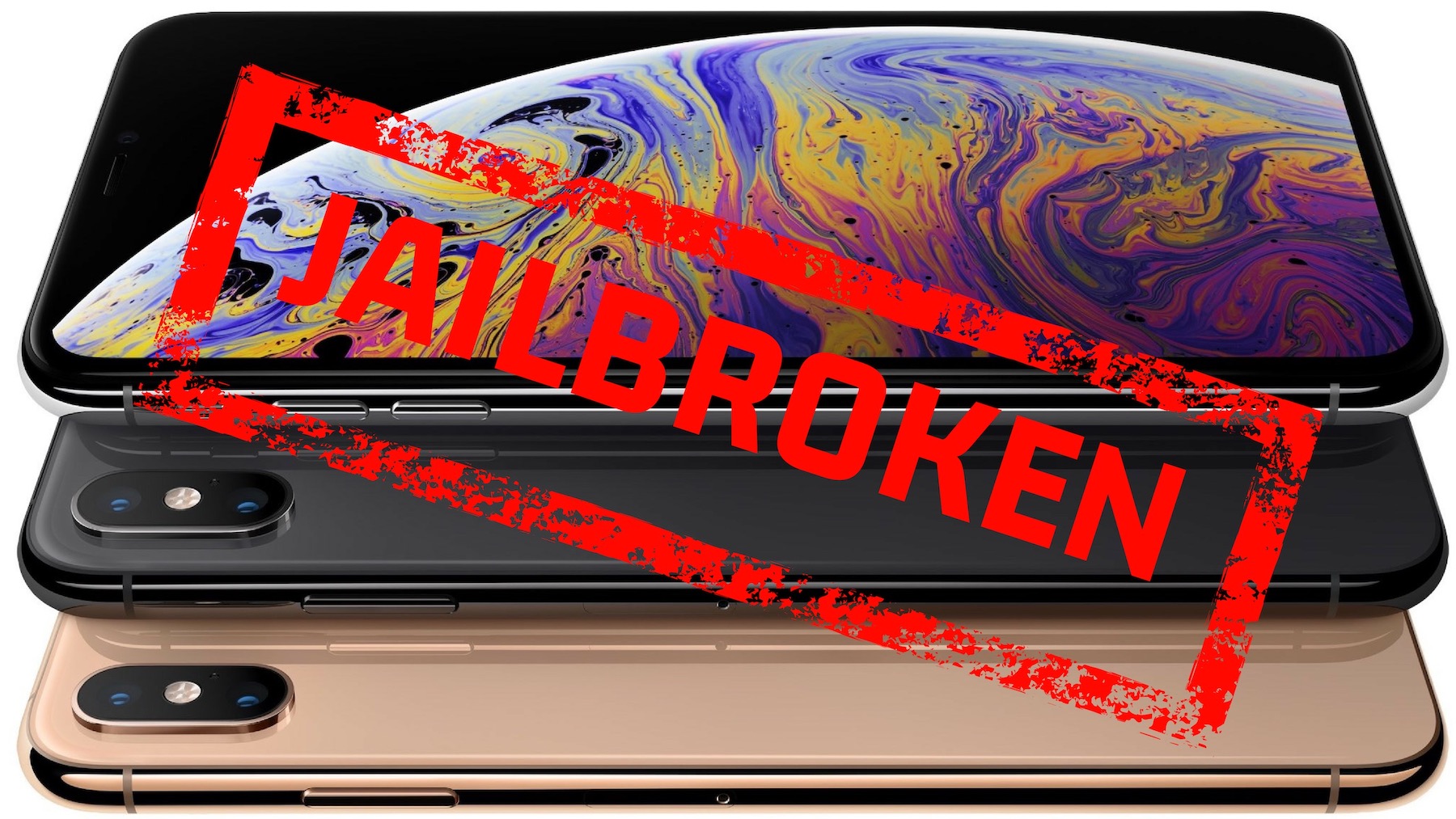
Renowned security researcher Luca Todesco (@qwertyoruiop) is best known for his iOS 10-centric Yalu jailbreak tool. But Todesco flexed his hacking muscles once again over the weekend upon confirming how he successfully jailbroke Apple’s flagship iPhone XS Max.
The confirmation comes by way of a set of Tweets shared on the Twitter social media platform, which indicate that while Todesco has finished “hacking the XS Max,” he’s since returned to a stock installation of iOS.
Another stakeholder has come forward to discount Bloomberg Businessweek's Chinese hacking story. In a rare Saturday press release, the U.S. Department of Homeland Security (DHS) says it has no reason to doubt the statements made by companies like Apple and Amazon about the story. Where this goes from here is anyone's guess.