Unc0ver v3.0.0 beta 44 released with ‘partial’ A12(X) support

Shortly after announcing that he had managed a root filesystem remount on A12 and A12X devices with read and write privileges, hacker and unc0ver lead developer Pwn20wnd has released another revision for the unc0ver v3.0.0 pre-release, bringing the public beta jailbreak tool up to beta version 44.

Citing Pwn20wnd’s announcement on Twitter, unc0ver v3.0.0 beta 44 brings ‘partial’ support for A12 and A12X devices:

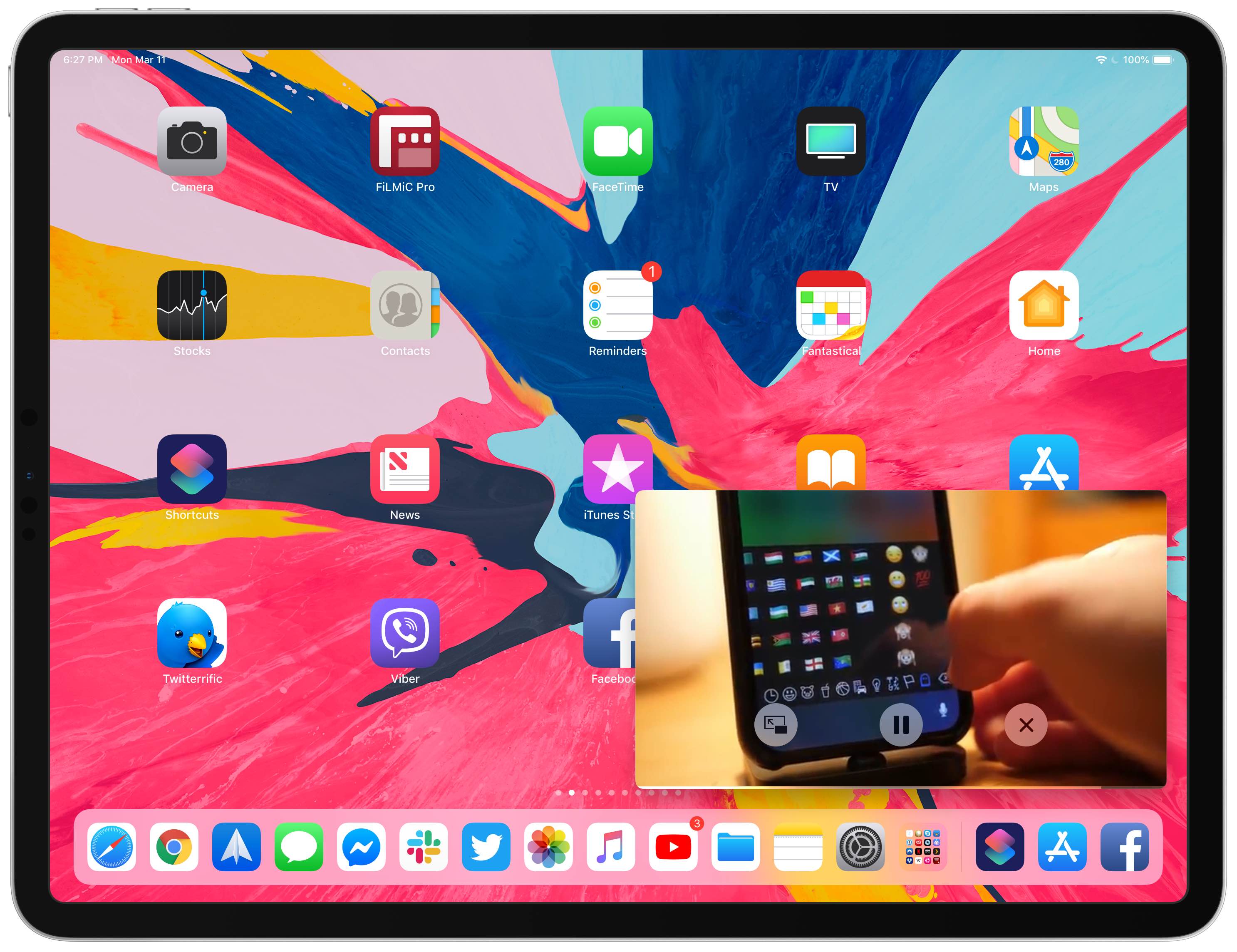
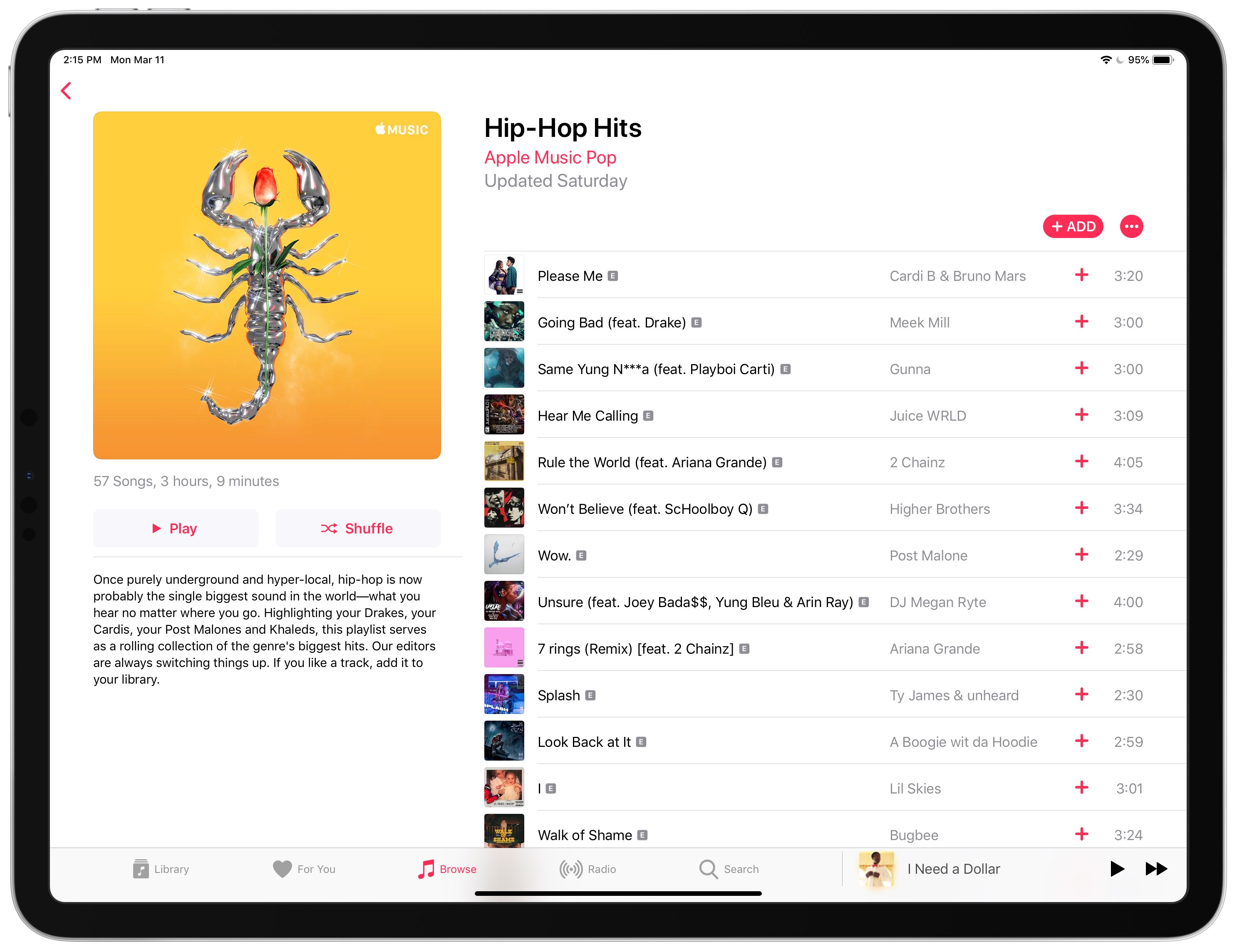
Shortcuts Focus: enforcing Picture in Picture on YouTube & other unsupported websites on iPad

Your iPad supports Picture in Picture (PiP) videos in apps and webpages, but this handy mode isn't universally supported across all video-streaming websites. Crucially, PiP is unsupported by YouTube.com's iPad interface on Safari. But there's a shortcut for that, too—thanks to the power of iOS automation, you can enforce Picture in Picture on YouTube and other websites.

Pwn20wnd achieves rootfs remount with read/write privileges on A12(X)

Hacker and unc0ver lead developer Pwn20wnd hasn’t made any significant revisions to the unc0ver v3.0.0 pre-release for a few days now, and as you might come to expect, that’s because he’s been busy attempting to pwn A12(X) devices.

If you fall under the category of ‘currently waiting for A12(X) support,’ then you’ll be excited to hear that Pwn20wnd has made some progress. A Tweet shared Monday afternoon reveals that the hacker has officially achieved a rootfs remount with read and write privileges on his A12 test device:

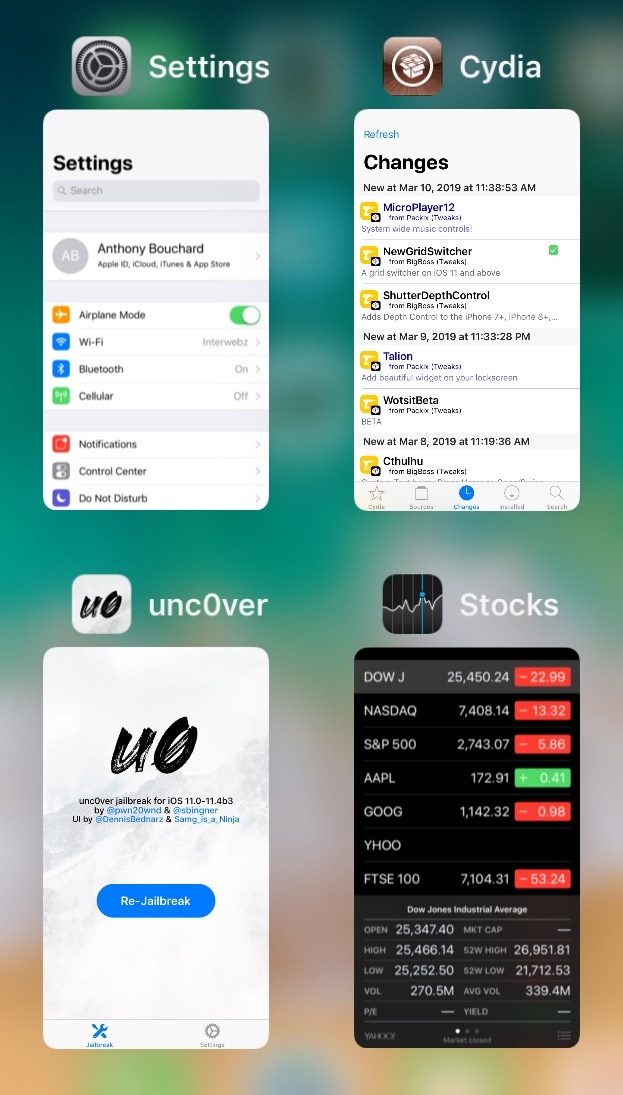
Hate iOS’ native App Switcher? Try NewGridSwitcher

The App Switcher has changed a plethora of times over the years with each major iteration of iOS, but most would agree that even the latest interface leaves a lot to be desired.

One of the most common complaints about the current App Switcher setup is how it seemingly wastes so much canvas space that could otherwise be used for a more intuitive interface. That said, iOS developer relative just released a new free jailbreak tweak called NewGridSwitcher that aims to help resolve this problem.

Talion adds a pair of configurable side-by-side widgets to your Lock screen

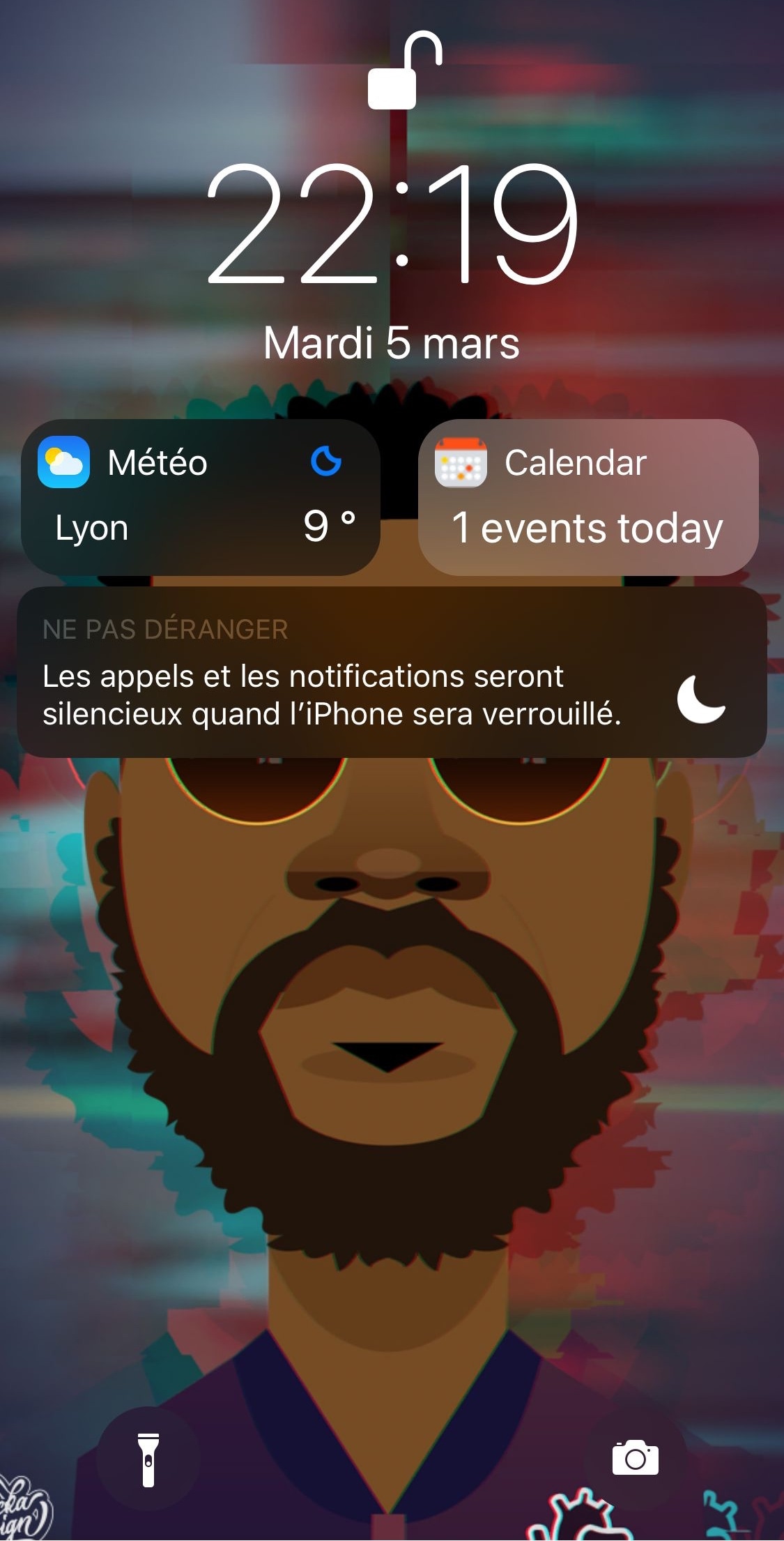
If you’re interested in transforming your iPhone’s Lock screen into a customizable quick-glance information hub, then you might enjoy a new jailbreak tweak called Talion by iOS developer maximehip.

Talion lets you add various widgets directly to your Lock screen, and unlike the ones that appear in iOS’ Today view, widgets that appear via Talion are optimized to display side-by-side in a lovely and compact manner, as shown above.