Facebook a month and a half ago began testing a pure black interface in Messenger's mobile app, and today a new Dark Mode setting has gone live for all Messenger users globally.
Facebook takes Messenger’s Dark Mode global
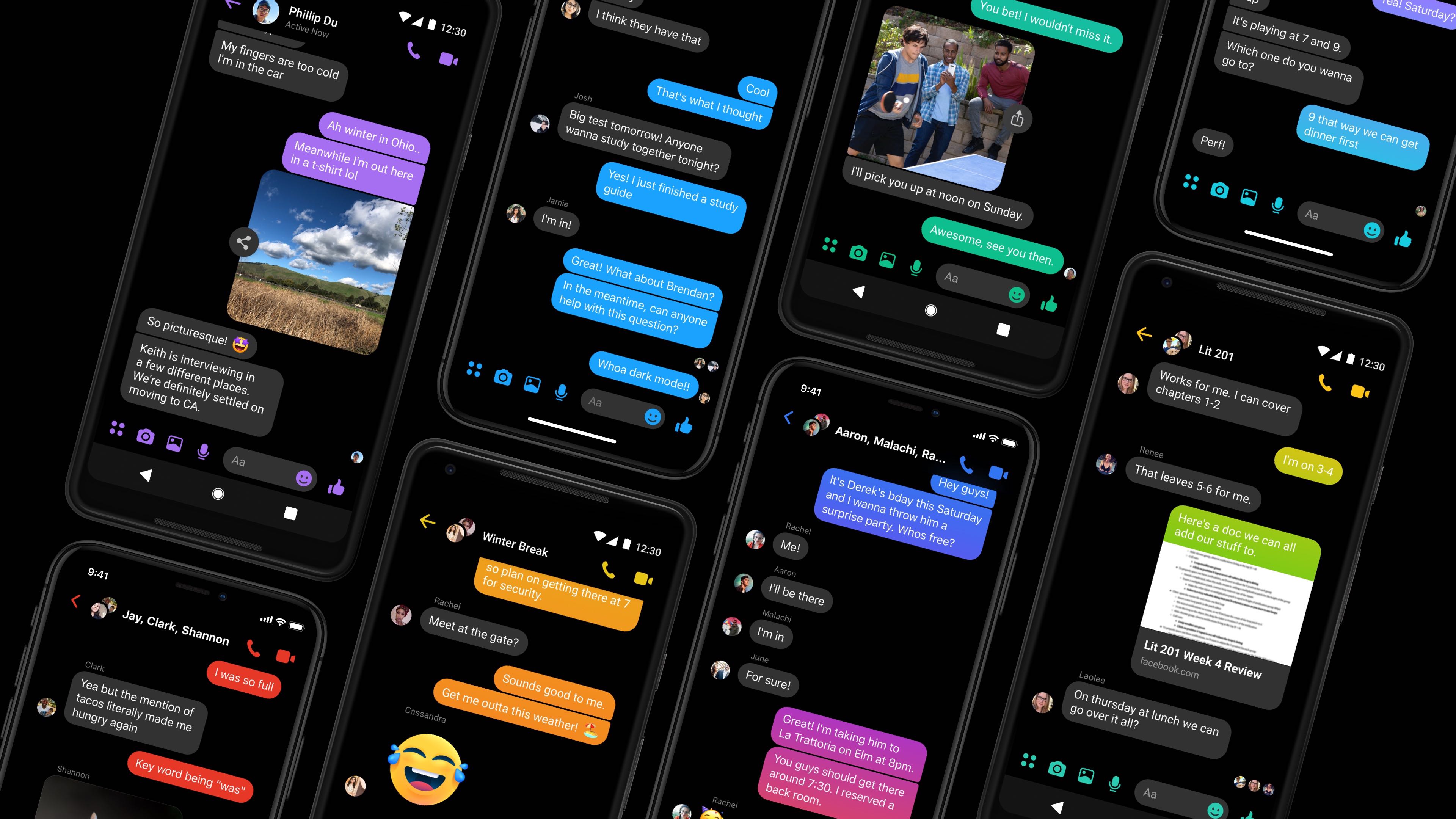
Facebook a month and a half ago began testing a pure black interface in Messenger's mobile app, and today a new Dark Mode setting has gone live for all Messenger users globally.

Amazon is allegedly in talks to launch an ad-supported music offering in a few days. While free of charge, it would come with a twist—you'd need to ask Alexa to play a song.

Apple is reportedly spending to the tune of "hundreds of millions of dollars" to secure new exclusive games for its forthcoming subscription service, dubbed Apple Arcade.
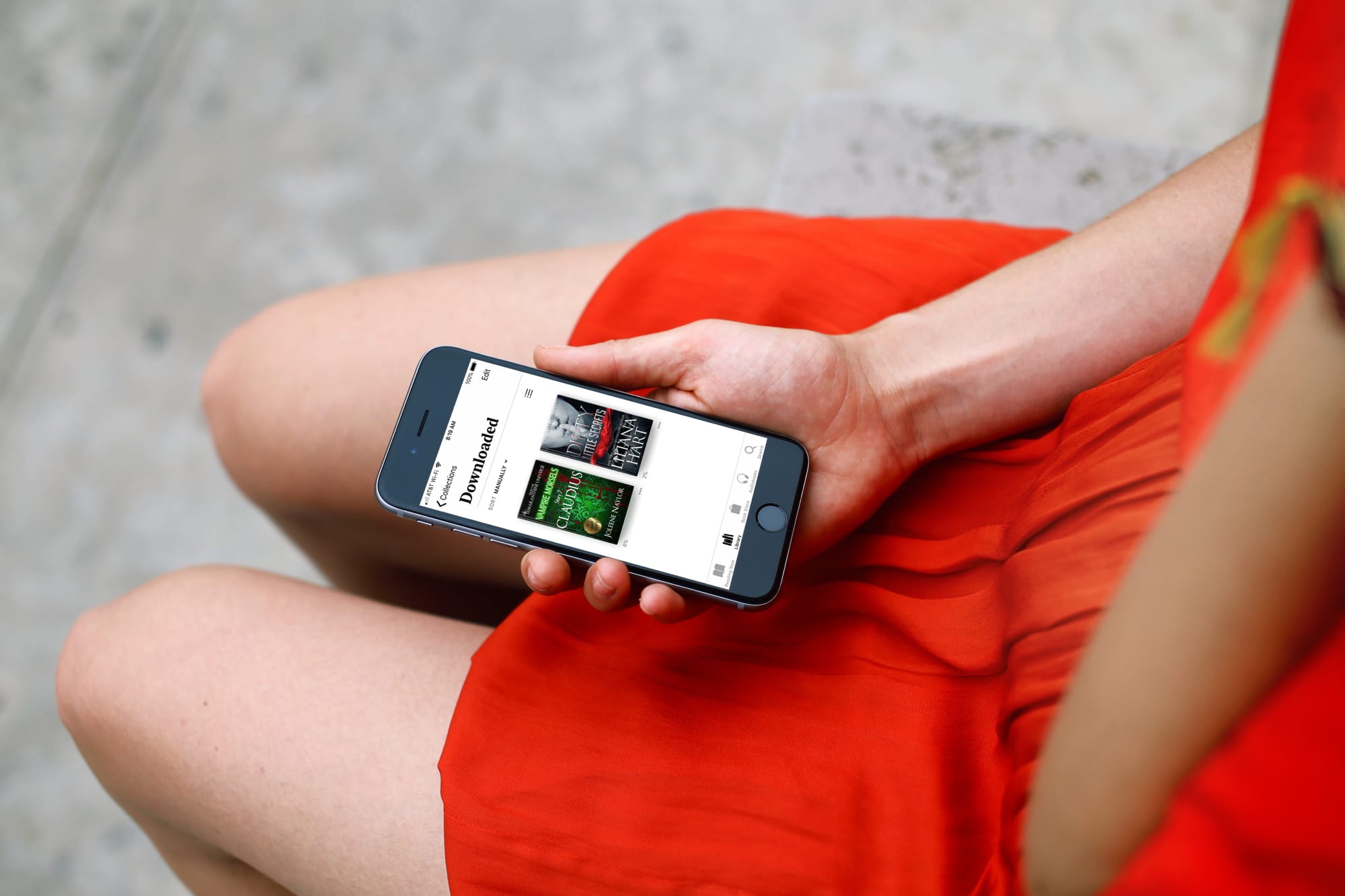
Learn about a quick and simple way to filter your digital library by displaying only downloaded titles and PDFs in the Apple Books app for offline reading.
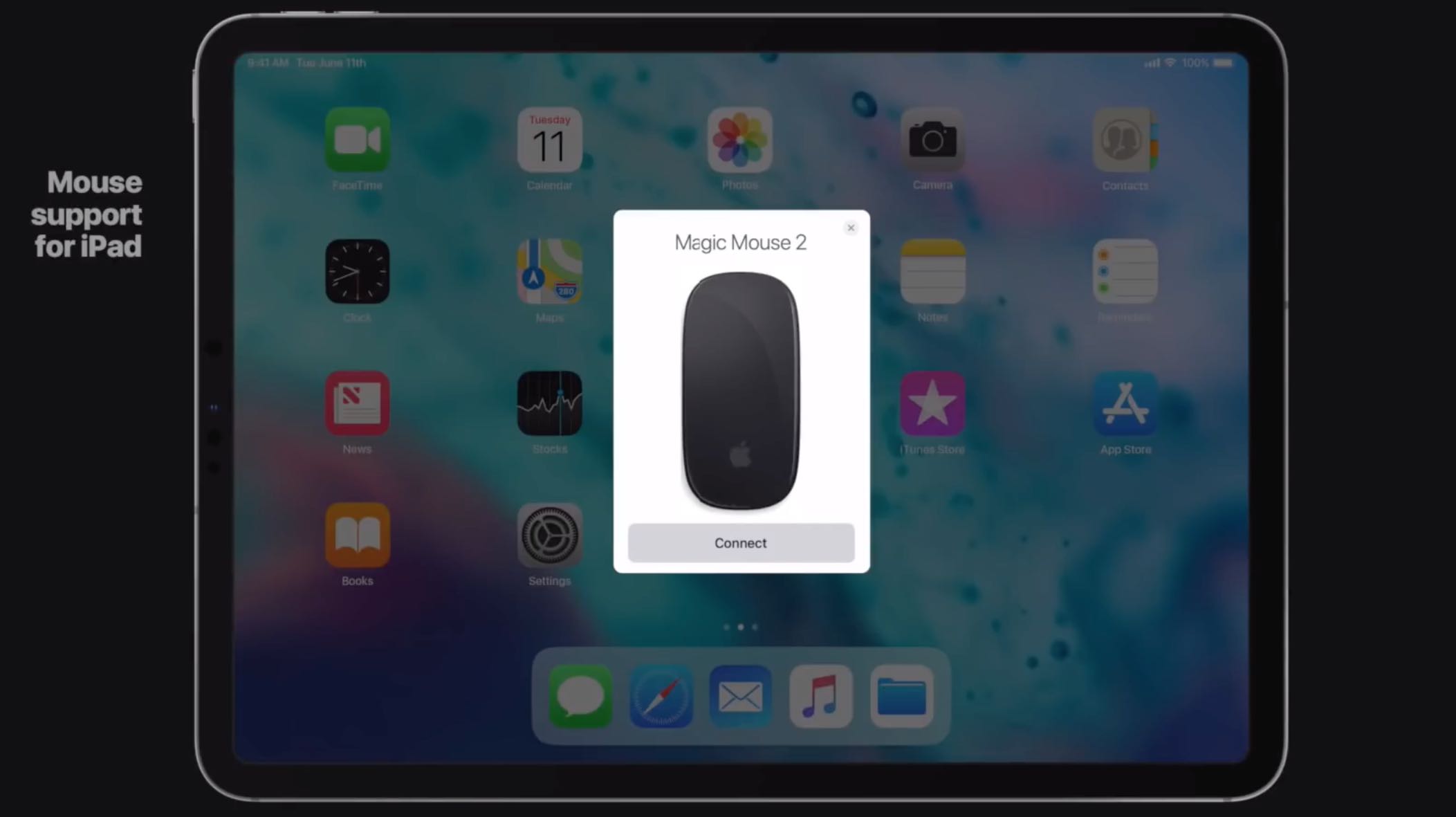
iOS 13 will shrink the gap between mobile and desktop computing further by adopting some of the well-known desktop metaphors, including windows, detachable panels and more.
Wireless charging in the second-generation Apple Pencil may interfere with your car's key fob and cause intermittent issues when attempting to unlock the vehicle, Apple has acknowledged.
As first noted by French blog iGeneration.fr (Google Translate), a recent update to Apple's support document covering using Apple Pencil with iPad or iPad Pro explains that the wireless charging feature of Apple Pencil 2, when being used, tends to clash with key fobs.
Should that happen to you, store the stylus separately so it doesn't charge wirelessly when attempting to unlock the car or simply move the tablet away from the key fob.
If you're charging your Apple Pencil (2nd generation) with your iPad Pro and your car's keyless entry device (key fob) is nearby, signal interference might prevent you from unlocking your car with your key fob.
If this happens, you can simply move your iPad Pro away from the key fob or remove your Apple Pencil from your iPad Pro and store it separately. When Apple Pencil is finished charging, any resulting signal interference will cease.
I own both the latest iPad Pro and Apple Pencil, but have yet to experience this issue (for context, I drive my car every day and my iPad goes with me everywhere I go). Aside from Apple's advice, I'd also recommend trying holding your fob closer to the antenna, usually located near the radio antenna, that communicates with the door locks.
In one example, a DJ’s light-control panel was designed to send out intermittent signals but somehow transmitted a continuous stream of data on the same frequency used by some vehicle remote controls, as explained in a recent WardsAuto article:
Since the beginning of the year motorists in a section of Yonkers, 15 miles (24 km) north of Times Square, were unable to unlock their cars with remote-control fobs. Some drivers of cars without keys simply were unable to enter their vehicles because of unexplained electronic interference.
Due to poor shielding or wiring, some key fobs can generate harmonic interference and even unintentional interference. The same goes for a whole host of other wireless devices, including your iPad Pro's Wi-Fi and the tiny wireless charging coils in the new Apple Pencil.
Key fobs generally trigger signals on two bandwidths: 315 mHz and 434 mHz.
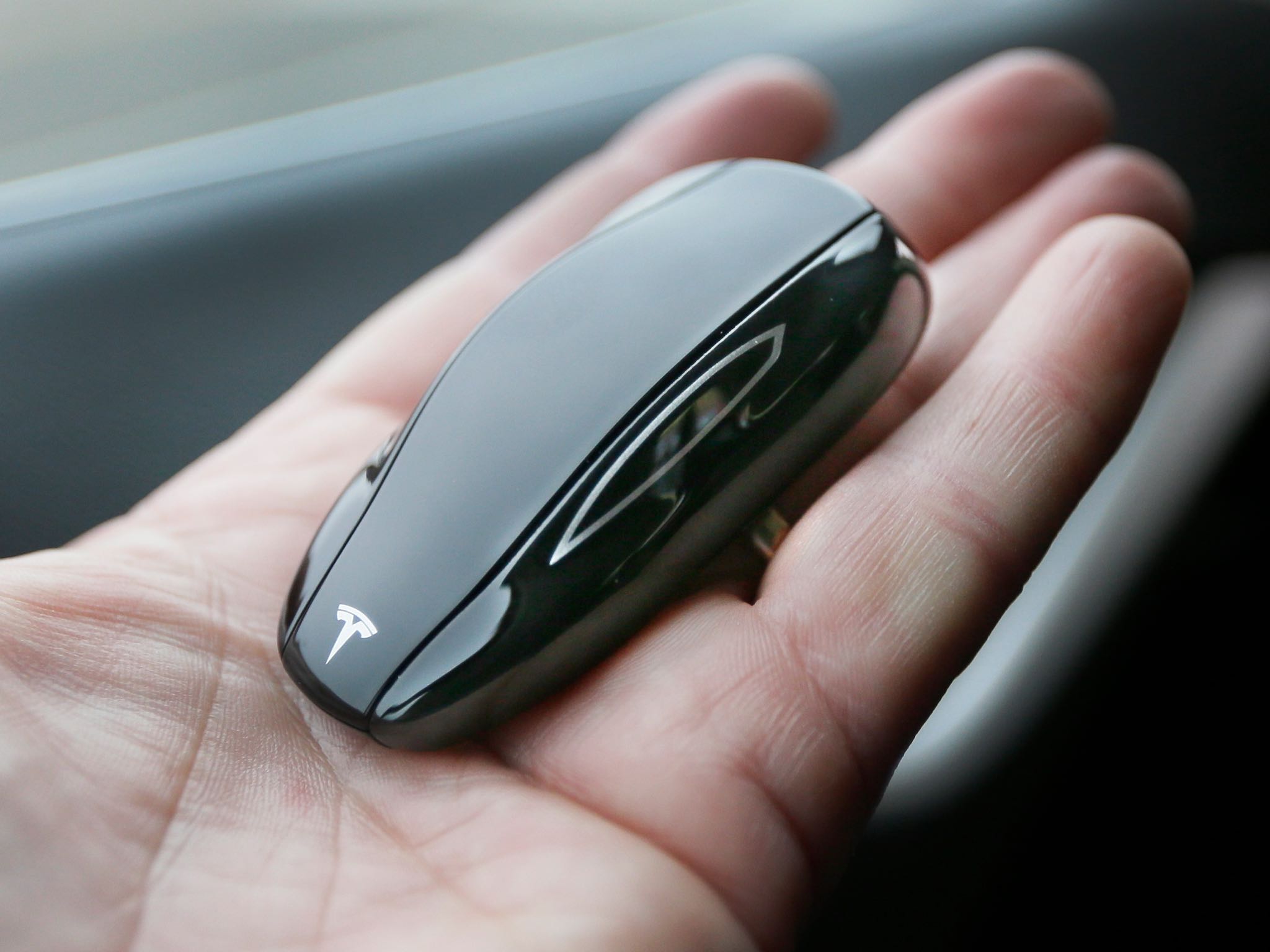
Photo: A Tesla key fob has an option to pull the car forward and backward remotely
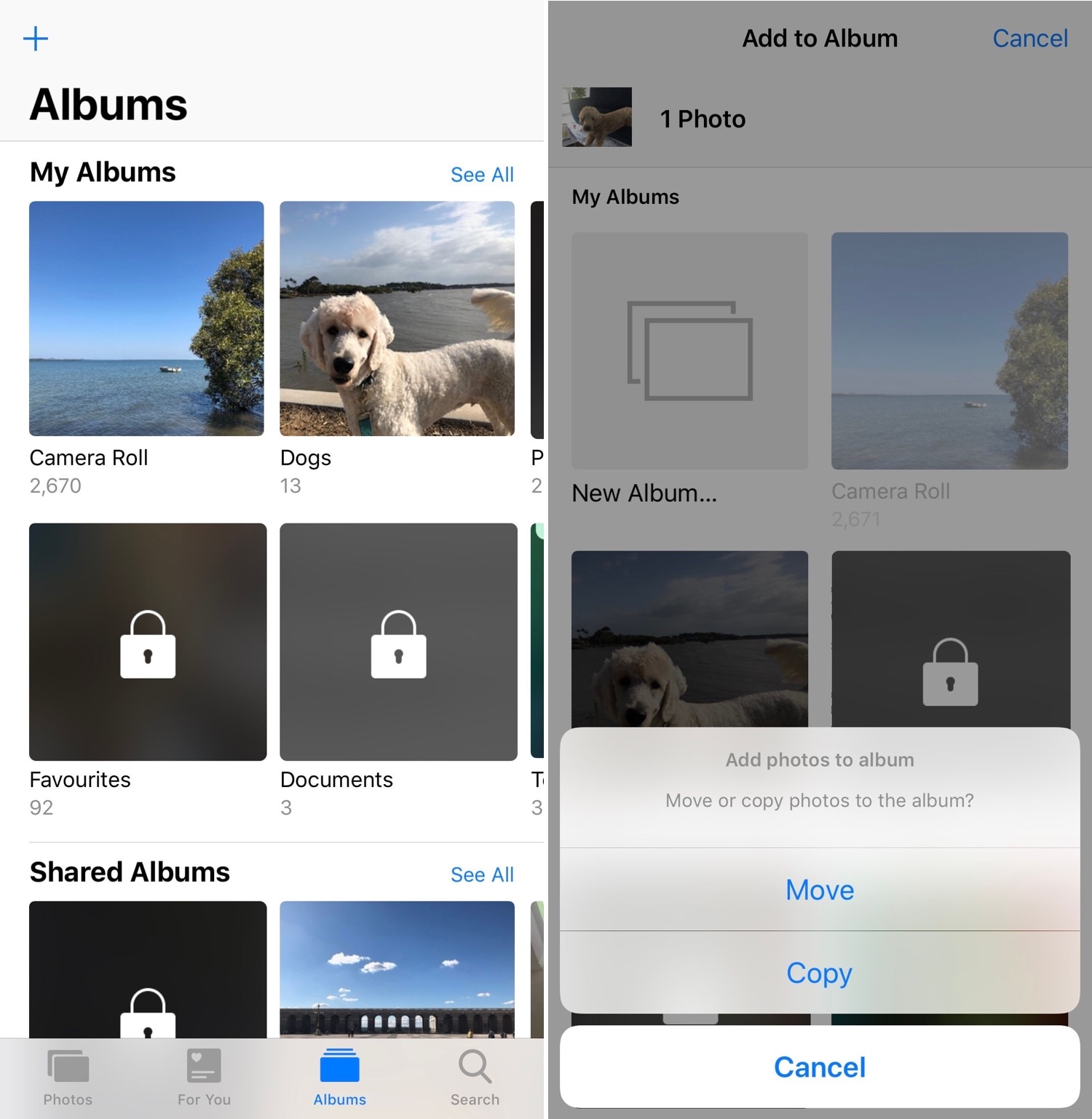
When you capture photographs with your iPhone’s camera or save images from the internet, they get saved directly to your Camera Roll where you can interact with them later. Unfortunately, Apple’s Photos app tends to be somewhat light on features, and this presents issues for power users.
PhotoManager (iOS 12) is a new jailbreak tweak release by iOS developer Frozen Penguin that spearheads an effort to solve this dilemma. It integrates a plethora of useful new features into the native Photos app, which presents users with more control over their files and albums.
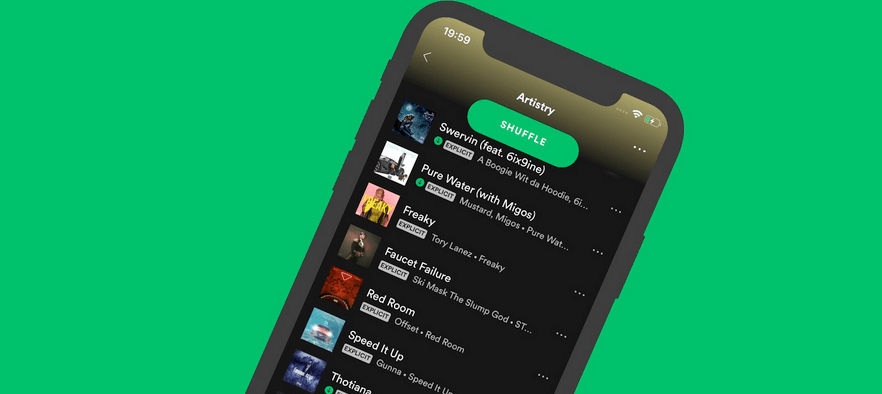
Anyone who uses the Spotify app for their music streaming needs as opposed to Apple’s native Apple Music interface knows that Spotify can be somewhat skimpy in terms of displaying album artwork throughout the app, especially in song playlists. Fortunately, those with jailbreaks won’t need to put up with that any longer.
Artistry is a new free jailbreak tweak by iOS developer Yung_Specht that forces the Spotify app to display album artwork to left of the song information in each and every one of your playlist interfaces, as shown in the screenshot example above.
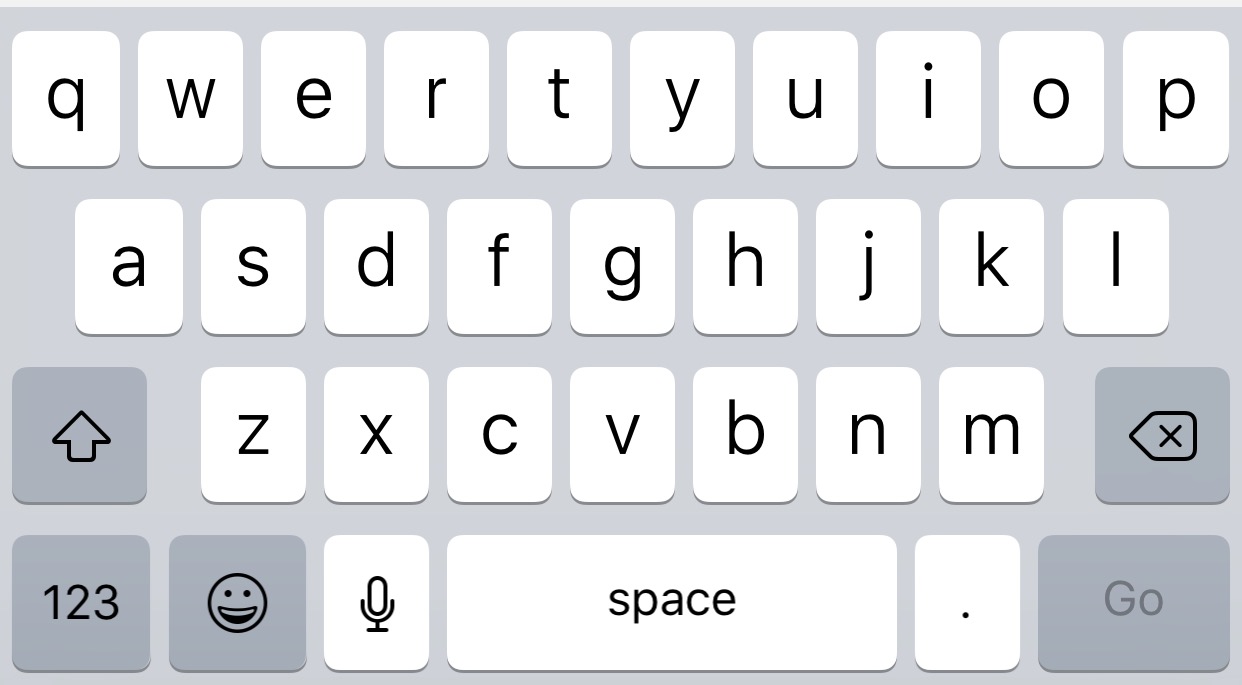
If you just got finished jailbreaking your iPhone and you’ve been anticipating the idea of porting Android-style keyboard-centric haptic feedback over to your handset’s typing experience, then you just might come to appreciate a new jailbreak tweak called HapticKeys by iOS developer colecabral.
HapticKeys does exactly what it sounds like; like with most forms of haptic feedback, it provides a small amount of vibration each and every time you tap on any of the iOS keyboard’s buttons.
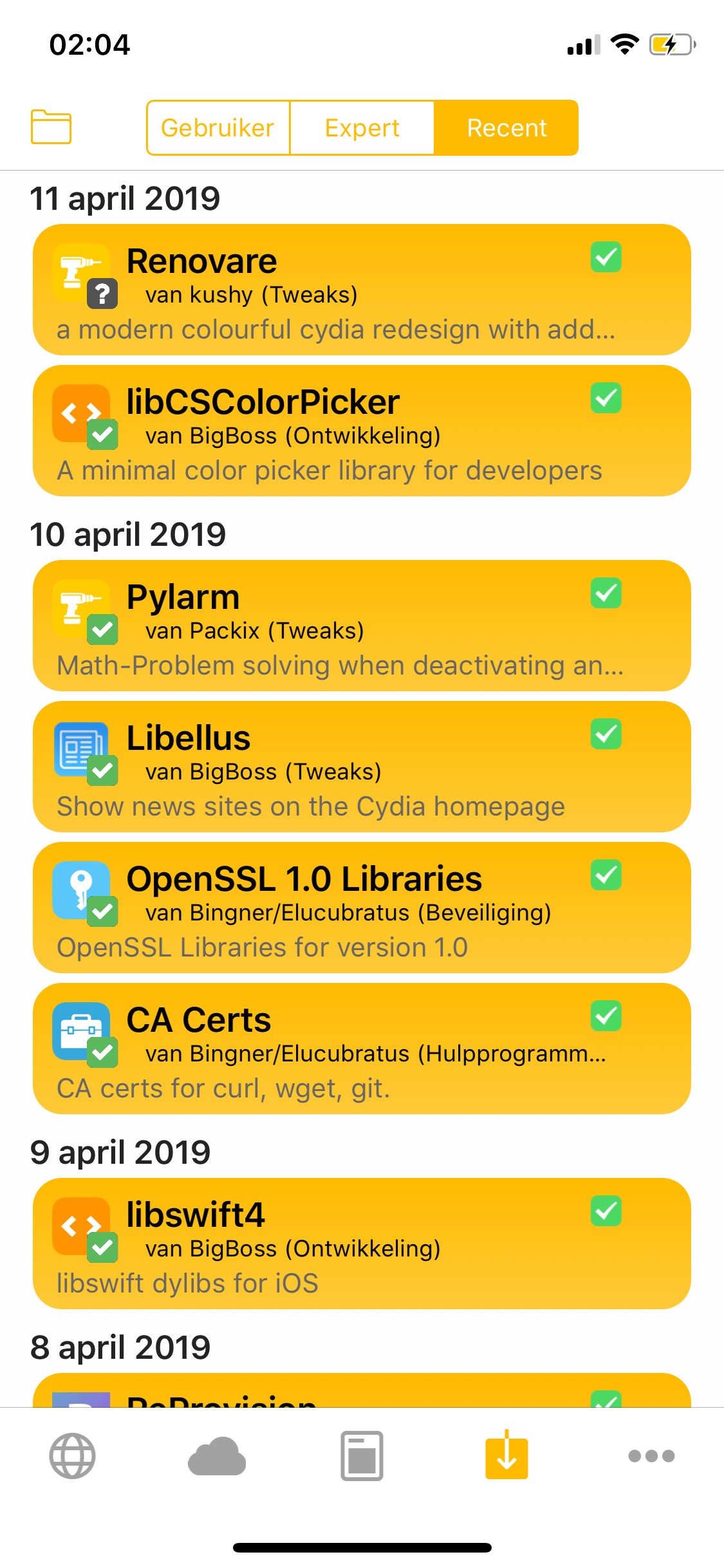
With the help of a newly-released free jailbreak tweak called Renovare by iOS developer KushyDaBush, you can give your Cydia app interface a colorful, modernized makeover in a jiff.
As you can see in the screenshot example above, Renovare can be used to colorize the tabs, glyphs, and backgrounds of the Cydia app. The tweak is fully-customizable, and adds a dedicated preference pane to the Settings app where you can set it up to your liking:
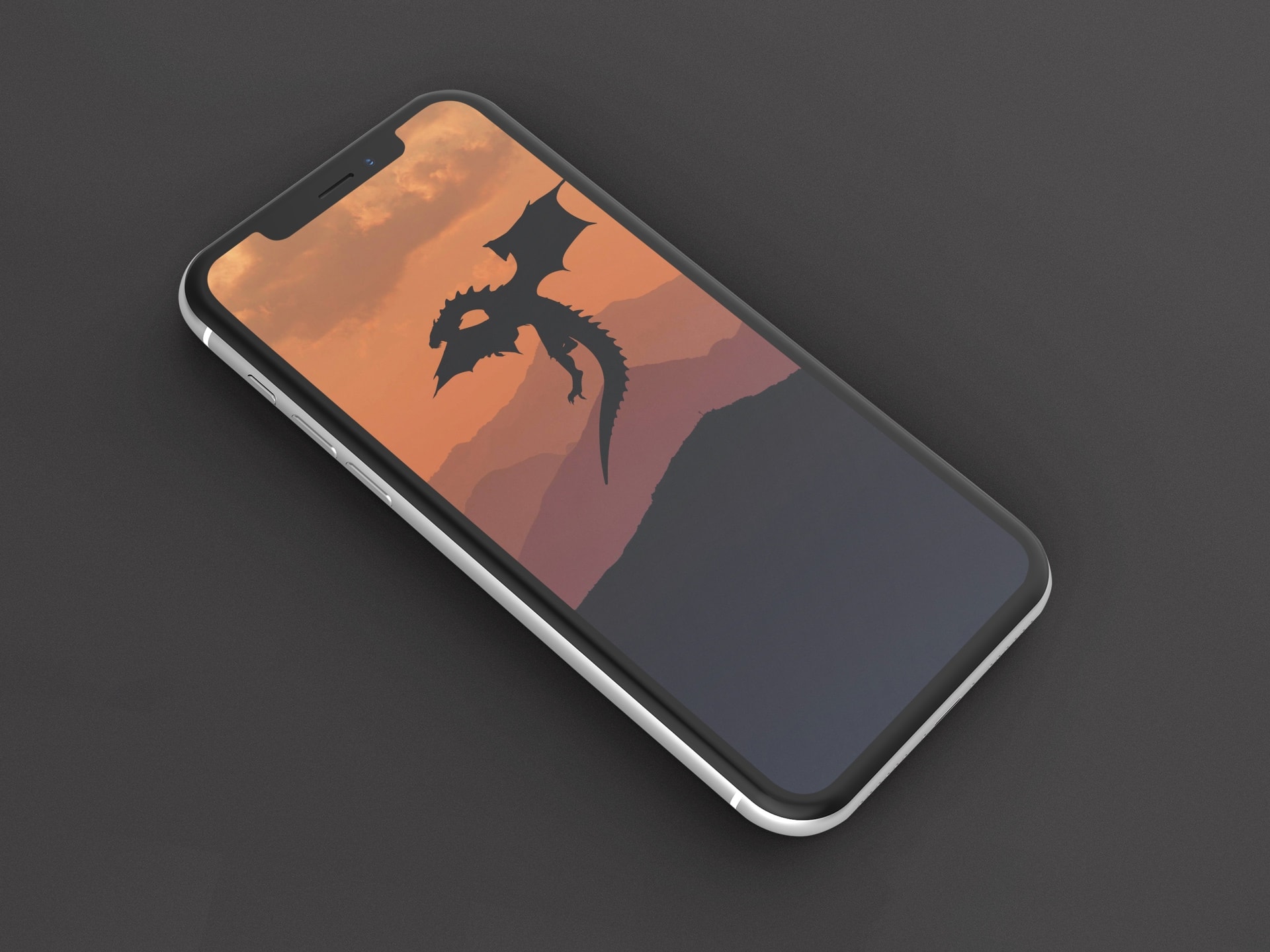
Season 8 of Game of Thrones premiers on April 14, so this is the perfect occasion to provide a special edition of our Wallpapers of the Week.
Our wallpaper gallery aims to bring you quality images to your favorite iOS devices. This collection contains the best illustrated Game of Thrones wallpapers for iPhone. Grab your favorite before Winter comes.

If you’re in search of the best and latest ways to customize your jailbroken iOS 11 or iOS 12 device, then you’ve come to the right place.
In this roundup, we’ll summarize each of this week’s new jailbreak tweak releases from Monday, April 8th to Sunday, April 14th. As usual, we’ll kick things off by discussing our favorites and then outline the rest afterward.