Were too busy to keep up with all the Apple news this week? We've got you covered with this roundup summing up everything you should know about.
The top stories of the week on iDB

Were too busy to keep up with all the Apple news this week? We've got you covered with this roundup summing up everything you should know about.

The Sileo Team pushed a new update to the Sileo beta preview on Saturday, bringing the pre-release package manager up to version 0.8b11 from the previous version 0.8b8.
In a Tweet shared early this morning, the Sileo Team elaborated on the updated version’s newest features:

This week's edition of our Apps of the Week roundup includes a smart note-taker, a digital friend-finder and a sticker pack-maker. And as always, we've selected two great new games for you to check out.
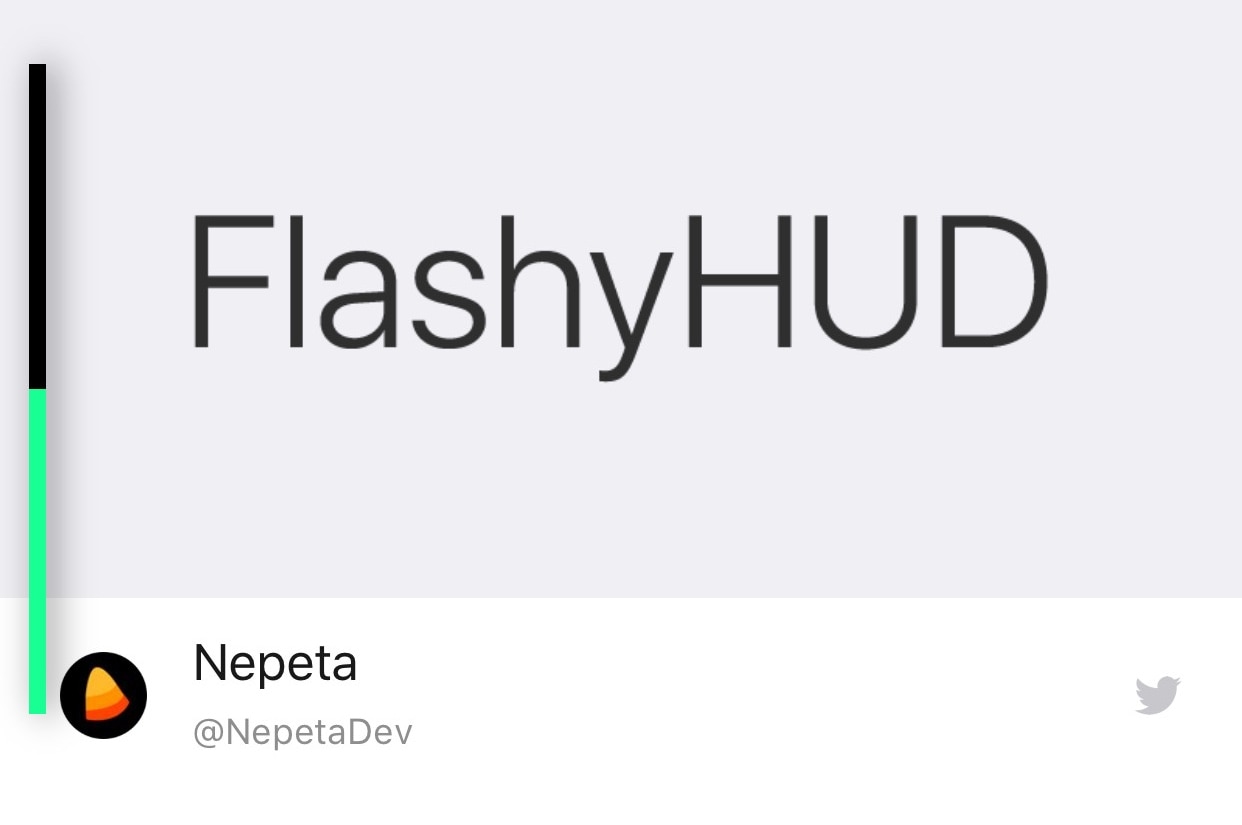
It’s no secret by now that the iPhone’s native volume HUD leaves a lot to be desired, especially in the realms of aesthetics and intrusiveness. Thankfully, there are a plethora of jailbreak tweaks in Cydia that can change how your iPhone’s volume HUD looks, and we’re here today to talk about the latest in this batch of tweaks called FlashyHUD by iOS developer Nepeta.
As shown in the screenshot example above, FlashyHUD provides a volume HUD interface that appears at the very edge of the display, hence preventing it from getting in your way and causing a ruckus. Perhaps more importantly, FlashyHUD is fully-configurable; not only can you colorize it however you want, but you can also choose where it appears on your display.

During yesterday's important presentation for analysts and Wall Street investors, Disney finally took the wraps off an upcoming content-packed video-streaming service, dubbed Disney+.
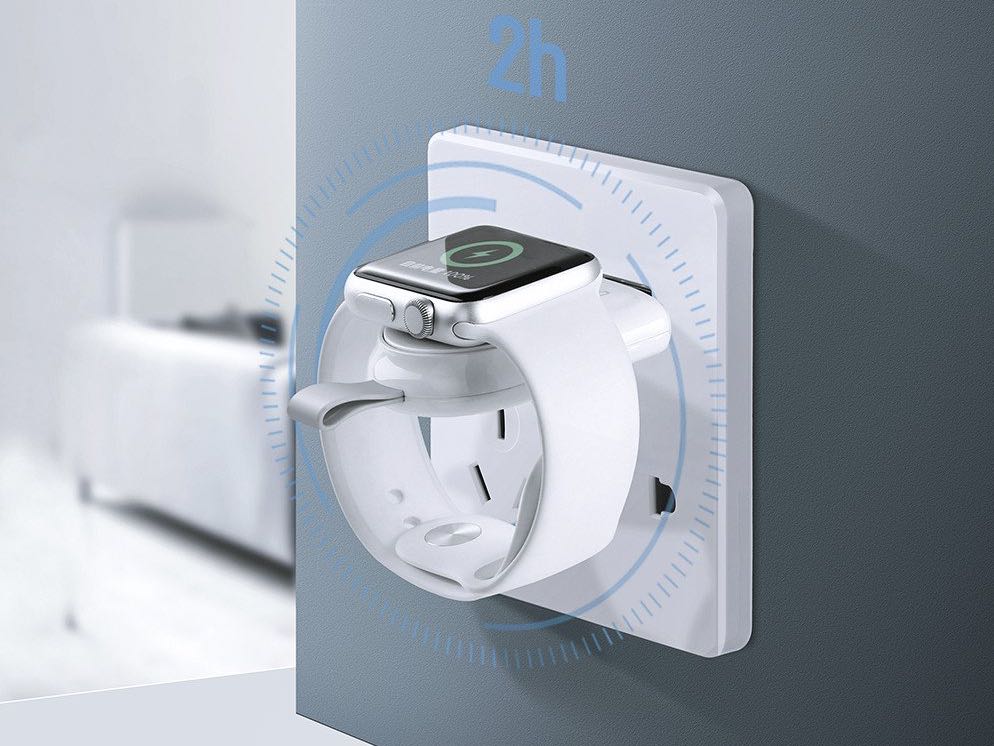
The original charging disk that came with your Apple Watch gets the job done, but its poor design leaves a lot to be desired. It's just a magnetic wireless charging module with a 0.3-meter cable that's impractical to carry around and very inconvenient to use.
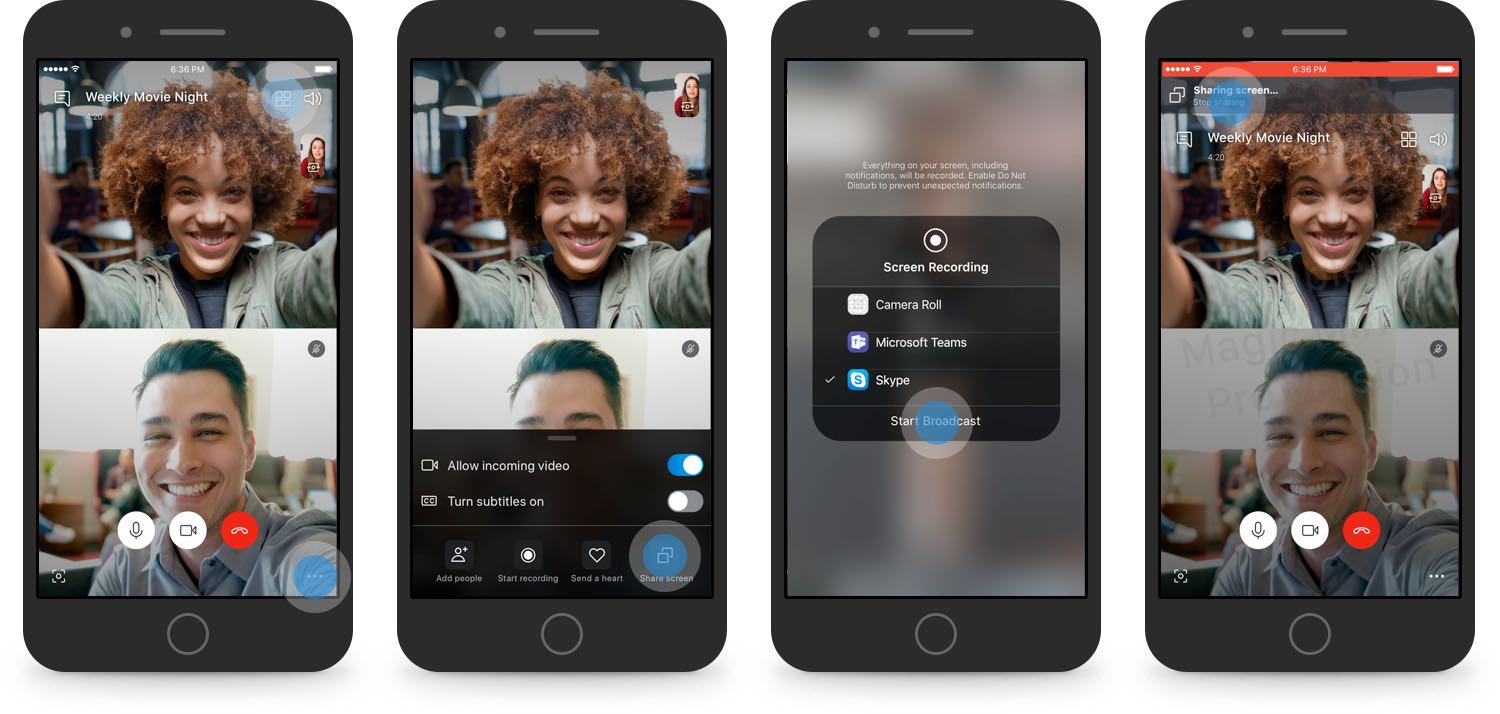
Skype users may soon be able to share their iPhone's screen during video calls.
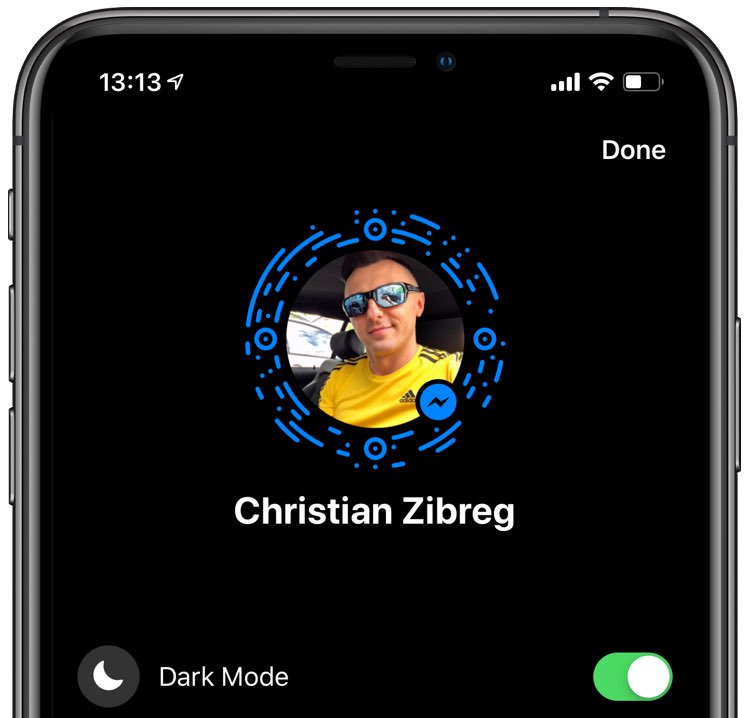
Facebook might be prepping to reintegrate basic messaging functions back into its main mobile app for iPhone and iPad, eight years after separating Messenger into a standalone app.

The table of contents (TOC) feature of the Apple Pages app automatically creates a table of contents in the sidebar for you to navigate your document easier. Plus, you can pop that TOC right into your document if you like.
This tutorial walks you through how to use the table of contents view in Pages.

Apart from Facebook and Twitter, Instagram is perhaps one of the most popular mobile-centric social platforms, and yet it still hasn’t adopted a native dark mode interface of any sort. With that in mind, wouldn’t it be great if you could just skip to the beat yourself?
Those in agreeance might take a liking to a new free jailbreak tweak called ChromaGram by iOS developer Revulate. As depicted in the screenshot examples above, this tweak lets you colorize the Instagram app however you’d like, whether you’re into dark mode-centric aesthetics or something else entirely.
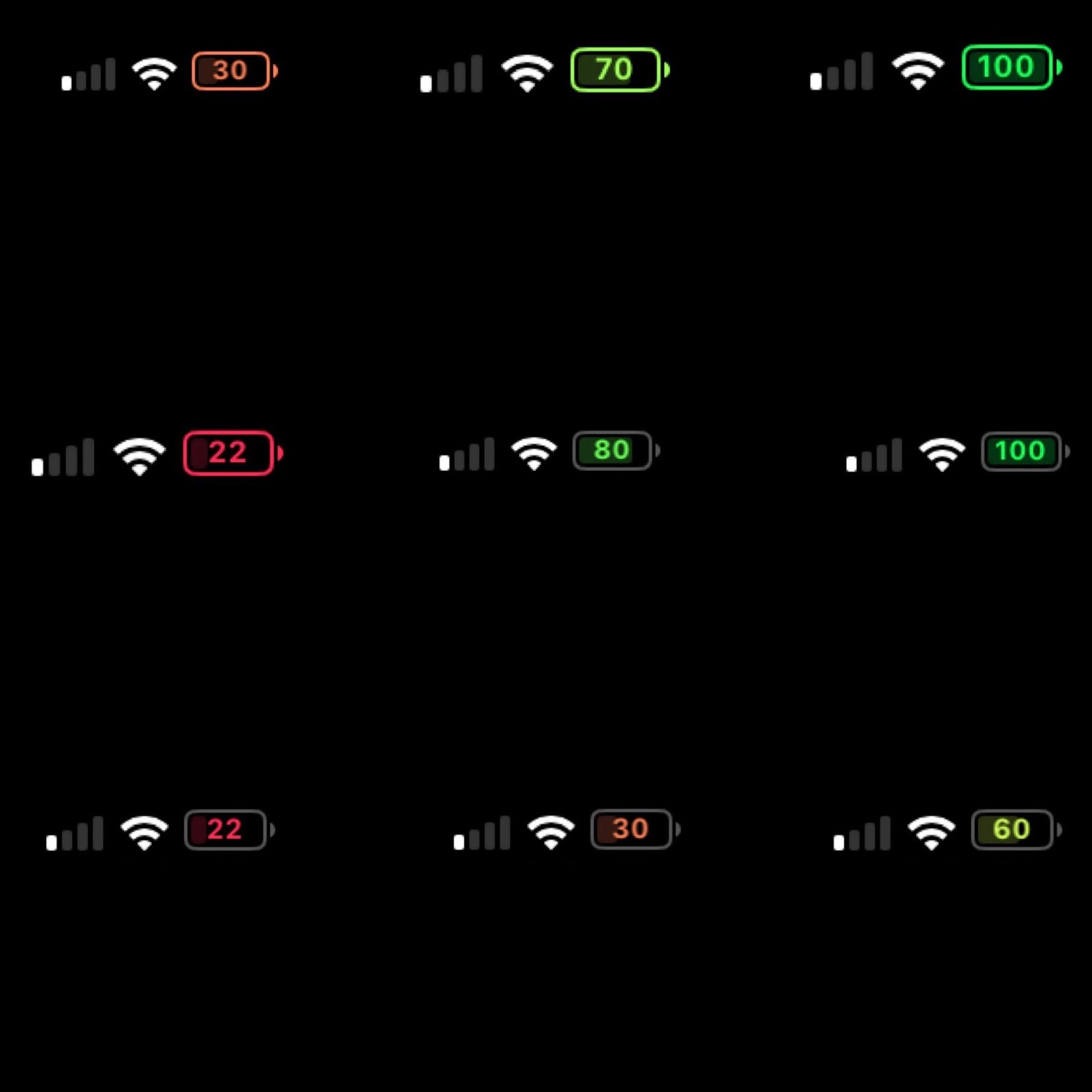
On modern notched handsets like the iPhone X, XR, XS, and XS Max, Apple did away with the numeric battery percentage option for the Status Bar. Instead, the numeric battery percentage remains hidden unless you open the Control Center interface.
I’ve enabled this feature on all my previous iPhones for years, and so this change has felt like a serious downgrade since I picked up my first iPhone X. On the plus side, a new free jailbreak tweak called BatteryPercent12 by iOS developer dpkg_ promises to display the numeric battery percentage in the Status Bar without hindering the battery icon itself.

Pwn20wnd’s unc0ver jailbreak tool supports all versions of iOS from 11.0-12.1.2, and it supports most iOS devices. The lone exception to the latter part of that statement is that A12(X) devices are only partially supported, which means Cydia and Cydia Substrate won’t be installed on those handsets (yet).
Just last week, Pwn20wnd shared what he still needed to complete the full A12(X) support for unc0ver, and while one of those components has since been completed, the community continues to wait for the other.