Gaming is a big deal on iOS. Just look at Apple Arcade. But sometimes the device you're playing on can cause a bit of a hassle.
iOS 13’s three-finger text-editing gesture is playing havoc with games like ‘Fortnite’ and ‘PUBG’
Gaming is a big deal on iOS. Just look at Apple Arcade. But sometimes the device you're playing on can cause a bit of a hassle.
iFixit is known for its guides on how to repair devices, but also because it has in-depth teardown of a wide range of smartphones. And that includes the iPhone 11 Pro.
Aging batteries have become a bit of a sticking point for Apple. The company tried to mitigate issues with older batteries, but that led to a big backlash and ultimately forced Apple to reduce the cost of its battery replacement program.
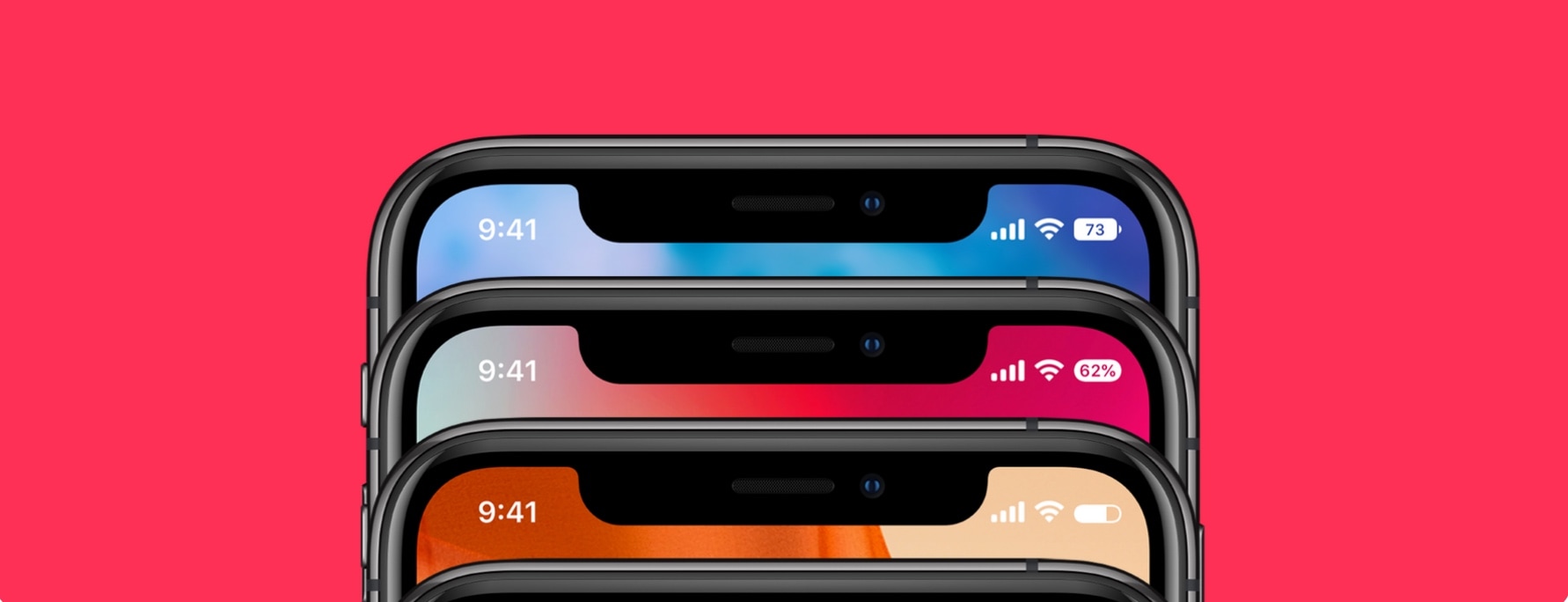
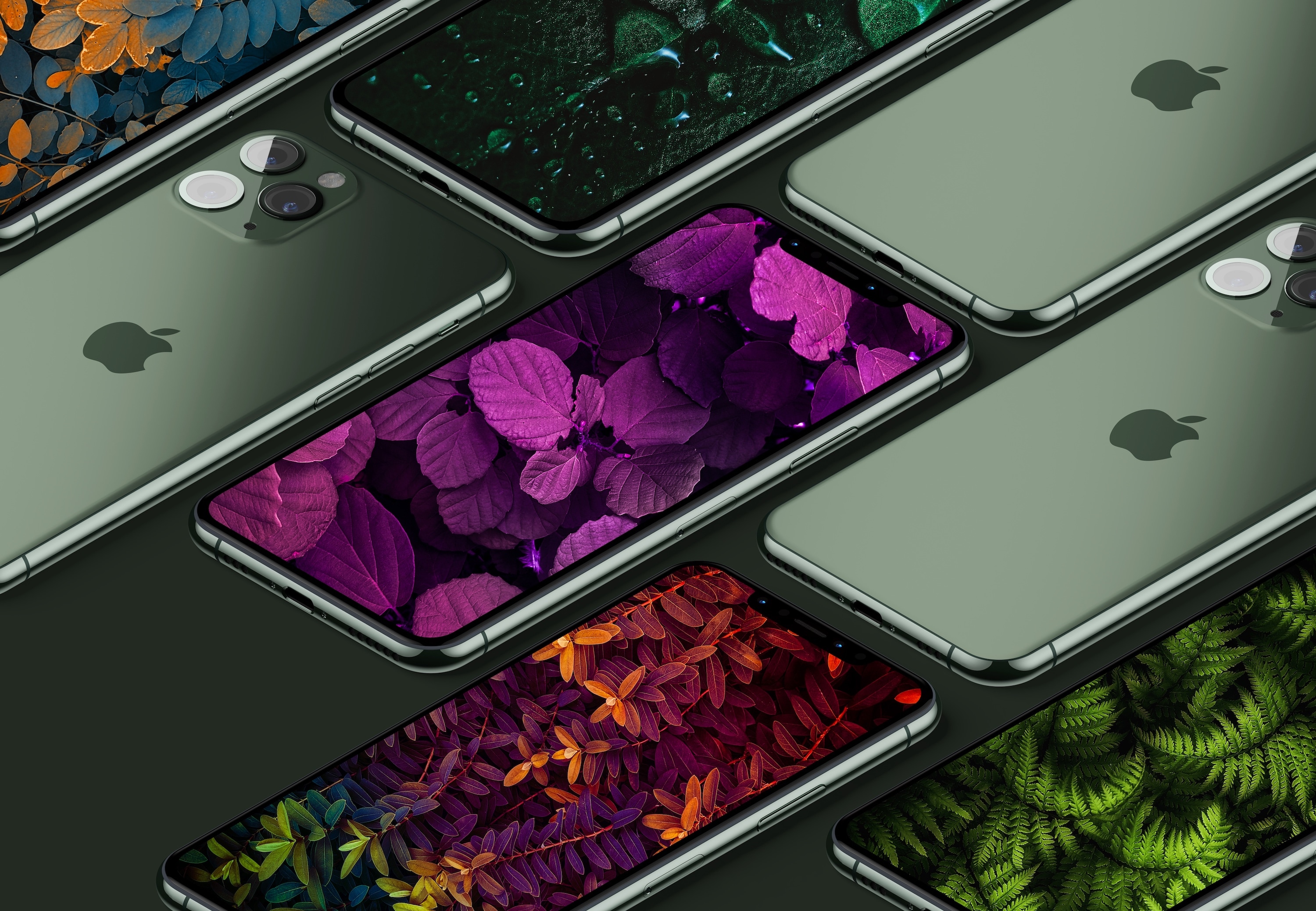
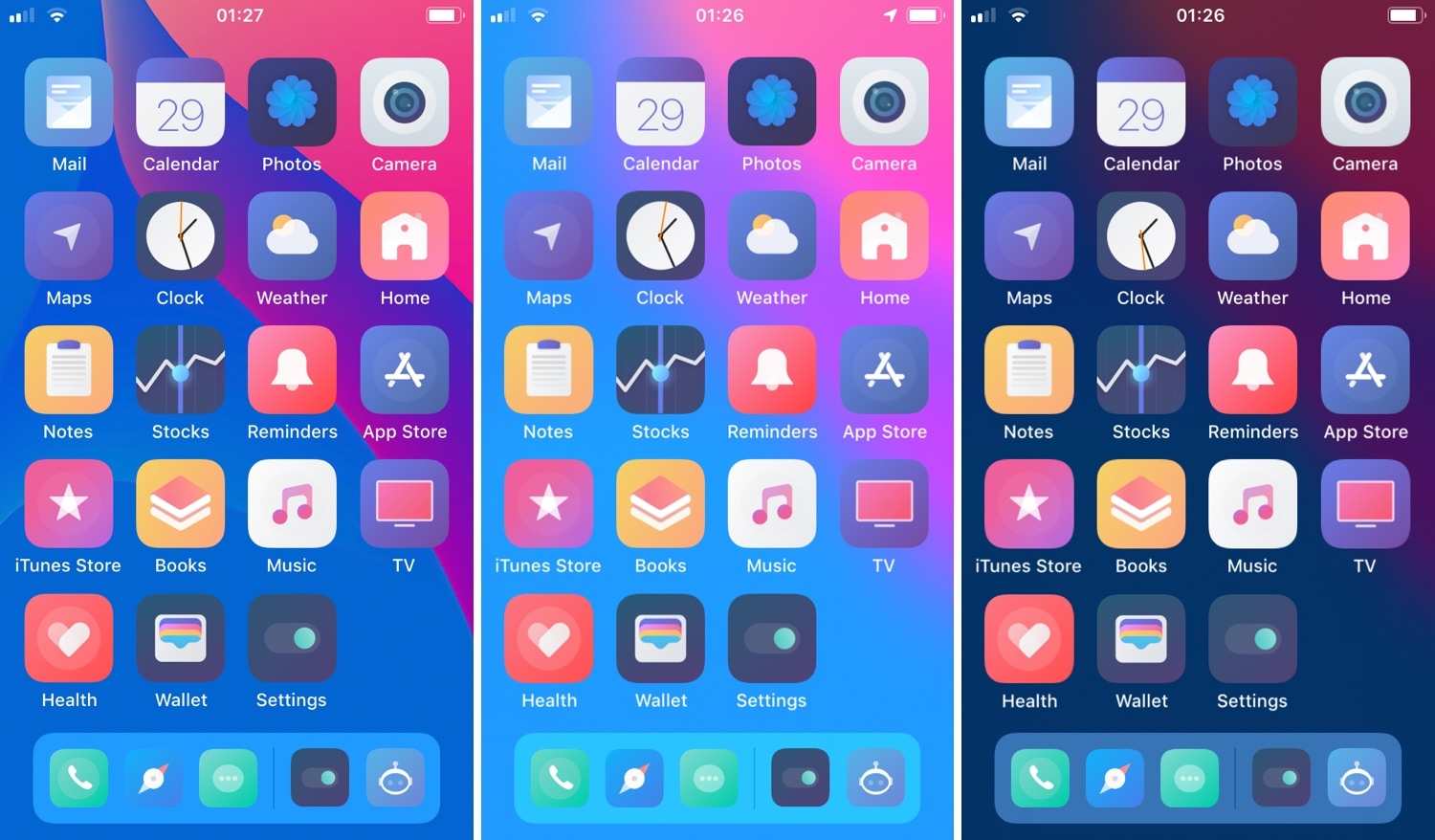
One of the few ways you can customize an iPhone and make it your own is to outfit it with awesome wallpapers! From there, the sky and your creativity truly are the limit. In order to help you in your creative endeavor we have put together a list of black OLED-optimized iPhone 11 Pro wallpapers. Taking advantage of the iPhone's OLED display, these wallpapers feature some very deep black or very dark colors to make the contrasting parts pop even more.
Word on the street is that Apple is working on a Tile-like tracking device, which may be "small and round" when it eventually sees the light of day.
Whether you’re ramping up for your first iPhone or upgrading to the iPhone 11, you need a simple way to make a seamless transition. You might want to migrate your data from Android, create a backup of your current iPhone for an easy move, or even erase data from a phone you’re getting rid of.
Whatever the case may be, one tool can take care of all of these tasks and more. AnyTrans is an intuitive iPhone manager that lets you transfer, back up, and manage the content on your device, all in one spot.
We have covered AnyTrans in the past for backups and transfers as well as AnyTrans for Cloud to manage files. But now, we have a brand new AnyTrans to introduce to you, AnyTrans 8. This latest version of AnyTrans gives you new features and enhancements that make managing your iPhone content easier than ever.
The only thing missing regarding an Apple-branded augmented reality (AR) headset is Apple's official unveiling of the device. Especially as we get our first look at what Apple calls its "stereo AR experience".
One of the new features coming to iOS 13.1, which is set to launch on Tuesday, September 24, is Audio Sharing. And more Beats-branded headphones will offer support in the near future.
iOS 13 is out in the wild, which means more eyes are looking at it than ever before. So it's not surprising that its code is revealing even more about what Apple may be working on.
When you’re making music in GarageBand, you’re mixing regions and tracks to create your song. Whether you’re using vocals or instruments, not every track needs to have the same volume. You might want an instrument to play subtly in the background while emphasizing vocals, for example. Or you may want the volume of a track to increase and decrease at certain points.
Here’s how to adjust the track volume in GarageBand on Mac, iPhone, and iPad.
As another helpful piece in our "New to Mac" series, this tutorial walks you through the Preview app on your Mac. This useful tool is the default viewer for images and PDFs. You can use it for more than previews, however. Preview offers markup and annotation tools along with features for merging PDF files and signing documents.
So, if you’re new to Mac and want to know all about Preview and what you can do with it, read on!
In case you didn’t already know, iOS 13 brings a new ‘Rearrange Apps’ option to those 3D Touch/Haptic Touch Home screen menus that we all know and love. Fortunately, those with jailbreaks can already enjoy this feature ahead of the official iOS 13 release.
Edit3d is a newly released and cleverly named jailbreak tweak by iOS developer Wh0ba that ports a similar feature to the native 3D Touch/Haptic Touch Home screen menus on jailbroken iOS 11 and 12 devices.