Jailbreak

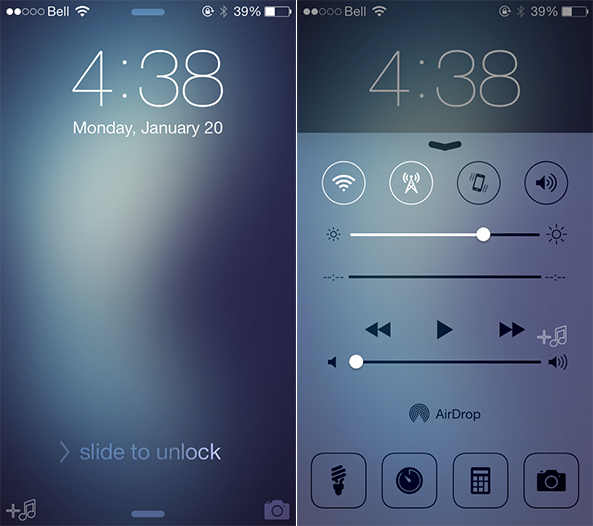
Convergance takes your Lock screen in a bold new direction
Apple has always exercised fine-tuned control over iOS by making it a relatively closed platform, at least compared to Android. That is one of the main reasons why jailbreaking exists in the first place, with a major draw being the ability to customize an iPhone or iPad far beyond what is traditionally allowed. Convergance is an upcoming project for iOS 7 that aims to do just that, taking the Lock screen in a bold new direction with a crisp design, quick toggles and more… 
FaceOff 7 is the sensor-based equivalent of Activator for iPhone

When the Moto X was announced last year, I was admittedly somewhat jealous of its various sensor-based contextual awareness and voice recognition features. In layman's terms, the handset is one of the more interesting Android smartphones on the market to say the very least. But as someone that has been a loyal iPhone user for several years, it wasn't quite enough to make me jump mobile platforms.

Thankfully, a new package has arrived on Cydia that allows me to experience the best of both worlds… 

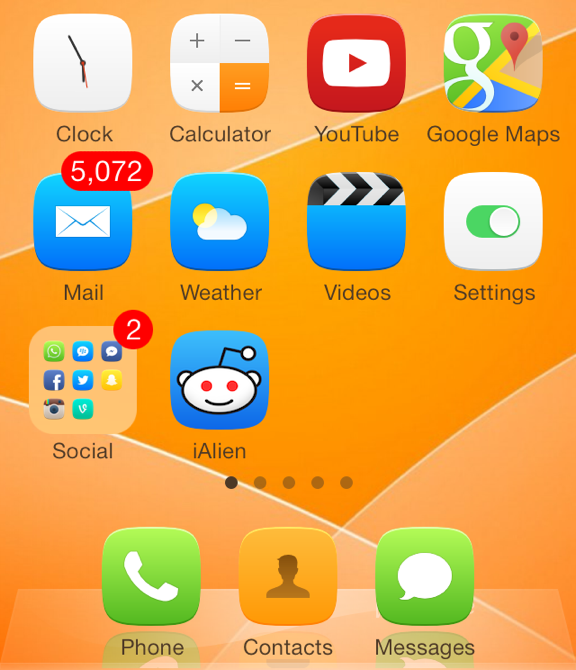
Icon Masks tweak takes your Home screen to the next level

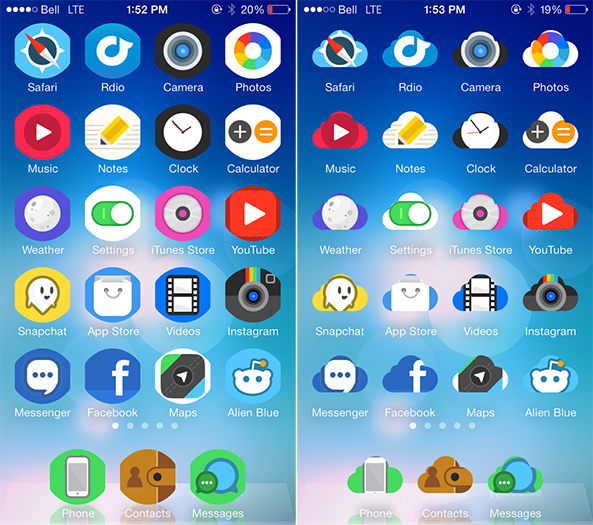
If you've been following our blog closely over the last few weeks, you'll notice that we have covered quite a number of different themes that have been released or updated for the iOS 7 jailbreak. While themes are definitely the main option that most iOS users use to customize their devices, other methods exist to change the look and feel of an iPhone, iPad or iPod touch.

All that leads into Icon Masks, a new jailbreak tweak that redefines the look of your Home screen icons… 

Blurpaper adds blurred effect to Home and Lock screen wallpapers

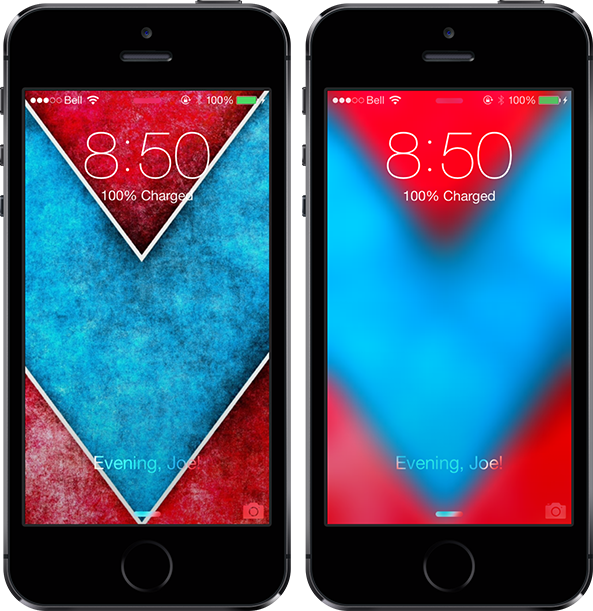
Translucency is at the heart of iOS 7 design, with blurred elements throughout the mobile platform. Often times it can be hard to find a wallpaper that looks nice with the all-new user interface, and a new jailbreak tweak called Blurpaper helps make that process easier.

The tweak takes your current Home screen and Lock screen wallpapers — here's some nice ones — and overlays a blurred effect on them automatically, with no respring necessary. If you want, give it a test with the wallpaper I'm using in the screenshots above. The package has a number of options to configure… 

How to remove the ‘Store’ button in the Music app on iOS 7

In an effort to generate iTunes sales on iOS devices, Apple has long placed a Store button in the top menu bar of its Music app. As you would expect, tapping on Store exits the Music app and brings you to the iTunes Store for everything from songs and albums to movies and TV shows. It's a convenient link from one app to another on iOS devices, but some users might not find use in it. If you're one of those people, a new jailbreak tweak called NoStoreButton7 is a quick fix for you…

How to send unlimited photos on WhatsApp

WhatsApp has emerged as one of the most popular cross-platform messaging services for iPhone and other devices, with a wide array of useful features that has attracted over 400 million active users.

One limitation of the service, however, is that you can only send a maximum of 10 photos at once, which can understandably be frustrating for some power users. Fortunately, a new jailbreak tweak called WhatsApp Unlimited Media removes that restriction… 

How to fix Status Bar issues after jailbreaking iOS 7

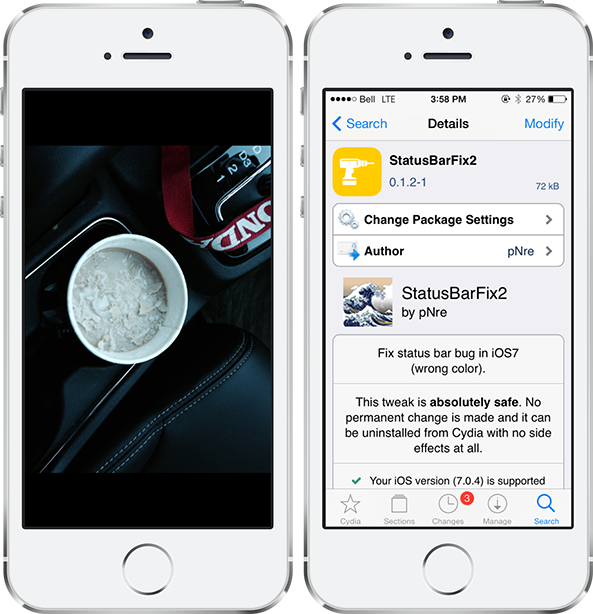
Jailbreaking an iPhone, iPad or iPod touch provides many benefits that otherwise aren't possible on a stock device, although there are occasionally a few bugs that may be encountered along the way. One prominent issue that users have been facing with the iOS 7 jailbreak is the status bar turning black and not disappearing in stock apps like Calculator, Camera, Photos and Weather. This was an annoying nuisance that I was facing on my own iPhone up until this morning, when I discovered StatusBarFix2… 

BetterFolders takes your app folders to the next level

If you are an avid user of Apple products, chances are that you have lots of apps installed on your iOS device. And while folders have long been an ideal solution for keeping your Home screen organized, they have a few shortcomings that a new jailbreak tweak called BetterFolders aims to solve. The useful extension serves three purposes: enables pinch to close for folders, allows nested folders, and brings 4×4 folder layout to the iPad… 

How to get the reflected iOS 6 dock back on iOS 7

For whatever reason — we're not judging — you simply don't like the blurred and translucent dock on iOS 7. We understand. A new jailbreak tweak by the name of ClassicDock is all you need, bringing the reflected iOS 6 dock right back to your Home screen on the newer version. It's that simple.

This is a fully plug-and-play extension that works its magic immediately after being installed in Cydia, with no options to configure in the Settings app. Read ahead for a few more details… 

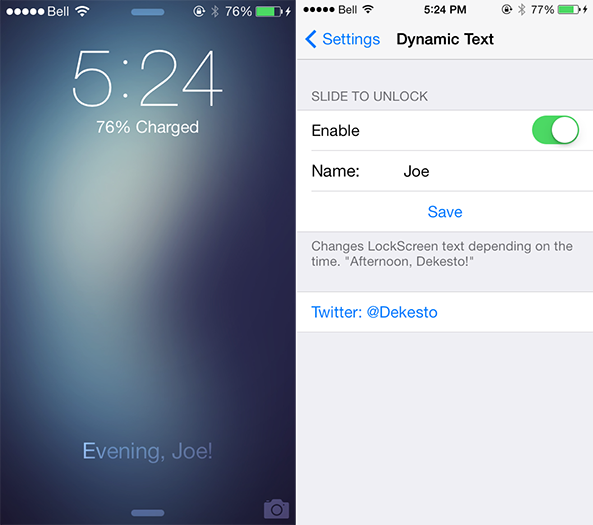
How to dynamically change the Slide to Unlock text

We've kicked off the week with an influx of new jailbreak tweaks for iOS 7 devices, ranging from Controllers for All and Animer7 to Fancy and Pluck 2. Those four packages are very interesting in themselves, but a smaller extension by the name of DynamicText deserves a quick look too. As you would expect, the tweak allows you to dynamically change text on iOS 7. Take a look ahead for a closer look… 

Pluck 2 lets you pick songs to play directly from the Lock screen

I'm a big fan of listening to music, predominately while I am making the early morning commute to college on weekdays. As a Canadian citizen, however, fumbling with my iPhone to change the song while driving is illegal because of the distraction it presents to the driver. It's a good law, in my opinion, but one that can be understandably frustrating at times. And while a new jailbreak tweak called Pluck 2 isn't a full-stop solution for that problem, it is a useful extension that allows me to keep my eyes focused on the road… 

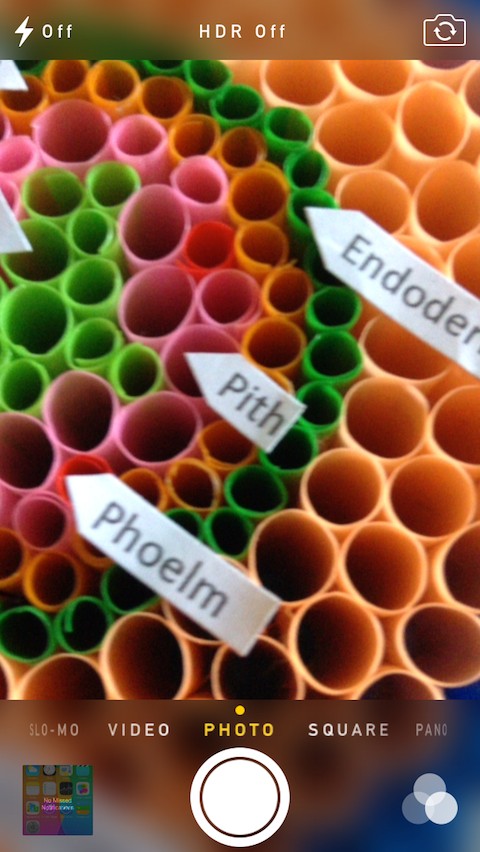
CamBlur7 adds blur to Camera app UI on iOS 7

While it is not the most groundbreaking jailbreak tweak on Cydia, CamBlur7 is a new package that works in unison with TransparentCameraBar to add a translucent blur effect to the top and bottom bar of the Camera app UI on iOS 7. The tweak has a number of options that are configurable through the Settings app for adjusting the blur level and hiding the blur in filter or video mode…Â