Learn how to export images and videos from the Apple Photos app to a folder on your Mac in their original file format and resolution.
How to export images from Mac Photos app in original format

Learn how to export images and videos from the Apple Photos app to a folder on your Mac in their original file format and resolution.
iCloud Drive is a feature that comes with iOS 9 and allows you to view and edit files in iCloud that have been saved there via your apps, whether they're native apps or third-party App Store apps.
In this tutorial, we'll show you how to hide or show the iCloud Drive app from your iOS device's Home screen.

The watch faces on the Apple Watch are somewhat of an art form in themselves, created in collaboration with some of the world’s best timekeeping experts. But with our quick guide, you can also have those wonderful faces as a functional screen saver on your Mac!

In this guide, we'll take you through several steps to enhance your privacy on your iPhone or iPad by using many of the mobile operating system's built-in tools.

Siri is a great way to get to the things you want on your iPhone, iPod touch, or iPad without having to tap on anything – it works great for situations where you don't really have your hands free, but who says using Siri has to be boring?
In this quick post, we'll show you how you can spice up your conversations with Siri by configuring the voice assistant to call you something different.

Location services are among some of the most over-used features on any iOS device. Out of the box, iOS devices with location services enabled are configured to track your location in various reasons, including producing the best user experience possible.
In this guide, we'll show you all about how to configure your iOS location services so that you're not being tracked when you don't need to be, giving you the privacy you deserve.
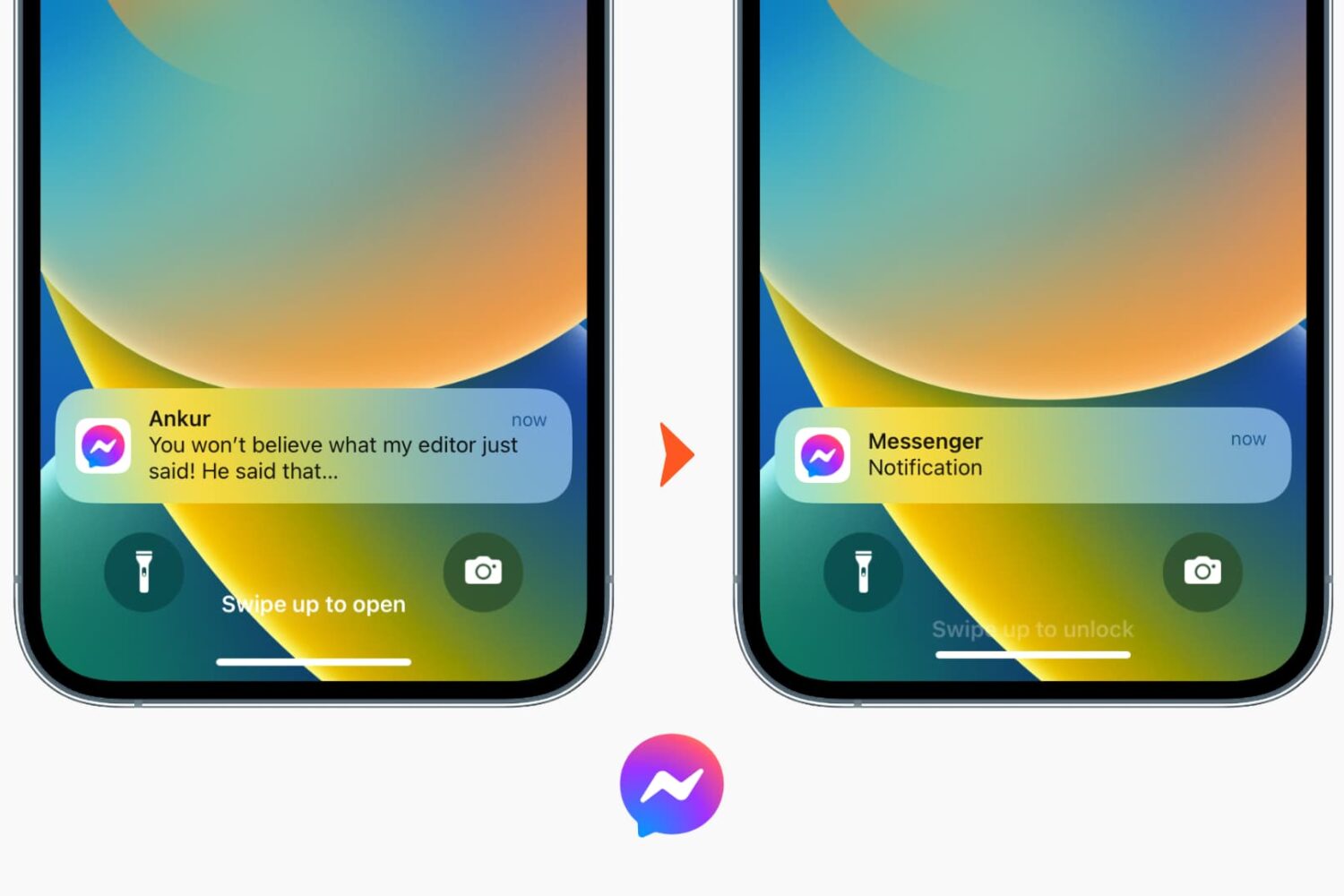
Learn how to turn off notification previews for Facebook Messenger chats on iPhone or iPad and prevent others from reading the contents of your messages.

When you've pressed your display brightness down key on your Mac's keyboard as many times as you can without the screen going completely black, and it's still too bright for you, then you're probably like me and need a way to further dim the display's dimness level beyond the OEM minimum.
In this tutorial, we'll show you how to further decrease your display's brightness than what's allowed by the standard brightness settings of macOS.

If you've been on Facebook for a few years now, chances are you've shared a bunch of photos and videos with your friends and family thus far, many of which might no longer be stored on your iOS device or Mac.
Unfortunately, Facebook doesn't make things any easier by not providing a straightforward way to download the photos and videos users have uploaded to the service.
But worry not, our loyal fans, the iDownloadBlog tutorial series comes to the rescue. In this detailed tutorial, you will learn about five different techniques that will help you download Facebook photos and videos onto your iPhone, iPod touch, iPad or Mac without too much hassle.

Your iPhone is equipped with a feature called Frequent Locations, which slowly tracks your location in the background to keep you updated via the Today View and the Lock screen on how long it would take you to get to your favorite places based on how often you visit them.
If you choose to enable Location Services during the initial iPhone setup, this feature will be enabled by default, so if you feel like it is a slight hindrance on your ability to remain private, you just might be right. In this tutorial, we'll show you how you can disable the feature and keep your iPhone from knowing where you are going next.

Not so long ago, we told you all about an app for iOS that allowed you to convert PDF files to Microsoft Word files, but did you know you can accomplish the same process on your Mac too?
In this tutorial, we'll be showing you how to convert PDF files to Microsoft Word files using an app from the Mac App Store called PDF to Word.

One of the features of the Safari web browser built into your Mac that will come in handy time and time again are the private browsing windows that you can open to browse the web privately without having your browsing history stored in your computer for the next user to see.
In this tutorial, we'll show you how to open a private browsing window in Safari on your Mac so that you're ready the next time you need to perform a web search incognito.