In this tutorial, we'll guide you through the process of canceling your Spotify Premium subscription from your iPhone, iPad, Android phone, Mac, or PC and downgrade your account to the free tier.
How to cancel your Spotify Premium subscription

In this tutorial, we'll guide you through the process of canceling your Spotify Premium subscription from your iPhone, iPad, Android phone, Mac, or PC and downgrade your account to the free tier.

As rare as it may be, your processor or CPU cooling fans can fail, and there is a really easy way to test your Mac's hardware with the Terminal app that comes with macOS to ensure everything is working right.
In this tutorial, we'll show you how to stress test your Mac using Terminal so you can ensure all your processor's cores are working up to snuff and your cooling fans aren't grinding or failing to cool your Mac as they should.
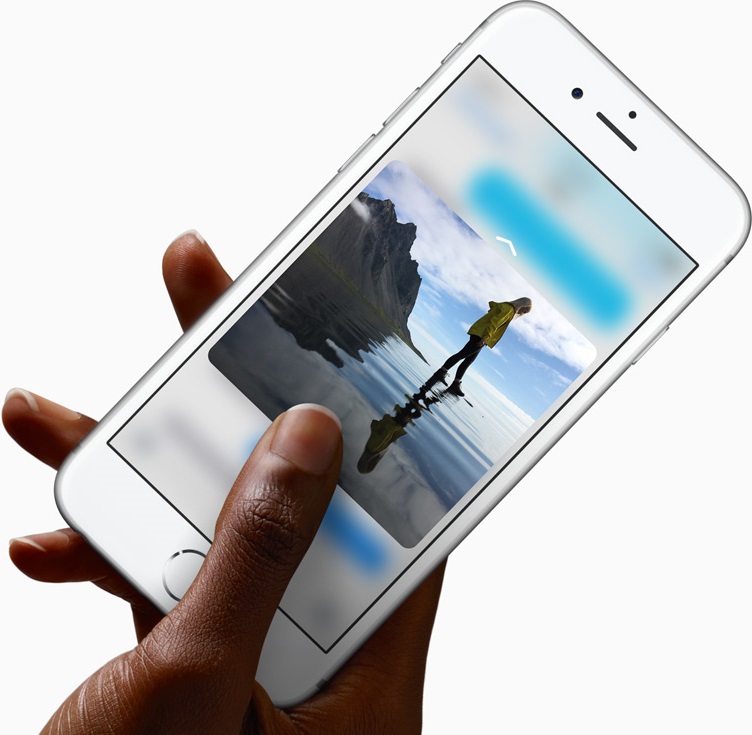
We have covered dozens of the best 3D Touch uses in Apple's most important apps, like Messages, Safari, Mail, Camera, Maps and a few others. Today, we explore how 3D Touch on the iPhone elevates your experience in Photos, one of my favorite stock apps.
With 3D Touch, you can animate a Live Photo and make your wallpaper come alive with a deep press, peek at your photos and videos within the stock Photos app, go to your best photos and see what you were snapping up this time last year, right from the Home screen, and much more.

In this article, we cover the most common AirDrop issues and how to fix them on your iPhone, iPad, and Mac.

Emulators are a way to play your favorite childhood games on your iPhone, iPod touch, or iPad without carrying the game disks or cartridges and game consoles around with you. Instead, they sideload the games on your device as a piece of software, and they're given controls that are adapted for the touch screen.
In this tutorial, we'll be showing you a method that still works to this day for getting emulators on your iOS device, and the best part is, you don't even have to be jailbroken to do any of it.

Twitter recently unveiled a new feature that lets you elect to have the service surface new and interesting content at the top of your timeline since your last visit.
Called “Show me the best tweets first,” it's a staggered release so not everyone may have it at the same time although the majority of Twitter's user base should now see this option in their settings.
This post will take you through the steps you need to take in order to enable this feature in Twitter's mobile apps and in the desktop interface, so that you never miss important updates from people you follow.

Learn how to access unique emoticons and ASCII faces on your iPhone or iPad by enabling the hidden Japanese keyboard for some fun ways to express yourself.
I'm not hearing impaired but that doesn't prevent me from taking advantage of certain VoiceOver features on my iPhone. For instance, I sometimes use Speak Selection to get iOS to read a book to me as I'm surfing the web, or doing something else.
Being a non-native English speaker, I also rely on that feature to have my iPhone read aloud words and phrases whenever I'm unsure about their correct pronunciation, which is a lot of help—especially with the adjustable pitch and speaking rate.
Starting with iOS 8, a number of options for the Siri voices you can use for the VoiceOver, Speak Screen and Speak Selection features became available. This tutorial explains how to choose a voice for Speak Screen and Speak Selection and adjust voices for VoiceOver.
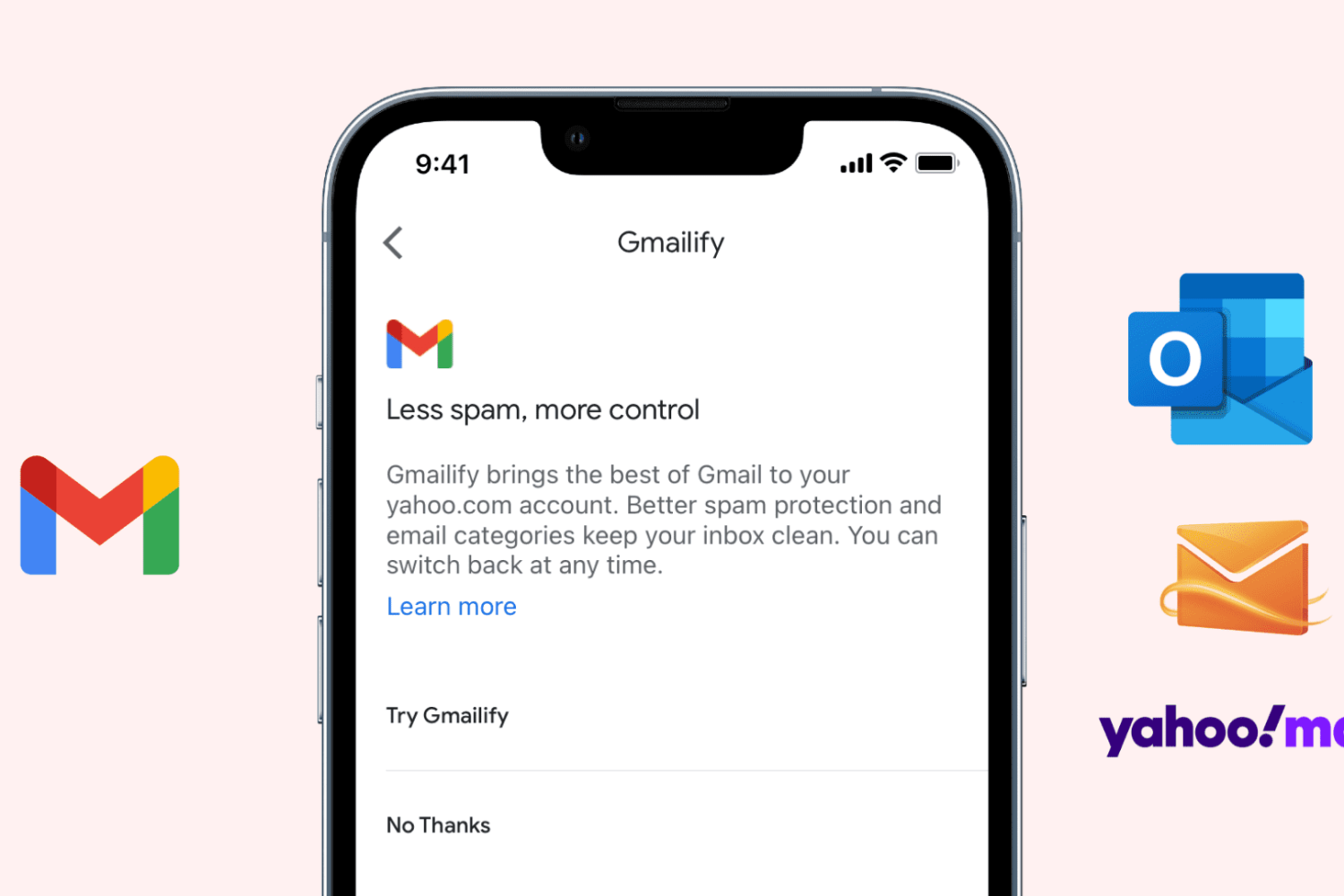
Gmail is the most popular email service, offering excellent features like spam protection, automatic email sorting (Social, Updates, Promotions), advanced search, and more. Contrary to popular belief, you can use these features on your existing non-Gmail email service, thanks to a feature called Gmailify.
This tutorial shows you how to link your non-Gmail account with Gmail via Gmailify on iPhone and iPad.

In this tutorial, we show you two easy ways to temporarily keep your Mac from falling asleep, dimming the display, or showing a screensaver for as long as you need to.

It's super easy to save photos that have been shared on Facebook to your computer, but for whatever reason, Facebook seems to be lacking the ability to save videos that are shared by your friends and appear in your News Feed.
Despite the common misconception that you need a fancy web browser plugin or third-party software to download videos from your Facebook News Feed, this simply isn't the case. In this step-by-step tutorial, we'll show you how you can save videos from Facebook that appear in your News Feed to your computer.
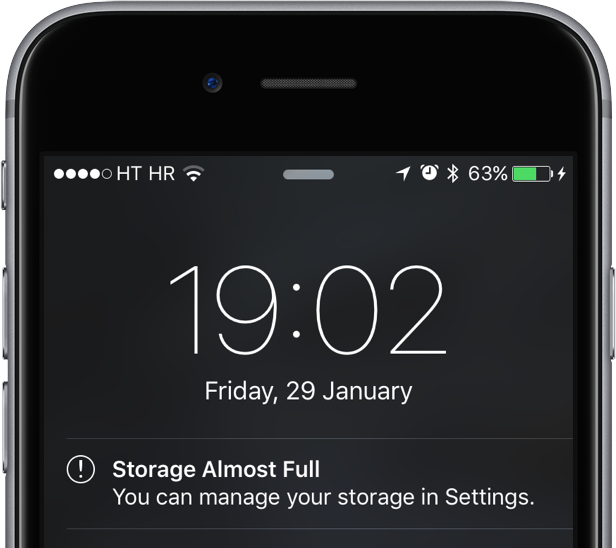
The infamous 'Other' storage section displayed in iTunes after connecting an iPhone, iPod touch or iPad to a computer is definitely one of the pain points for users mainly because it keeps increasing on its own.
'Other' storage is a combination of system settings, caches and various files that iOS stores temporarily to speed up system performance and minimize your dependency on network connectivity.
This all happens automatically and without any intervention on part of the user. That said, software can (and will) break and so these files may not get cleaned out properly. And when that happens, a large amount of storage will be lumped into the 'Other' category. The good news is, your proactiveness in dealing with this issue should pay off.
It's actually fairly easy to recover your usable storage lost to 'Other' space hogs by specifically targeting certain items. In this post, we'll lay out a few different techniques to decrease 'Other' storage on your iPhone or iPad.