Learn how to change the camera settings on your iPhone or iPad to take pictures in the universally compatible JPEG format instead of HEIF/HEIC.
How to make your iPhone shoot in JPEG instead of HEIF

Learn how to change the camera settings on your iPhone or iPad to take pictures in the universally compatible JPEG format instead of HEIF/HEIC.
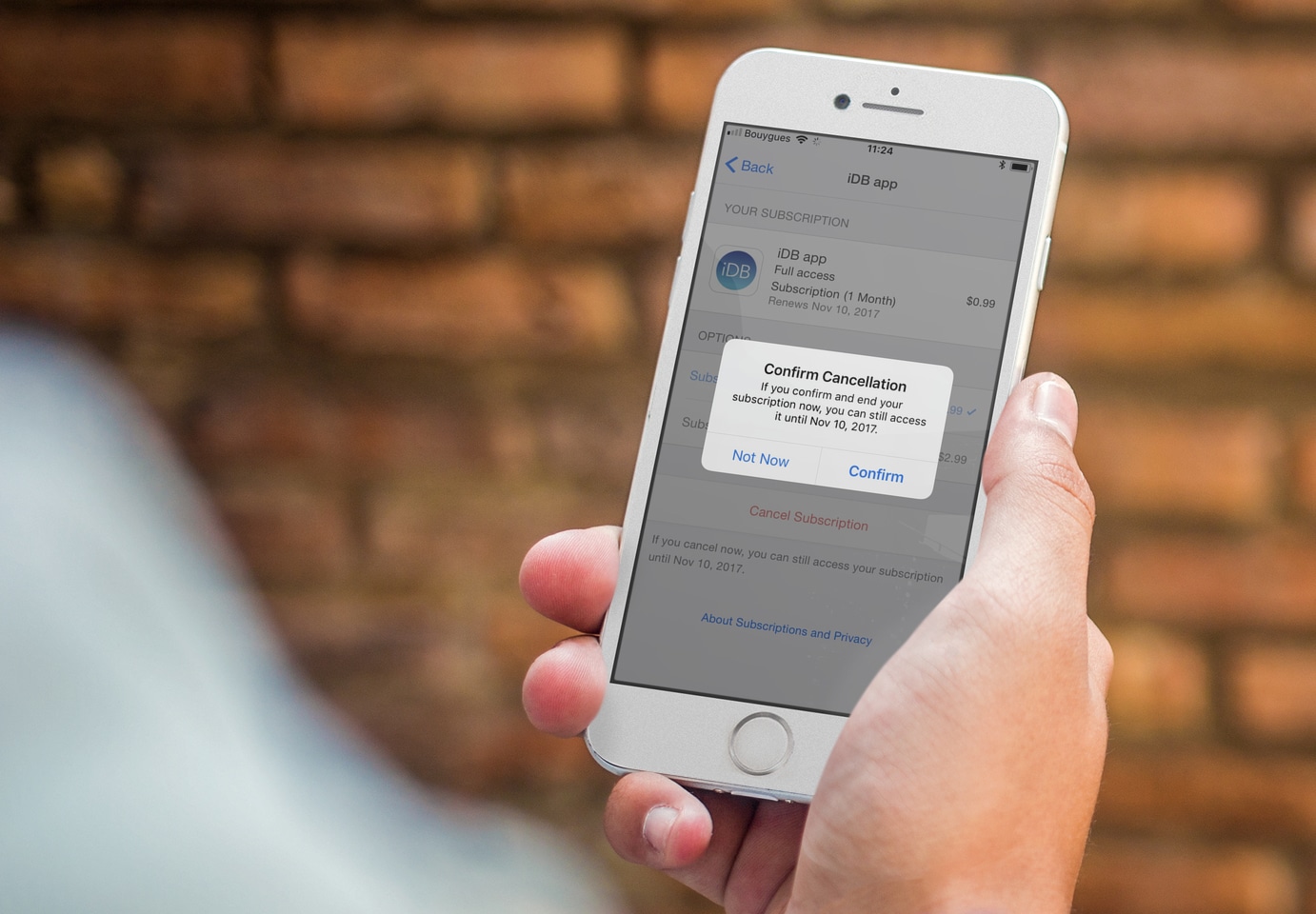
Learn how to cancel App Store subscriptions for apps and services from your iPhone, iPad, Mac, or Apple Vision Pro so you don’t keep paying for things you no longer use.
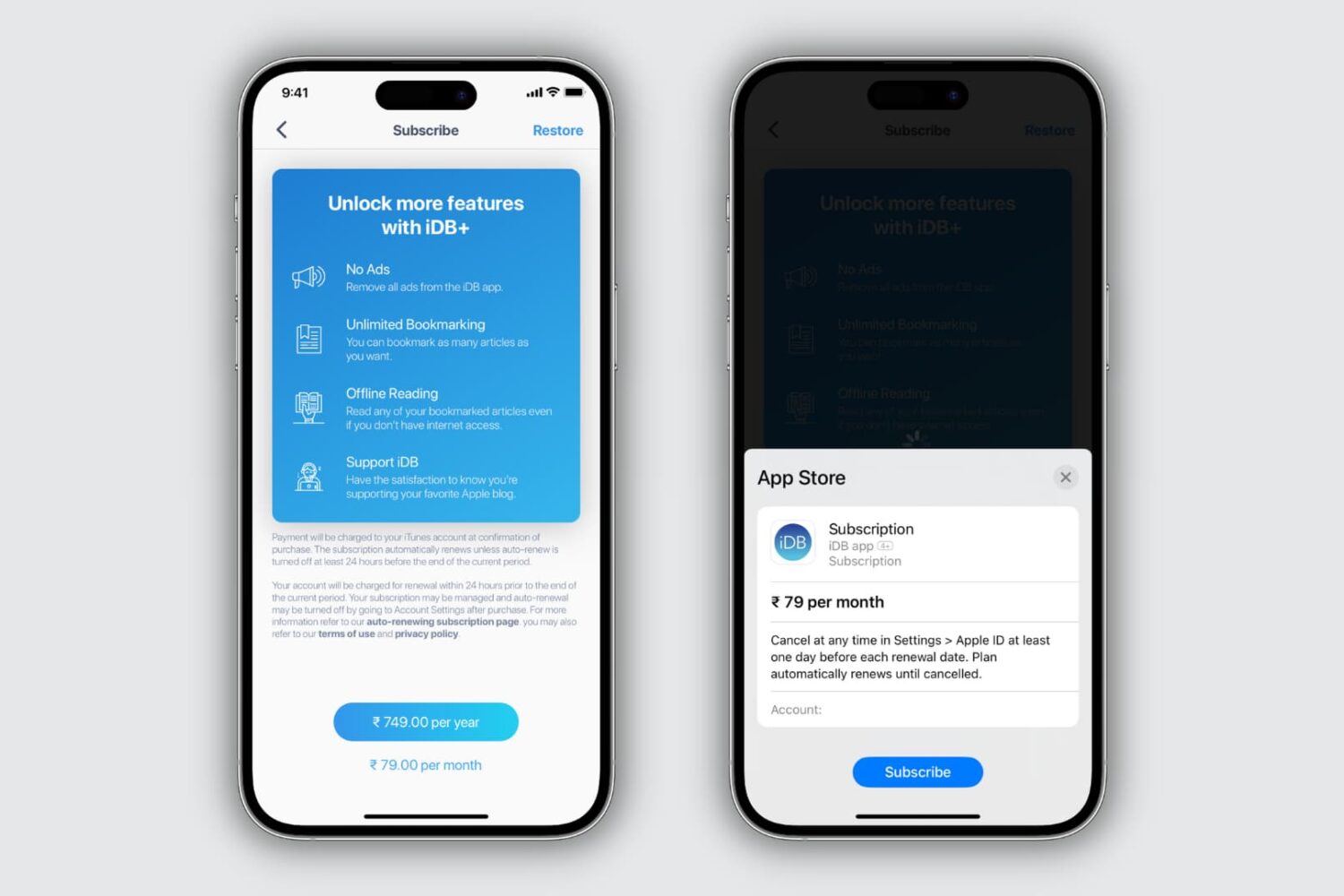
Learn how to view the subscriptions you purchased in App Store apps on your iPhone, iPad, or Mac, and cancel the ones you no longer need.
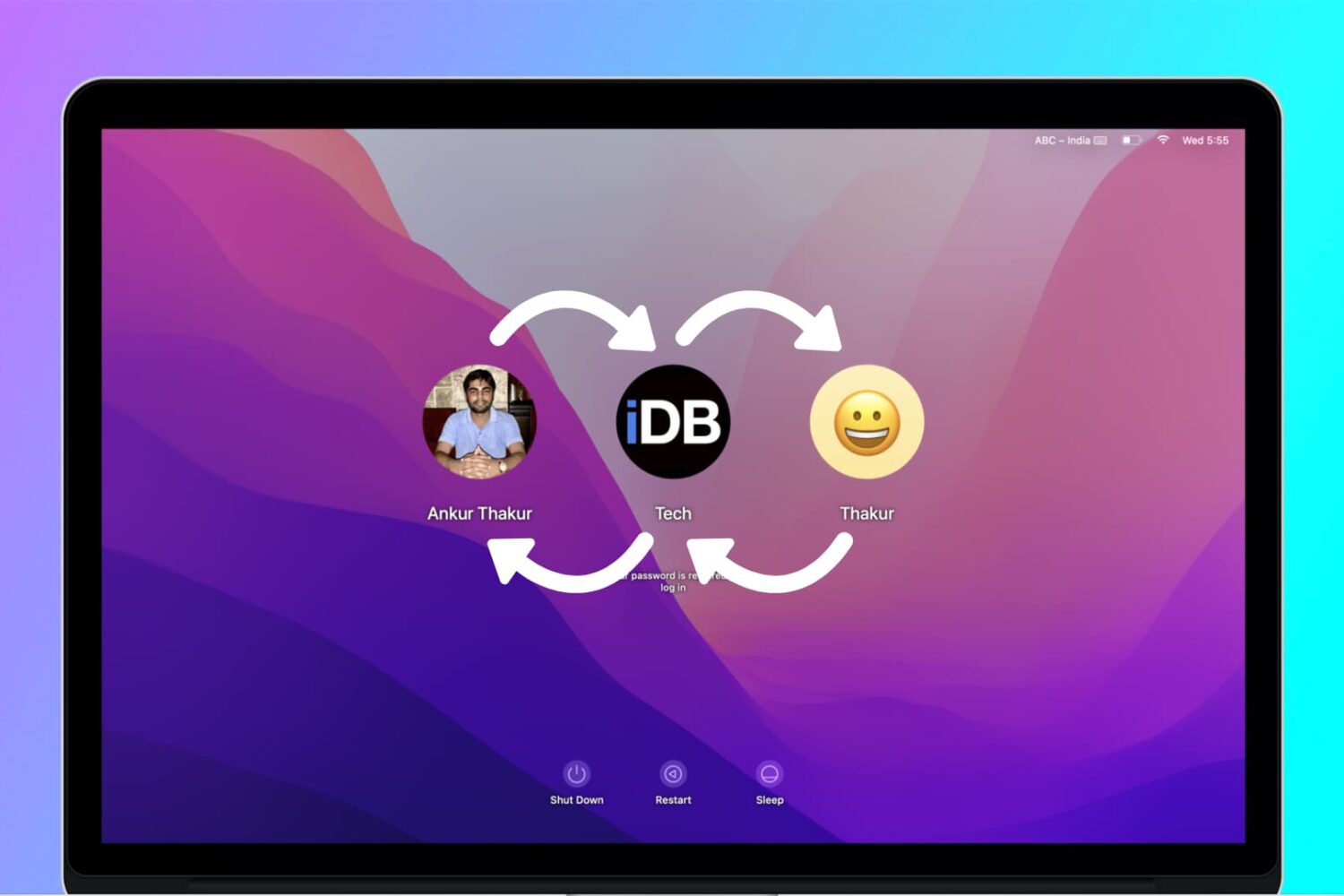
If you have a Mac in your household, chances are it's being shared between several family members. With every family member having his or her own account, each user can then operate the computer without messing up other users' files and settings.
In that kind of situation, users might, at some point, want to share files and documents with each other. This can be done either via a Shared folder, a Public folder available to each user, and a Drop Box folder that is specific to each user. (Not to be confused with cloud storage service Dropbox.)
In this post, you will learn the differences between a Shared folder, a Public folder, and the Drop Box folder. You will find out when and how to use each method to share files and documents between users of the same Mac.
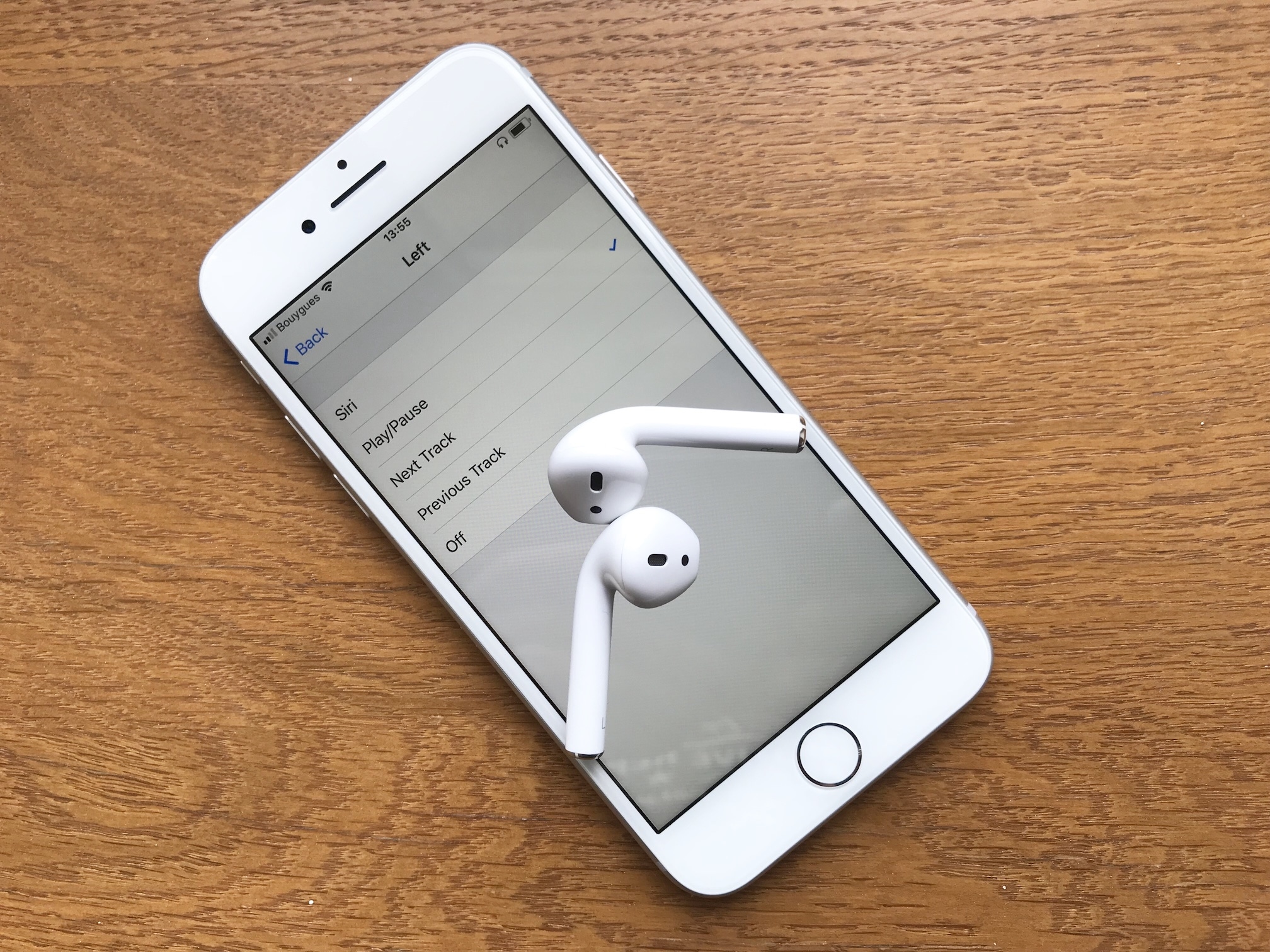
Until iOS 11, you could only choose between activating Siri, or Play/Pause media when double-tapping either the left or right AirPod. But with the release of iOS 11, Apple gave AirPods users a few more options as to what a double-tap gesture can do. Indeed, we have a couple more controls available, and we can also choose specific controls for both the left and right AirPod.
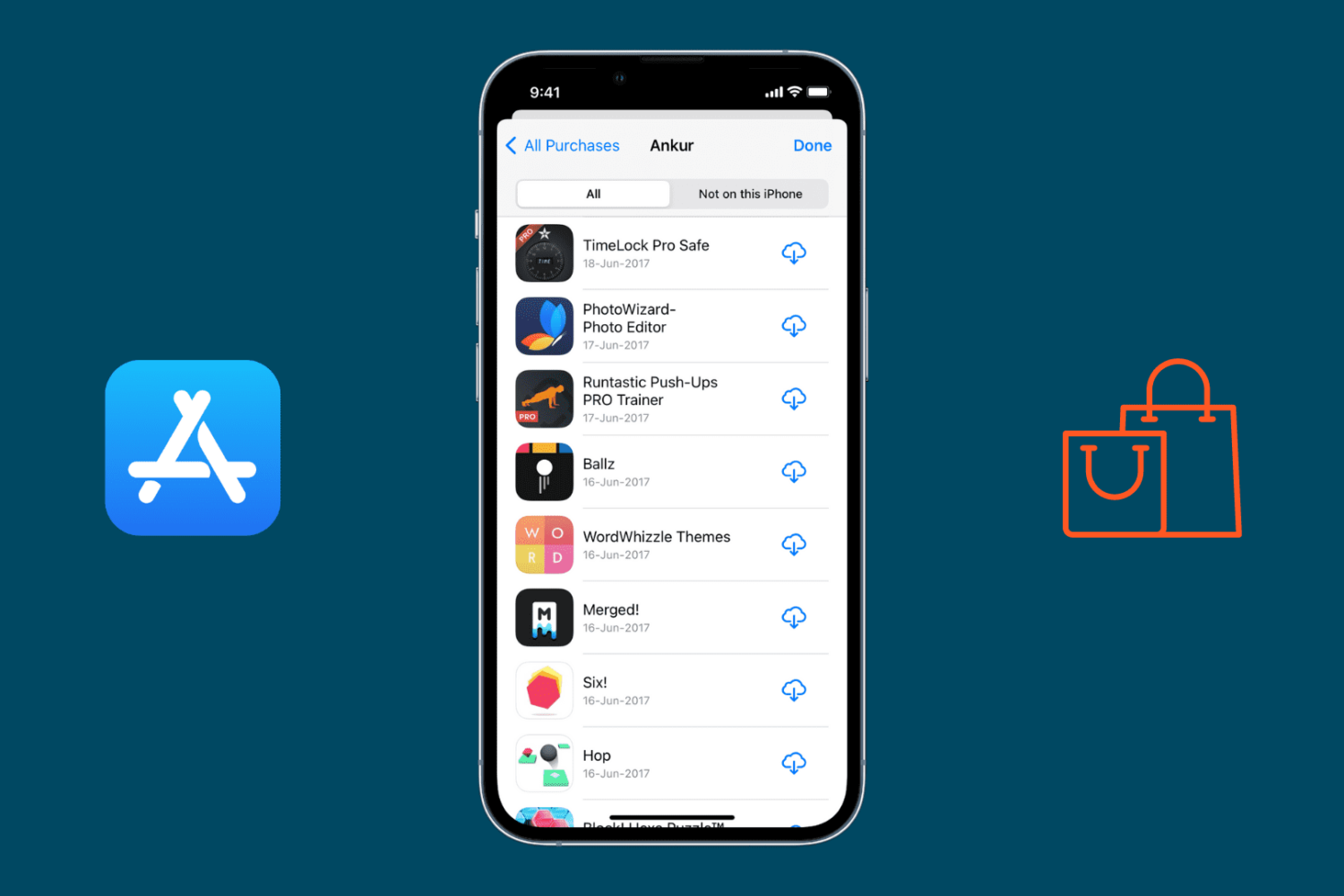
In this simple guide, we show you how to view your App Store download history and review apps that you downloaded a while ago.
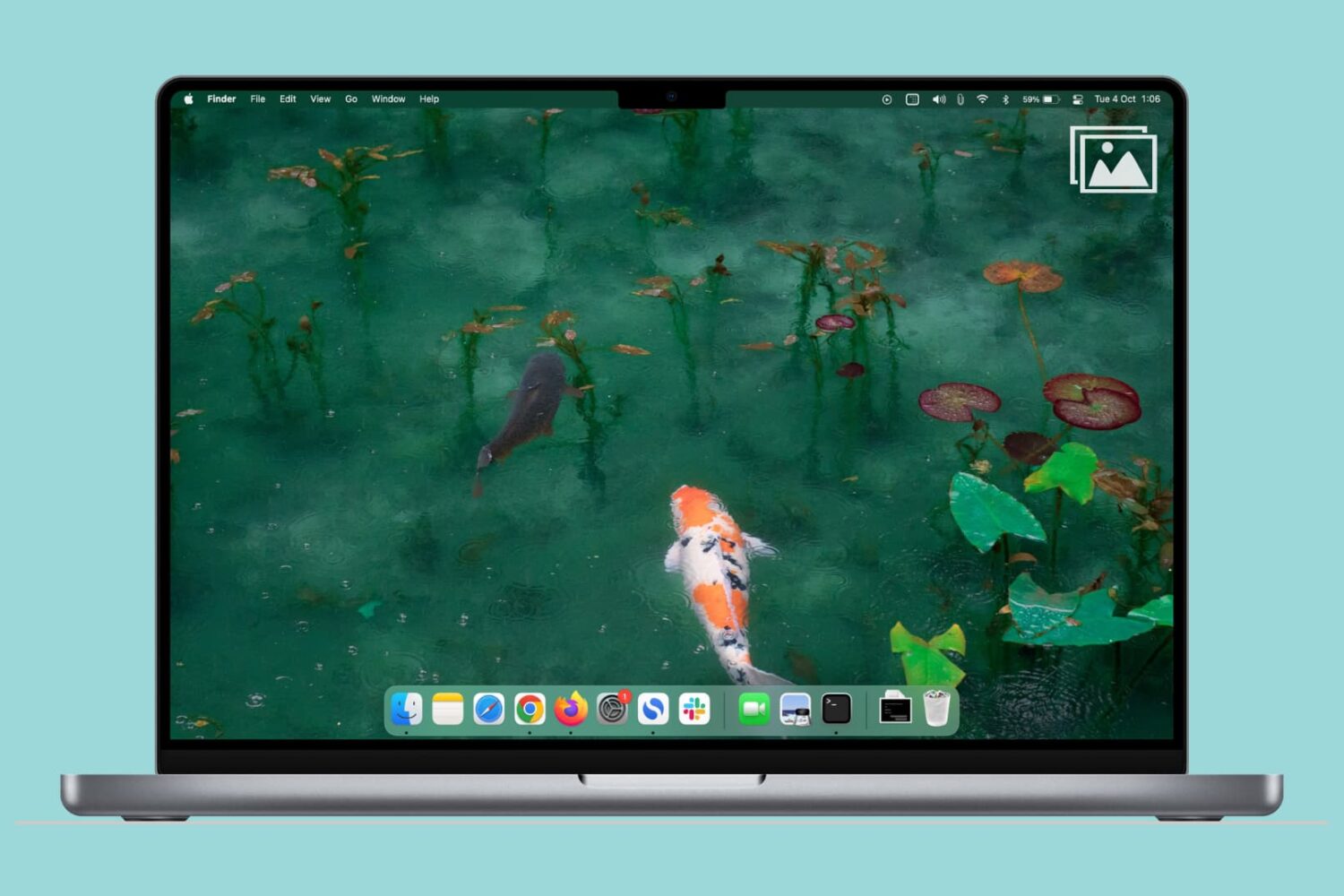
Learn how to quickly find all screenshots taken on your Mac, regardless of their save location, even if you manually moved them to custom folders.

Find out how to strengthen your privacy by hiding the caller's name from the Missed Call banner, and preventing other people from returning the missed call shown on your iPhone Lock Screen.

Learn what to do if your Text Replacement phrases and shortcuts are not syncing across all your iPhone, iPad, and Mac.
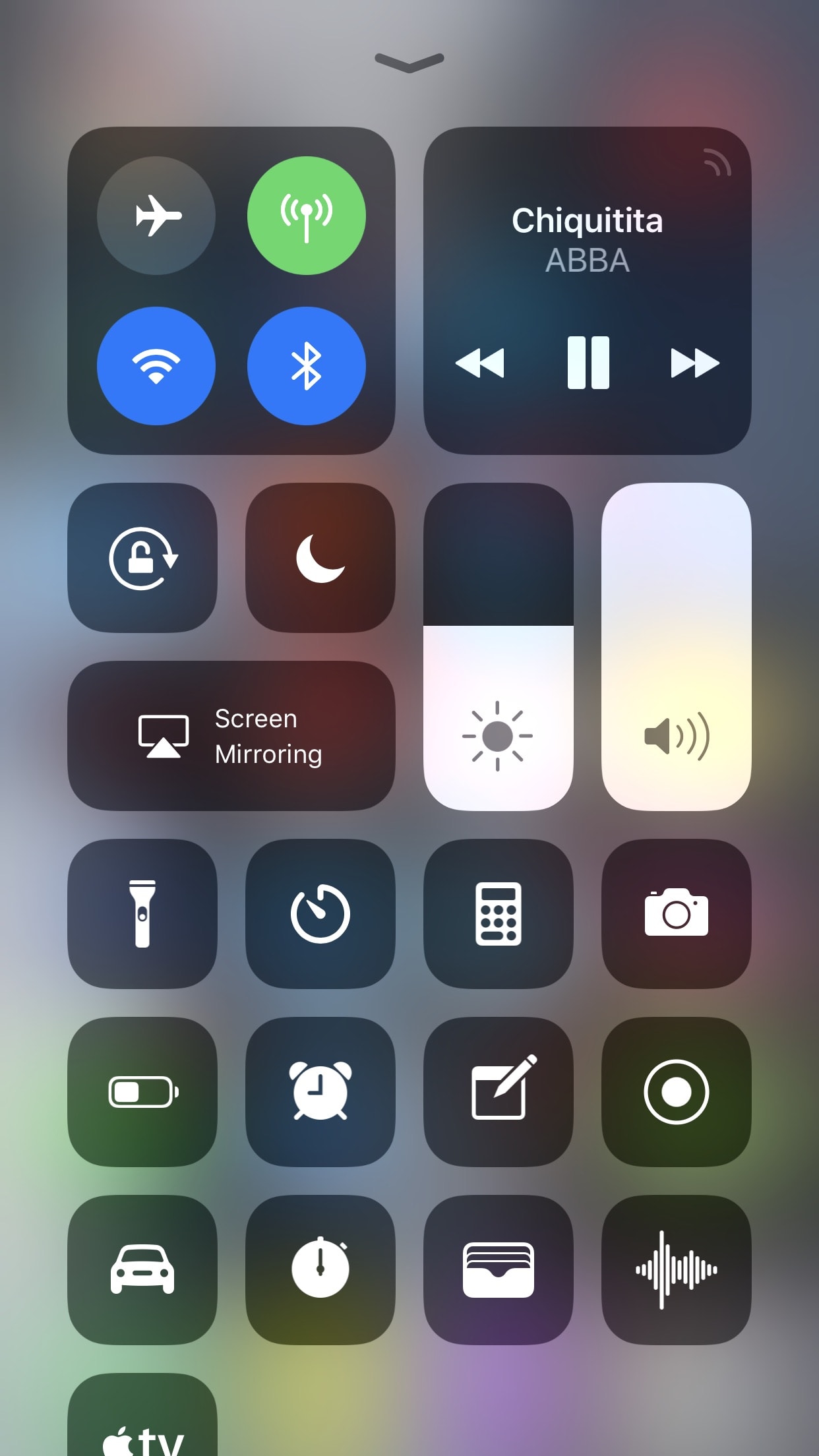
With the release of iOS 11, Apple fulfilled the longtime wishes of many users by adding a redesigned customizable Control Center. While the new design language is not universally beloved, customizability is rarely ever frowned upon when included. What follows is a short tutorial to assist you in learning the ropes of customizing Control Center in iOS 11.
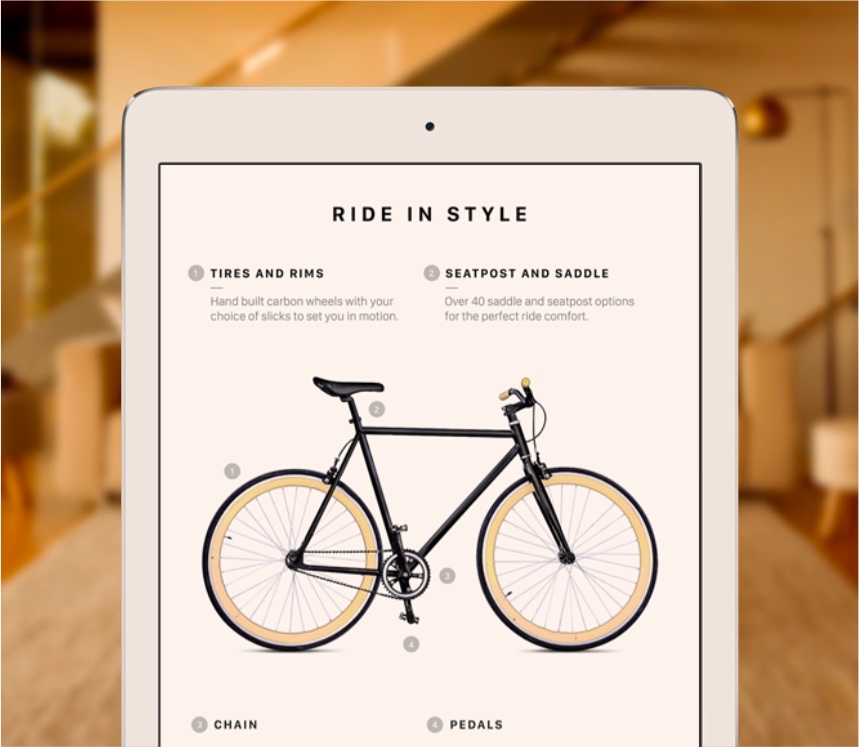
If your iPhone or iPad features Apple's white balance-compensating True Tone technology, you can quickly toggle it at any time right from iOS 11's customizable Control Center.