You can transfer any in-progress call from your iPhone to your iPad or Mac with just a couple of taps. Let's show you why you might want to do this and how.
How to switch cellular phone calls between your iPhone, iPad and Mac
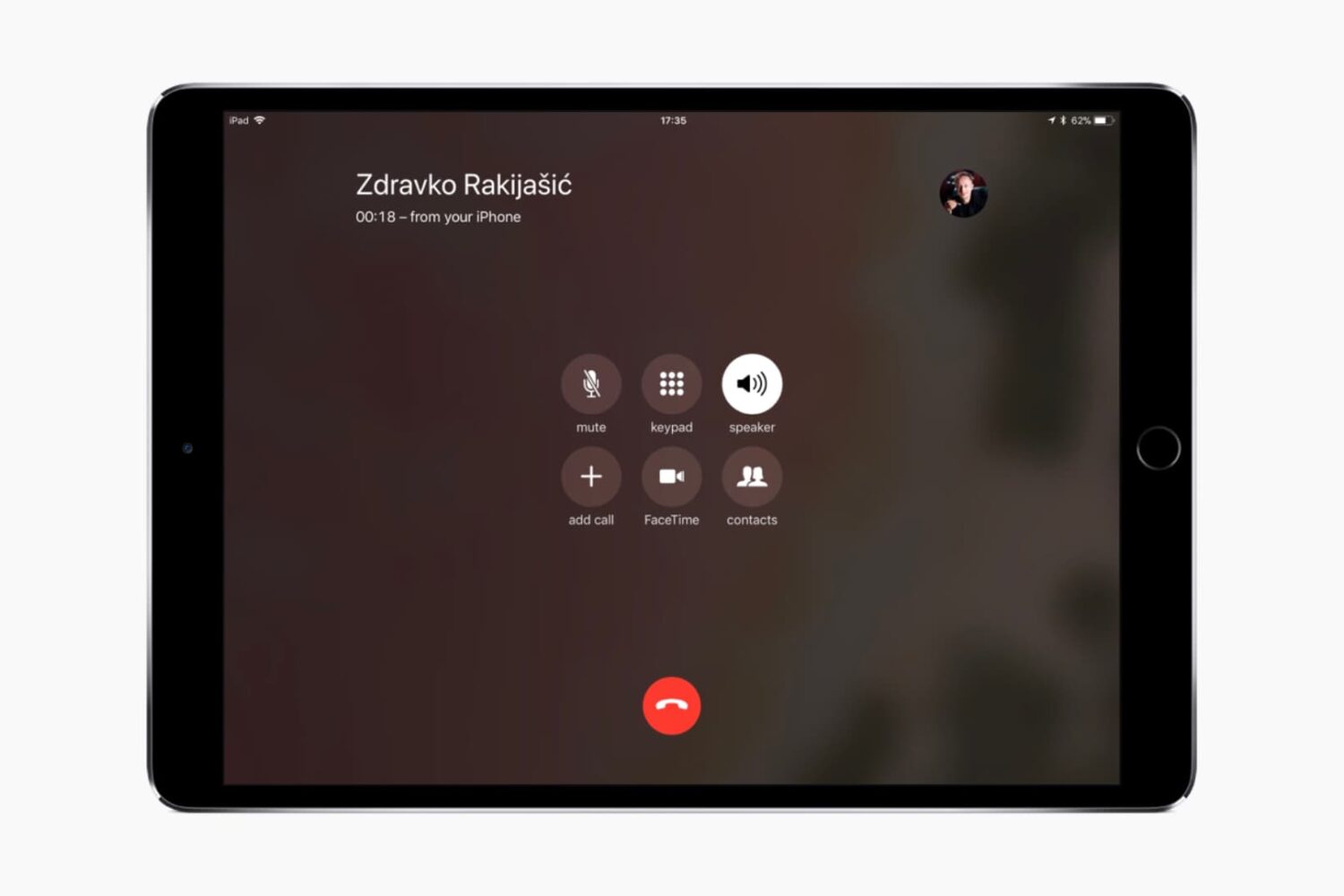
You can transfer any in-progress call from your iPhone to your iPad or Mac with just a couple of taps. Let's show you why you might want to do this and how.

If your iMac Pro is refusing to boot following a power failure during a macOS software update or has stopped functioning properly, which may happen in certain circumstances, you might need to perform a DFU-like restore process using a secondary Mac and Apple Configurator.
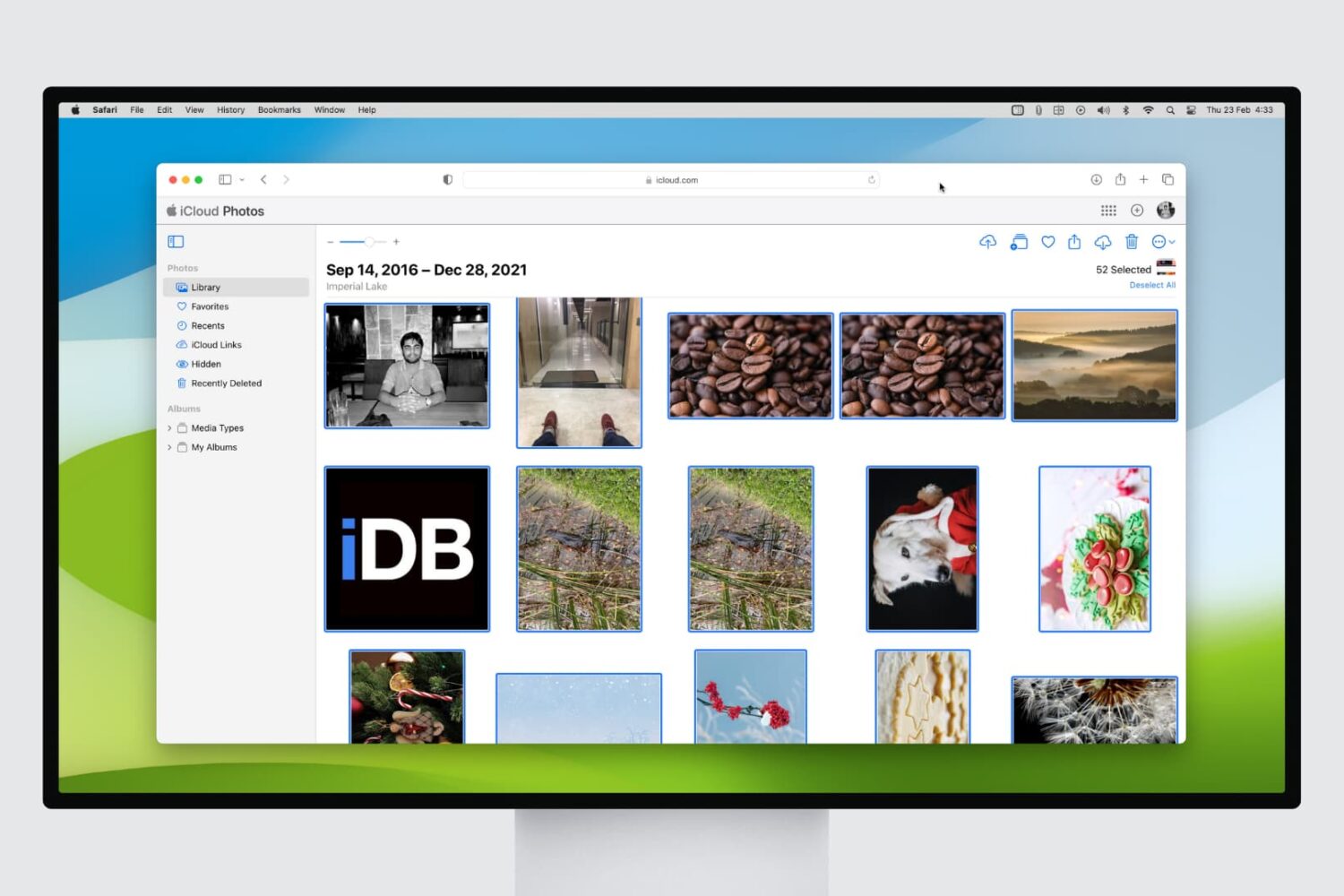
If you're a frequent user of iCloud Photo Library, you might find yourself with a cluttered photo collection. Deleting multiple pictures at once can be a tedious task, but with a few simple steps, you can free up storage space in no time.
In this article, we'll show you how to delete multiple pictures at once in iCloud Photo Library from your web browser, making it easier to manage your photo collection and keep your iCloud storage under control.
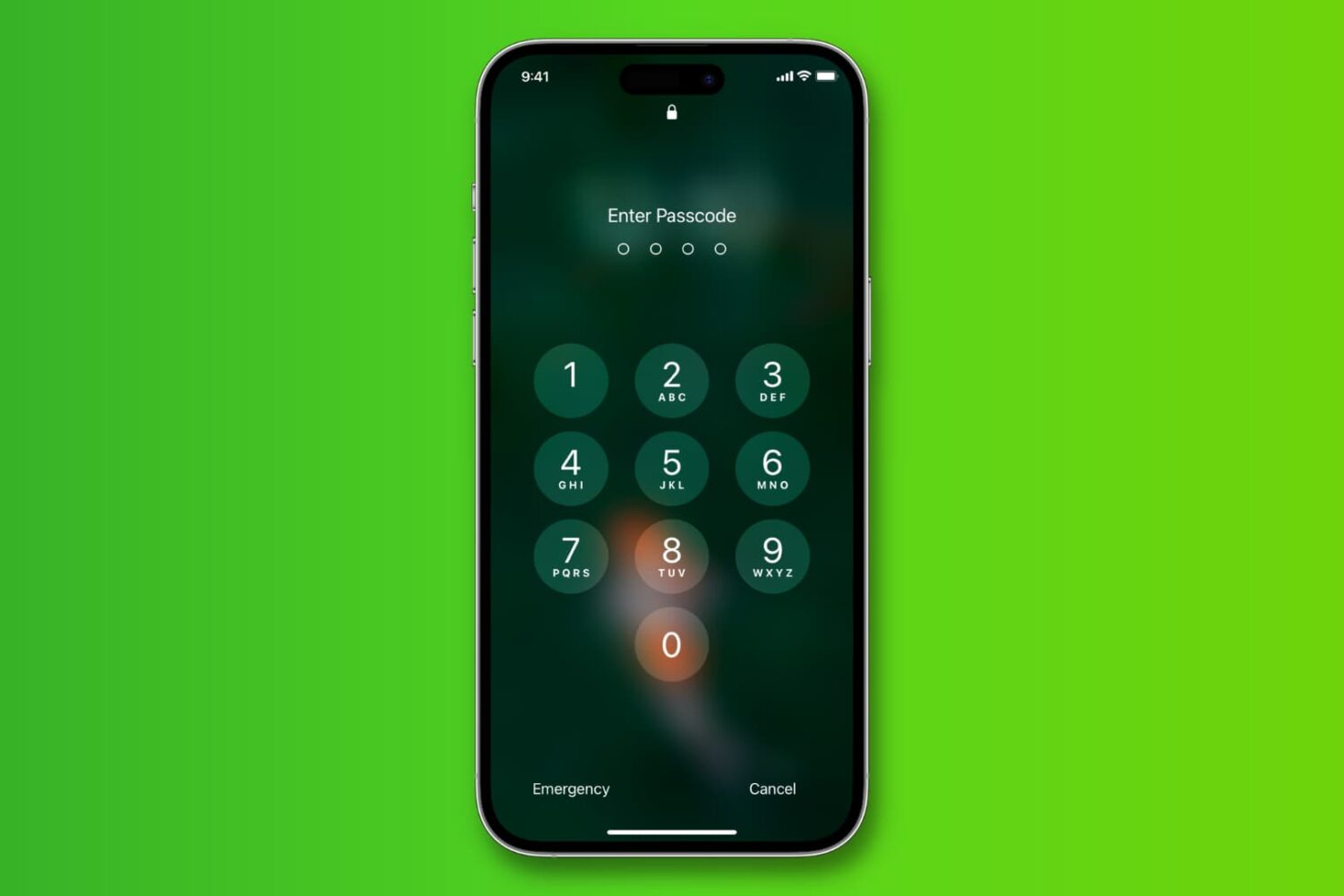
Learn how to change the length of your iPhone passcode from 6 digits to 4 so it’s easier to memorize and faster to type when unlocking.

A big problem potential jailbreakers face is that of updating too far to be supported by eventual tools. Either through impatience, or by accident, I hear often that a user's device is now on too high a firmware to enjoy the latest release.

Once its cycle count has reached 500 complete charge cycles, your iPhone's battery is considered consumed as its ability to provide power reduces. As a result, you may need to charge the phone more and more frequently and it might exhibit unexpected shutdowns.

Playing a song, an album, or a playlist on repeat in the Apple Music app is a bit confusing. First, the repeat option is not obviously located within the app, and second, what happens when you tap on it is even less obvious.
If you are confused about playing music on repeat in the Music app of your iPhone or iPad, then read on as you're about to learn how to use the repeat button.

With the release of Ian Beer's new exploit, some hope for a future Apple TV 4/4K jailbreak has appeared. The exploit will theoretically work on firmwares up to and including tvOS 11.1, but not 11.2 and higher. For this reason, I advised in my jailbreak guide that Apple TV 4/4K users who want to have a chance of jailbreaking manually restore now to tvOS 11.1, before it goes unsigned. You can use our guide on the topic to do so.

If you’ve been keeping up to date on your jailbreak news recently, then you might already know about the new exploit that could potentially open some doors to an iOS 11 jailbreak (or a semi-jailbreak at the least).
The latest iOS firmware the exploit works with is iOS 11.1.2. Anyone with even the slightest desire of jailbreaking iOS 11 may want to consider putting their device on iOS 11.1.2 as soon as possible before Apple closes the signing window. In this tutorial, we’ll show you how.

Learn how you can set your Apple TV to match content and switch video display modes to match the native frame rate and dynamic range.
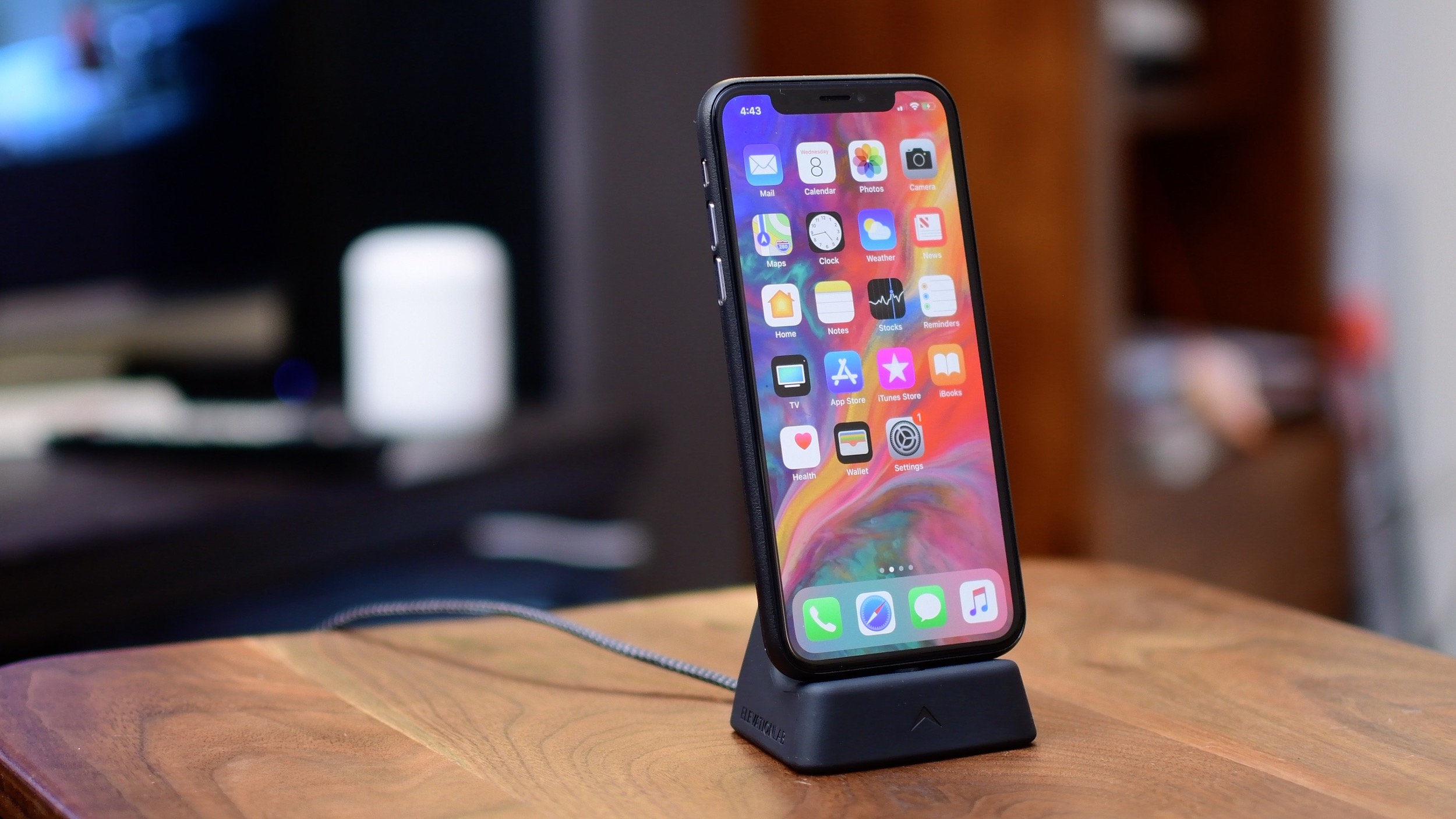
iPhone X has introduced a fair share of all-new gestural interactions for the commonly used iOS features that used to require Home button presses or taps. In addition, the handset provides some previously unavailable shortcuts, like instant jumping to your last-used app.
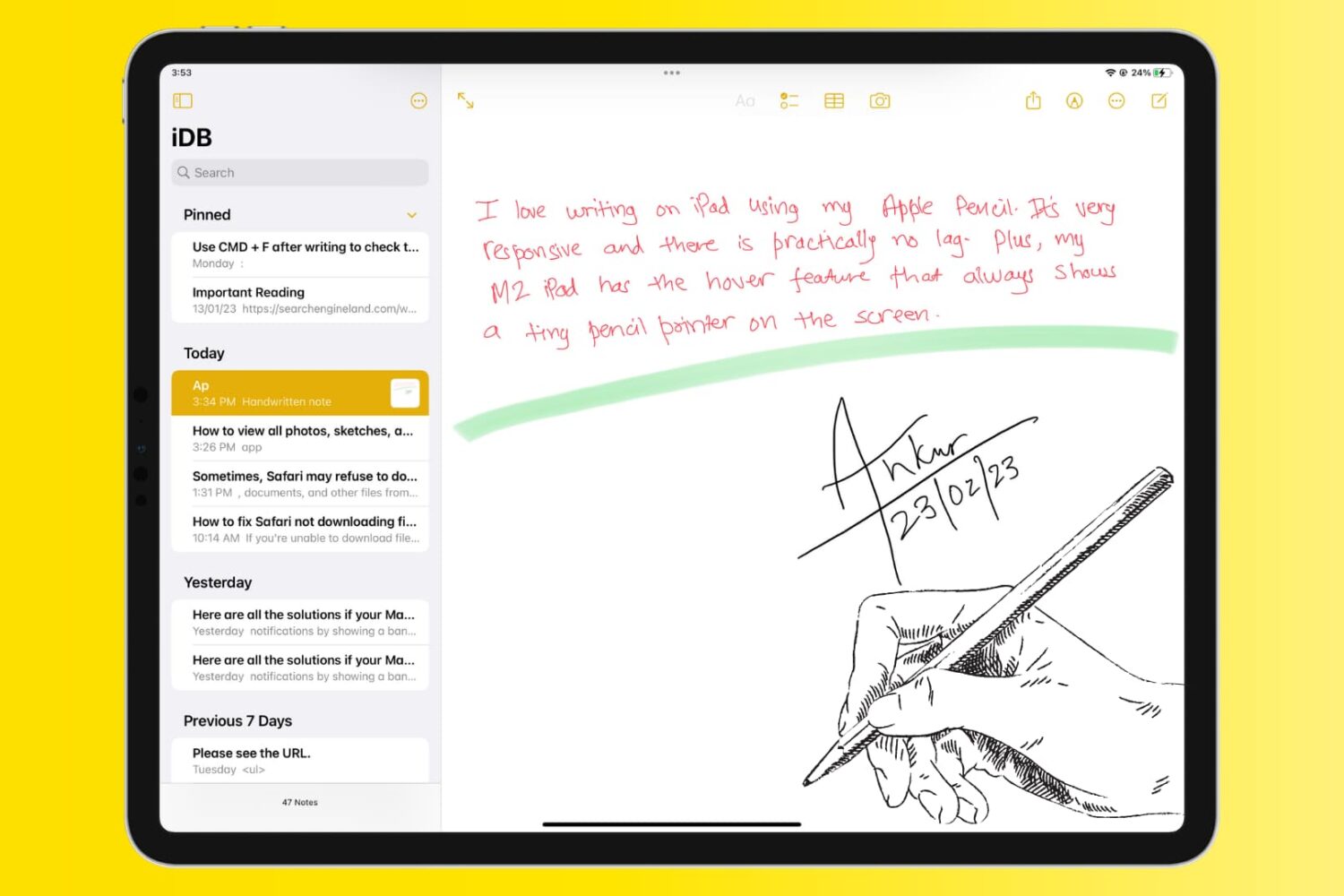
The Notes app allows users to take quick notes, make checklists, create sketches, and even store photos and documents. However, finding and organizing all of these stored items can be a bit challenging.
In this article, we will explore how to view all photos, sketches, and documents stored in your Notes app, making it easier to find and access your important information.