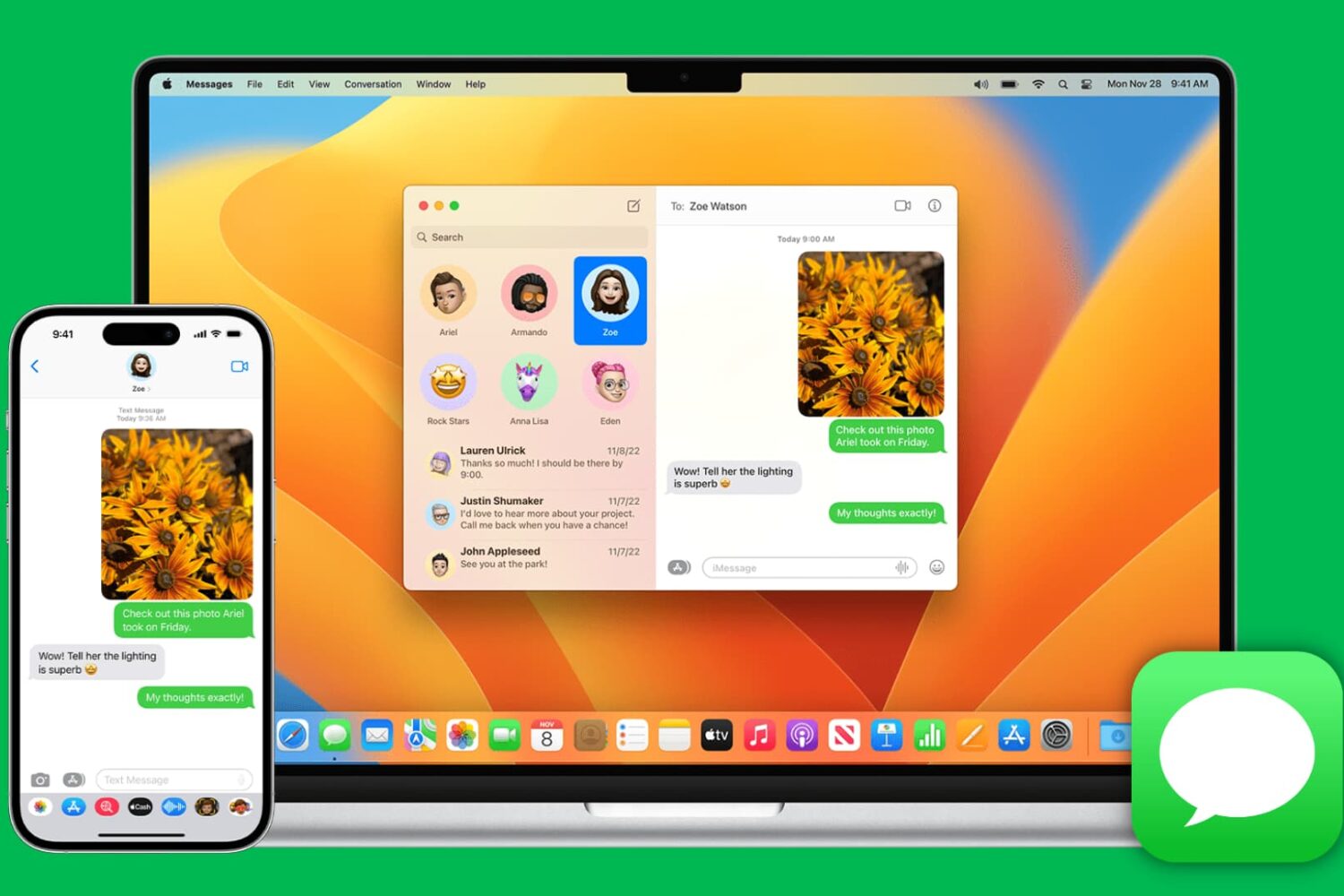
Learn how to pinpoint the exact dates and times you updated Mac apps or installed macOS updates to figure out when an issue first started occurring.
See when apps and macOS were last updated on your Mac

Learn how to pinpoint the exact dates and times you updated Mac apps or installed macOS updates to figure out when an issue first started occurring.
If you haven’t already heard, those rocking Pwn20wnd’s unc0ver jailbreak for iOS 11.0-11.4 beta 3 can now install the Sileo package manager alongside Cydia on their pwned handset.
The choice to install the Sileo package manager on your unc0ver jailbreak is entirely up to you, but if you’d like to move forward with the install, then you’ll find all the steps you need to follow to do so in this tutorial.

In this tutorial, we’ll show you how to download all or selected Flickr photos and videos, which can be helpful if you have decided to move away from Flickr or simply want to back up your items to your computer or another cloud storage.

In this step-by-step tutorial, we’ll show you how to see how much time has passed since you last rebooted or started up your computer, as well as check the reboot and shutdown histories.

Learn how to switch your Mac keyboard layout from QWERTY to AZERTY or even Dvorak so you can type faster and more comfortably in a layout that you’re familiar with.
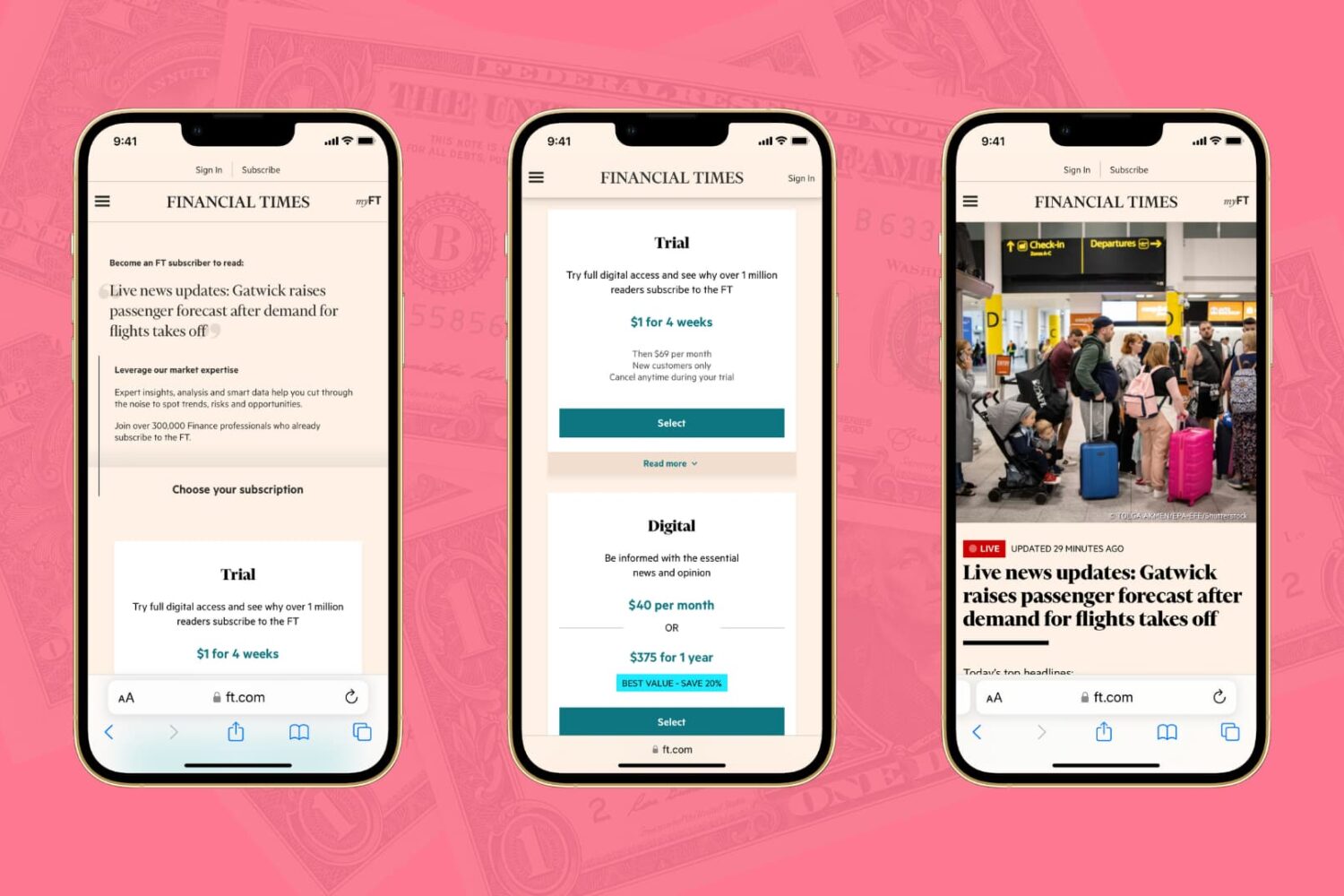
The Wall Street Journal, the New York Times, the Financial Times, Bloomberg, the Boston Globe, and similar big media publications may give you a few free articles monthly before you hit their paywall. Though nothing in this post is illegal, iDB encourages paying for news and publications that matter to you. That said, digital media subscriptions are not everyone's cup of tea due to their usually high price, lack of payment methods, and several other reasons.
Here are three working methods for iPhone and iPad users to freely read articles that are behind a paywall or subscription.
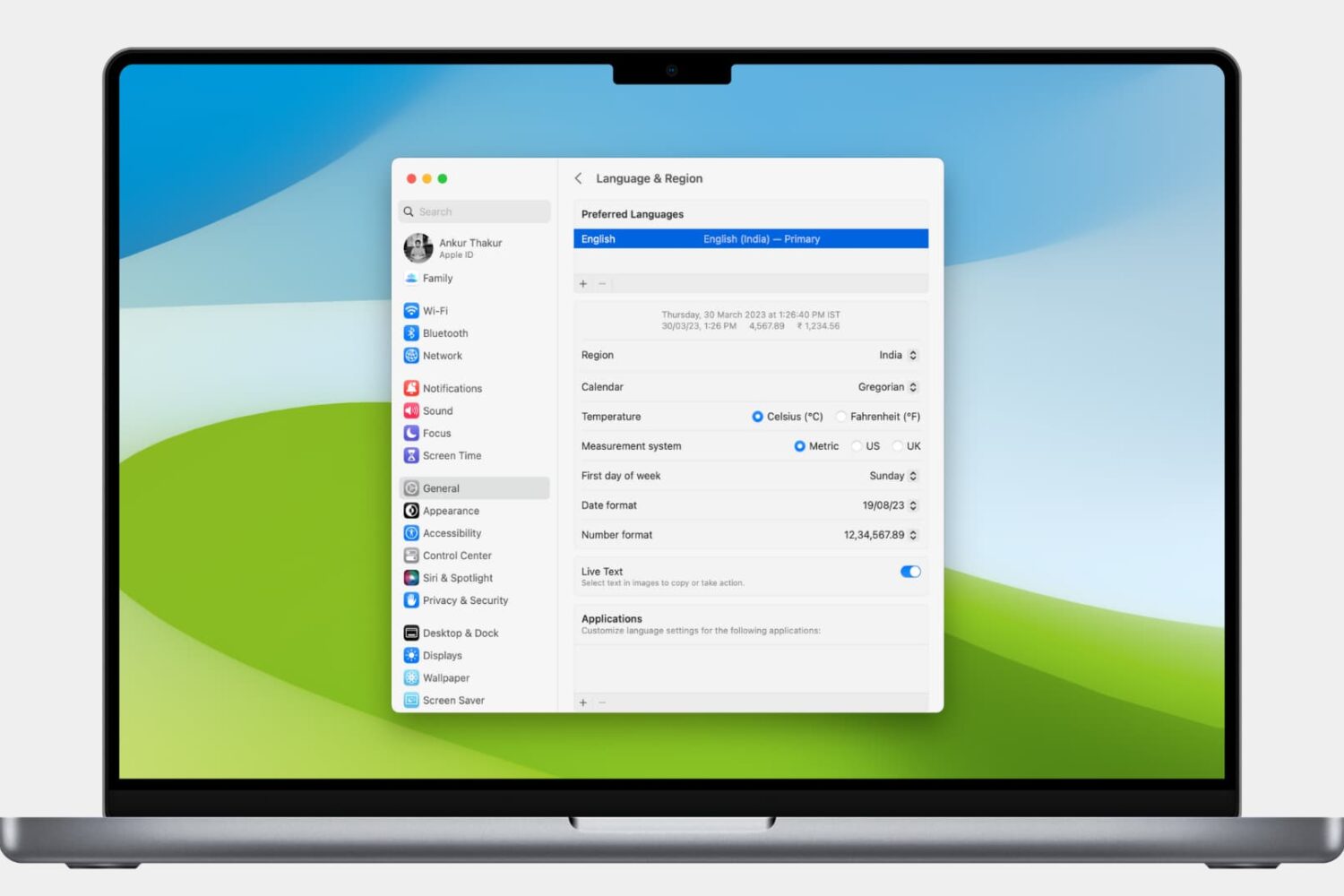
Learn how to customize the date and time formats on your Mac, and change the currency type or measurement units for a localized macOS experience.

Learn how to search through your Safari tabs on iPhone and iPad to quickly find the sites and pages you have opened without much manual scrolling.

Learn how to stop your iPhone or iPad from listening for the “Hey Siri” or “Siri” wake phrase to disable hands-free voice activation, either temporarily or permanently.
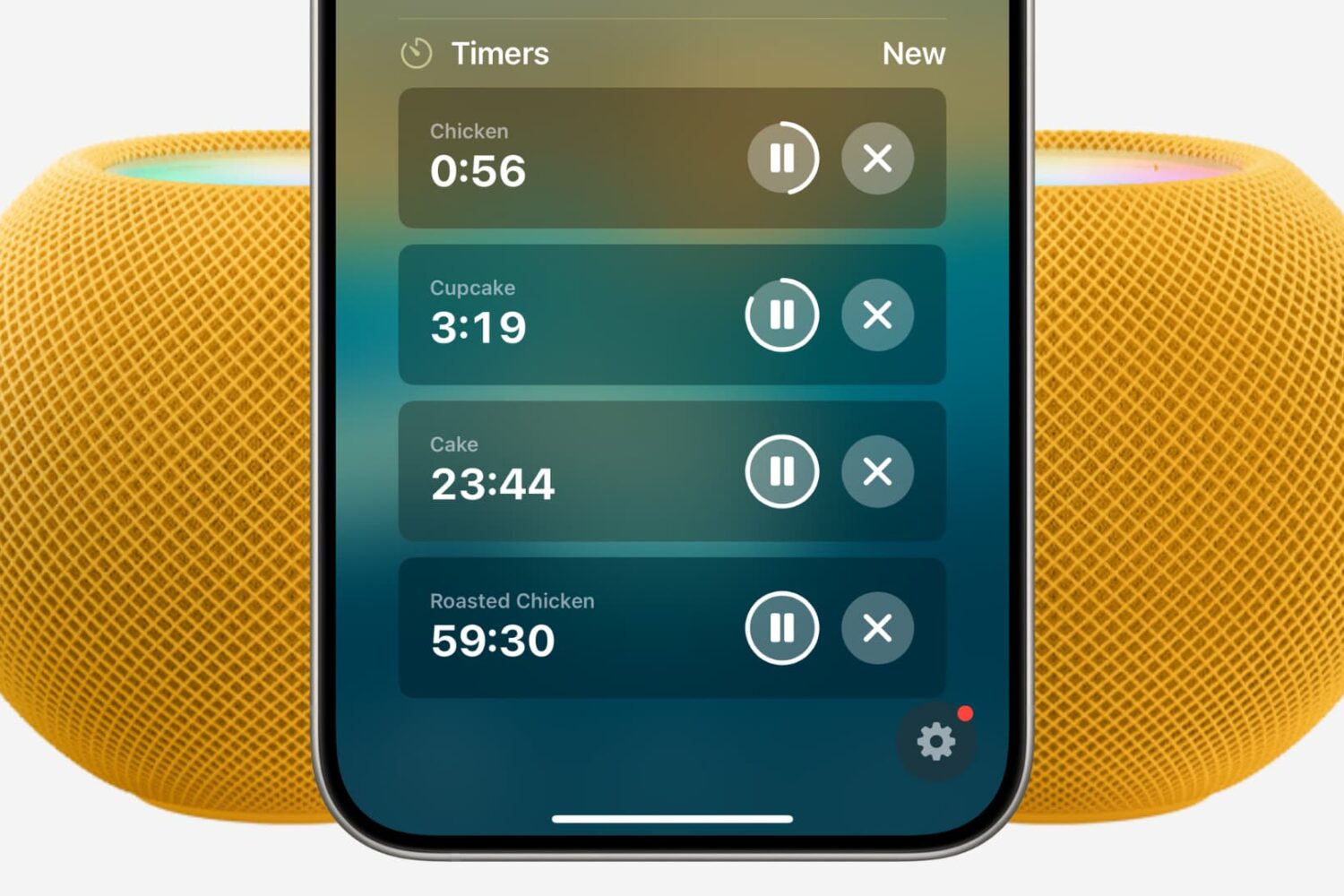
Find out how to set multiple timers on your HomePod using Siri or the Home app on your iPhone, iPad, and Mac.
Find out how to clear the DNS cache on your iPhone, iPad, Mac, Google Chrome, Firefox, and Opera to speed up your web browsing experience and troubleshoot related issues.