Learn how to stop receiving Apple subscription renewal emails every time one of your subscription apps or services charges your payment method on file.
How to stop receiving subscription renewal emails from Apple

Learn how to stop receiving Apple subscription renewal emails every time one of your subscription apps or services charges your payment method on file.
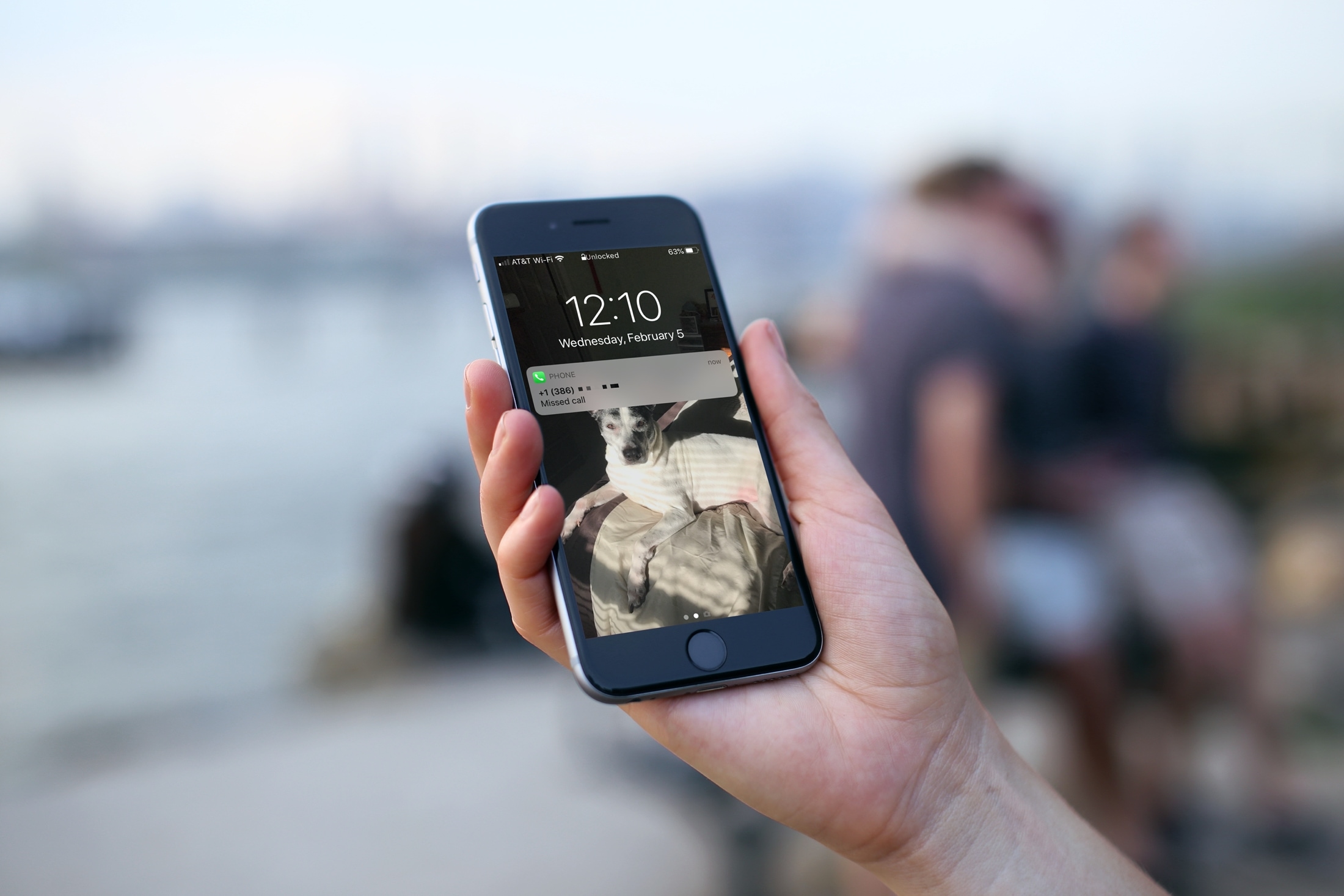
Find out what to do if your iPhone doesn’t display missed call notifications, causing confusion and disrupting communication.

In this handy tutorial, we show you how to add songs to your Apple Watch from your iPhone, manage the synced music, and see how much space it’s taking on the wearable.

Netflix autoplay previews can be quite annoying if you prefer to browse the app without previews playing as soon as you roll over a piece of content. Although Netflix defaults to automatically playing those previews, you can turn off the feature at will with just a few clicks.

Learn how to easily strip GPS data from your photos on Mac, ensuring your personal whereabouts remain confidential and secure.
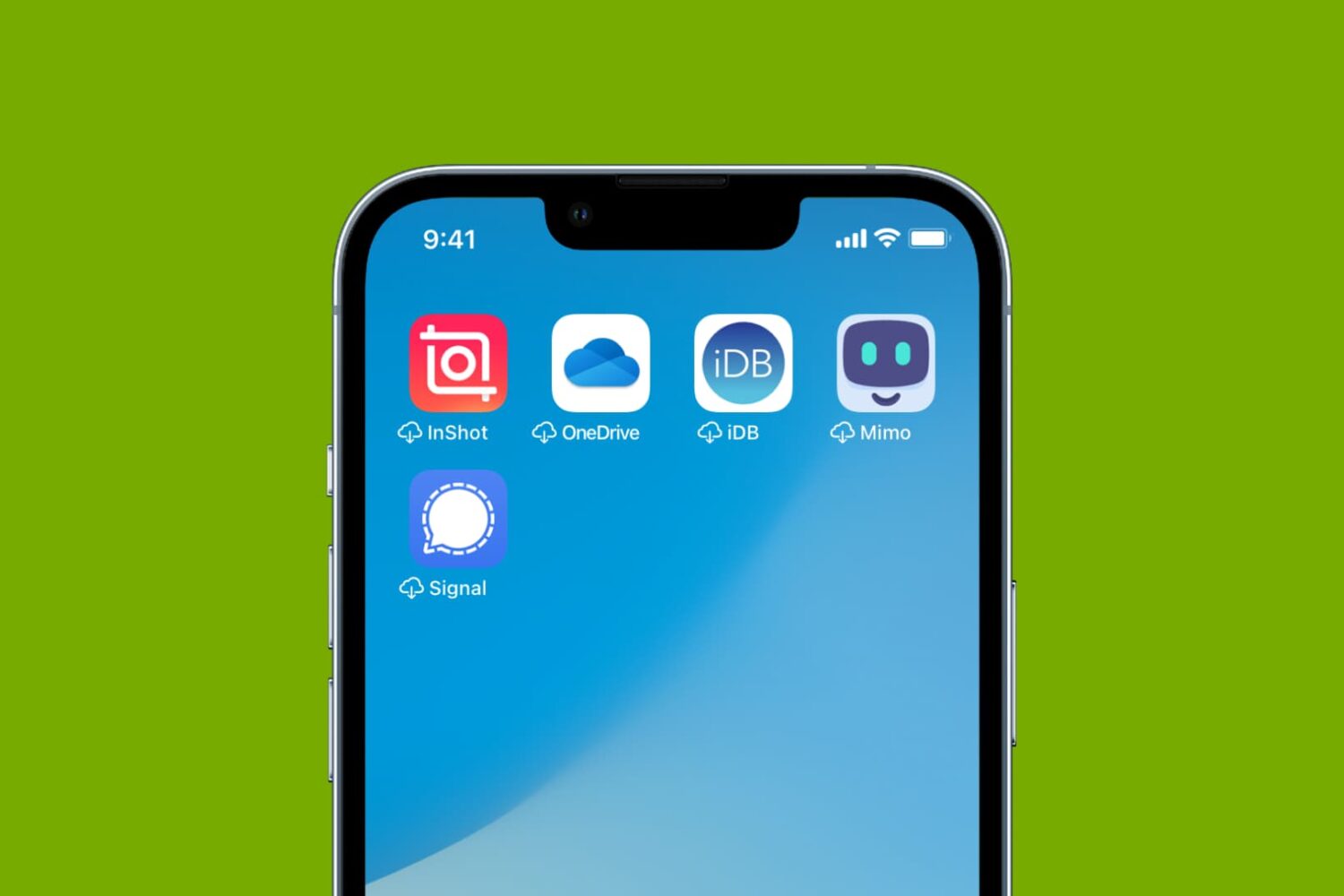
Having to re-download the same apps on your iPhone or iPad? Here’s how to disable the Offload Unused Apps feature and fix this once and for all.
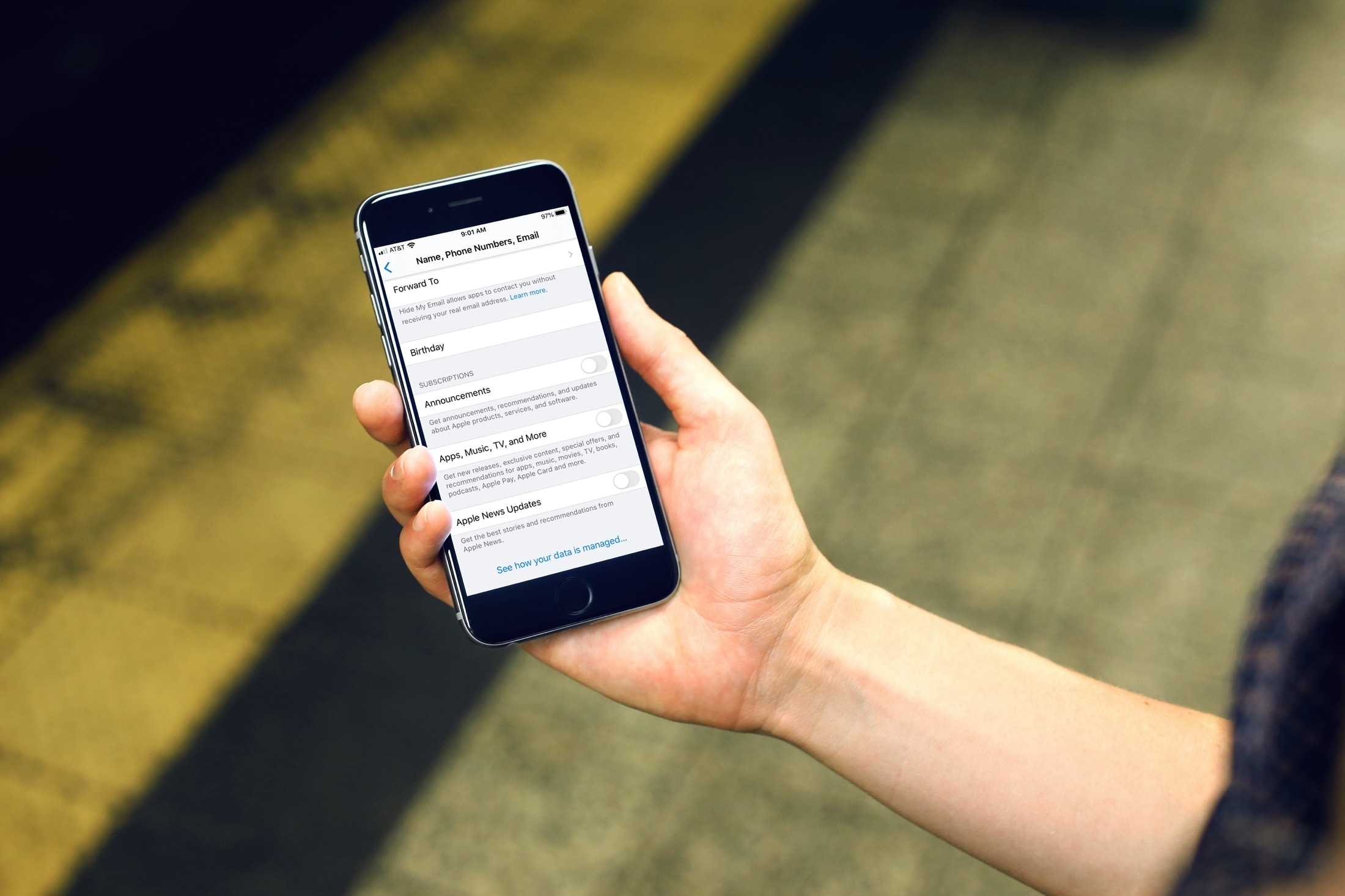
Learn how to prevent Apple from inundating you with emails and notifications regarding new announcements, recommendations, special offers, updates, apps, TV, music, News, newsletters, and other offerings.

Learn how to create rooms, zones, and add a new house to the Apple Home app so you can seamlessly control your smart accessories.
Learn what to do if your iPhone shuts off randomly and refuses to turn back on, even though it has enough battery.
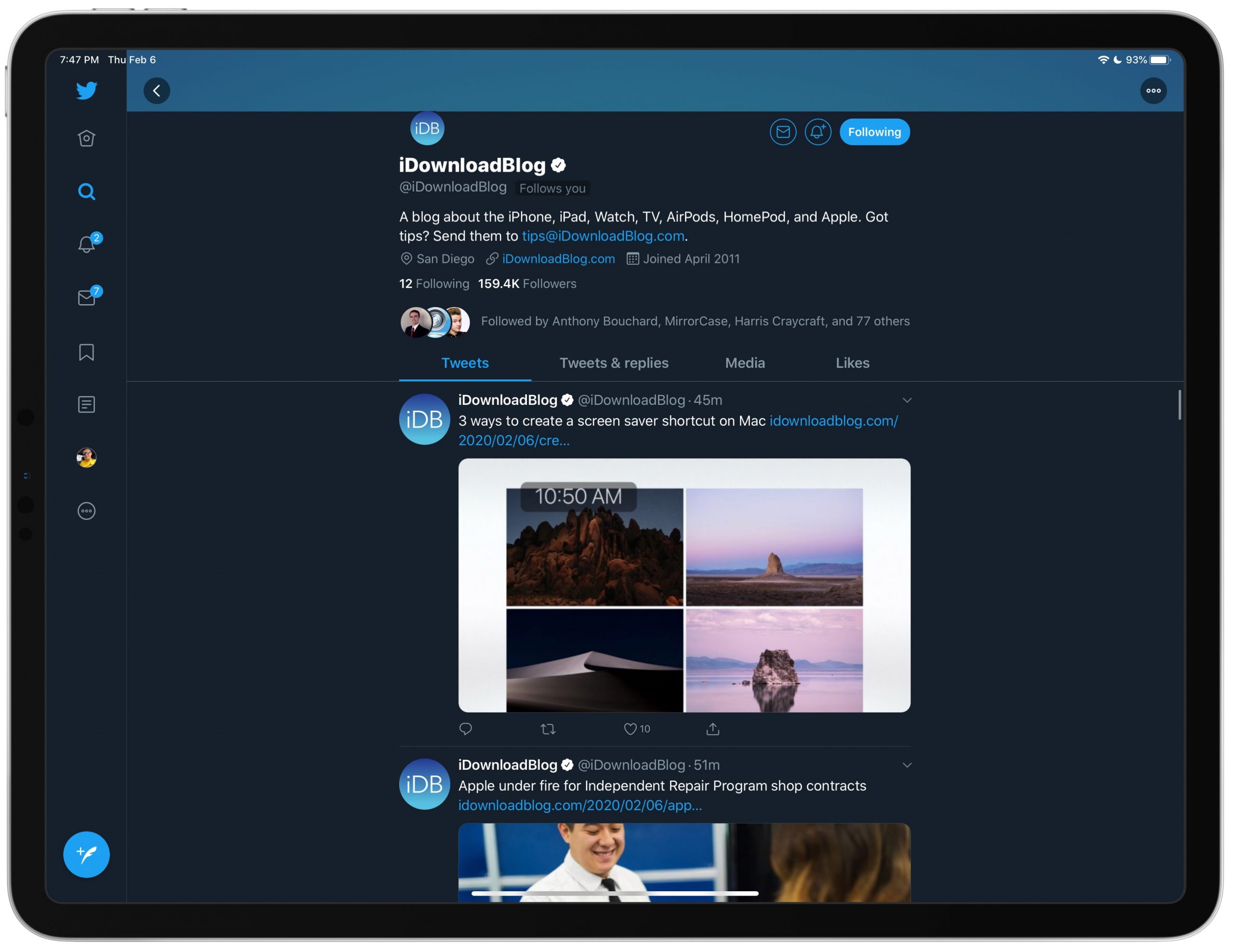
Find out how to disable the search column on the right side of the Twitter app on your iPad if you do not like staring at trending topics and world news while using the app.
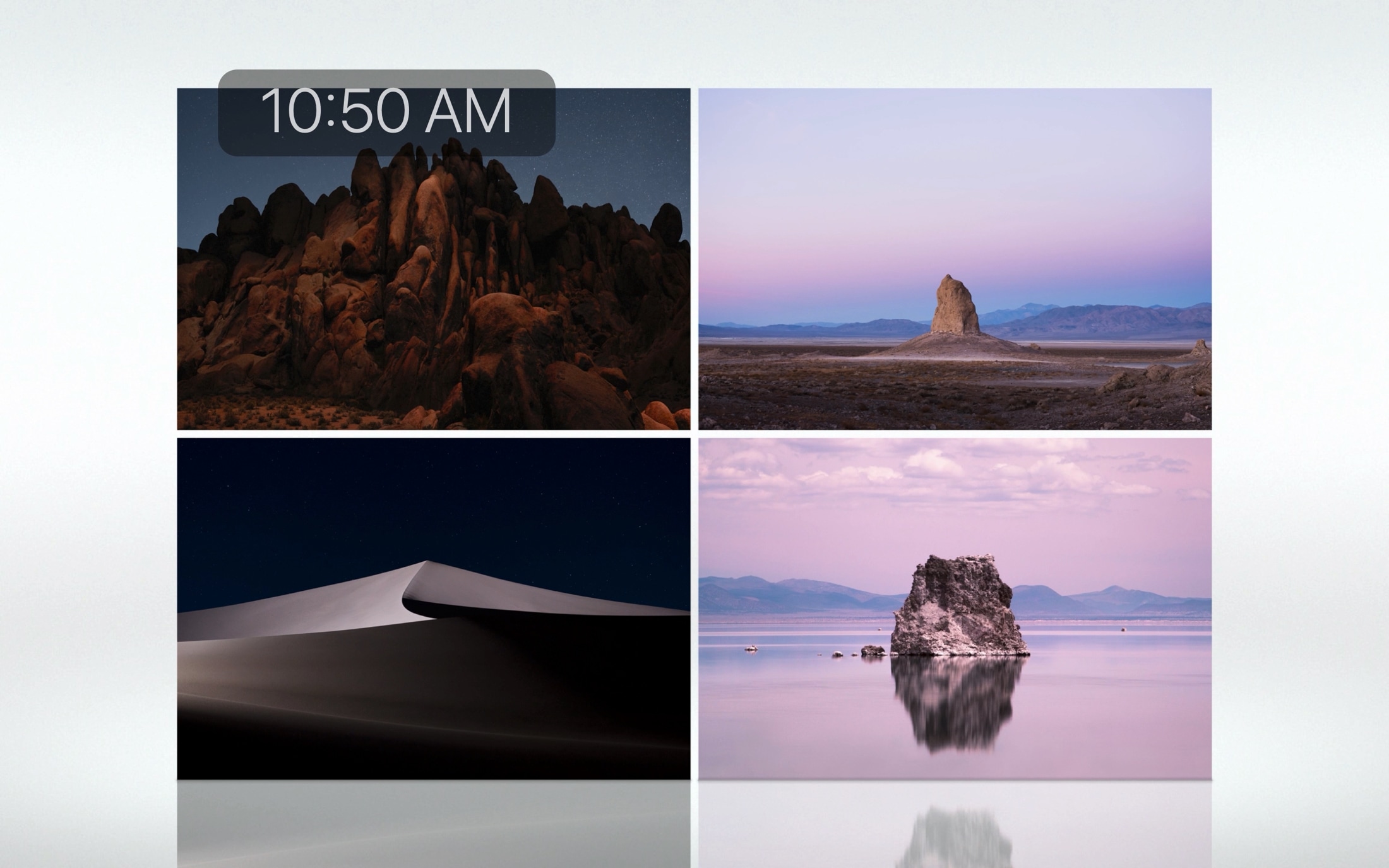
If you’re going to walk away from your Mac for a minute, you might want to start your screen saver. You may not want to lock your computer or put it to sleep but just display your screen saver instead.
There are three quick and easy ways to create a shortcut to start your screen saver, and we’ll walk you through each one.
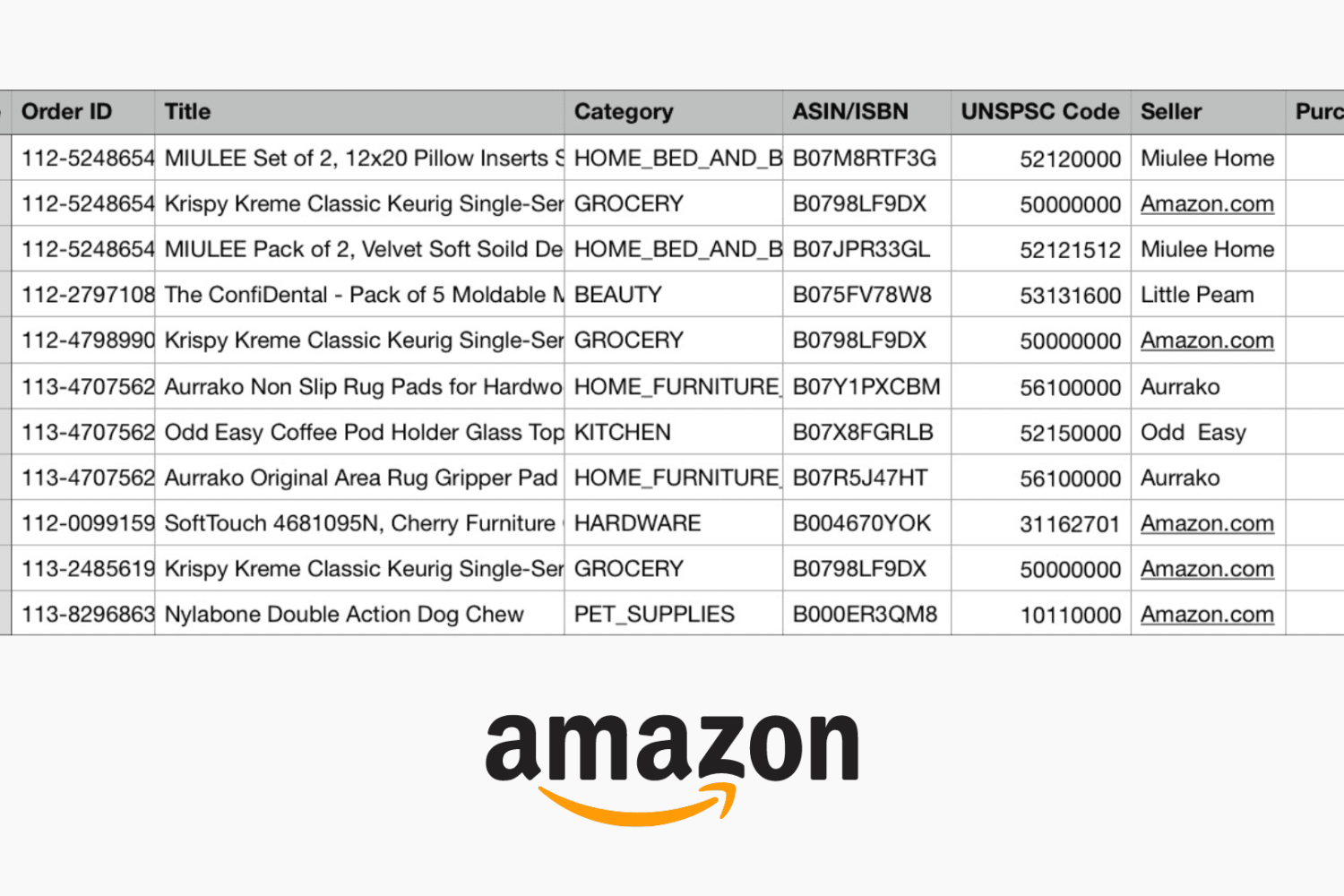
If you buy products on Amazon, you’re among many. And there may be a time when you need to not only see all of your purchases for a time period but hold onto a record of them. You might need to show expenses for business supplies or just want to keep track of your Amazon spending.
Whatever your reason may be, Amazon makes it pretty easy to export your purchases to a spreadsheet that you can save or share, and here’s how.