Learn how to deactivate the camera shutter sound on your iPhone so you can take pictures quietly, without disturbing others.
How to turn off camera shutter sound on your iPhone

Learn how to deactivate the camera shutter sound on your iPhone so you can take pictures quietly, without disturbing others.
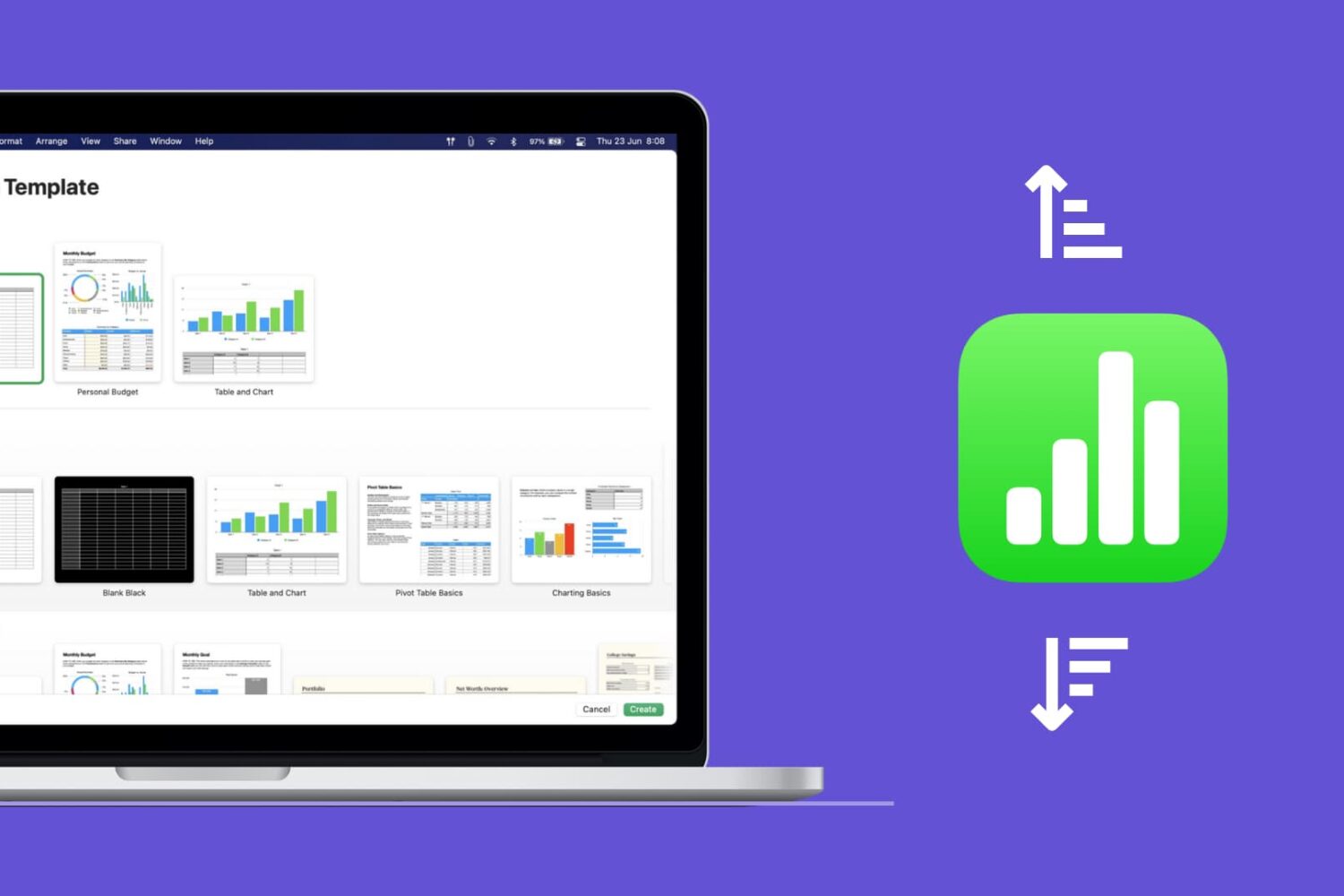
Learn how to quickly sort your data in the Apple Numbers app on Mac, whether by column, value, or custom order.
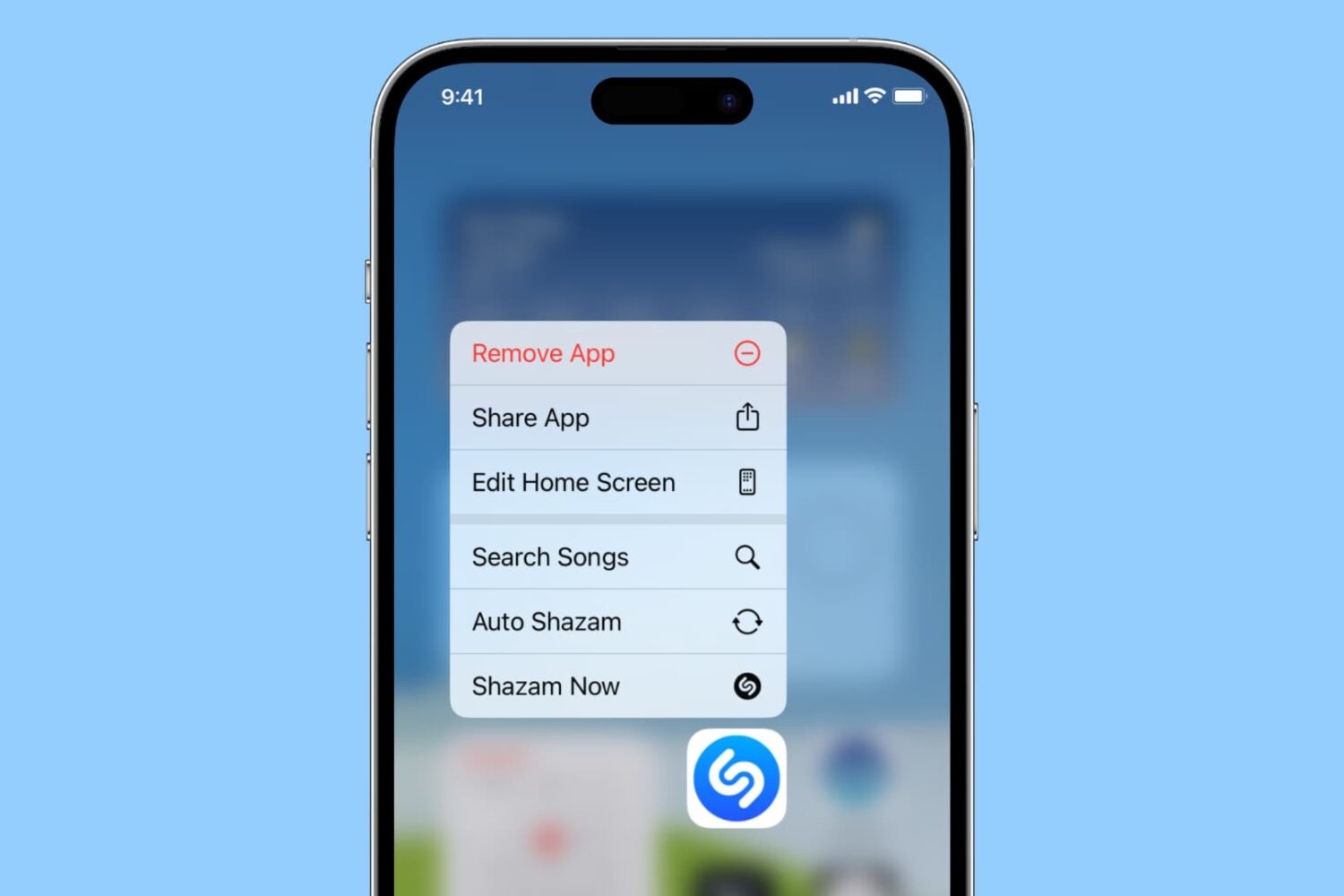
Learn how to do things faster by pulling up quick actions for your iPhone and iPad apps with a simple touch & hold gesture!
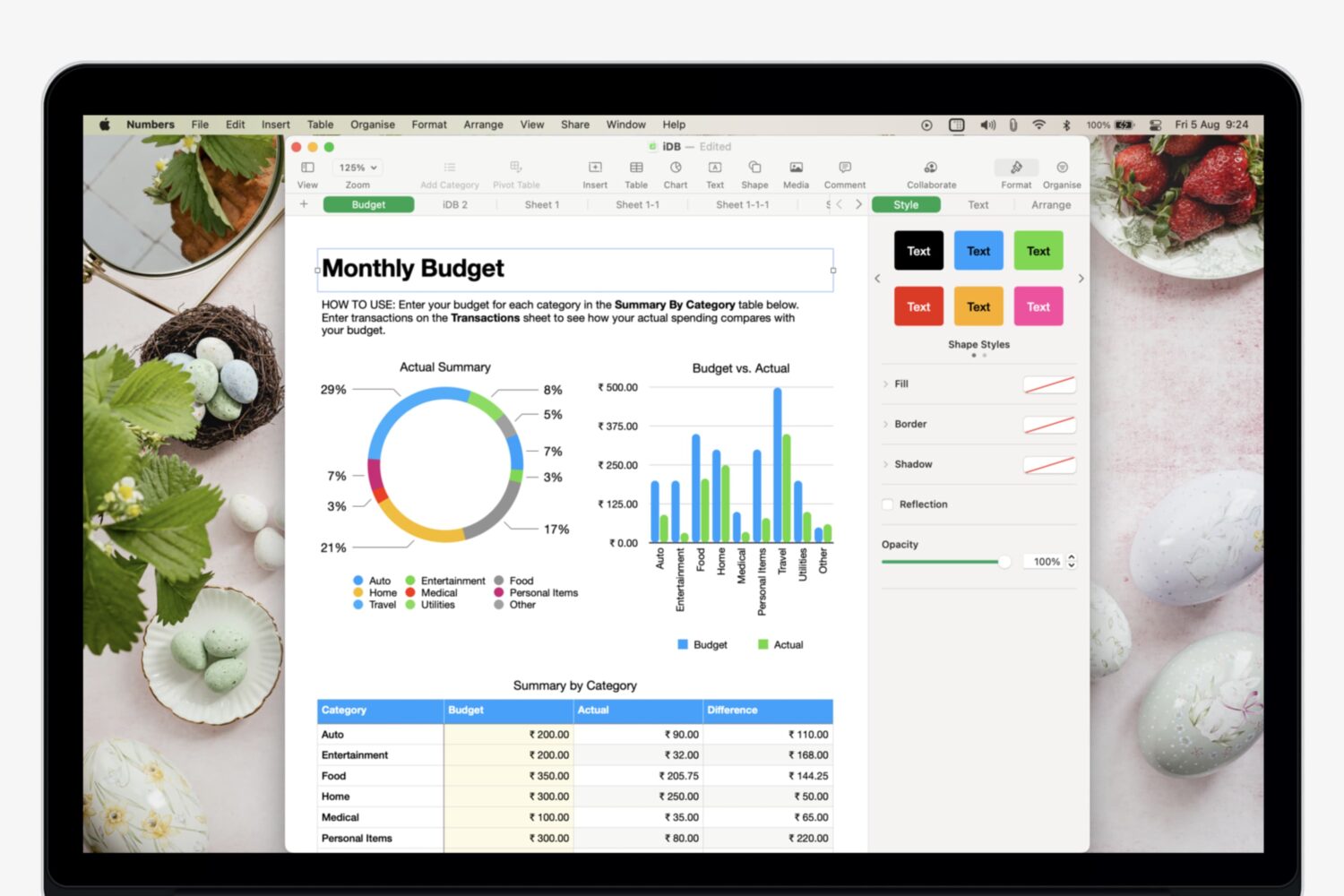
Learn how to add, manage, and use multiple sheets in Numbers to organize your data and make it easily accessible.

Learn what to do if contacts are saved in your physical SIM card and you want to have them on your iPhone.
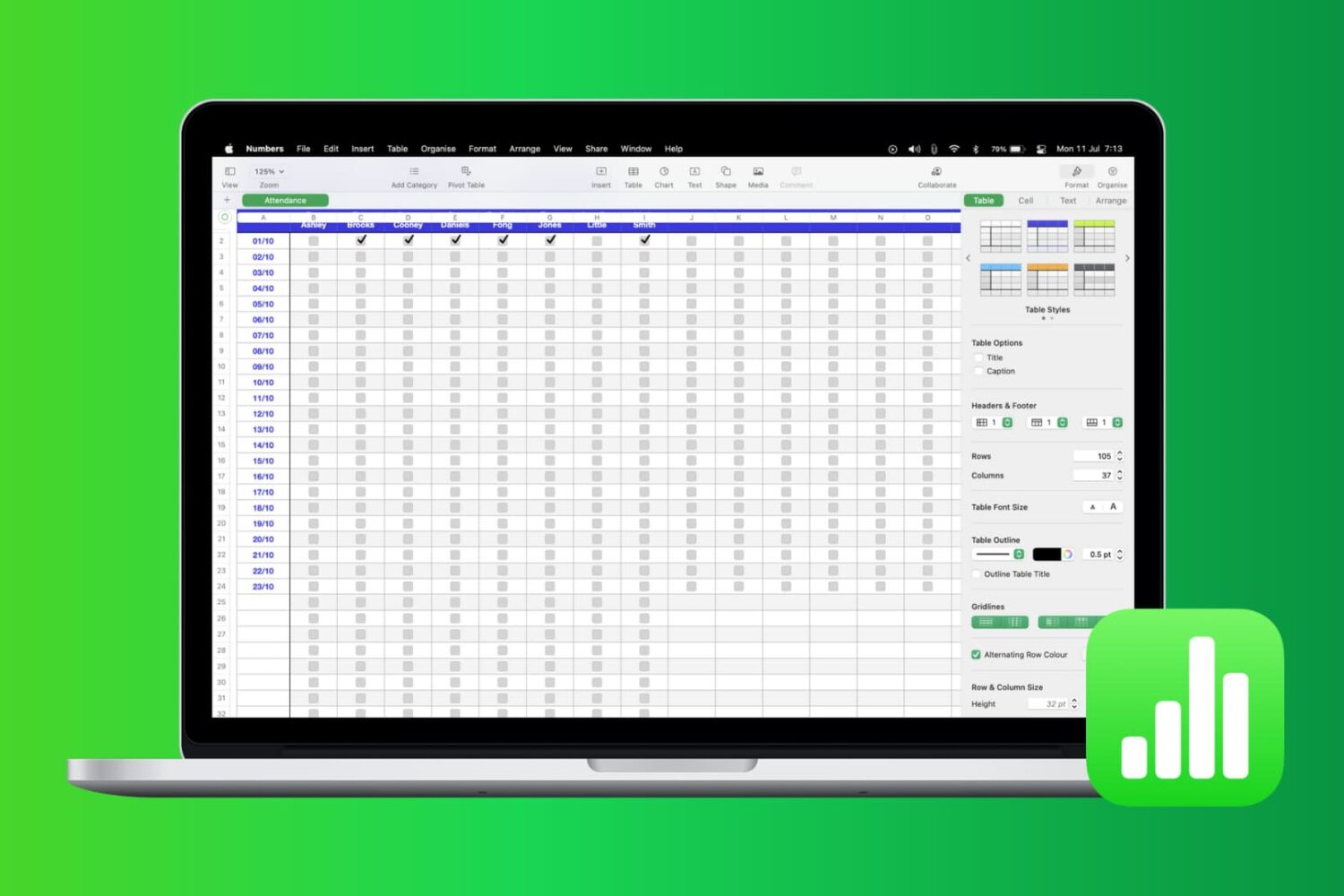
Most times, there’s more to the data you add in Numbers than just entering it. You may also want to analyze it. Whether it’s company sales, personal financials, or customer records, you can use filters to display only the data you want to see.
Numbers has features that let you apply a quick filter or set up filtering rules. Both of which are handy depending on the amount of data you have and the data you need. This tutorial shows you how to filter your data in Apple Numbers.

Check out this list of fun Terminal commands for a quick and quirky way to entertain yourself when you are bored and want to tinker around on your Mac.

Are you looking for the best iPhone Home Screen app arrangement? Explore some simple ways to arrange your Home Screen on iPhone and iPad, for a perfect mix of productivity and aesthetics.
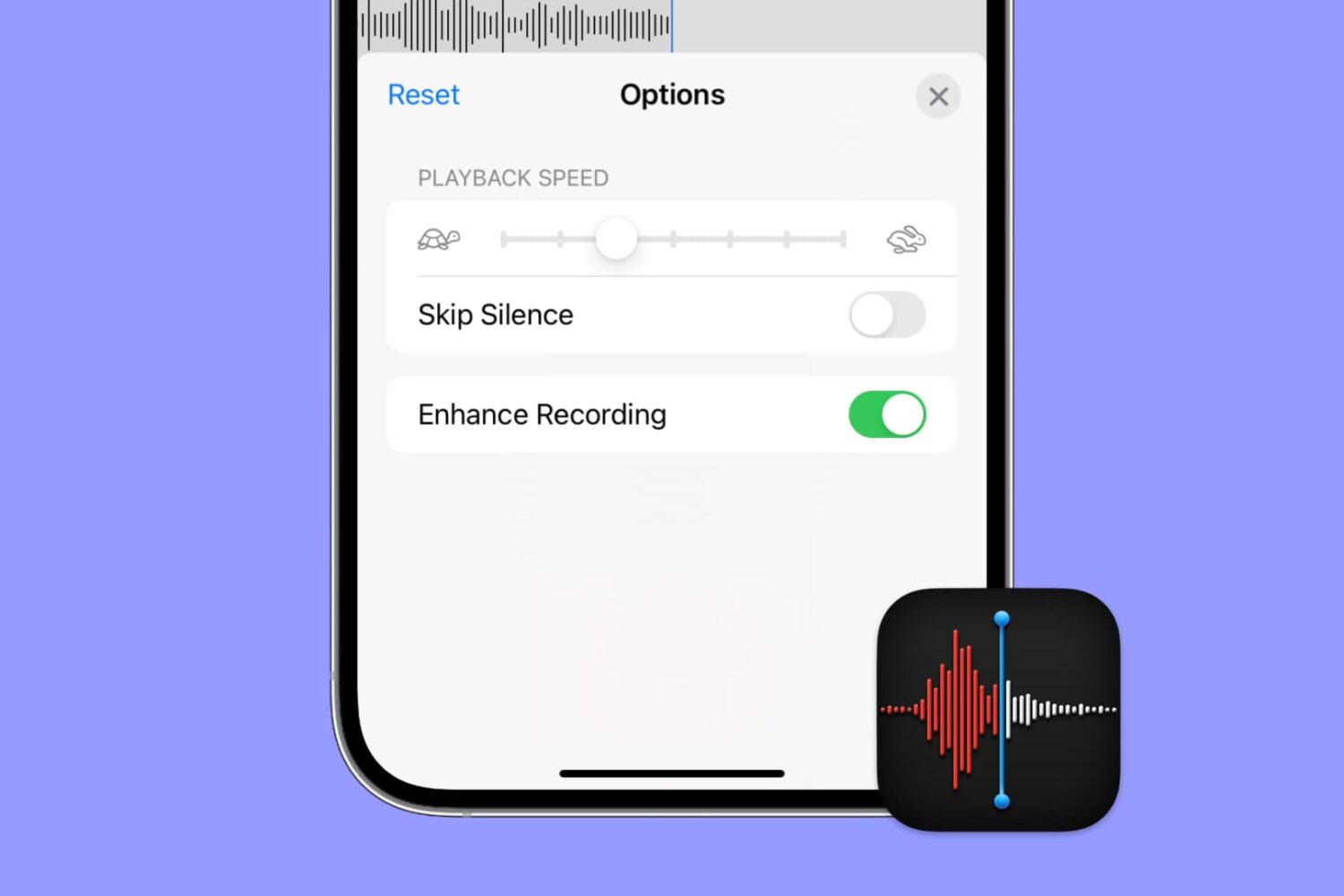
Apple's Voice Memos app has a feature designed to improve the sound quality of your recordings, including existing ones. Follow along with us as we show you how to use Voice Memos' Enhance Recording feature to reduce background noise and room reverberation of your voice notes.

This guide shares some helpful tips about using Siri on your Apple TV so you can watch shows, play specific songs, check the weather, open apps, and do other things with your voice on the big TV screen.

Find out how to recover a forgotten password for a Pages, Numbers, or Keynote document and learn about tips to avoid losing it again.

Learn how to disable FaceTime eye correction, which simulates direct gaze even when you’re not looking straight at the iPhone’s camera.