Wondering how much storage space you have used and have left for your email account? Find out how to see your Quota Limits in the Mail app on Mac.
How to check the quota limits for available storage space in Mail on Mac

Wondering how much storage space you have used and have left for your email account? Find out how to see your Quota Limits in the Mail app on Mac.
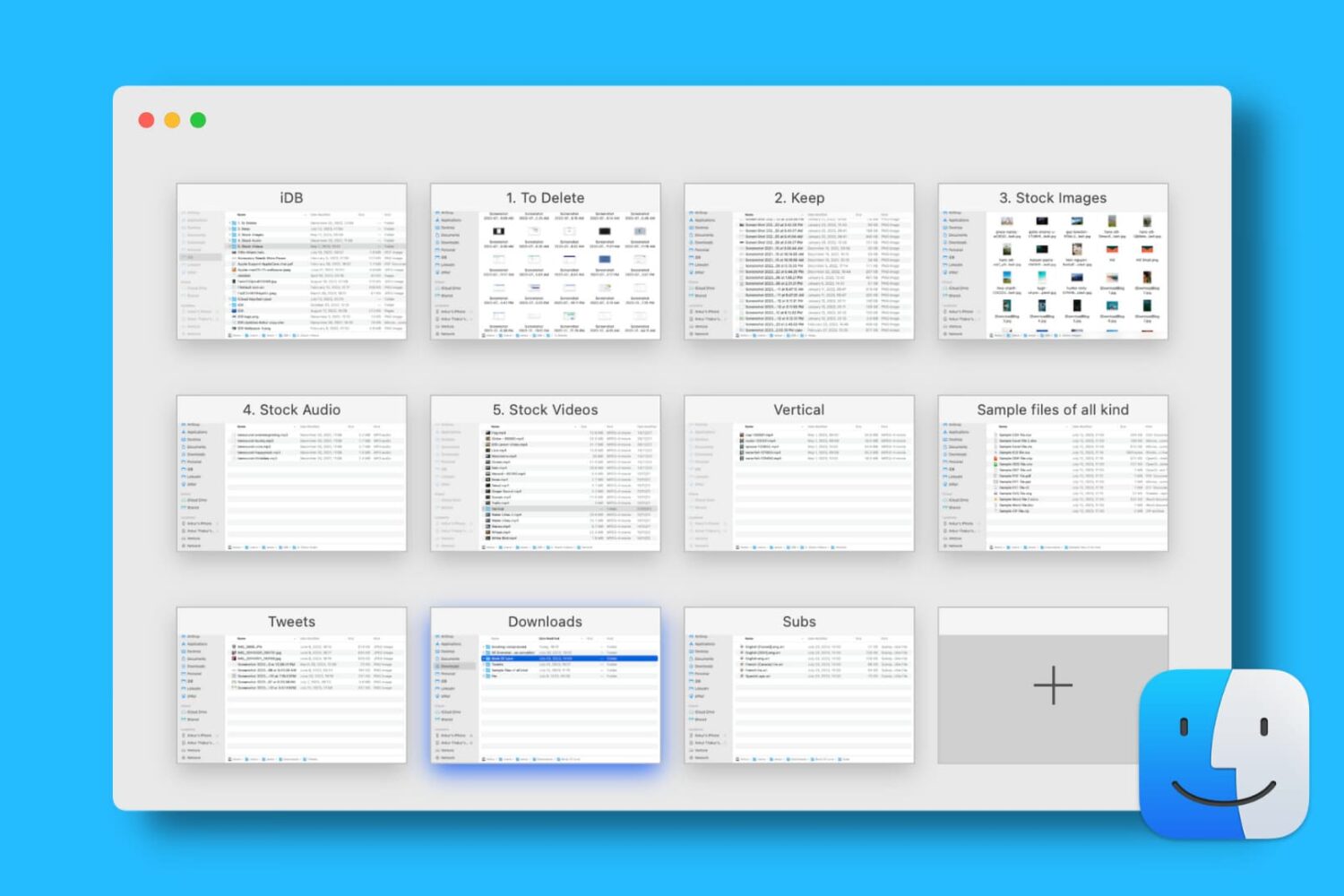
Find out how to open, use, navigate, rearrange, and close tabs in Finder on your Mac so you can work with multiple folders in just one window and keep your desktop uncluttered.
A lot of the keyboard shortcuts available for apps on Mac are the same across those applications. Things like cut, copy, paste, close, or quit are often the same, especially for Apple’s apps like Pages, Numbers, and Keynote.
So in this list of keyboard shortcuts for the Numbers app, we’ve included some that you would only use inside Numbers, like shortcuts for working with tables, basics for controlling the Numbers window, working in spreadsheets, and more.
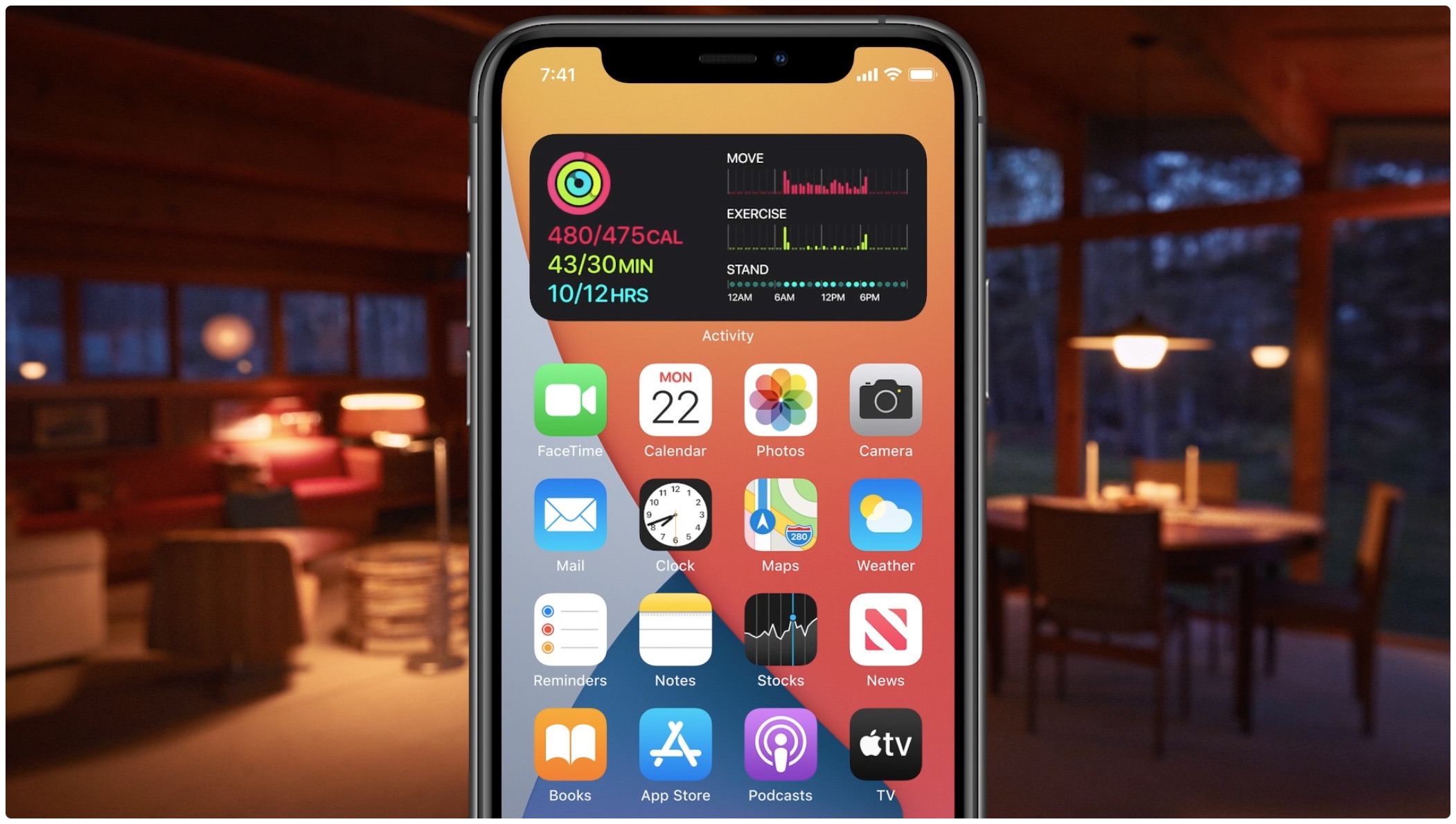
Learn how to quickly create widget stacks on iPhone for better organization and to make the most of the space on your Home Screen.
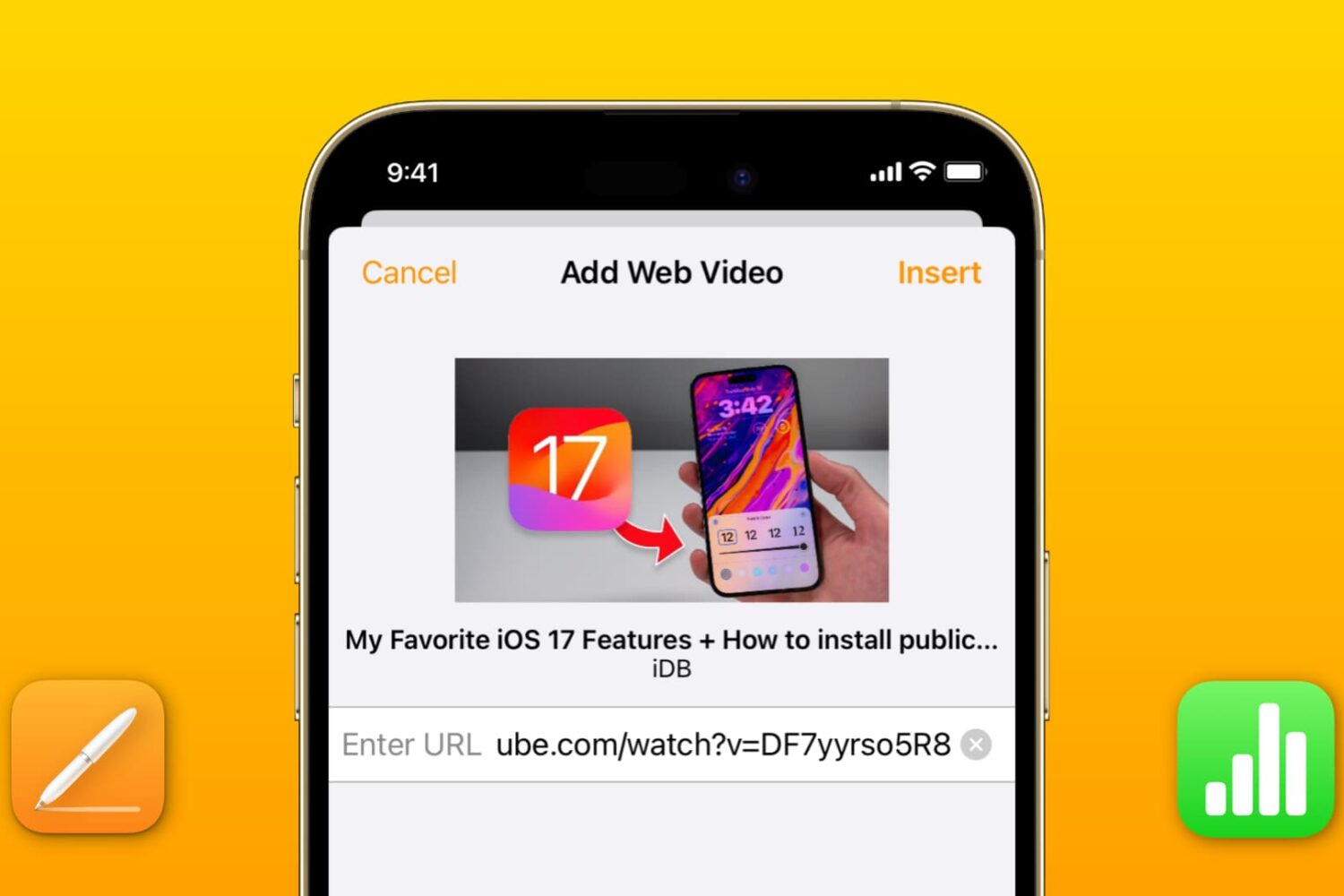
Learn how to add a YouTube or Vimeo video to your Pages or Numbers projects on an iPhone, iPad, and Mac to boost your documents and spreadsheets with media.
Learn how to preview or play Keynote presentations in a smaller window instead of the full screen so you can use other apps simultaneously on the screen.
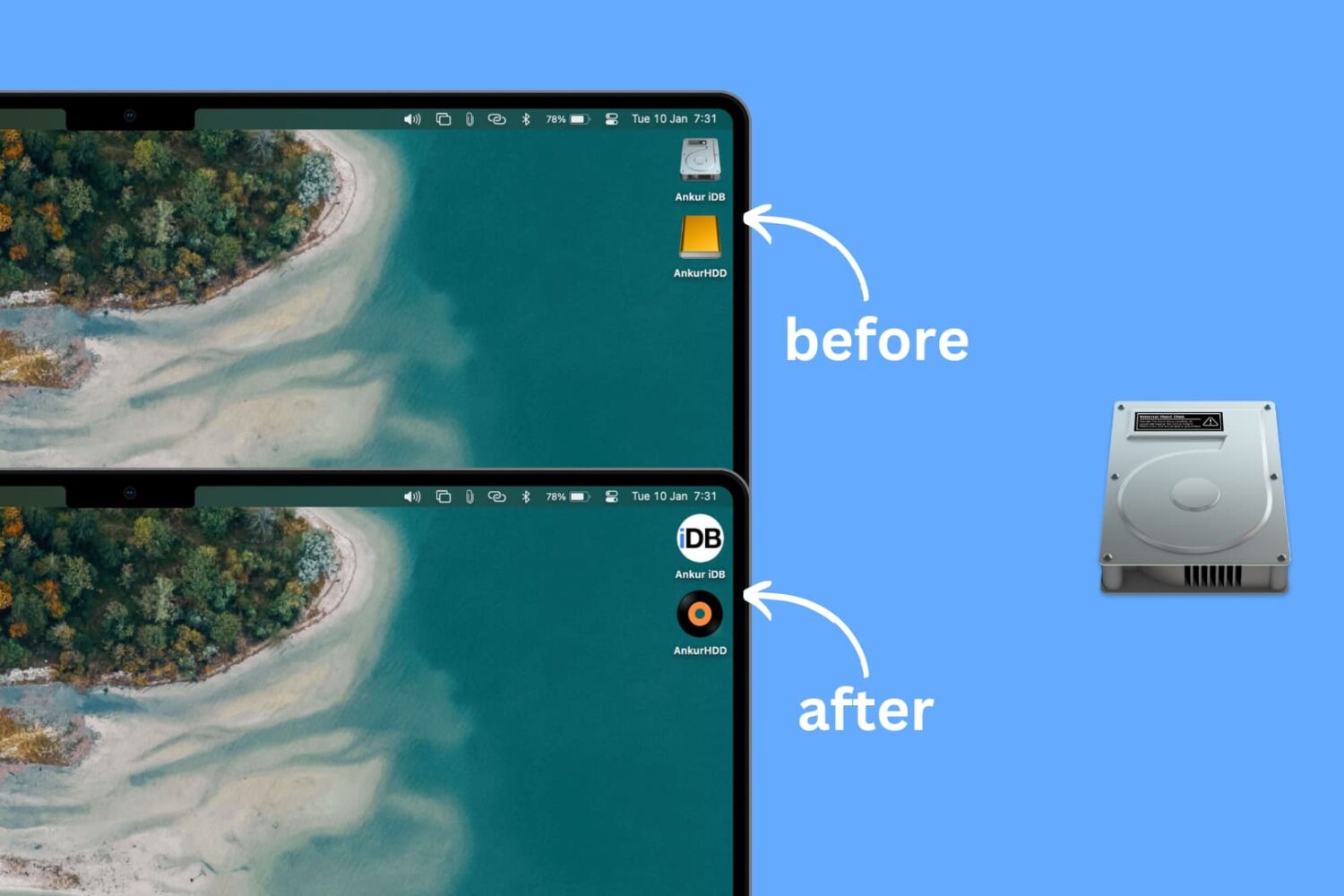
Learn how to personalize the desktop of your Mac with a custom icon for internal and external hard disks, USB thumb drives, and other attached storage devices.
Explore this handy list of time-saving keyboard shortcuts for the Pages app on your Mac to control the window, open documents, navigate within a document, move through the sidebar, and more.
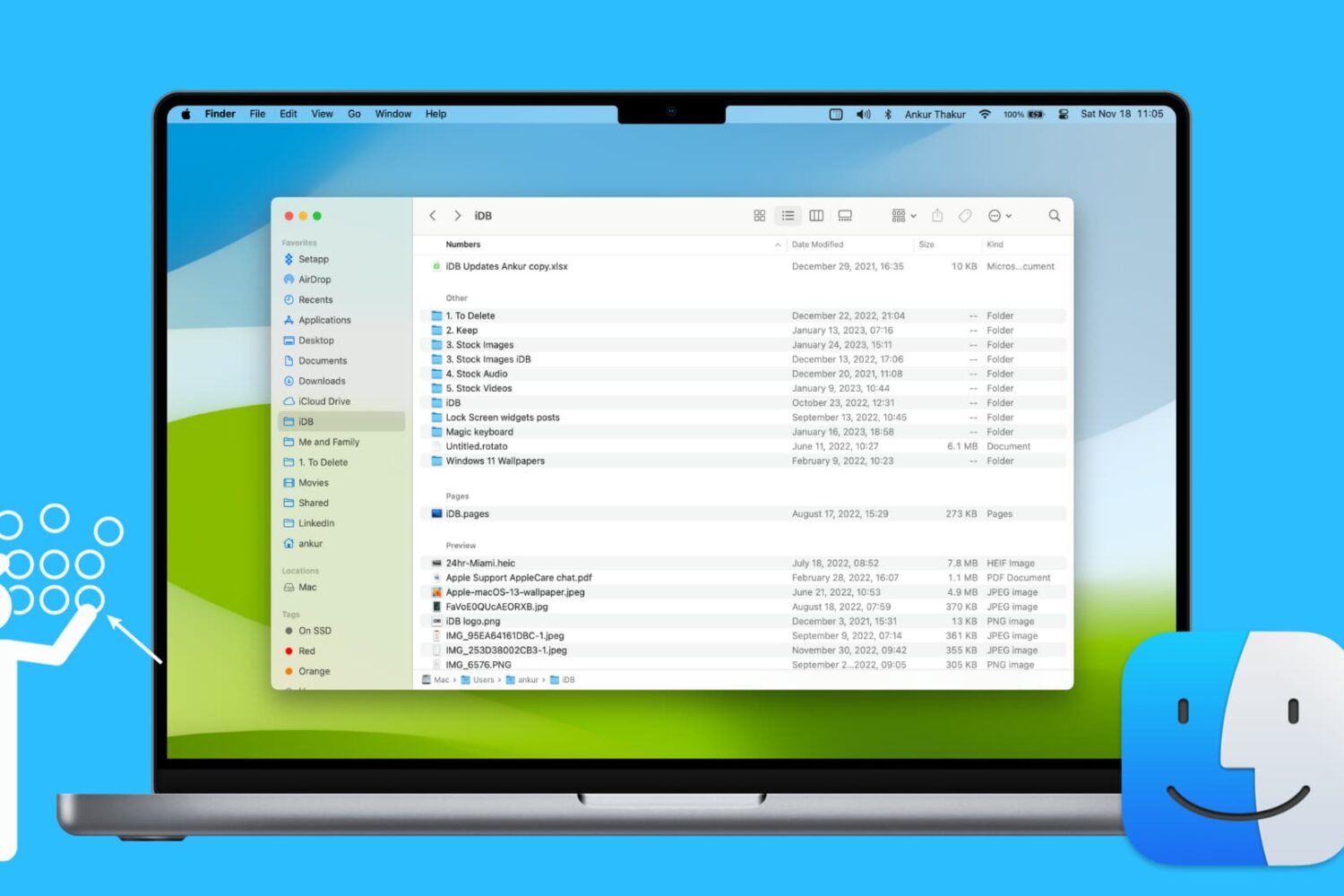
Learn how to use groups in Finder on your Mac to easily sort and manage files for a more streamlined and efficient experience.
Want to view your spreadsheet data in different ways? In this tutorial, we will show you how to use basic categories in the Numbers app on your Mac.
Learn how to use the hidden Secure Notes feature of the Keychain Access app on your Mac running an older version of macOS to store confidential notes, private text, PINs, credit card numbers, 2FA backup codes, cryptographic keys, etc.
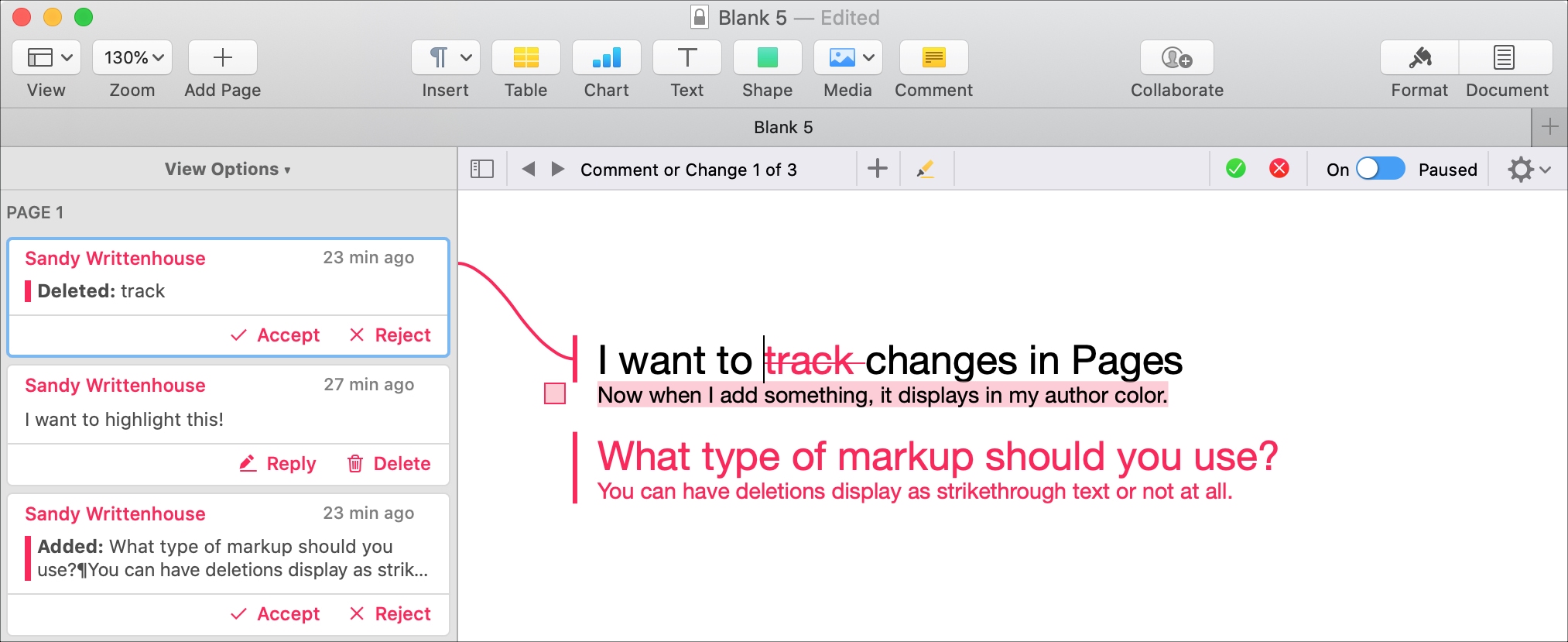
If you and your coworker are collaborating on a document in Pages, using the feature to track changes can be helpful. This will display the text from each person adding or changing the document in a different color. So, you can easily see who does what.
In addition, you can see comments, replies, and changes in a handy sidebar and accept or reject individual or all changes to the document. If you’re using this feature for the first time, we want to help. Here’s how to track changes in Pages on your Mac.