Apps

Download Panols free via Apple Store app to create stunning panoramas for Instagram

Apple is giving away Panols for a limited time, a $1.99 savings, but only through its official Apple Store app for iPhone, iPad and iPod touch. Created by Juan Arreguin, Panols allows you to share the panoramic photos taken with your iPhone, as well as other photos stored in your photo library, with Instagram users everywhere. Taking advantage of Instagram's profile grid, Panols showcases your panoramas to their full effect in the standard three-across display view.

You can edit the name, description and geolocation of all your photos and be assured that your original photo will remain intact as the app uses a copy for all edits.


Apple officially opens iOS App Design and Development Accelerator in India

Phil Schiller, Senior Vice President of Worldwide Marketing and the guy in charge of all App Stores at Apple, announced on Twitter this morning that the company's iOS App Design and Development Accelerator in the Yelahanka area of Bengaluru in India is officially opening. Bengaluru is the home of India’s startup scene. The populous country has some of the most vibrant and entrepreneurial iOS development communities in the world.

Apple also published useful resources at developer.apple.com/accelerator, including information pertaining to local iOS development scene.

Infuse 5.3 brings optimized playback performance, parental controls, Blu-ray disk images & more

Infuse by aTV Flash Black developer FireCore is a versatile, very powerful media player that lets you watch non-iOS optimized media file types without the need for manual transcoding or a helper app to do the heavy lifting via your computer. The app was updated on App Store to version 5.3.

Infuse 5.3 for iOS and tvOS comes with a completely overhauled high-performance playback core that's now now faster and better than ever before.

Other new features are available in Infuse 5.3 as well.

The app now accepts your Blu-ray disc images and folders and lets you restrict access to videos and settings with built-in parental controls. The release also packs support for ISO 9960 (Joliet) disc images, country-specific age ratings for movies and much more.

Facebook adds Snapchat-style effects and auto vanishing Stories to its mainland app

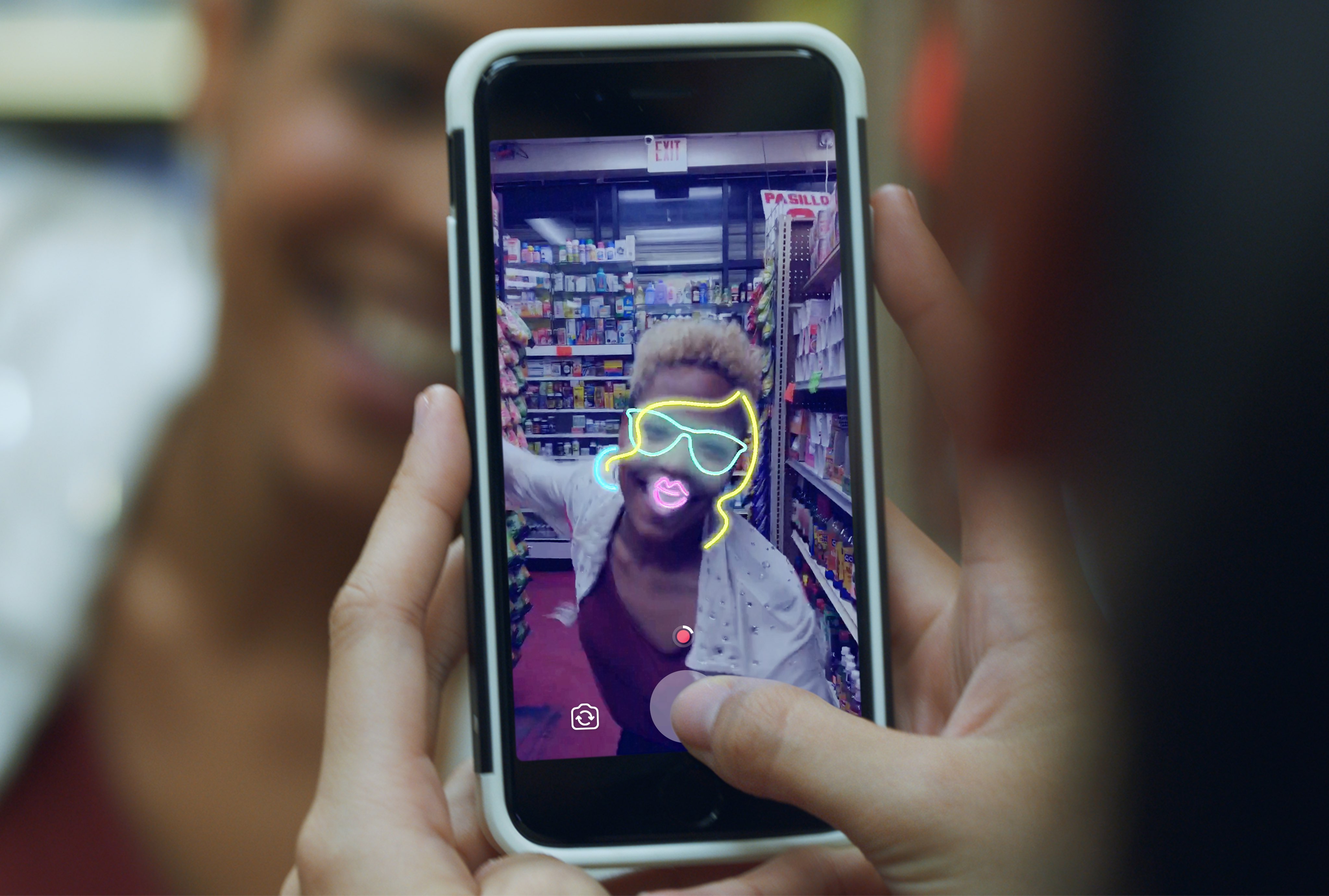
As expected, Facebook on Tuesday announced that the camera feature in its mobile app for iPhone and iPad has been totally revamped with Snapchat-style filters and effects. Yes, they also added auto-vanishing Stories. Facebook's already cloned these Snapchat-esque features on the Instagram, WhatsApp and Messenger apps, all of which include similar creative tools for your photos and videos.

Pages, Numbers and Keynote pick up new editing features, Touch ID support & more

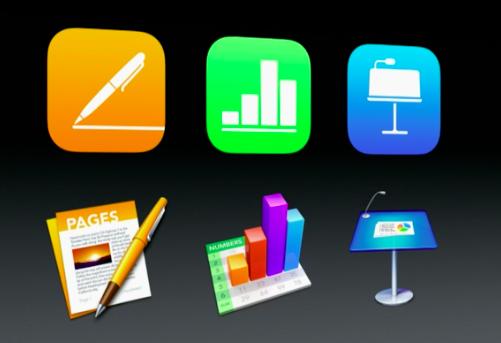
Apple's productivity-focused iWork apps—Pages, Numbers and Keynote for iPhone, iPad, iPod touch, Mac and iCloud.com— were updated this morning with a bunch of new features, including new editing capabilities across iOS, macOS and the web and the ability to quickly open password-protected documents using Touch ID. Pages, Numbers and Keynote for iOS are available free from App Store.

Pages, Numbers and Keynote for Mac are available via Mac App Store. Web-based versions of these apps are accessible via a desktop web browser at iCloud.com.

Revised version of iTunes 12.6 removes non-functional “Show on Profile Page” toggle

iTunes 12.6 was released alongside a slew of Apple product refreshes three days ago, bringing the ability to watch iTunes movies rented in the app on your other devices, and vice versa. Interestingly, the app shipped with a new Show on Profile Page toggle that a Reddit user discovered on the Playlist Edit page. Late yesterday, Apple issued a revised build of iTunes which, as first spotted by MacRumors, removes that option.

Speed up or slow down iTunes playback for podcasts, audiobooks, and music with Speed-Up

Still enjoying iTunes despite the beautiful mess it has become on macOS? If the answer is yes, perhaps listen up for this one. Every once in a while, seemingly low-key and low-price apps pop up in the market, claiming to have identified an imperfection or gap in Apple’s software, and in the next breath promising the fix for it. Some of these apps are superfluous to the user for the simple reason that the touted feature is already in place in Apple’s mothership software (in some shape or form), other apps are gimmicky or overly flawed.

Speed-Up for Mac firmly sits in the opposite camp, the one where ostensibly small apps are extremely wholesome and deliver on the promised goods. So what does it promise you ask? Put simply, to speed up or slow down your iTunes playback, an option otherwise notably absent on macOS. If this sounds surprisingly succinct or sober to you, that’s because it is.

Speed-Up treasures simplicity over bells & whistles, and is probably worth a look if you have ever caught yourself wishing for a speed lever in the thick of an Audiobook or Podcast session on your MacBook.

Create impressive HDR photos with your iPhone and Aurora HDR

Smartphones have come a long way over the years. With advanced mobile technology we also have amazing and powerful apps. It’s the combination of these two that makes taking great photos with our phones possible. But when it comes to HDR photography, what do you do if you don’t own a camera or you left it at home? Why not use your iPhone for HDR?

We always have our phones with us these days. This means if you’re out and about and want to take a few photos, this is where your iPhone can give you amazing results when it comes to capturing and creating HDR photos.

After all, the iPhone is arguably the most popular camera in the world. Maybe the popular saying is correct: “The best camera is the one you have with you.”

In this post we will use a couple apps to create impressive HDR photos. We will first shoot photos on iPhone using an app called PureShot, and then we will edit these photos using Aurora HDR for Mac.

Instagram unveils blurred posts, Two-Factor Authentication now available to everyone

Facebook-owned Instagram is continuing to build a safer, kinder community for all its customers by introducing helpful features aimed at increasing user security and privacy on the service. Thursday, the company announced a pair of important updates in the form of a Two-Factor Authentication security feature, now available to everyone, and blurred posts aimed at reducing “unwanted experiences” in the app, a free download from App Store.

Apple acquires powerful automation app Workflow

Apple has acquired the powerful automation app Workflow, reports TechCrunch. The outlet received a statement from the developers, as well as Apple, confirming the deal, but the financial details are not yet known.

For those who aren't familiar with the app, Workflow is similar to the popular IFTTT service in that it allows you to create custom recipes to perform complex tasks. The app was designed by former jailbreak developers.