Apps

7 tips to make the most of Launchpad on Mac

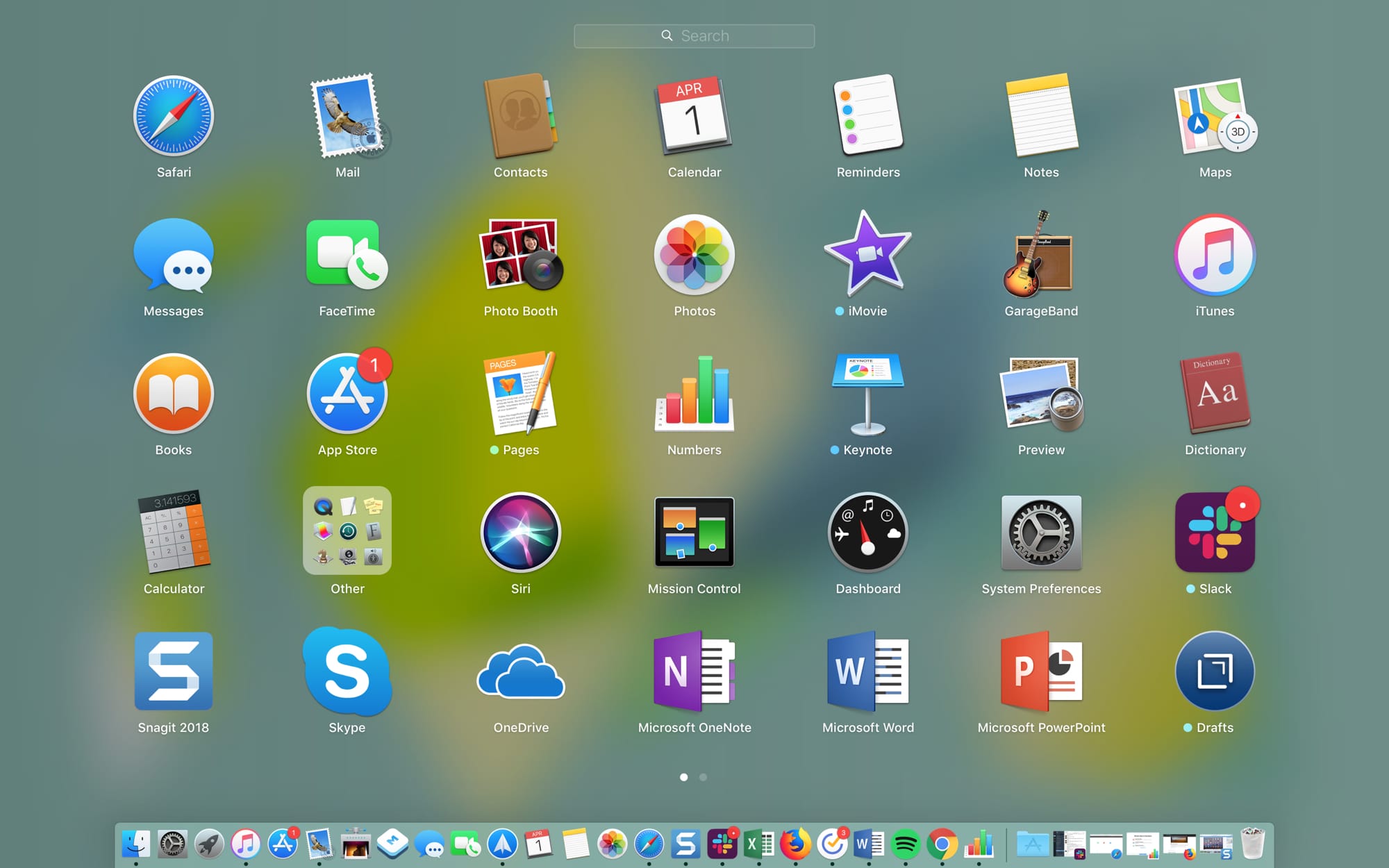
Main Launchpad Screen on Mac

The Launchpad on your Mac might remind you of the Home Screen on your iPhone or iPad. There’s a nice and neat grid of your apps. When you download an app from the App Store, it pops right into the Launchpad, and you can take action on your apps from there.

The thing is, you have to access the Launchpad, so it’s not right on your screen when you use your Mac like the Home Screen is on your mobile device. This might keep you from using it as much as you could. But the Launchpad can be a handy tool.

We’ve put together some tips for making the most of the Launchpad on Mac in case you decide to make more use of it.

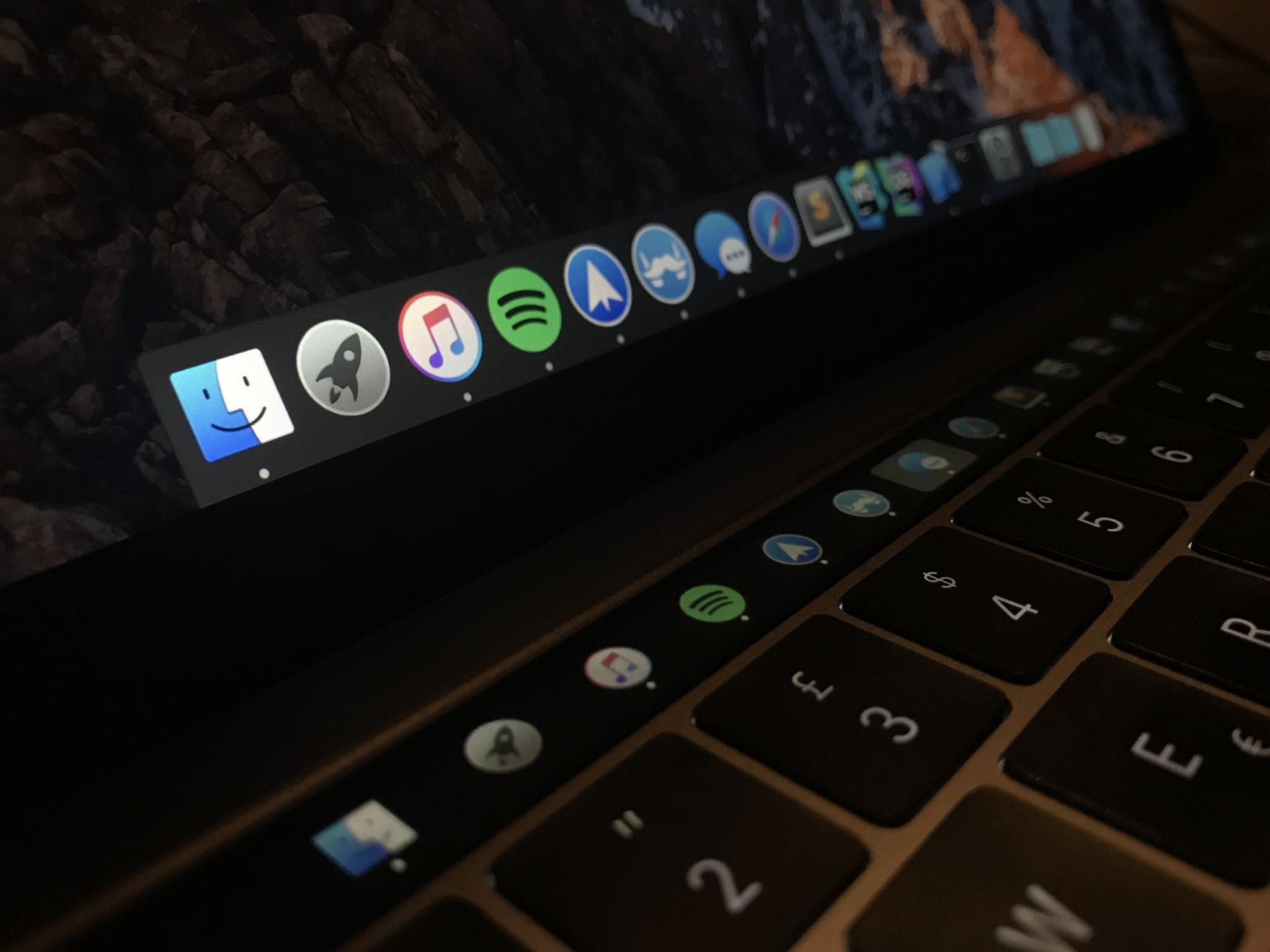
Pock displays the Dock in your Touch Bar

Many people disregard the power of Touch Bar shortcuts just because they're not willing to customize the shortcuts. If you're among that group, how about using that OLED strip in place of the function key row for something universally useful, like the Dock?