Learn about 5 quick ways to see the saved Wi-Fi passwords on your Mac if you need to connect a new device or simply want to share the password with someone else.
How to find your Wi-Fi passwords on Mac
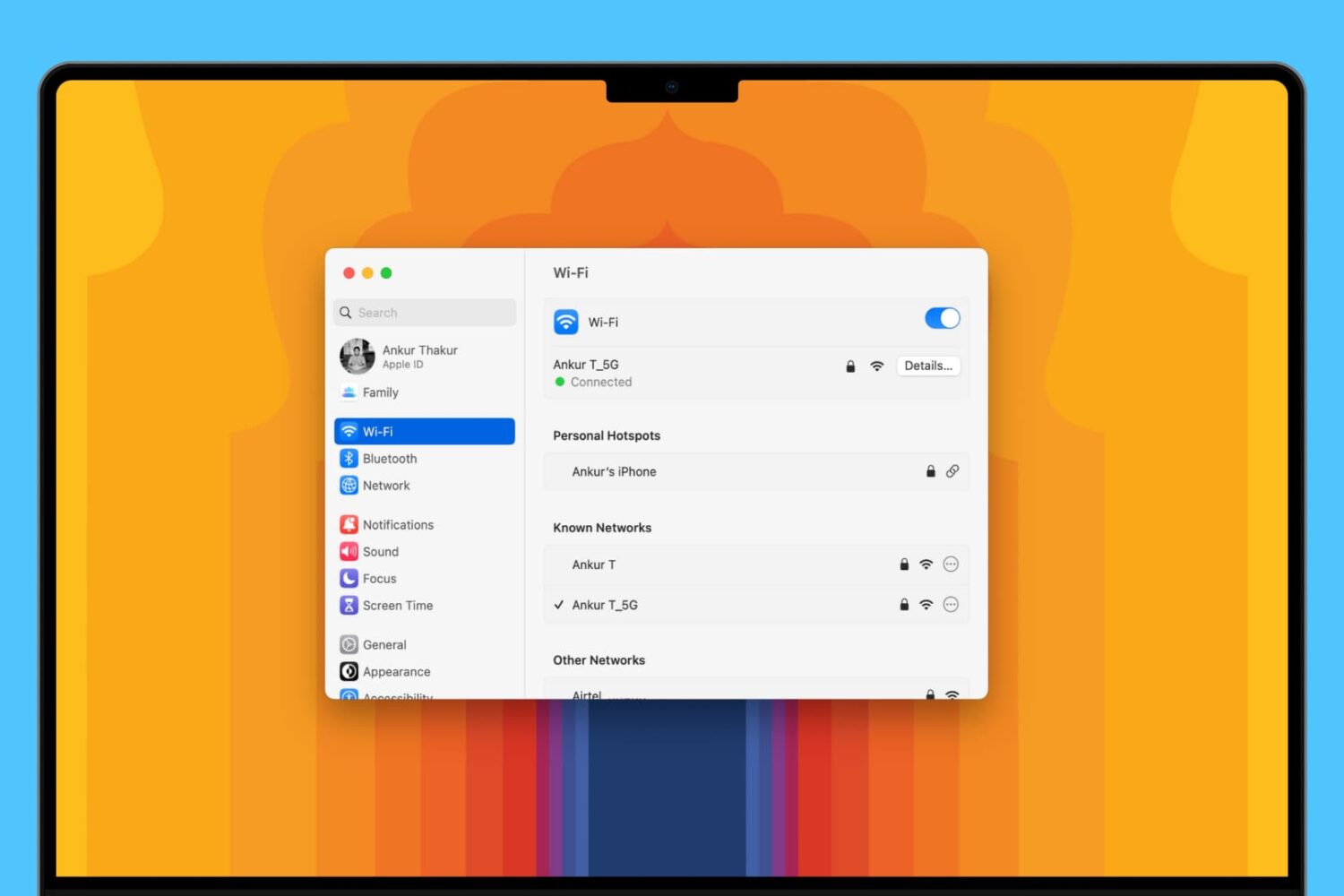
Learn about 5 quick ways to see the saved Wi-Fi passwords on your Mac if you need to connect a new device or simply want to share the password with someone else.

When Calendars 5 came out back in September of last year, we called it one of the best calendar apps for iOS. At the regular price of $6.99, it was a no-brainer for people looking for a powerful alternative to the stock calendar app, but it was a purchase hard to justify to people who don't necessarily need a better calendar.
As of today, price will not be an issue as Calendars 5 is going free for the next 48 hours or so. Our advice, you might have figured it out by now, is to grab this app while you can...
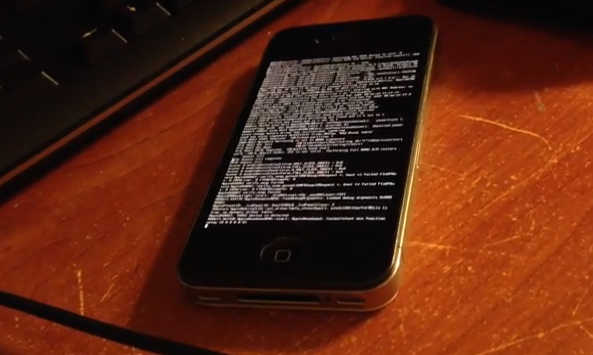
Hot on the heels of i0n1c's proofs that he had jailbroken an iPhone 5c running iOS 7.1.1, iOS hacker winocm has come up with her own untethered jailbreak successfully running on an iPhone 4 with iOS 7.1.1.
While not as impressive as i0n1c's proof, winocm claims that her jailbreak could be brought to newer devices if someone was willing to "put in the effort."

If you can't wait for the official return of Flappy Bird in the App Store, then here is a clone that will surely keep you tapping your iPhone screen frenetically until this Summer. Called Flappy Bird: New Season, this clone is as close as the original as it gets.
As a matter of fact, it is so close, that even the developer's name is the same as the original Flappy Bird's Dong Nguyen. But don't be fooled, this is still a clone, even though some of the raving reviews peg the game as the "closest clone to the original version."
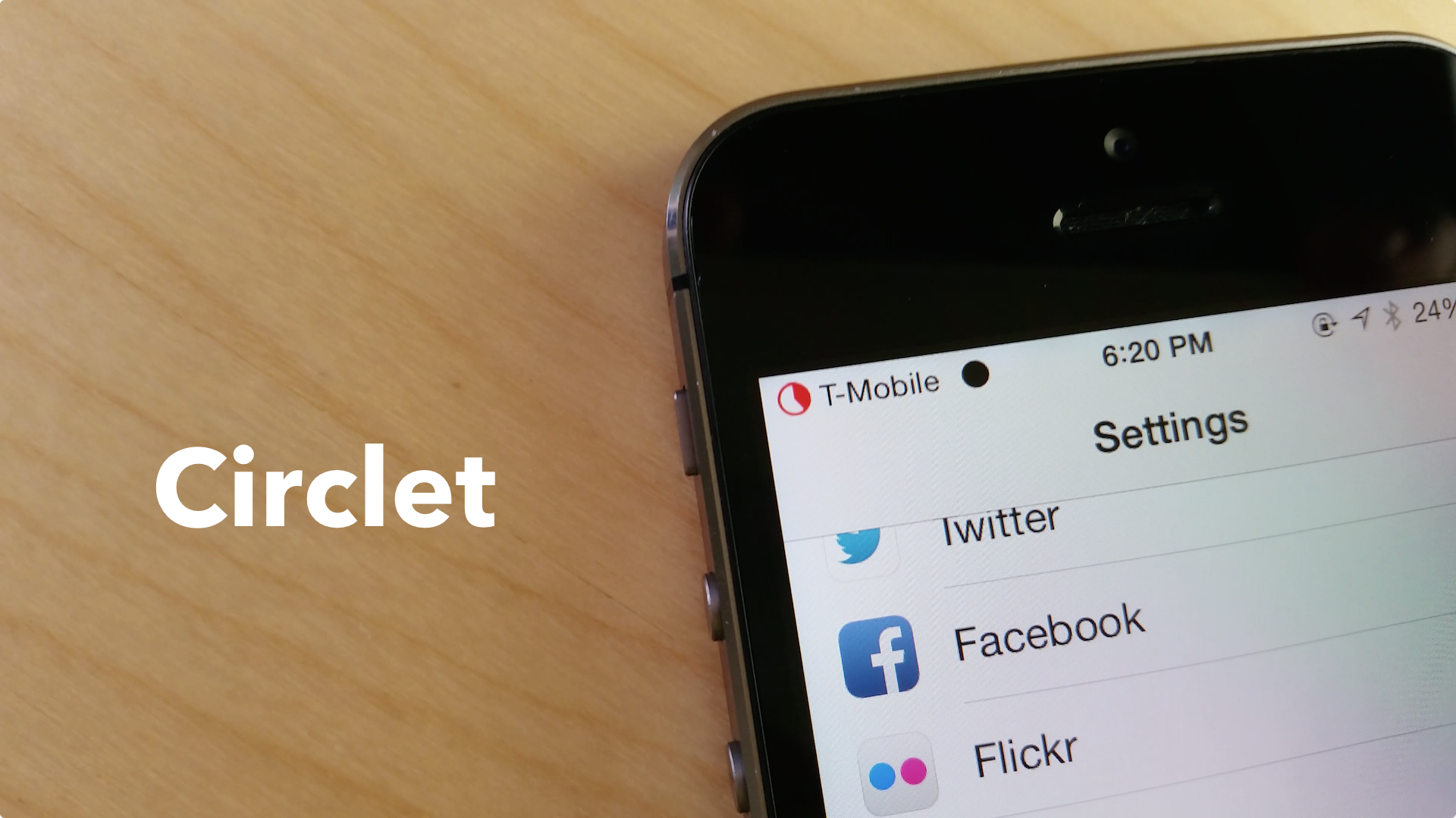
Circlet, a new stylish Status Bar indicators tweak we recently previewed in now available in Cydia.
Developed by Julian Weiss, this jailbreak tweak allows you to theme your Status Bar signal, Wi-Fi and battery indicator without the use of WinterBoard. Weiss notes in the description of the tweak that it is very lightweight, as "every "circlet" is generated as needed, without any assets saved," and no respring is necessary.

Like every Sunday, we bring you the stories that were the most popular on iDB during this past week. Whether it is a news piece, an editorial, a tutorial, a new jailbreak tweak, or an accessory review, we sum it all up in one convenient place.
If you like what you're reading, please make sure to spread the love by sharing our posts on your favorite social network.
We're usually hanging out a lot on Twitter and Facebook, more rarely on Google+.
Apps of the week: Intake, Bicolor, Mingle, and more Wallpapers of last week: Breaking Bad edition Verdict: Samsung ordered to pay Apple $119.6M in damages iOS 7: the ultimate Weather app guide The best expense tracking apps for iPhone SmartTap: unlock your iPhone just by double-tapping its screen Stride 2: unlock your iPhone with style on iOS 7 Appellancy: unlock your device using facial recognition Snapchat picks up live video chatting and text messaging How to take a screenshot of Snapchat Images of alleged white and silver iPhone 6 dummy unit surface New photos of alleged iPhone 6 dummy unit show larger, slimmer device Lunecase for iPhone uses electromagnetic energy to display LED alerts Quickdraw is a sturdy, magnetic Lightning cable alternativeDon't forget to listen to the latest episode of our new podcast, Let's Talk iOS:
Subscribe on iTunes
And of course, make sure to catch up with the new episode of Let's Talk Jailbreak:
We’re social! Find iDB on Twitter, Facebook, Google+, App.net, YouTube, and in your RSS reader. Also make sure to subscribe to our new podcast!
Swiss watch maker Swatch is not happy about Apple's iWatch. To be more specific, the company is not happy about the fact that Apple's wearable may be called iWatch, a name that definitely sounds a lot like iSwatch, a trademark registered by the watch maker for one of its lines of watches.
Nevermind the fact that Apple has yet to unveil the iWatch, which by the way might not even be called iWatch, Swatch is going on the offensive...

The verdict has just been given in the second trial opposing Apple to Samsung, which has taken place in California over the last month.
After hearing 50 hours of testimonies and deliberating for three days, the jury has finally come to an agreement and found that Samsung has infringed on three Apple patents, while Apple infringed on one Samsung patent...
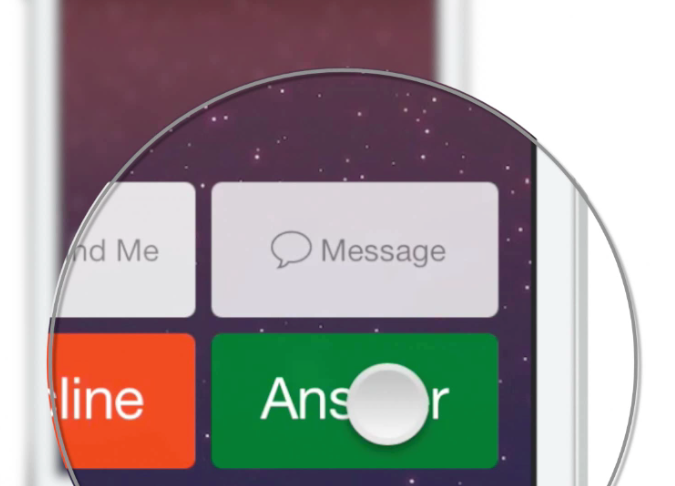
I'm sure Jeff would have liked to share the news himself, but since he's currently unavailable, I'll be the one to announce that Hold2Speak is now available in Cydia.
Hold2Speak was born from an original concept by Jeff, who wanted a way to answer phone calls directly into speaker mode. Thanks to the jailbreak community and developers @isklikas and @sharedRoutine, this concept has now become a reality...

There are two kinds of people in this world: people who love the Beverly Hills Cop, and those who've never seen it. Whether you're the former or the latter, this is your opportunity to own the complete trilogy for only $9.99.
Admittedly, the first one is actually the best of the series, but at this price, it doesn't even make sense to just get it separately as it is more expensive than the whole trilogy bundle.
You can download the Beverly Hills Cop trilogy on iTunes for $9.99 here.
Like every Sunday, we bring you the stories that were the most popular on iDB during this past week. Whether it is a news piece, an editorial, a tutorial, a new jailbreak tweak, or an accessory review, we sum it all up in one convenient place.
If you like what you're reading, please make sure to spread the love by sharing our posts on your favorite social network.
We're usually hanging out a lot on Twitter and Facebook, more rarely on Google+.
The best email apps for iPhone iOS 7: the ultimate iTunes Store guide Apps of the week: Up Next, Third Eye Crime, birdStepper, and more Wallpapers of last week: action shots Apple posts iOS 7.1.1 with additional Touch ID fixes Some users seeing significant battery life improvement with iOS 7.1.1 Apple airs new ‘Powerful’ iPhone 5s ad Apple lists apps from new iPhone 5s ‘Powerful’ ad Apple offers resolution for FaceTime woes but you may not like it ‘BetterPowerDown’ adds iOS 7.1 power-down slider to iOS 7.0 How to add wallpaper to Control Center How to set up Parental Control on iTunes New iOS 8 concept shows what Healthbook and other rumored features may look like Leo’s Fortune is the best platformer we’ve played in a whileDon't forget to listen to the latest episode of our new podcast, Let's Talk iOS:
Subscribe on iTunes
And of course, make sure to catch up with the new episode of Let's Talk Jailbreak:
We’re social! Find iDB on Twitter, Facebook, Google+, App.net, YouTube, and in your RSS reader. Also make sure to subscribe to our new podcast!
If you have a kid, you know the internet can be a wild place for them to hang around. I've experienced first hand when my two year old daughter was casually watching cartoons on YouTube and ended up watching a guy shout in Russian while shooting an assault rifle.
iTunes, to a lesser extend, can be a similar place. Apps, books, movies, TV shows and podcasts can contain material that could be shocking to a younger audience. Thankfully, there is some simple things you can do to set up iTunes parental control. In this post we're going to show you how.