Sébastien Page

Sebastien is the Founder and Editor in Chief of iDB. Once a BlackBerry user, Sebastien instantly fell in love with the iPhone when it was first announced in 2007. Shortly after, he decided to start sharing his knowledge of the iPhone and its nascent ecosystem, which led to the creation of this blog. Sebastien currently owns 14 iPhones, 4 iPads, a MacBook Pro with Touch Bar, a MacBook Air, 2 Apple Watches, 3 Apple TVs, countless HomePods and AirTags as well as a few pairs of AirPods.

TetherMe Brings Native Tethering to the iPhone

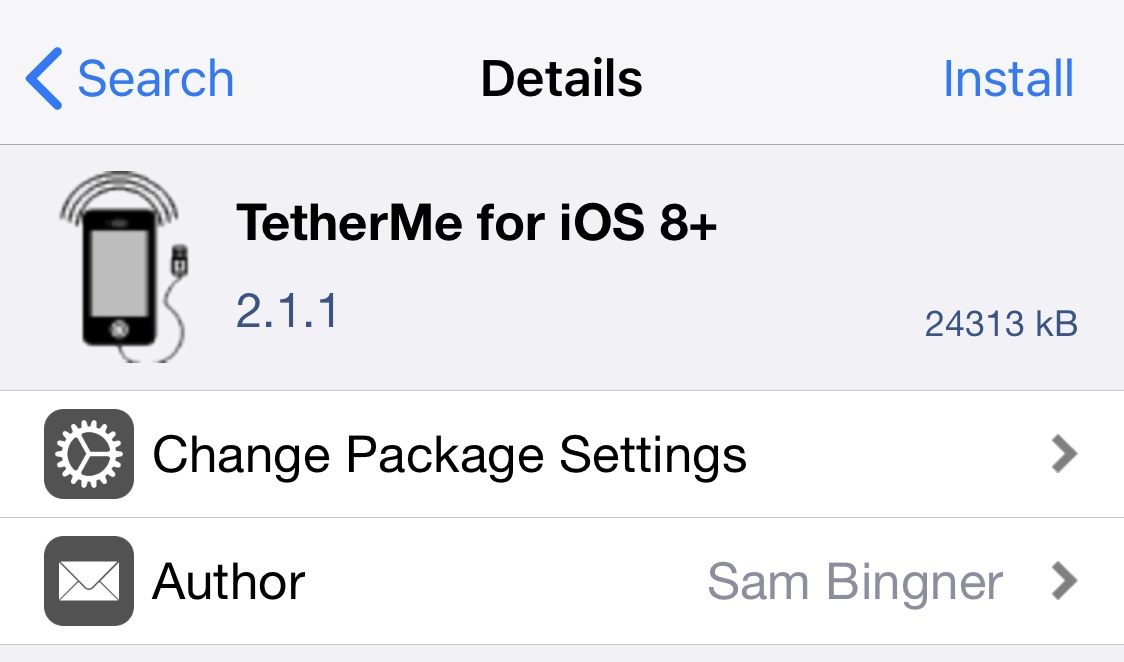
TetherMe is a jailbreak tweak that brings native tethering to the iPhone, even when your carrier normally bars you for. Such activities. According to the app description, it should work for any carrier without the need for customized bundles or preferences.

TetherMe has been tested to work on all iOS versions from 8-14 and works by telling the iPhone to allow tethering on any APN that is used for iPhone data. As a result, you should not be charged extra from your phone company as all tethering data appears to come from the phone itself.

TetherMe also bypasses signature checking and allows you to edit your carrier bundle manually if you so desire. This is required to enable MMS functionality on T-Mobile. TetherMe does NOT enable the loading of APN configurations from .mobileconfig profiles at this time.

This app is different from my favorite jailbreak app MyWi, which allows to turn your iPhone into a wifi hotspot. Instead, TetherMe allows for native tethering as Apple intended it to be, using Bluetooth or USB.

There is no icon for this item. After installation and reboot, you'll be able to turn tethering ON in Settings > General > Network, or install the Tethering Toggle for SBSettings.

Available for $4.99 in Cydia, TetherMe is a great alternative to the more expensive MyWi if you don't want to share your Internet connection with other devices. If however you want to use your iPhone as a hotspot, then MyWy will still be your best bet.

Please let us know what you think of this application by leaving a comment below.

Top 10 iPhone News You Missed This Week

This is a quick summary of the most popular posts on the blog this week:

How to easily install Frash on your iPhone How much time a day do you spend on your iPhone? Steve Jobs knew about the iPhone 4 antenna for over a year 4,000,000 iPhones are downloading apps illegally iOS 4.0.2 is out. Jailbreakers beware! Jailbreak and Unlock iOS 4.0.2 on iPhone 3G Walking in to buy an iPhone 4? Good luck Face Time Mod improves quality of FaceTime video calls Add contacts to your springboard with CallMe Mixed stats for the iPhone 4

From z iPad Blog:

What do 166 iPads stacked on top of each other look like? iOS 3.2.2 for iPad is out. Jailbreakers beware The ultimate iPad accessory

How to Unlock iPhone 3G iOS 4.0.2 with UltraSn0w

This step by step guide and tutorial will show you how to unlock your iPhone 3G iOS 4.0.2 using UltraSn0w 1.1-1. At the time I am writing this, it will only work with the iPhone 3G since there is no jailbreak for other devices.

Step 1: Jailbreak your iPhone 3G using RedSn0w.

Step 2: Go to Cydia and search for UltraSn0w. If it’s not there, you might have to add the following repo: repo666.ultrasn0w.com

Step 3: Install UltraSn0w.

Step 4: Reboot your iPhone.

You're done. You should now be able to use your iPhone 3G with any carrier.

The Ultimate iPad Accessory

This might be the most expensive iPad accessory to date: an ergonomically designed chair specifically custom tailored for optimum iPad use. Built by Elite Home Theater Elite, this chair will set you back $2,500 to $6,000, depending on the additional features you choose.

Bump App Shares Your Data With Random People

I just got an email from Gurps, an iDB reader who tells me his story about Bump, an application that lets you share images, contacts, and more simply by bumping 2 iPhones into each other. Here is part of Gurps' story:

Basically, I was sitting in my room, introducing my sister (a new iPhone user) on the Bump application. I proceeded to send her some photos. Occasionally it didn't work since it said only one of us had bumped, but we did have some success. Then, we bumped phones again and a message popped on my screen saying, "Connect with Junaid's iPhone", obviously not my sisters name, but I clicked yes anyway. I ended up receiving a picture message from someone totally random, that I've never met in my life.

After looking into it, Gurps found out he was receiving pictures from a guy who was about 15 miles away from him.

Now this is not a big deal as Gurps was just sending and receiving pictures. But imagine if he had been using Bump to send money via the Paypal application. The bug could have lead to something much worse than receiving pictures from randoms.

That's something that should be brought to Bump's developers attention.

Have you ever had such problem with Bump?

PDF Patch Fixes the PDF Exploit in iOS

In my previous post today I was telling you the Dev Team was working on a patch for the PDF exploit found in iOS and not fixed by Apple on older iPhones and iTouch. The PDF Patch has been released in Cydia for free and you can install it now.

PDF Patch will fix the security hole that was used by JailbreakMe and could potentially be used to inject malicious softwares on your device.

If you have updated your iDevice to 4.0.2, there is no point using this patch. However, if you're still on an older iPhone 2G or iPod Touch 1G, or if you don't want to update to 4.0.2, then this patch will be for you.

Dev Team Fixes What Apple Didn’t

The Dev Team wrote a blog post this morning telling they are working on a fix for iPhone 2G and iPod Touch 1G who were left out of yesterday's iOS update. Apple released iOS 4.0.2 to fix a PDF security hole that was used by JailbreakMe to jailbreak the iPhone. This security glitch could have also been exploited by malicious softwares, which explains why Apple was so quick to release a fix for it.

The problem is Apple completely denied support for older models like the original iPhone and iPod Touch. Even though Apple acknowledges the severity of the holes, they didn't deem it necessary patching them on these older iDevices.

This is where the Dev Team steps in. The jailbreak community had already developed a quick fix (PDF Loading Warner) but it was more of a safety net than anything else. According to the Dev Team, "Saurik has been burning the midnight oil coding a Cydia package that will fix the holes for all devices and all firmware versions (even going back to version 2.x!)."

UPDATE: PDF Patch is available in Cydia for free.

The fix will go through a short testing period and will then be available for download in Cydia. As I said earlier, JailbreakMe highlights the irony of jailbreaking. Apple has always claimed jailbreaking could expose your iPhone to safety risks. Today it proves that jailbreaking your iPhone is the best way to keep your iPhone safer, as Apple won't do it if you're still using an older iPhone or iTouch.

What do you think?

Jailbreak & Unlock iOS 4.0.2 on iPhone 3G

Those of you who own an iPhone 3G or an iPod Touch 2G (non-MC model) can jailbreak/unlock iOS 4.0.2. To jailbreak your iPhone 3G 4.0.2, you will have to use RedSn0w 0.9.5b5-5.

How to Jailbreak iPhone 3G iOS 4.0.2

Step 1: Make sure you have the latest version of iTunes installed (iTunes 9.2).

Step 2: Download iOS 4 (not iOS 4.0.2) for iPhone 3G to your desktop from our iPhone downloads section.

Step 3: Update your iPhone to iOS 4.0.2 via iTunes.

Step 4: Download the latest version of RedSn0w from here.

Step 5: Point RedSn0w to the iOS 4 (not 4.0.2) you downloaded in step 2.

Step 6: Select “Install Cydia”.

Step 7: Follow the onscreen instructions.

Step 8: Let RedSn0w do the hard work for you. Once jailbroken, your iPhone will reboot.

How to Unlock iPhone 3G iOS 4.0.2

Since iOS 4.0.2 didn't update the iPhone baseband, you can still use UltraSn0w to unlock your iPhone.

Step 1: Jailbreak your iPhone using the method described above.

Step 2: Go to Cydia and search for UltraSn0w. If it’s not there, you might have to add the following repo: repo666.ultrasn0w.com

Step 3: Install UltraSn0w.

Step 4: Reboot your iPhone.

Tell us how it goes for you by leaving a comment below.

[Thanks Bruce for the tip]

iOS 4.0.2 is Out. Jailbreakers Beware

iOS 4.0.2 is out and available for download. As expected, this update fixes the security hole that was uncovered by JailbreakMe. If you rely on your jailbreak/unlock, you should not update until a new jailbreak has been found.

You can find all the download links for every iPhone model in our iPhone downloads section.

[Image 9 to 5 Mac]

Face Time Mod Improves Quality of FaceTime Video Calls

Face Time Mod is a new jailbreak app that changes the FPS (Frames Per Second) during your FaceTime calls to optimize the video quality depending on your Internet connection. This allows for better quality video if your wifi connection can handle it. In the same way, it will lower the quality of the video if you're running FaceTime on Edge using My3G for example.

By default, the original FPS is a minimum of 15 and a maximum of 15 as well. Face Time Mod brings the minimum down to 6 FPS and the max to 30 FPS.

There is one big downside to this app though: both iPhones must have Face Time Mod installed for it to work.

Face Time Mod is available for free in Cydia under the http://repo.modyouri.com repo.

What do you think of it?

The Wallpaper I’m Using on My iPhone These Days

A few of you have asked me what wallpaper I use on my iPhone so I figured I'd post it here for you to download. I found it online a few weeks ago but I can't remember exactly where. If you know where it's from, please post the link so I can credit the designer of this wallpaper.

Update: Thanks Stan for the update. This wallpaper is from Effektive Design. They have more colors there.