Learn how to change the number of lines for message previews in your Apple Mail inbox on the iPhone, iPad, and Mac to display more or less information.
How to change your message list preview in Mail on iOS and Mac
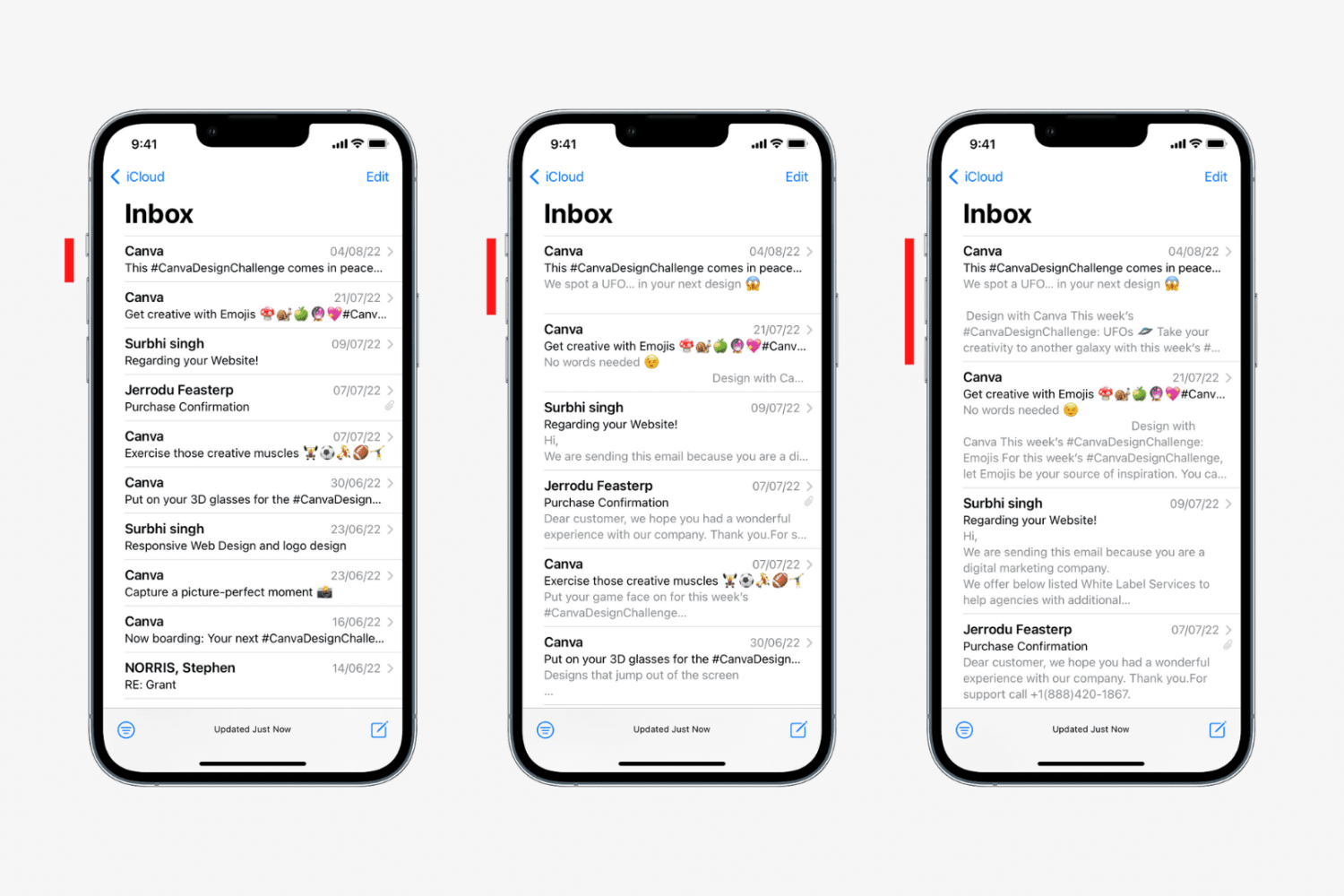
Learn how to change the number of lines for message previews in your Apple Mail inbox on the iPhone, iPad, and Mac to display more or less information.
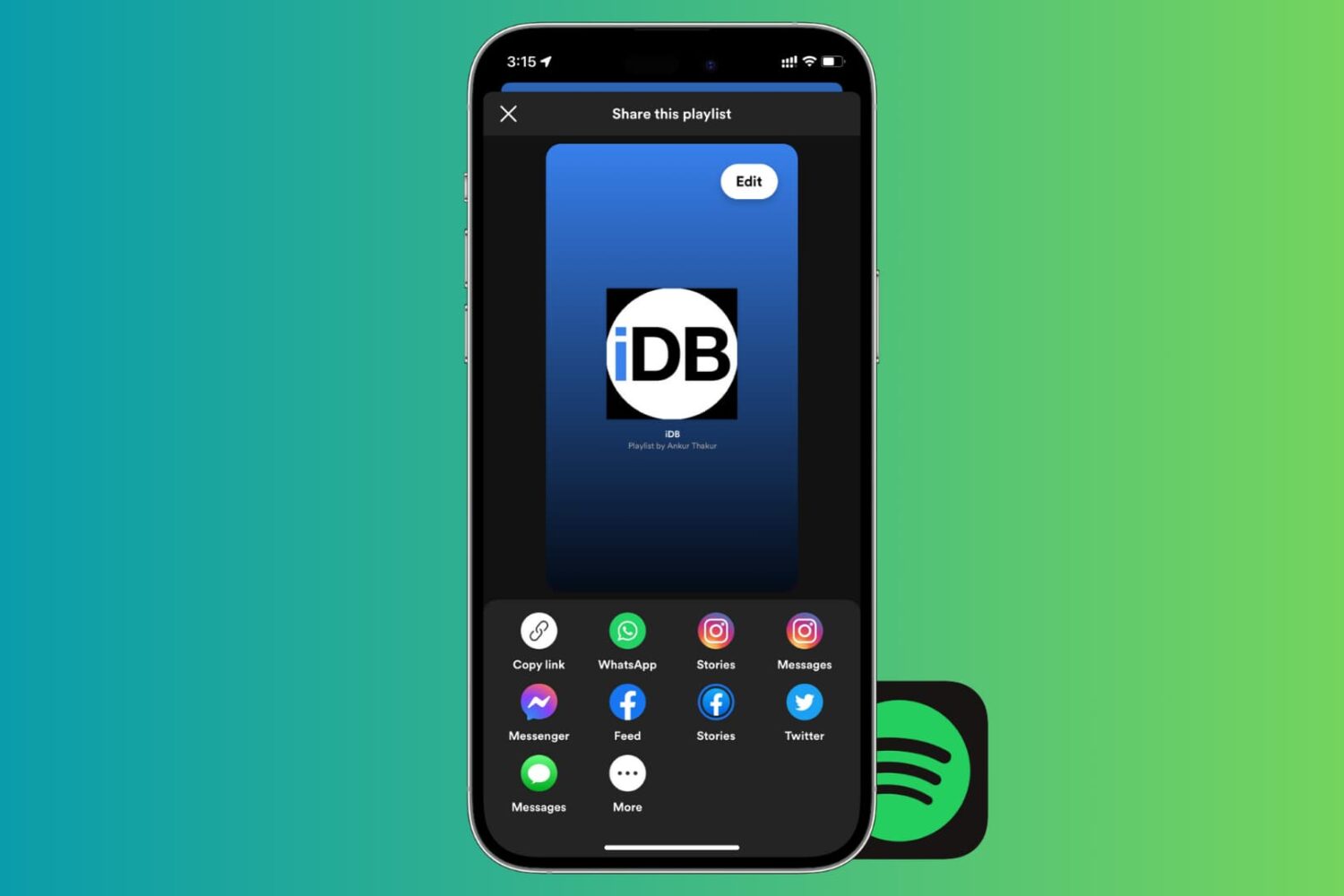
If there’s one thing that’s better than enjoying the music you love, it’s sharing it with others. And if you use Spotify, sharing your playlists is easy. You can quickly share them in a variety of ways from your devices. So, if you’re ready to brighten someone’s day with some cool new tunes, here’s how to share Spotify playlists on iPhone, iPad, and Mac.
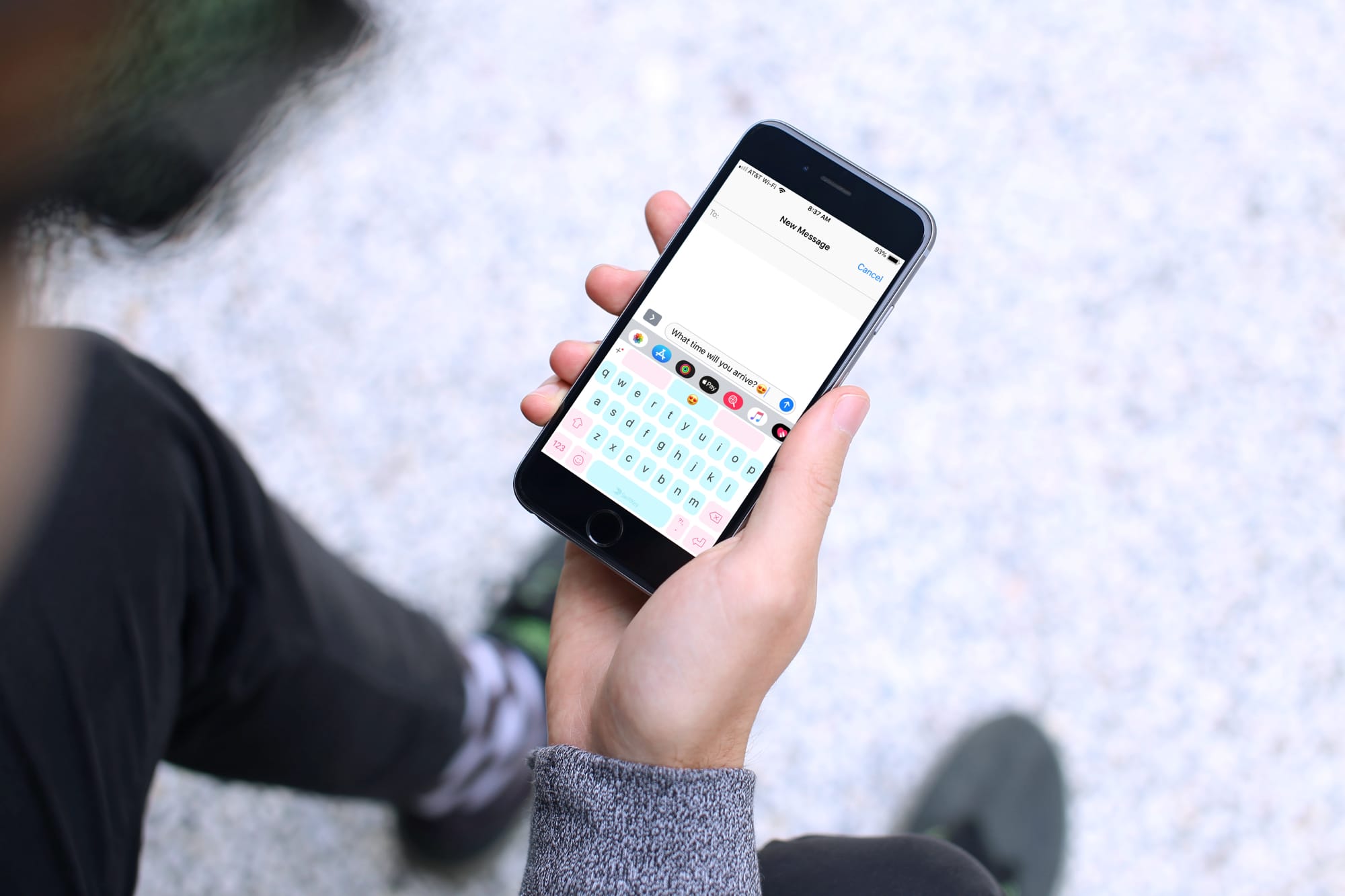
Keyboards that offer a swipe feature are handy, helpful, and let you type faster than ever. Instead of hitting each key separately, you simply use your finger to swipe through the letters to create your words. These types of keyboards are great if you haven’t yet mastered the two-thumb typing.
If you’re in the market for a new keyboard and are interested in swiping, these are the best swipe keyboards for iPhone and iPad.
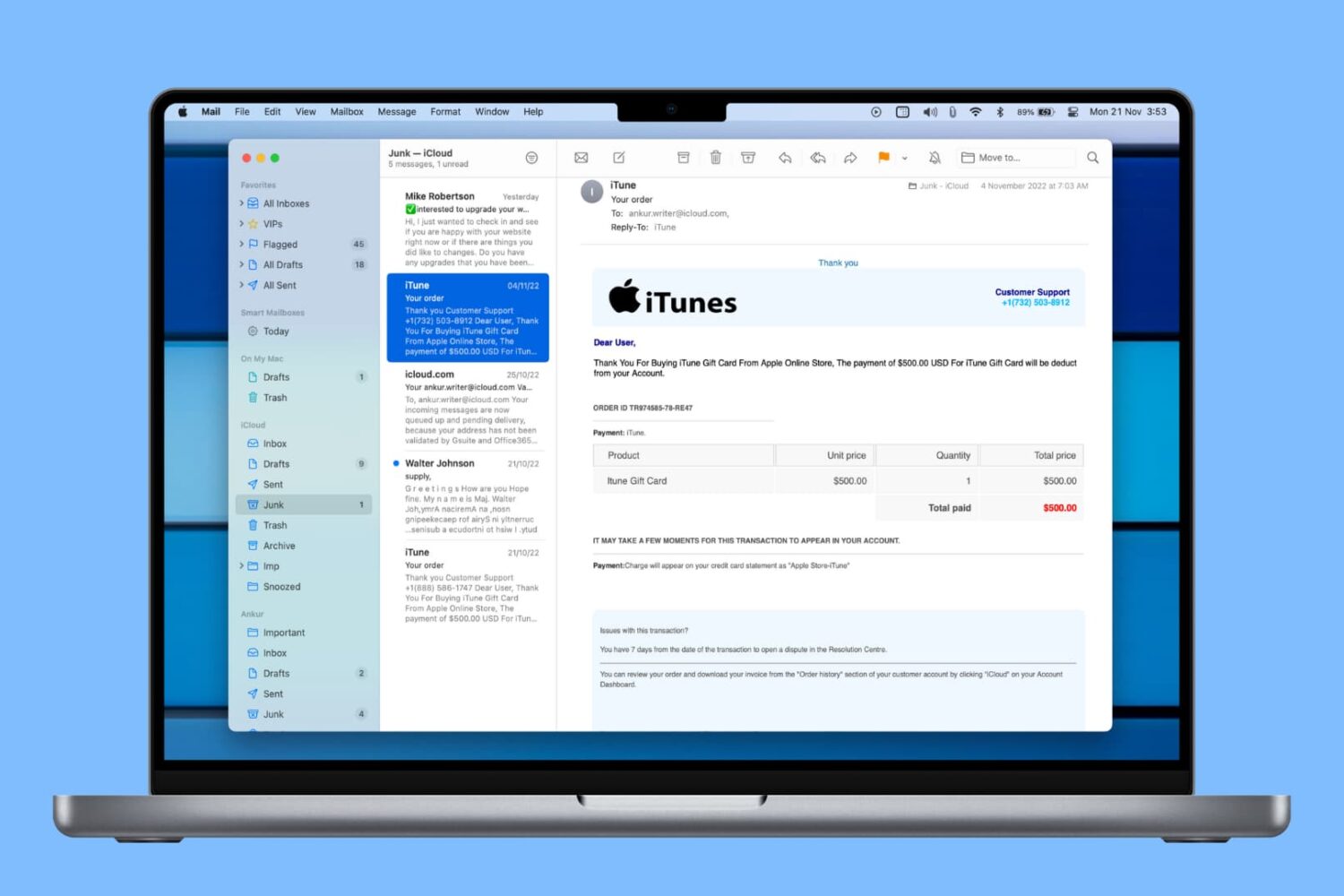
Learn how to automatically delete junk messages and empty the Trash in the Mail app on Mac to save time and keep your mailboxes free of unwanted emails.

Audio messages in the Messages app are cool little ways of communicating without text. You can tell someone you love them, send them a song clip, or just ask what’s up, all with your own voice.
The thing about audio messages, however, is that they don’t hang around forever. By default, they expire after two minutes of sending or listening to them, not to be heard again. This might be fine for some but not for others.
If you fall into the “others” category and want to hang onto those clips, here’s how to stop audio messages from expiring in the Messages app on iPhone and iPad.

If you use your iPhone or iPad to listen to podcasts in the Podcasts app or audiobooks in the Books app, then you probably know about the skip feature. You can skip back a few seconds to catch something you missed or skip forward to move past something you have already heard.
The thing about this skip feature is you may not want it as low as 10 seconds because it might not be enough, and you have to keep tapping. At the same time, you may not want it to be as high as 60 seconds because you might skip way too much.
Here’s how to change the skip seconds for Podcasts and Books on iOS.
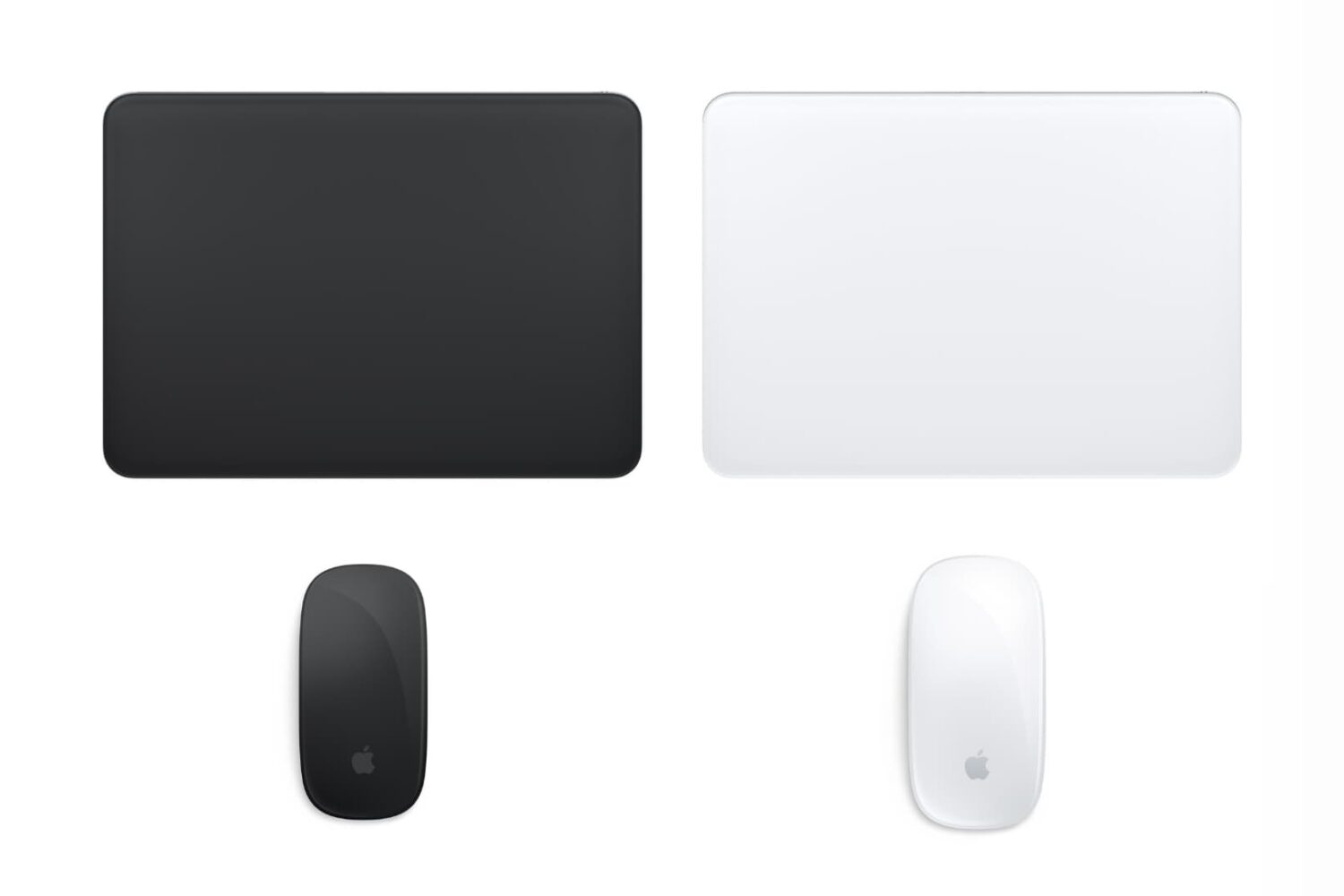
Do you feel like your mouse is moving too slow, your trackpad is moving too fast, or something in between? This tutorial shows you how to increase or decrease the mouse and trackpad pointer speed on Mac for the perfect experience.
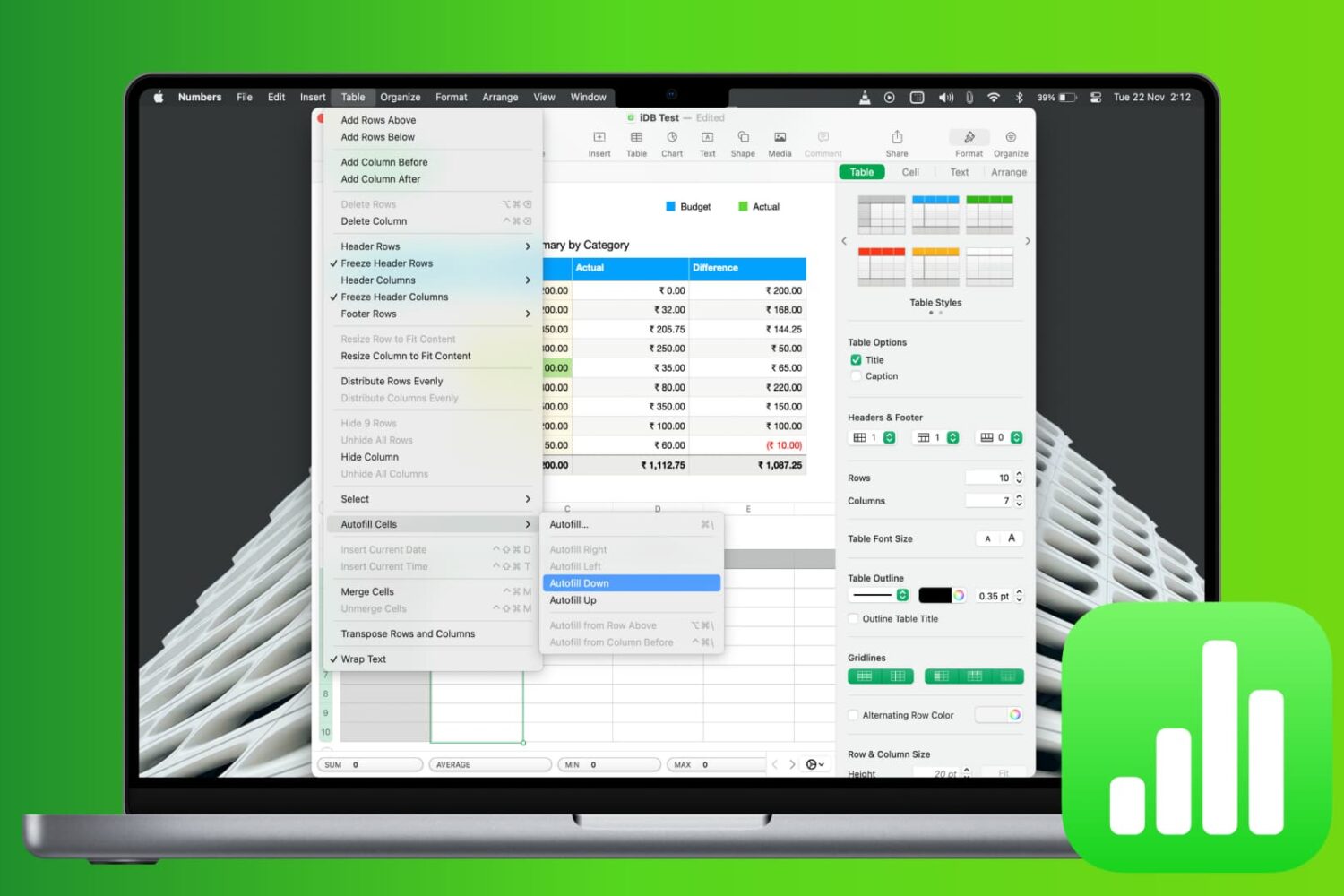
Learn how to save time and reduce errors by using the Autofill feature in the Apple Numbers app on Mac to fill cells with and without dragging.

At Apple’s March media event, a new subscription service was announced called Apple News+. This service is part of the News app and gives subscribers access to over 300 magazines, newspapers, and publications.
If you’re ready to jump on board and check out magazines like People and National Geographic Magazine along with newspapers like The Wall Street Journal and the Los Angeles Times, here’s how to subscribe to Apple News+ on iPhone or iPad.
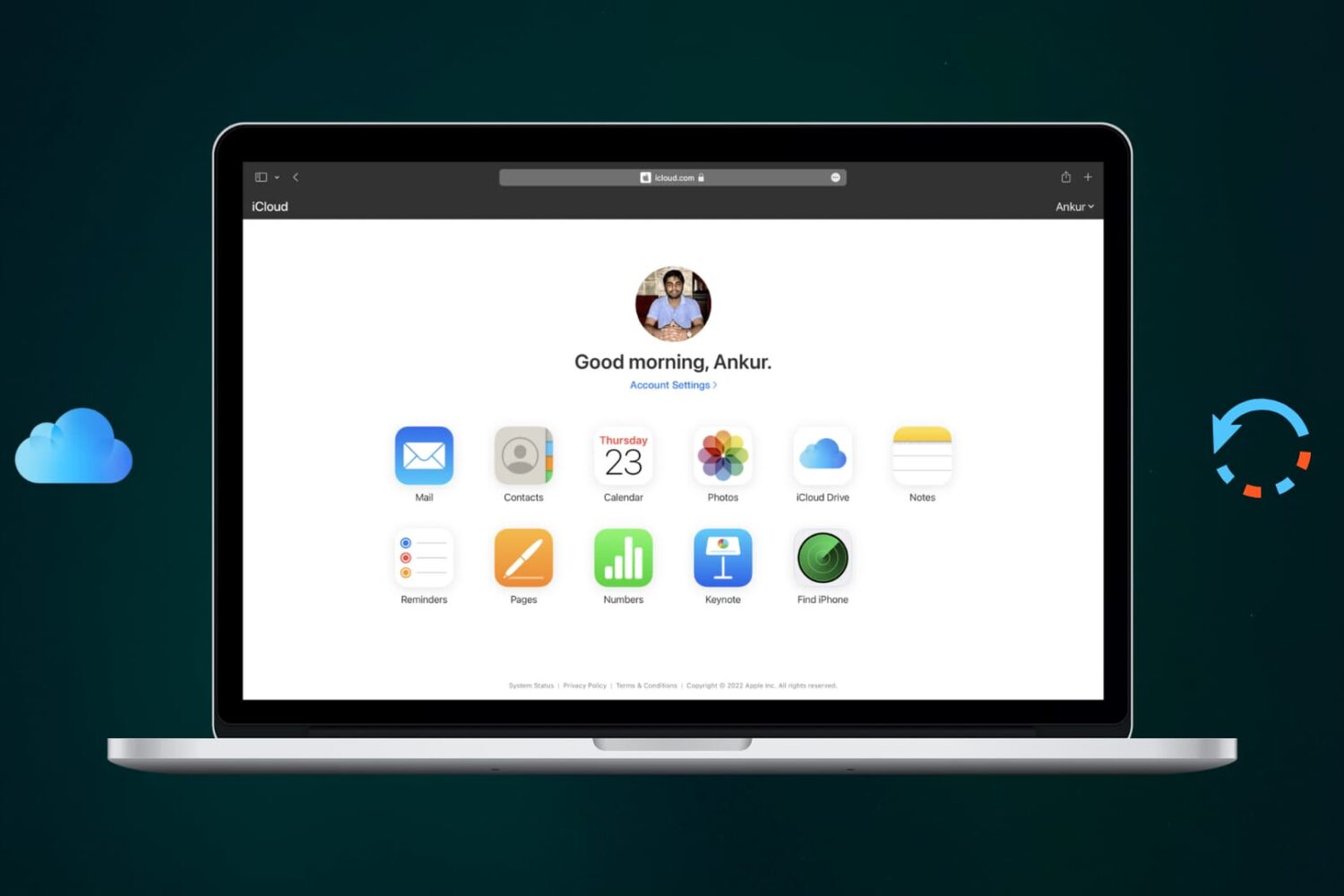
Learn how to recover recently deleted files from iCloud Drive on Apple devices that you may have trashed accidentally or still need.

Learn how to hide the Today View and Spotlight Search from your iPhone or iPad Lock Screen to secure your app widgets or prevent accidental interactions.

Your iPhone and iPad both come with a handy weather app for getting your current conditions and upcoming forecast. And you can use the widget for that app in your Today View. But what if you want something more or just a little different?
Instead of searching the App Store and trying tons of weather widgets, we’ve compiled a list for you. Here are the best free iPhone weather widgets for your Today View.