Jeff Benjamin

Jeff has been with iDownloadBlog since 2010, acting as resident video specialist, and tutorial expert. He earned his degree in Computer Network Systems back in 2001, but decided Cisco routers and the like just weren’t for him. Since then, he’s been heavily involved with online writing. He’s written for numerous tech and video game sites since the late 1990′s, and has a knack for explaining things in a simple, clear, and concise manner. Jeff works primarily from the east coast on his Retina Macbook Pro, and shoots video with a Canon DSLR. During downtime he likes to travel the world, visiting the various Apple Stores across the globe. You can email him at jeff [at] idownloadblog.com and follow him on Twitter @JeffBenjam or on Google+.

Our New Downgrade Page Goes Live

It's been a while since we've updated our downgrade page, so we thought it was time to do so.

Our new downgrade page is an overhauled comprehensive resource for all of your iOS downgrading needs. It now includes video tutorials, along with a section-by-section breakdown for some of the most frequently asked downgrading questions.

Now the question remains: Do you know where to find it? Check inside for the answer...
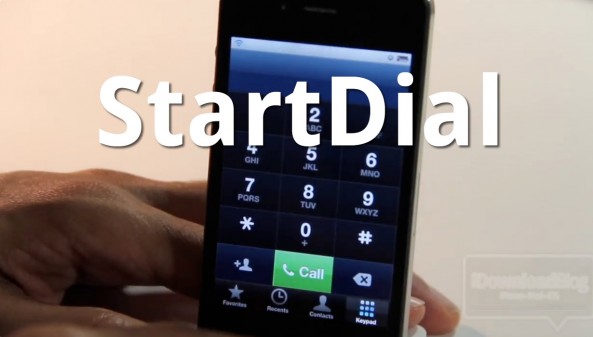
Whip Your Phone App Into Shape With StartDial

Do you ever get annoyed when you open your Phone app and it doesn't go to the section you were expecting?

With StartDial, that problem is a thing of the past. StartDial allows you to always start at a specific section of your Phone app every time you open it by means of a predefined setting.

It's even smart enough to start at your recents whenever you have missed calls. If you make a lot of phone calls, and your iPhone is jailbroken, check out our hands-on experience with StartDial inside...

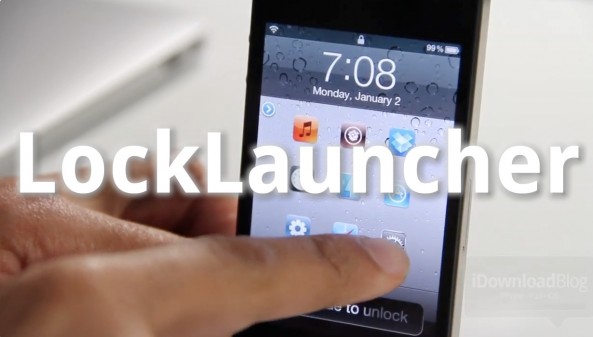
LockLauncher: Launch Up to 9 Apps From Your Lock Screen

LockLauncher — not to be confused with, well, LockLauncher — is a jailbreak tweak that allows you to launch up to 9 different apps directly from your lock screen.

Despite its unoriginal name, LockLauncher differs from the previous LockLauncher we reviewed last summer. This version of LockLauncher is both free, and features the ability to launch more apps.

Be sure to check out our video walkthrough to see what it brings to the table...

pod2g Divulges More Details Behind Corona Exploit

iOS hacker pod2g has posted a very enlightening synopsis of how he was able to pull off his 5.0.1 untethered exploit. Citing Apple's blocking of the exploit methods used prior to iOS 5, he details the alternative methods used for the 5.0.1 untethered exploit and subsequent jailbreaks.

Apple has fixed all previous known ways of executing unsigned binaries in iOS 5.0. Corona does it another way.

Thus, for Corona, I searched for a way to start unsigned code at boot without using the Mach-O loader. That's why I looked for vulnerabilities in existing Apple binaries that I could call using standard launchd plist mechanisms.

For those of you interested in the low-level workings of the latest untethered jailbreak to hit iOS 5 devices, we highly recommend you check out pod2g's analysis on his blog.

How to Jailbreak Apple TV 4.4.4 Untethered With Seas0nPass

Now that pod2g's untether exploit has been made public, the benefits are now being felt in our living rooms. That's because the team at FireCore has updated their Seas0nPass Apple TV jailbreak tool to take advantage of the untether exploit.

Now you can enjoy all of the benefits of Apple's latest Apple TV update — which includes AirPlay mirroring — coupled with an untethered jailbreak that allows you to do all sorts of interesting things.

Check inside for the full tutorial...

Top Jailbreak Videos of the Week

This past week was the biggest week for the jailbreak community in quite some time. The iOS 5 untethered jailbreak was released, along with a legal Siri Port entitled Spire. Not only that, but we also saw multitasking gestures make their way to the iPhone by means of Zephyr.

Like always, please be sure to spread our iPhone, iPad, and iOS video tutorials by sharing our posts on Twitter and Facebook.

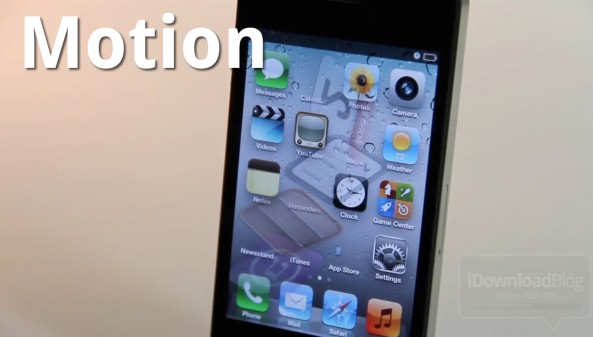
Motion Adds Visual Mayhem to Your iPhone’s Home Screen

Motion is a new jailbreak tweak that can seriously spice up your iPhone's Home screen, if you're into that sort of thing. The tweak does this by adding quite a few animation options to the app icons on your Home screen.

Best of all, Motion clocks in at a reasonable $1 on the Cydia Store. Should you try it out? Check out our hands-on video inside and judge for yourselves...

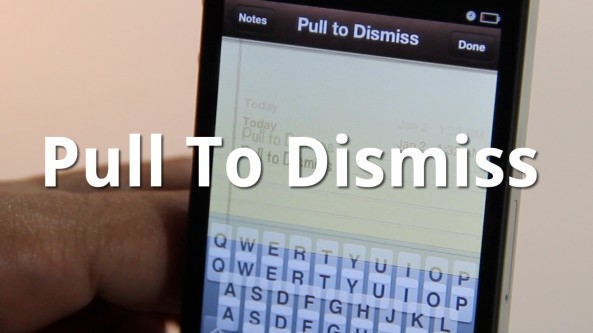
Easily Dismiss Your Keyboard With Pull To Dismiss

Is your iPhone's keyboard getting in the way? If so, then you may want to give Pull To Dismiss a try.

Pull To Dismiss is the latest jailbreak tweak from Ryan Petrich that allows you to easily dismiss your iPhone's keyboard with a simple pull. It works similar to pull to refresh, except instead of refreshing the content on the page, it dismisses your keyboard...

How to Set Up Spire [Video Tutorial]

A few days ago chpwn released Spire, a legal Siri port for the iPhone 4 and other devices. The release was met with much excitement, and likely just as much confusion. How does it work? Can it work with an existing Siri Proxy?

Getting Spire working on your non-iPhone 4S device may seem daunting, but it's actually fairly straight forward, especially if you've successfully followed our Siri Proxy tutorial in the past. The Spire setup pretty much involves the same steps needed to get Siri Proxy working, with a few notable differences thrown in.

Check inside as I show you how to get Siri running on your iPhone 4 using Spire. This should also work for other devices, like the fourth-generation iPod touch...

MapReminders: Setup Location Based Reminders Using Maps

The location-based aspect of the Reminders app is convenient but limited. As of now, all you can really do is setup reminders based on your current location or the contents of your Contacts app.

With MapReminders, you can peruse an entire map to setup reminders for certain locations easily. Check out our video walkthrough of this upcoming jailbreak tweak...

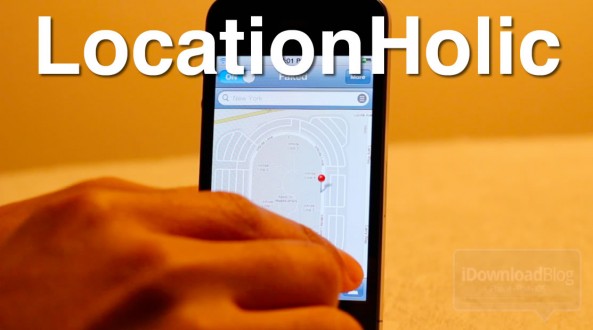
LocationHolic: Fake Your iPhone’s Location [Sponsored]

Want to travel across the globe without leaving the confines of your humble abode? If so, then look no further than LocationHolic, a location-spoofing jailbreak tweak for the iPhone, iPod touch, and iPad.

LocationHolic works by essentially overriding your device's location data with a location of your choosing. Choosing the location is as simple as searching or even placing a pin on a map. It really doesn't get any simpler than LocationHolic, as you'll see in our video walkthrough...

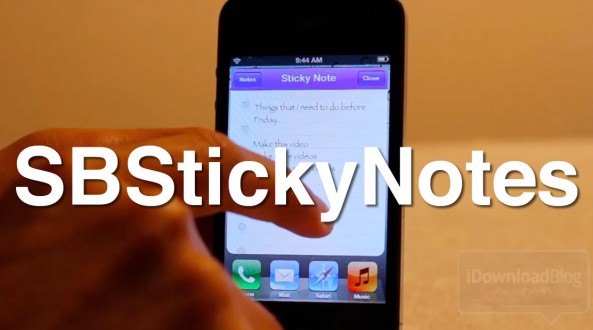
How to Save Favorites Notes to Your Home Screen With SBStickyNotes

The Notes app is a great app for saving quick items that you need to get back to later, but often it's easy to forget that you wrote anything down in the first place.

With SBStickyNotes, forgetting just became a tad more difficult. That's because this tweak allows you to save favorite notes to you Home screen as a bookmark.

We've gone hands-on with SBStickyNotes on video; check inside to view the full walkthrough...