Anthony Bouchard

Anthony Bouchard joined the iDownloadBlog.com team in 2016 after originally covering Apple and iPhone jailbreak news at ModMyi.com. As an experienced editor, he brings more than 15 years’ worth of jailbreaking knowledge to our in-depth guides, opinion pieces, and news articles. His passion for device customization and user choice sparks his strong push to empower readers with the tools they need to explore and enjoy the freedom that comes with jailbreaking. Anthony blogs about not only jailbreaking, but also Apple software & accessories, drones & photography, and Nintendo gaming systems. Anthony honed his advanced technical knowledge over the years with hands-on projects ranging from gaming PC builds to engine repair mechanics. His never-ending hunger for knowledge is why you’ll always find him tinkering – tearing things apart and putting them back together to understand what makes them tick.

Jailbreak tweaks of the week: Don’t Stop the Party!, NoMoreStories, StatusPeek2, & more…

Those of you clinging onto that iOS 10 jailbreak wall want to hold onto it a bit longer. There've have been some neat jailbreak tweak releases these past couple of weeks and every Sunday we come at you with a roundup, showcasing the best of the week.

In this roundup, we'll follow that same tradition, talking about all of the jailbreak tweaks that were released in Cydia. We'll start first with our favorites and then move onto everything else afterwards.
AirDrop Remover nixes the AirDrop button from iOS Share Sheets

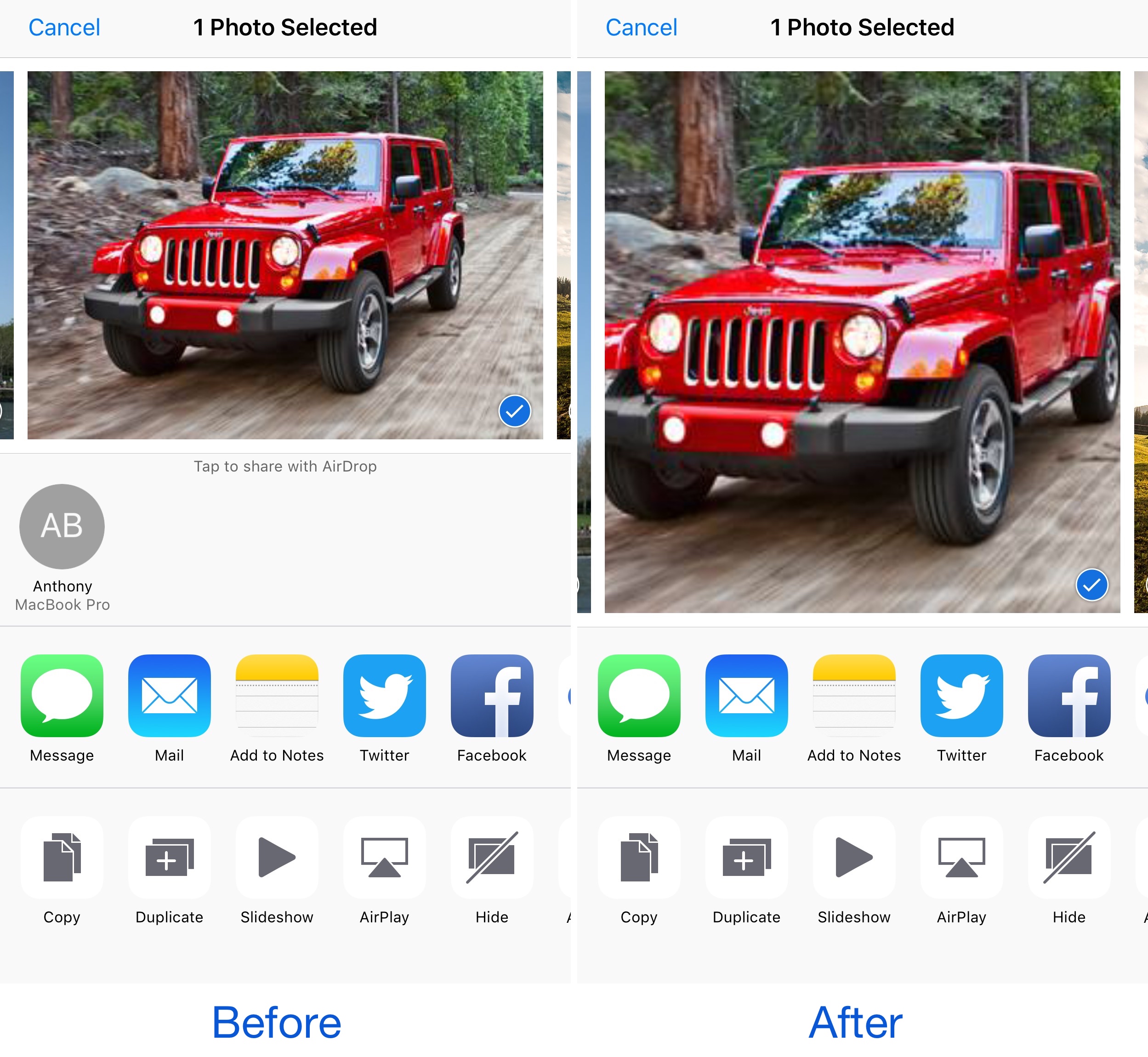
AirDrop is a very convenient way to send and receive files between iOS devices and Macs; on the other hand, not everyone uses it. While you can easily disable AirDrop, the feature still clutters your interfaces whether it's disabled or not.

Those with a jailbreak can hide AirDrop from their device entirely, and a new free jailbreak tweak called AirDrop Disabler by Justin Petkovic aides in this process by removing AirDrop from your Share Sheets.

StatusPeek 2 replaces the Notification Center grabber with the Status Bar

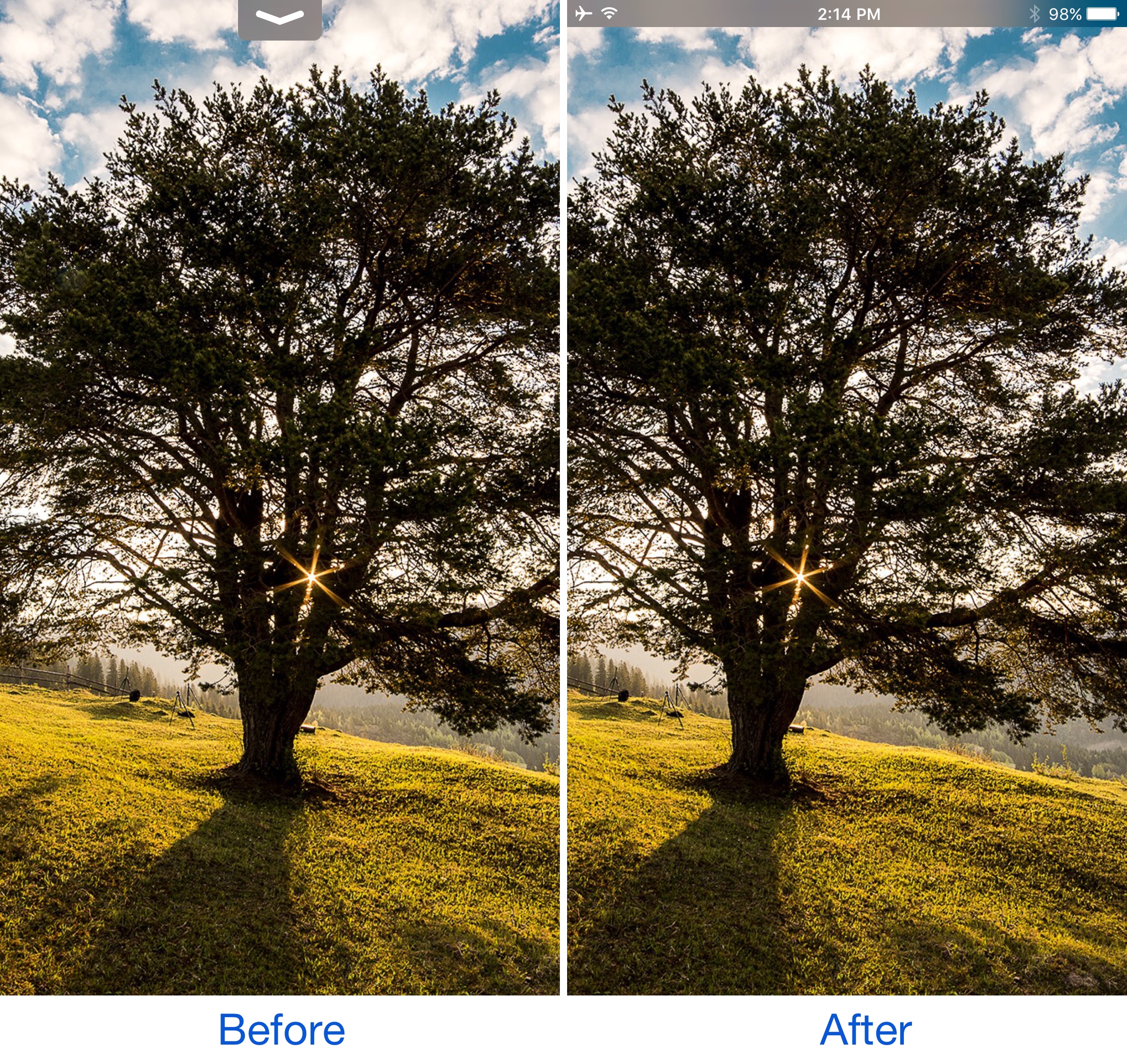
When you drag down from the top of the screen (intentionally or unintentionally) inside of full-screen apps, a grabber that lets you open Notification Center presents itself. While it works fine for what it was made for, many would agree that it’s useless beyond opening Notification Center.

That’s where a jailbreak tweak called StatusPeek 2 by Noeliel can come in handy and improve things for the better. It replaces the usual grabber with a sneak peek of your Status Bar while maintaining the function of a grabber.

Don’t Stop the Party! keeps your music playing during resprings

One of my pet peeves in terms of having a jailbroken device is how any music I'm listening to while installing tweaks on my device gets silenced with every respring. Anyone who peruses Cydia and installs tweaks a lot will find this to be a buzzkill.

Fortunately, a new jailbreak tweak called Don’t Stop the Party! by iOS developers David Goldman and Wizages helps fix the problem once and for all by letting the music play straight through the respring process.

The best VPN deals right now

There are so many VPNs to choose from, and if you’re having trouble deciding what one to choose for your own internet privacy and security, then we’re here to help.

One of the biggest deciding factors in purchasing a long-term commitment to software is the cost, so in this roundup, we’ll discuss some of the best VPN deals you can get right now.

How to spoof the GPS location of photos on your iPhone

spoofed location

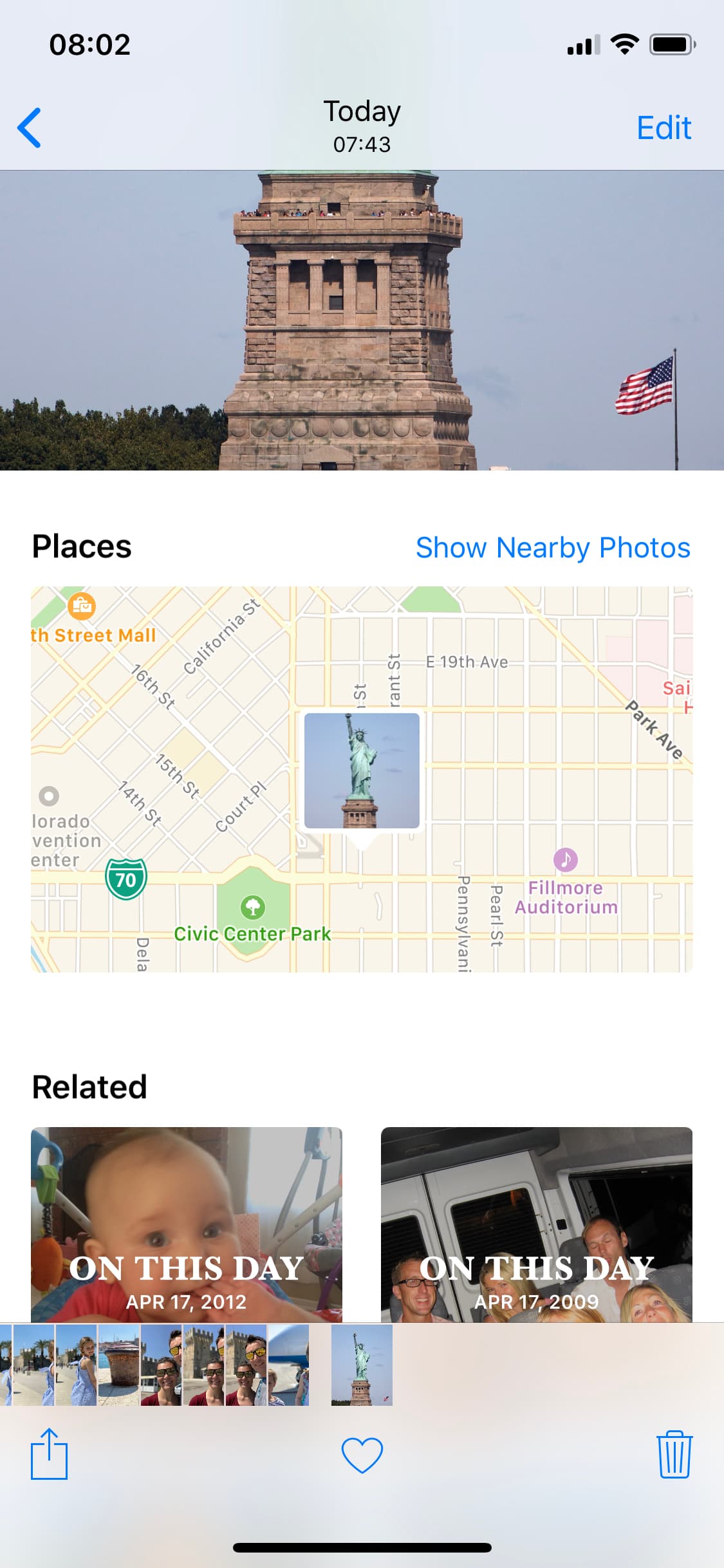
The Photos app can keep track of where your photographs are taken, assuming the photos in your Photo Library have location-based metadata attached to them. Even images you save from the internet can have this location data baked into them from time to time.

What most people don’t know is that it’s possible to spoof a photograph’s location data to make it look as if it were taken somewhere else. In this tutorial, we’ll show you how you fake the location of your photos in less than a minute with Exif Metadata, an app we developed in house.

This tweak customizes the ‘iPhone is disabled’ text that appears after failed passcode attempts

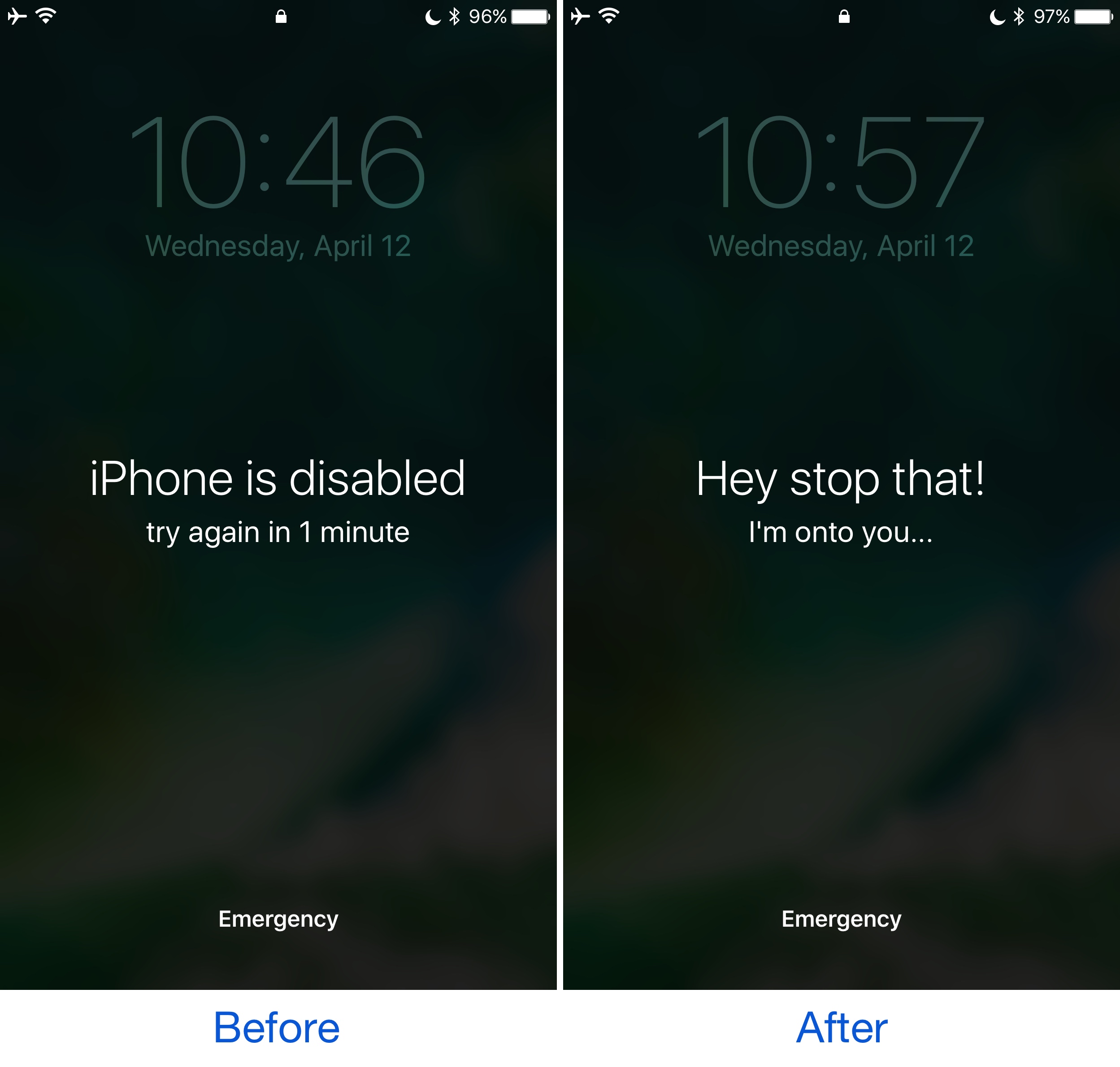
Whenever your iPhone passcode is entered incorrectly too many times, a message eventually pops up that says “iPhone is disabled.” This prevents the device from being used for a temporary period of time and is intended to deter people who try to gain unauthorized access to your device and personal information.

On the other hand, the stock message is pretty bland, and a new free jailbreak tweak called GoAway by iOS developer gilshahar7 paves the way to new ways of customization by letting you change the message and other information that gets displayed after too many wrong passcode attempts.

The best jailbreak tweaks for Notification Center

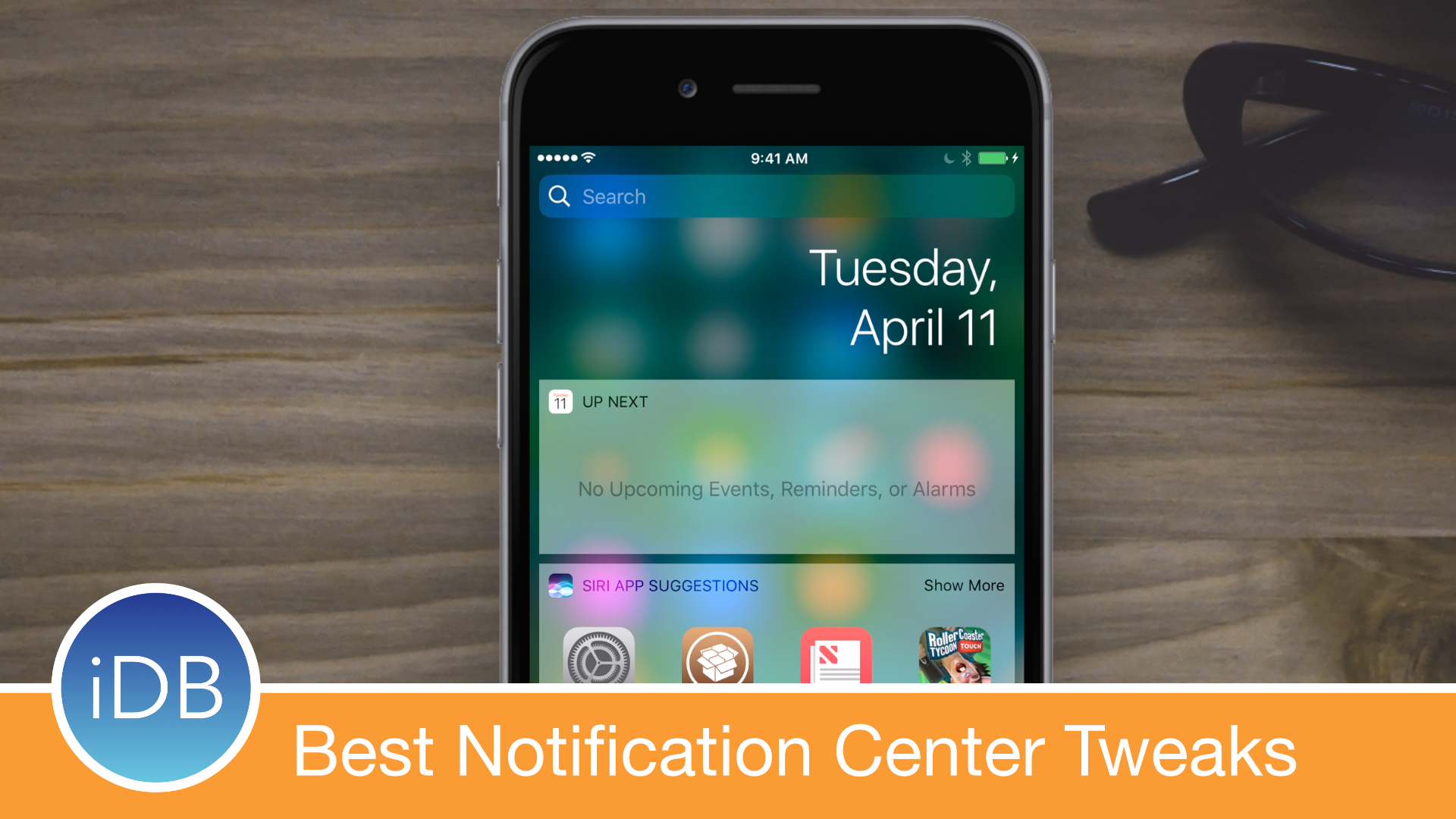
Those rocking the Yalu jailbreak for iOS 10 and who are looking for the best jailbreak tweaks to install on their devices have come to the right place. We're working on a series of roundups that cover the best tweaks for each exclusive part of iOS.

In this piece, we'll discuss the best jailbreak tweaks for Notification Center that were released following the launch of the iOS 10 jailbreak.

This tweak displays song ratings throughout the Music app

If you use the stock Music app to listen to your favorite songs on your iPhone or iPad, then you owe it to yourself to use your jailbreak to enhance the app the best you can.

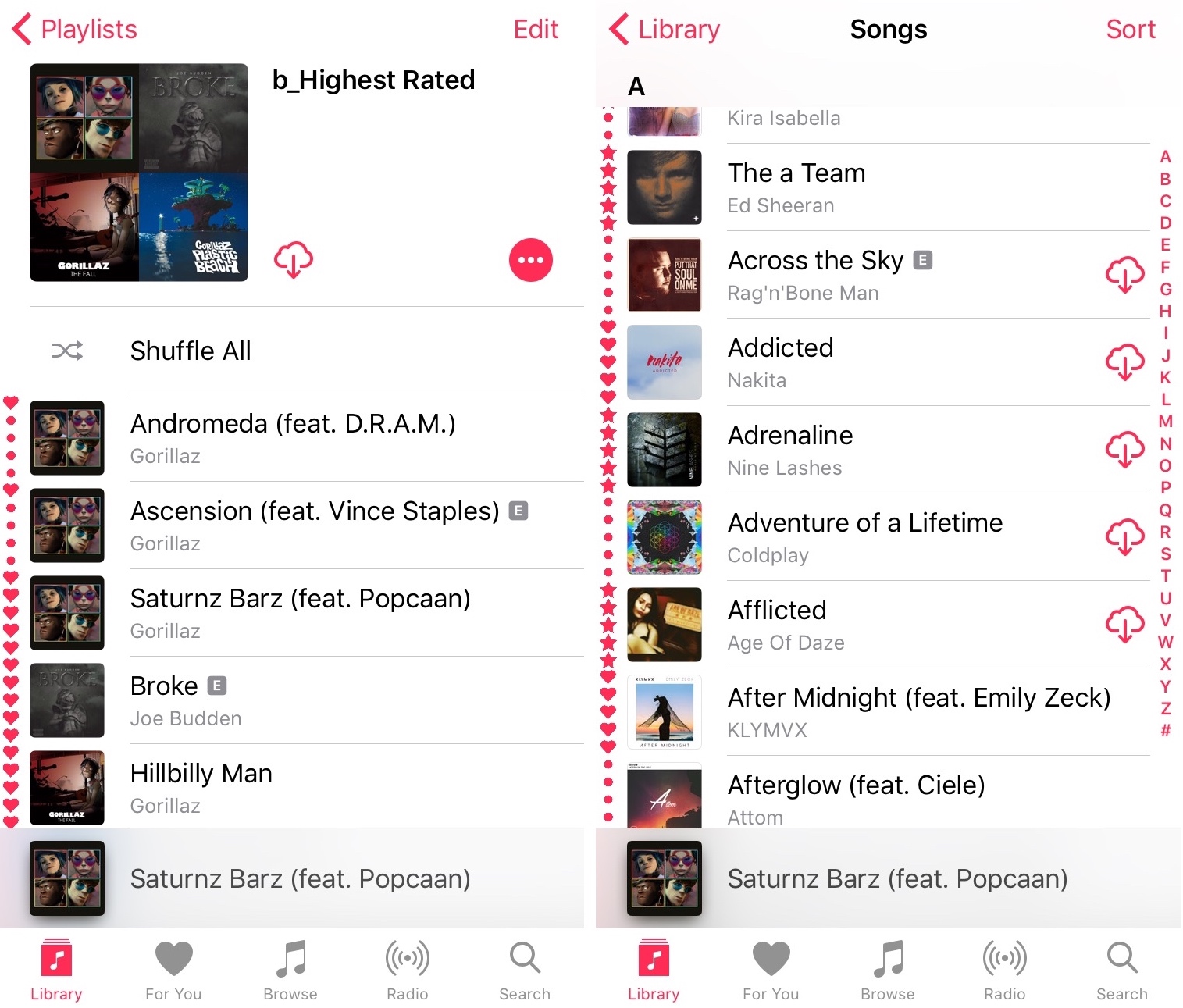
A free jailbreak tweak called I See Stars III by Pat Sluth improves the Music app by displaying media ratings in the playlist tables, otherwise known as song lists.

Birdhouse lets you see tweets from your empty Notification Center

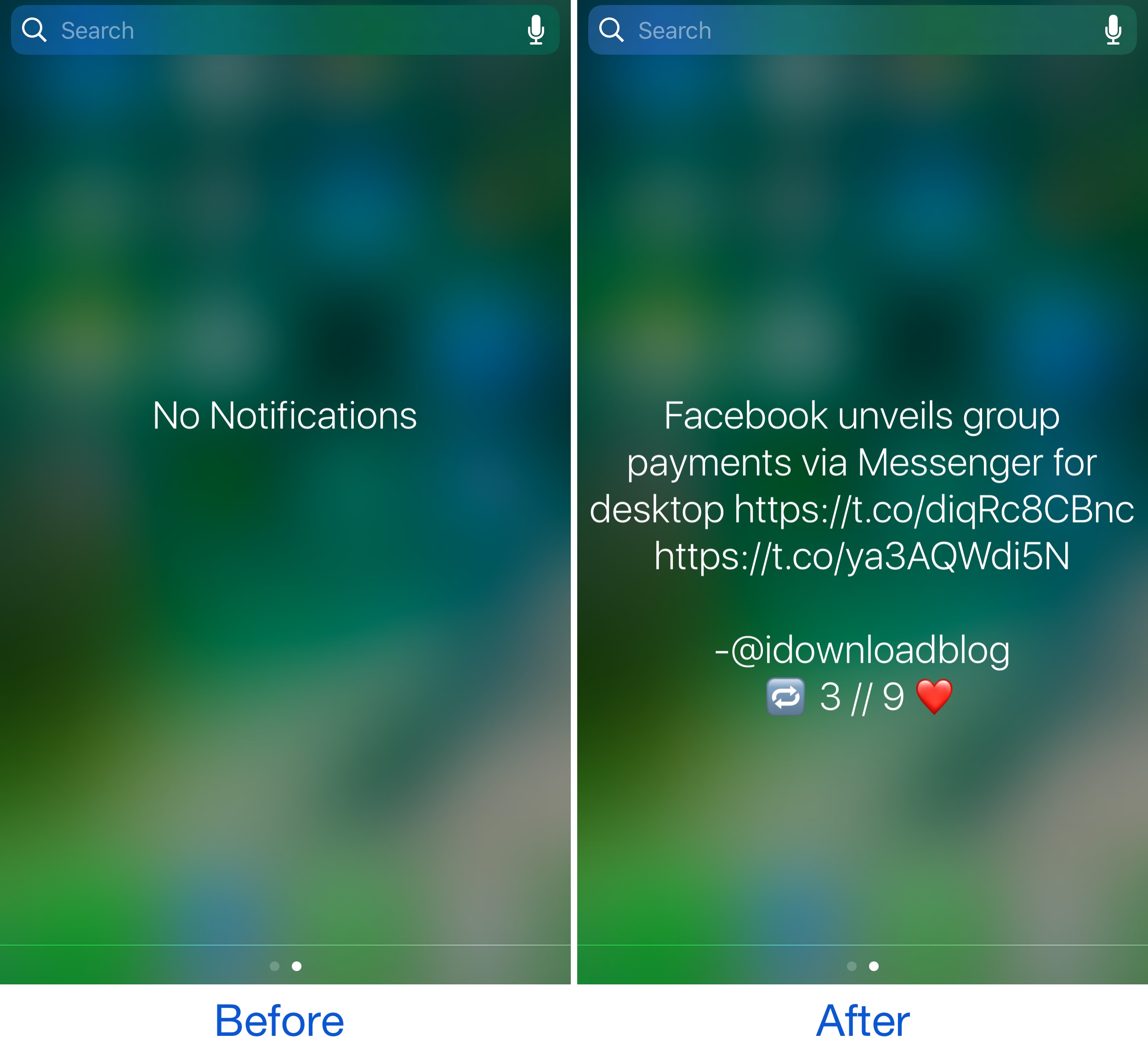
When you don’t have any unread notifications waiting to be acknowledged, you typically see the “No Notifications” text string in the middle of Notification Center. Not only isn’t this aesthetically pleasing, but it wastes potentially useful space.

With a new free jailbreak tweak called Birdhouse by candoizo, you can make use of this space by replacing the generalized "No Notifications" text with a Tweet from your favorite Twitter account.

How to disable comments on your Instagram posts

If you have problems with trolls leaving nasty comments on your Instagram posts, then it might be music to your ears to hear that you can disable commenting, a step that can prevent trolls from leaving hurtful comments on your posts while allowing you to maintain a presence on the popular media-sharing social network.

While the workaround certainly isn’t perfect, it can be effective if used correctly. We’ll show you how to disable comments on your Instagram posts in this tutorial.

NoMoreStories removes the Stories feature from the Facebook app

Facebook has made a lot of unwanted changes to the mobile app in the last few weeks; unfortunately, because they refuse to list anything new in the App Store change logs, everyone who uses Facebook gets duped into installing the changes whether they want them or not.

One of the latest unpopular additions to the Facebook app is the Snapchat-like Stories feature, which appears at the top. If you don’t like Facebook’s new Stories feature, you can use a new free jailbreak tweak called NoMoreStories by iKilledAppl3 to get rid of it once and for all.