Anthony Bouchard

Anthony Bouchard joined the iDownloadBlog.com team in 2016 after originally covering Apple and iPhone jailbreak news at ModMyi.com. As an experienced editor, he brings more than 15 years’ worth of jailbreaking knowledge to our in-depth guides, opinion pieces, and news articles. His passion for device customization and user choice sparks his strong push to empower readers with the tools they need to explore and enjoy the freedom that comes with jailbreaking. Anthony blogs about not only jailbreaking, but also Apple software & accessories, drones & photography, and Nintendo gaming systems. Anthony honed his advanced technical knowledge over the years with hands-on projects ranging from gaming PC builds to engine repair mechanics. His never-ending hunger for knowledge is why you’ll always find him tinkering – tearing things apart and putting them back together to understand what makes them tick.

Jailbreak tweaks of the week: ColorGram, HUDPlayer, & more…

The jailbreak community has been pretty unpredictable lately; just as you begin to think Cydia is going through a lull, developers surprise you with a bevy of fun and useful new releases.

In this piece, we'll discuss all of the jailbreak tweaks that were released throughout the week, starting with our favorites. We'll outline the rest of them afterwards.
FolderAutoClose 10 automatically closes folders after launching apps from them

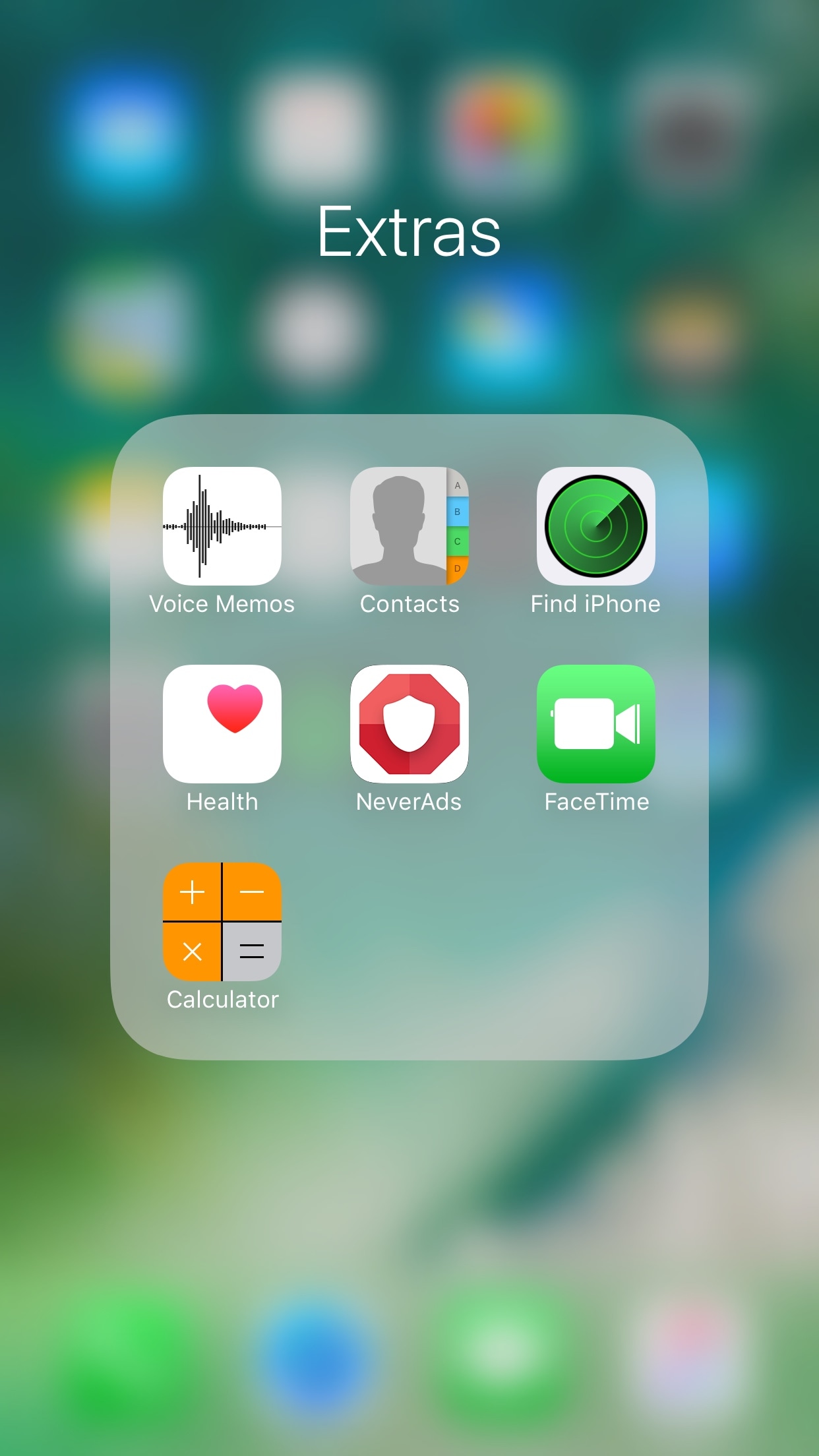
Any time you open a folder to launch a containing app, and then you close it, you find yourself back inside the folder where you originally launched that app rather than on the main Home screen.

A new free jailbreak tweak dubbed FolderAutoClose 10 by iOS developer yuripeyamashita is now available that automatically closes folders in the background when launching apps from them.

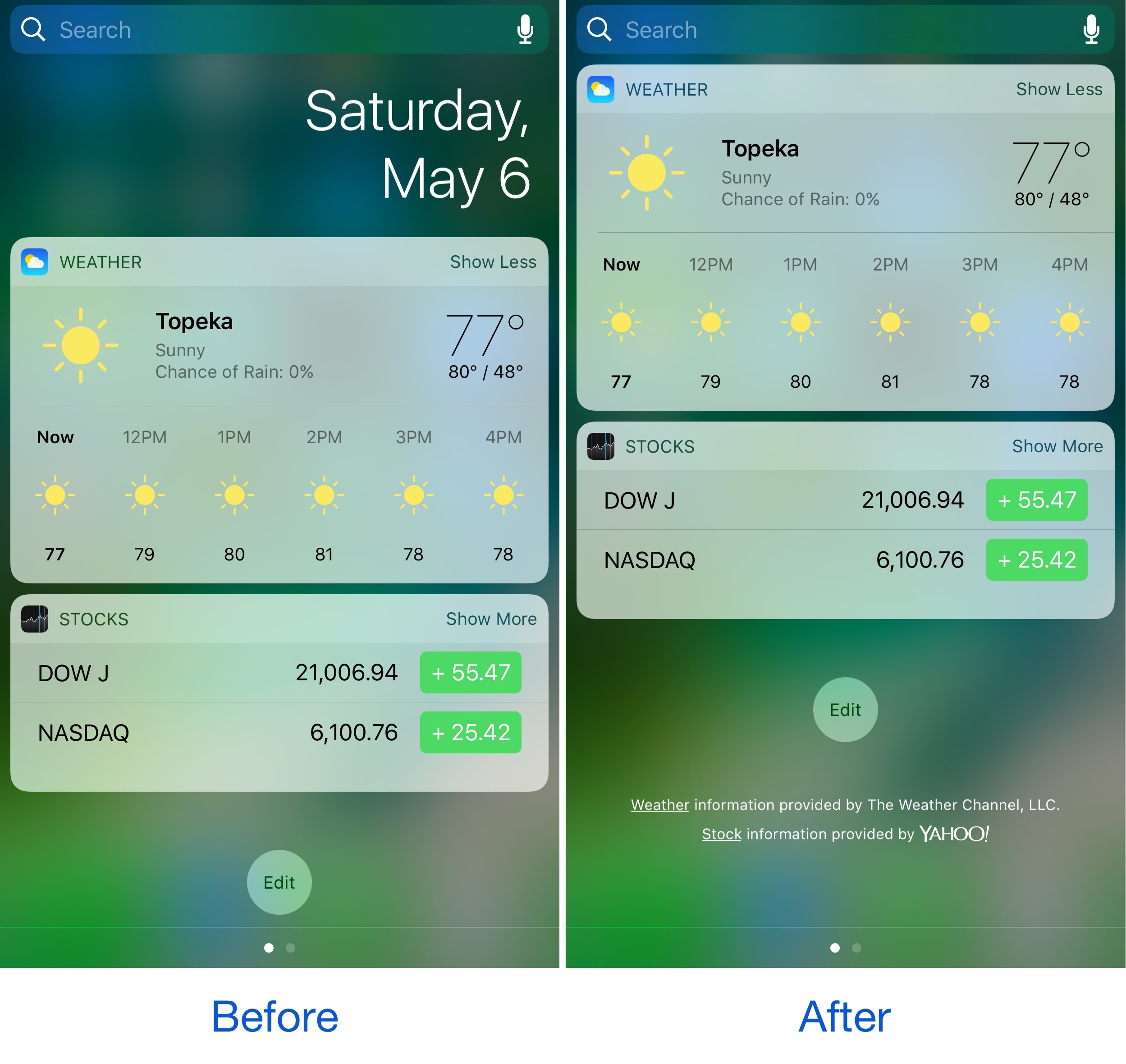
Hide the date from the Today page with No Date Today

Some might consider the date information in the Today page unnecessary because the date appears in several other places on your devices. If you agree, then a new free jailbreak tweak called No Date Today by TheComputerWhisperer could be useful to you.

This tweak removes the double-line date from the Today page and makes more vertical room for cramming additional Today widgets into a single screen; the benefit being that you won't have to scroll down as much to see their information.

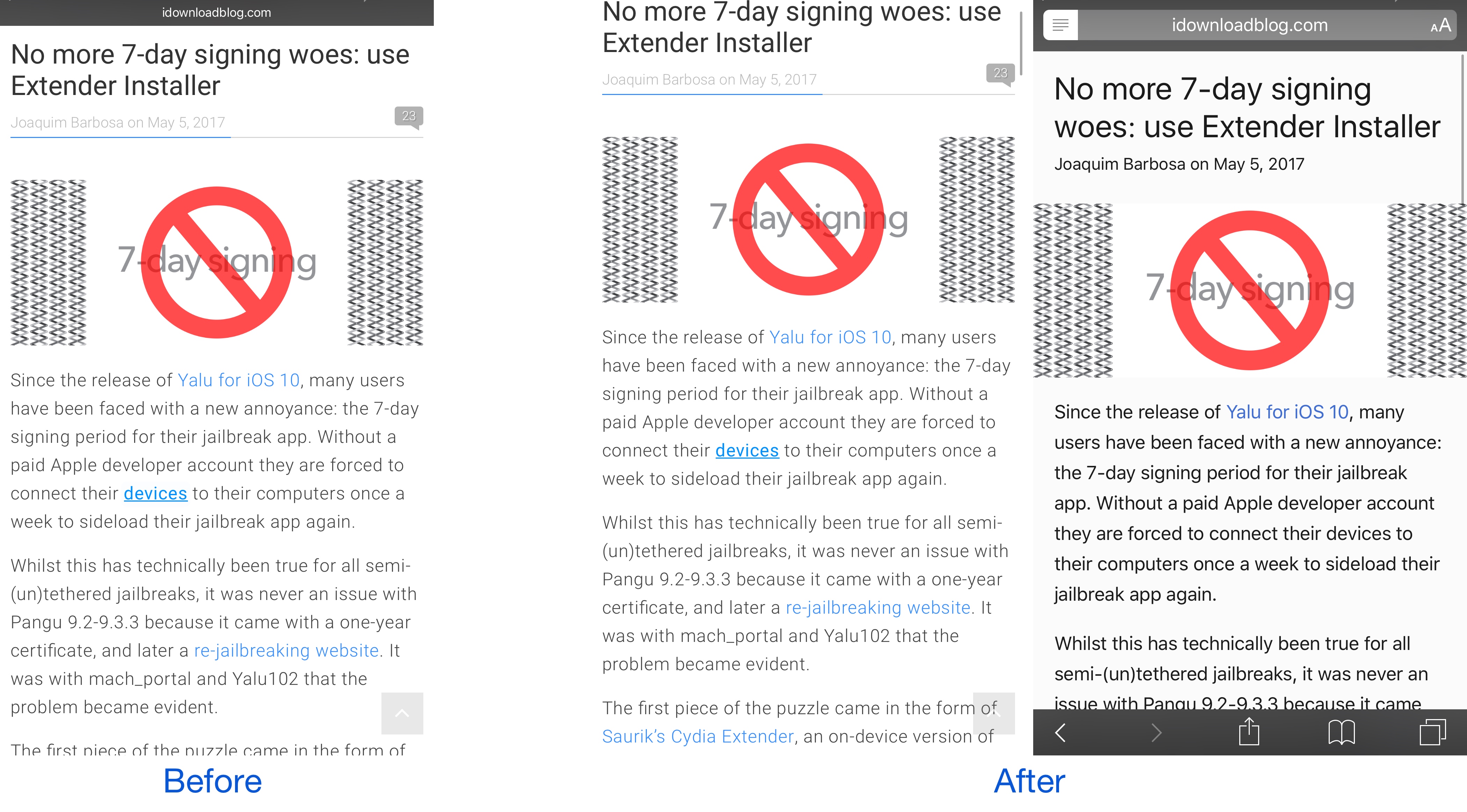
This tweak forces Safari to load web pages in Reader or full screen mode

While browsing the web in Safari, two bars typically appear in the app: the navigation bar (top) and the toolbar (bottom). As you scroll through a page, on the other hand, the toolbar disappears and the navigation bar shrinks to conserve vertical space.

There are other modes you can use in Safari to complement the web browsing experience, such as full screen mode in landscape orientation and Reader mode in either orientation, but if you’ve ever wished Safari would just use either mode automatically for every page you visit, then you’re going to love using a new free jailbreak tweak called SafaReaderFullScroll by CydiaGeek.

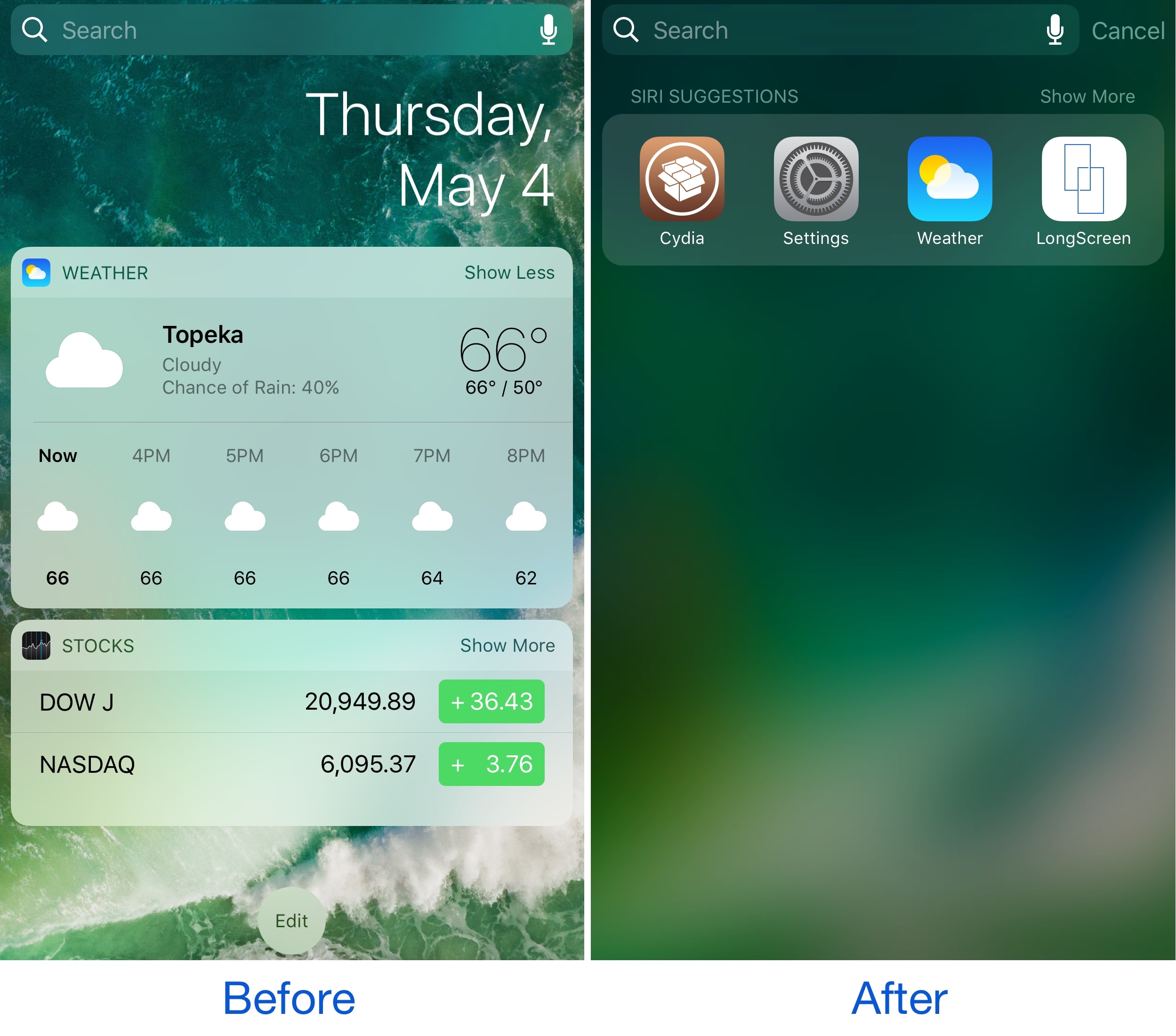
Spotlife hides Today widgets, brings back the iOS 9-style Spotlight page

While some people like using the Today page on the Home Screen, Lock screen, and in Notification Center, others don’t. It really comes down to whether or not you actually use any of your Today widgets.

If you find yourself missing the simplicity of the iOS 9 Spotlight page because you don’t use any Today widgets, then a new free jailbreak tweak called Spotlife by iOS developer pxcex could be a beneficial addition to your device.

Colorize your Instagram app with ColorGram

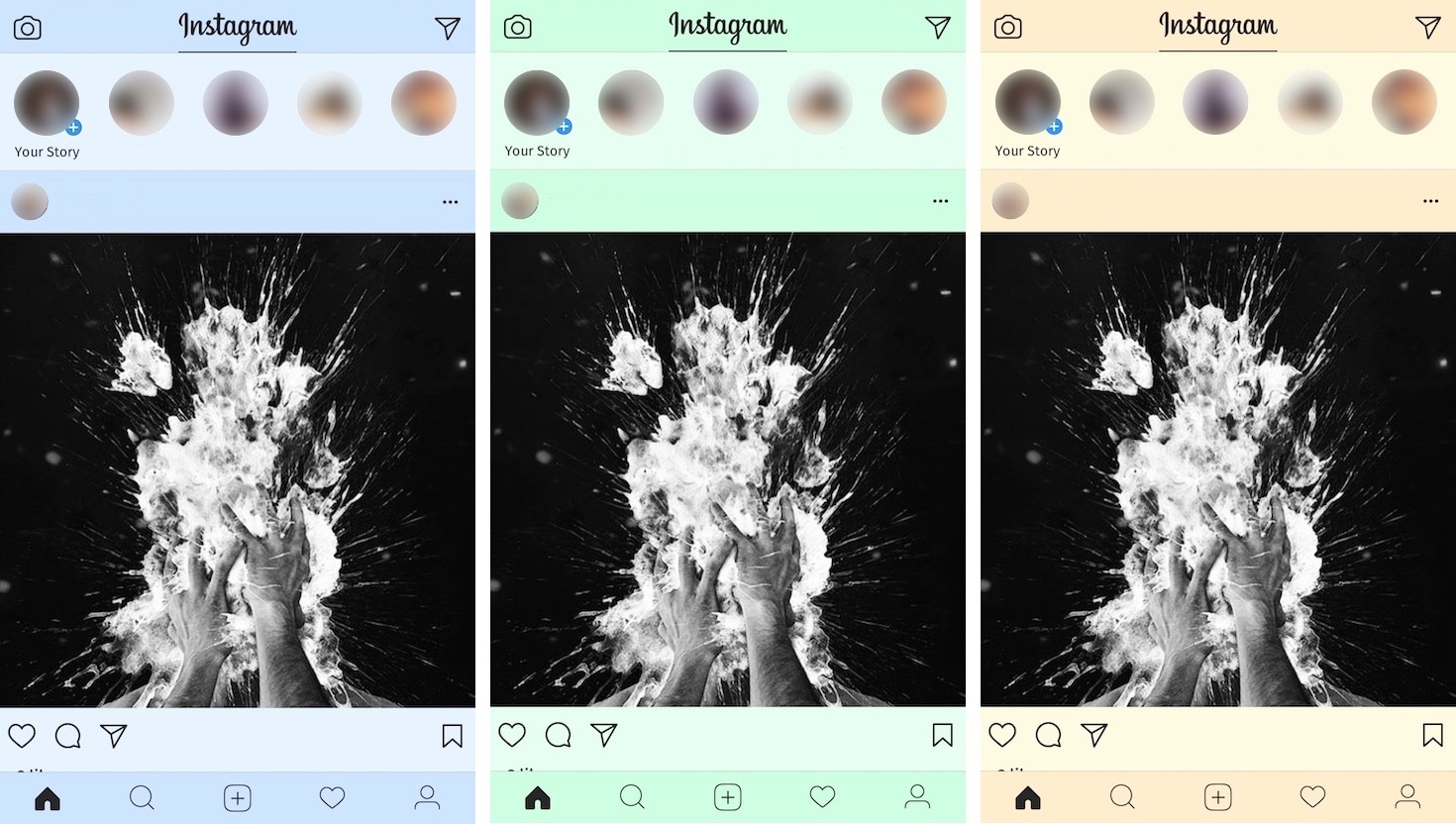
Instagram users typically get to see the app’s generic white interface introduced back in 2016, but if you'd like to add a splash of color to it, then you’ll love a new free jailbreak tweak release dubbed ColorGram by iOS developer Justin Petkovic.

This tweak lets you go hands-on with colorizing various elements of the Instagram app so you don’t have to put up with the boring flat colors anymore.

HUDPlayer gives you a banner-styled volume HUD

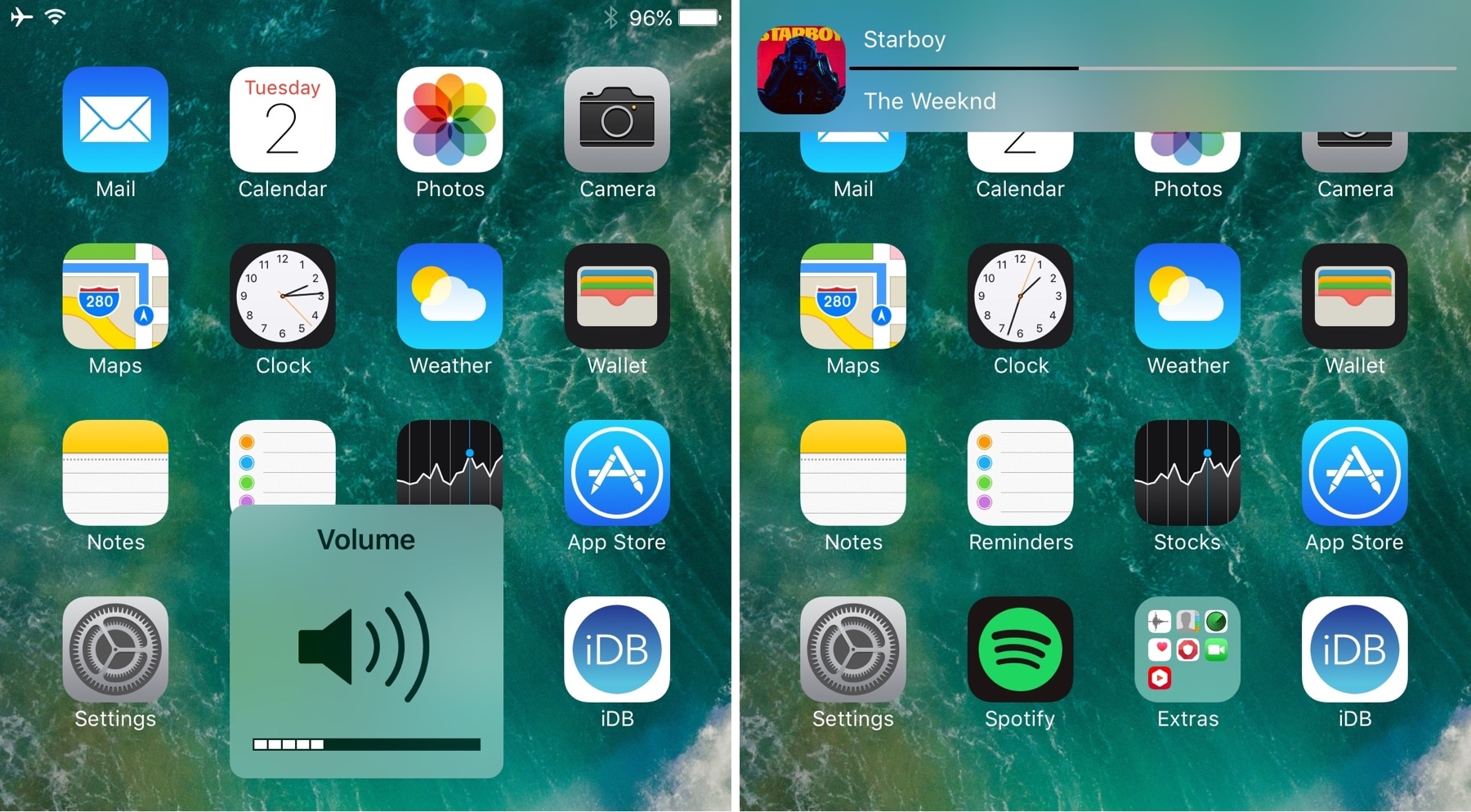
The volume HUD has always been a pain point for iPhone owners; the fact that it pops up right in the middle of the screen as you adjust your volume is intrusive and becomes a nuisance when you're trying to watch videos or listening to music while viewing photos/reading e-Books.

Countless jailbreak tweaks have been released over the years in an attempt to repair this problem. Most of them move the volume HUD out of the way in creative ways, and now the latest to join that list is HUDPlayer by iOS developer pxcex.

FancyNC thins out your notification banners and widgets

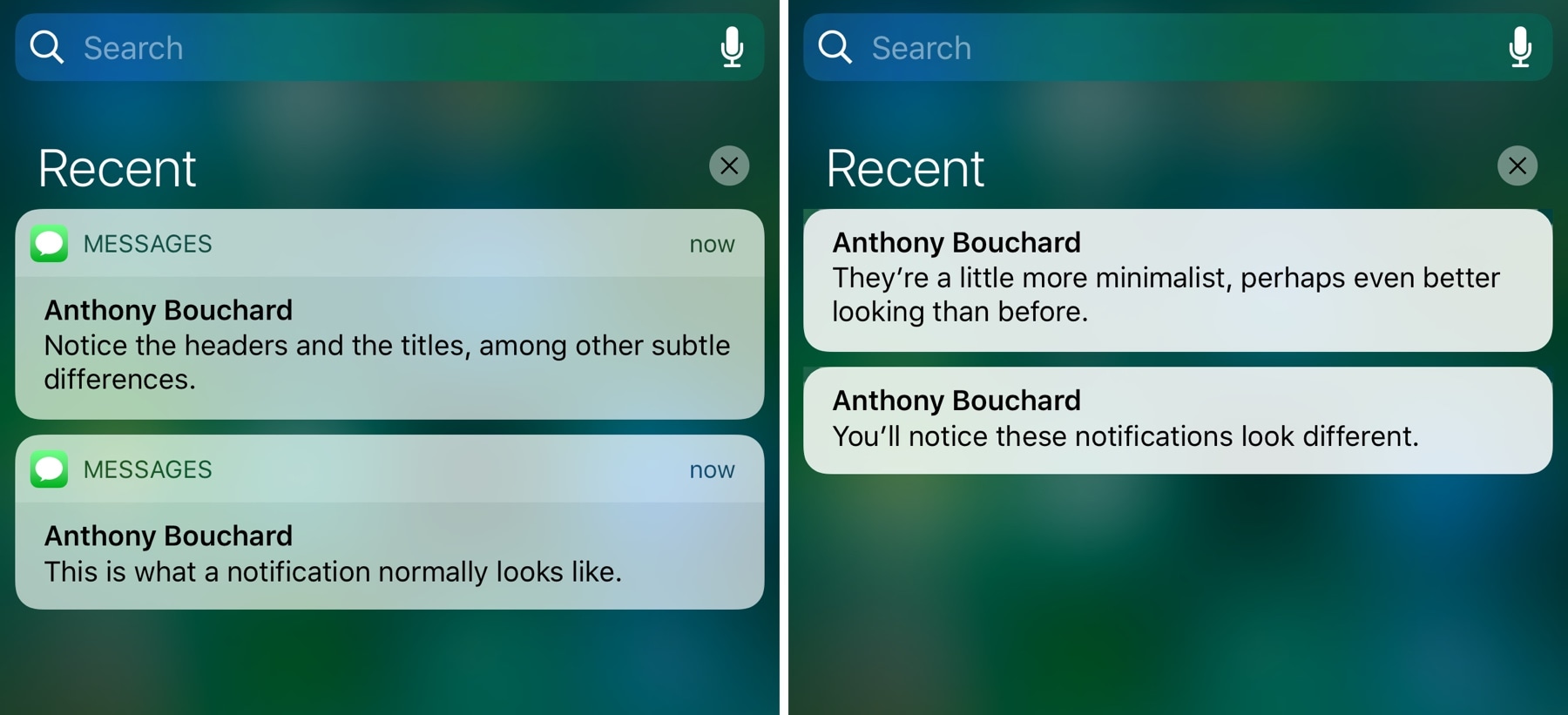
A new free jailbreak tweak dubbed FancyNC by iOS developer Demy Kromhof makes your iPhone's banner notifications and widgets thinner, decreasing their visual footprint and pleasing the average minimalist.

Among the things it does to achieve the end result is remove both the bulky headers and the unsightly separator lines that appear on elements on both the Lock screen and in Notification Center.

How to clear your web browsing cache in Chrome, Safari, and Firefox on Mac

Chrome settings on Mac

Over time, web browsers accumulate website data from everyday browsing. Known as cache, this data collection helps browsers load web pages more quickly, so these files don't have to be re-downloaded when you revisit the same websites in the future.

Unfortunately, cache is also the main suspect when diagnosing issues loading websites, and it can also eat up valuable storage space on your Mac. That's why in this tutorial, we'll show you how to delete cache and cookies in three of the most popular web browsers: Apple Safari, Google Chrome, and Mozilla Firefox.

CCQuick Pro X turbocharges Control Center with a bevy of new features

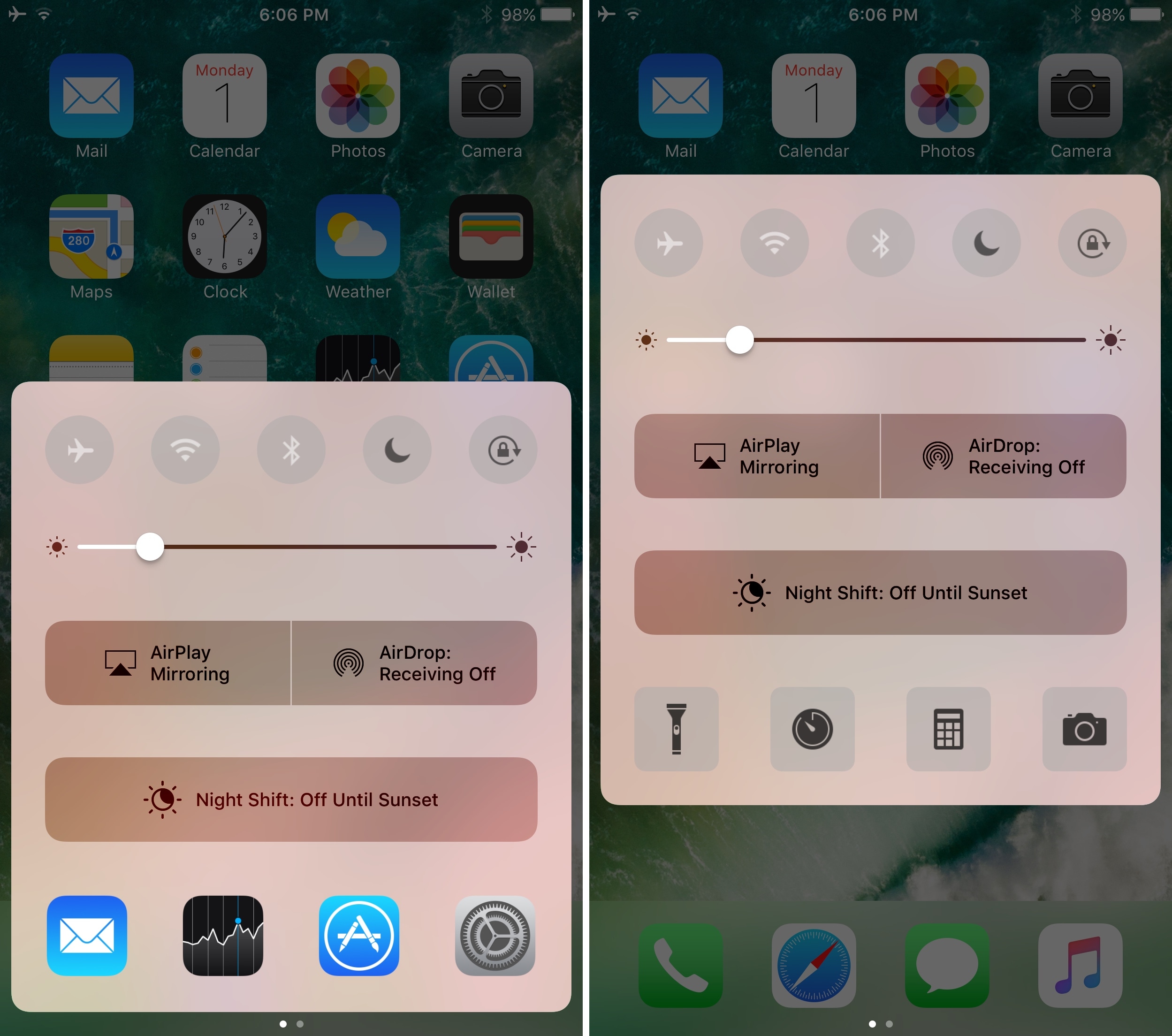
If having an arsenal of quick shortcuts throughout iOS sounds good to you, then you should warm up to a jailbreak tweak release dubbed CCQuick Pro X for iOS10 by iOS developer Cunstuck pretty quickly.

Following installation, the tweak turbocharges Control Center with a slew of new features. Not only can you boost its visual appeal, but you can also upgrade the interface’s usability with additional shortcuts and toggles among other things.

This tweak eliminates the delay after pressing the Home button

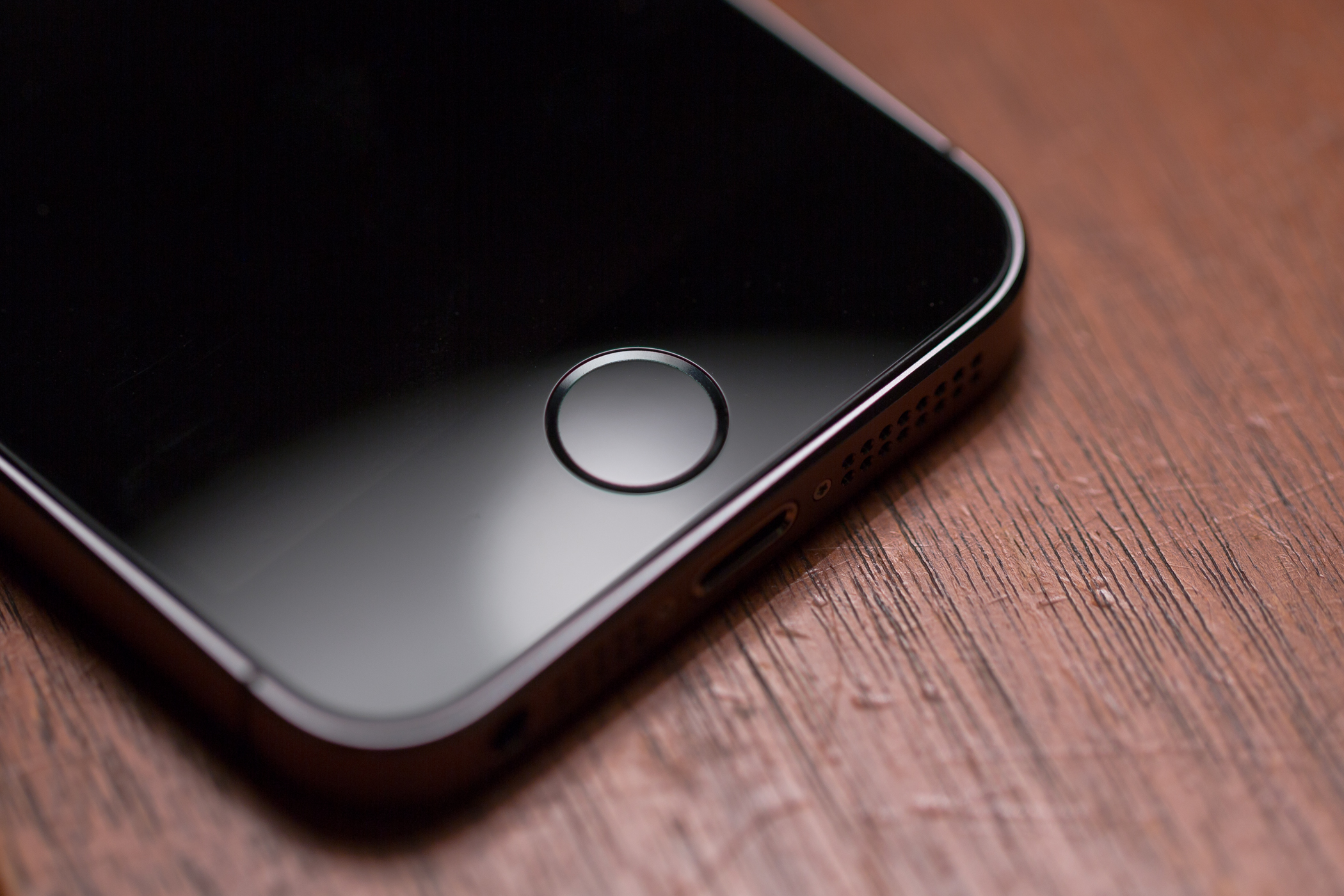
There’s nearly a full second of delay after pressing your Home button before the app you’re in actually closes. Whether you love or hate the delay remains to be seen, but if you aren't fond of it, now there's something you can do about it.

Installing a new free jailbreak tweak called Accelerated Home Button by iOS developer Mehul Rao from Cydia virtually eliminates the delay effect, making access to your Home screen instantaneous after pressing the Home button.