Anthony Bouchard joined the iDownloadBlog.com team in 2016 after originally covering Apple and iPhone jailbreak news at ModMyi.com. As an experienced editor, he brings more than 15 years’ worth of jailbreaking knowledge to our in-depth guides, opinion pieces, and news articles. His passion for device customization and user choice sparks his strong push to empower readers with the tools they need to explore and enjoy the freedom that comes with jailbreaking. Anthony blogs about not only jailbreaking, but also Apple software & accessories, drones & photography, and Nintendo gaming systems. Anthony honed his advanced technical knowledge over the years with hands-on projects ranging from gaming PC builds to engine repair mechanics. His never-ending hunger for knowledge is why you’ll always find him tinkering – tearing things apart and putting them back together to understand what makes them tick.
Despite the fact that almost no one is still using an iOS 9 device anymore, jailbreak developers continue to maintain tools that can jailbreak these versions for the convenience of those users who haven’t bought a new device and that might be restricted to iOS 9 because of device support.
The Misaka package manager app for MacDirtyCow-vulnerable devices running iOS & iPadOS 15.0-16.1.2 was updated late Tuesday night to version 1.8.8 beta, bringing with it another small handful of improvements for end users.
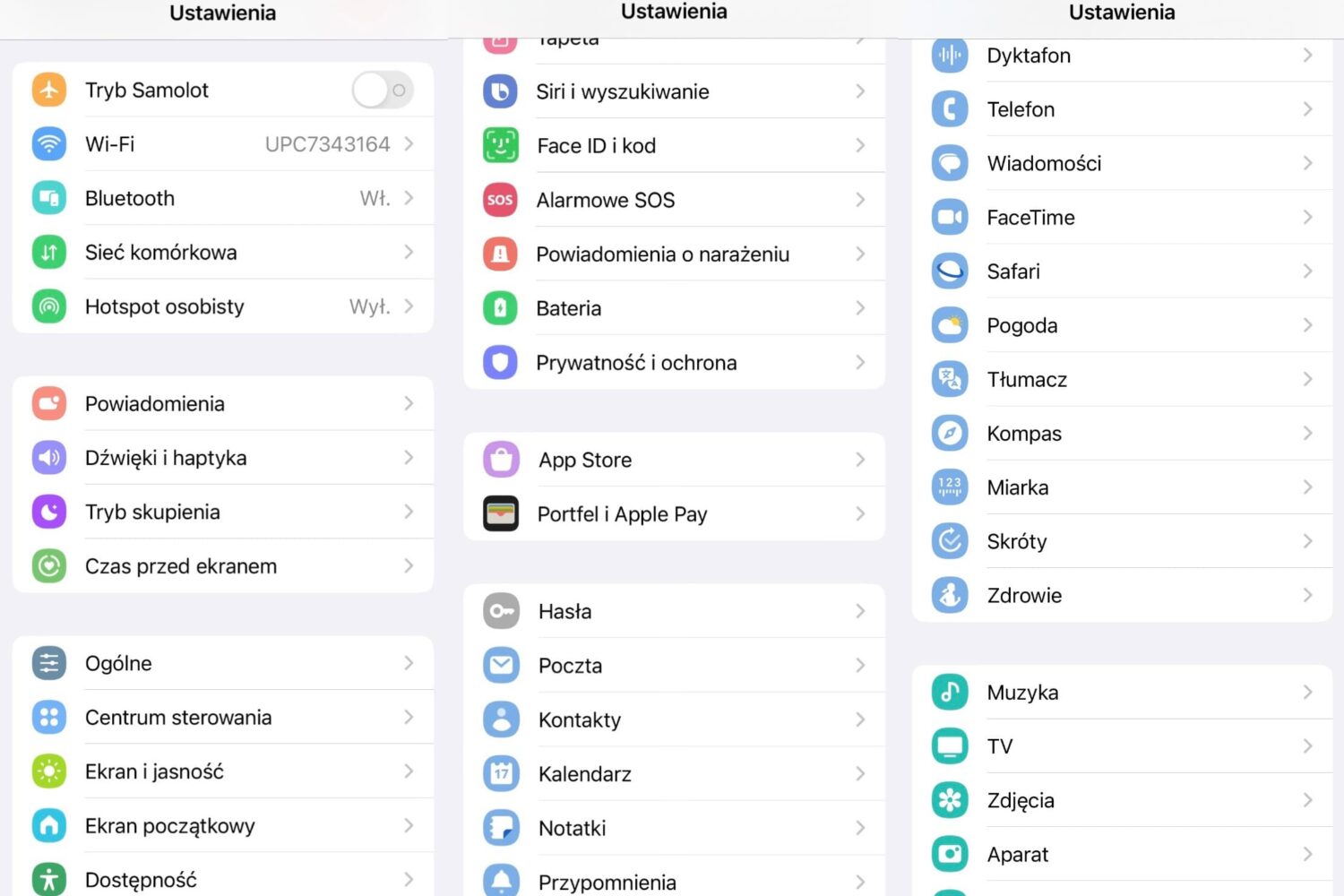
How would you like it if your iPhone’s Settings app icons took the appearance of a Samsung Android device? Even better… what if you could do that without jailbreaking? Interested yet?
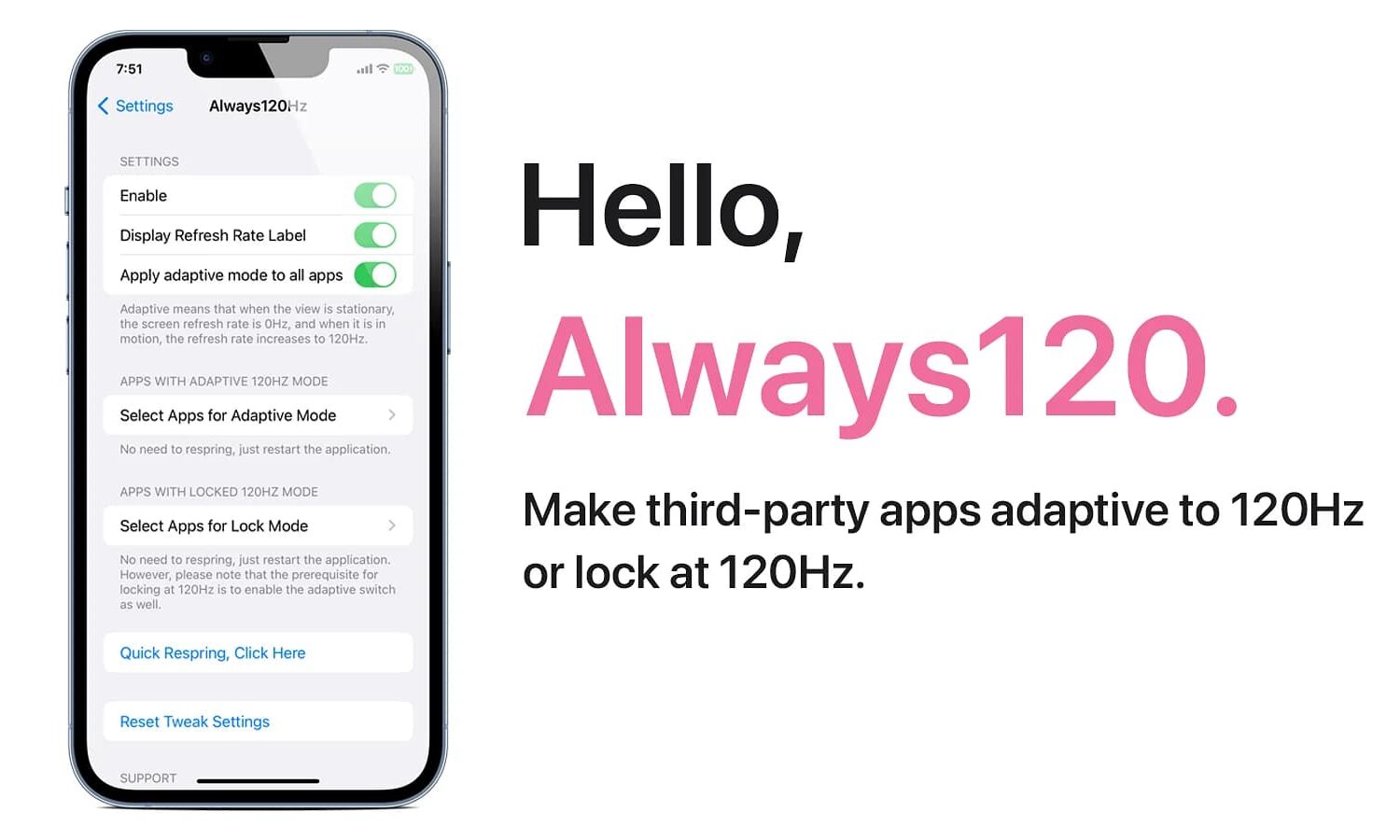
Do you like it when your apps take full advantage of your iPhone’s zippy ProMotion display to utilize all 120Hz of beautiful display refresh speeds? If so, then you aren’t going to want to miss this.
The Settings app is the primary place where iPhone users can change device behavior and options, but depending on your tastes, you might find the organization to be less than optimal.
iOS developer 0xkuj is out this week with a new jailbreak tweak called CCAdsBeGone (rootless) that attempts to limit the number of ads you see when using apps on your jailbroken iPhone or iPad.
Just last week, we showed you a package manager app for MacDirtyCow exploit-susceptible devices called Misakathat could be used to install add-ons for customizing the iOS user interface, and we walked you through the process to install and use it.
One of the brilliant features of tvOS is the uniquely crafted notification system that blurs the background of any prompt to bring your attention directly to the options at hand.
Anyone that has a Face ID-equipped iPhone and runs a MacDirtyCow-susceptible firmware between iOS 15.0-16.1.2 can take advantage of a checkra1n-inspired Face ID glyph animation that replaces the traditional animated Face ID padlock when authenticating themselves.
There’s a lot that you can do with a jailbroken iPhone or iPad, but if you’re new to the hobby or aren’t sure where to begin, then you might need some help keeping up with all the fragmented sources of information that make their way into the general public every now and again.
It’s that time of the week again, and despite the end of Amazon’s Prime Day sales this week, your friends at iDownloadBlog have still found some killer deals on some of the best Nintendo Switch games and accessories so that you can upgrade your gaming kit.