The Misaka package manager app for non-jailbroken devices taking advantage of either the MacDirtyCow exploit for iOS & iPadOS 15.0-16.1.2 or the kfd exploit for iOS & iPadOS 16.6 beta 1 and below, has been updated once again this week.

Citing the announcements shared Tuesday via the Misaka Discord server, versions 2.0 beta and 2.0.1 beta bring a plethora of changes to the platform. The change log is as follows:
Add support for kfd (iOS 16.2 – 16.5 & 16.6b1)
– iPad mini 5th Gen (WiFi)
– iPad mini 5th Gen
– iPad Air 3rd Gen (WiFi)
– iPad Air 3rd Gen
– iPad 8th Gen (WiFi)
– iPad 8th Gen (WiFi+Cellular)
– iPad 9th Gen (WiFi)
– iPad 9th Gen (WiFi+Cellular)
– iPad mini 6th Gen (WiFi)
– iPad mini 6th Gen (WiFi+Cellular)1) Fix kernel panic instantly when press ‘Yes’ at start for:
– All A12 – A16 iPhone on iOS 16.2-16.4.1
2) Added Passcode Theme. Default theme (Genshin Passcode) is supported at this moment, will add custom support later.
3) Improved Emu/var on kfd devices.
Another few things we’ve noticed in this release are an improved user interface with an integrated file manager and a new app icon to signify the transition to version 2.0.
Version 2.0.1 launched only a few hours later with minor bug fixes.
The developers warn that it’s possible for Misaka to cause a kernel panic the first time you use the app. This is generally nothing to be concerned about, as it should work properly following a reboot.
Misaka allows the end user to install add-one that exploit MacDirtyCow or kfd to customize the iPhone or iPad’s user interface without a jailbreak. If you’re already jailbroken, then it’s worth noting that you can still use these add-ons in conjunction with your jailbreak tweaks.
If you’re an existing Misaka user, then you’ll see a pop-up like the one below saying that you need to upgrade to continue using Misaka. You can simply follow the on-screen prompts to do so.
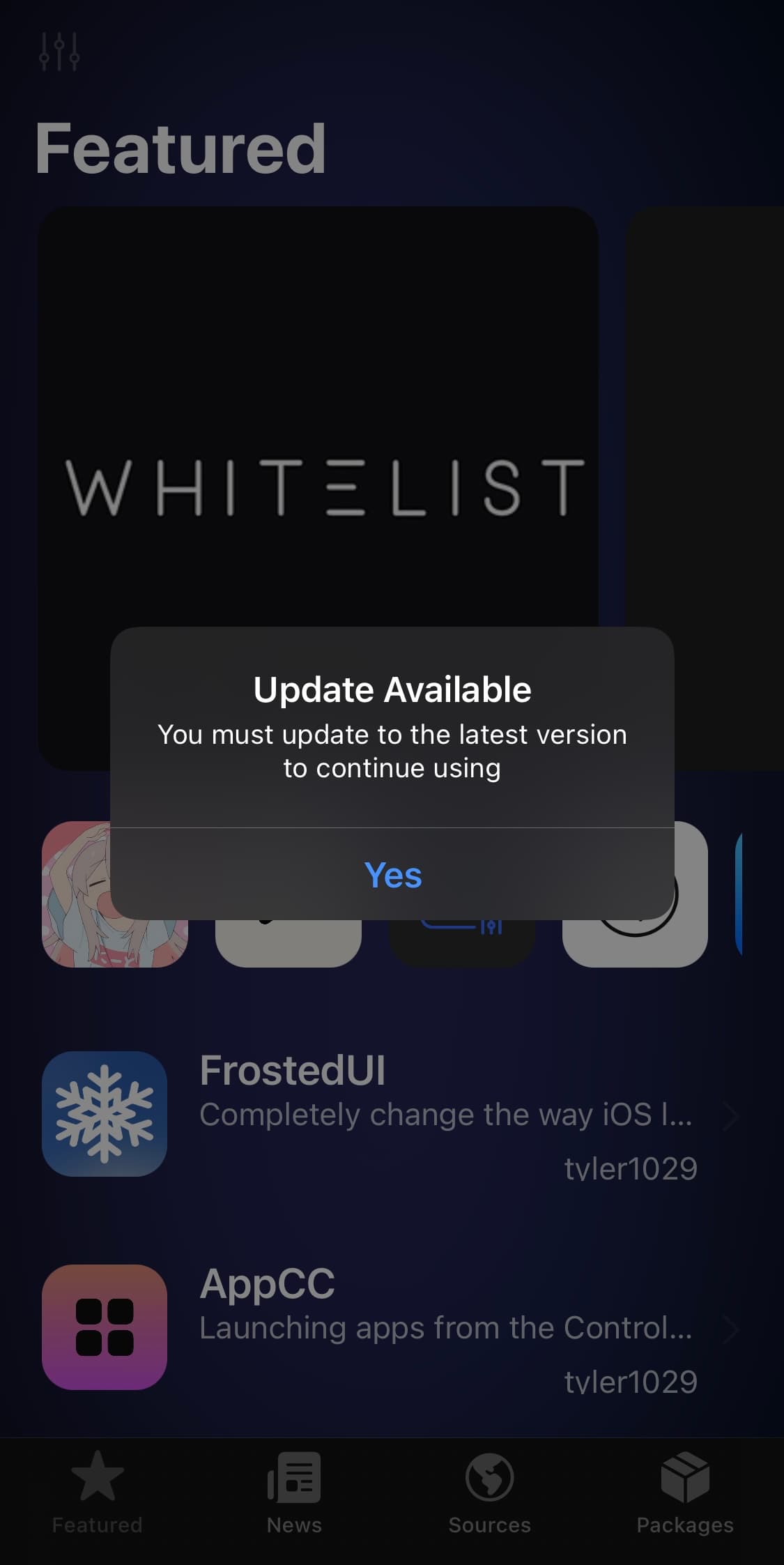
Anyone that isn’t already taking advantage of Misaka can follow the steps outlined in our step-by-step walkthrough to get started.
Have you updated to the latest version of the Misaka package manager app yet? Let us know in the comments section down below.