Learn how to easily check your Uber rider rating and view the number of 5, 4, 3, 2, and 1 stars you’ve received from Uber drivers.
About Uber rider ratings
After you finish an Uber ride, you get the option to rate your driver. You can choose between 1 and 5 stars, with 1 being the worst and 5 the best. In the same way, your driver can also rate you from 1 to 5.
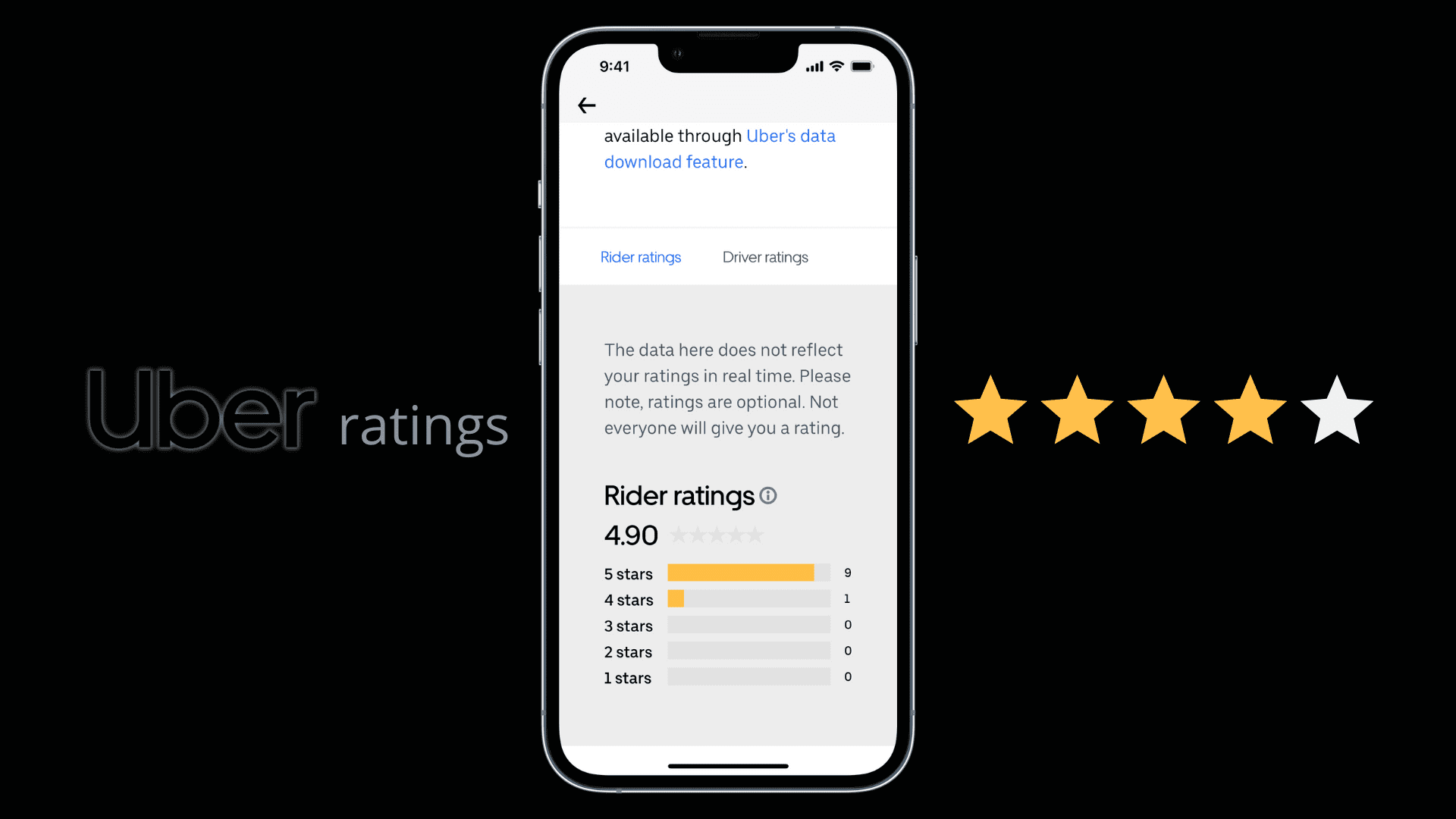
Uber shows you the average overall rating drivers have given you based on your last 500 Uber rides. If you’re an excellent rider, it can be anything between 4.8 and 5. Uber also shows you a breakdown of the rating. For instance, it will show how many 5-star, 4-star, 3-star, 2-star, and 1-star ratings you got from Uber drivers.
Additionally, you can also see how the rating is calculated and why it matters.
Note:
- Never do the riders or drivers see the individual rating left for a specific trip. This means you won’t know which exact trip of yours was rated 1, 2, 3, 4, or 5 stars. But after a while, the driver ratings for you of this trip will appear in the list of ratings between 1 and 5
- If you don’t see your average rider rating, that means you have taken fewer than five Uber rides.
See how many stars Uber drivers have rated you
1) Open the Uber app and tap Account from the bottom right corner. You’ll see your overall rating under your name at the top. If you tap it, it explains how your rating is calculated and why it matters.
2) If you want to dig deep, tap Settings from the bottom.

3) Select Privacy from the next screen.
4) Bring your attention to the “Your data and privacy at Uber” heading and tap See summary in the card that says, “Would you like to see a summary of how you use Uber?”

5) Scroll down to the Ratings tile and tap View my ratings. You’ll see how many 5, 4, 3, 2, or 1-star ratings Uber drivers have given you.

Note that this isn’t real-time data. And just like you may not rate every Uber ride, drivers don’t rate every rider either.
If you don’t see these stars or the options to get to your Uber rider ratings screen, it can be because you haven’t taken enough rides. It’s also likely that this feature isn’t yet available in your country.
How to improve your Uber rider rating
There are simple ways to increase your Uber rider rating and get more stars:
- Be on time for your Uber ride.
- Don’t keep the Uber driver waiting.
- Don’t litter in the car.
- Wear your seat belt even if you’re sitting in the back seat.
- Treat your Uber driver and the car with respect.
- Don’t slam the door after you complete your Uber ride.
- And finally, hope the driver isn’t confused about 1-star being the best and 5-star the worst. I have had first-hand experience with cab drivers saying they think 1 star is the best they can rate.
Check out next: 35 things to do on your iPhone before going on a vacation