Check out this quick tip to improve your iPhone camera’s performance by enabling faster shooting when you tap the shutter button quickly.
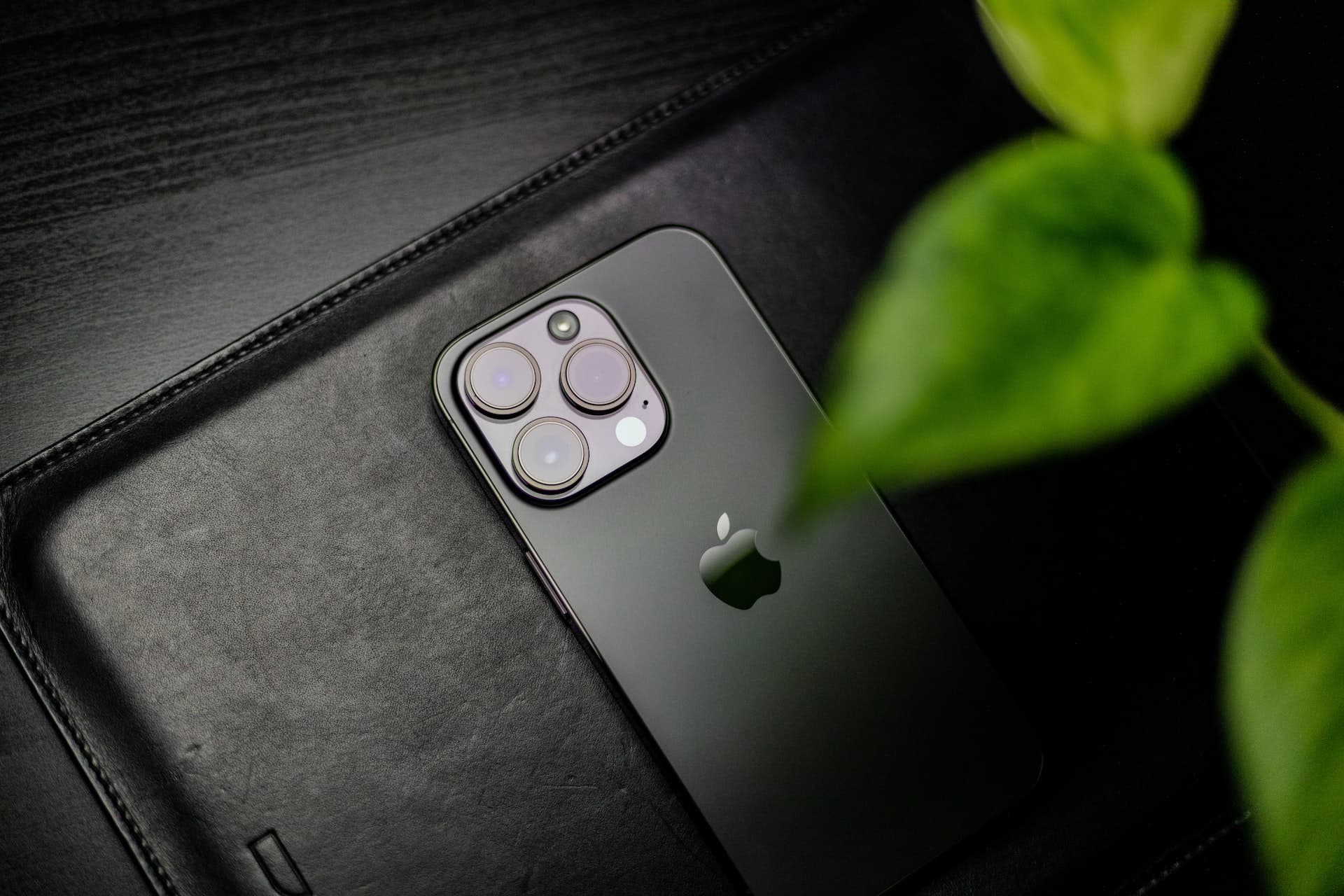
Every time you press the camera shutter button on your iPhone, machine learning goes to work to optimize your image. However, computational photography is a resource-consuming process. As a result, you might miss your chance to capture a specific moment because the algorithm hasn’t finished processing the current shot yet.
Thankfully, the iPhone camera is smart enough to intelligently adapt image quality when rapidly pressing the shutter. Follow along as we show you how to take consecutive photos faster with your iPhone camera.
Faster shooting in the iPhone camera
The iOS Camera app can instruct your iPhone camera to prioritize faster shooting when not using Burst mode.
With this setting turned on, the iPhone camera intelligently modifies how your photographs are processed.
You’ll experience a shorter delay between capturing one photo and taking another one immediately after. As a result, you’ll be able to capture up to four full-quality images per second without using Burst mode.
Enable faster shooting for your iPhone camera
- Open the Settings app.
- Scroll down and tap Camera.
- Turn on Prioritize Faster Shooting.

Doing so will enable rapid shooting at the expense of processing quality.
Now, when you rapidly press the shutter button, machine learning will spend less time improving your photograph. As a result of this, your images may be processed sub-optimally. In practice, however, you’ll be hard-pressed to notice any discernible differences.
Do you always manage to snap up images as soon as the opportunity presents itself? If not, keep this setting enabled in order to maximize your chances of capturing a specific moment.
Other useful Camera tips: