Learn how to add repeating reminders on iOS and macOS to get reminded of tasks you do over and over.
Reminders are useful for making sure you don’t forget something, and all too often, you need a reminder for the same thing more than once, at different intervals.
Whether you need a repeating notification each month to remind you to keep up with your car payment or credit card bill or a weekly reminder to take out the trash, repeating reminders are very useful.
They come in handy because you don’t have to set up more than one reminder. You can set it up once, and it will notify you on a recurring basis based on the interval you set.
Note that adding a repeating reminder on one of your Apple devices will automatically sync to all your other Apple devices.
Set up a repeating reminder on iOS and macOS

1) Open the Reminders app on your iPhone, iPad, or Mac. We’re using an iPhone for these steps.
2) Go inside a list, create a new reminder, and tap the info button ⓘ next to it. You can also tap an existing reminder or hover over it, then hit its info button ⓘ.
3) Enable the toggle for either Date and Time or both, and set them as needed.
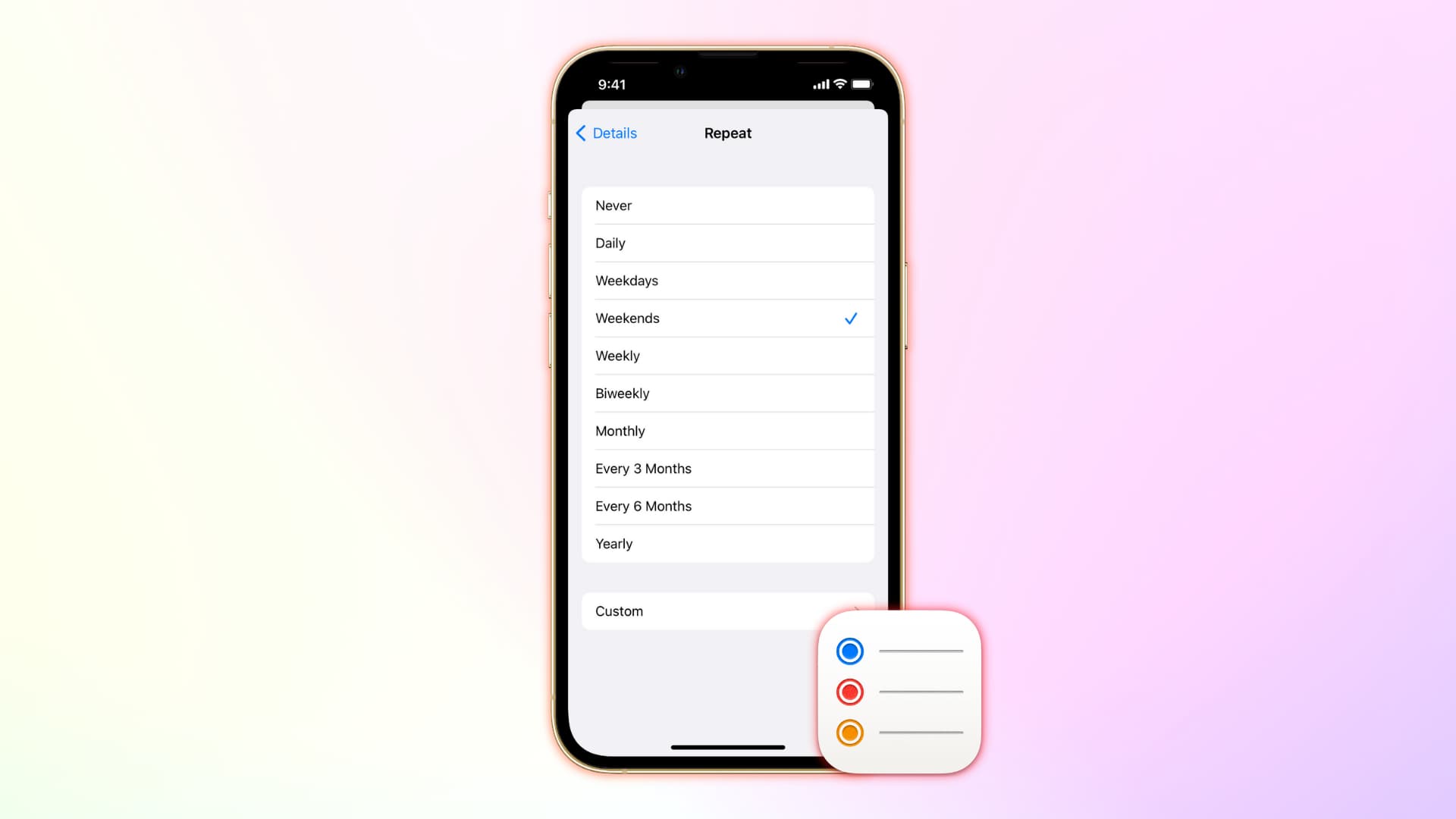
4) Tap the Repeat option and pick the interval you want: Hourly, Daily, Weekdays, Weekends, Weekly, Biweekly, Monthly, Every 3 Months, Every 6 Months, or Yearly. You can also set up a custom duration.
5) Next, leave End Repeat to Never or set it to end on a chosen date.
6) Finally, tap the checkmark icon to save your repeating reminder. On Mac, just click anywhere outside to save it.

You’re all done, and now this reminder should go off every day, week, month, or year (depending on how you have it set) to remind you of your event.
Cool huh?
Setting repeating reminders using Siri
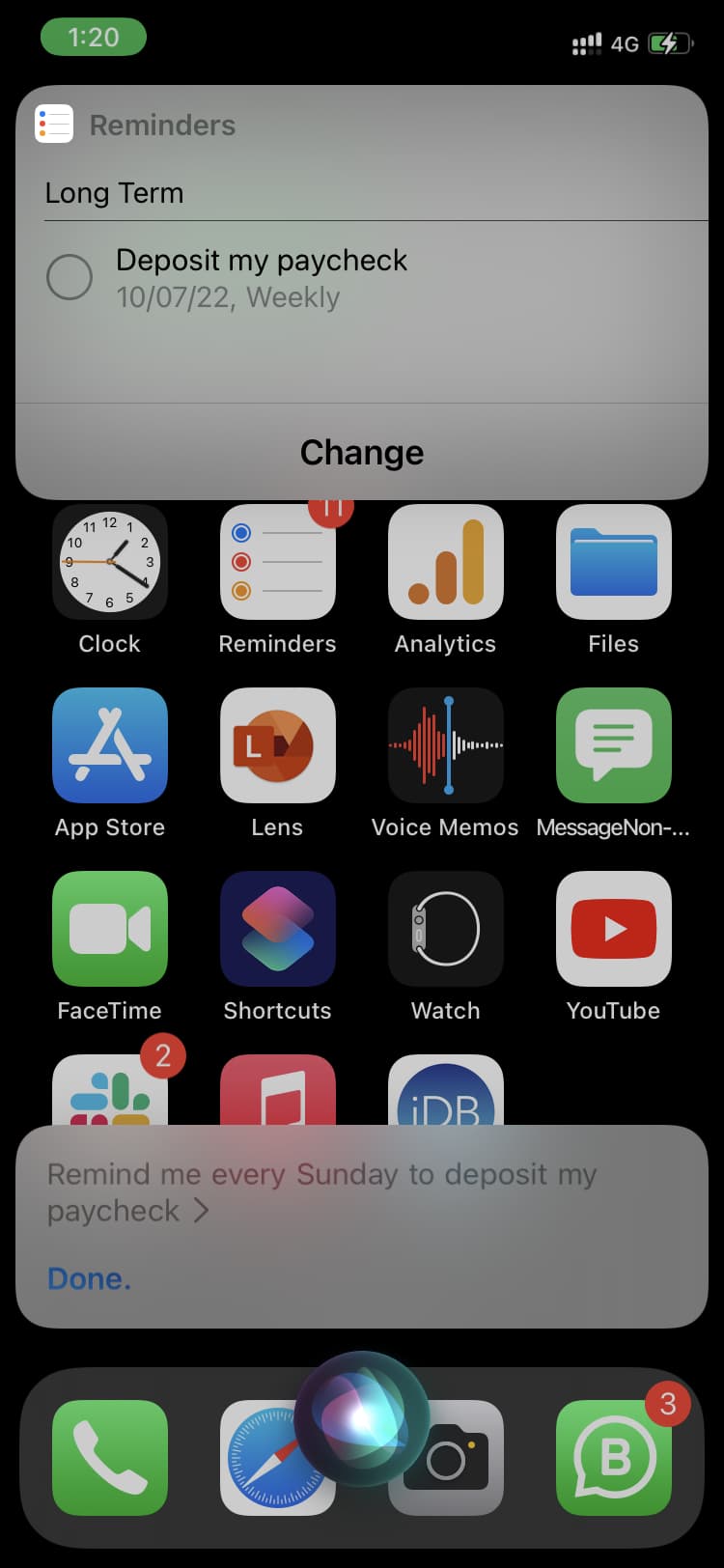
If you’re using an iOS device, you can also use Siri to make things easier. Just say something like, “Remind me every Sunday to deposit my paycheck,” and Siri will set up a weekly reminder to do just that.
Repeat reminders let you get notifications for recurring events without setting up multiple reminders. Because life is sometimes distracting and unpredictable, it’s great to have this feature to help you remember what’s important.
What would you use repeat reminders for? Share in the comments!
More on reminders: