iOS 18 brings computational audio improvements across calling, gaming, recording, etc. but they only work on the second-generation AirPods Pro.
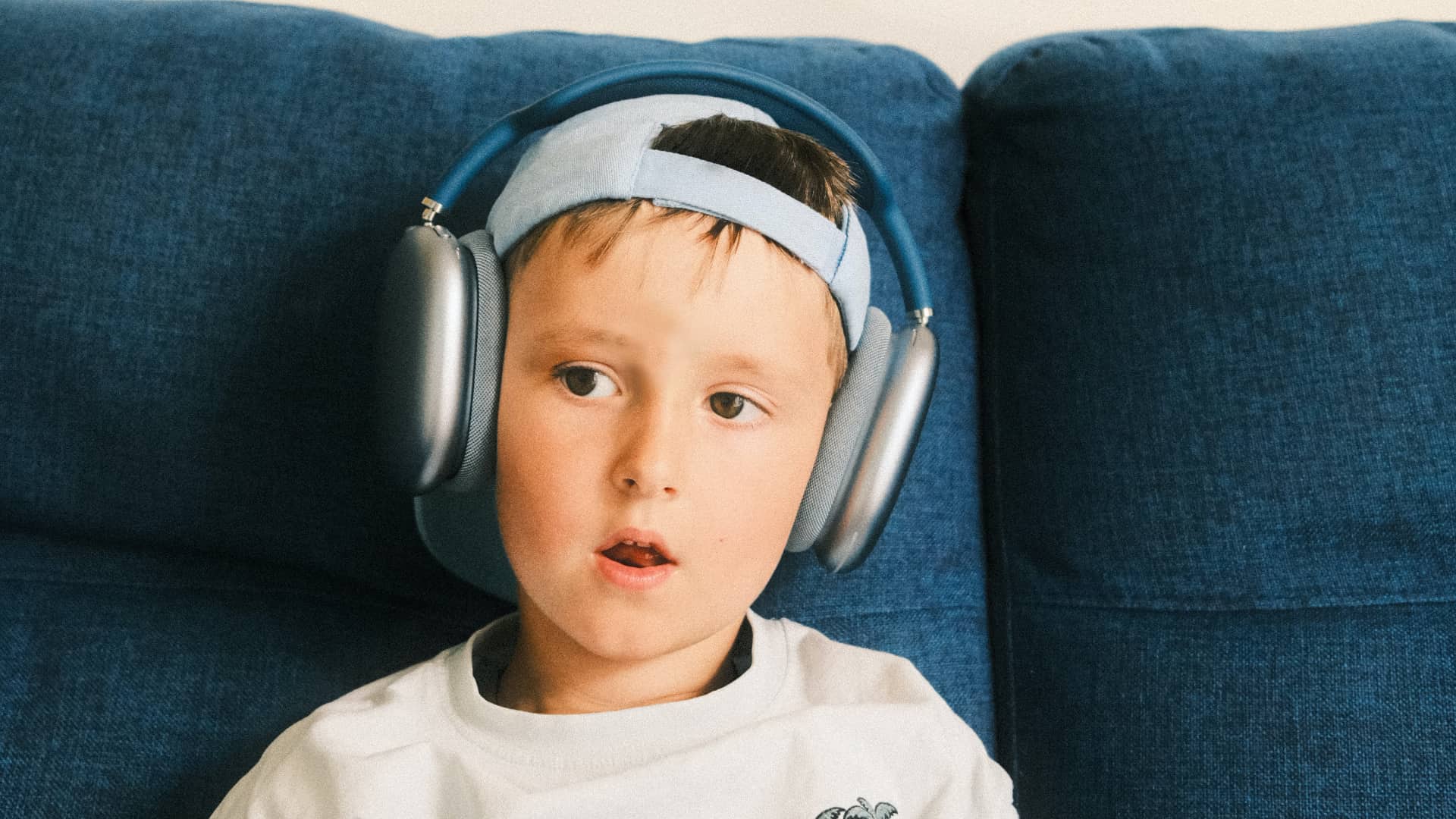
Installing iOS 18, iPadOS 18 or macOS Sequoia on your iPhone, iPad or Mac will update the AirPods software with new computational audio features based on machine learning, announced at Apple’s Worldwide Developers Conference in June.
With Siri Interactions, you interact with Siri requests hands-free by tilting your head. Voice Isolation removes noise for the listener. Personalized Spatial Audio delivers immersive audio while gaming, and you’ll also enjoy improved voice quality.
Siri Interactions, Voice Isolation and improved voice quality require Apple’s enhanced H2 headphone chip in the second-generation AirPods Pro (2023).
Older AirPods, including the first-generation AirPods Pro from 2022, only support Personalized Spatial Audio in games. The above features will be available when iOS 18 and other Apple OS updates launch this fall.
Voice and hands-free Siri interactions
iOS 18 brings Siri Interactions for alerts on the second-generation AirPods Pro. I can simply nod yes to accept an incoming call or interact with a notification. Conversely, I move my head left and right in a “no” gesture to decline a call.
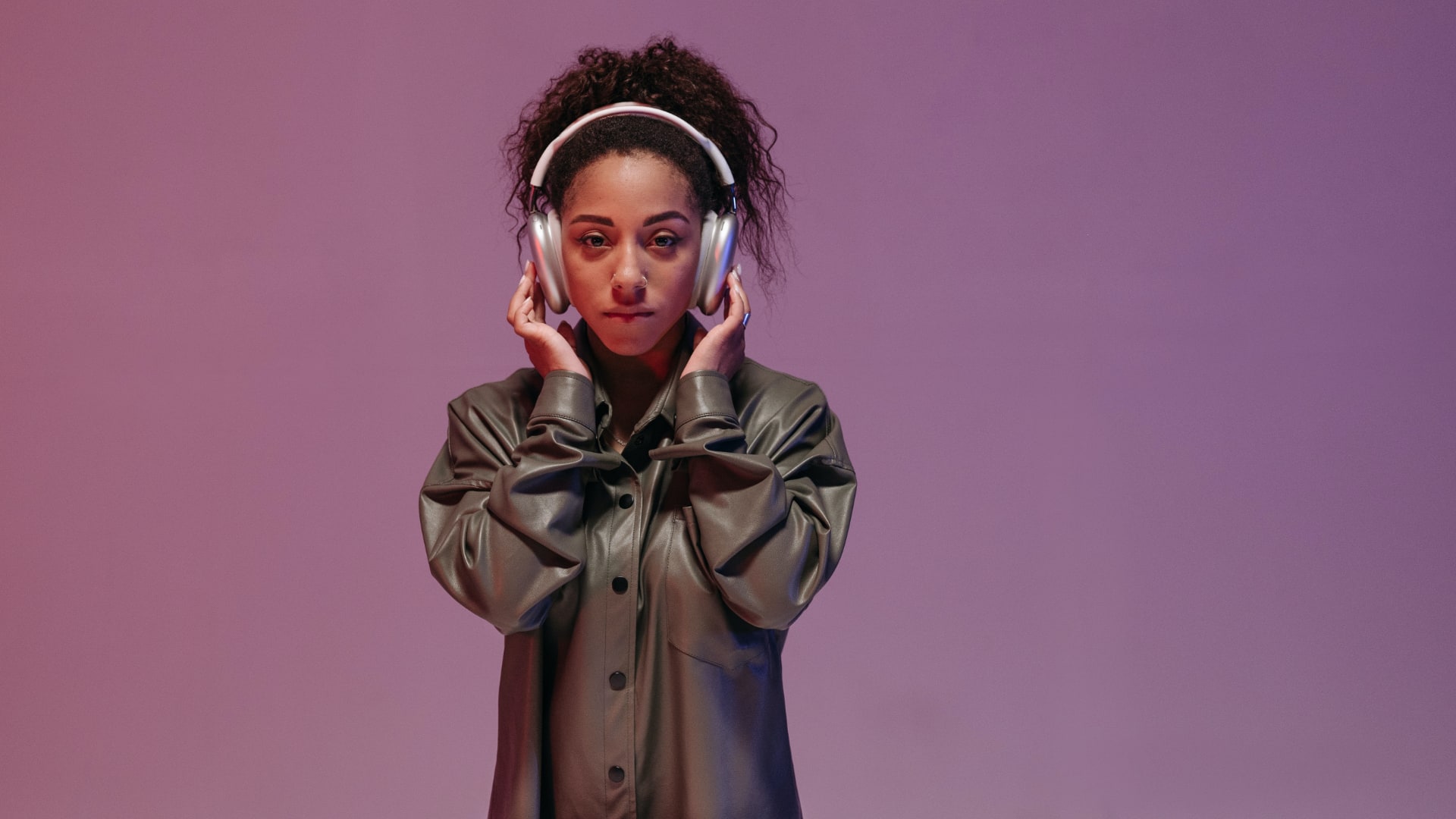 The feature was designed to let you privately respond to Siri notifications in quiet places where it may not be socially acceptable to use your voice, like libraries and crowded places like gyms and shops. This feature may work great in situations requiring hands-free control, like commuting or waiting in long lines. Siri Interactions require the Apple H2 chip.
Clearer call quality, better audio recordings
iOS 18 enhances call quality on the second-generation AirPods Pro with 16-bit, 48kHz audio. The H2 chip in each earbud supports the 5GHz wireless band to increase data throughput, improving audio. You can already enjoy lossless audio from Vision Pro on your AirPods Pro at 20 bits and 48 kilohertz. With iOS 18, the latest AirPods Pro can record audio at 16-bits at 48 kilohertz.
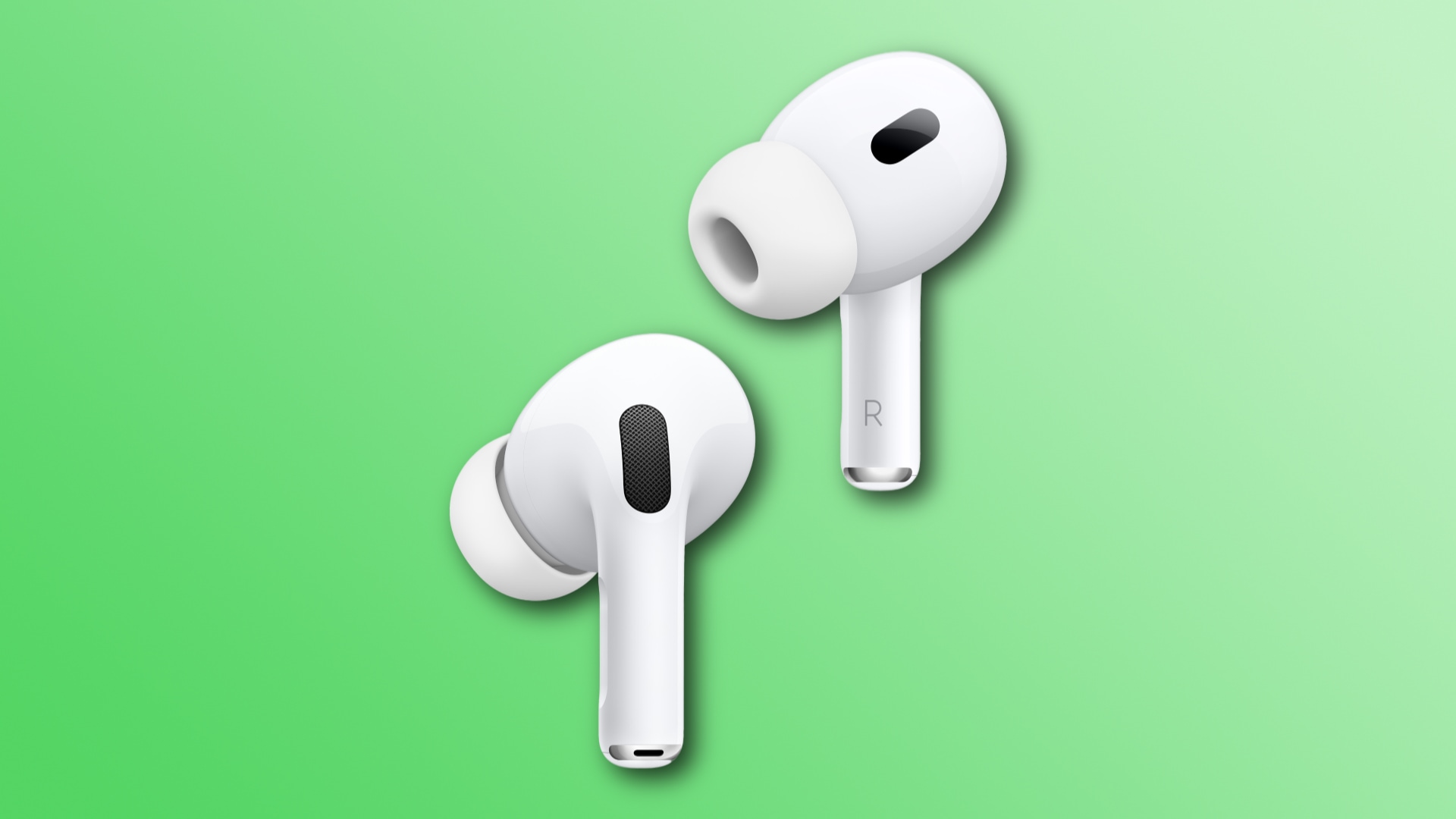 The other side will hear your voice clearer on FaceTime calls. Your voice will also sound better in other situations, like chatting with teammates and other players while gaming. And, of course, audio recordings made in apps like Voice Notes benefit from clearer audio. This feature requires the Apple H2 chip.
Voice Isolation removes noise for the listener
The Voice Isolation computational audio feature you’ve come to love on the iPhone, iPad and Mac has come to AirPods. The H2 chip in the second-generation AirPods Pro works with the main processor in the paired device to remove background noise.
 This ensures the other side can hear your voice well in loud environments. Computational audio strips away noise in your surroundings from car honks, wind around you and the like. This makes your voice sound more clear. Voice Isolation requires the Apple H2 chip.
Immersive spatial audio while gaming
So far, spatial audio has been available on Apple Music, Apple TV+ and other sources that use multi-channel audio formats such as Dolby Atmos. The feature uses computational audio, filters and effects to fool your brain into believing the sound is coming from all around you.
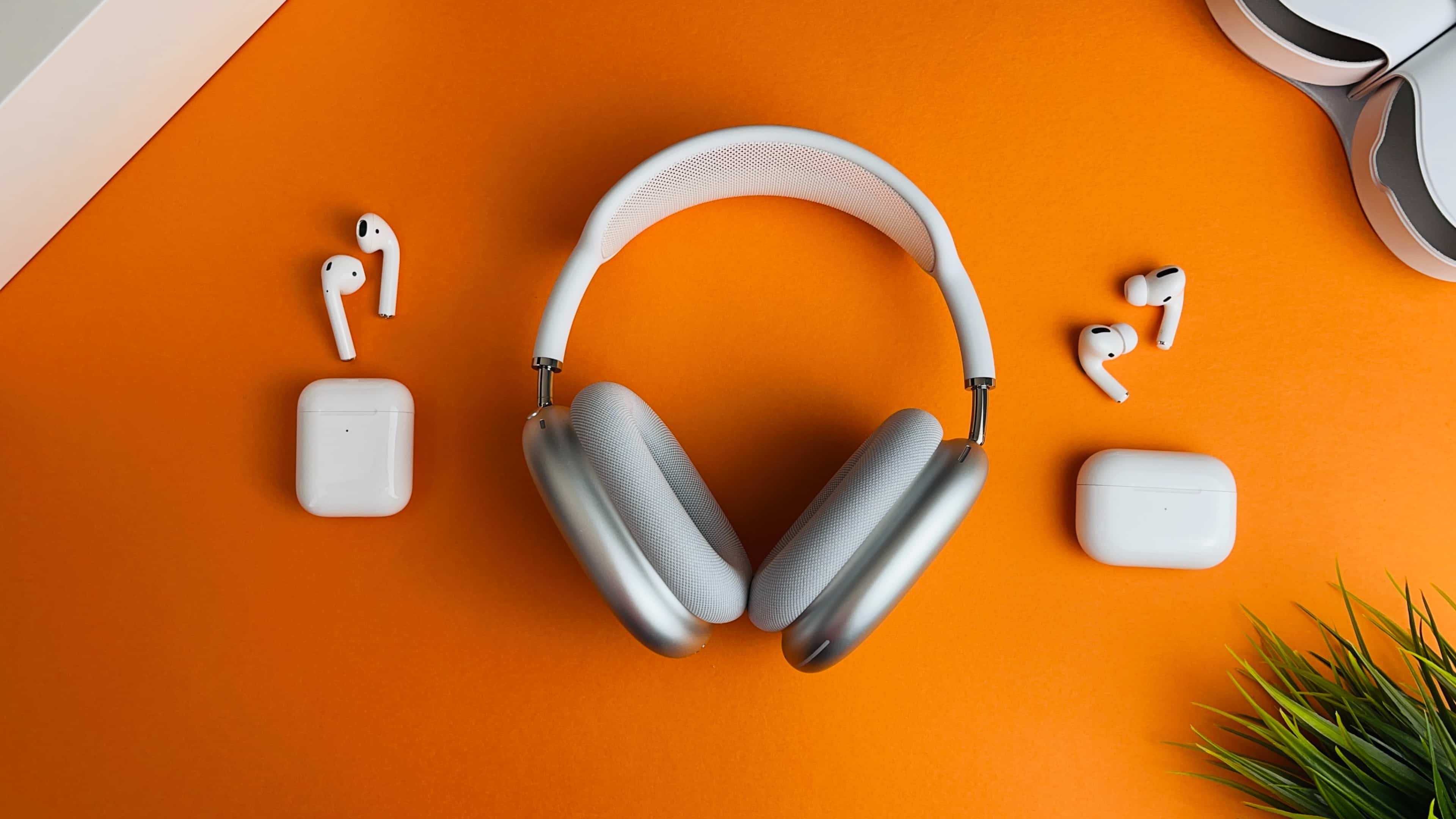 You can also create a personal profile for spatial audio that fine-tunes audio to the unique shape of your ear. This is called Personalized Spatial Audio. Well, iOS 18 brings this feature to gaming, and it works with the third-generation AirPods, first and second-generation AirPods Pro, and even AirPods Max.
However, developers must use Apple’s new Personalized Spatial Audio API to bring immersive audio to their titles. Need for Speed Mobile from Tencent Games and EA will be among the first titles to support personalized spatial audio this fall. Other confirmed titles include the mobile Call of Duty series and PUBG mobile.
Lower audio latency in Game Mode
Gaming with AirPods gets another boost in iOS 18 with Game Mode. Like the Mac, Game Mode on the iPhone and iPad optimizes system settings when gaming for smoother action and better responsiveness.
 With it turned on, Bluetooth lag is reduced, so there’s less disconnect between onscreen action and what you hear. Apple has said that iOS 18’s Game Mode brings the best wireless audio latency Apple has ever delivered for mobile gaming.
Installing beta firmware on your AirPods
To install a beta firmware on your AirPods Pro, you must toggle the Developer Mode switch in Settings > Privacy & Security on your device, restart it, and enroll your AirPods in Settings > Developer > Pre – Release Beta Firmware.
 iOS will update the software on your AirPods Pro at its own pace. I suggest leaving your paired AirPods Pro in their charging case overnight to trigger an update, though it may take up to 24 hours to receive it.
The current AirPods software carries a version number of 6F7. After installing the beta, your version number should be 7A5220e. You can check your AirPods software version in Settings > Bluetooth, then hit the ⓘ (Info) button next to the name of your AirPods and scroll down to the About section.