Year: 2016

Google just released a stellar screensaver for your Mac

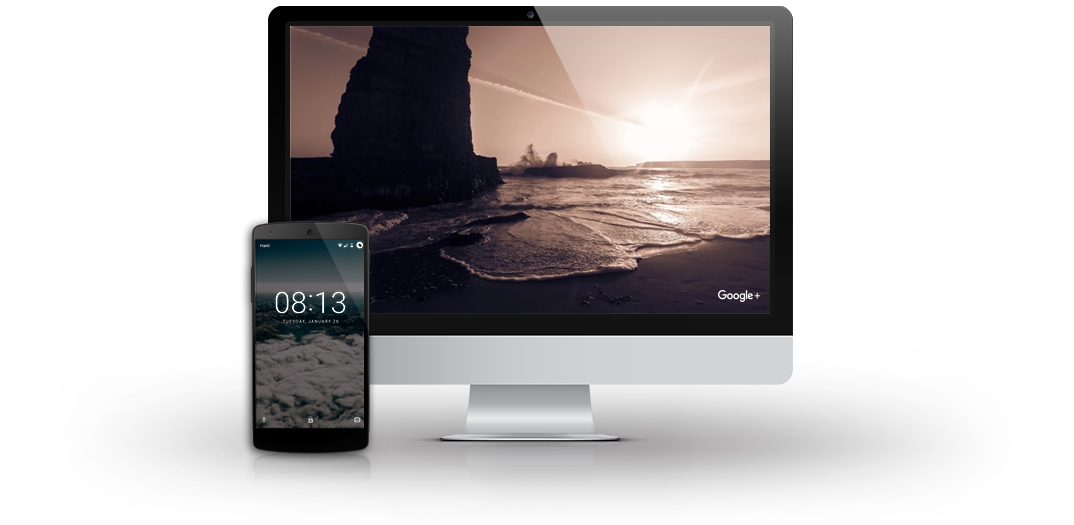
Got tired of the new Apple TV's gorgeous Aerial screen saver on your Mac? How about Google's own screen saver that ships on Chromecast, Fiber and Pixel devices? Your wish is Google's command: yesterday, the search giant released the stunning Featured Photos screen saver for macOS.

As its name suggests, the app adorns your Mac's built-in display and any external screens with a striking plethora of highest-rated photographs that users publicly posted on Google+. Download the app straight from Google at no charge and let us know what you think in the comments.
FDA emails reaffirm Apple may be developing a pair of cardiac monitoring devices

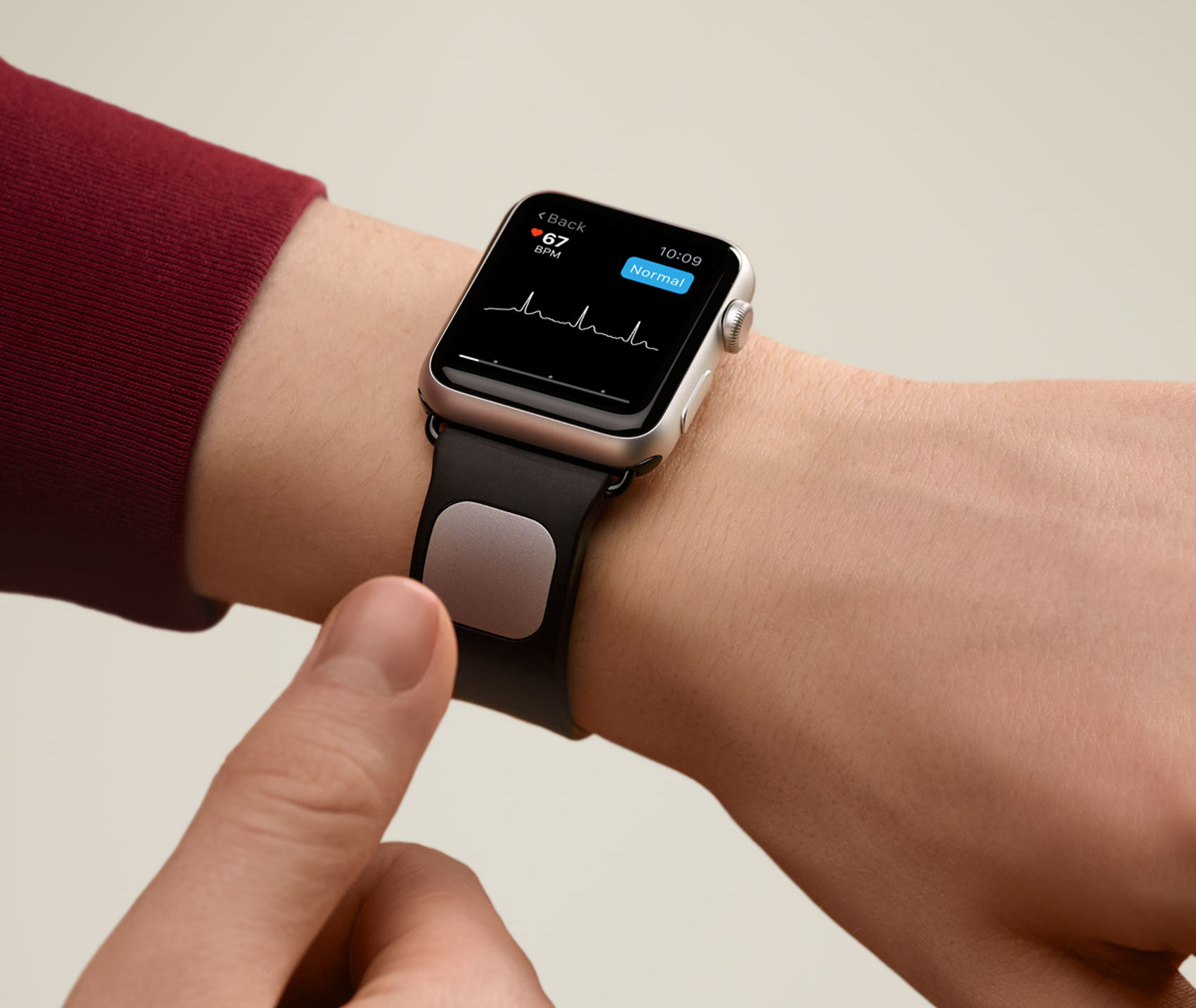
Thanks to a recent Freedom of Information Act filing, we now know that Apple is still interested in developing a pair of FDA-regulated devices dedicated to cardiac monitoring.

This was revealed in a recent email exchange between officials at Apple and the United States Food and Drug Administration (FDA), which was obtained Tuesday by Mobihealthnews.

Economic Daily News reported on Apple's alleged interest in the creation of two health-tracking hardware products back in August. According to that report, the devices—one of which described as a “killer” gadget—should release some time in 2017.

“Siri, what do my pets do when I’m not home?”

It seems Apple has partnered with Universal Pictures to promote “The Secret Life of Pets” by updating Siri's backend with a bunch of responses related to the animated movie. The company's official iTunes USA Facebook page promotes Siri partnership with a nicely done teaser video.

We also spotted a dedicated “Siri, what do my pets do when I'm not home?” banner which briefly appeared in the iTunes Movies app on the Apple TV.

Take a closer look at iSpaceship’s underground auditorium, R&D building and more

Drone footage of iSpaceship site captured by YouTuber Matthew Roberts has impressed us thus far and his latest video is no exception. In addition to showing continuous progress in terms of landscaping and solar panels on the massive flying saucer-shaped building, new videos provide a closer look at an R&D building and an underground auditorium where future events will be held.

Amazon working on premium Echo model with 7″ touchscreen to “fend off competition”

Amazon Echo

Bloomberg's well-informed Mark Gurman reported Monday that online retail giant Amazon is developing a brand new premium model of its Echo wireless speaker that will feature a built-in seven-inch touchscreen in an effort to “fend off competition” from Google's Home device and Apple's rumored entry into the connected home market with its own Siri-powered hardware.

Amazon may release a higher-end Echo device, known internally as “Knight,” early next year. It will target kitchens and cost more than the current Echo models.

KGI predicts massive iPhone 8 upgrade cycle, 4.7″ model to feature wireless charging

KGI Securities analyst Ming-Chi Kuo issued a note to clients this morning, a copy of which was obtained by MacRumors, predicting record 150 million iPhone sales in the second half of 2017. A 4.7-inch iPhone 8 with an LCD screen and glass casing should feature wireless charging, he wrote.

“Unprecedented replacement demand” will, of course, be led by a rumored high-end iPhone 8 model with brand new industrial design, power-saving OLED display technology and other “notably superior specifications” from the “less exciting” 4.7 and 5.5-inch LCD iPhones.

YouTube for iOS now lets you see how far you made it through videos

Google today refreshed YouTube for iPhone, iPad and iPod touch to let you see far you made it through the videos. YouTube 11.45 for iOS, a free download from the App Store, puts a handy progress bar on the previously watched thumbnails within the app's watched history section. In addition, partially watched videos will now resume from where you left off. No other changes or improvements were spotted in today's update to YouTube for iOS.

How to extend Quick Look preview functionality on your Mac

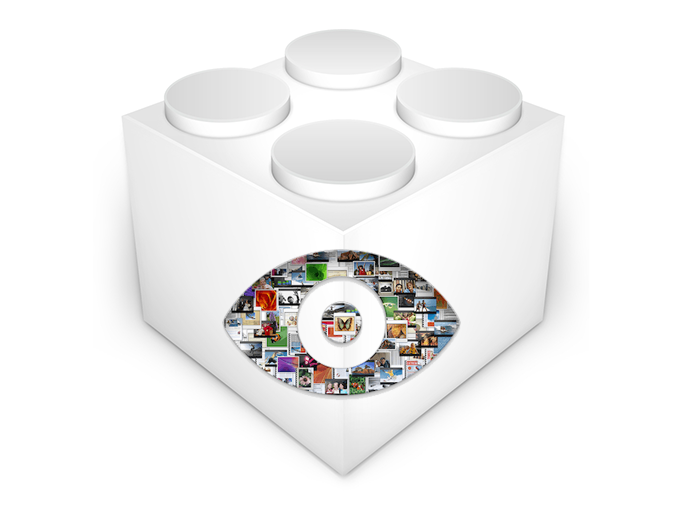
If you're not familiar with the Quick Look feature on macOS, try selecting a picture, folder, or text document on your computer and pressing the space bar. The rich preview that pops up is Quick Look working its magic. Apple introduced Quick Look in Mac OS X 10.5 Leopard and it has since gained support for many more file types natively, such as Microsoft Office and Adobe Suite documents.

I use it daily and it has become an automatic part of my workflow, a natural response to wanting to inspect a file without waiting for a program to launch and without leaving off what I'm doing.

However, the problem that Quick Look faces is support. It requires a plugin for each file type it can preview, and out-of-the-box only a handful are supplied. More obscure file types are neglected, and display only a blank pane with the file icon, name, size, and date modified. In this guide, I will detail how to add plugins to Quick Look for a richer and more useful preview experience.

Let’s Talk iOS 163: Dear, dear Jony

We're entering holidays season, and Apple is going full stream with their new ad which should strike a chord inside your heart. Besides the obligatory turkey and Thanksgiving talk, Cody and Sebastien discuss recent talks of Jony Ive's disengagement that has largely been clarified by John Gruber. Would it even be the end of Apple if that were true? Listen to find out what the guys think.

Subscribe on iTunes

Support Let’s Talk iOS: Go to Harrys.com right now and redeem a special offer for fans of the show. Harry’s will give you $5 off your purchase with promo code IOS. Free shipping available for the next few days too, so hurry!