Year: 2016

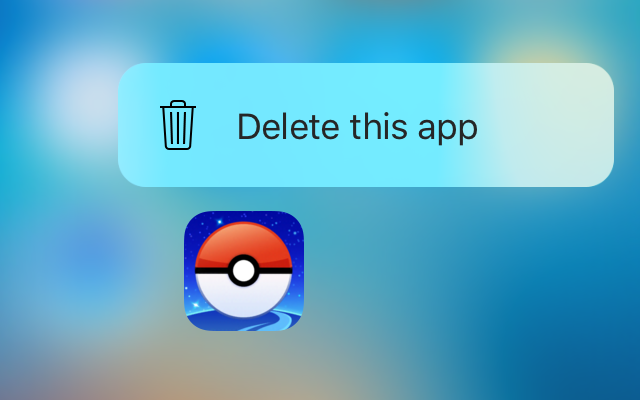
Force Delete lets you delete or hide apps with a 3D Touch gesture

Force Delete is a new free jailbreak tweak in Cydia that lets you utilize your 3D Touch display to delete apps from your device.

While the tweak is designed primarily for the purpose of letting you delete the apps you’ve downloaded from the App Store, the tweak can even hide system apps from your Home screen if you wanted to do that instead.

Fitbit said to be buying Pebble for around $40 million

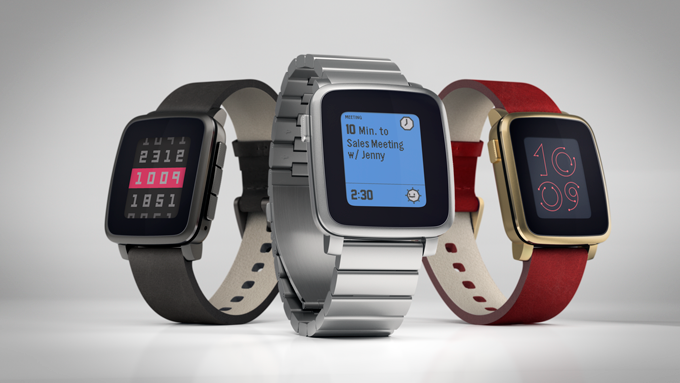
Fitbit is set to acquire troubled smartwatch-maker Pebble, according to a report from The Information. The deal is said to be mainly about the company's intellectual property and software, and will likely result in the end of Pebble hardware.

In a subsequent report, TechCrunch says a source close to the startup pegged the deal in the neighborhood of $34 to $40 million, and it will just barely cover its debts. In the past, it was rumored Pebble received offers as high as $740 million.

Some great USB-C hubs for your new MacBook Pro

If you recently picked up one of Apple's new MacBook Pros, you're probably suffering from port shock. The laptop only includes 4 USB-C connections—the non-Touch Bar model only has 2—and chances are your current accessories and peripherals don't support them.

An easy way to remedy this is to buy a hub. This will connect to a single USB-C port on your MacBook Pro, and provide you with various useful connections like USB 3.0, HDMI, and even an SD card reader. Below we've listed some great hub options for your new Mac.

Google Maps for iOS updated with searching along route and Nearby Traffic widget

Google today pushed an update to its native Maps app for the iPhone, iPad and iPod touch, adding a pair of new features whilst bumping version number to 4.25.0. Like with Apple Maps, Google's app now supports searching for points of interest along your route while in navigation mode. In addition, you can also see traffic information on your Home/Lock screen and in the Notification Center with a handy new Nearby Traffic widget.

Snapseed for iOS gains white balancing tool, RAW format improvements & UI tweaks

Google-owned Snapseed, the popular image editing app, was updated Wednesday on the App Store with a trio of improvements bringing the app's version to 2.13. The first change tweaks the user interface to make it easier and simpler to select and change filter parameters.

The second new feature is basically the dedicated tool which got launched on Android a while ago that lets you adjust white balance of your images.

The last feature is a correction for developing RAW files with embedded color profiles.

Alto’s Adventure creators working on Distant, a platformer focused on “elegance of movement”

Snowman, the team that brought you the award-winning endless snowboard odyssey Alto's Adventure, is hard at work on a major new title, Distant. It's a brand new project that Snowman is co-developing in partnership with a talented Australian studio called Slingshot & Satchel.

As a platformer, Distant is quite a departure from Alto’s Adventure. The game is coming some time in 2017 to Macs, PCs, consoles and the fourth-generation Apple TV.

Apple ranks highest in customer satisfaction survey for its soon-to-be discontinued wireless routers

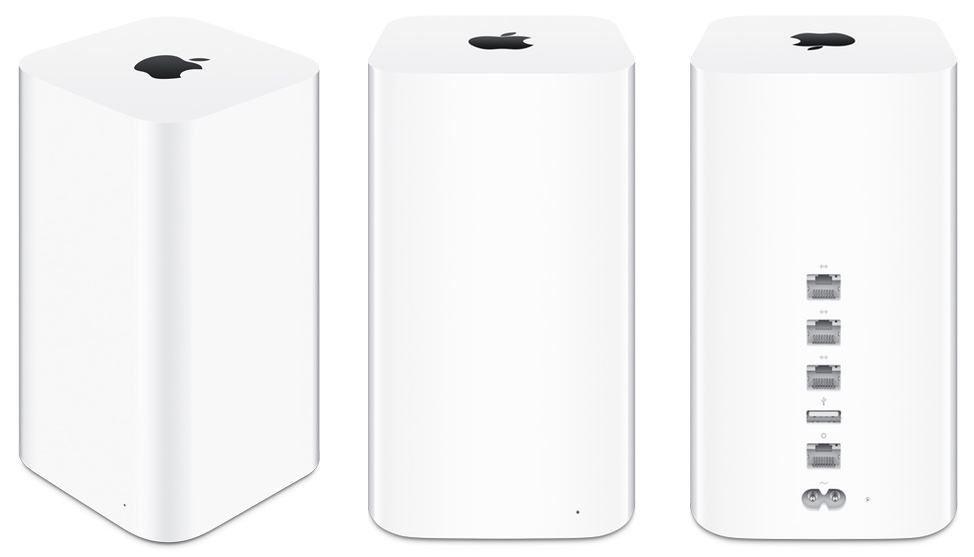
Call it awkward, or call it ironic, but a recent J.D. Power wireless router satisfaction report put Apple at the top, with a score of 876, followed by ASUS (860), D-Link (856) and TP-Link (854). This report obviously comes at an interesting time as the company was rumored this month to be disbanding its router unit and stop developing AirPort wireless routers. 

Spark email app launches on Mac with Touch Bar support, snoozes, swipes, smart inbox & more

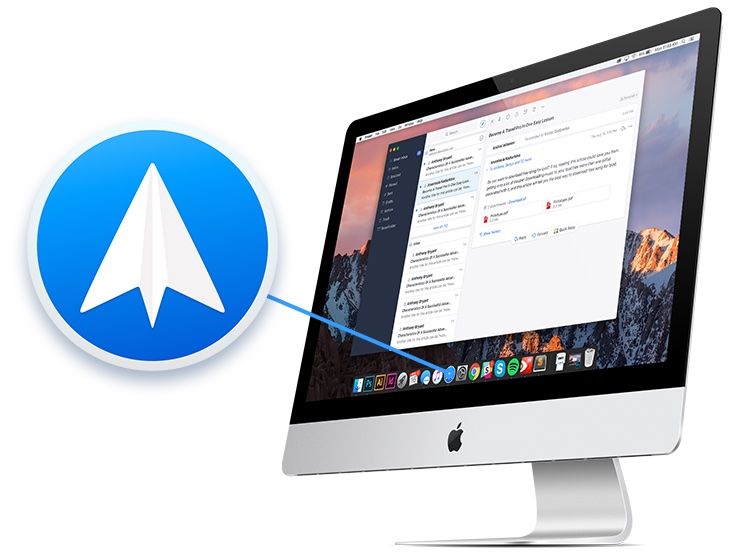
After more than a year of hard work, Spark for Mac is finally available on the Mac App Store. Like its iOS counterpart, the Mac app is available at no charge. Ukrainian developer Readdle has ported all the marquee features you like about Spark for iPhone and iPad over to the Mac edition, allowing you to triage your inbox, quickly see what’s important and easily clean up the rest.

The fast, well designed native app includes Touch Bar shortcuts on the new MacBook Pro, swipes on the trackpad, snoozing, quick replies, natural language search, unified inbox, full macOS Sierra compatibility, seamless settings sync across devices and other productivity-focused perks.

“It is created for people who live by their inbox and who want to have an amazing experience with email,” Readdle told me via email.