Year: 2016

Opinion: Dark Mode? Apple’s been testing dark interfaces on iOS for years now

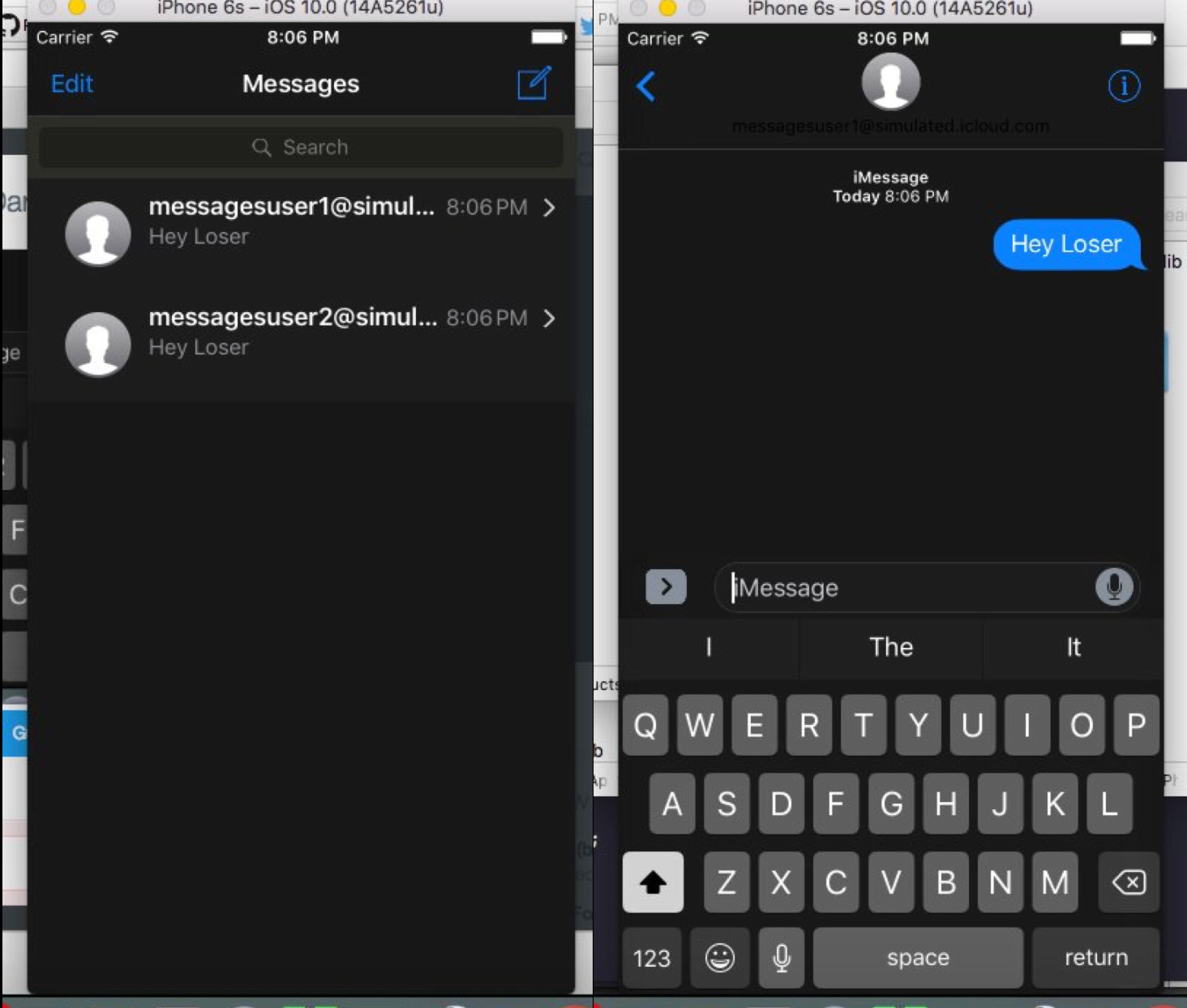
My colleague Andrew first broke news yesterday that Dark Mode resources have been found within iOS 10's Messages app. Now, Dark Mode was expected to make an official appearance in iOS 10, but the WWDC keynote came and went without any mention of this feature.

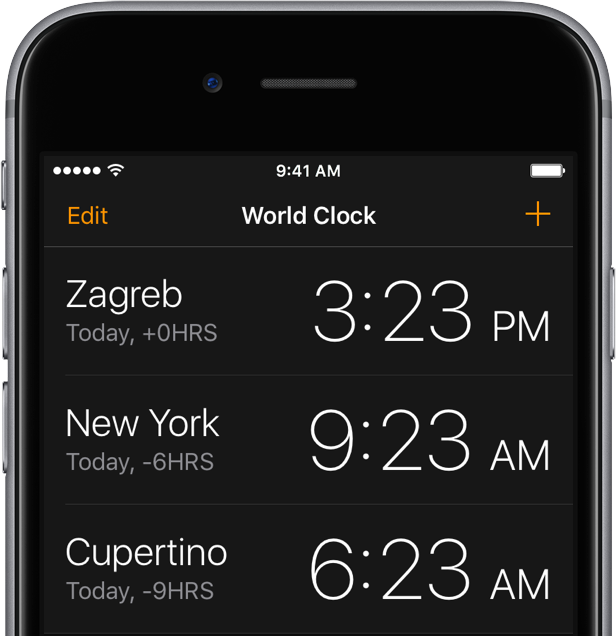
Now Mac Aficionados tweeted out screenshots depicting a dark interface in other iOS 10 stock apps, including an automatic dark mode in iBooks, in addition to the Clock app, Safari and the iTunes Store.

As it turns out, dark interfaces in these apps (sans Clock) have been present for years, indicating Apple's been testing how users might accept a Dark Mode option on iOS.

CloudClip: Universal Clipboard for your Mac right now

Apple's newly-announced macOS Sierra is set to release to the public this Fall as the company revealed at WWDC 2016 this week, and it includes a variety of improvements that will make using your Mac even better than ever.

One of those improvements is Universal Clipboard, which is a Continuity feature that lets you share your clipboard between your iOS device(s) and your Mac.

But what if we told you that you didn't have to wait until the public release of macOS Sierra to enjoy a similar feature on your Mac?

iOS 10 tidbit: battery life suggestions

One of the useful little things Apple's built into iOS 10 without even mentioning it during the WWDC keynote or in iOS 10 marketing materials is a brand new feature designed to suggest ways users can maximize their iPhone's battery life. Branded as Battery Life Suggestions, it appears automatically when your battery is not connected to power or using Low Power Mode.

Dark Mode resources discovered in iOS 10

One of the most circulated rumors for iOS 10 was the inclusion of a dark mode. However, the WWDC 2016 keynote came and went without any mention of the expected feature. After digging through the iOS 10 beta, it appears maybe Apple didn't neglect dark mode after all.

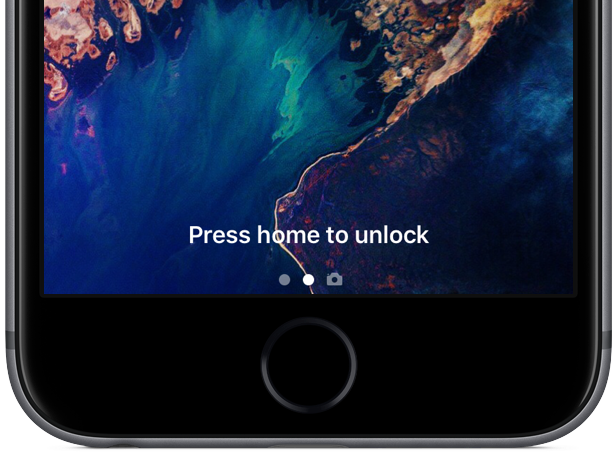
iOS 10 preview: your new Lock screen with Raise to Wake, widgets, interactive notifications & more

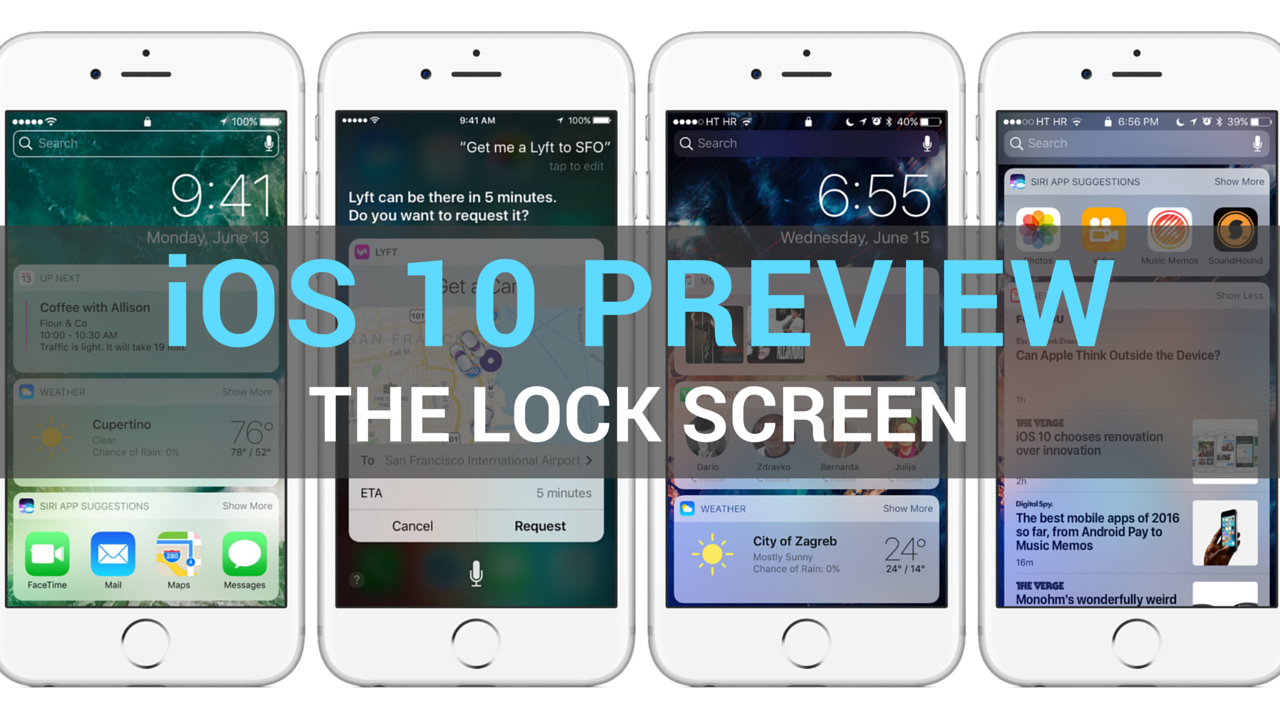
Having taken a closer look at a much improved Messages app, which delivers more expressive and animated ways to message friends and family, our preview of big new features in iOS 10 continues with a detailed overview of an all-new Lock screen. Wait, the Lock screen in iOS 10 warrants an article?

As you know, the Lock screen has remained virtually unchanged since the iPhone's inception. With iOS 10, however, it's  undergone some major improvements in the form of a refined look and feel, including vastly redesigned widgets, and new features such as interactive notifications, Raise to Wake and expanded use of 3D Touch shortcuts.

We think that many folks are going to appreciate how iOS 10 makes their device's Lock and Home screens way more functional than before, so here's a detailed walkthrough of all the goodies included in iOS 10's freshened up Lock screen experience.

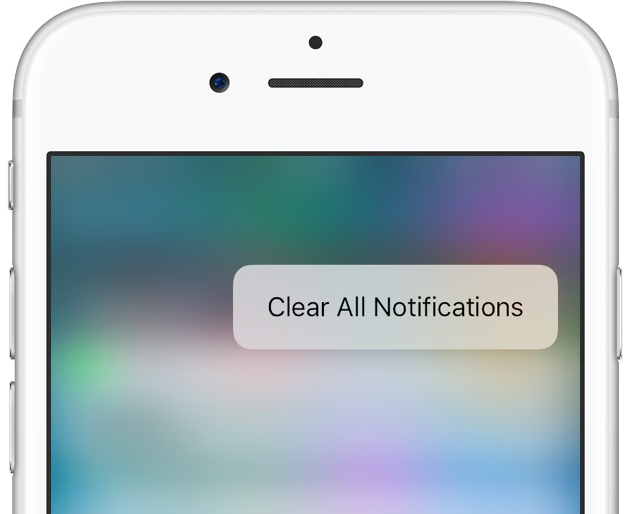
iOS 10 tidbit: clearing all notifications at once with a simple 3D Touch gesture

One of the longest-standing complaints about iOS has got to be its inexplicable lack of a Clear All button in the Notification Center that would permit users to clear out all of their missed alerts in one go rather than dismissing them one by one, like an animal.

Not anymore: iOS 10 makes expanded use of 3D Touch throughout the system, including making all missed notifications disappear with a single press.

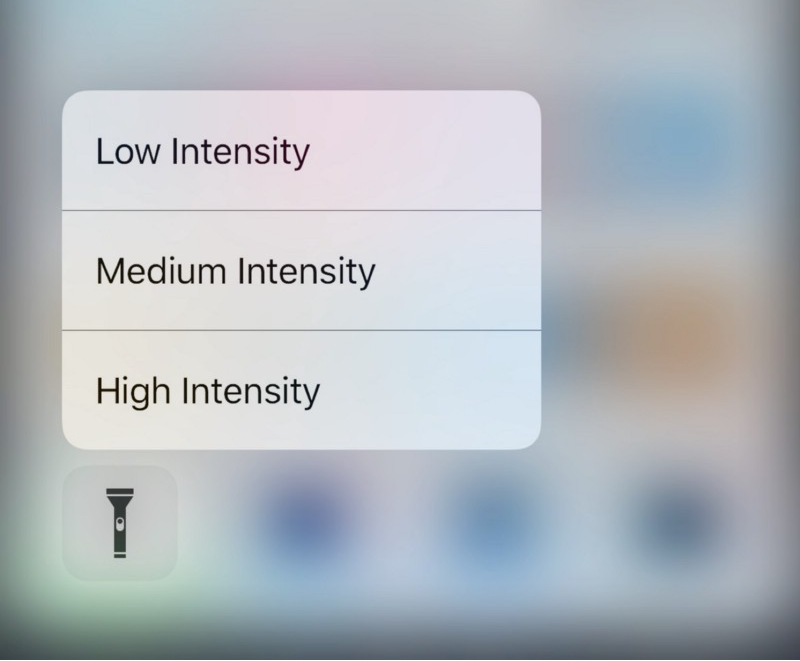
iOS 10 tidbit: 3D Touch the flashlight toggle to choose an intensity

Apple originally introduced Control Center in iOS 7, which was their way of answering both the competition on multiple Android platforms and the jailbreak community in one fell swoop.

With iOS 10, which Apple announced at the WWDC 2016 Keynote this week, Apple has shown off some obvious changes to Control Center, including a modular paged navigation design and different color tones and styles.

Of course, aesthetic wasn’t the only change. Apple also made the flashlight toggle button from Control Center a whole lot more useful as well.

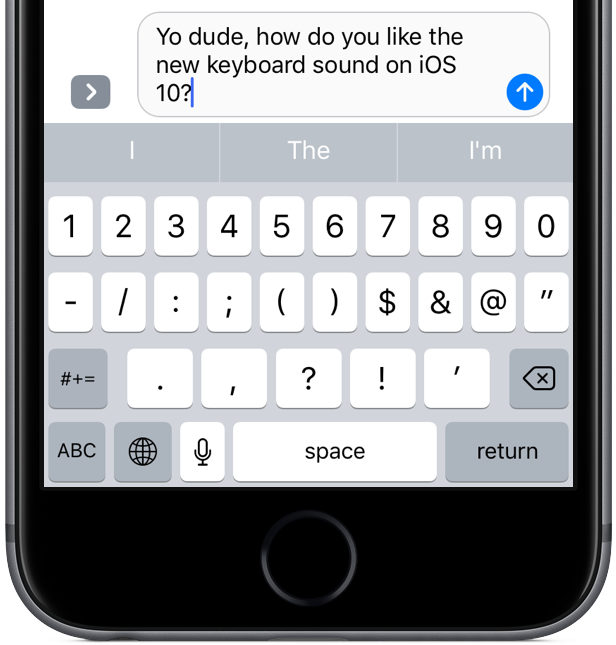
iOS 10 tidbit: keyboard has a new clicking sound

Aside from the headlining new features, including a revamped Lock screen, a vastly improved Messages, a lot smarter Maps and more, iOS 10 sports a bunch of refinements that make for a more pleasing experience overall.

One of those tidbits is an all-new tapping sound when using the stock keyboard on your iPhone, iPod touch and iPad. Here's what it sounds like.

iOS 10 tidbit: apps now must seek permission before accessing your music library

Apple has made some changes to how iOS handles apps that wish to access users' music libraries, with iOS 10 now requiring your explicit permission before any app is allowed to interact with your music.

This new safeguard increases your privacy while ensuring that no app can silently analyze what's in your music library without you knowing it. Additionally, it makes it more difficult, if not downright impossible, for apps to potentially upload your music library to the cloud in order build a profile of your musical tastes for advertising purposes.