Year: 2014

Google launches augmented reality game Ingress on iOS

The Internet giant Google earlier in the year ported its near-real time augmented reality massively multiplayer online pervasive game, Ingress, to Android and now the app is available on iOS as well.

The free iPhone and iPad game uses your location and real-world objects in your near vicinity to provide various clues and transform your world into the landscape for a "global game of mystery, intrigue, and competition"...

Noted analyst claims 5.5-inch iPhone 6 could delay until 2015 over production woes

In his new research note issued to clients Monday, KGI Securities analyst Ming-Chi Kuo cautions that Apple's 5.5-inch iPhone 6 could be delayed until after October and possibly until 2015, over yield issues with its in-cell touch panel and metal casing.

According to the analyst, panels this large exhibit issues where the edge of the panel may become insensitive to touch. Also, under Apple's new manufacturing process for the iPhone 6 metal casing, "color unevenness is an issue," wrote Kuo...

120 Sports is a highlight reel in your pocket

When away from home, it's sometimes challenging to catch up on sports news. Sure, there are apps that provide basic scores and statistics for games and matches, but it's a rarity to find an app that shows highlights and other forms of media. Whether it's the decision on LeBron's future or the Argentina vs Netherlands penalty kicks, video sports commentary is harder to find.

Enter 120 Sports, an app developed by the Sports Illustrated network, popular for the magazine of the same name. The app is essentially a collection of video coverage of the latest sports trends, but with a few added twists. I used the app for a while and here's what I found...

Geometry wallpapers

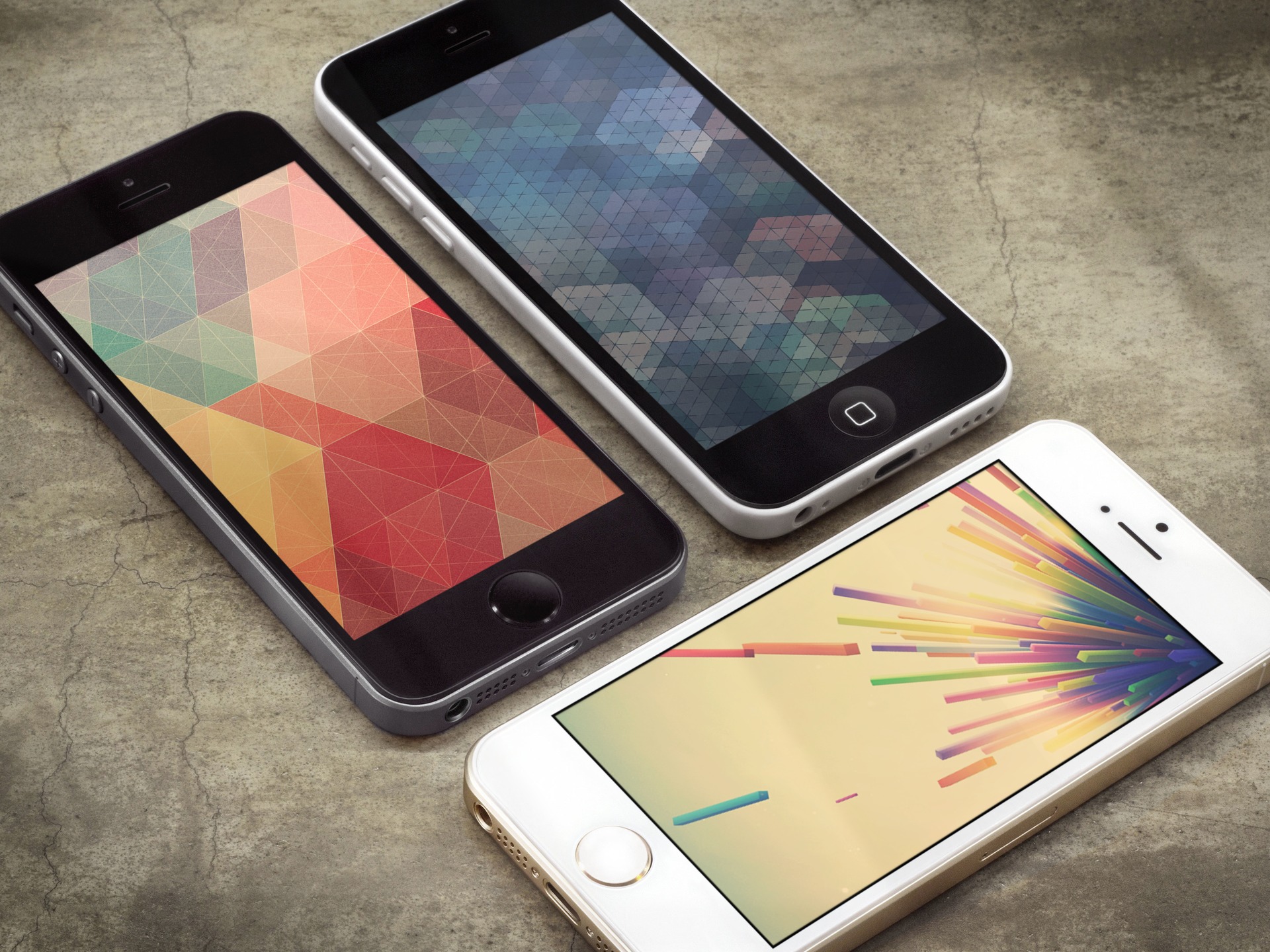
A couple weeks ago, we posted a set of "simple geometry" wallpapers by @A_RTX on the Wallpapers of the Week section. The images were met with quite a lot of fan fair, receiving more than twice the number of social shares than other previews wallpaper posts. With more than 150 shares, I decided to add another wallpaper set in the same genre.

If you did not, go back to the simple geometry post for six, excellent wallpapers. If you are an old pro at the wallpaper section, forge on to redeem your new set of images...

Saurik on competition and community

Every once in a while, a group of individuals surfaces to offer a new "Cydia alternative." Full of good intentions, these individuals usually realize quickly enough that building a replacement or even a complement to Cydia isn't an easy task.

The latest Cydia alternative to generate interest within the community is iMods, an elegant installer that doesn't necessarily aim to take on Cydia, but rather target a different user base, as one of its developer explains. The concept, both in terms of design and engineering sounds promising, but is it viable?

Does it even make sense to try to bring a new installer to market? What does it take to do so, and what hurdles should the developers of such a tool be ready to face? These are some questions that Saurik tries to answer in a 5,600 word essay...

The best iPad calendar apps (2014 edition)

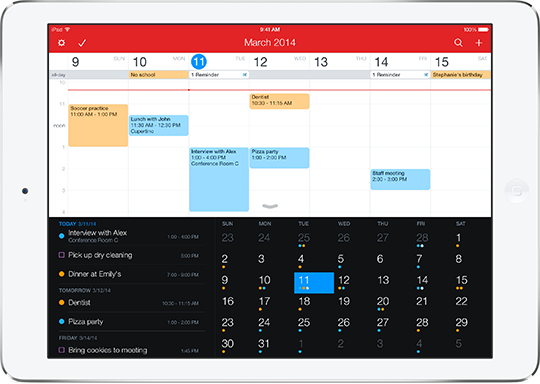
A few months ago, we shared our favorite calendar apps for the iPhone. We are big on making lists, organizing, and planning out our lives around here. One list is just not enough, especially if you use your iPad and iPhone for very different things.

This time around, we compiled a list of what we think are the best calendar apps for iPad in the App Store. Check out our list below and feel free to let us know what your favorites are in the comment section…

xNotiLockColor: change the colors of Lock screen notifications

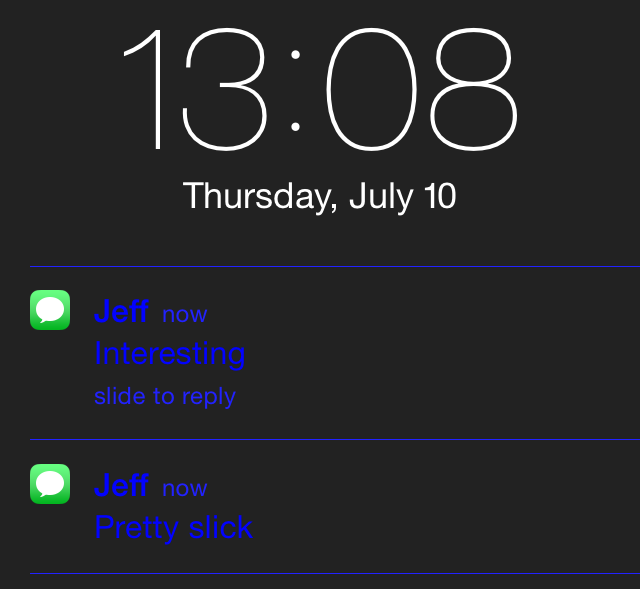
xNotiLockColor is a new tweak that allows you to change up the colors present on Lock screen notifications. It's a simple tweak that allows you to individually alter the primary color, secondary color, subtitle, time/slide, and separator colors for Lock screen notification messages.

Each section contains over a dozen different color selections to choose from and you can combine multiple colors to come up with some pretty wacky Lock screen looks. Have a glance at our video demo inside to see how easy it is.

This week on iDB: iOS 8 beta 3

Like every Sunday, we get to take a look at some of the most popular posts that were published on iDB during the week that just ended. Whether it is a news item, a new jailbreak tweak, a tutorial, or an app review, we sum it all up in one convenient place for you.

As always, if you like what you're reading, please feel free to spread the love by sharing our posts on your favorite social network.

We're usually hanging out a lot on Twitter and Facebook, more rarely on Google+.

Apple seeds iOS 8 beta 3 to developers: here is what’s new Apple releases OS X Yosemite Developer Preview 3 New Apple TV, Find My iPhone and Find My Friends betas also available Apple’s second secret eBay store goes live with pre-owned iPhones HandsFree lets you answer calls with a wave of your hand Acute: a new voice control tweak for jailbreakers How to add weather to the status bar in iOS 7.1.x Auki updated with new features and new developer API Ultimate torture test reveals what it takes to shatter iPhone 6′s sapphire glass New photos and video show alleged rear shell of 4.7-inch iPhone 6 Minecraft – Pocket Edition 0.9.0 update brings infinite world size and more Gap between Roku and Apple TV is widening The best dictionary apps Download the new iOS 8 beta 3 wallpaper Apple spotlights Amazing Puzzle Games on sale for a limited time Apps of the week: Sonic Jump Fever, Macrocosm, Magic 2015, and more Wallpapers of last week: Puerta del Sol

Don't forget to listen to the latest episode of our new podcast, Let's Talk iOS:

Subscribe on iTunes

And of course, make sure to catch up with the new episode of Let's Talk Jailbreak:

Find iDB on Twitter, Facebook, Google+, App.net, YouTube, and in your RSS reader. Also make sure to subscribe to our new podcast!

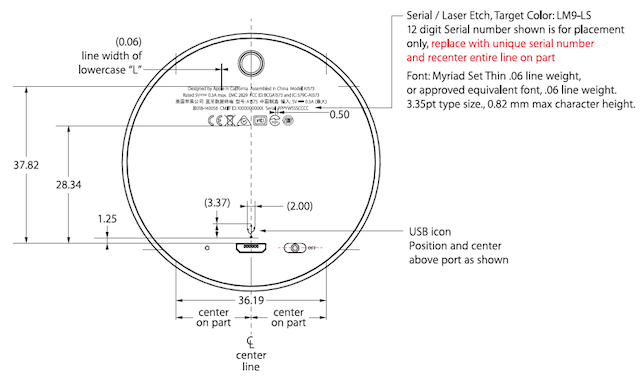
Apple iBeacon hardware revealed in FCC filings

Apple's iBeacon technology has seen a lot of success in its first year. The tech, which allows administrators to push data to smartphones based on their location, has already been adopted by a number of retailers and organizations.

But thus far, Apple's success with iBeacons has been limited to software, as it's left the hardware up to third-party firms. It looks like that's about to change, though, as FCC filings reveal that the company has built its own iBeacon...

Apple responds to Chinese media warning against iPhone location tracking

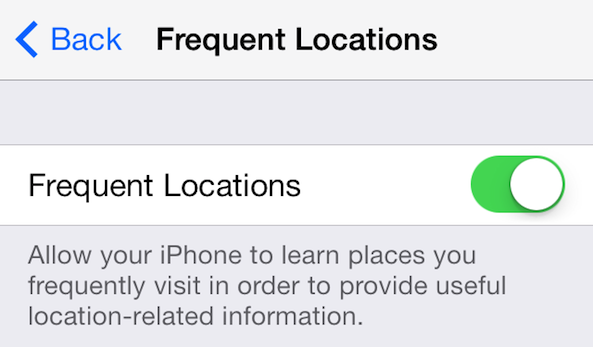
Last week, China's state-run China Central Television broadcasted a report that labeled the iPhone as a "national security concern." More specifically, the CCTV criticized the “frequent locations” function in iOS 7, which records time and location for the owner’s movements.

Yesterday, Apple issued an official response to the report on its Chinese website. The statement reaffirms the company's commitment to privacy, and states that the Location Services found in the iOS firmware are only used to help users for activities that require navigation...

FCC loosens labeling restrictions for iPhones and other devices

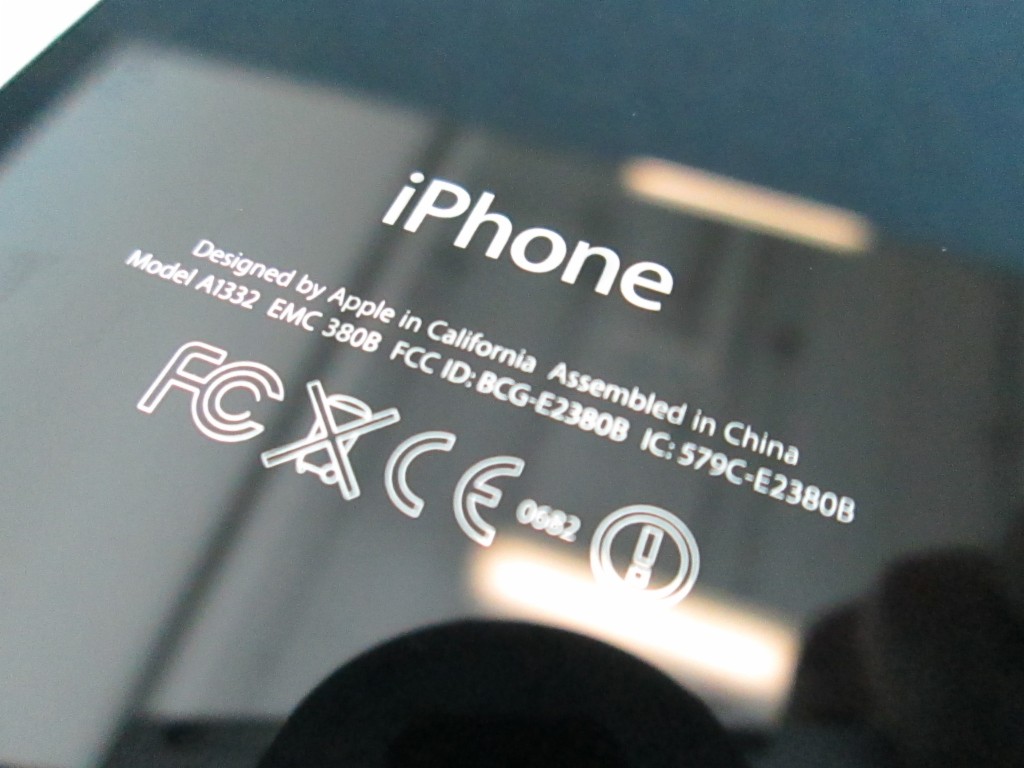
This is kind of interesting. The FCC's Office of Engineering & Technology issued new labeling guidance on Friday, saying that manufacturers can do away with the awful FCC ID etchings found on the backs of iPhones and other devices with integral screens.

Until now, the FCC has asked that any equipment requiring FCC certification sport a nameplate or etched label listing its FCC ID and other info. But with devices getting smaller and more complex, it wanted to update the requirement for the digital age... 

PopSearch adds new search options to Action Menu

Ryan Petrich's Action Menu is such a classic jailbreak tweak that many developers continue to make add-ons for it years after its release. Case in point, PopSearch, an add-on that brings new search options to the classic tweak.

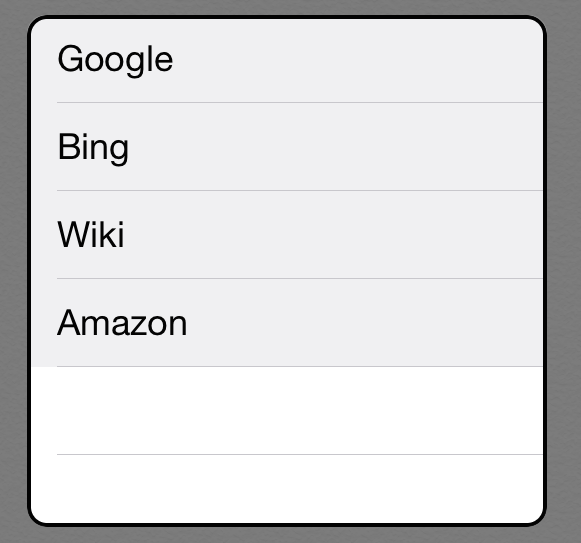
PopSearch allows users to highlight specific text and quickly search that text using a pop-over menu. Search engines include Google, Wikipedia, Amazon, and Bing. Settings can be configured from Action Menu's settings. Take a look inside for a video demonstration of PopSearch in action.