Want to turn Siri into a personal pocket translator? In this quick tutorial, we’ll show you how to use Siri on your iPhone, iPad, Mac, Apple Watch, AirPods, or HomePod to translate words and phrases into other languages.

In addition to being your trusted all-around digital assistant, Siri also doubles as a handy translator. Just summon Siri and ask it to translate a word, phrase, or sentence into one of the supported languages. The translation is displayed on the screen, and Siri also reads it aloud.
This can be quite handy in a number of situations, especially if you’re a traveler visiting a foreign country. And with Type to Siri, you can type the word or phrase you want to translate, but remember that you also have the Translate app at your disposal for this. And you can take things to the next level by translating speech using the Action button on iPhone for a seamless experience.
Supported languages
At present, Siri can translate from English (United Kingdom and the United States) into the following languages:
- Arabic
- Dutch
- French (France)
- German (Germany)
- Indonesian
- Italian (Italy)
- Japanese
- Korean
- Mandarin Chinese (China mainland)
- Mandarin Chinese (Taiwan)
- Polish
- Portuguese (Brazil)
- Russian
- Spanish (Spain)
- Thai
- Turkish
- Vietnamese
Apple may add more languages to the Siri translator in the future.
Can Siri translate words and sentences into English?
If your Siri language is set to English, Siri won’t translate to English and will nudge you to use the Translate app.
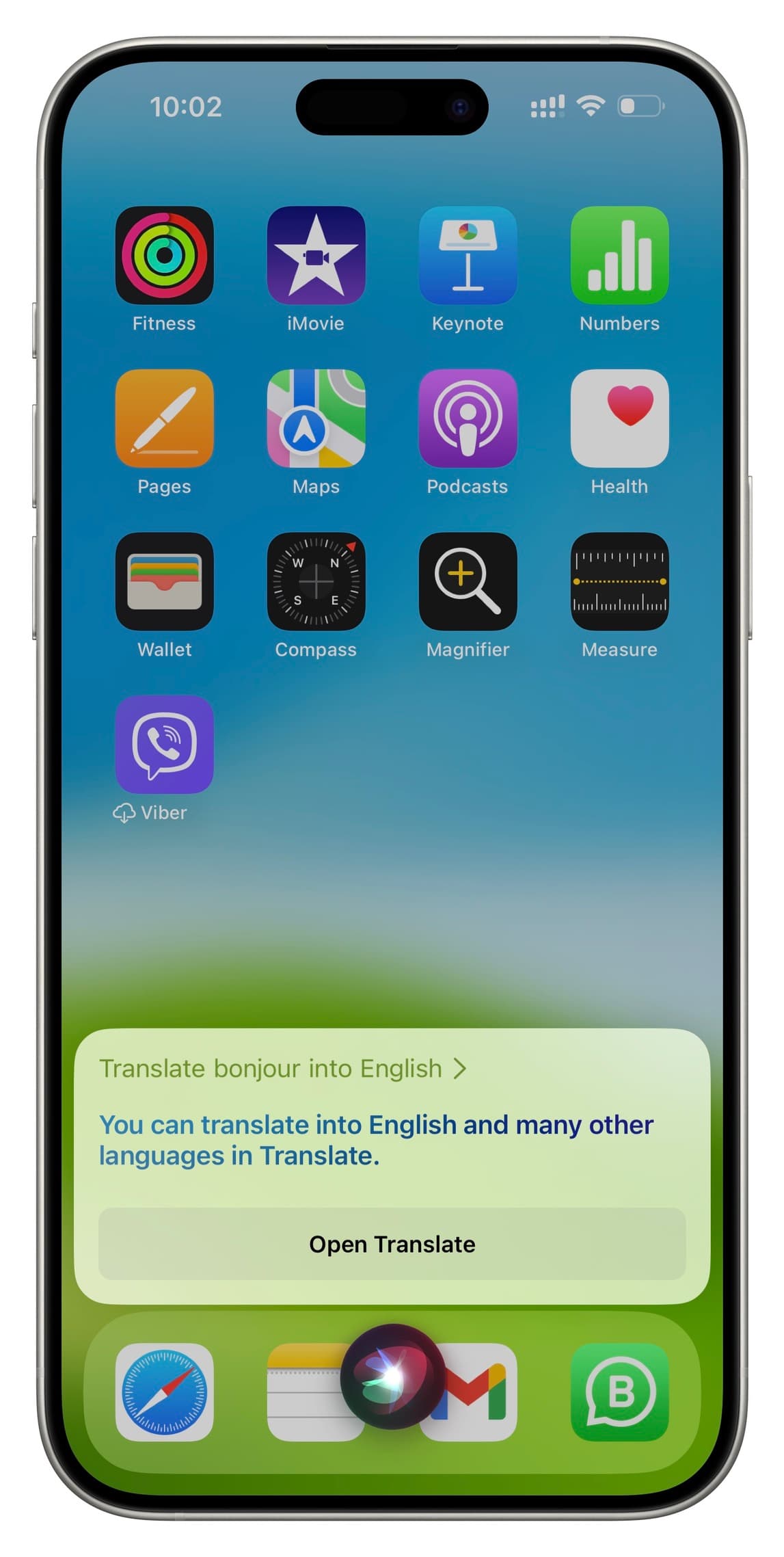
However, if your Siri language is set to a supported language, such as French, you can ask it to translate something into English.
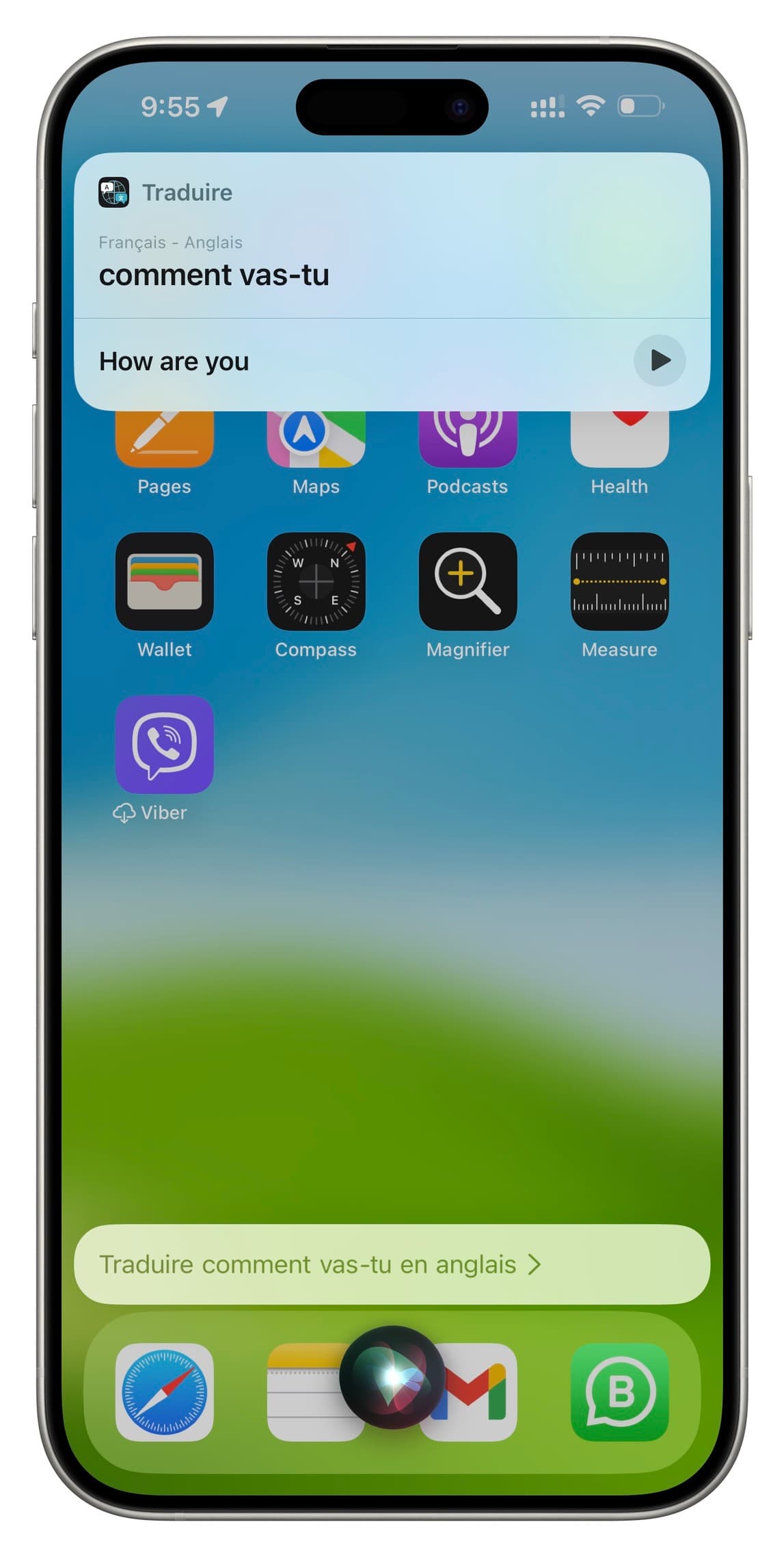
To change your Siri language, go to iPhone Settings > Siri & Search > Language and select one.
How to have Siri translate words and sentences
1) Invoke Siri on your iPhone, Apple Watch, AirPods, iPad, Mac, or HomePod.
2) Ask it something along the lines of:
- Translate [phrase] into [language]
- How do I say [phrase] in [language]
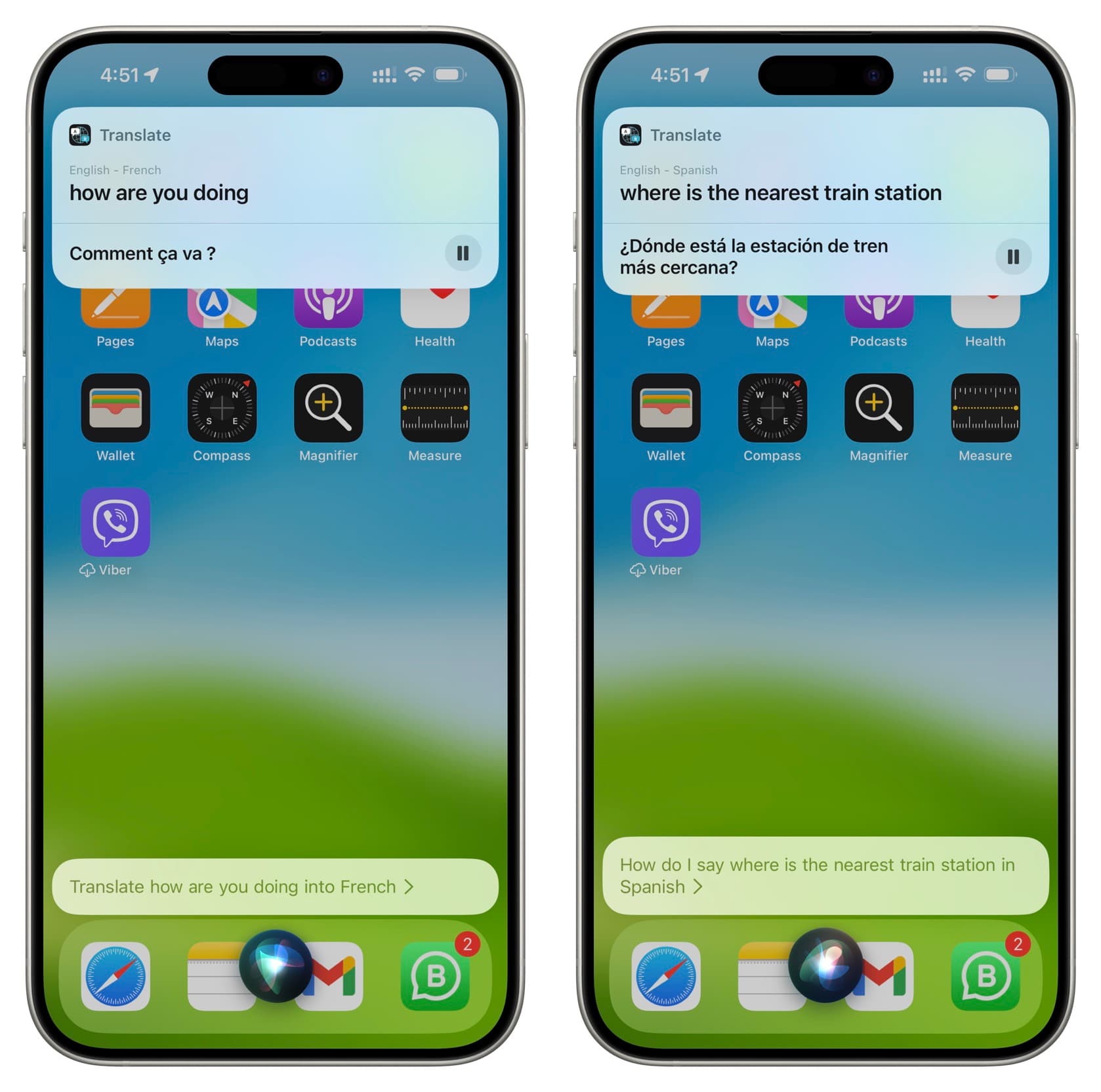
Here are some more examples:
- Translate how are you doing into French
- How do I say how are you doing in Japanese
- How do I say what are the most popular dishes in your restaurant in Mandarin
- How do I say what are the best hotels in Rome in Italian
- How do I say where is the nearest train station in Spanish
- How do I say do you speak English in French
- How do I say where’s the best beer in Berlin in German
3) Up pops a card showing the translation. Siri will automatically speak the translation. You can also tap the play button to have Siri repeat the spoken translation. And if you tap the translation card, it will take you to the Apple Translate app.
Complex queries may confuse Siri
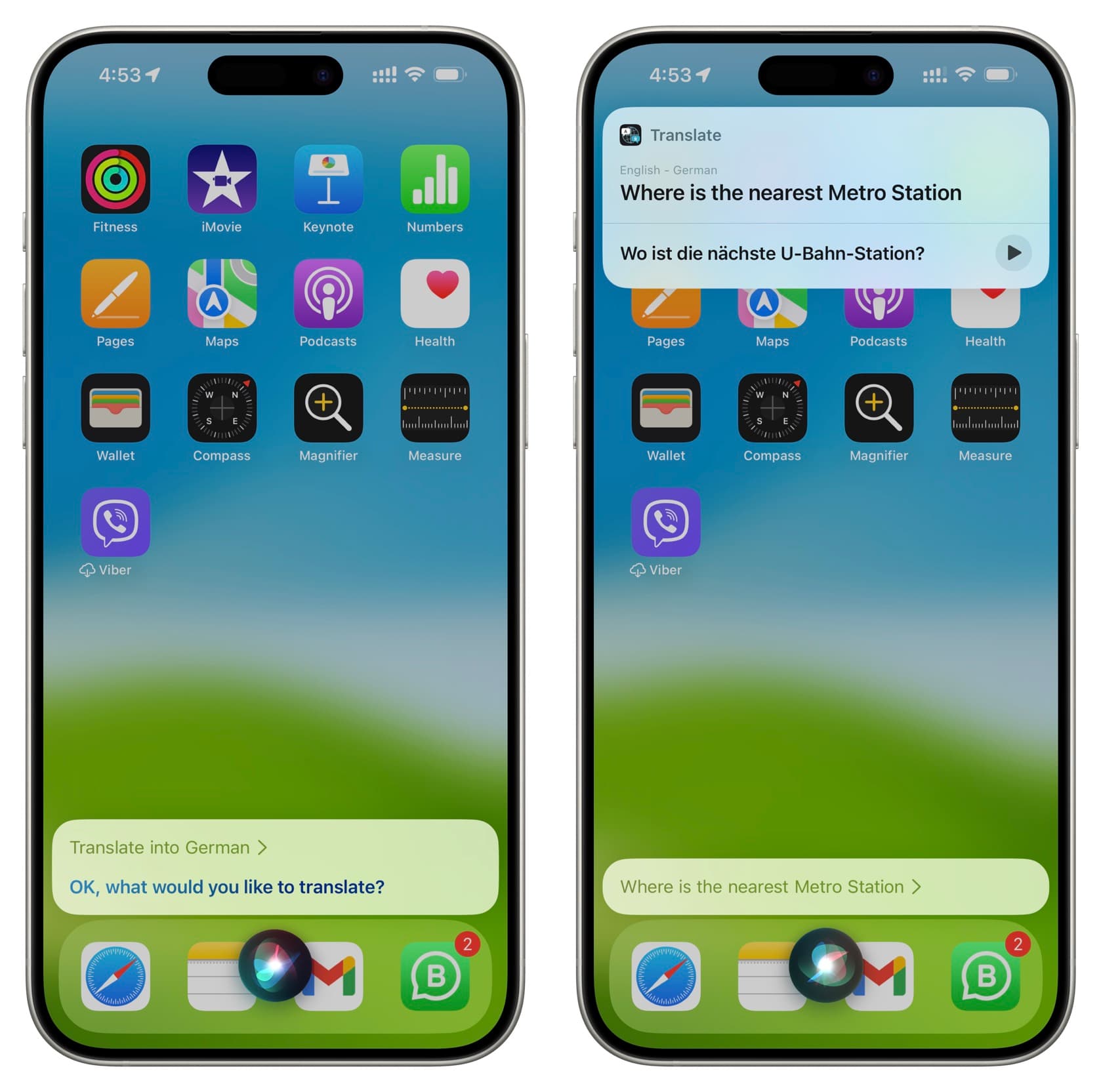
If Siri cannot distinguish between the preamble and the query itself, use a shorter form, “Translate into [language].” For example, just tell Siri, “Translate into German,” and Siri will follow up with a question about the phrase you’d like translated.
Siri can pronounce words in a foreign language
You can even ask Siri to pronounce a specific word in a foreign language without the “How do I say” prefix. Here are some examples of that:
- Say beer in German
- Hey Siri, say steak in Spanish
- Say expensive in Italian
- Hey Siri, say bread in French
Siri can easily translate into multiple languages
As our final tip, you can ask Siri to translate the same phrase into multiple languages. Say you asked Siri to translate “Can I get a glass of water, please?” into Spanish. All you need to do in order to have Siri translate that same phrase into French or German is to follow up with “in French” or “in German.”
Use cases
The Siri translator may come in handy in a number of situations.
Out at a French restaurant (which can be a lot of fun), but don’t know the basic restaurant vocabulary? Just have Siri translate your order and hold up the phone so the waiter can read it.
Or, maybe you’re walking down the streets of Berlin and wondering where the nearest beer pub is. Just ask Siri to translate the query into German, then have her read the translation aloud to a random person on the street.
Last but not least, the Siri translator can even be helpful when learning foreign languages, especially if you’re unsure about the correct pronunciation of a word or phrase.
I’m sure you can come up with some compelling use cases for the Siri translator of your own. If so, please share them with others by posting them in the comments section below.
On a related note: