Wallpapers

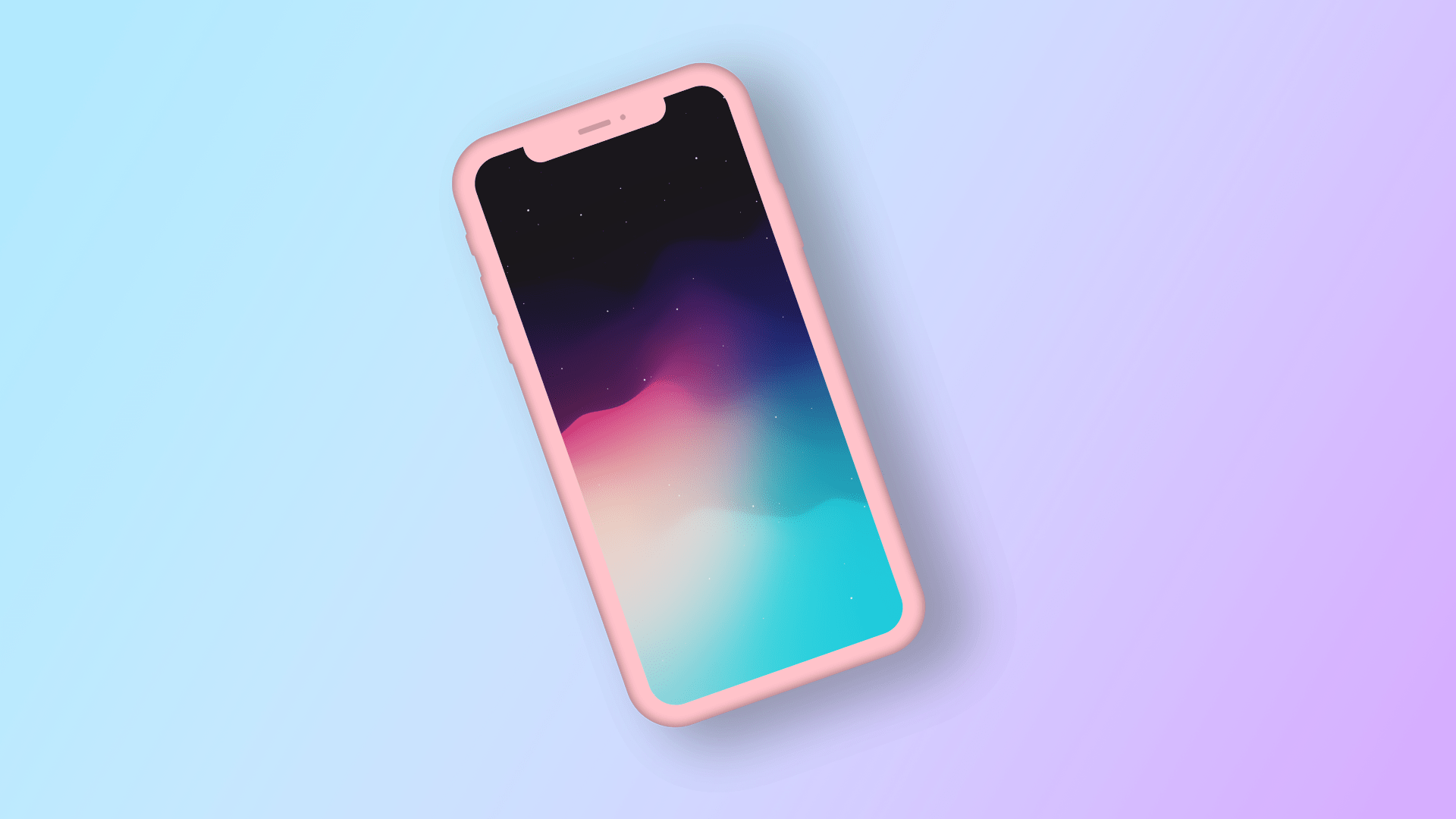
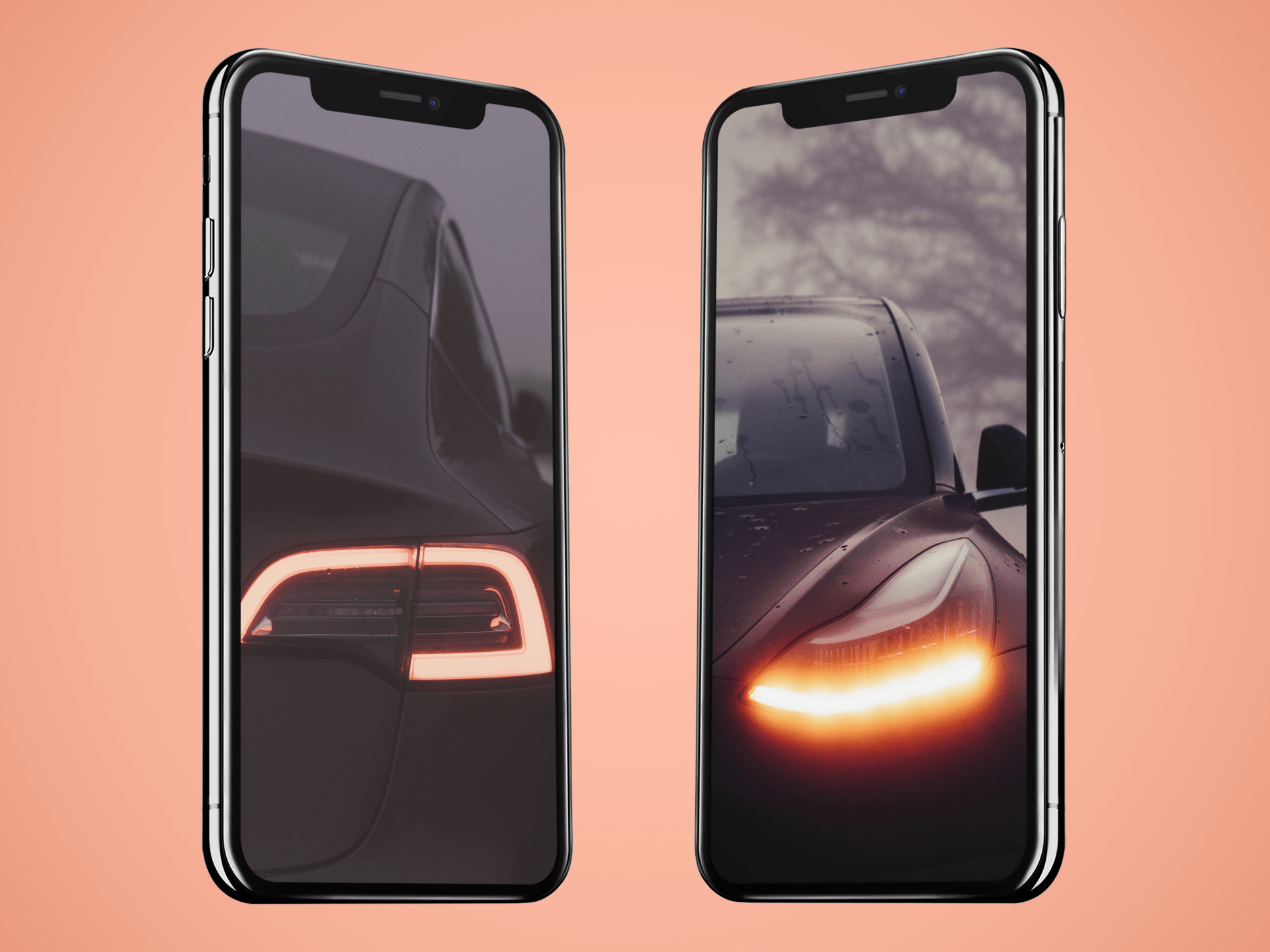
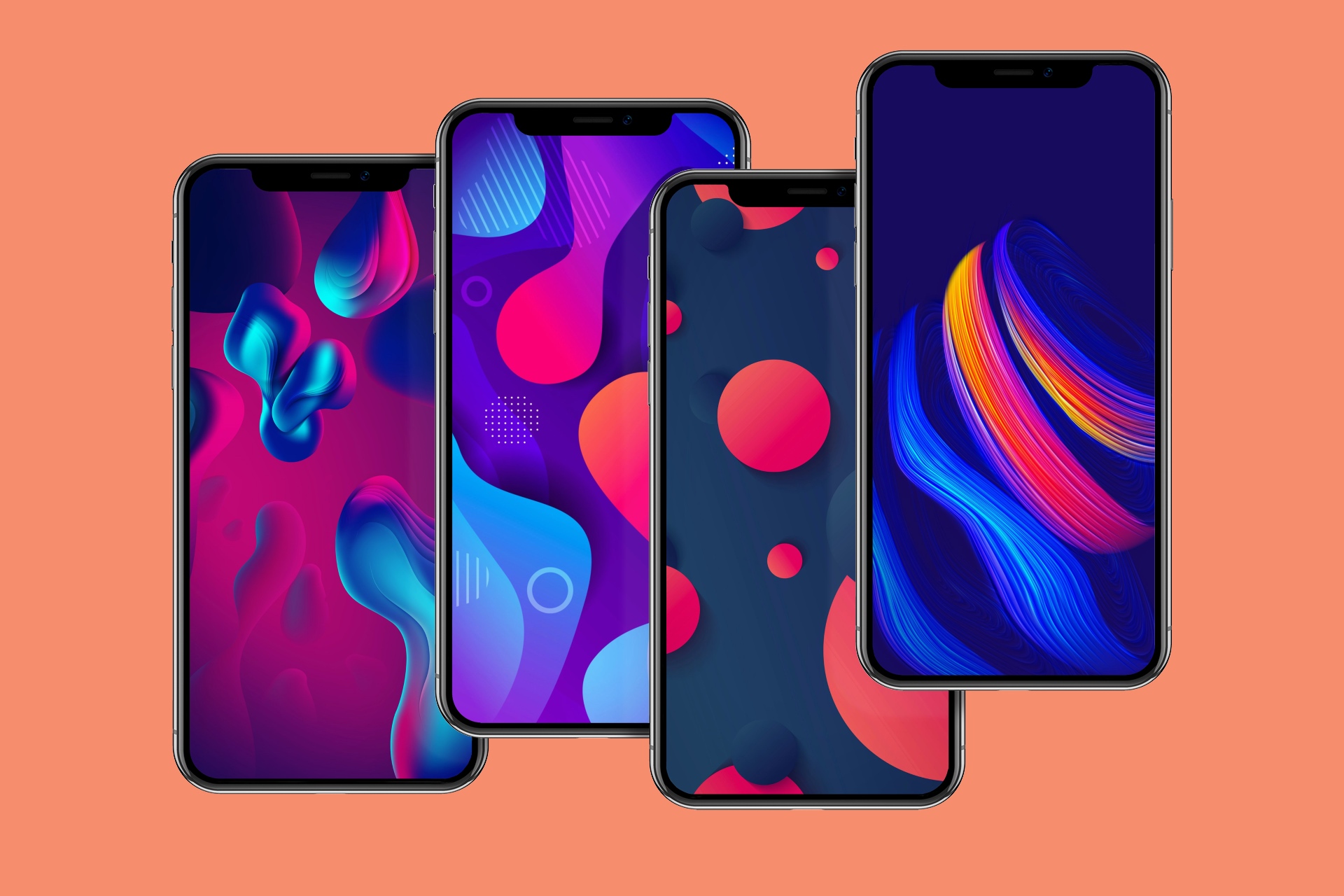
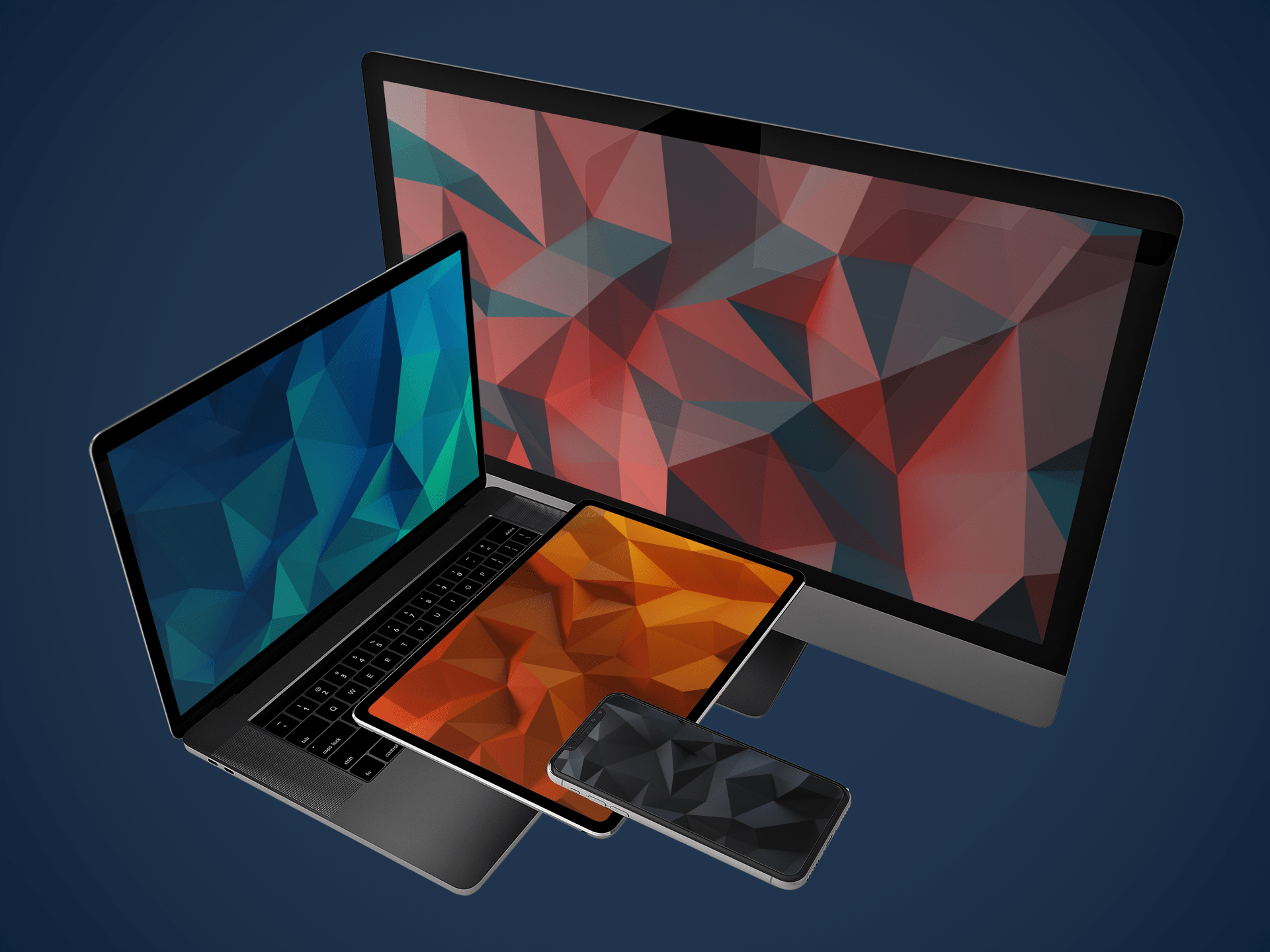
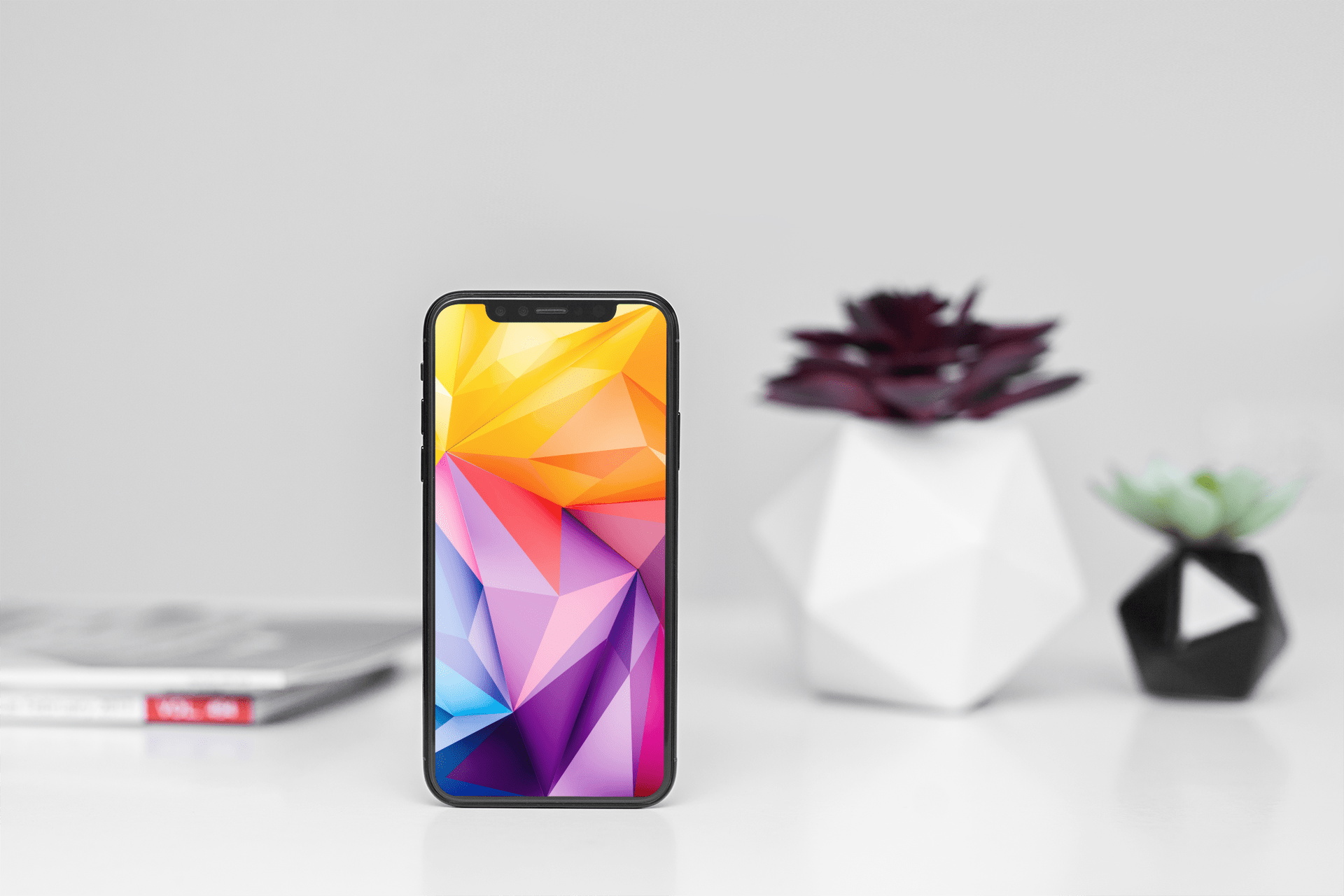
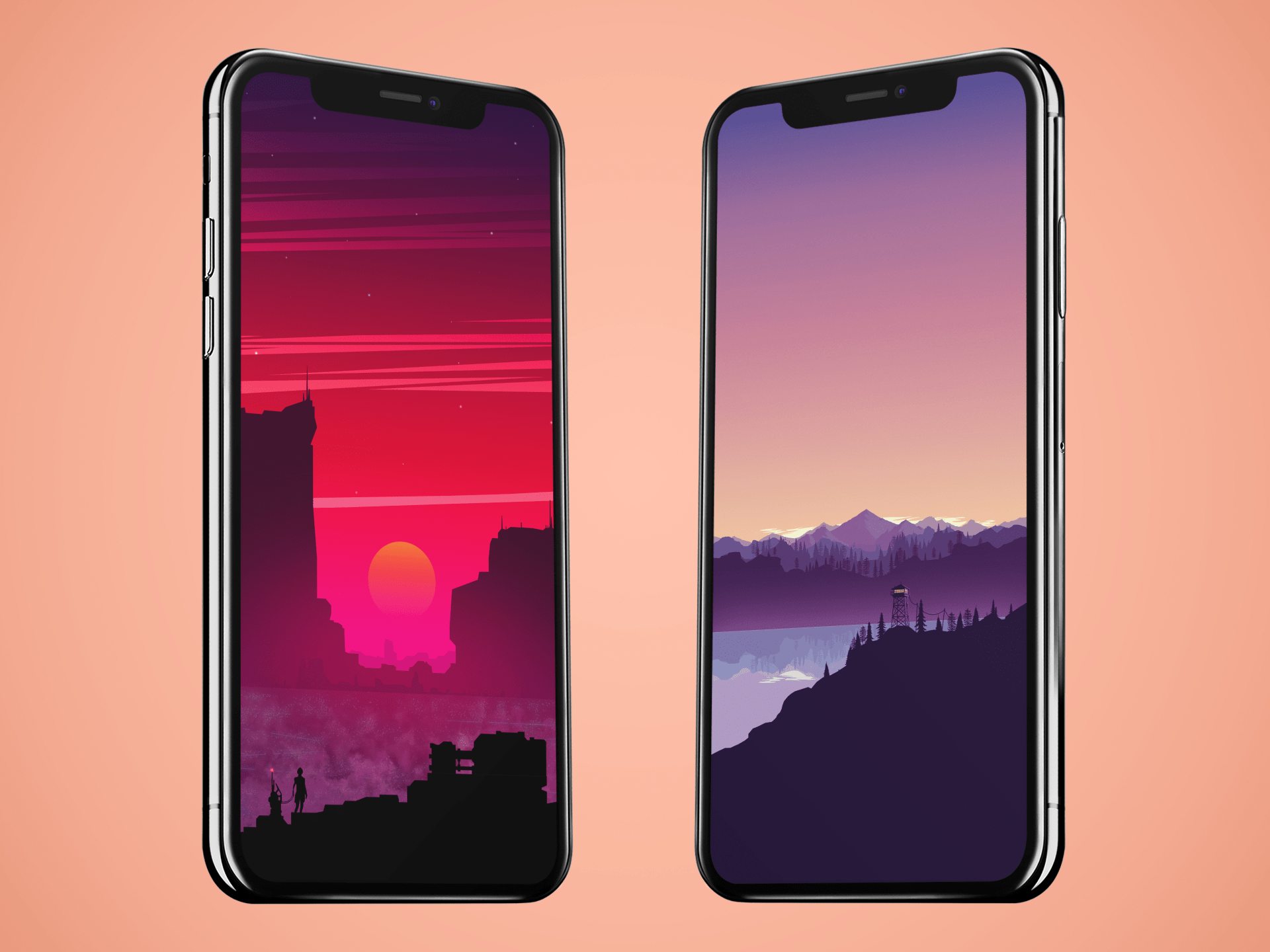
Wallpapers are a great way to personalize your iPhone and make it stand out. There are countless designs to choose from, including nature scenes, abstract patterns, and iconic imagery. Whether you prefer a bold and colorful look or something more subdued and minimalistic, there’s a wallpaper for every taste and style. With new options added regularly, you’ll never run out of options for customizing your iPhone.

Refine your search for the perfect background by selecting a category below, or simply browse our archive of thousands of images for free.

CustomSiriBG lets you change the Siri interface background

If you’re interested in changing the default background of the Siri interface to something new, then you just might want to check out a newly-released and free-to-download jailbreak tweak dubbed CustomSiriBG by iOS developer TylerD3V.

In the screenshot example above, you’ll notice that the default Siri background has been changed to something more Pokémon-centric, and of course, you can always use something different if Pokémon isn’t your thing.

True black and OLED-optimized wallpapers for iPhone XS

Our iDB Wallpapers of the Week gallery is updated each Sunday with a fresh collection of images for your iPhone, iPad and other Apple devices. Today's wallpaper selection is optimized for iPhone X or iPhone XS because these devices utilize an OLED screen. The following wallpapers offer a largely black canvas, causing the colorful portions to pop off the screen in contrast to the true black.

Like rainbows and hearts? You may also like these Dynamic Wallpapers for jailbroken devices

Your iPhone supports three different types of wallpapers, including still images, Live Photos, and Dynamic Wallpapers. The latter is particularly interesting because it's the closest thing to video wallpapers that Apple has ever provided, but iOS’ native selection of Dynamic Wallpapers out of the box leaves a lot to be desired.

It was only a few weeks ago that we showed you a jailbreak tweak called Dynamic Apples by iOS developer JGeorge, which replaced the stock Dynamic Wallpaper with Apple-esque ones, but if that didn’t do it for you, then perhaps a new free release called Dynamic Rainbow Hearts.

Wallpapers of the week: Earth’s Moon

July 20, 2019 marked the 50th anniversary of the moon landing by the Apollo 11 mission, making Neil Armstrong the first man to walk on the moon. So many years later, it is hard to imagine a mission of this type was possible in 1969, on a space craft with less computing power than an Apple Watch. Today's Wallpapers of the Week are inspired by the mission, with several moon wallpapers.

Modified iOS 13 wallpapers for iPhone and iPad

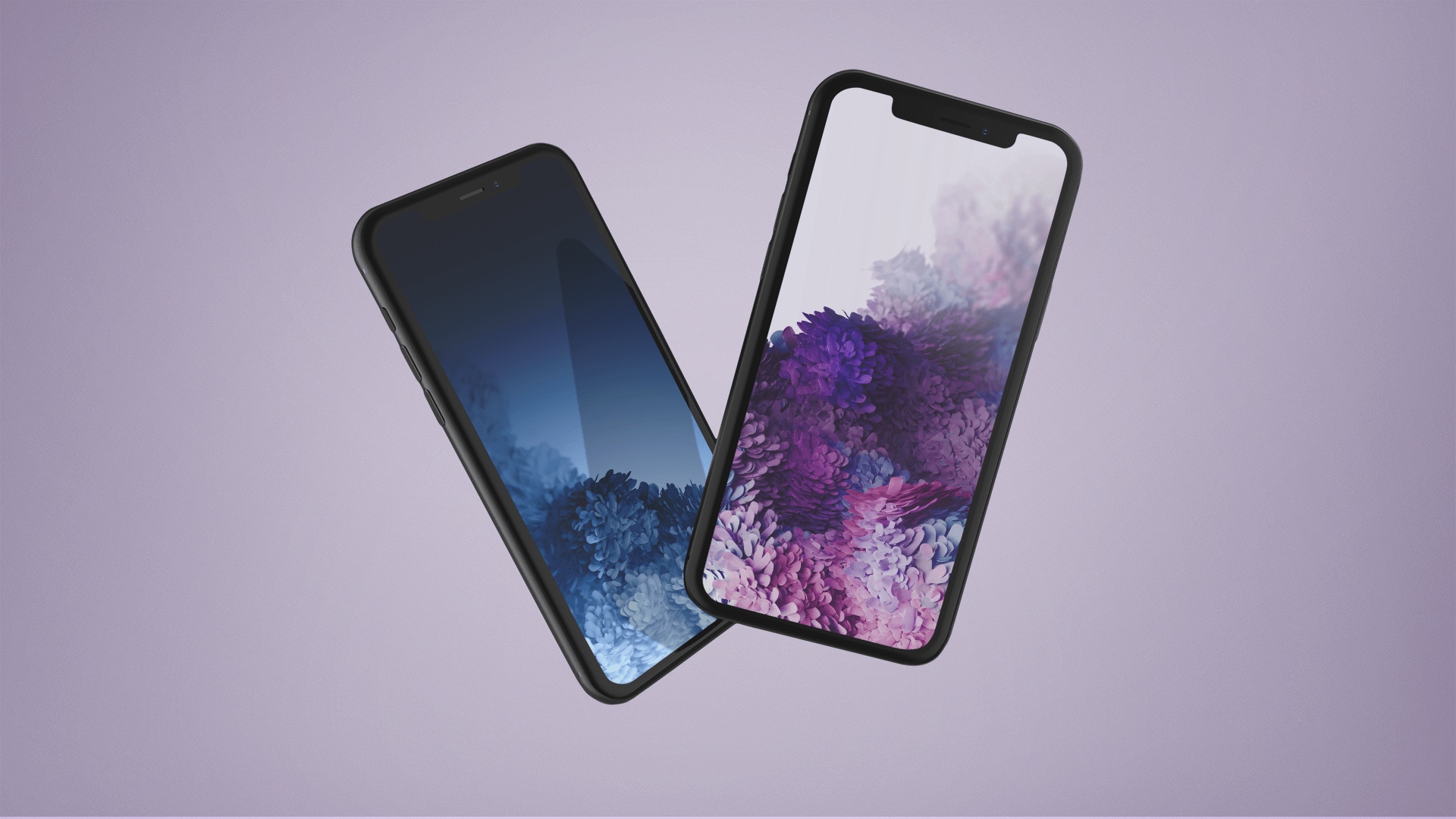
iOS 13 wallpapers are not possible for the general public to directly access on their iOS devices, while iOS 13 is still in beta. However, if you regularly follow the Wallpapers of the Week, you would have been able to download them a month ago! Today's collection is a modification of the stock Apple iOS 13 wallpapers. Offering two dark mode and two light mode options, the following iOS 13 wallpaper inspirations are available for iPhone and iPad.

This jailbreak tweak makes Live Photo-based wallpaper playback entirely automatic

One of the things I like about having an iOS device is that I can set a Live Photo as my wallpaper if I wanted to. On the other hand, animating that Live Photo generally requires some kind of user interaction from the Lock screen, and this tends to make the experience less exciting overall.

A newly-released jailbreak tweak called AutoDynamicWallpaper(A12 Support) by iOS developer anima gets you around this silly bottleneck by forcing any Live Photo-centric wallpapers you might have to play automatically as the device wakes. With that in mind, you won’t need to interact with your Live Photo-based wallpaper in any way to enjoy its liveliness.

This tweak gives dynamic wallpapers an Apple-esque makeover

iOS users have three different wallpaper options to choose from out of the box: still images, Live Photos, and dynamic wallpapers. Most opt for still images or Live Photos since Apple’s dynamic wallpaper selection feels somewhat limited out of the box; on the other hand, a new jailbreak tweak called Dynamic Apples by iOS developer JGeorge can help with this.

As shown screenshot example above, Dynamic Apples changes the appearance of Apple’s native dynamic wallpapers by replacing their circular sprites with Apple logos.

Wallpapers of the week: marbleized

Every Sunday, we add an installment to the iDownloadBlog Wallpapers of the Week. We strive to bring photo quality images to your iOS devices. This week, our theme was requested by an iDB wallpaper fan. The collection is inspired by marbleized designs. These liquid-inspired multi-colored marble wallpapers are great additions to your existing library.

Wallpapers of the week: fantasy planets

Given the popularity of last Sunday's Wallpapers of the Week, we continue the genre with another collection of space themed, planet wallpapers. However, instead of Earth being the planet of focus, the following gallery showcases a collection of imaginary globes. These planets have a familiar aerial perspective, but range in color pallet.

Wallpapers of the week: Earth

The big globe we all call home, is quite striking. As Sir David Attenborough claims, "the natural world is the greatest source of excitement; the greatest source of visual beauty; the greatest source of intellectual interest. It is the greatest source of so much in life that makes life worth living." In this Earth wallpaper collection, we capture just a slice of that sentiment for iPhone and iPad.

This tweak plays a Live Photo of your choice when someone calls you

iOS’ native incoming call interface can be somewhat bland at first glance, and that’s precisely why iOS developer Anima has released a new jailbreak tweak dubbed Incoming Call LivePhoto (A12 Support).

Just as the name implies, Incoming Call LivePhoto replaces the bland incoming call background with a Live Photo of your choosing, ensuring that you always have something cool to look at when your iPhone starts ringing.