We've compiled a list of almost a dozen little things, tricks and secret iPhone features in iOS 16 that will make you the absolute star of any tech party.
Video: The best secret iPhone features in iOS 16
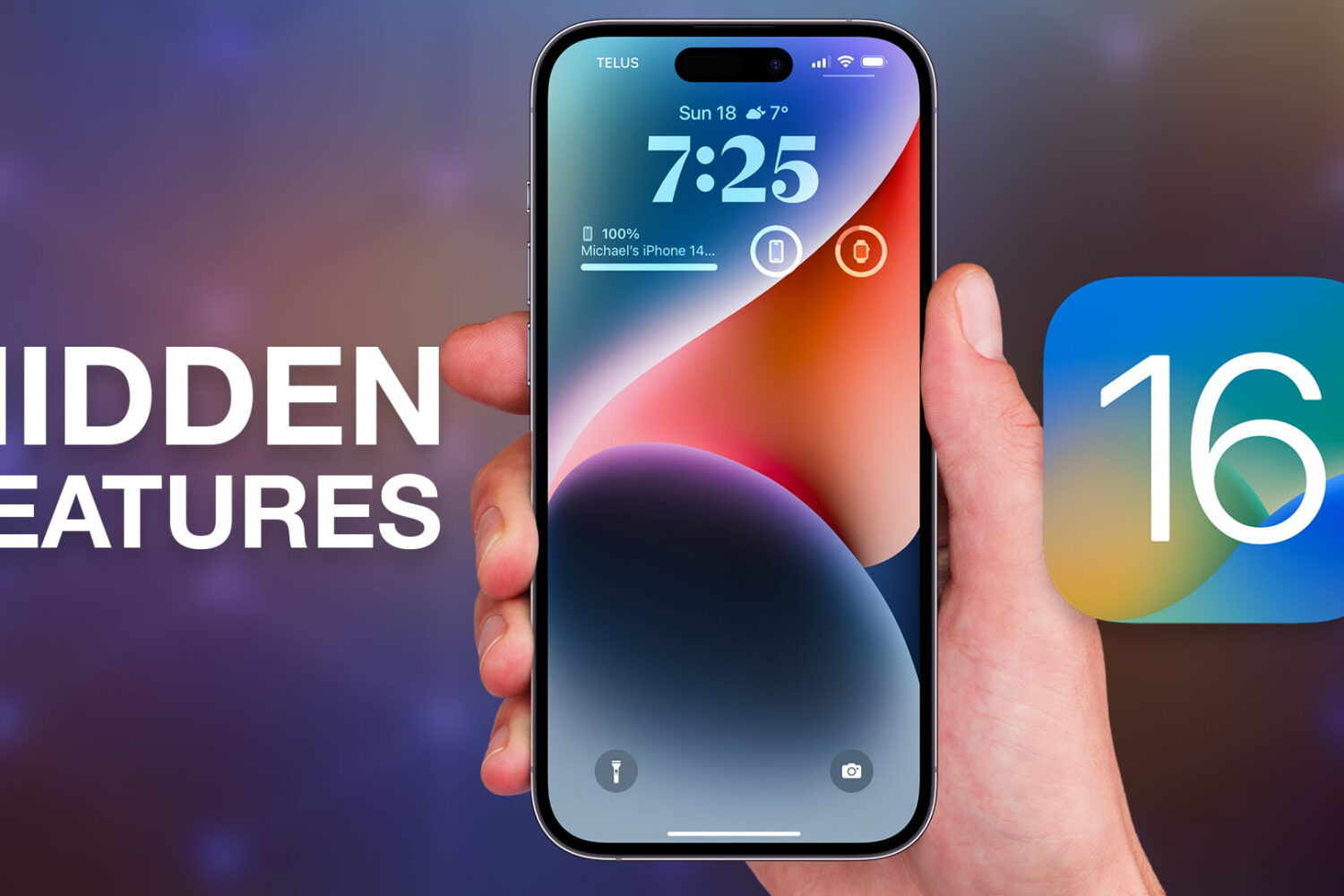
We've compiled a list of almost a dozen little things, tricks and secret iPhone features in iOS 16 that will make you the absolute star of any tech party.
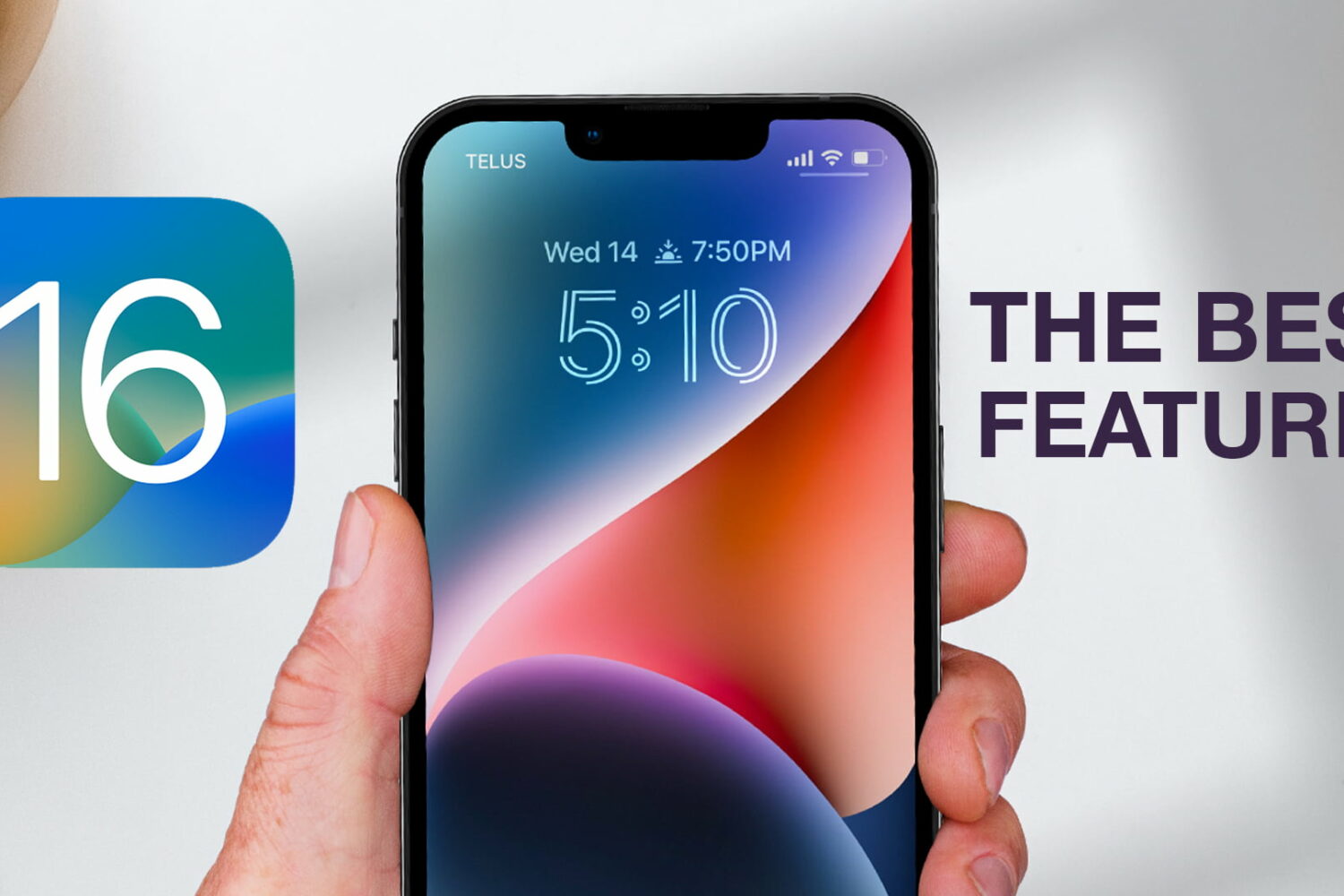
Watch our new hands-on video, or read our walkthrough showcasing 21 cool iOS 16 features that we think everyone should be using to make the most of their iPhone.
Google wants to discourage people from cross-posting YouTube shorts to TikTok by automatically adding a watermark to their downloaded videos.
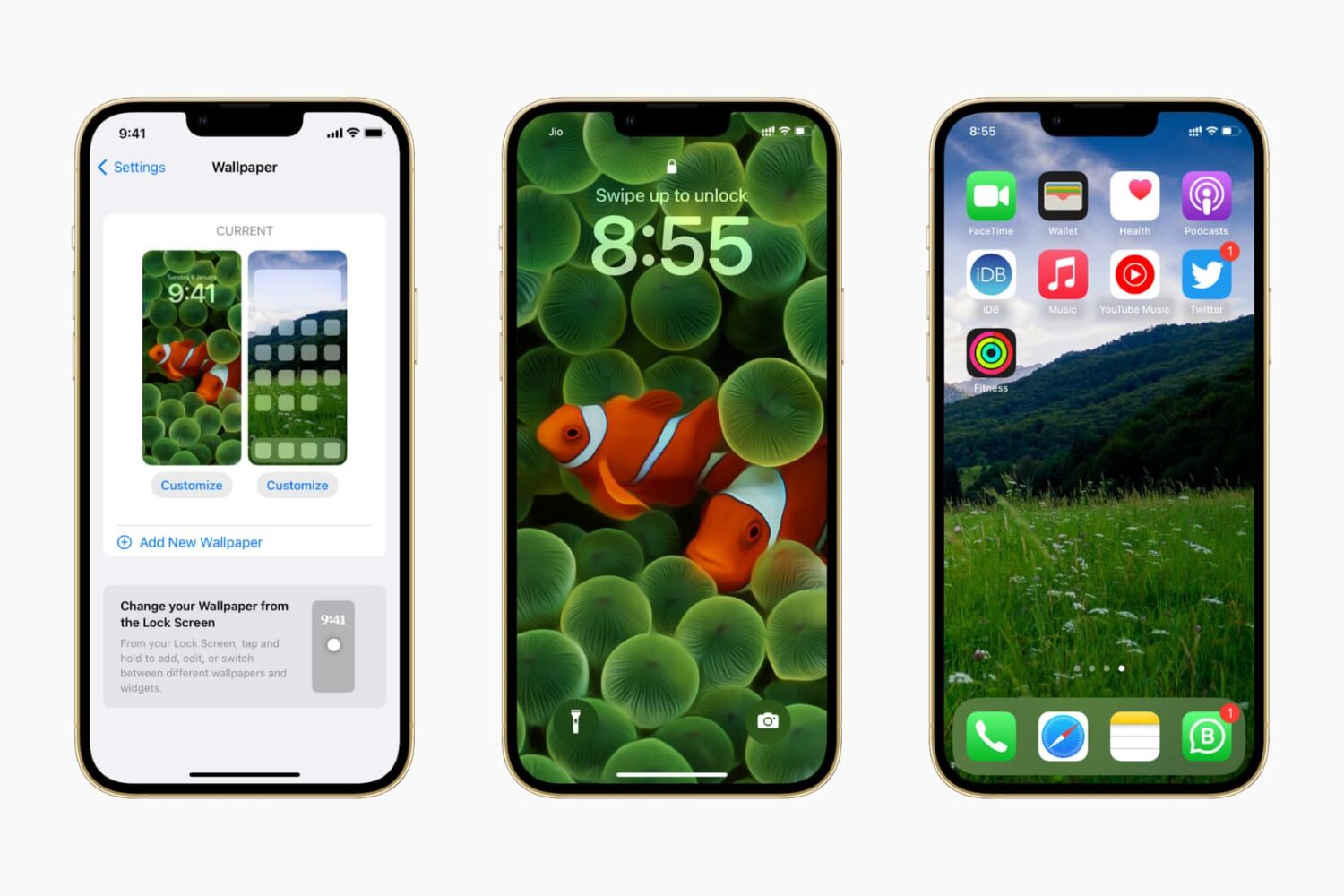
In this guide, we show you where to find some of the very best iPhone wallpapers and other backdrops for your Apple devices for free.
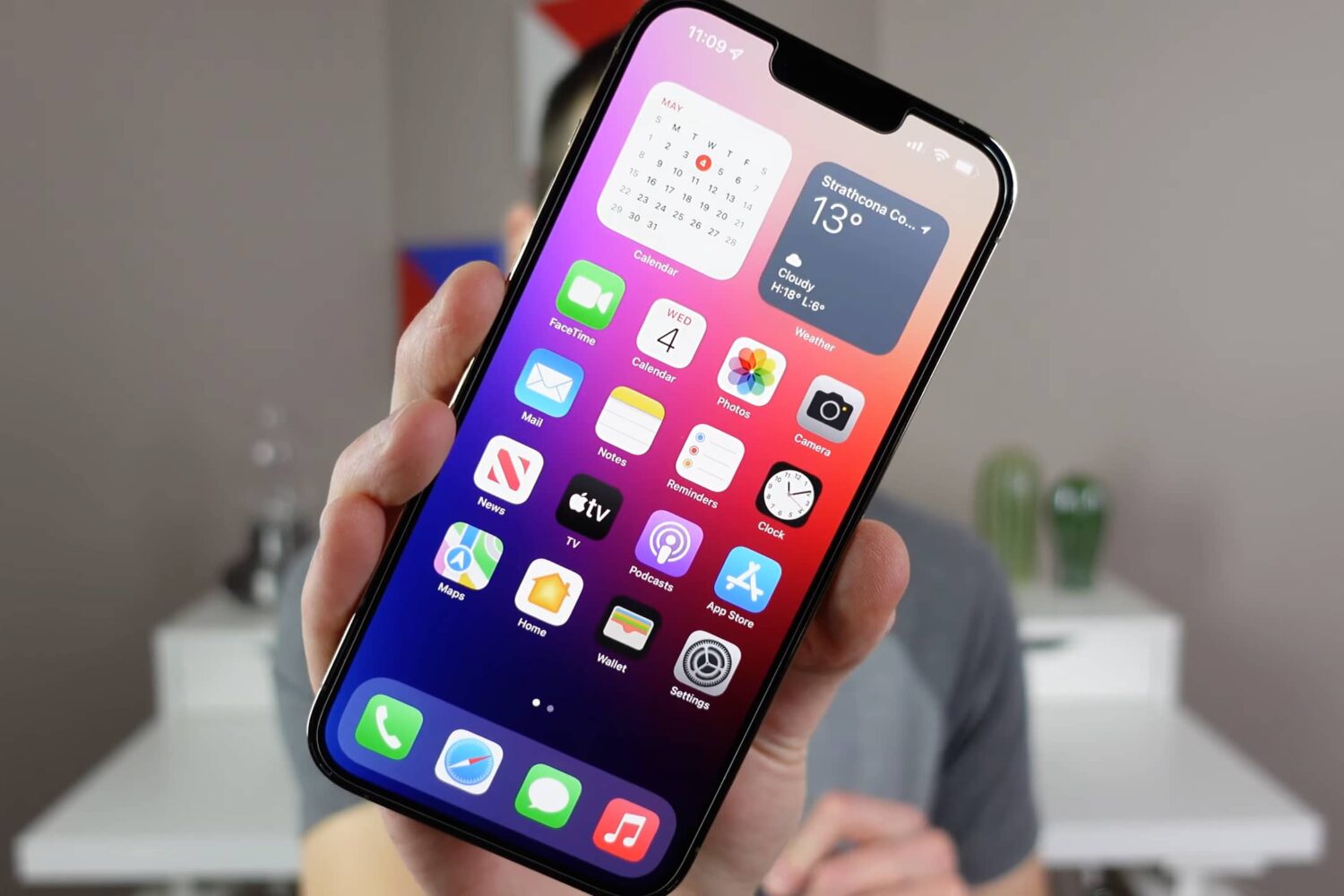
Watch and read these tips and tricks to learn about hidden or lesser-known features that help you make the most of your iPhone.
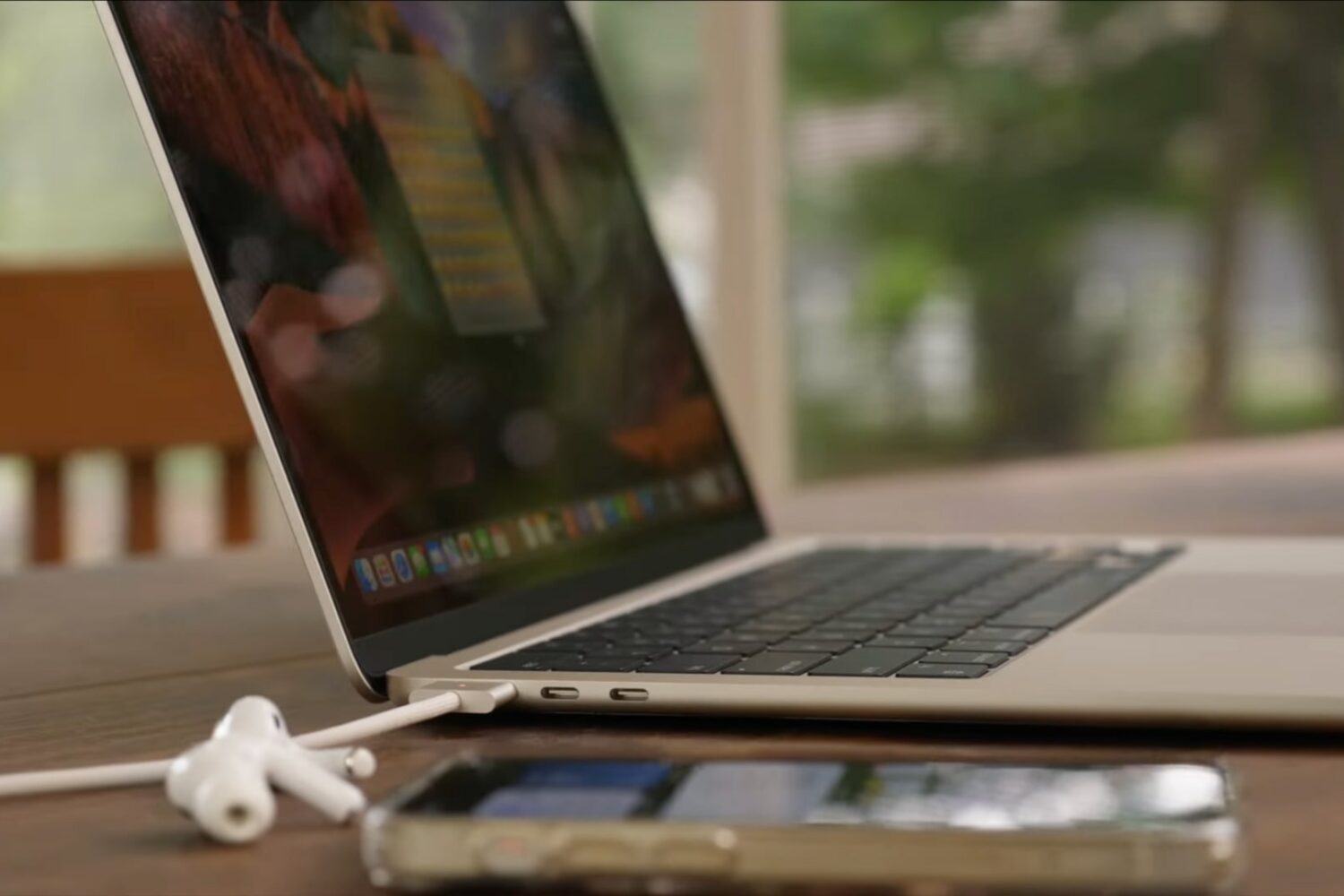
Watch our M2 MacBook Air tips and tricks video to learn how to set up your new Apple notebook, install apps, pick a power adapter for fast-charging and more.
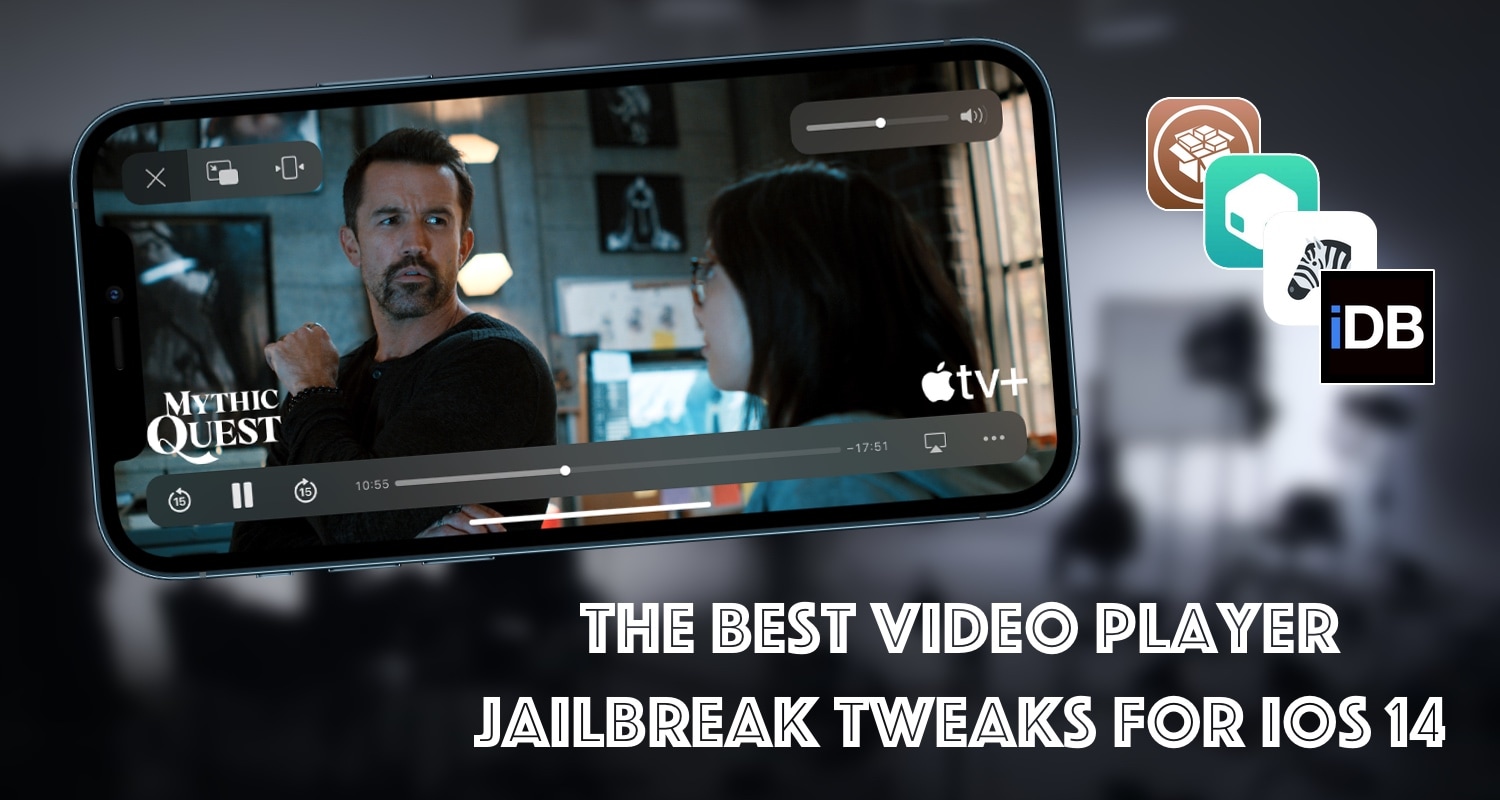
Among some of my favorite activities to do on my iPhone when I’m bored and trying to pass time is watch videos. My hardline video consumption in these moments has exposed a myriad of pitfalls with the native iOS video player, many of which are remediable by way of jailbreak tweaks.
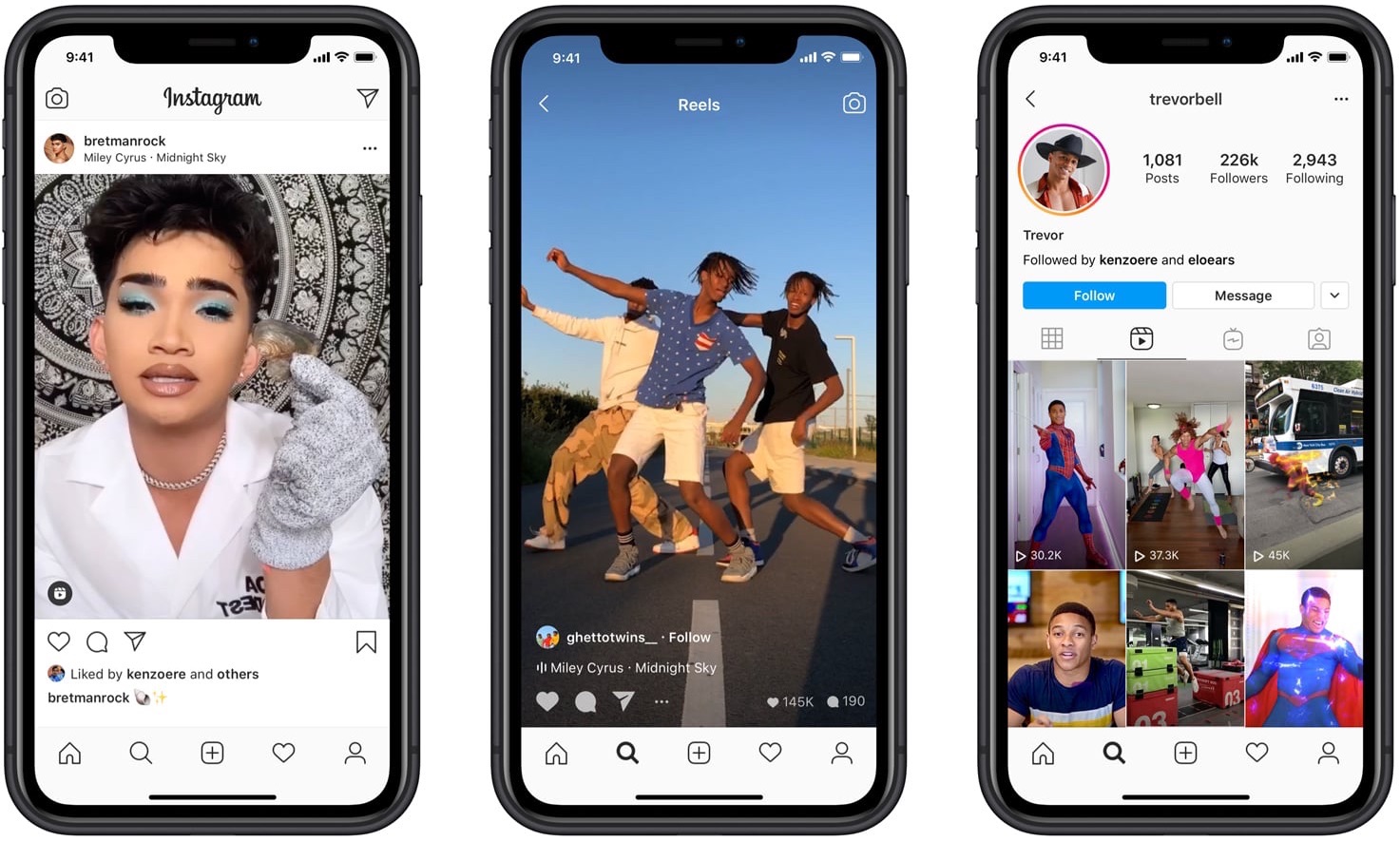
As Meta's photo-sharing app continues to relentlessly copy TikTok's approach to video, its leader justifies pivoting away from Instagram's photo roots.
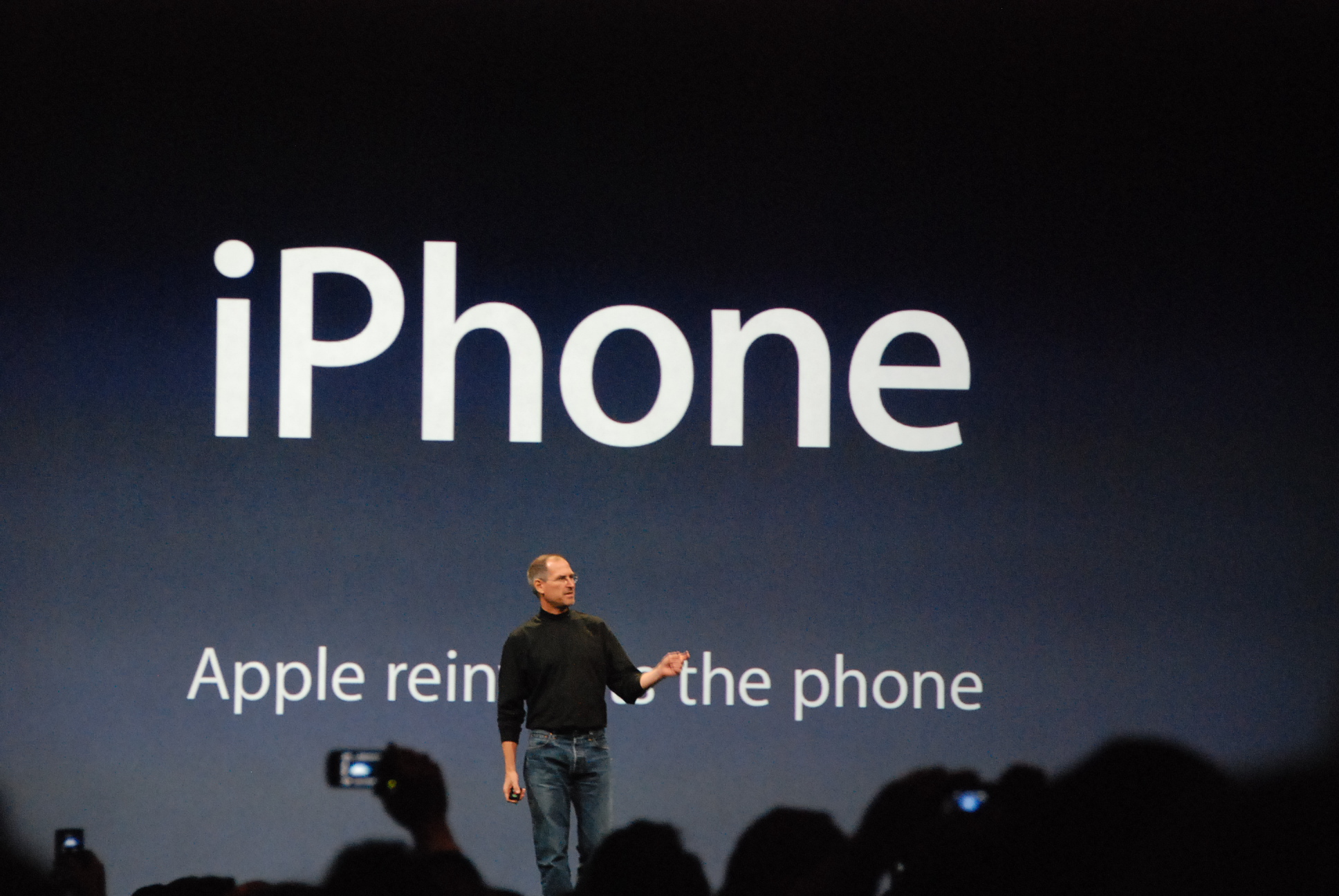
In this video, we cover five compelling reasons why any Apple user should stick with their iPhone instead of switching to an Android-powered smartphone.
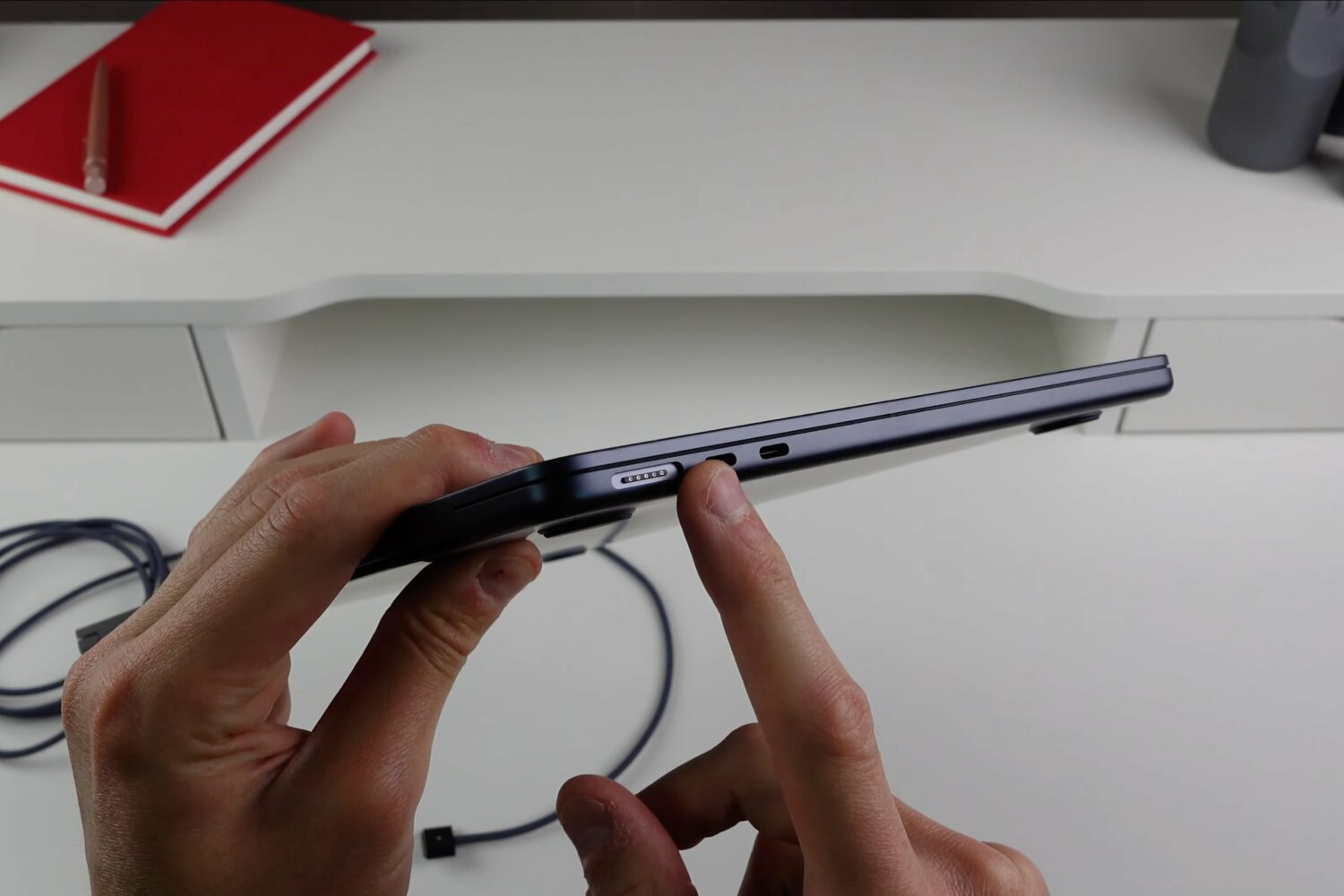
Check out five significant hardware improvements you'll be enjoying if you buy Apple's M2 MacBook Air laptop, and why you should avoid the base $1199 model.
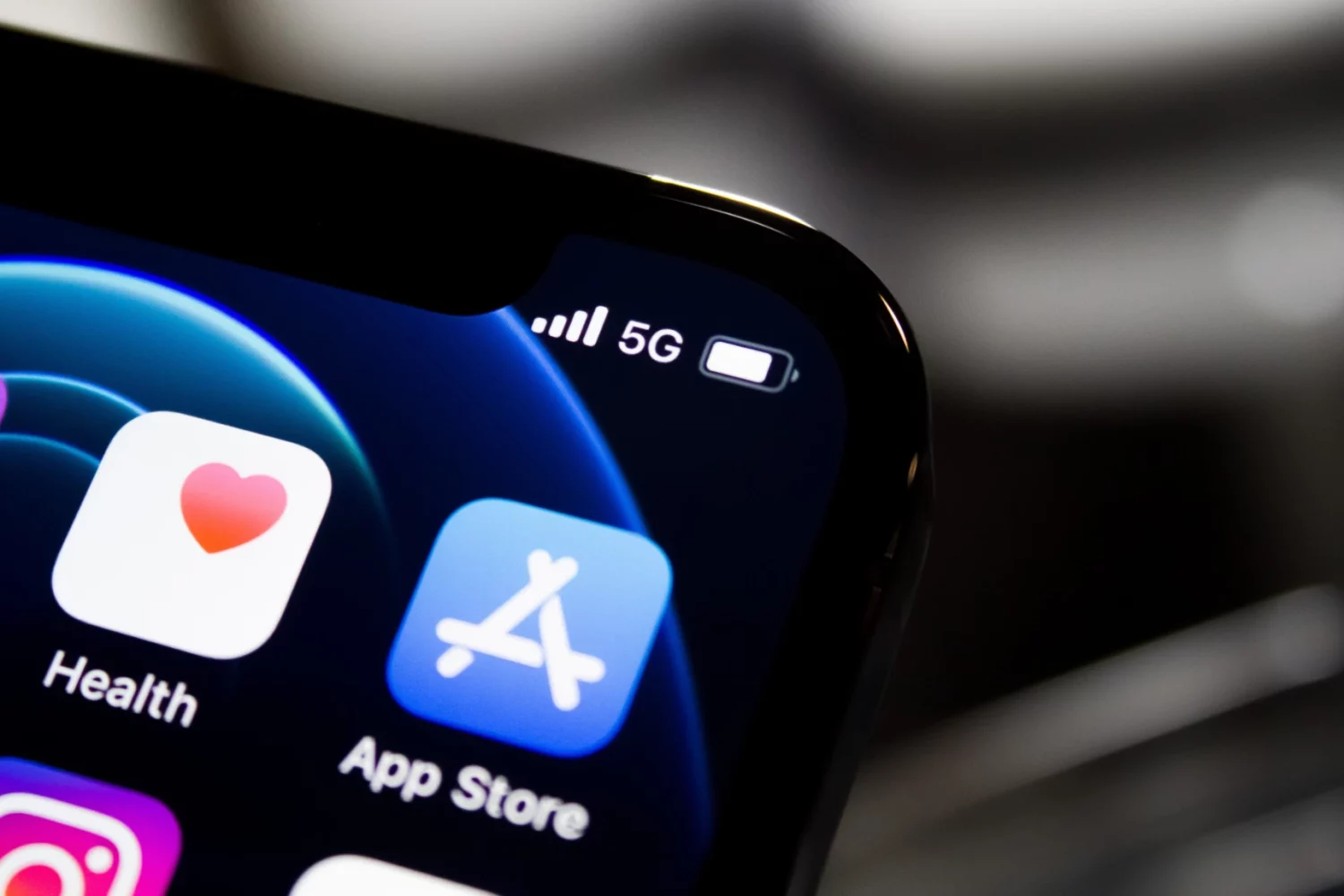
Watch this video for a quick overview of six iPhone apps we think everyone should use. These are also some of the best apps for Apple's platforms.
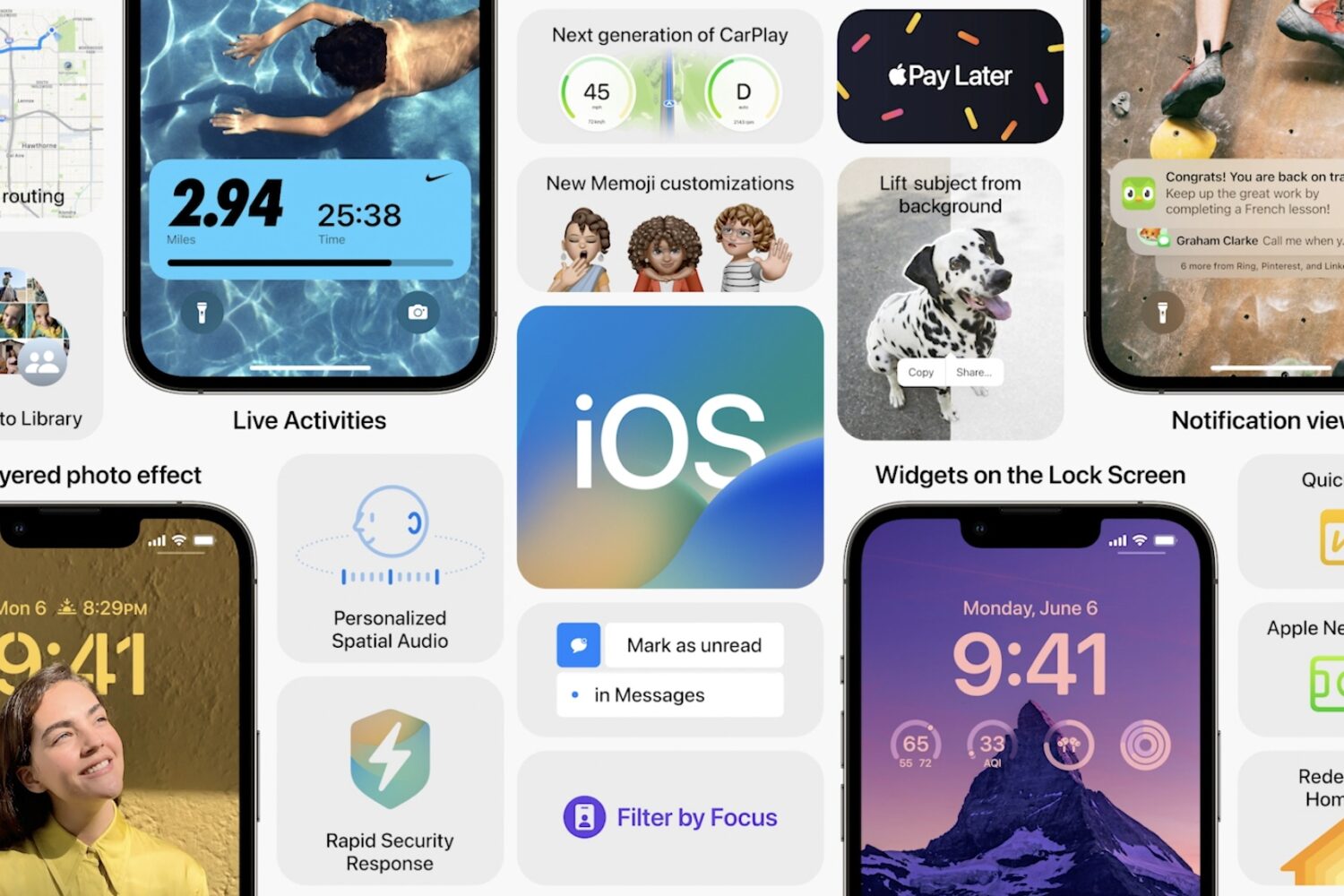
Check out some pretty cool—and underrated—iPhone features in iOS that will surprise and delight you. Grab your iPhone and follow along with our video!