UI

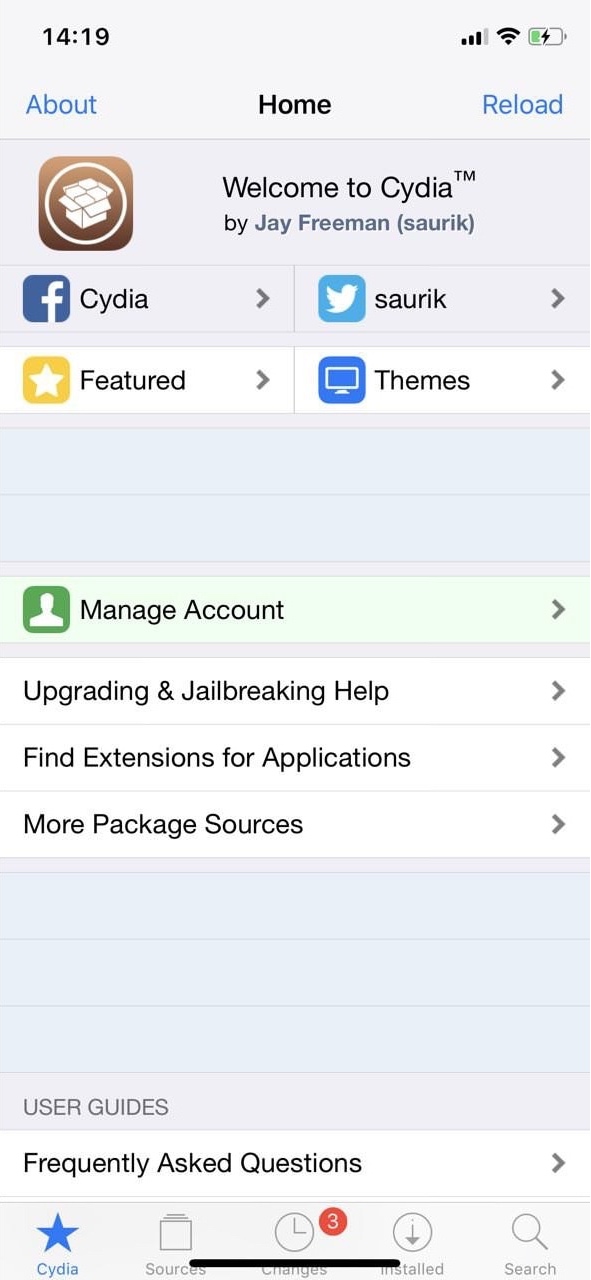
Mypomonella modifies the appearance and behavior of Cydia

Out of all the things you can change on a jailbroken iPhone or iPad, it’s easy to forget that you can also customize the Cydia app itself. Fortunately, this little-known fact didn’t slip the mind of iOS developer CydiaGeek.

His latest jailbreak tweak release, dubbed Mypomonella, lets you modify various aspects and behaviors of the Cydia app until you’re satisfied.
Customize text color and more throughout iOS with LegiBilly

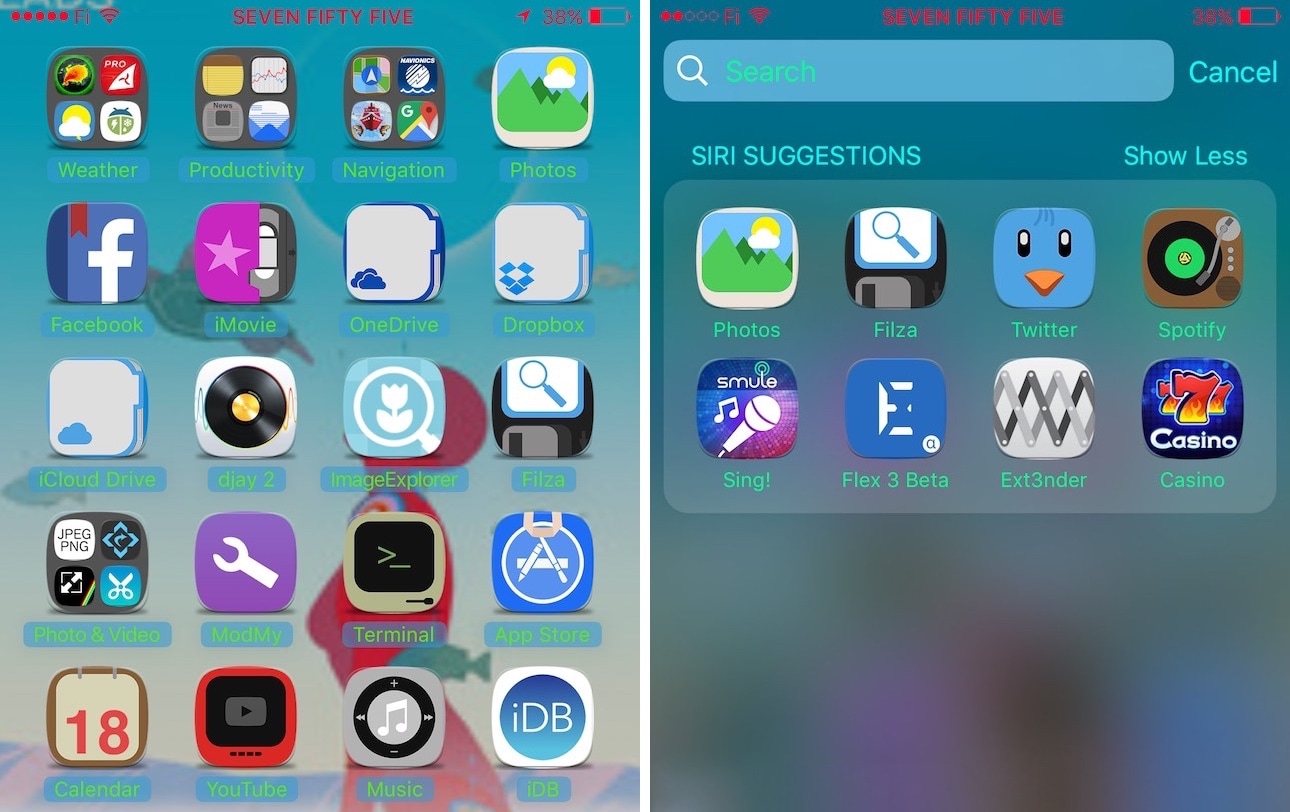
One of the primary reasons we jailbreak our devices is to customize how the operating system looks, and a new free jailbreak tweak called LegiBilly by iOS developer i0s_tweak3r holds true to those roots.

LegiBilly lets you add a splash of color to virtually any label or text color throughout iOS, including what you might find on the Home screen, Lock screen, and Status Bar, among others.

Colorize your iPhone’s Quick Action menus with SB3DTouchColor

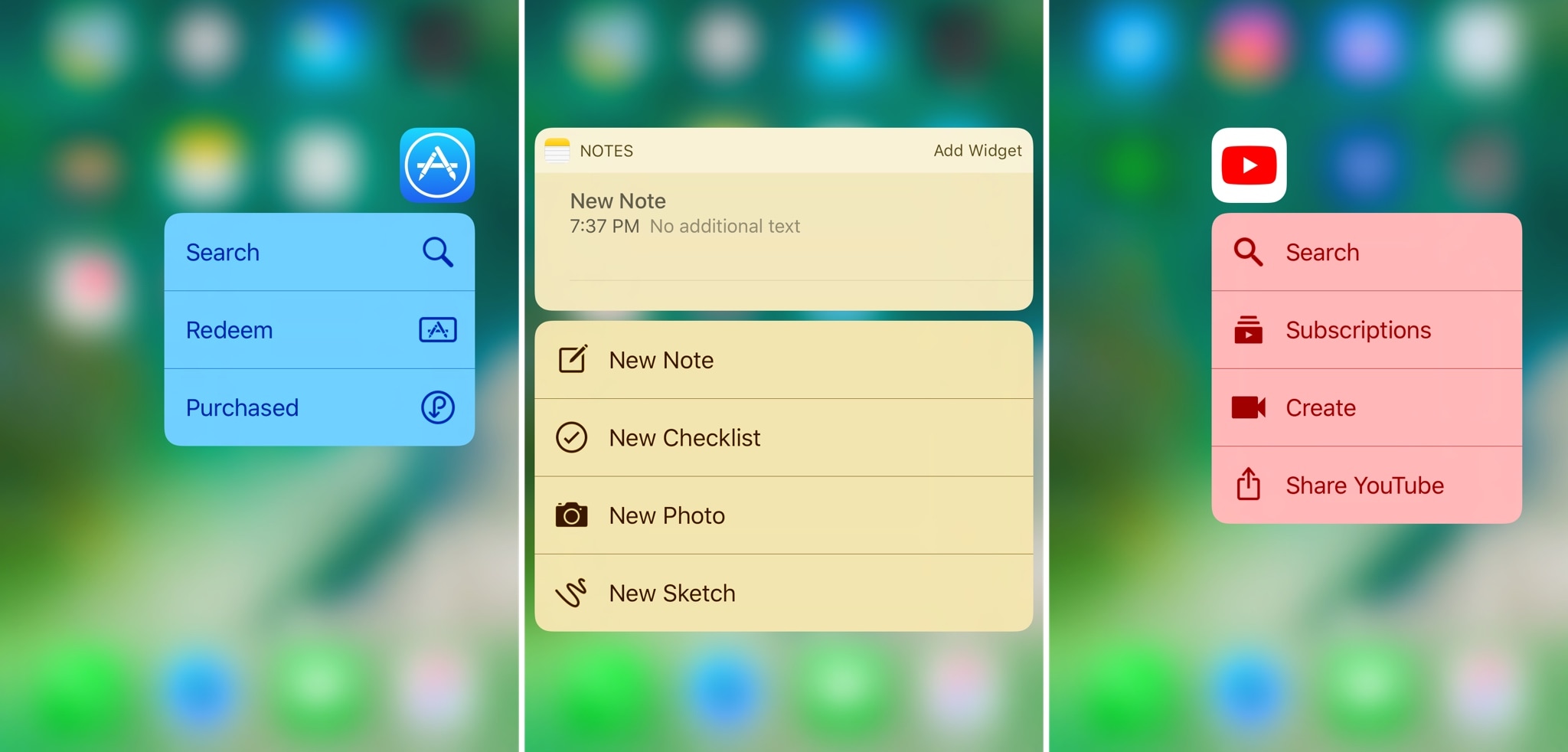
Anyone with an iPhone 6s or newer can use 3D Touch gestures on their Home screen icons to access Quick Action menus with various app shortcuts. As useful as they can be, these menus can look incredibly bland on stock devices.

A new free jailbreak tweak called SB3DTouchColor by iOS developer Cole Cabral improves the aesthetic of these menus. It does so by colorizing them to match the dominant color of the respective app icon.

Customize your Lock screen’s charging text string with PersonalEcate

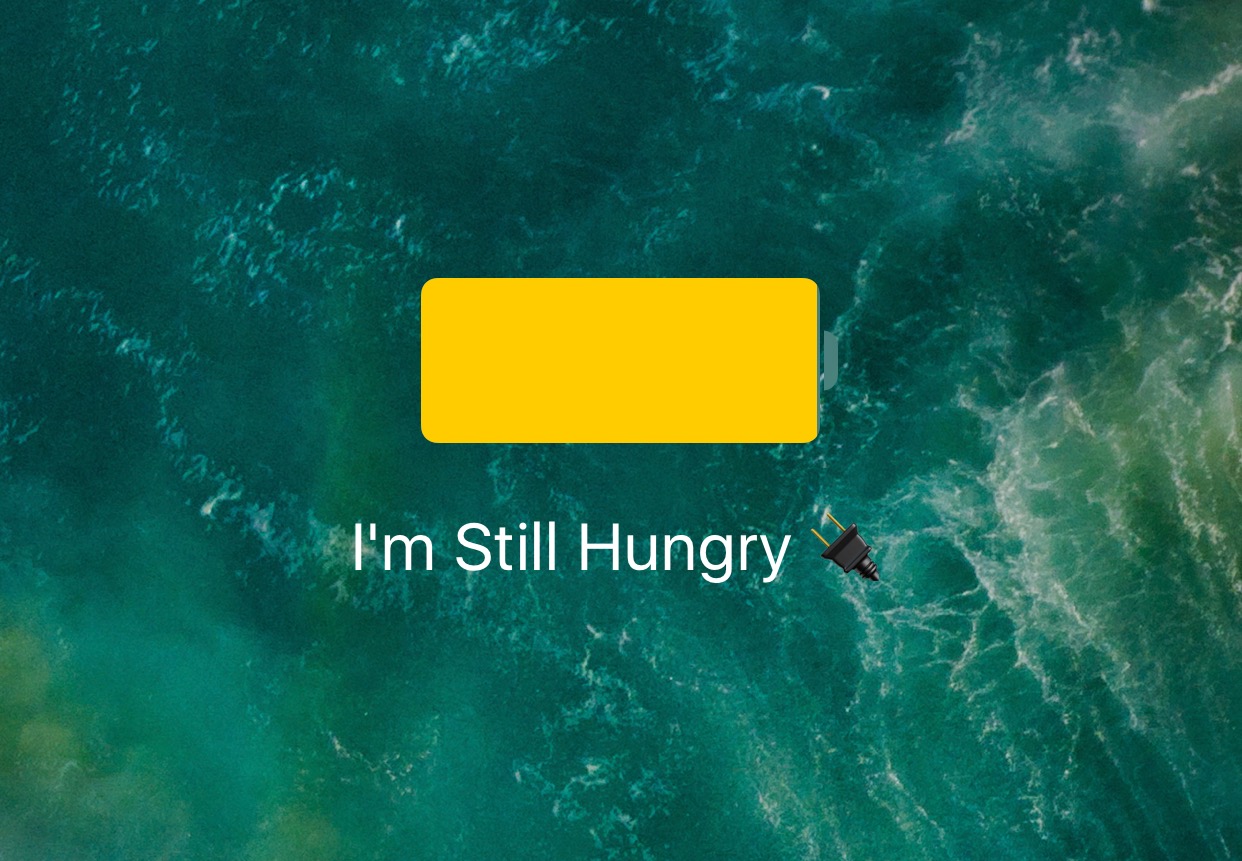
Any time you plug your locked iPhone or iPad into a power source, the screen lights up with an over-sized battery indicator that gives you a brief summary and visual representation of your remaining percentage.

With a new free jailbreak tweak dubbed PersonalEcate by iOS developer CydiaGeek, you can customize the string of text that typically appears underneath the battery indicator icon.

Last Drops 10 lets you bypass your iPhone’s auto-shutdown at critical battery levels

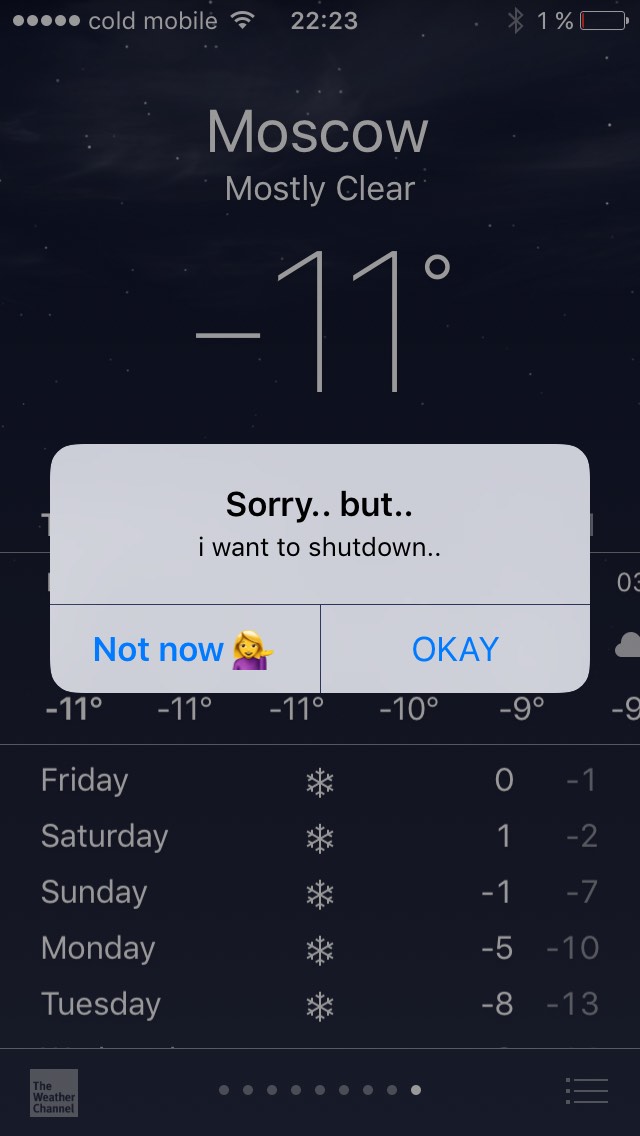
Apple pre-configures iPhones to automatically shut down when the battery level dips below a certain percentage, but many users find this feature more interruptive and bothersome than It’s worth.

With a new free jailbreak tweak called Last Drops 10 by iOS developer Ilia Kambarov, you can make use of every ounce of power stored in your battery; even during those critical moments when your battery hovers around ~1%.

See more incoming notification content at a glance with MoreLinesNotifications

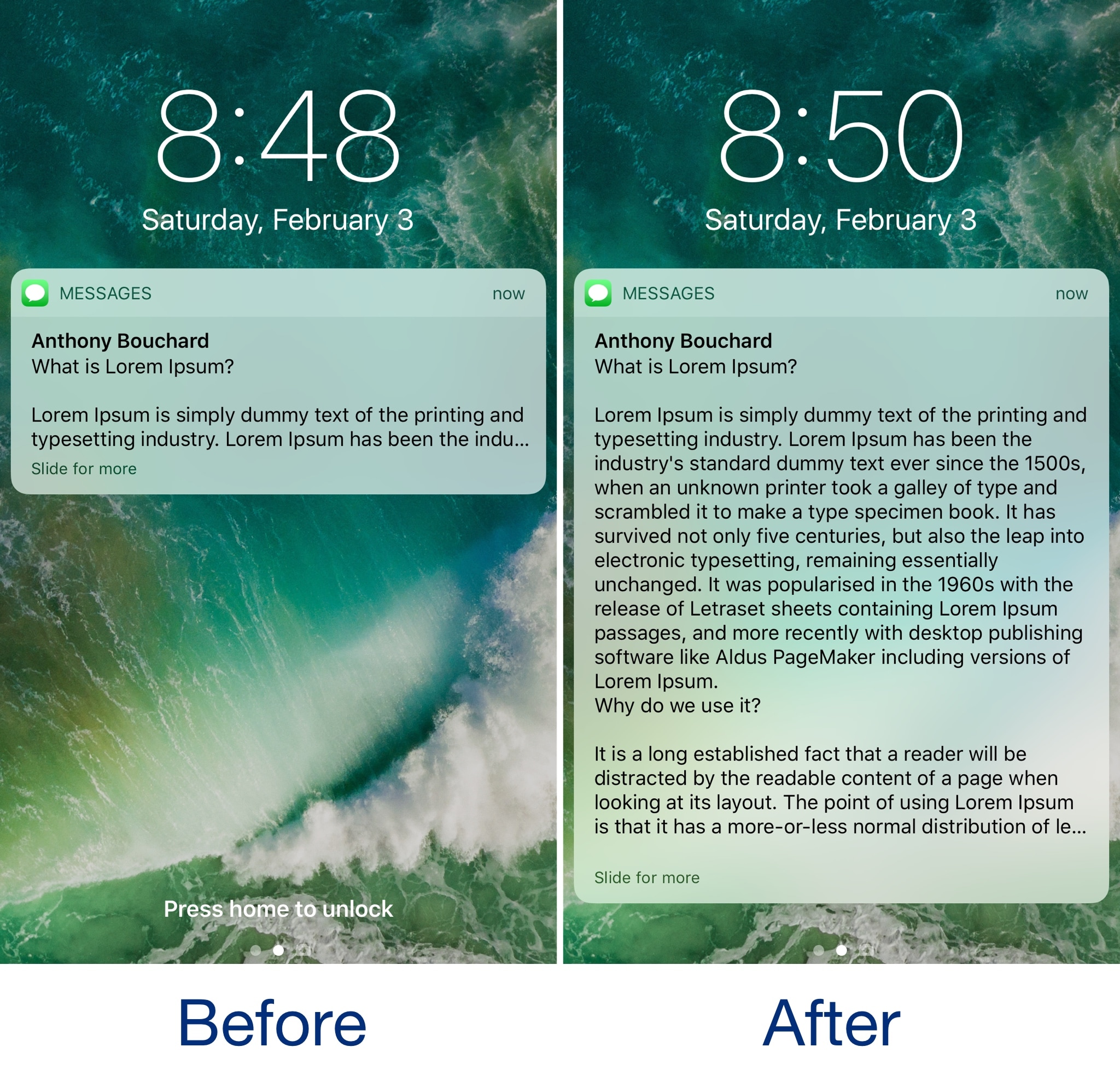
Whenever you receive long text messages or emails, iOS automatically limits the amount of text that displays inside of your incoming notifications. In most cases, this means unlocking your device to read the entire message rather than reading it from the Lock screen notification preview.

A new free jailbreak tweak called MoreLinesNotifications by iOS developer CydiaGeek tries to solve this problem by maximizing the amount of text that each incoming notification displays.

Customize the look and feel of your Dock with Marina

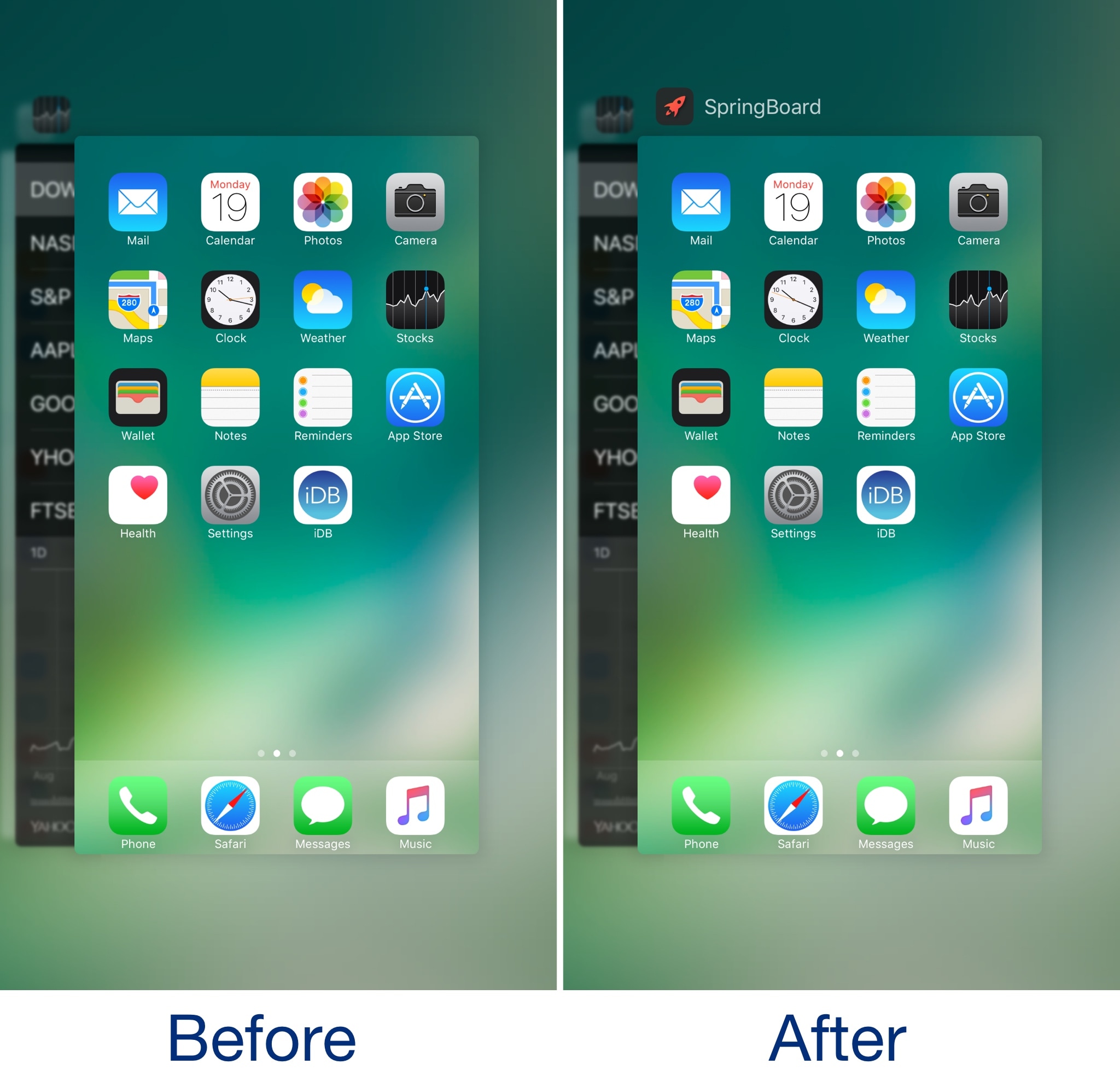
Customizing the application Dock has always been a favorite past-time for jailbreakers, and a new free tweak dubbed Marina by iOS developer CydiaGeek takes that notion into consideration.

Out of the box, Marina lets you customize the number of apps in your Dock and change how it displays on your Home Screen. Imbued with these abilities, you can make your dock both more functional and better-looking than it would be on a stock device.

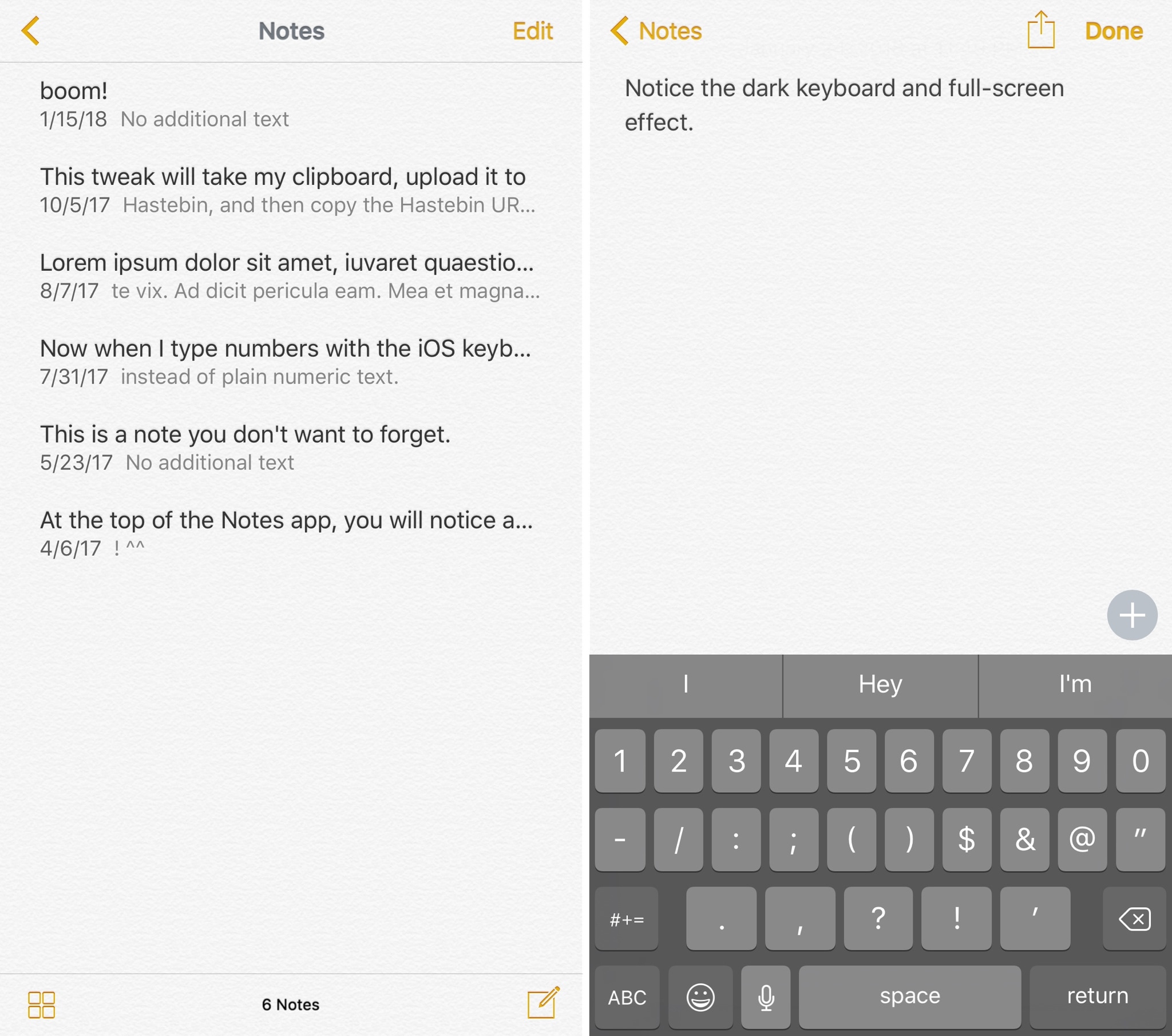
Personalize the stock Notes app with customizedNotes

One of the fundamental reasons people jailbreak their devices is being able to customize the look and feel of their device, and a new free jailbreak tweak called customizedNotes by iOS developer CydiaGeek lives up to that expectation.

Just as the name implies, customizedNotes lets you personalize iOS’ stock Notes app, allowing you to stand out from every other iPhone user out there.

PullToClear lets you clear pending notifications with a pull gesture

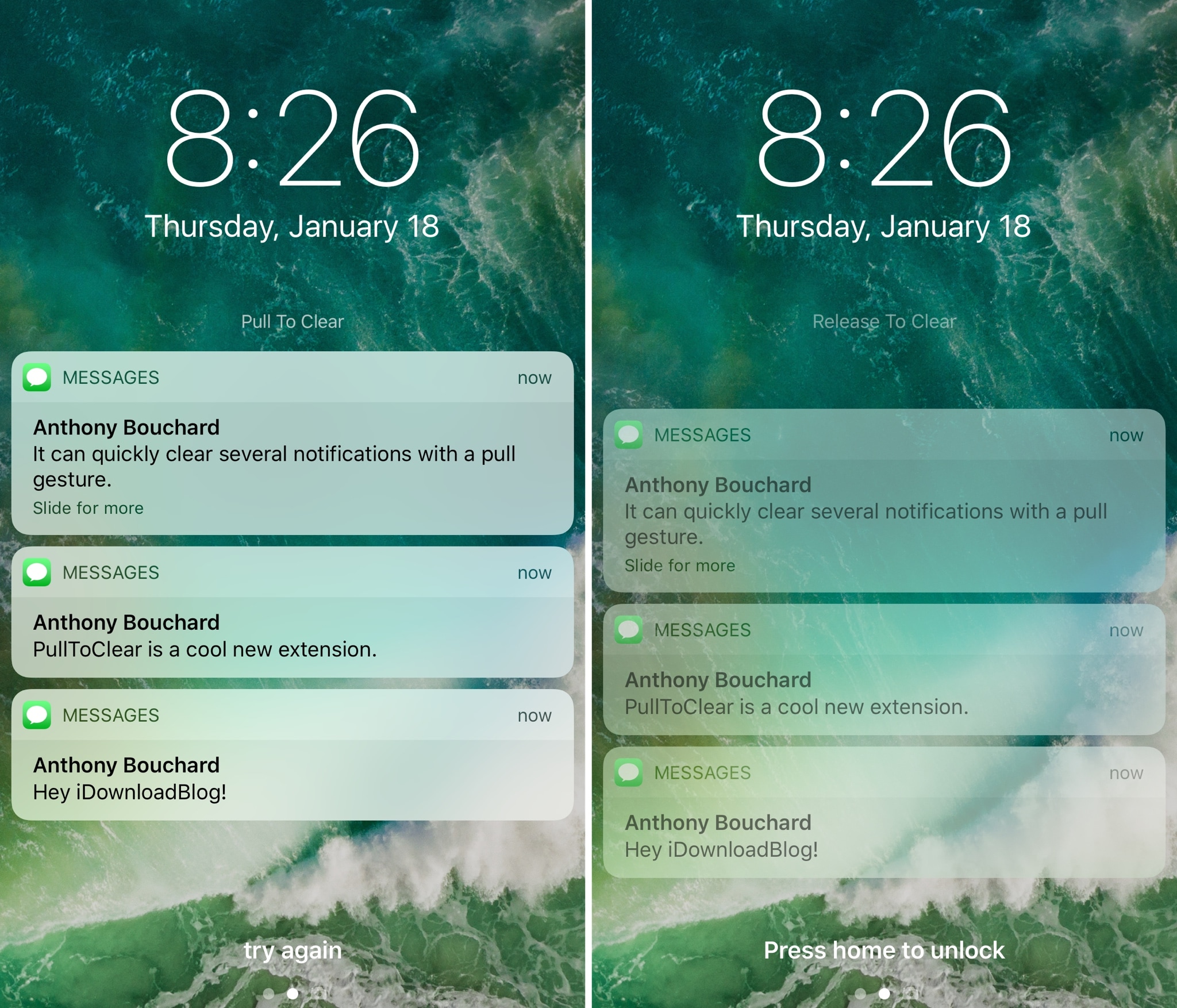
PullToClear is a new free jailbreak tweak by iOS developer CreatureSurvive that lets you quickly and effortlessly every unread notification from either Notification Center or the Lock screen.

Once installed, you can pull down from either interface to reveal the hidden “Pull To Clear” action, as shown above. Pulling down further reveals the “Release To Clear” action.

BatteryStatus revives the old school Bluetooth device battery indicator in the Status Bar

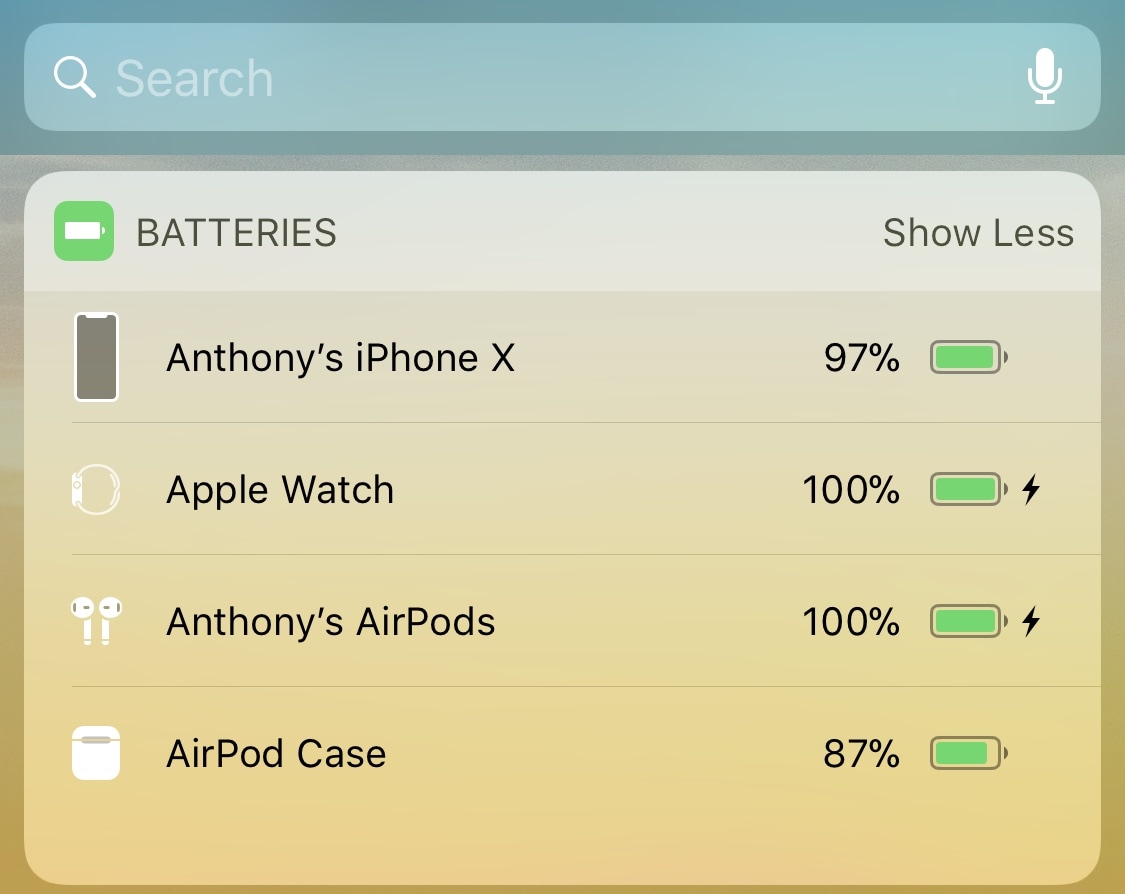
Numerous modern Bluetooth devices report their battery levels inside of the Batteries widget found in Notification Center and to the left of the Home screen and Lock screen. On the other hand, it didn’t always work that way; Bluetooth devices used to report their battery levels in the Status Bar before Apple created this widget.

Anyone feeling nostalgic for the older Status Bar-based battery level display might enjoy a new free jailbreak tweak called BatteryStatus by iOS developer ipad_kid, as it revives this fan-favorite feature on later iterations of iOS.

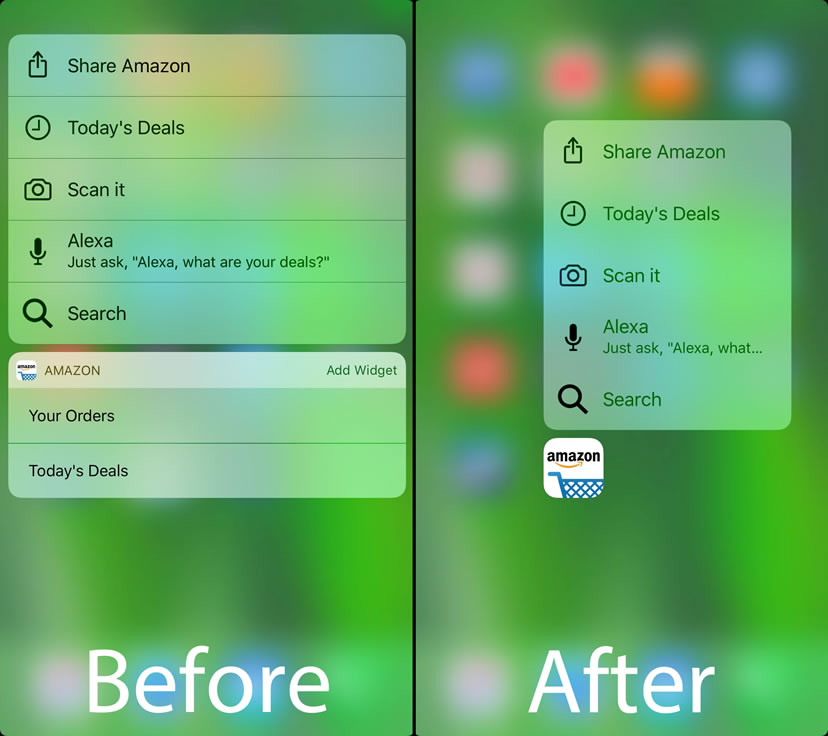
No3DTouchWidgets hides app widgets from iOS’ Quick Action menus

Quick Actions are the menus accessible from the Home screen with a 3D Touch gesture on any app icon (iPhone 6s or newer). They not only contain shortcuts to vital app functions but they sometimes host widgets that summarize information from that particular app.

While some enjoy these widgets, the same can’t be said for everyone. Unfortunately, Apple doesn’t provide a way to hide these widgets from the Quick Action menus, so a new free jailbreak tweak called No3DTouchWidgets by iOS developer DGh0st was born.