UI

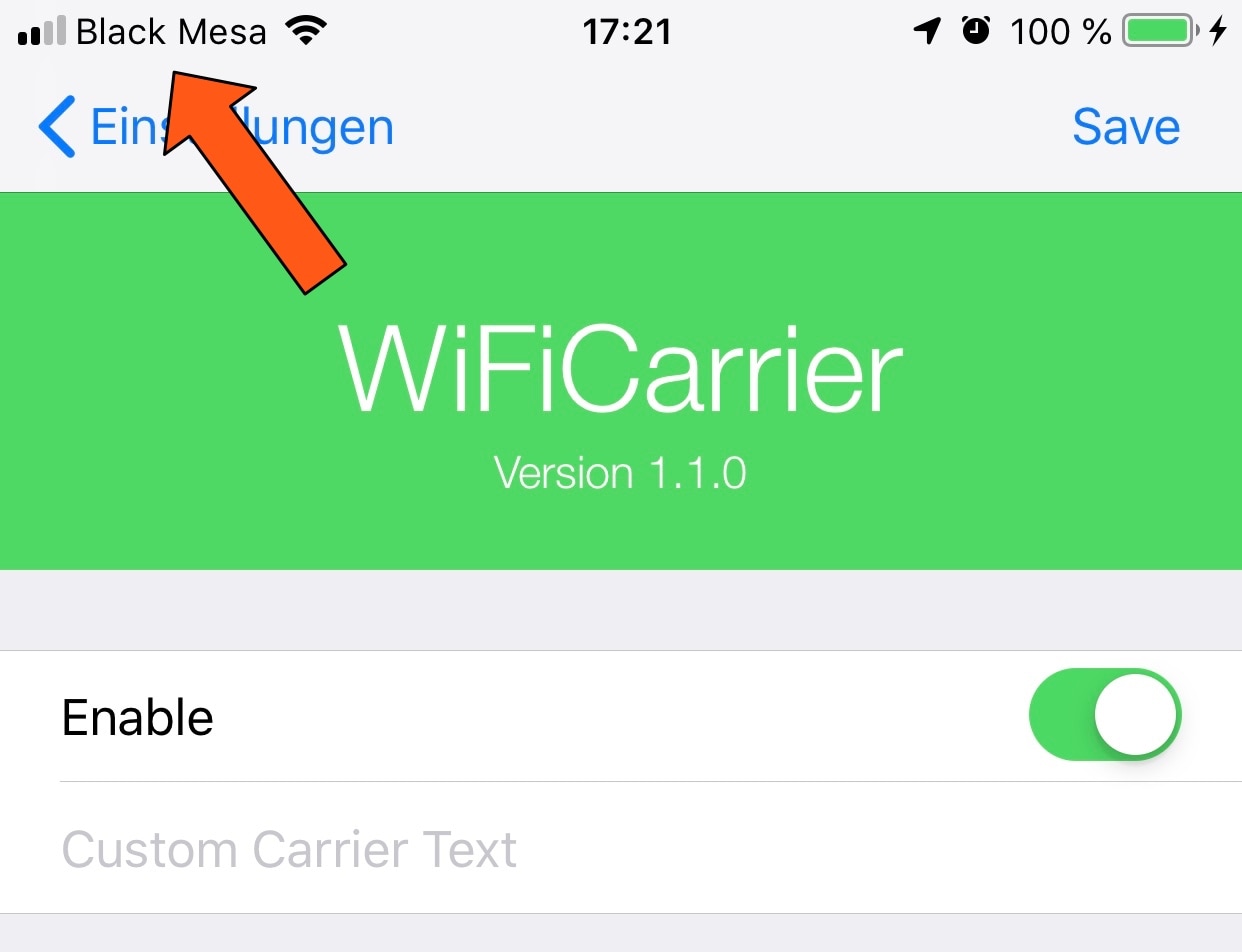
WiFiCarrier replaces the Status Bar’s carrier text with the Wi-Fi network name when connected to Wi-Fi

Your cellular carrier’s name appears in between the cellular signal strength indicator and Wi-Fi signal strength indicator in your iPhone’s Status Bar from the moment you activate your handset, but doesn’t it seem a bit weird to you that your Status Bar still displays the carrier’s name when you connect to a Wi-Fi network?

If you’re in agreeance, then you might enjoy a free jailbreak tweak called WiFiCarrier by iOS developer NoisyFlake, as it replaces the carrier’s name in your iPhone’s Status Bar with the SSID (network name) of your current Wi-Fi network whenever you’re connected to one.
Add a fresh coat of paint to Control Center with Magma

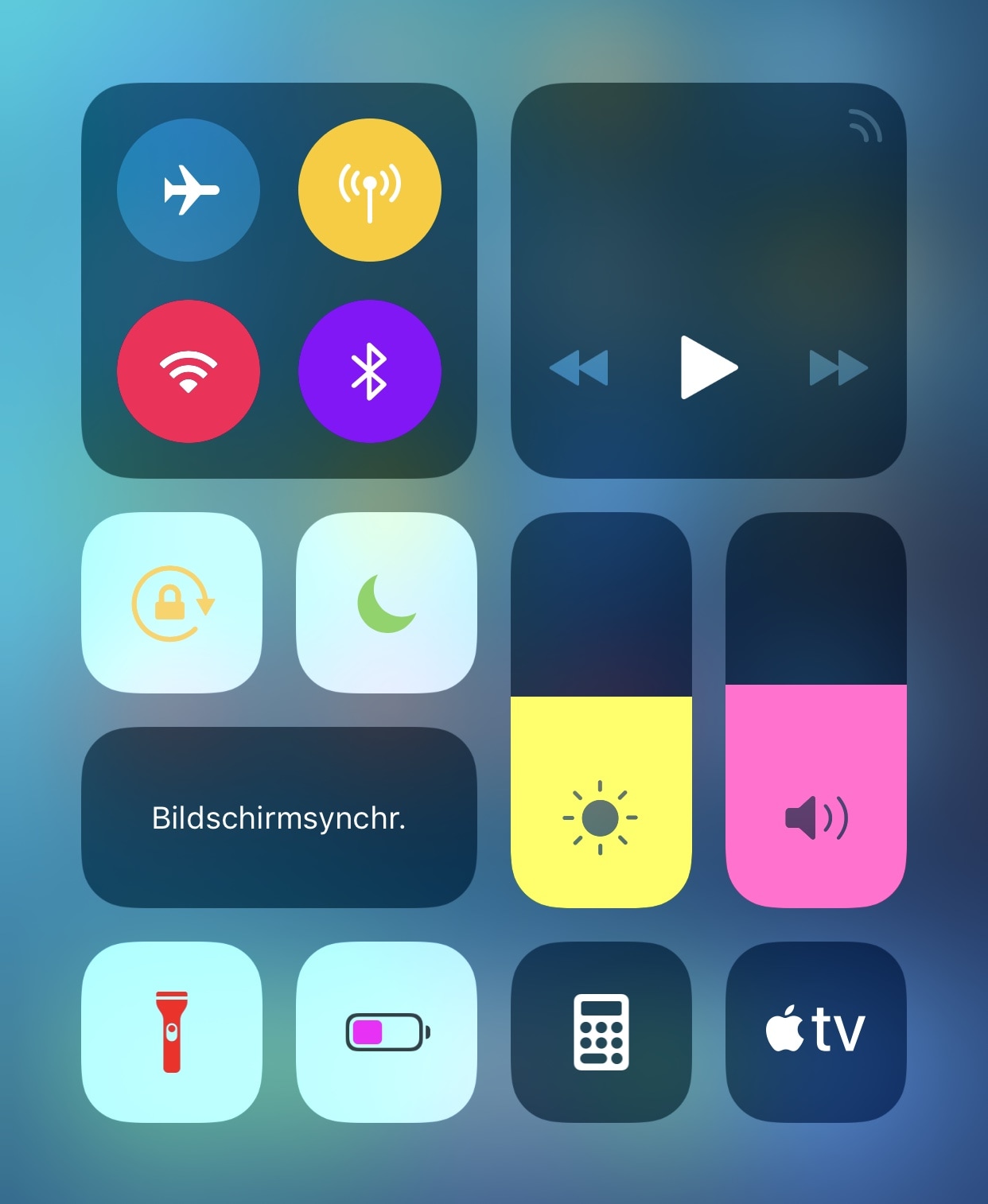
If you have a jailbroken iPhone or iPad in your possession and you haven’t yet started colorizing the user interface to stand out from all the other handsets out there, then you’re doing yourself an injustice.

Fortunately, a new free jailbreak tweak called Magma by iOS developer NoisyFlake can help you with this endeavor, as it lets you apply custom colors to the plethora of toggles and shortcuts that you use via the Control Center interface, as shown above.

ActionBar brings a modernized text-editing interface to the iOS keyboard

When typing on any iOS device, you can perform text editing-related actions by tapping and holding on a string of text. Among the options you’re presented with are “Cut,” “Copy,” and “Paste,” among others. This interface and the means of interaction hasn’t changed much over the years, and many would argue that it feels antiquated.

Given the circumstances, iOS developer RestiveConch has just released a new jailbreak tweak called ActionBar that breathes new life into the process of interacting with these actions by integrating them all into the keyboard interface itself, as shown above.

Augment your iPhone’s AirPods animation with AnimPods

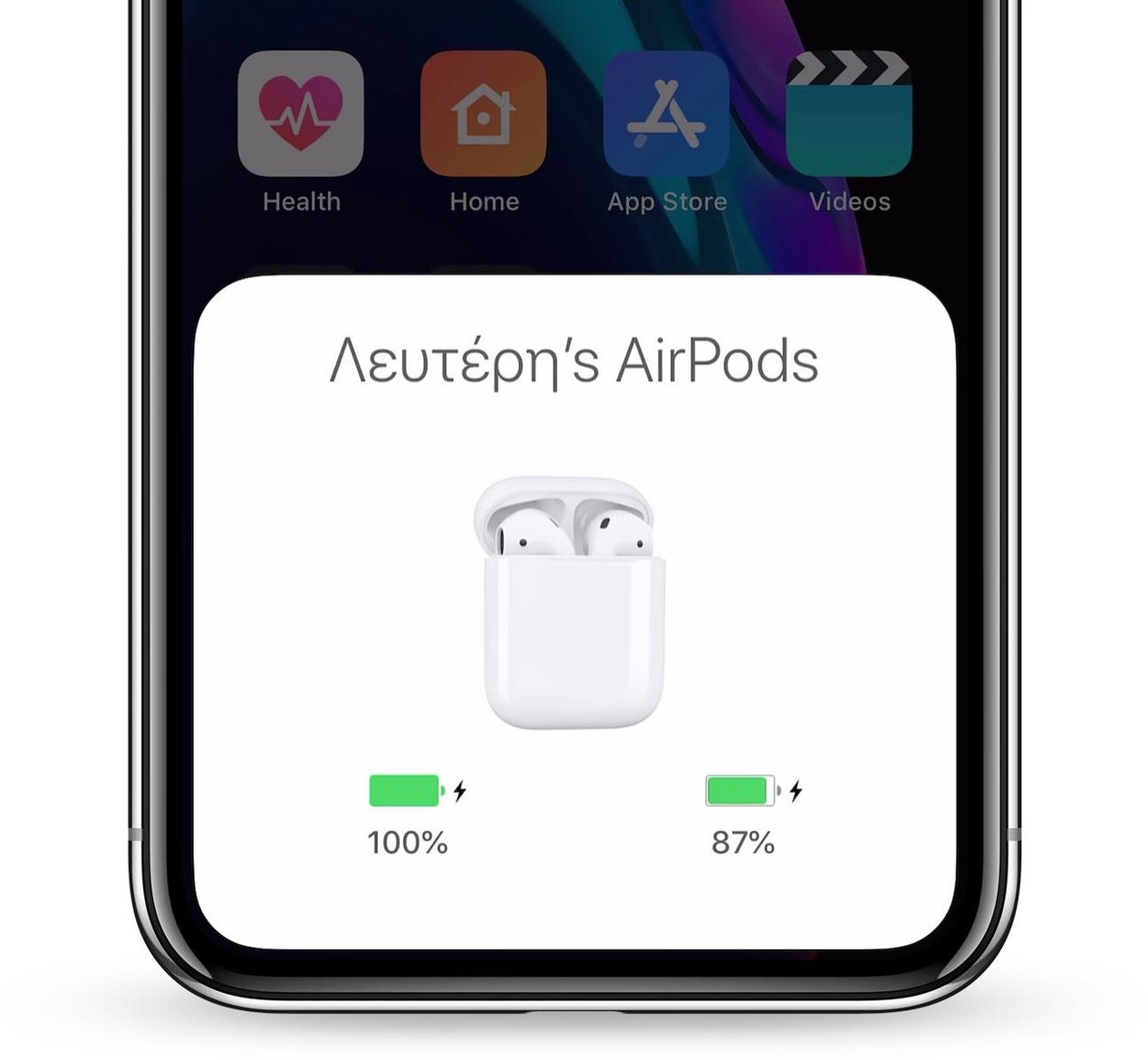
Apple’s iPhones and iPads display an exclusive animation when pairing a set of AirPods with the device, but after the pairing process is complete, day-to-day usage gets somewhat less exciting due to the lack of captivating animations.

Here to change that is a new jailbreak tweak release called AnimPods by iOS developer Lefteris Karkaletsis, which as the name implies, brings a sleeker and more mesmerizing animation to AirPods users during day-to-day usage.

Sleeper augments your iPhone’s native alarm interface with much-needed features

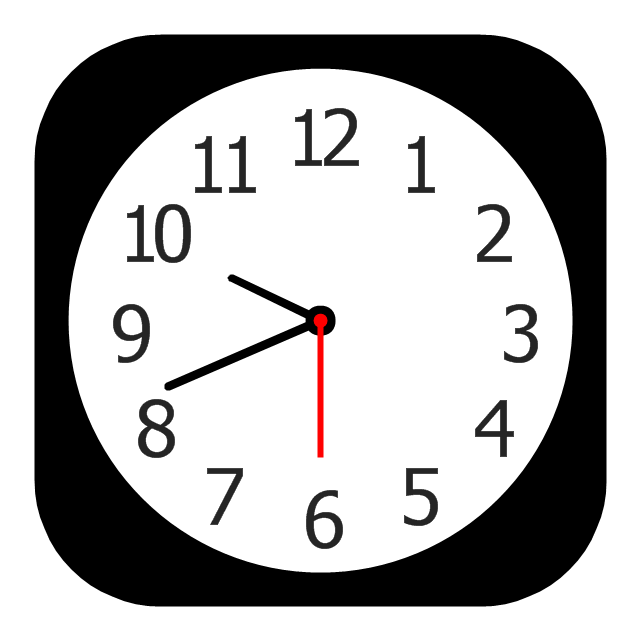
The alarm feature found in your iPhone’s native Clock app is particularly useful when you need to wake up at a specific time every morning, but it doesn’t take a rocket scientist to say that Apple could make iOS’ alarm interface a bit more intuitive.

iOS developer Joshua Seltzer recognized some of the inadequacies that are present in the iPhone’s native alarm interface, and to help combat those shortcomings, has just released a new jailbreak tweak called Sleeper in Cydia.

Maple brings the AirPower charging interface to your jailbroken iPhone

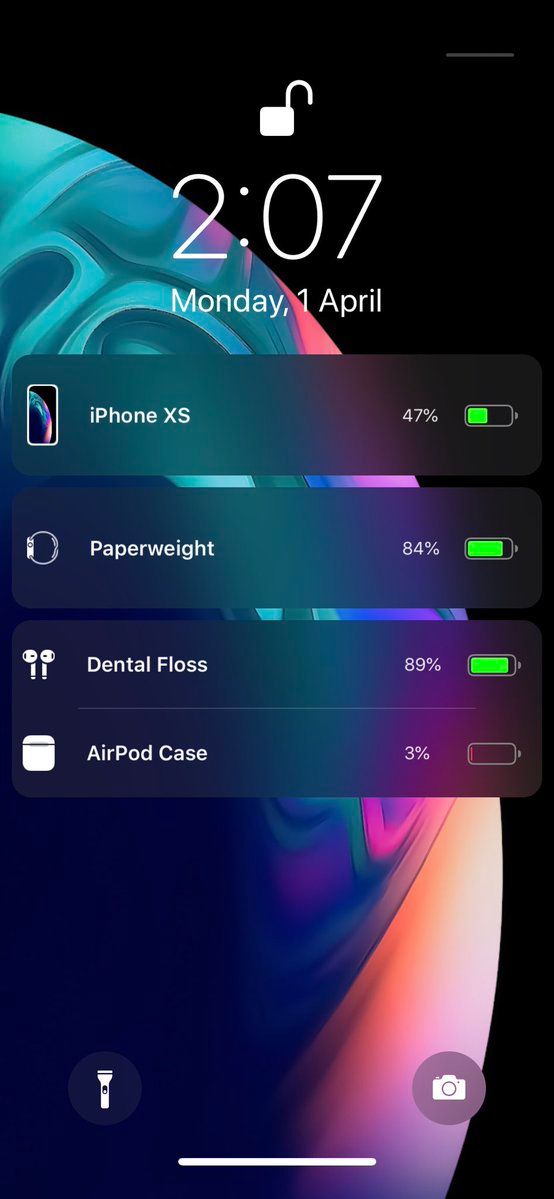
Apple may have officially canceled its AirPower concept due to manufacturing difficulties, but that doesn’t mean that jailbreakers can’t enjoy an AirPower-like experience when charging their multitude of Apple devices.

iOS developer LaughingQuoll has released Maple, a new jailbreak tweak that displays all actively-charging devices connected to your handset as individual AirPower-style banners on the Lock screen.

Roxanne lets you customize your jailbroken handset’s system sounds

Unless you live in silent mode all day, you should already know that your iPhone makes all sorts of different sounds as you perform certain actions like unlocking the device and typing on your keyboard. But don’t you ever wish you could customize those sounds to your liking?

With a new free jailbreak tweak called Roxanne by iOS developer iKilledAppl3, you can. This tweak brings a slew of options to the table for customizing the sounds of locking, unlocking, entering your passcode, typing, and opening/closing Home screen folders.

Disable burst mode in the iPhone’s Camera app with NoBurst

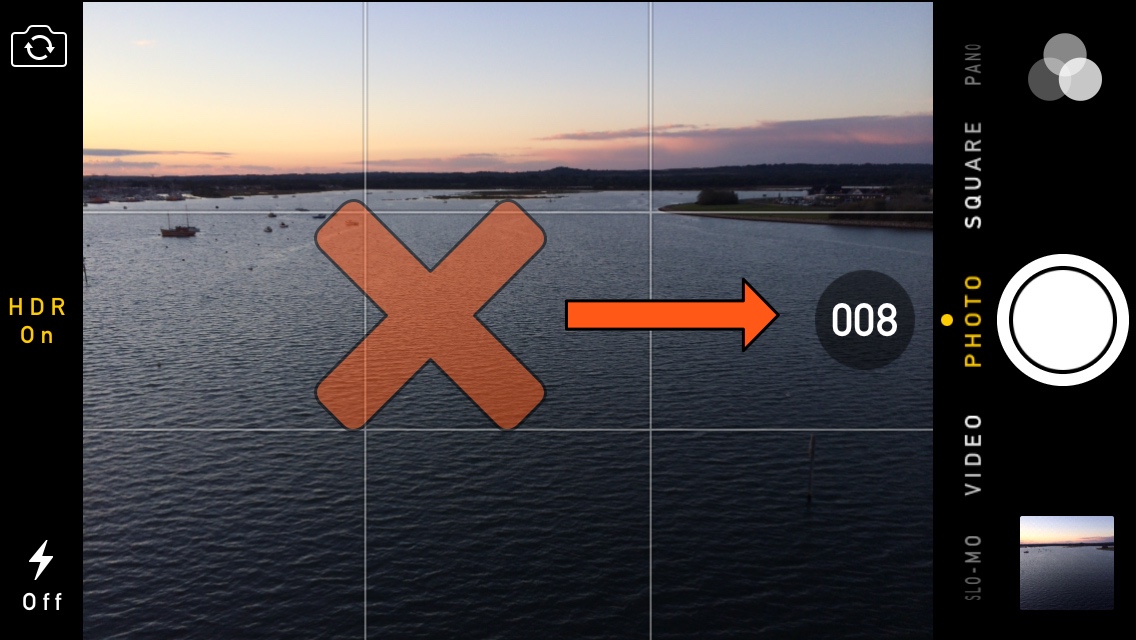
Your iPhone is more than a phone – it’s also a powerful point-and-shoot camera that comes out of the box with a ‘Burst Mode’ built-in that can capture a multitude of photographs in rapid succession.

Burst Mode can be incredibly useful, except when it’s not, and if you happen to find yourself accidentally burst-shooting your camera shutter more often than you’d like, then you may take a liking to a new free jailbreak tweak called NoBurst by iOS developer iCraze.

Jailbreakers with a Nomad Horween leather AirPods case should install this tweak ASAP

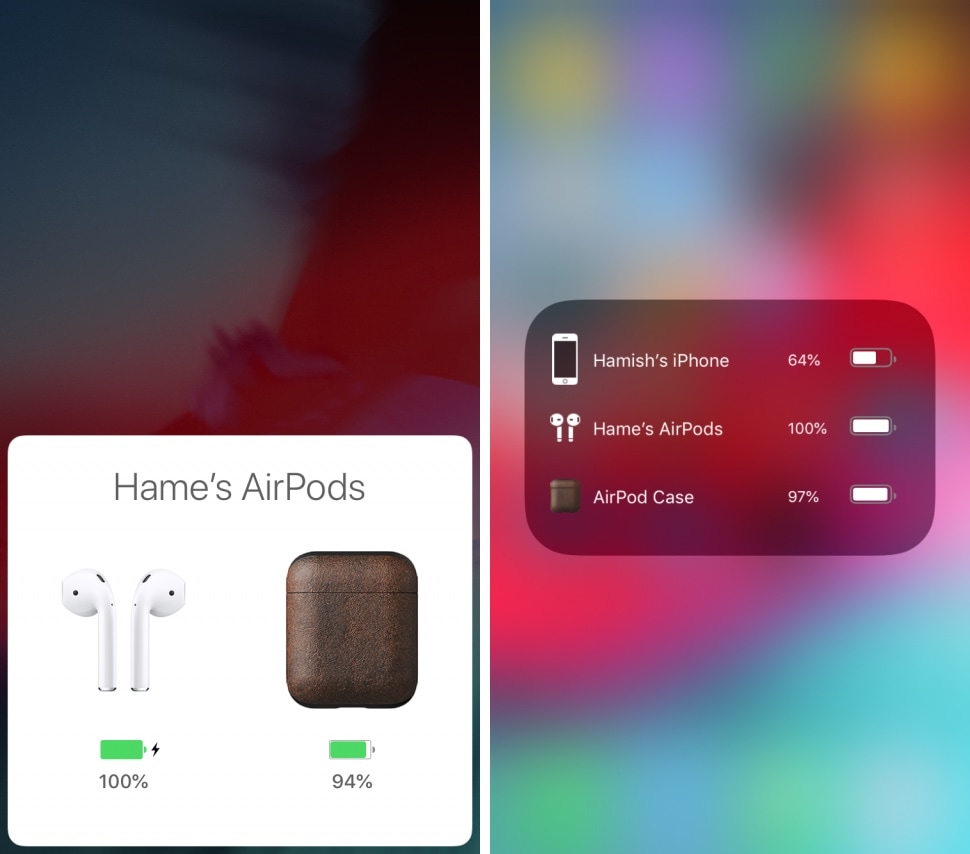
If you’re in possession of a jailbroken iPhone and you also have a pair of AirPods that are securely encased in one of Nomad’s luxury Horween leather cases, then this is your lucky week!

iOS developer sirhamsalot has just released a fun and quirky new jailbreak tweak called NomadPods that replaces the standard AirPods case icon in the AirPods Bluetooth HUD and in the Battery widget with something that more closely depicts Nomad’s Horween leather AirPods case instead.

MusicLocker prevents accidental taps and swipes on the Now Playing widget

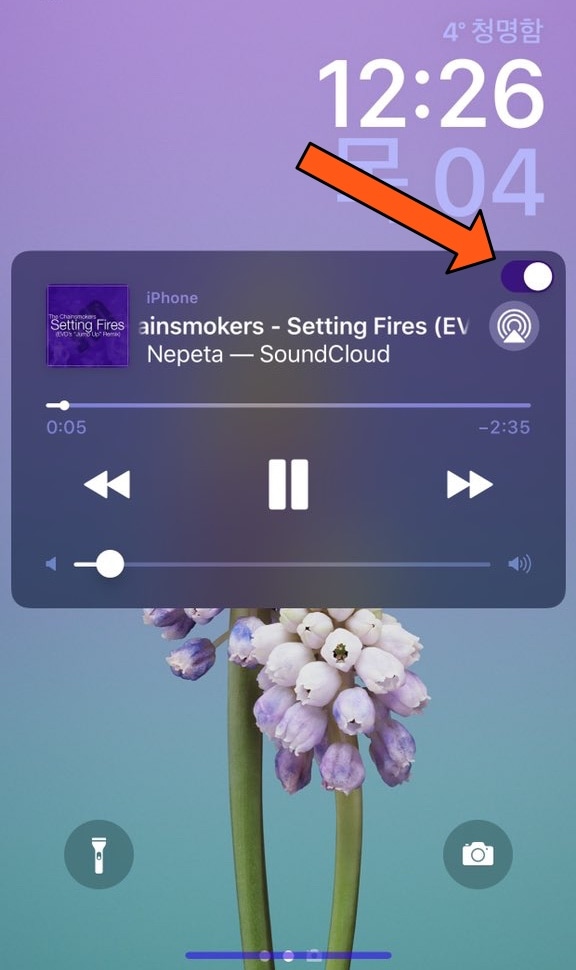
Whenever you listen to music on your iPhone or iPad, a Now Playing widget appears on the Lock screen so you can see a visual representation of the song’s information and interact with playback controls as needed. Unfortunately, having this widget on a touch screen interface tends to result in accidental actions, such as unwanted pausing, scrubbing, or skipping.

iOS developer PeterDev recognized this problem first-hand on a device of his own and created a new free jailbreak tweak called MusicLocker in an effort to solve the problem once and for all.

NewNowPlaying gives the Spotify app’s Now Playing interface a cosmetic facelift

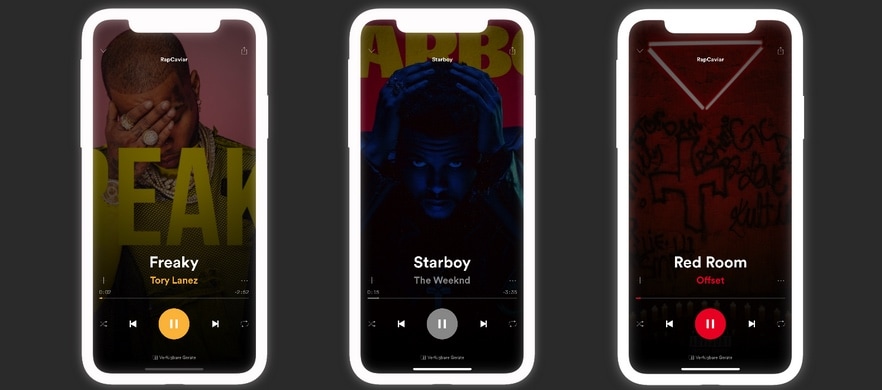
Apple Music provides one of the best all-in-one music streaming services that you can get on an iPhone or iPad, but admittedly, I still have a soft spot for the third-party streaming service known as Spotify. That said, while I enjoy using Spotify, I tend to get excited when I see new jailbreak tweaks that have made specifically for it.

NewNowPlaying by iOS developer Yung_Specht just so happens to be one of those releases, and as the name implies, this tweak gives the Spotify app’s Now Playing interface a gorgeous cosmetic makeover.

Customize your Lock screen’s text font with Lafon

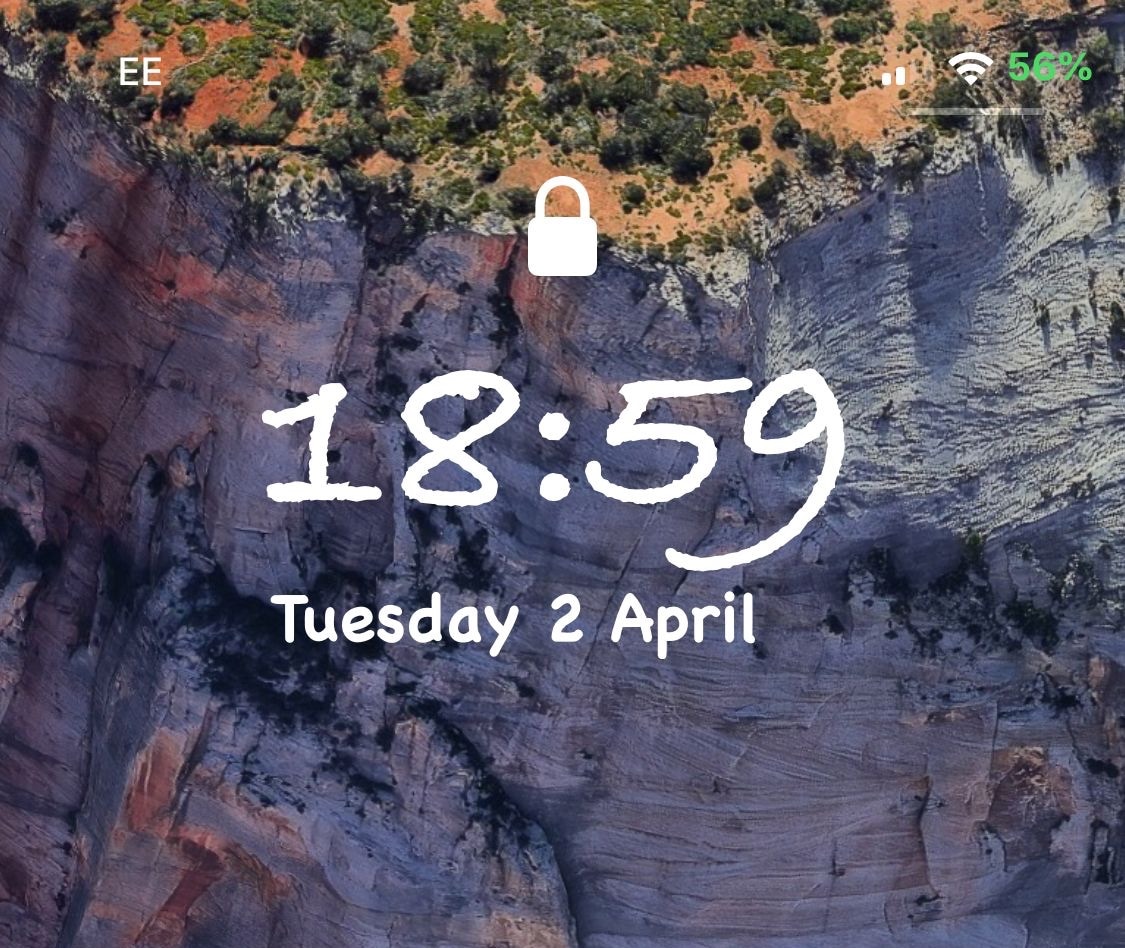
If you have a jailbroken iPhone or iPad and you haven’t customized it with third-party fonts yet, then you’re missing out. On the other hand, popular classics like BytaFont tend to take things a bit too far for minimalists, adjusting the handset’s font on a system-wide level.

Those who demand a subtler footprint in the name of font customization will take a liking to a new free jailbreak tweak called Lafon by iOS developer Aesthyrica, as it only impacts the font of the text strings that appear on your Lock screen.