Learn how to turn on bold text on your Apple TV to switch to a much heavier font that makes it easier to read things throughout the user interface.
How to use bold text throughout the Apple TV interface

Learn how to turn on bold text on your Apple TV to switch to a much heavier font that makes it easier to read things throughout the user interface.

Having spent more than three months in beta, the free tvOS 11 software update for the fourth-generation Apple TV and the upcoming Apple TV 4K is now available for public consumption.

Developers are always connecting their devices to their machines. It has been a necessary evil to install apps, perform diagnostics, screen recordings, and more. In Apple's purge of wires, Xcode 9 has unlocked the ability to connect tvOS, or iOS devices to your Mac wirelessly.
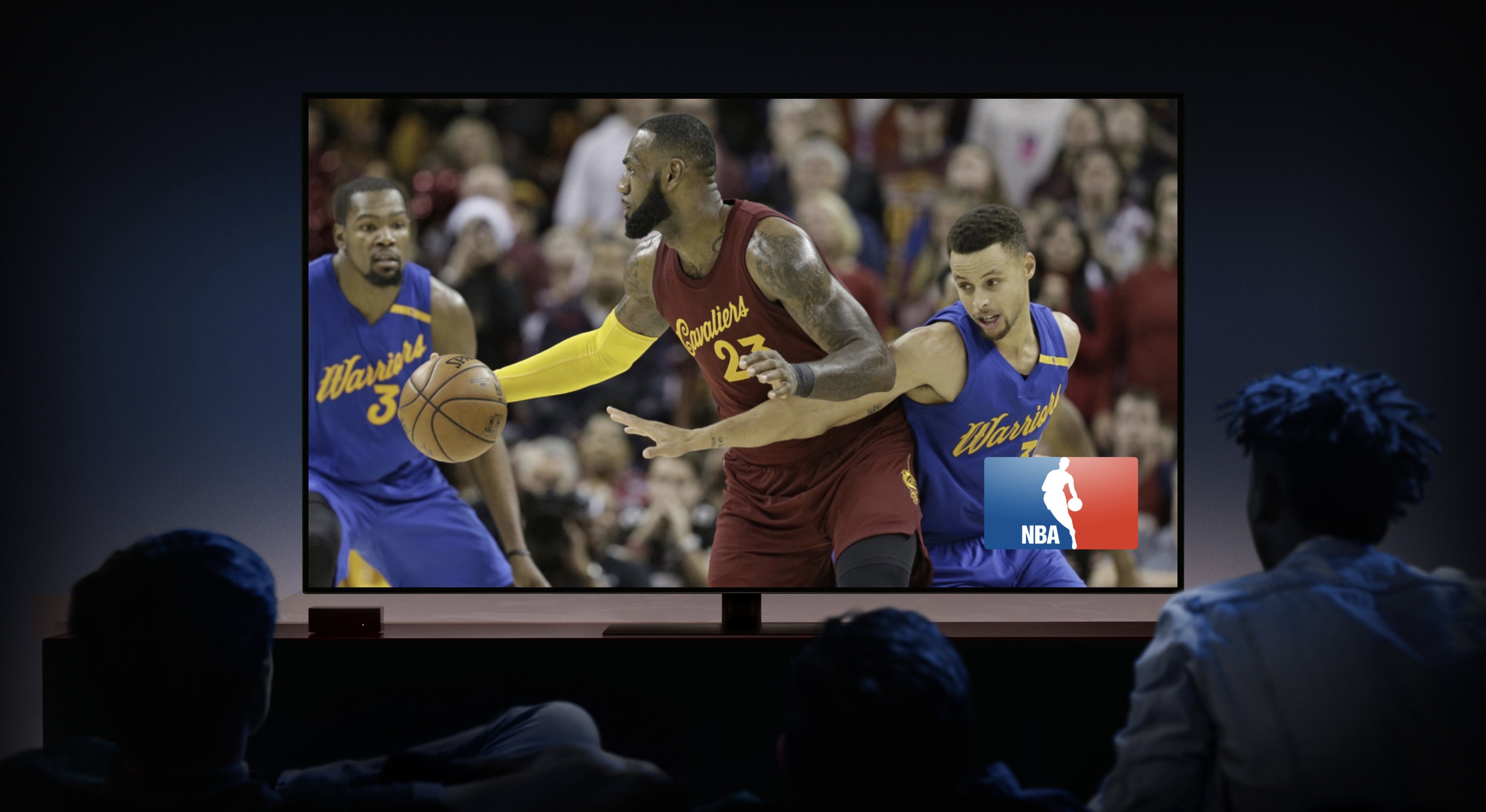
Apple TV got the TV app, alongside iPhones and iPads last year. It allows you to easily discover new content to watch, or pickup where you left off. The biggest downside was that it didn't have access to live TV streams, instead of having to launch apps individually. Apple changes this with the new Apple TV 4K.
After the end of Apple's jam packed media event, Apple released the final GM builds of iOS 11, tvOS 11, and watchOS 4.

With just a few days left until Apple's big reveal on Tuesday, speculation as to what the company may or may not announce has pretty much approached fever pitch. Without further ado, this is what we expect at Apple's landmark September 12 Steve Jobs Theater event.
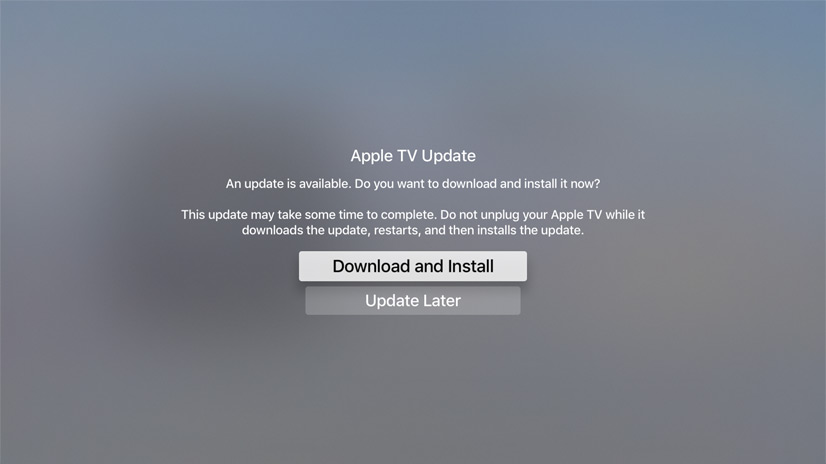
Apple on Tuesday seeded a tenth beta of the upcoming tvOS 11 software update to its registered developers and members of the Apple Developer Program. Its matching public beta should release shortly to members of the Apple Beta Software Program.
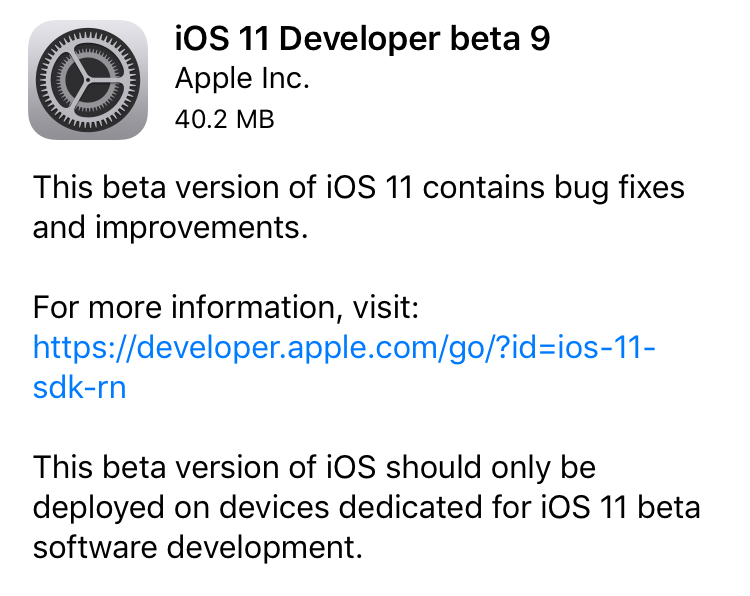
Apple on Thursday seeded iOS 11 beta 9 to developers. The release comes just days after beta 8 of the software was rolled out, suggesting that either a significant bug or security issue was discovered, or that Apple is charging hard down the final stretch of beta testing in an effort to finish the update on time for public release next month.
iOS 11 beta 9If you're a registered developer with a device already running a previous iOS 11 beta, you can upgrade to the latest build (15A5370a) over the air using the Software Update mechanism in the Settings app.
Given the short lead time between beta 8 and beta 9, we don't expect many (if any) user-facing changes. But here are the new things we spotted in beta 8:
https://www.youtube.com/watch?v=b--2ov6pcIk
Subscribe to iDownloadBlog on YouTube
tvOS 11 beta 9Developers with the appropriate configuration profile on their Apple TV (4th gen) can install today’s beta (build number 15J5378a) by visiting Settings > System > Software Update.
Otherwise, it requires you to hook up your Apple TV to your Mac via a USB-C cable and a quick trip to the Dev Center. tvOS 11 has shown to be a modest update, with just a handful of user-facing improvements.
As always, if you see something notable in the new betas you think we’ve missed, feel free to tell us about it in the comments below, or on Twitter @iDownloadBlog.
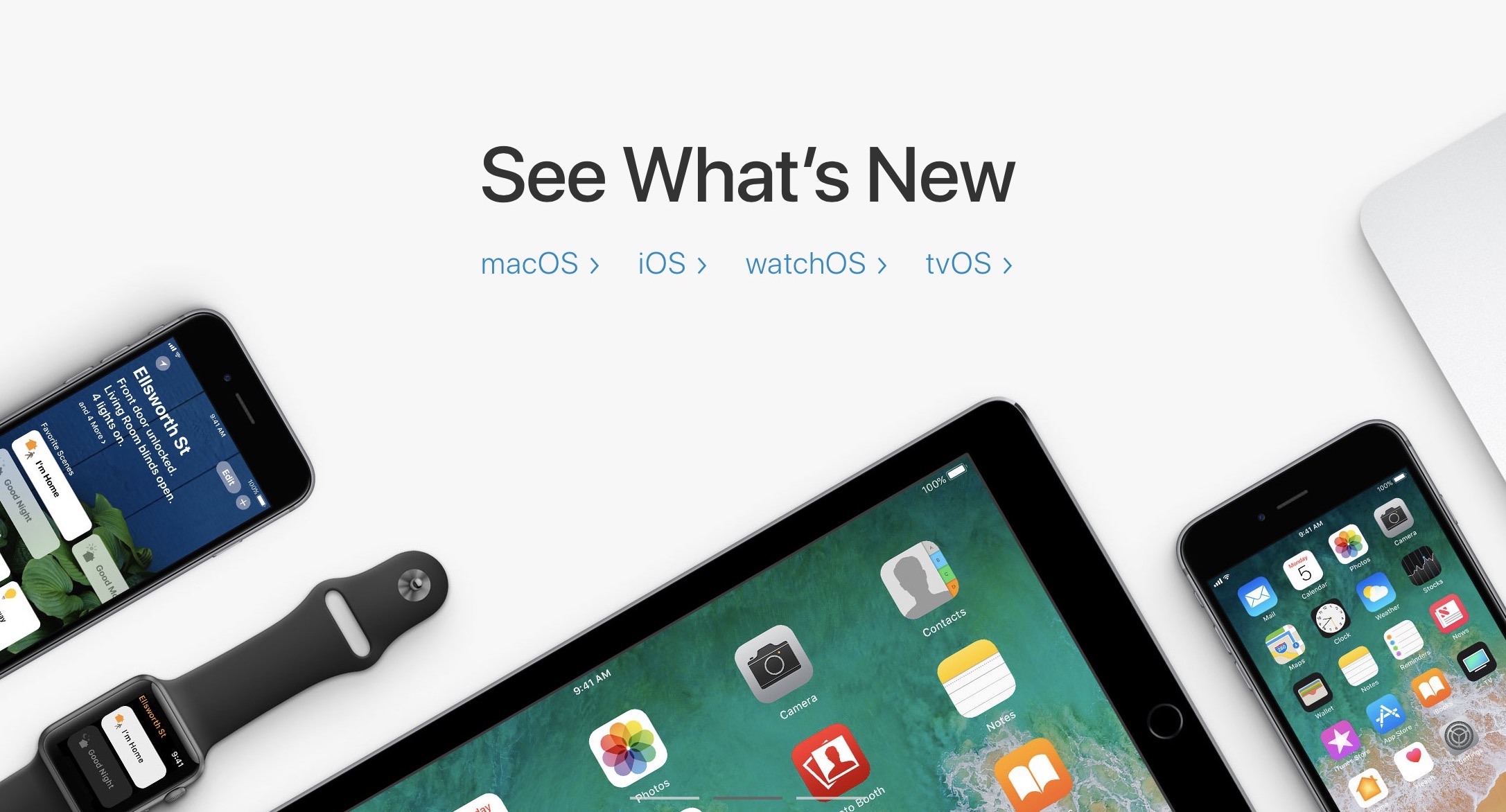
Apple on Monday seeded seventh betas of iOS 11, macOS High Sierra 10.13, watchOS 4 and tvOS 11 to developers.
Apple on Monday released macOS High Sierra 10.13 beta 6, iOS 11 beta 6, watchOS 4 beta 6, and tvOS 11 beta 6 to registered developers. This new round of beta software comes a week after the release of beta 5 for these platforms.
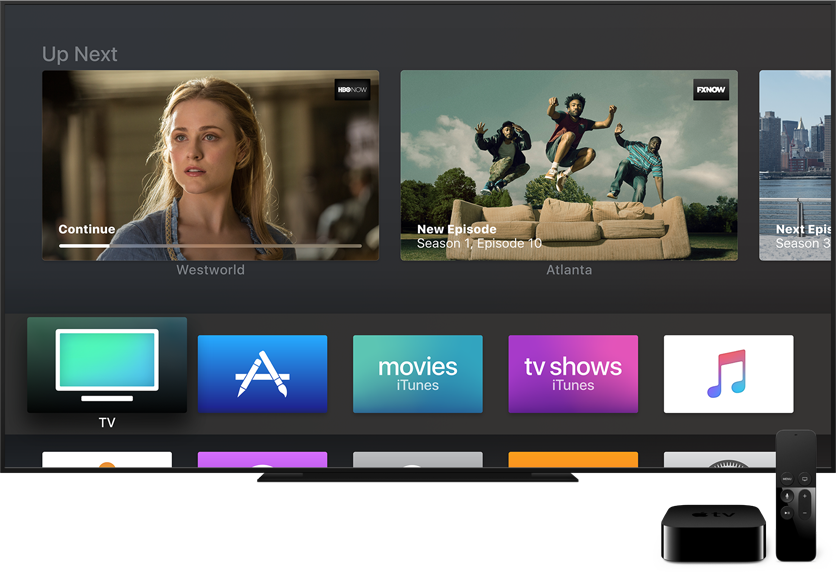
Following yesterday's release of tvOS 11 beta 5 for developers, the new Apple TV software is now available to members of Apple's free Public Beta Software Program.
tvOS 11 public beta 4 contains the same features as tvOS 11 beta 5 for developers.
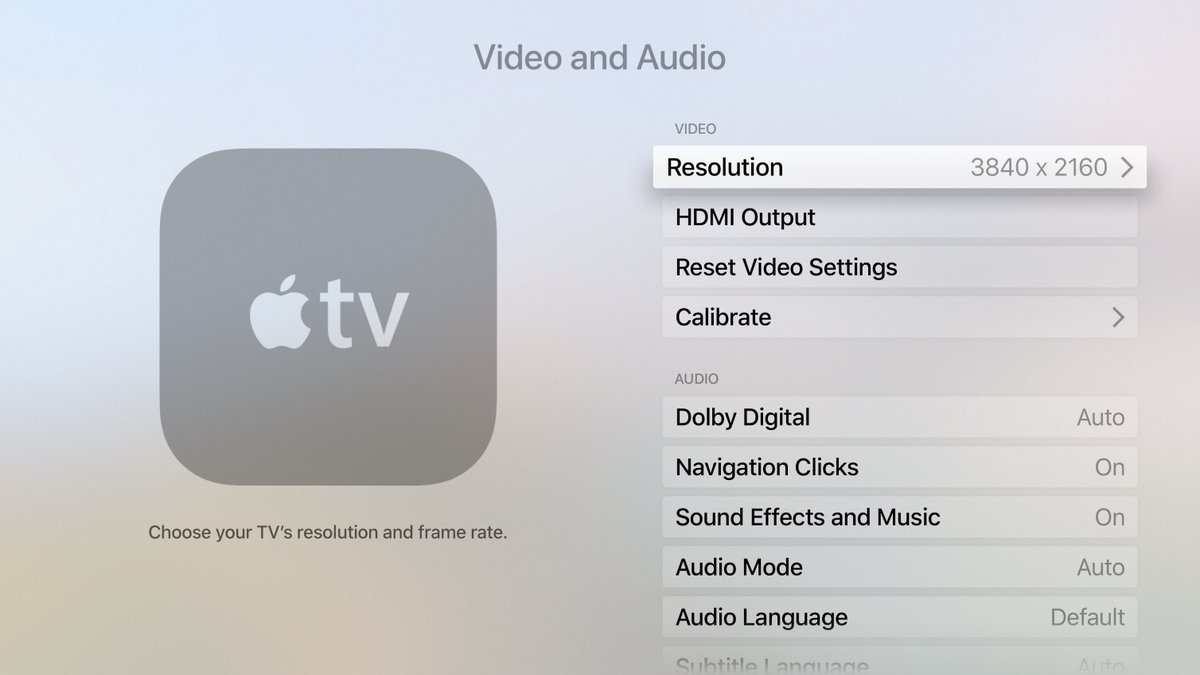
iOS developer Steven Troughton-Smith has managed to get Apple's tvOS Simulator to run in 4K resolution. This is interesting in light of recent reports that the next Apple TV hardware would support the super-sharp 4K resolution.