Sound

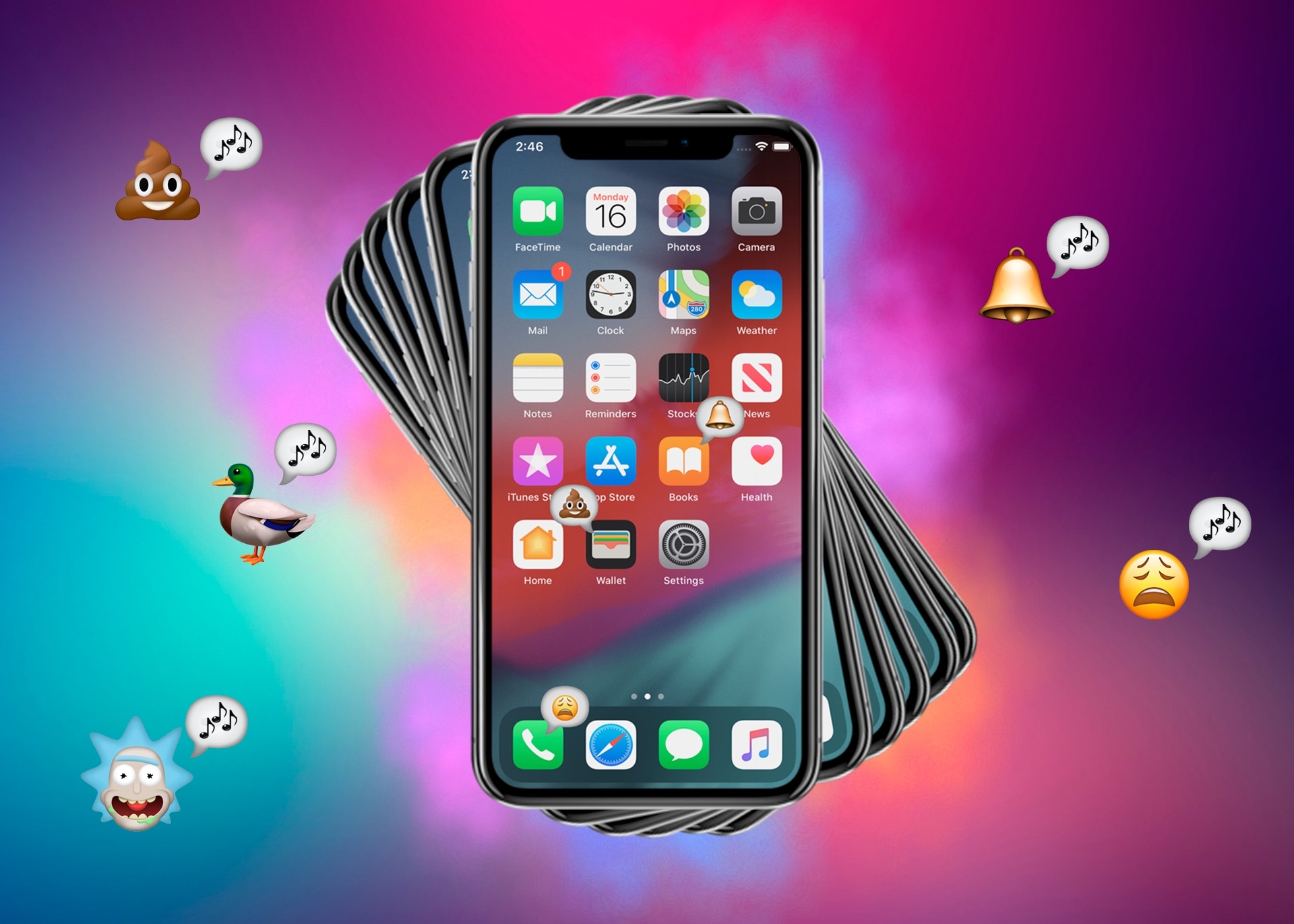
TapMe plays custom sounds when launching iPhone apps

Feeling a bit bored with the app-launching experience on your iPhone? We wouldn’t blame you… Apple doesn’t offer much by way of customization in this department, and it’s not like much has changed since the iPhone initially launched in 2009 apart from some rather insignificant animation adjustments.

If you’re jailbroken and you’re looking for a way to spice things up on the Home screen, then we think you’ll come to appreciate a newly released and free jailbreak tweak called TapMe by iOS developer alex_png. This tweak can be used to supplement the app-launching experience on your iPhone with custom sounds and haptic feedback.

How to bring back the iconic Mac startup chime

The iconic Mac startup chime played when you power up your computer had been around since 1998, but Apple disabled it in 2016 beginning with that year's MacBook Pro refresh. Thanks to a newly discovered Terminal command, you can re-enable the Mac startup chord sound on macOS Catalina and earlier, and our step-by-step tutorial shows you how.

Customize your iPhone’s ringer/silent switch sound and vibration with MuteVibes

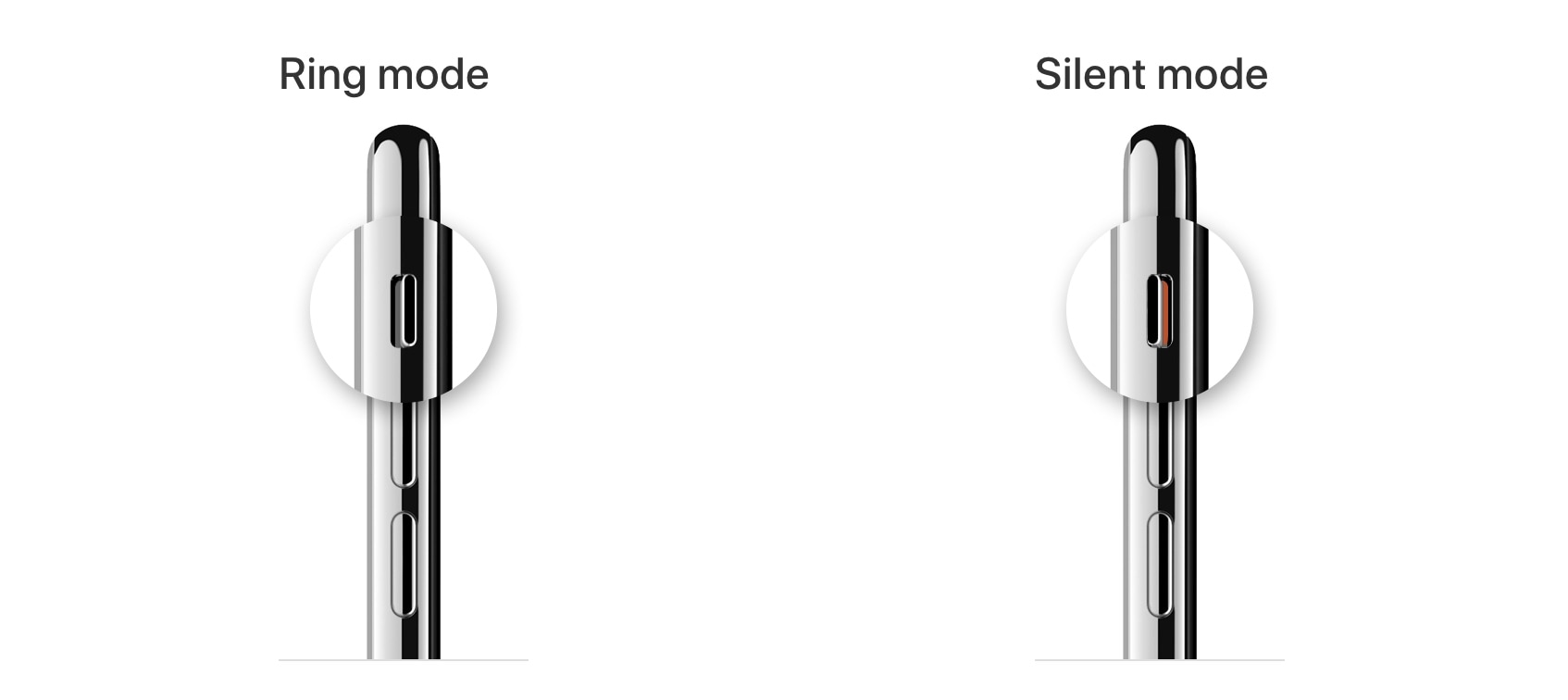
iPhone Ringer and Silent Switch

One thing the iPhone still has that many other smartphones don’t is a physical ringer/silent switch that can be used to immediately silence your handset from right inside of your pocket.

The iPhone’s physics ringer/silent switch is still one of our favorite things about the Apple-branded handset. But if you’re jailbroken, then you may want to turn your attention to a new and free jailbreak tweak called MuteVibes by iOS developer Ethan Whited, as it can be used to customize the sound and vibration behavior of the ringer/silent switch.

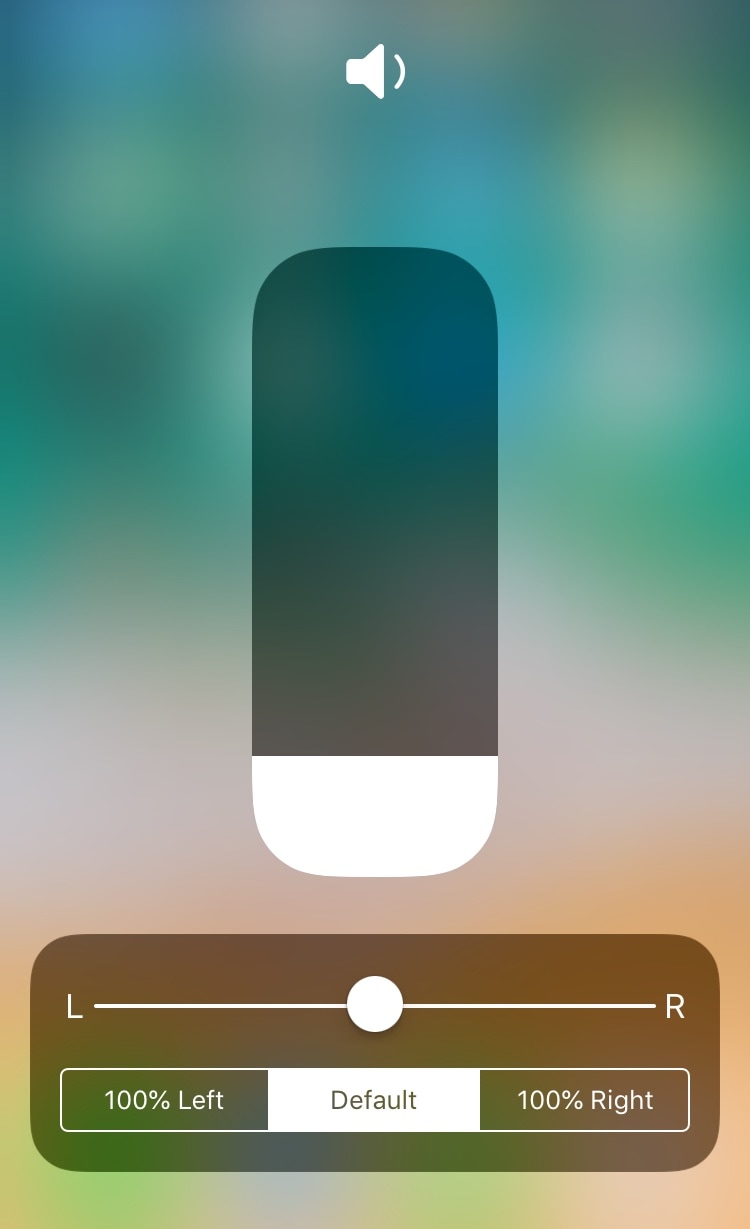
This tweak adds audio balance controls to Control Center

You can easily fine-tune your handset’s volume level with the Control Center-centric volume scrubber, but have you ever wished that you could have easier control over your handset’s audio balance from the same place?

If you answered yes to that question, then you’ll absolutely love a free jailbreak tweak dubbed CCAudioBalance by iOS developer shiftcmdk, because this tweak adds a full-featured audio balance adjustment tool to Control Center’s full-screen volume scrubber interface, as shown above.

Customize various locking and unlocking sounds on your iPhone with SoundLock

The iPhone’s locking and unlocking sounds have received minor revisions over the years, but perhaps not as many as we’d like. Fortunately, those with jailbroken handsets can get around this quandary by setting custom locking and unlocking sounds without Apple’s approval.

A newly-released jailbreak tweak called SoundLock by iOS developer DevelopApple is now available for free in the BigBoss repository, and it lets you configure custom sounds for a variety of locking and unlocking-centric actions that you might perform daily on your pwned iPhone or iPad.