Most of the text you type in various apps on your iPhone appears in your handset’s system font, but if you’ve ever wanted to make your text pop, then a font customization jailbreak tweak has always been the way to go.
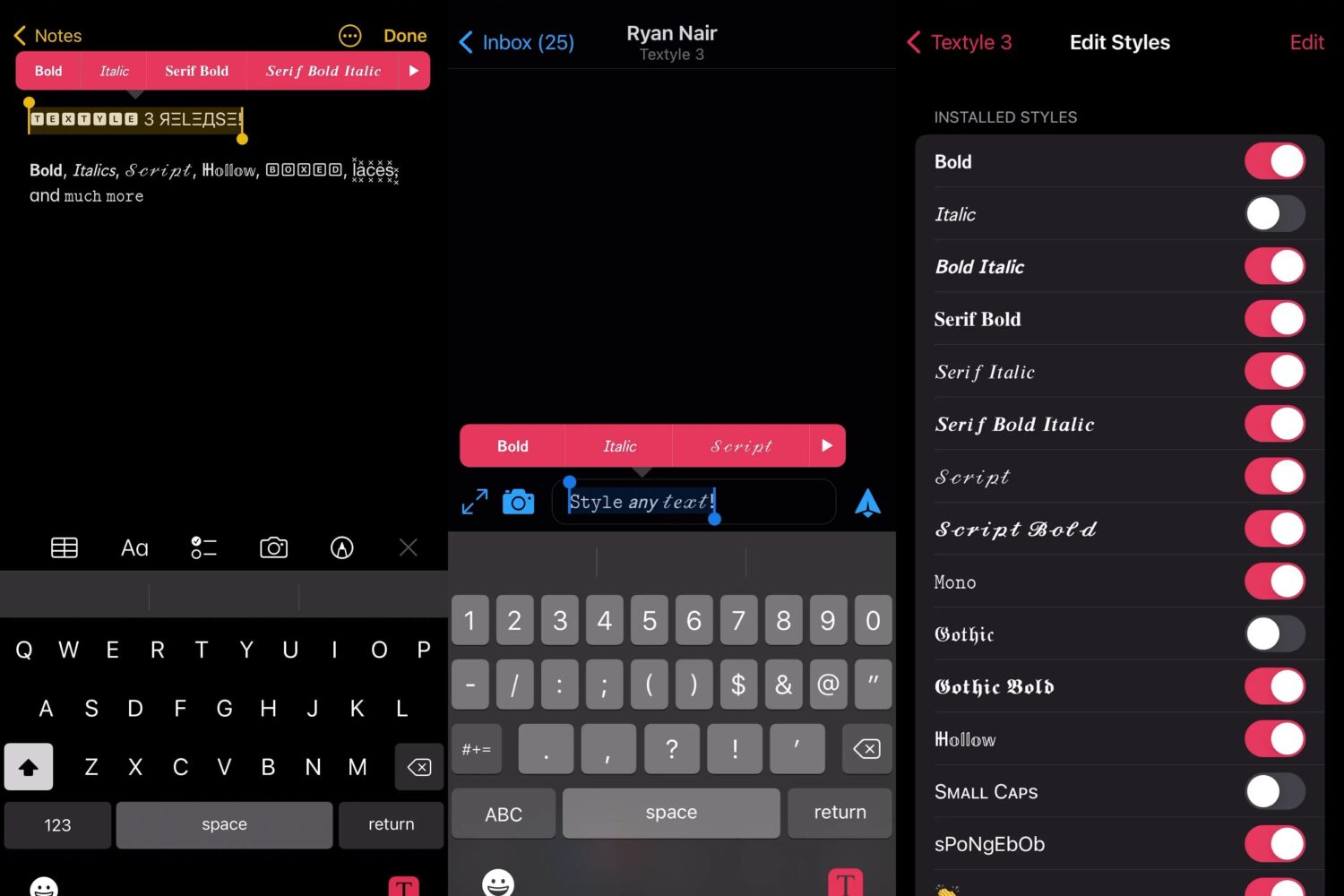
Most of the text you type in various apps on your iPhone appears in your handset’s system font, but if you’ve ever wanted to make your text pop, then a font customization jailbreak tweak has always been the way to go.
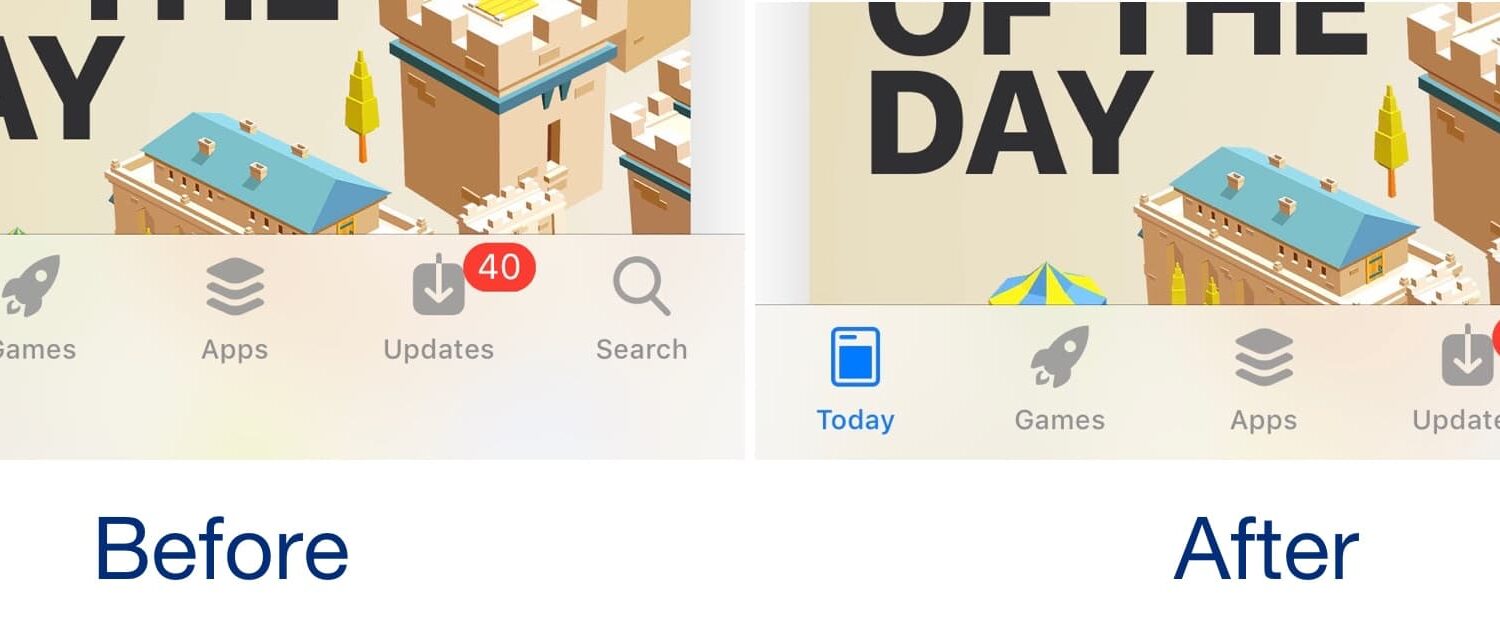
When notched iPhones were first introduced starting with the iPhone X, a clever developer came up with a jailbreak tweak called Saw that hid the Home Bar and claimed more vertical screen real estate.
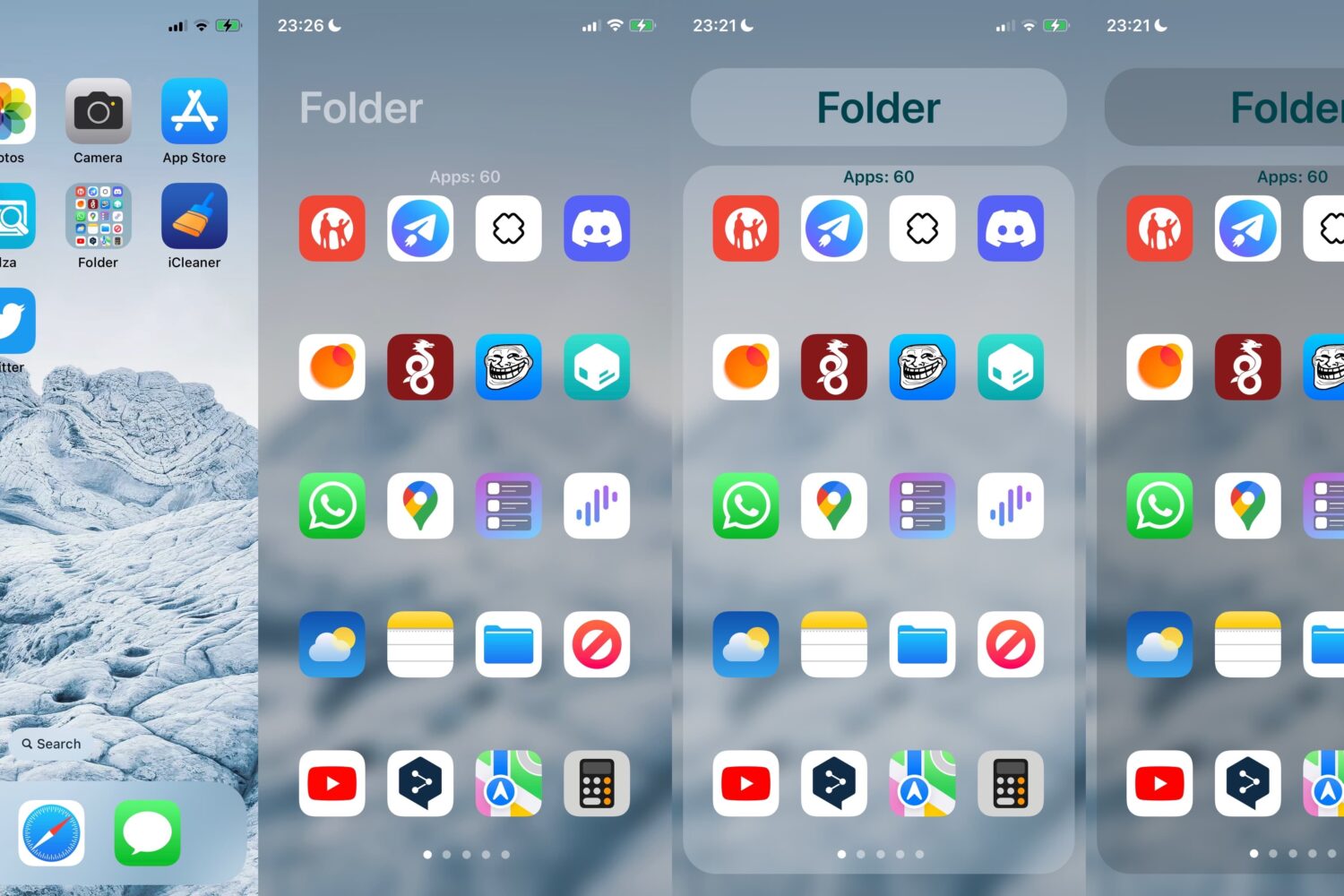
If you’re into customizing folders on your jailbroken iPhone or iPad, then you might be interested in a newly released and free jailbreak tweak called FolderX by iOS developer Lizynz.
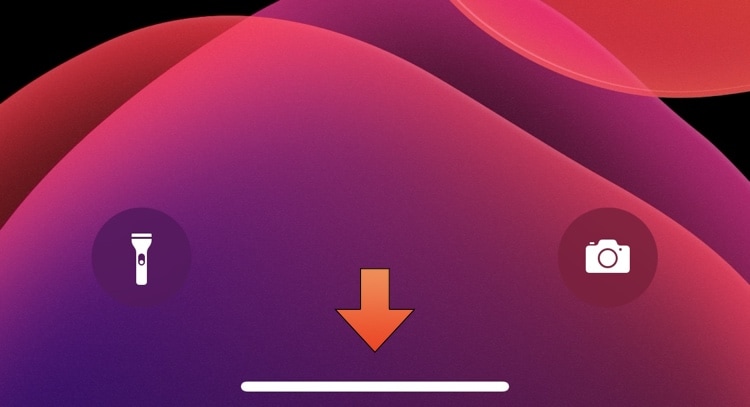
On notched devices that lack a physical Home Button, users instead rely on a software-based Home Bar at the bottom of the display to leave apps and multitask.
The iPhone and iPad's native Translate app incorporated support for more languages starting with iOS & iPadOS 16, which may be a bummer for anyone who’s currently jailbroken on iOS or iPadOS 15 by comparison.
The jailbreak community has been full of surprises recently, and if you’re a busy person, then it can be easy to miss important details that could pertain to you and your device(s).
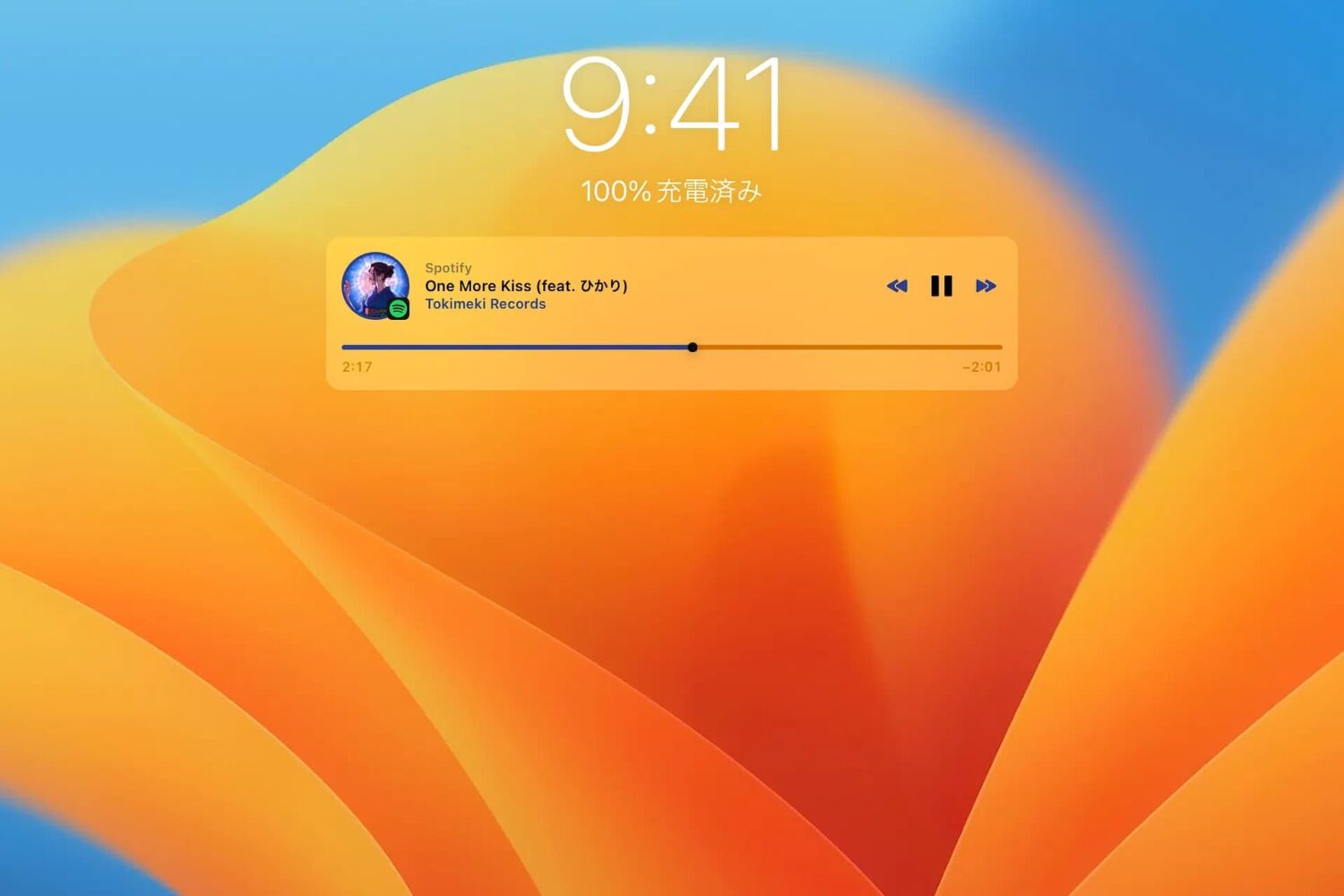
Just a couple of years ago, we showed you a jailbreak tweak called Mochi by iOS developer Sugiuta that aesthetically improved the Lock Screen’s Music player. Not only was it naturally big and clunky at the time, but it lacked the customization that jailbreakers had come to know and love.
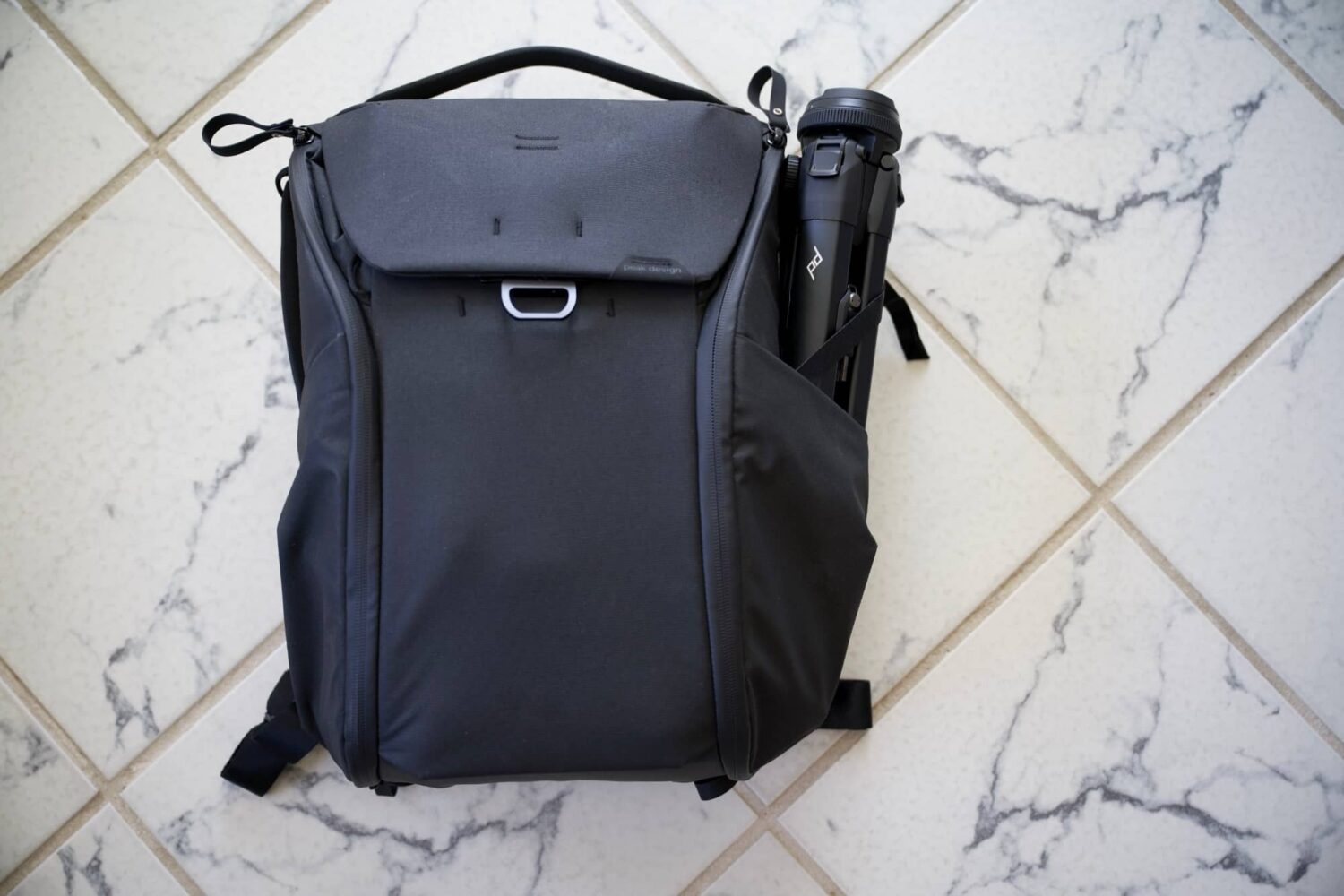
The ways in which people carry their stuff with them when they leave the house varies, especially depending on what you’re bringing with you. Whether you’re packing mobile essentials to ensure you can use your MacBook anywhere you go, packing clothes and toiletries for a camping trip, or packing camera gear to ensure you nail perfect shot on your travels, the Peak Design Everyday Backpack is a wonderful place to start looking.
With everything that has been happening in the iPhone and iPad jailbreak community recently, we wouldn’t blame you if you said you’ve had trouble keeping up. After all, things seem to happen at all hours of the day every day of the week when many people are busy with their studies or professional lives.
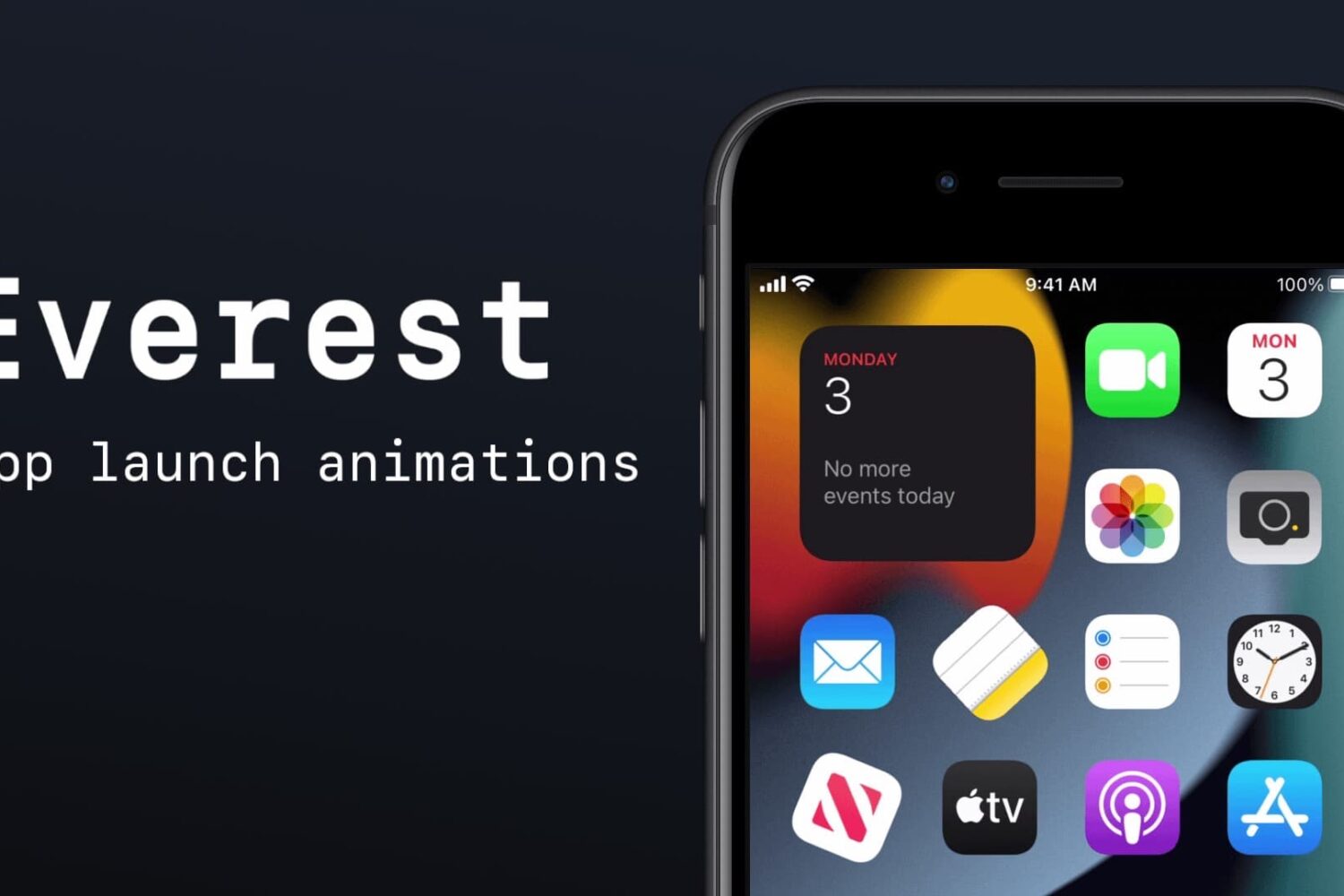
There are several different ways you can spice up your Home Screen to make it more interesting to look at, like the AppColorClose (iOS 12+) add-on we showed you yesterday. But if you want more, then check out another free jailbreak tweak called Everest by iOS developer Christopher Anderson.
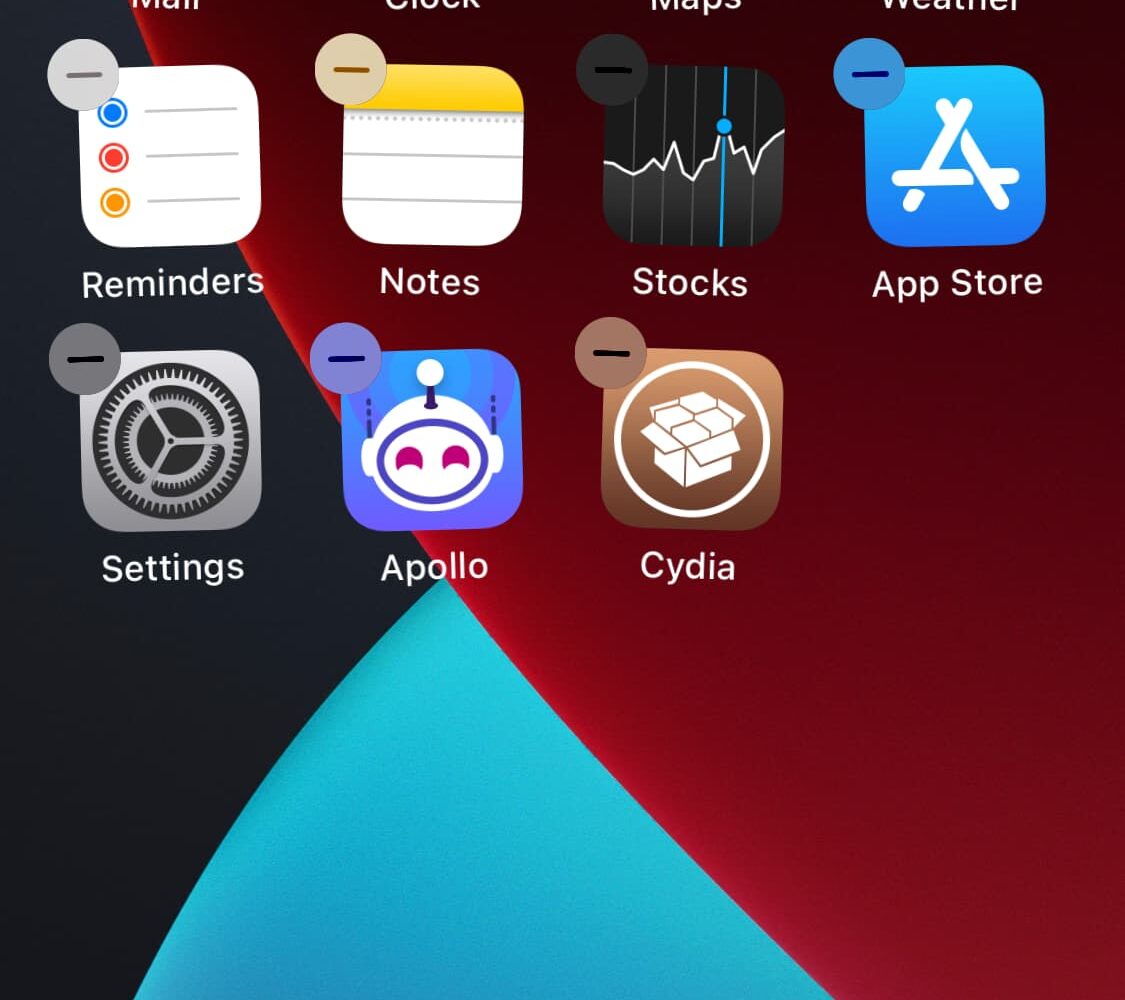
If you’re interested in a dead-simple way to spruce up your jailbroken handset’s Home Screen without going over the top, then you might find a newly released and free jailbreak tweak called AppColorClose (iOS 12+) by iOS developer PoomSmart to be an aesthetically pleasing addition.
There’s been a lot of exciting stuff happening in the jailbreak and iPhone hacking community as of late, but if you lead a busy life, then it can be easy to miss something important.