Go through these quick tips if you’re unable to wake your iPhone or iPad display and thus can’t unlock or use it.
Fix iPhone or iPad failing to wake up

Go through these quick tips if you’re unable to wake your iPhone or iPad display and thus can’t unlock or use it.

Raise to Wake is a feature on modern iPhones that users have come to know and love, but there are obviously times when waking the display upon raising the handset isn’t exactly ideal, such as when you’re attempting to be stealthy in bed and your significant other is sleeping.
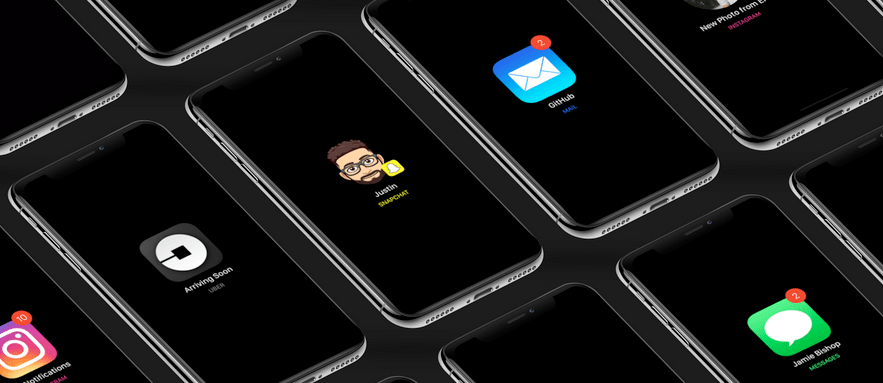
If you’re looking for a new way to receive notifications from your favorite apps, then you might take an interest in a new jailbreak tweak called ShortLook by iOS developers Ayden Panhuyzen, Jamie Bishop, Justin Proulx, and Jose Hernandez.
ShortLook represents your incoming notifications with a fresh coat of paint. While they’d typically appear as banners on your Lock screen, ShortLook depicts them as customizable glyphs that are then centered on a black or transparent background.
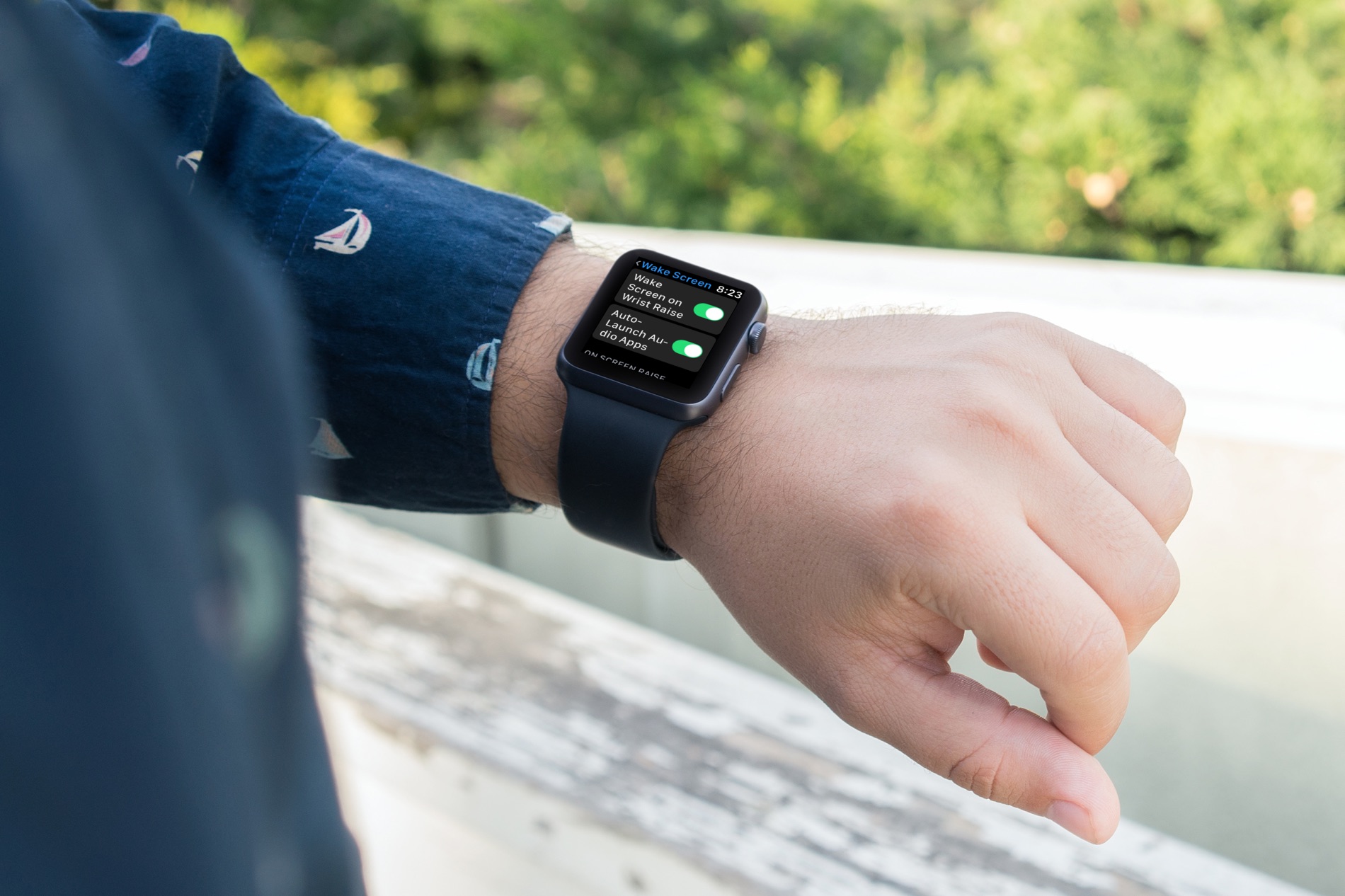
Check out how to customize your Apple Watch wake screen settings for turning on the display and viewing your last opened app.
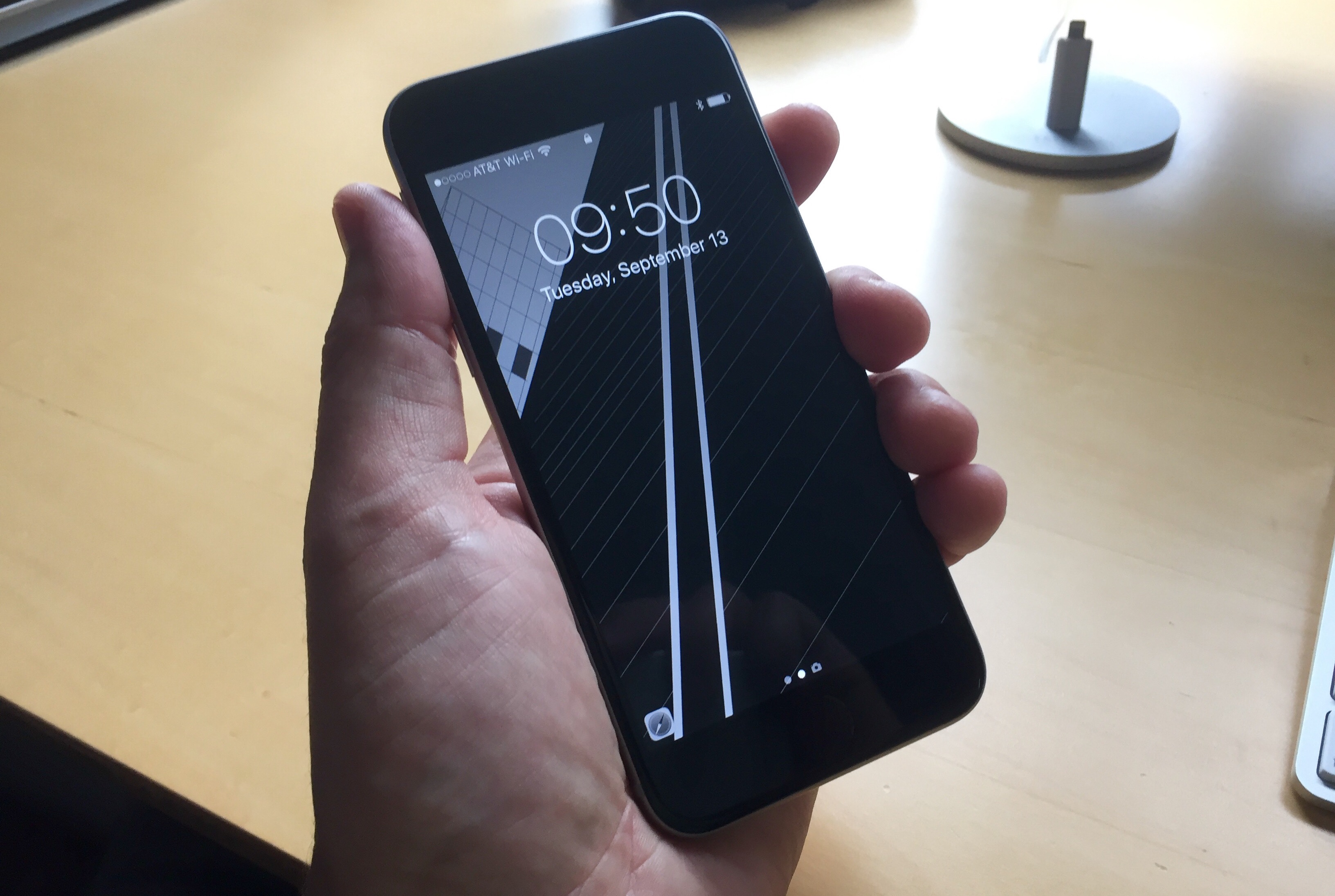
Raise to Wake is easily one of my favorite features that comes stock on some of Apple’s latest handsets, so it’s a shame that the iPhone 6 and earlier don’t support it.
Fortunately, if you have a jailbreak, you can change that by installing a new free jailbreak tweak called Wake It Up by iOS developer XCXiao.
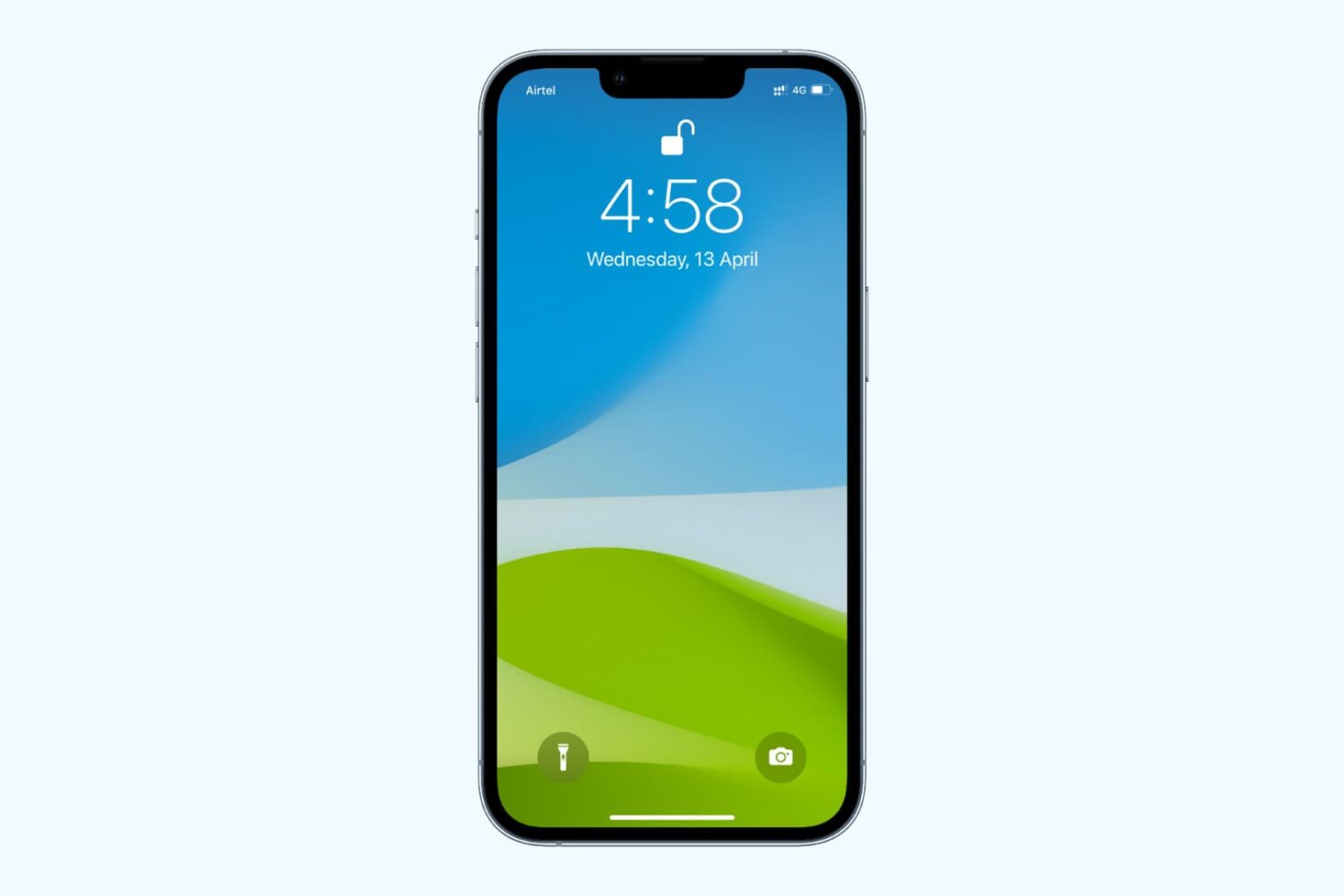
Learn how to disable the Raise to Wake feature to avoid the screen turning on automatically when you lift your iPhone, whether accidentally or on purpose.
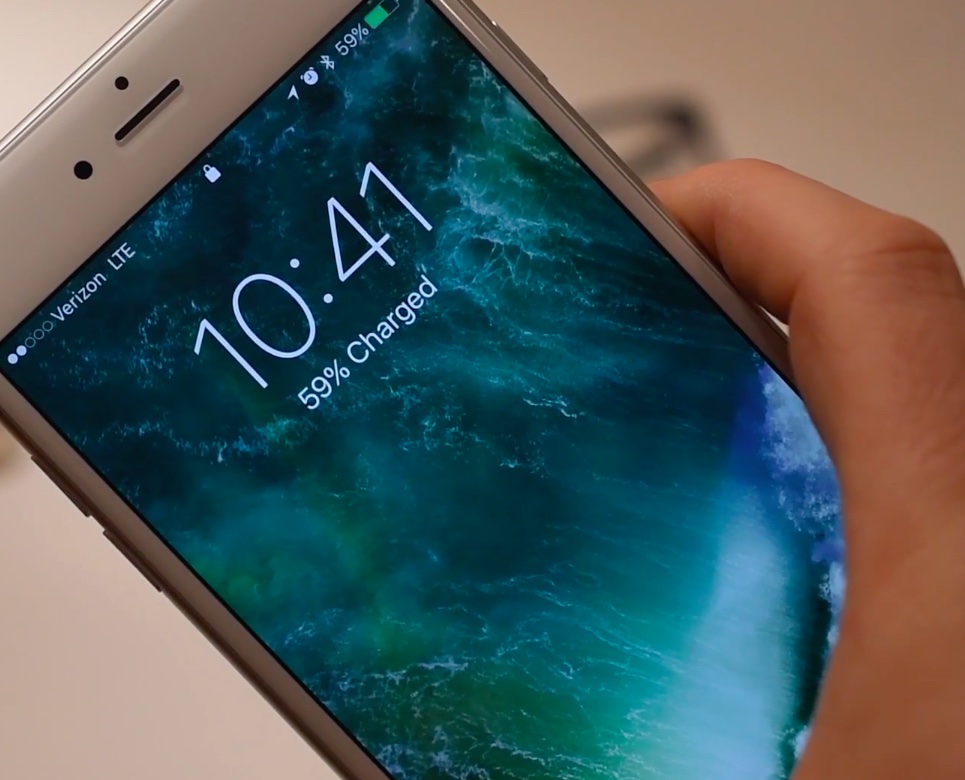
iOS 10 makes waking your iPhone from sleep as easy as raising it in your hand. Aptly named Raise to Wake, this useful feature automatically wakes the screen as you raise the device so that you can instantly see all your notifications at a glance. It may sound like it's no big deal, but it is. However, Raise to Wake requires iOS to constantly capture and interpret data from the iPhone's many sensors to determine how you're holding the phone in your hand.
In order to realize this feature in a power-frinedly manner, it reads data from the sensors using an Apple-designed motion coprocessor, which also happens to be required for tetherless 'Hey Siri' functionality. So, does your iPhone support Raise to Wake on iOS 10 or not?
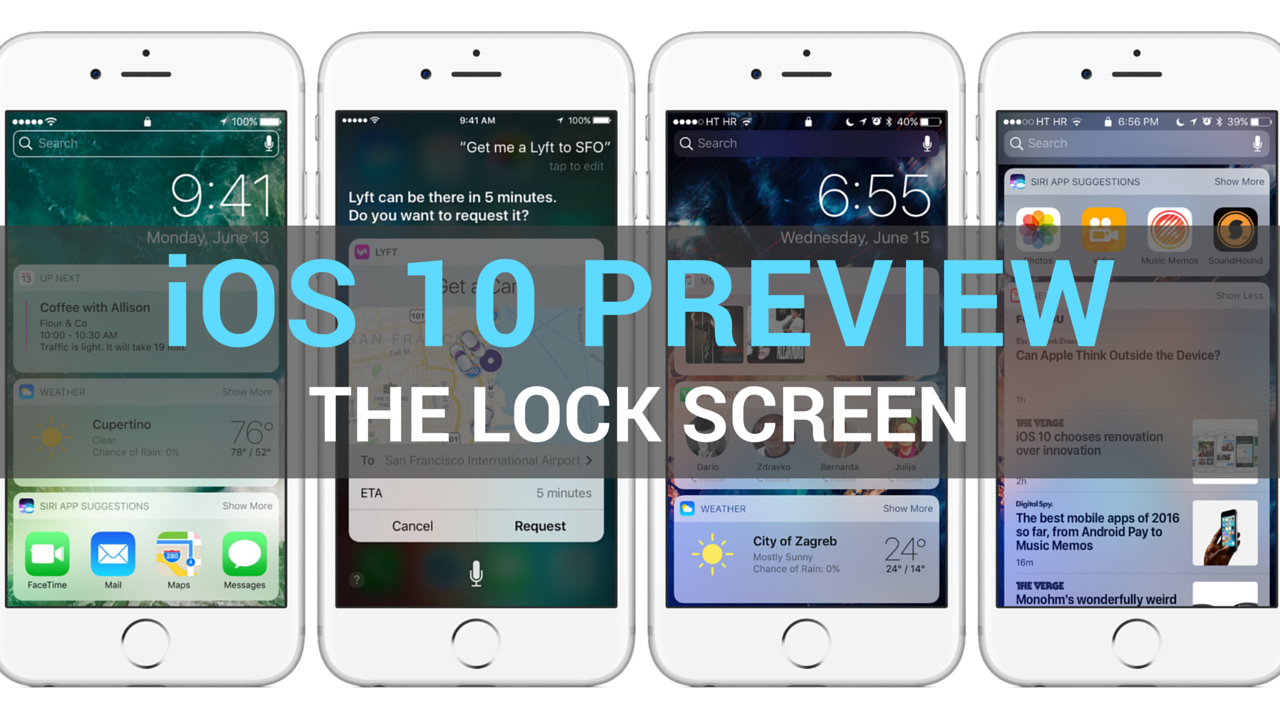
Having taken a closer look at a much improved Messages app, which delivers more expressive and animated ways to message friends and family, our preview of big new features in iOS 10 continues with a detailed overview of an all-new Lock screen. Wait, the Lock screen in iOS 10 warrants an article?
As you know, the Lock screen has remained virtually unchanged since the iPhone's inception. With iOS 10, however, it's undergone some major improvements in the form of a refined look and feel, including vastly redesigned widgets, and new features such as interactive notifications, Raise to Wake and expanded use of 3D Touch shortcuts.
We think that many folks are going to appreciate how iOS 10 makes their device's Lock and Home screens way more functional than before, so here's a detailed walkthrough of all the goodies included in iOS 10's freshened up Lock screen experience.
Apple is holding its anticipated keynote presentation at the Bill Graham Civic Auditorium in San Francisco this morning, which has kicked off the five-day WWDC 2016 developers conference, and they just announced iOS 10, the tenth major version of the mobile operation system powering the iPhone, iPod touch and iPad.
For iOS 10, there's a completely redesigned Lock screen that now makes it easy to respond to notifications with a lot richer 3D Touch support, the ability to enjoy widgets full screen, a time-saving feature called Raise to Wake and more.