Apple has denied reports that an Apple Maps privacy bug was sharing people’s geographical location with third-party apps without permission.
Apple clarifies a Maps bug wasn’t sharing your location without consent
Apple has denied reports that an Apple Maps privacy bug was sharing people’s geographical location with third-party apps without permission.
With Face ID protection turned on, people who have access to your iPhone like family members won’t be able to open the Google app and gain access to your data.
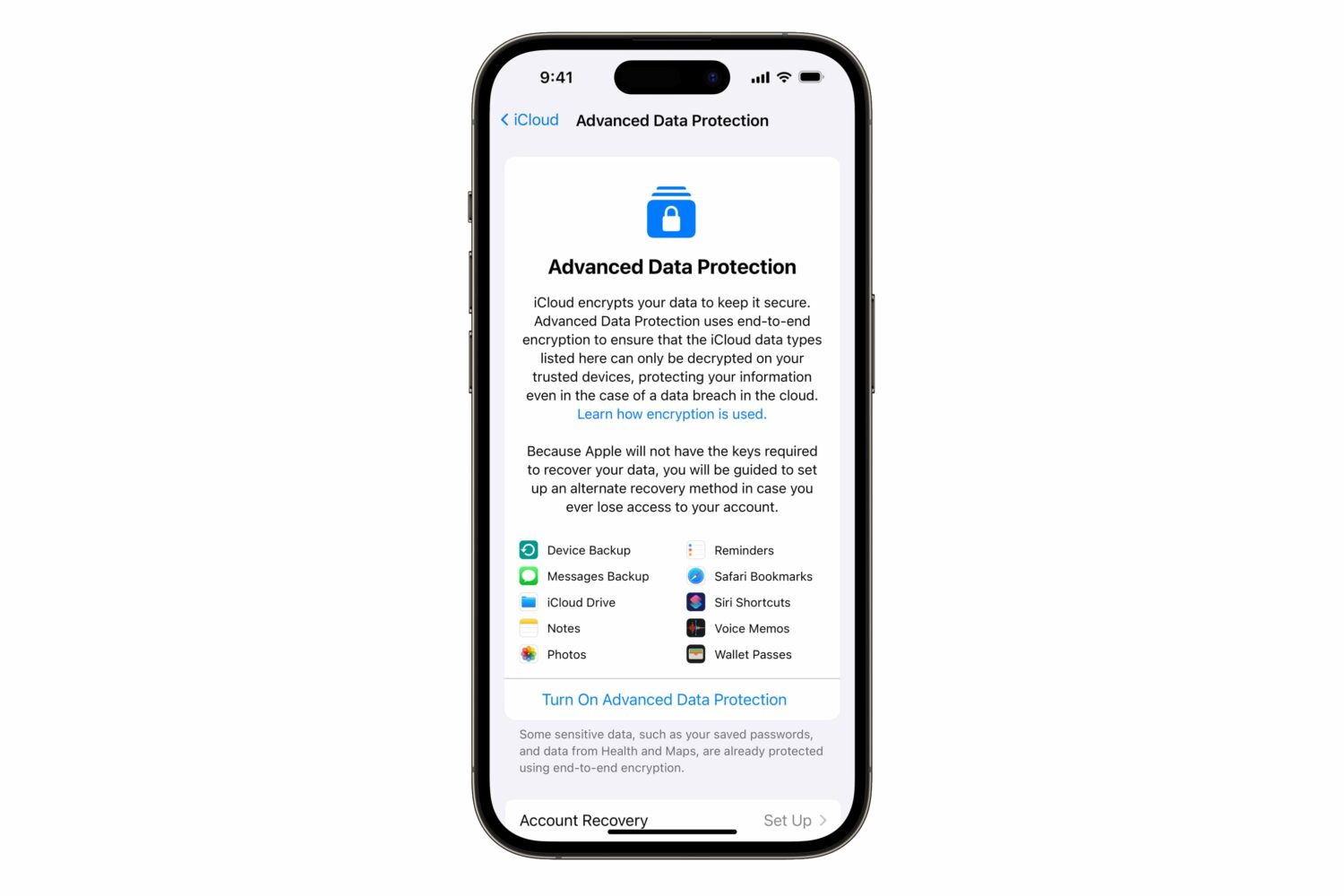
iOS 16.3 has added a two-factor authentication requirement for iCloud Backup and iCloud Drive to make your device backups and files in the cloud more secure.
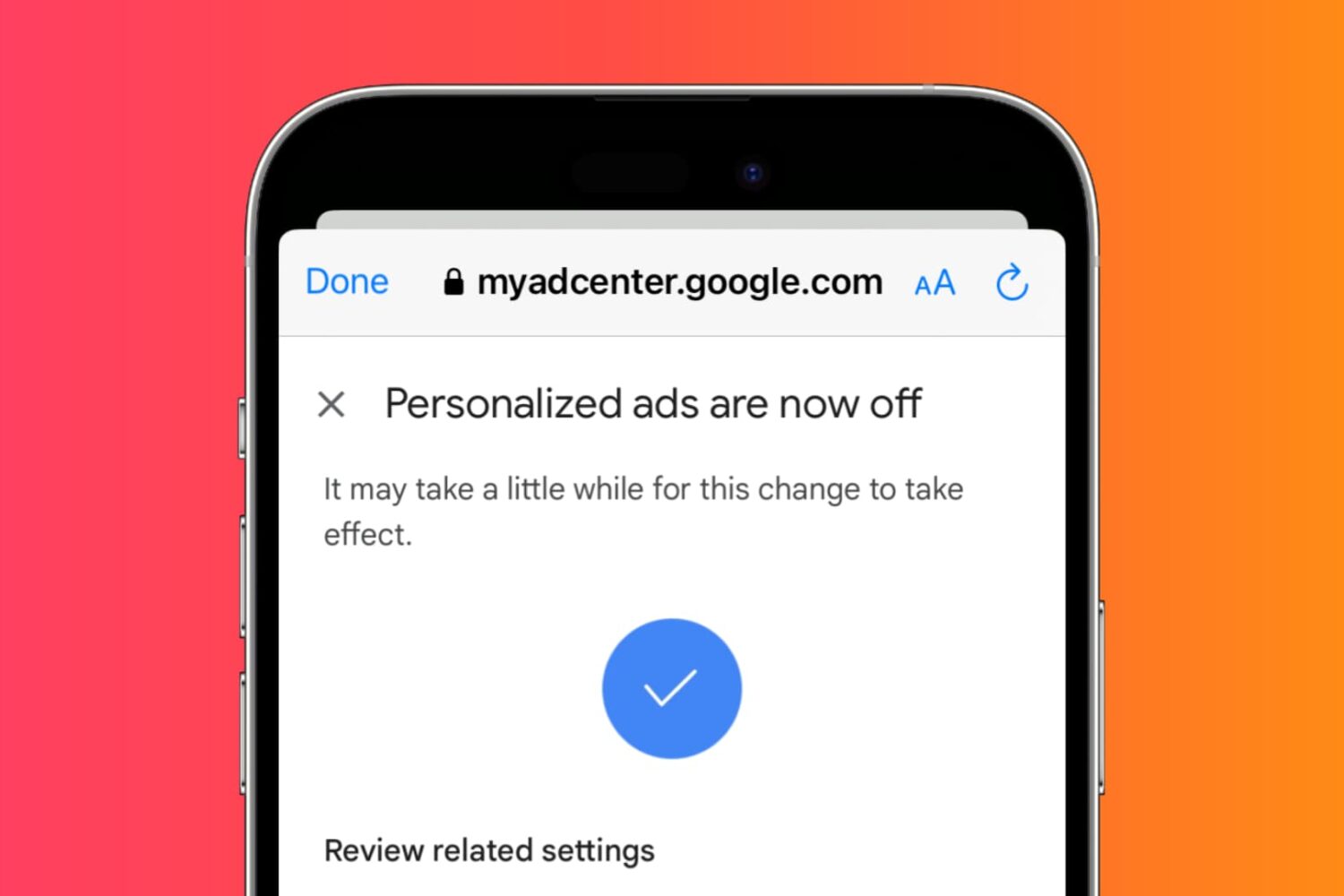
Learn how to adjust settings to prevent YouTube from tracking your activity and watch videos anonymously and privately on your phone or computer.

Learn how to cut down unwanted calls by setting your Telegram app to receive calls only from people who are in your contacts list, or choosing to get calls from absolutely no one.
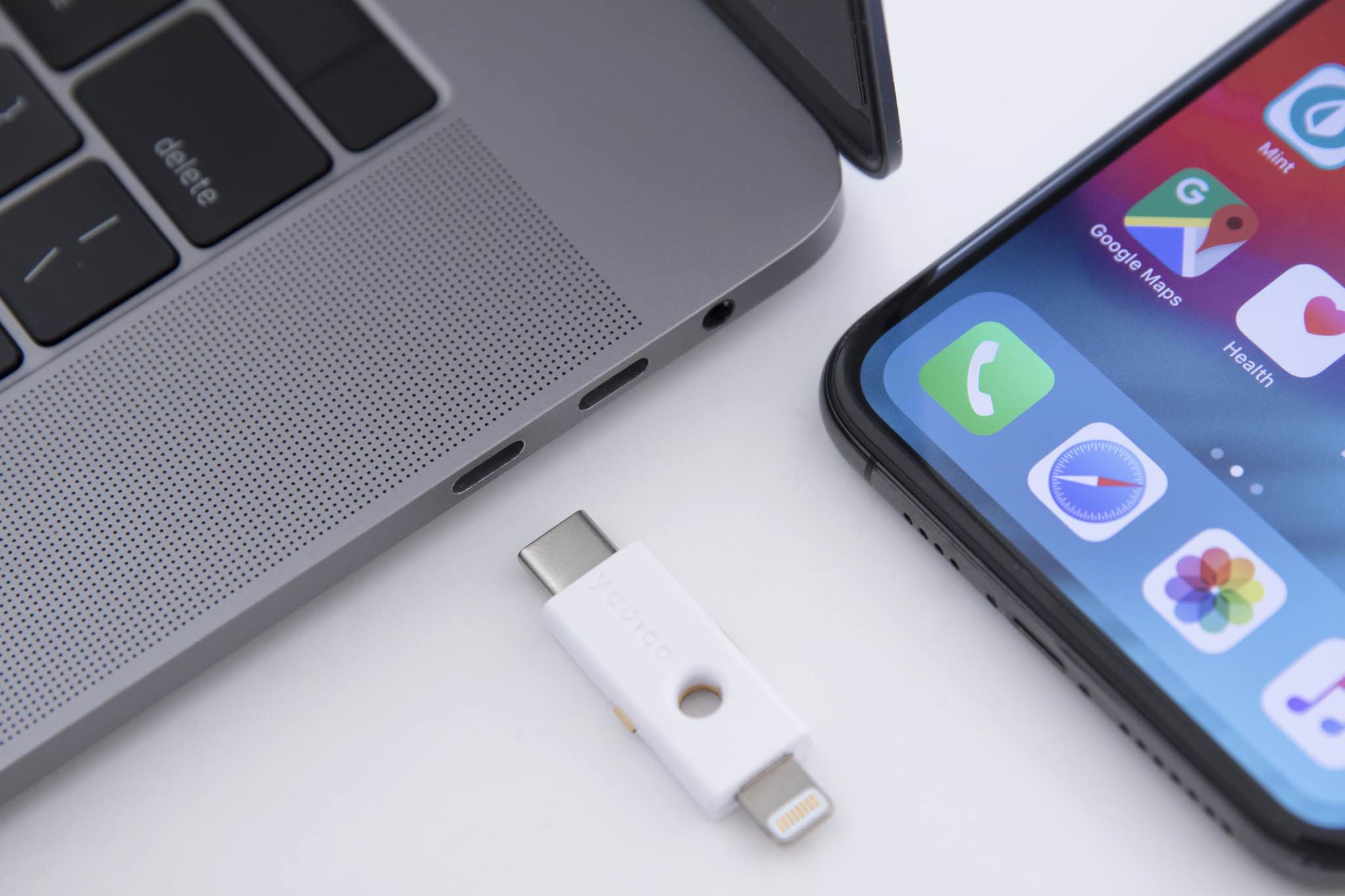
A physical security key replaces two-factor verification codes for authorizing access to your Apple ID account via iPhone, iPad, Mac and the web.
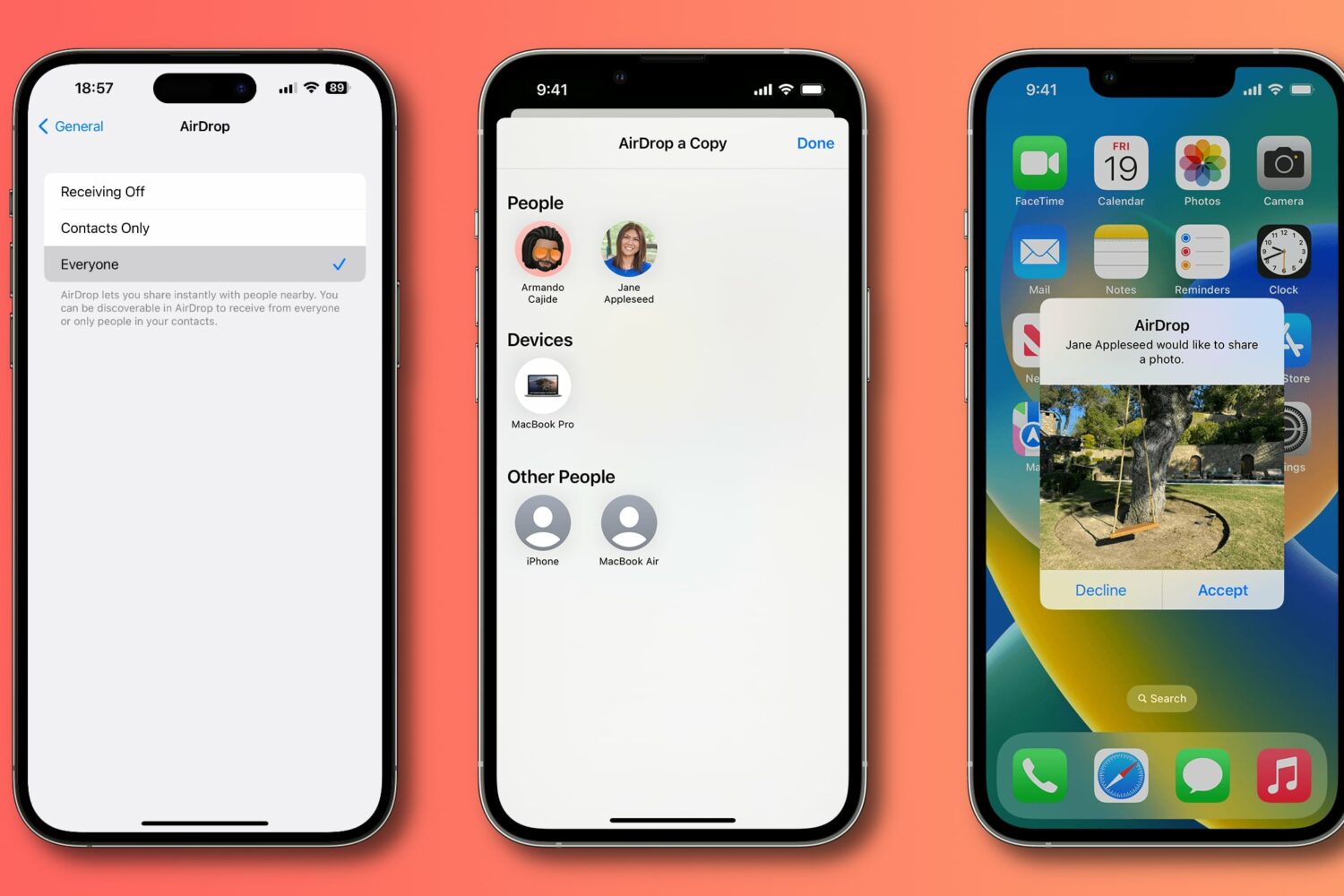
Apple has tweaked AirDrop's “Everyone” option in iOS 16.2 to automatically turn off after 10 minutes for all users globally after debuting it in China with iOS 16.1.1.
The FBI has vehemently opposed Advanced Data Protection, a new feature in iOS 16.2 that encrypts your iPhone backups in iCloud with end-to-end encryption.

Aside from iMessage Contact Key Verification, Apple has announced two other new security features coming in 2023 to protect your Apple ID account and iCloud data.
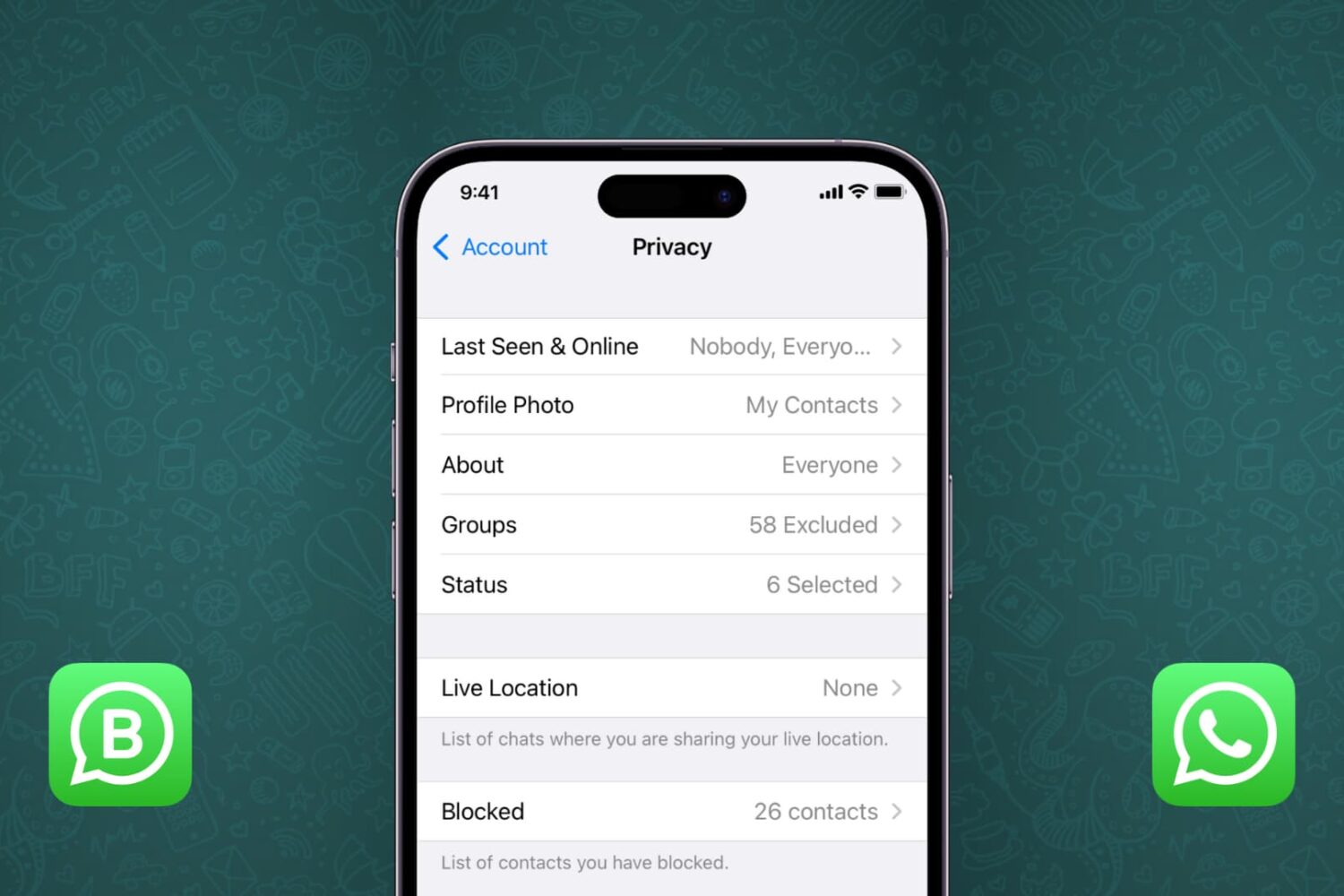
Learn how to change the WhatsApp privacy settings to stop anyone using the app from seeing your profile picture, status, last seen, and more.
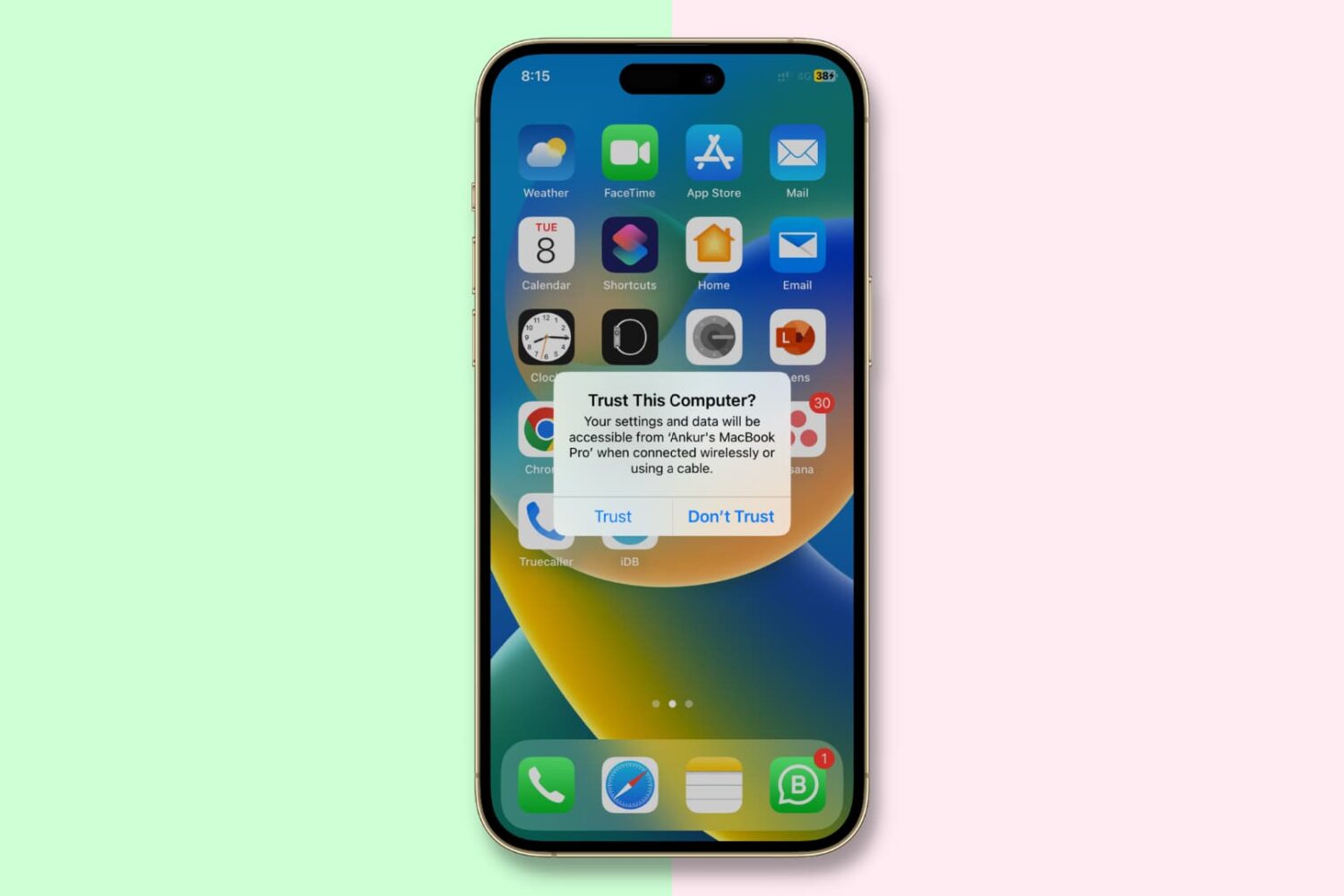
In this important guide, we tell you about the “Trust This Computer” alert on your iPhone or iPad and how to revoke access for previously trusted Mac and Windows PC.
iOS 16.1.1's time restriction for receiving AirDrop transfers from non-contacts will arrive to all users globally in 2023, Apple has confirmed.