In this quick beginner’s guide, we’ll show you how to save a PDF from a website in Safari, Google Chrome, and Firefox on your iPhone or iPad.
How to download a PDF from a browser on iPhone or iPad

In this quick beginner’s guide, we’ll show you how to save a PDF from a website in Safari, Google Chrome, and Firefox on your iPhone or iPad.
Learn how to print a PDF document from your iPhone or iPad that's protected with a password lock.

Apple has added a notable privacy tweak to iOS 18.3 and iPadOS 18.3 about cropping out areas from full-page PDF screenshots on your iPhone and iPad.

Learn how to edit PDF documents, fill out forms, add your signature and drawings, reorder pages, and more directly from your iPhone or iPad.

There is perhaps no tech category as dull or overstuffed as PDF software. There are countless apps for reading, editing, annotating, and converting, and each one is more boring than the last. But what if there was a way to shake things up? Enter UPDF—an AI-powered PDF tool that’s making waves as a standout alternative to Adobe Acrobat.
UPDF is a comprehensive, easy-to-use app that allows you to perform all the above-mentioned functions, as well as chat with any PDF file. It's available for Mac, iPhone, and iPad, and it follows a similar concept as Apple Intelligence and other recently announced AI-infused products: it's time we started working smarter, not harder.

Learn how to use the built-in editor in Firefox on your Mac or Windows PC to add text, signature, images, and highlights to a PDF file right from your browser.
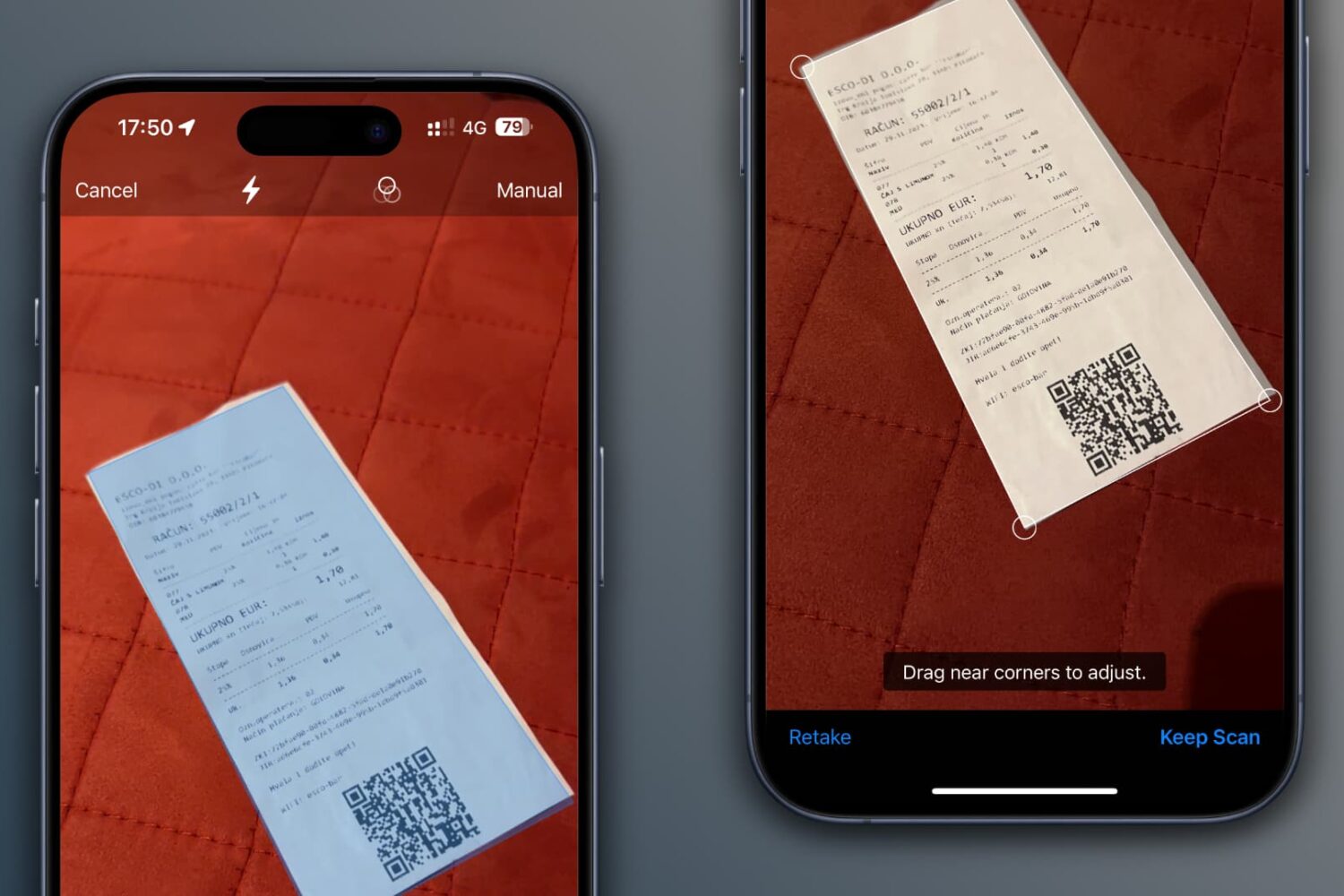
Scan documents, receipts, business cards, letters, and billing statements using the Google Drive app on your iPhone or iPad to save digital copies of these items to the cloud and ensure they are available on all your devices.
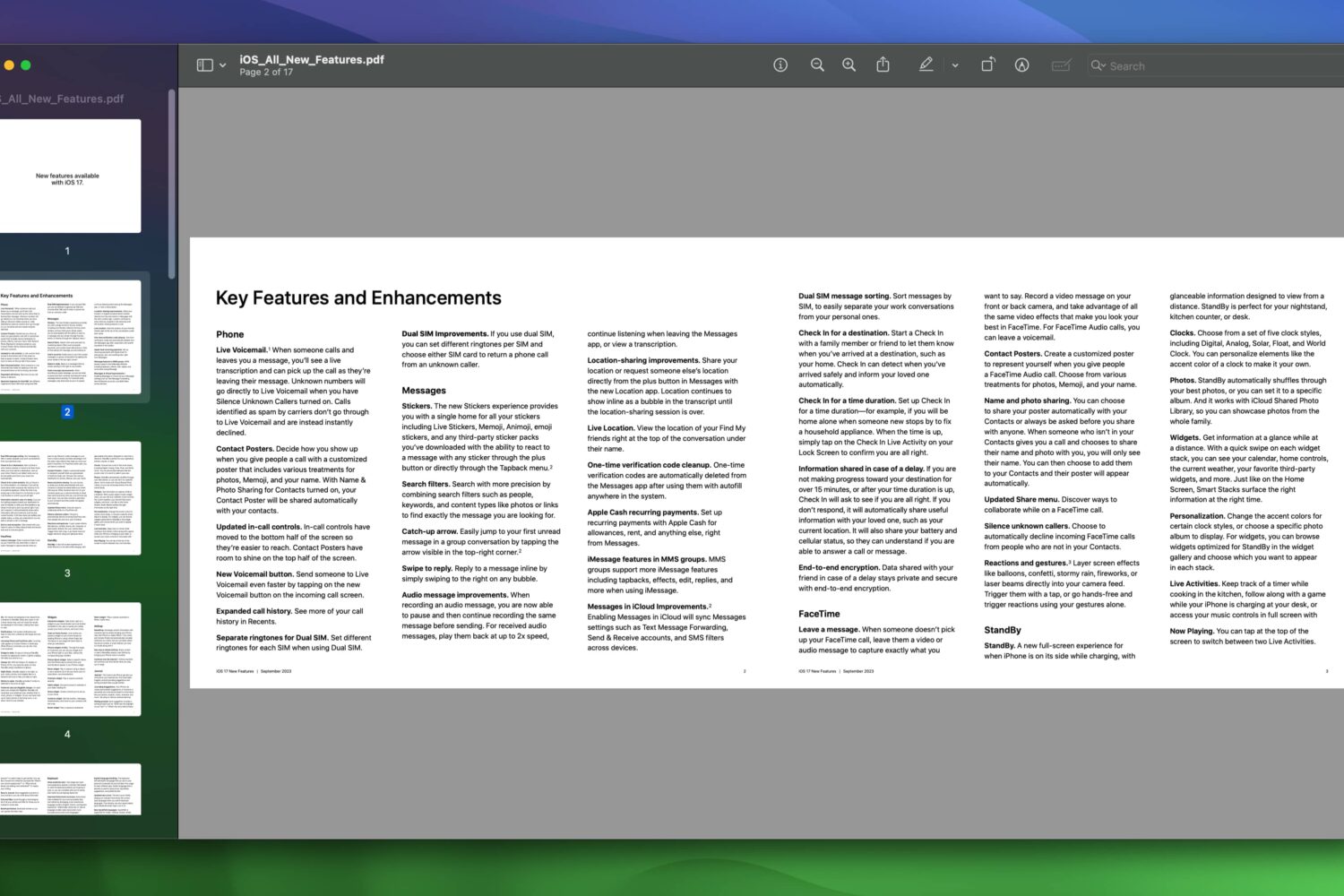
Apple wants you to know the iOS 17, iPadOS 17, and macOS Sonoma updates bring way more new features to its iPhone, iPad, and Mac than meets the eye.
Learn how to convert an email messages to the PDF file format on the mobile Gmail app and the web for easy printing and sharing with people and apps.
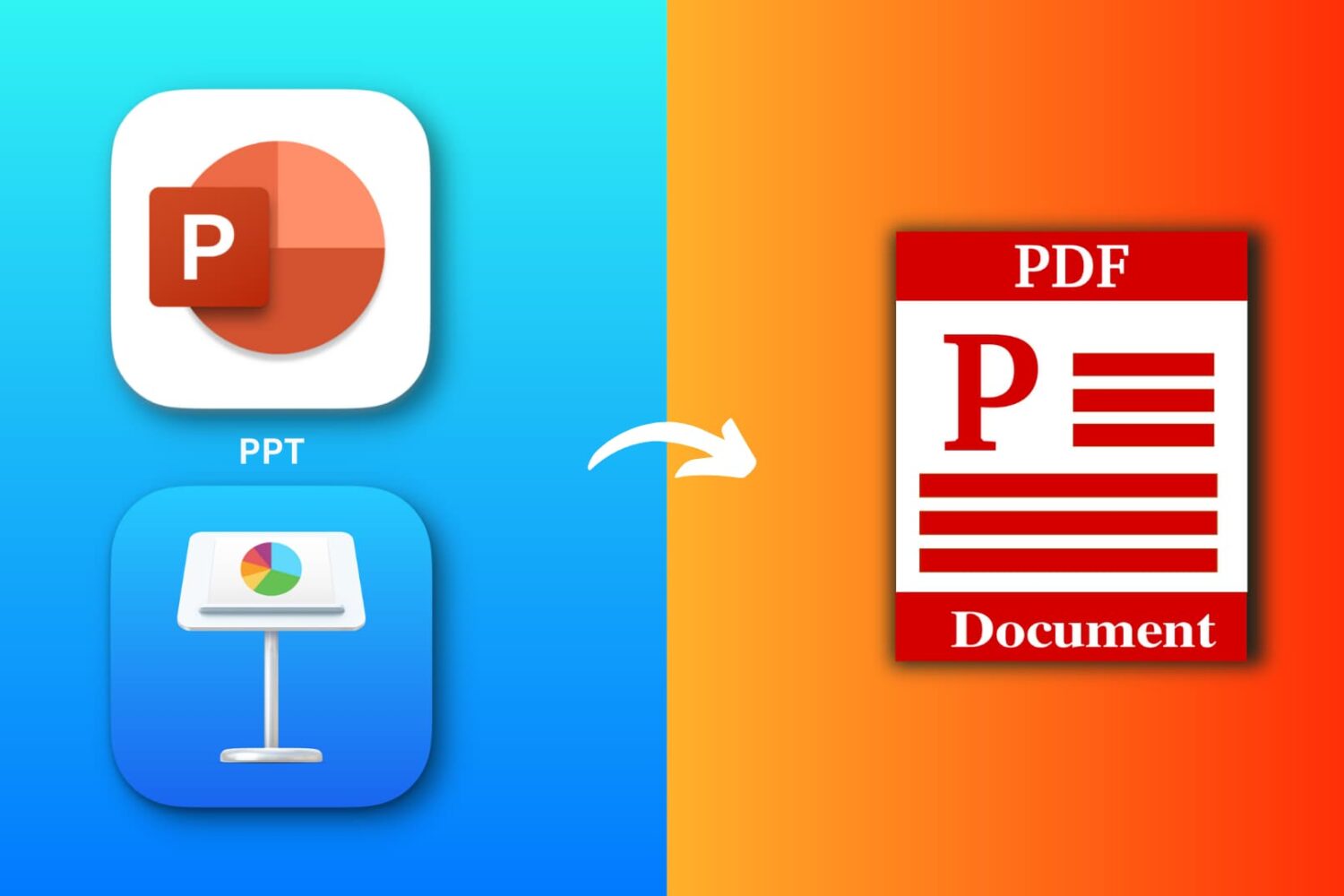
Explore six free ways to convert a PowerPoint (PPTX or PPT) or Apple Keynote file to PDF on your iPhone, iPad, or Mac.
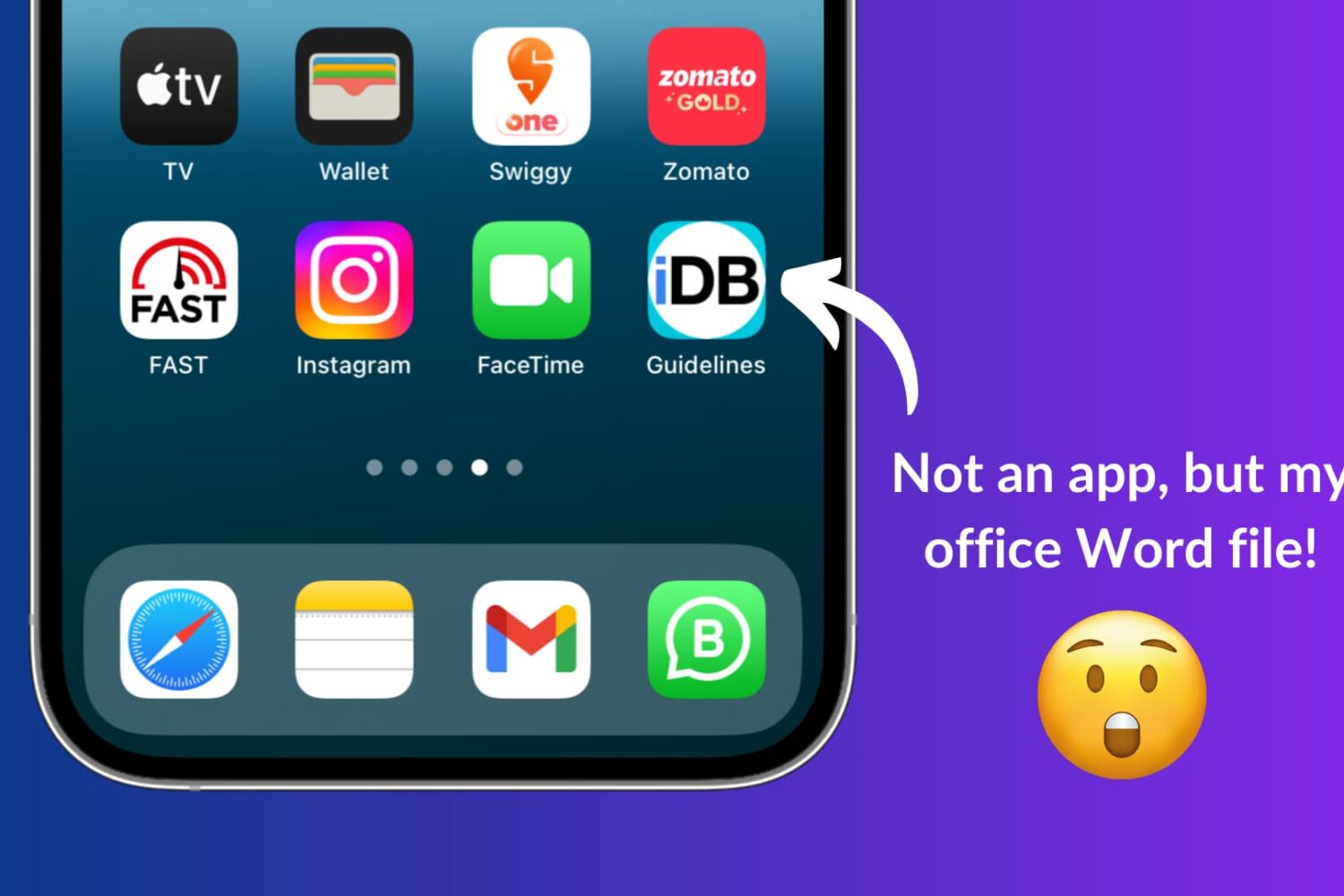
Learn how to use Apple Shortcuts to add a document like a PDF or a Word file to the Home Screen of your iPhone or iPad for quick and easy access.
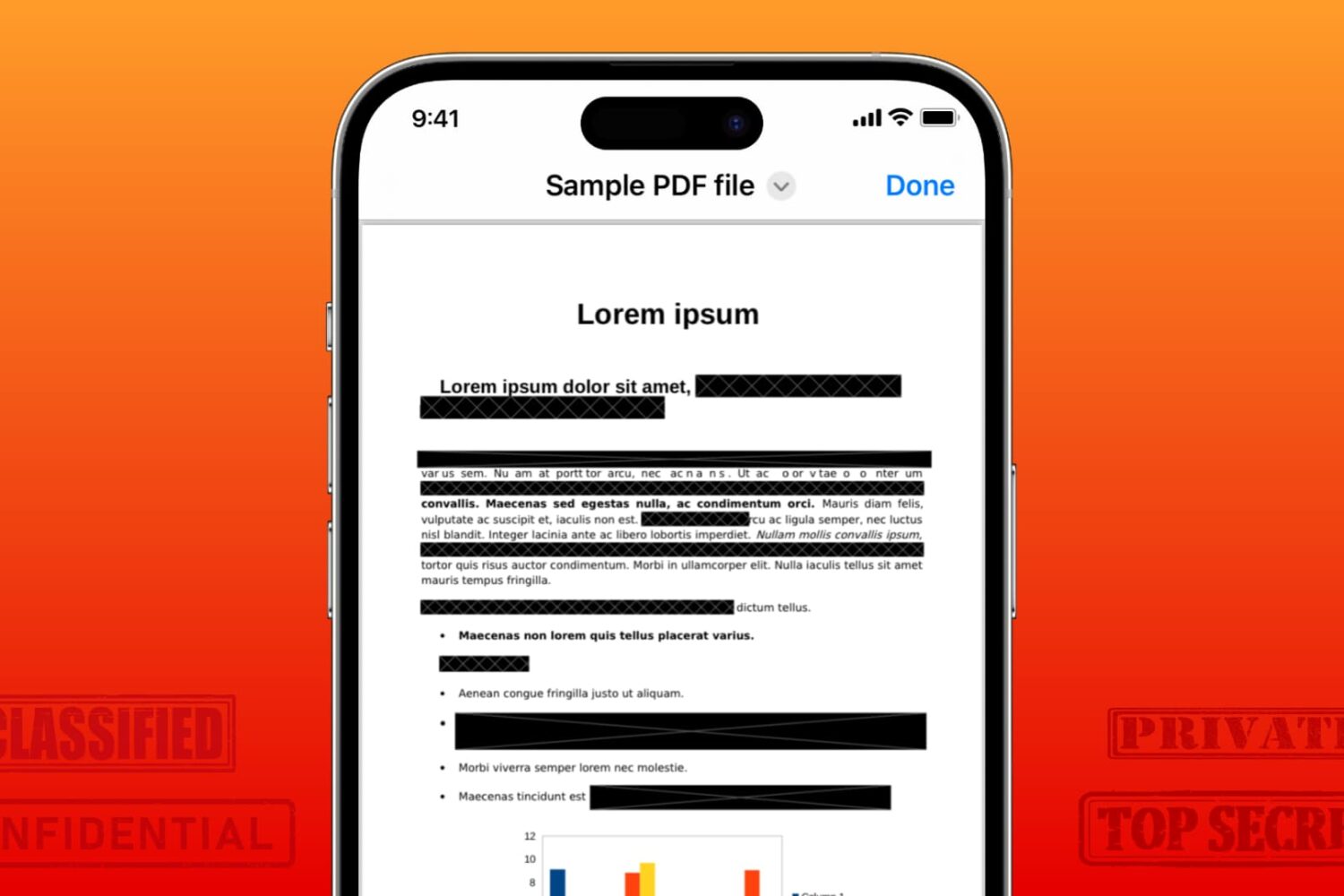
Learn how to securely redact or black out emails, phone numbers, bank accounts, and other confidential text on PDF documents to protect your privacy.